
Sharp appliance guidance
Sharp Dryer Repair Guides
Troubleshooting and repair guidance for published Sharp Dryer problems, symptoms, and maintenance questions.
Published Sharp Dryer guides
Choose the guide whose symptom or condition most closely matches what you are seeing.
-
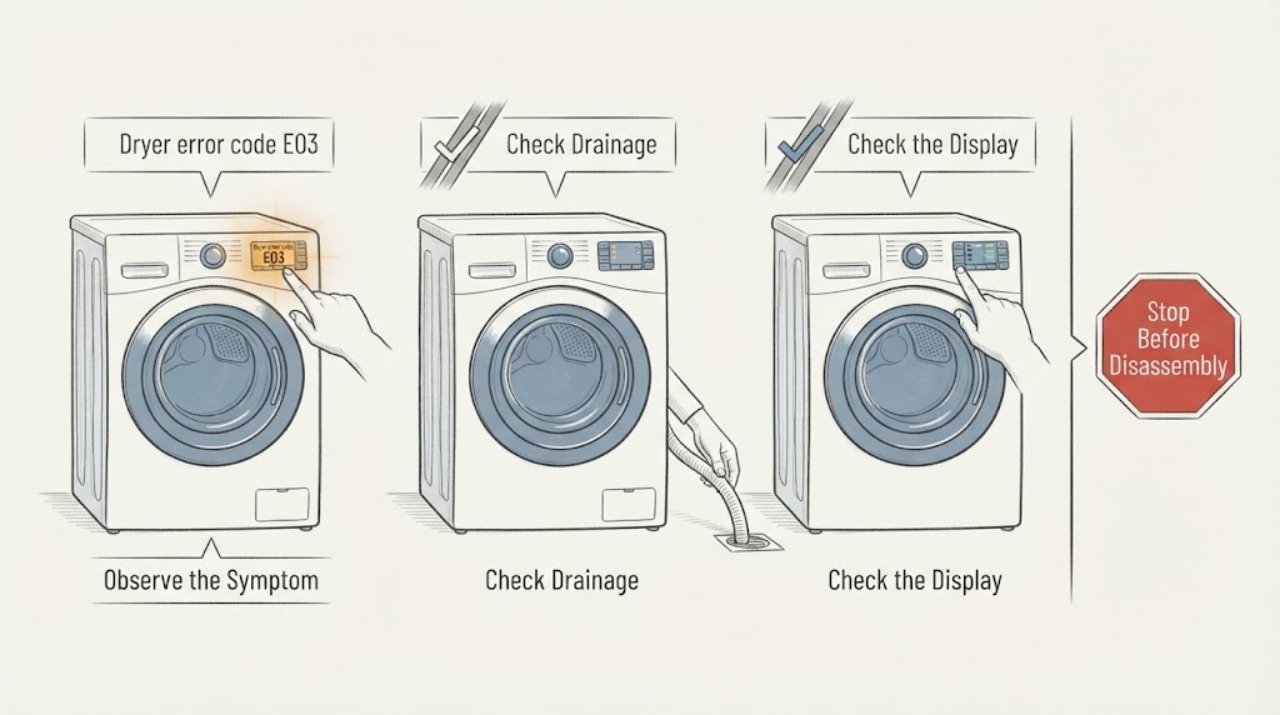
Sharp dryer error code E03: check the model and water-tank branch
Sharp's E03 meaning is model- and market-specific. In the opened official manual for the Sharp KD-HD9S7GW-B tumble dryer, E03 with the water-tank indication means to empty the water tank; if the problem remains, the manual directs the owner to an authorised service agent.
-
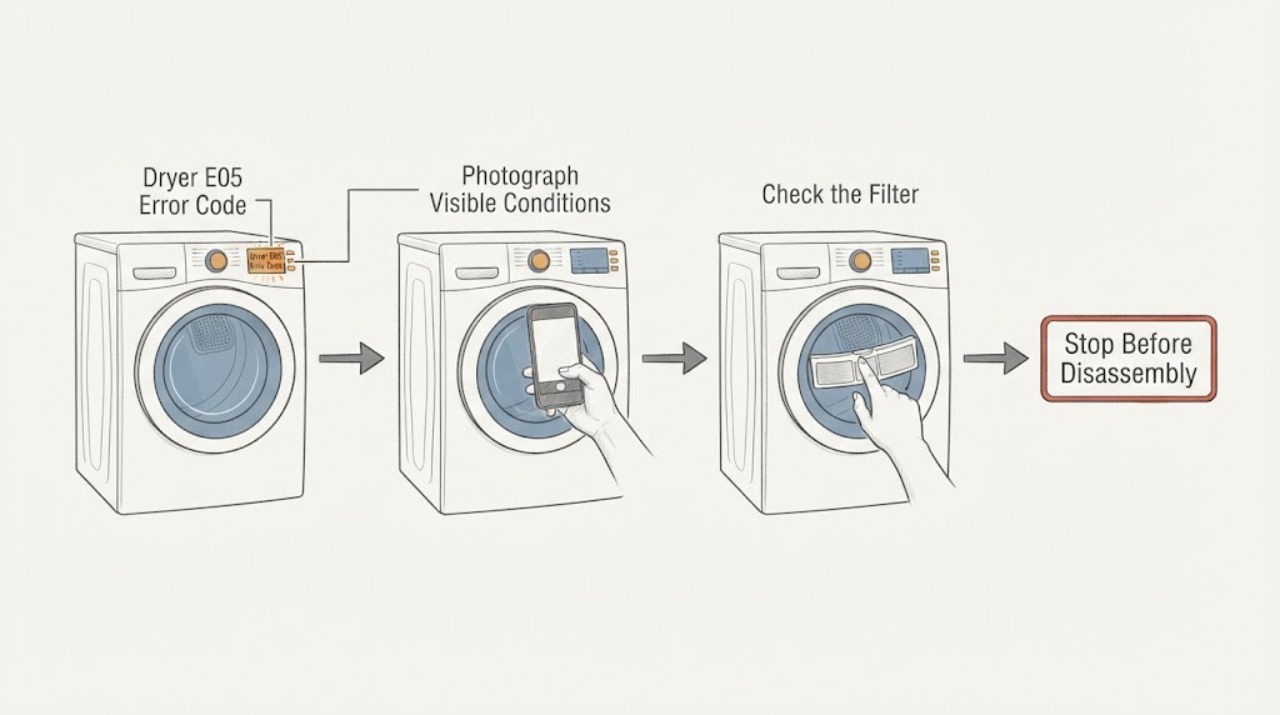
Sharp Dryer E05 Error Code: Safe Checks and Service Next Steps
Treat E05 on a Sharp dryer as a model-specific service indication until the complete model and manual confirm otherwise. Photograph the display, record the full model and serial information, and note whether E05 appears at startup or during a programme.
-
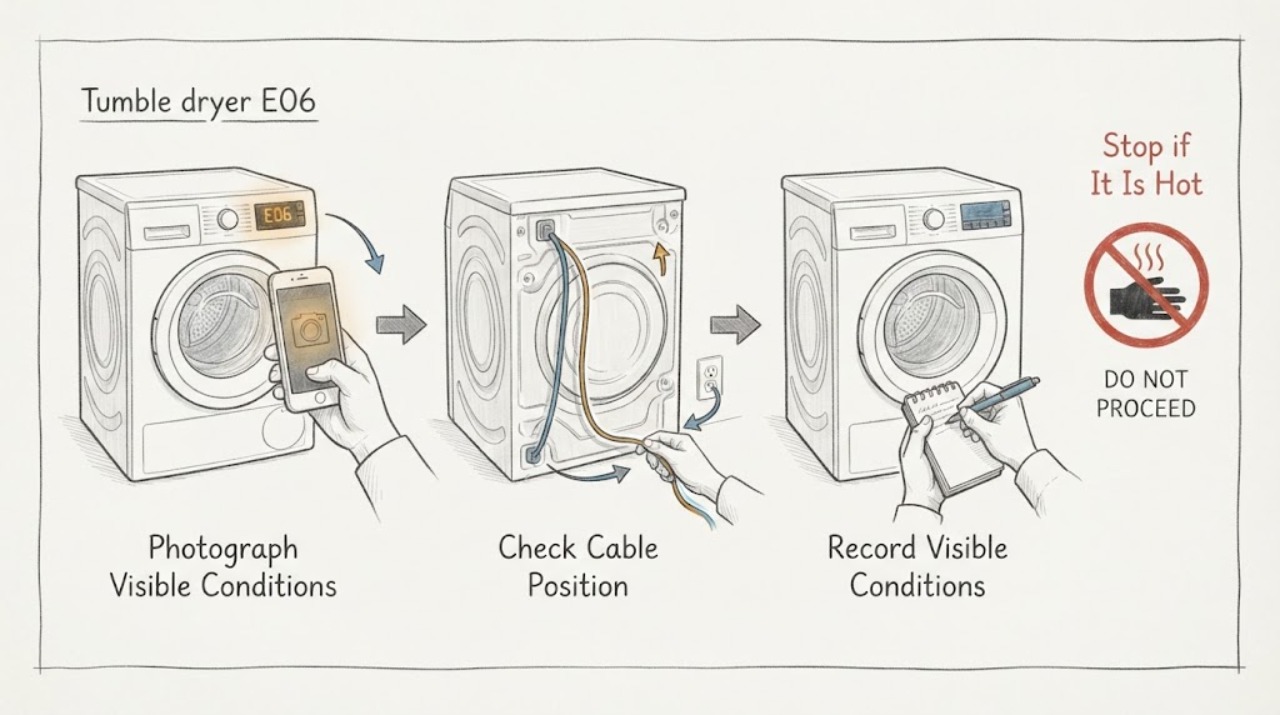
Sharp tumble dryer E06: verify the model, then arrange authorized service
On the Sharp tumble-dryer manuals opened for the KD-NCB9S7PW9-EN and KD-NCB7S7PW9-BX models, E06 is listed in the automatic fault-warning table with the same instruction: contact an authorized service agent. It is not mapped to a user-cleanable filter, condenser, water tank, or a named replacement part.
-
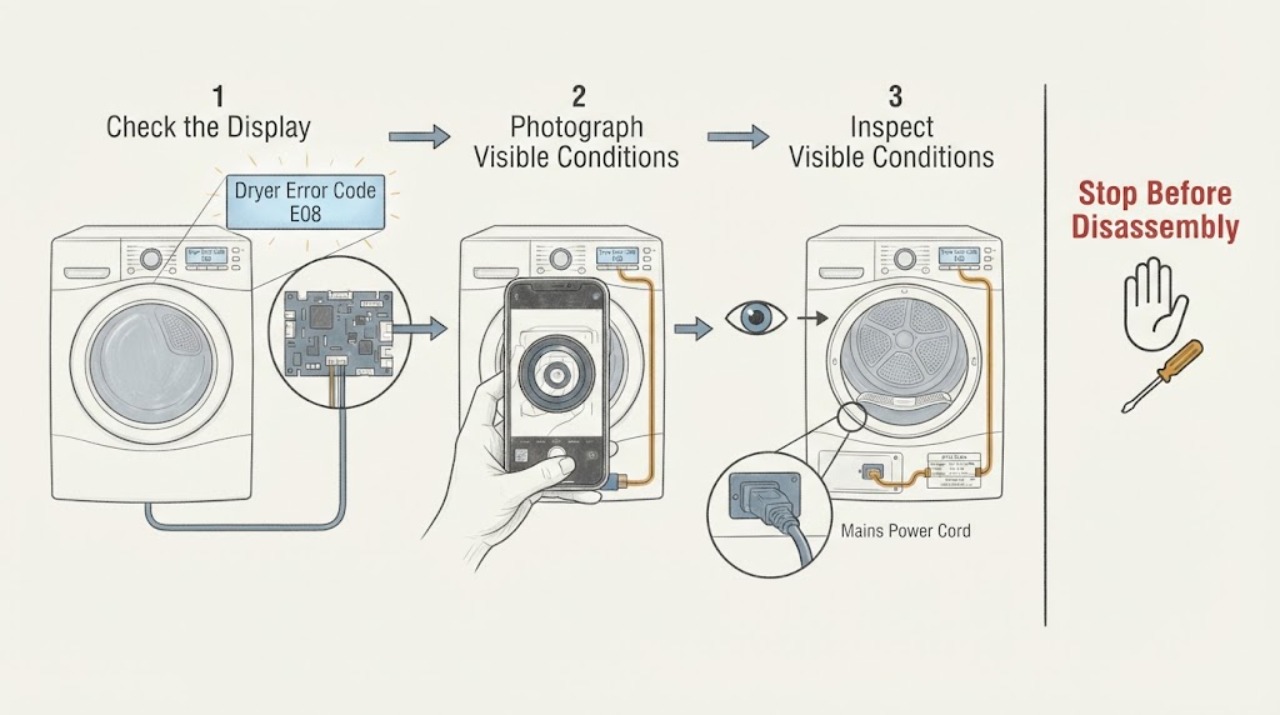
Sharp Dryer Error Code E08: Check the Exact Model and Mains Supply
On the opened official manuals for the Sharp KD-HD8S-W and KD-HD9S7GW-B dryers, E08 is listed as possible mains-voltage fluctuation, with the instruction to wait until the voltage is within the working range. First photograph the display and confirm the complete model number; do not transfer this meaning to an unidentified Sharp dryer.
-
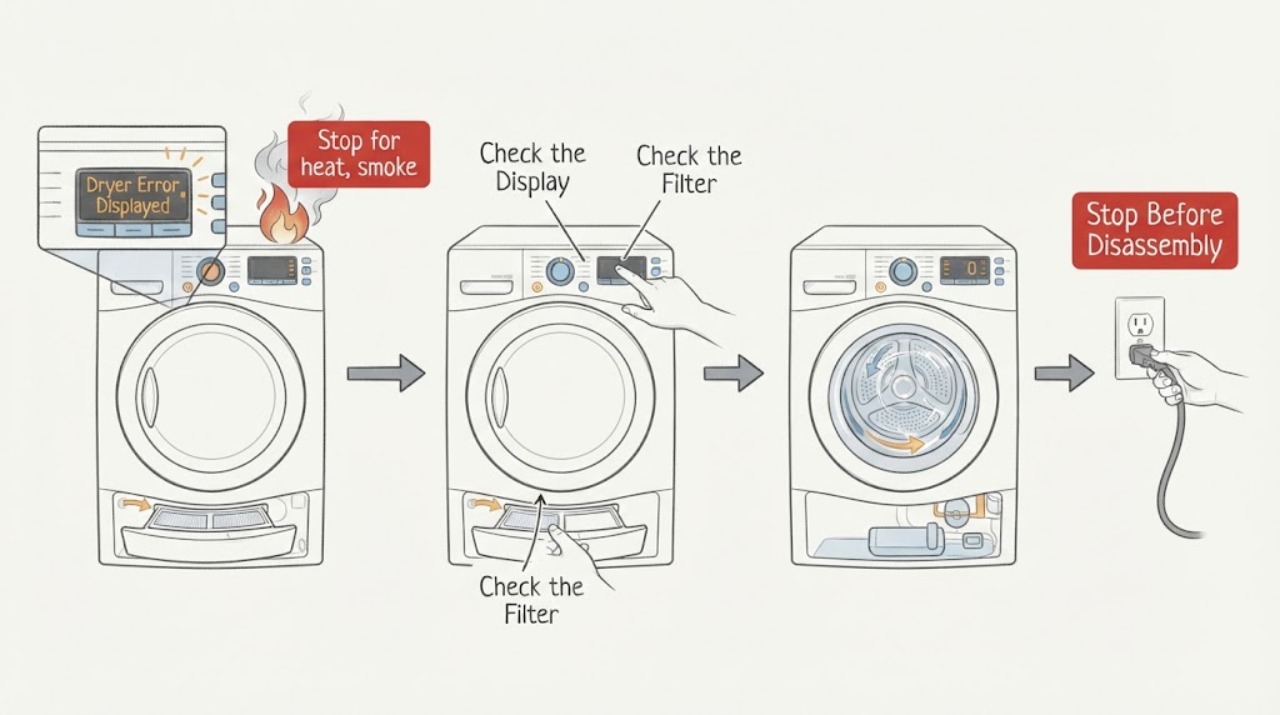
Sharp Dryer Error Displayed: Record the Code Before You Reset
Do not diagnose a Sharp dryer code from the letters alone. Photograph the complete display, record the full model number, programme, load condition, and the moment the code appeared, then match that combination to the exact Sharp manual.
-
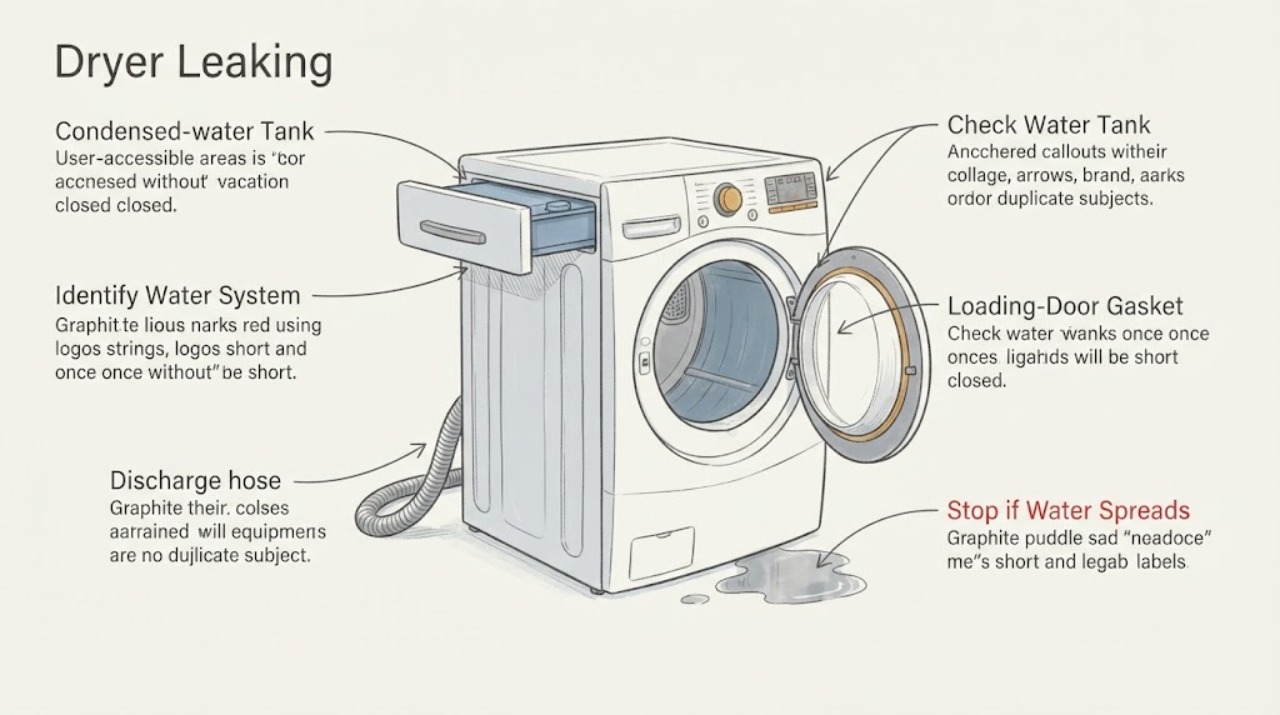
Sharp Dryer Leaking: Check the Water Tank, Hose, and Door Seal
A Sharp heat-pump dryer can produce condensed water during drying. If water is leaking, stop the cycle and identify whether it is coming from the loading-door gasket, the removable water tank, or an optional direct-drain hose.
-
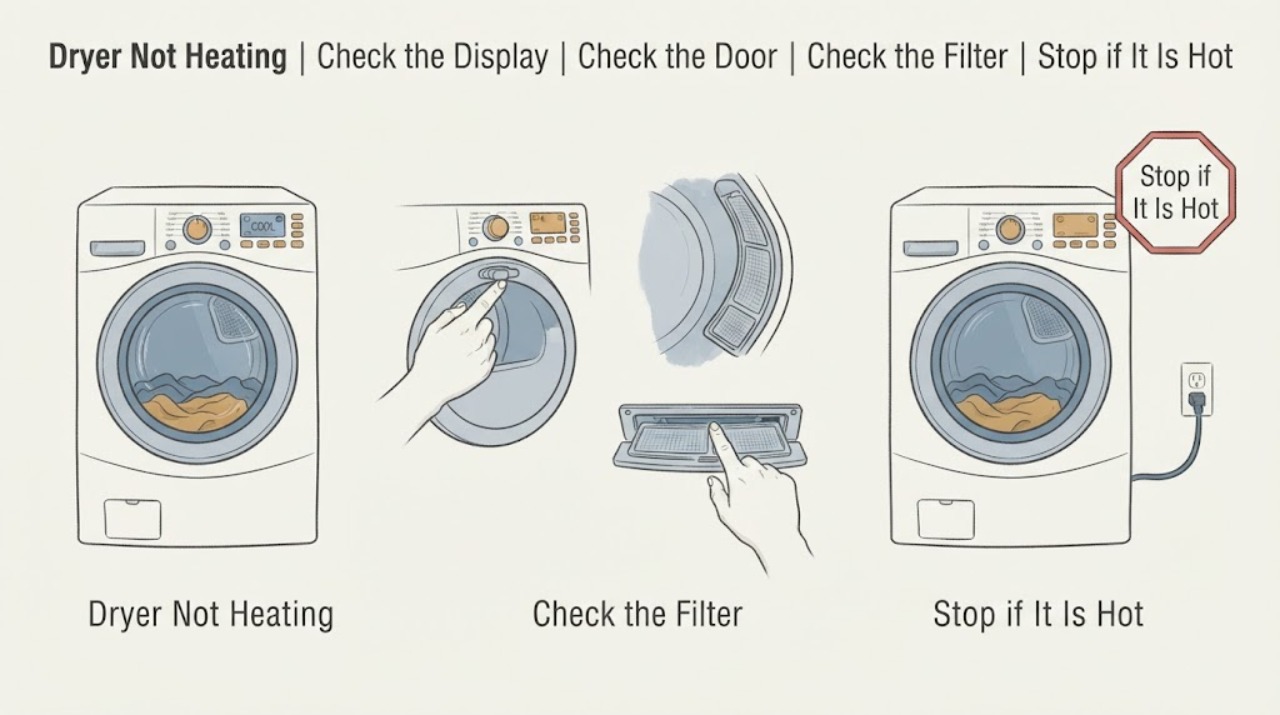
Sharp Dryer Not Heating: Check the Cycle, Airflow, and Model Type
First identify the Sharp dryer's model and whether it is vented, condenser, or heat-pump, because the controls and maintenance points differ. Confirm that a heated program—not an air-only or cool cycle—is selected, the door is closed, and any model-specific water tank or filter indicator is clear.
-
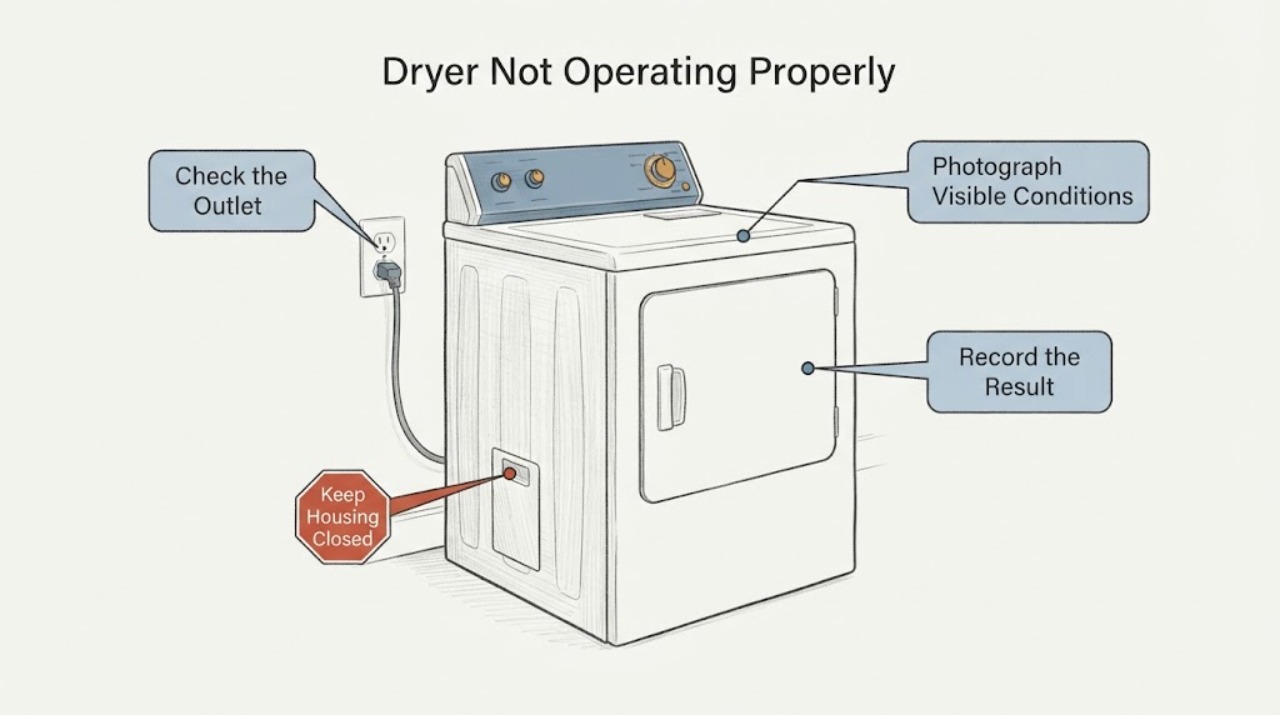
Sharp Dryer Not Operating Properly: Separate Start, Airflow, Water and Heat Symptoms
Do not treat a Sharp dryer that is not operating properly as one generic fault. First stop for smoke, a burning or plastic odor, abnormal heat, sparks, a hot or damaged cord, water near power, or a repeated breaker trip.
-
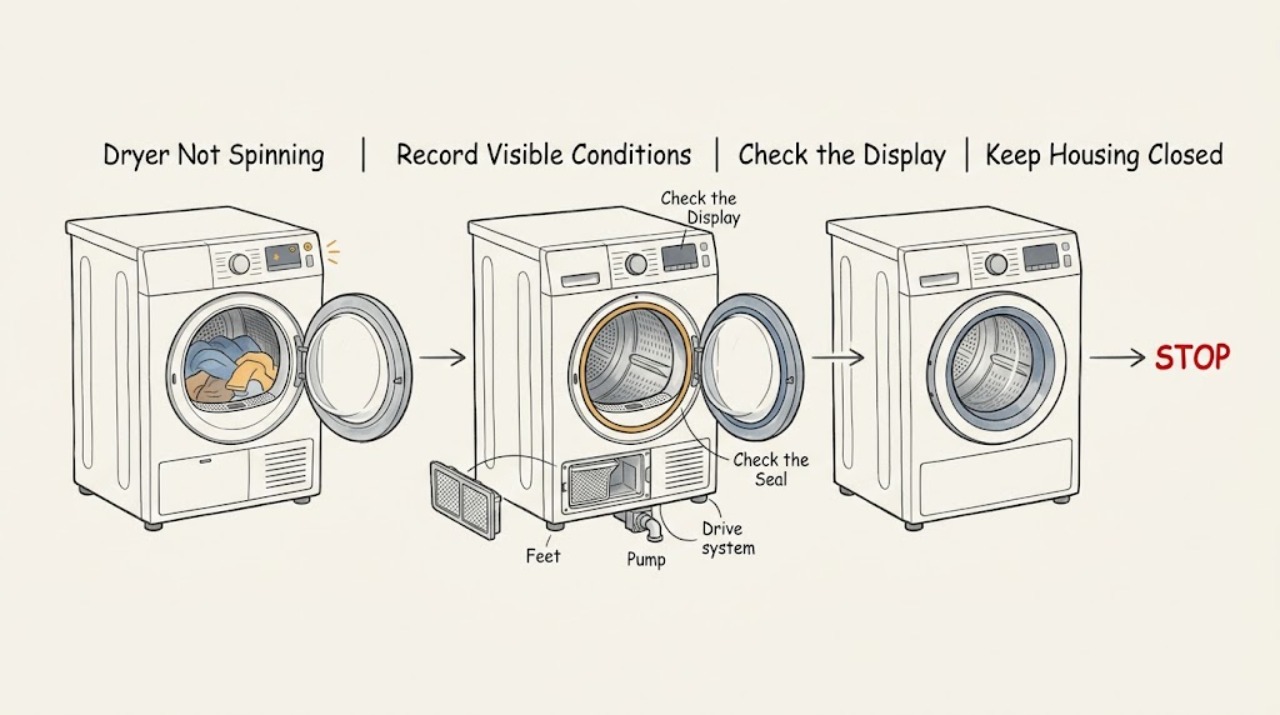
Sharp Dryer Not Spinning: Check the Door, Load, Level and Drive Safely
First confirm the exact Sharp model and whether it is a standalone tumble dryer or a washer-dryer, then note whether the drum never moves, stops during a programme, or turns only in an anti-crease or cooling phase. Do not reach into a moving drum.
-
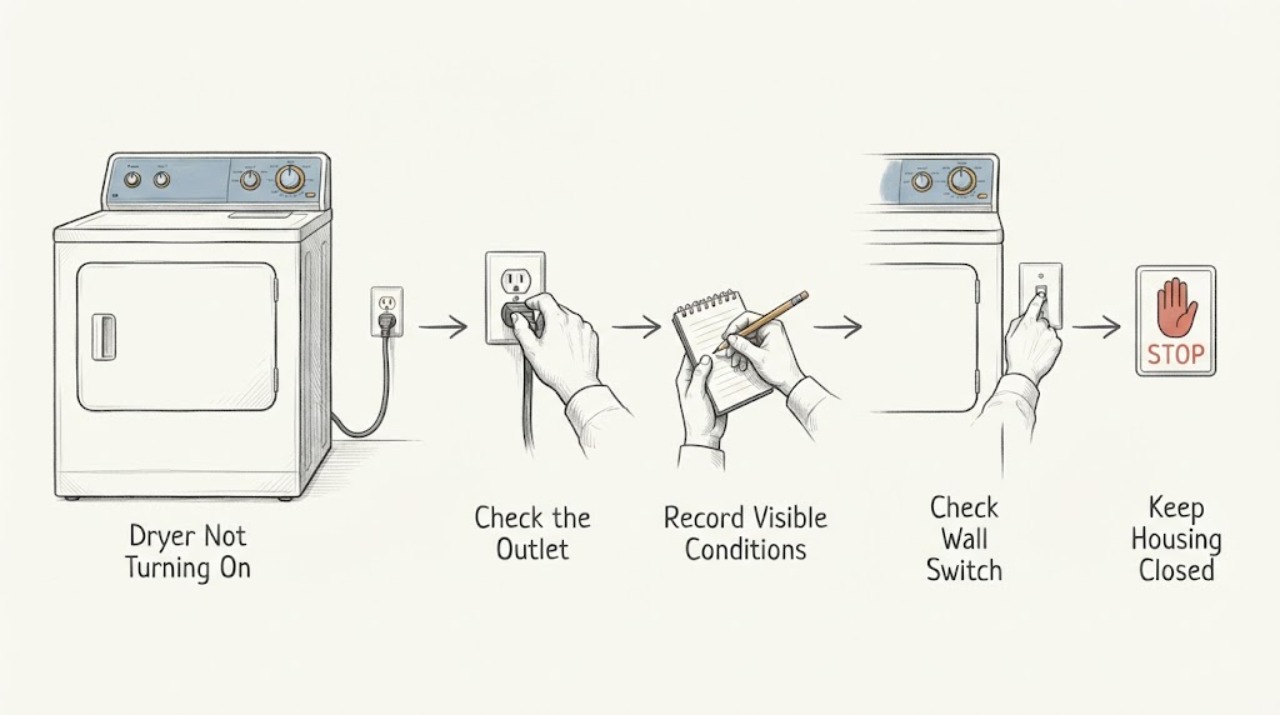
Sharp Dryer Not Turning On: Safe Checks Before Service
If a Sharp dryer is completely blank, first look for smoke, a burning smell, a damaged cord, water near the outlet, or a breaker that trips again; stop using it and arrange qualified help if any is present. If there is no hazard, identify the exact model, confirm the dry plug and outlet are usable without an extension cord, close the door fully, select a programme, press Start or Pause, and check whether Child Lock is active.