
On this page
Start here
Quick answer
A steamer may make an intermittent pump or steam sound while residual heat and water clear during cooldown. Let it cool fully, then check tank seating and hose position; continuous harsh noise, leaks, smoke, or loss of steam needs service.
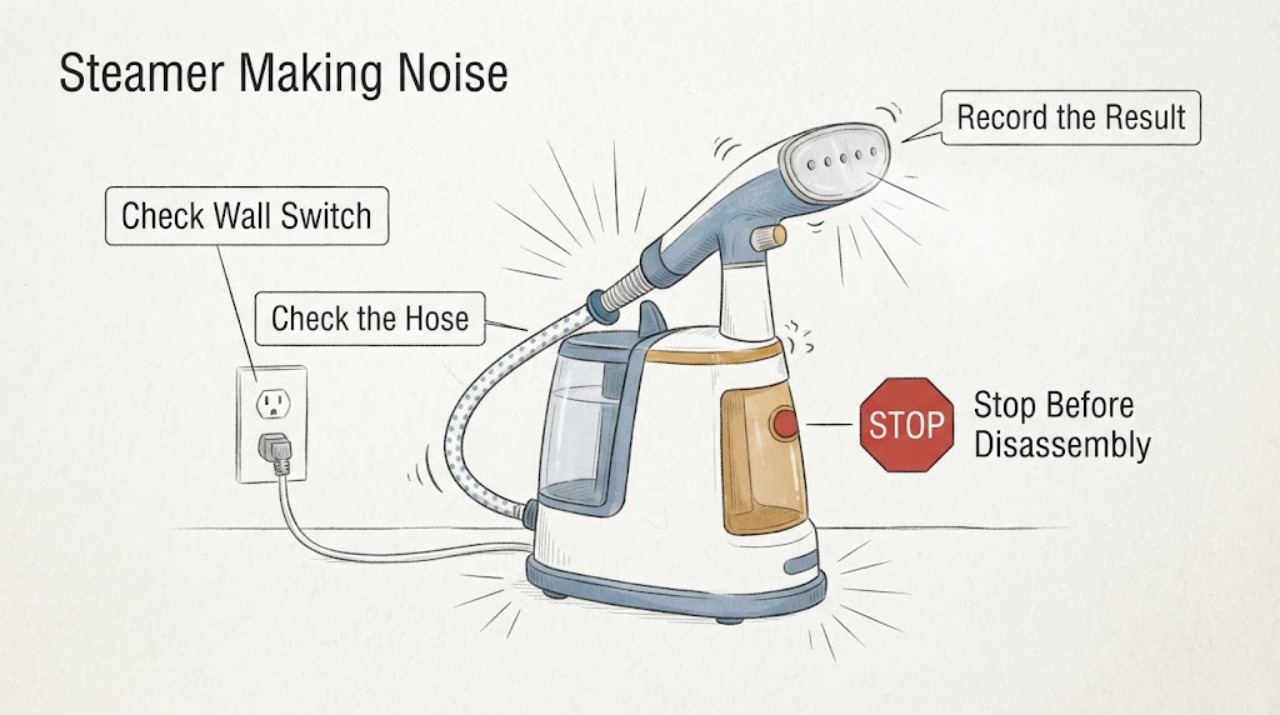
Work through in order
Diagnostic checks
Use only checks that match the exact appliance or system and its official guide.
-
Check 1
Identify whether the sound occurs only after steaming while the unit cools, during active steaming, or with the appliance switched off for a long time.
Expected result: An intermittent pump-like sound and a small steam trickle occur only while cooling, or a new harsh buzz continues during operation.
Next step: Allow the unit to cool fully before inspecting it; stop for burning smell, smoke, or electrical noise.
Why this matters
Why: Residual hot water can make a cooling steamer hiss or pulse; a persistent harsh sound is outside that normal pattern.
-
Check 2
Check that the water tank is filled to its normal level and seated, and that the hose is lifted vertically rather than left in a U-shape.
Expected result: Noise or croaking improves when the tank is seated and the hose is straight, or water remains low/condensed.
Next step: Refill and reseat the tank, straighten the hose, and follow the model descaling procedure if scale is indicated.
Why this matters
Why: Philips links hose condensation and tank seating to irregular steam and croaking sounds.
-
Check 3
After the unit has cooled, check the head, hose, tank cap, and base for visible leaks or damage; do not immerse the base.
Expected result: Noise stops after cooling, or it continues with leaking, blocked steam, or damaged parts.
Next step: Keep it unplugged and contact Philips service if the symptom persists after cooling and ordinary maintenance.
Why this matters
Why: A cooling-only sound can be normal; continuing noise with leaks or restricted steam suggests a water-path or service fault.
Use your observations
Decision map
Find the observation that best matches what you see, then follow the next safe action.
-
PATH 01Next step
What you see
The intermittent sound and steam stop after the steamer has cooled completely.
Do this next
Allow full cooling before storage and monitor for a change in pattern.
Why this path and its safety boundary
Why it matters: Philips identifies this as residual heat and water in the steam path during cooldown.
-
PATH 02Next step
What you see
The sound is new, harsh, continuous, or accompanied by leaks, smoke, or no steam after tank/hose checks.
Do this next
Unplug when safe and arrange service; do not open the heater or pump.
Why this path and its safety boundary
Why it matters: The symptom no longer matches normal cooldown and may involve the pump or steam path.
Helpful context
Understand the symptom
This guide focuses on steamer making noise and uses each observation to select the next safe check.
When checks do not resolve it
Need a professional?
Arrange qualified service when external checks do not restore operation or when there is damaged wiring, smoke, burning smell, sparking, gas odor, overheating, or repeated breaker trips.
Common questions
FAQ
Is a little noise after steaming normal?
Philips says intermittent noise and a steam trickle during cooldown can be normal and should stop after about 60 minutes.
Why does the steamer croak?
A horizontal or U-shaped hose can retain condensation; lift the head to straighten the hose.
Can I immerse the steamer base to clean it?
No. Keep the electrical base out of water and follow the model cleaning instructions.
Read the exact guide
Official sources
- EN User manualPhilips · garment steamer noise, hose and water path
- My Philips Garment Steamer produces a noise and steam after usePhilips · garment steamer post-use noise
Community feedback
Share a repair observation
Share a plain-text repair observation. Accepted observations are published automatically; this page may take a moment to update.