
On this page
Start here
Quick answer
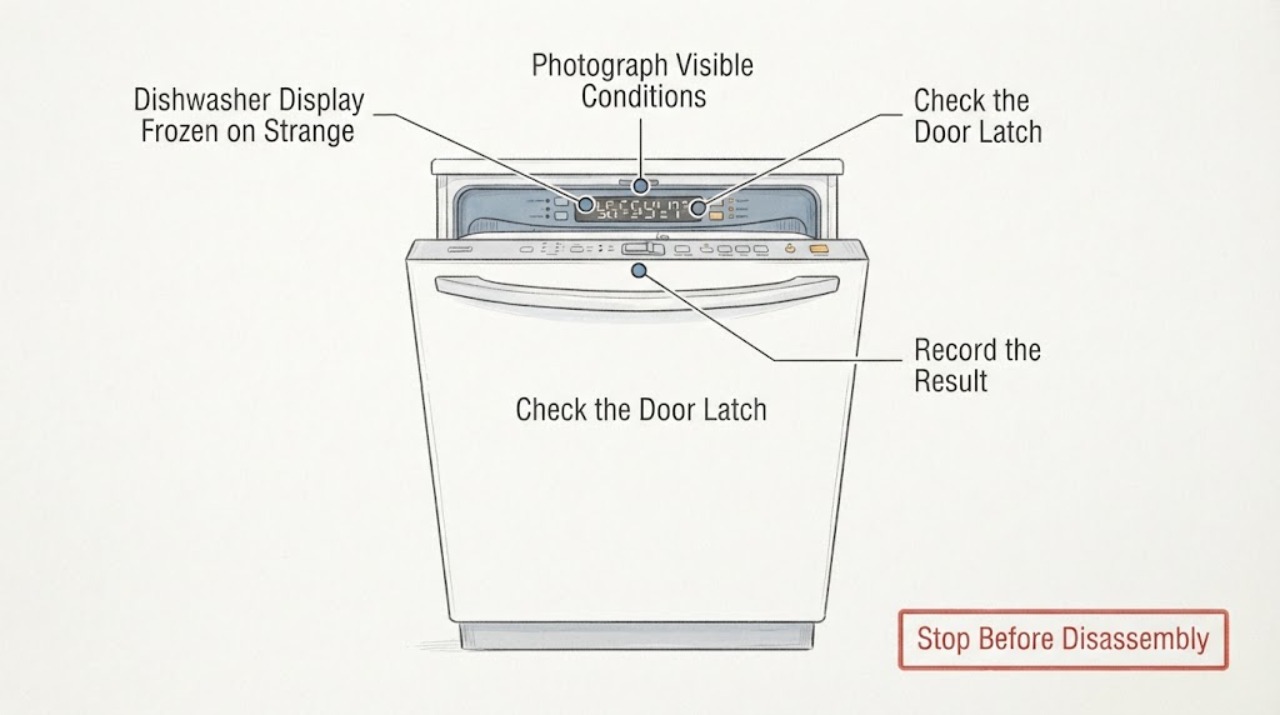
A frozen or unfamiliar display on the Whirlpool WDT750SAKZ0 is not automatically an error code or proof of a failed user-interface board. Whirlpool describes the WDT750SAKZ family as a hidden-control dishwasher whose cycle-status indicator shows remaining time in hours and minutes. Photograph the exact characters and timing first, then check the door latch, Control Lock, standby/delay state and whether the panel responds. If the dishwasher is safe to stop, press Cancel/Drain and let it finish; Whirlpool’s reset guidance then calls for disconnecting power for the stated period before restoring it. A display that returns to normal after one documented reset is a transient control state; recurring frozen characters, a recognized F#E# code, unresponsive controls, a leak alert or a unit that will not start needs the WDT750SAKZ0 manual and Whirlpool service. Do not open the door panel, enter a service mode, replace a board, or repeatedly cycle power based on an unverified code.
Work through in order
Diagnostic checks
Use only checks that match the exact appliance or system and its official guide.
-
Check 1
Photograph the complete display and write down every character, segment, blink pattern and time at which it appears. Record whether the dishwasher is idle, finishing a cycle, draining, or being powered on, and whether the display changes when the door is opened or a button is pressed.
Expected result: The panel shows a normal minutes/hours countdown, a repeatable F#E# pattern, only partial segments, or the same unfamiliar characters with no response.
Next step: Keep the photo and exact model suffix for the WDT750SAKZ0 manual or service request. Do not assign a code meaning from a similar Whirlpool model.
Why this matters
Why: The WDT750SAKZ family uses a cycle-status display, while Whirlpool says digital fault codes commonly use F#E# and vary by model. Partial or frozen segments are not enough to diagnose a user-interface board.
-
Check 2
From outside the appliance, check the Control Lock indicator, Delay Wash/standby state and door closure. Close the door firmly until the latch engages; do not force the latch or remove the panel.
Expected result: A lock indicator is on, the machine wakes when the door or a button is used, Delay Wash is selected, or the door does not latch and the strange display remains.
Next step: Use the WDT750SAKZ0 manual to disable Control Lock or cancel Delay Wash if appropriate. If the door will not latch or the display remains frozen, stop and continue to the reset/service boundary.
Why this matters
Why: Whirlpool says Control Lock disables the controls, standby/sleep can make the panel appear inactive, Delay Wash postpones operation and an unlatched door can prevent start or resume. A persistent display anomaly after those checks remains unexplained.
-
Check 3
If the dishwasher is safe to stop and no leak or electrical hazard is present, press Cancel/Drain and allow draining to finish. Then use the exact owner instructions to disconnect power; Whirlpool’s general reset page says to wait at least one minute before restoring power, closing the door, selecting a cycle and pressing Start.
Expected result: The display returns to a normal countdown and accepts controls, or the same frozen characters/code return immediately or after starting.
Next step: Make no more than the documented reset attempt. If the symptom returns, preserve the photo and arrange Whirlpool service; do not keep cycling power or open the console.
Why this matters
Why: A one-time recovery supports a transient control state but does not prove a component is good. A recurring symptom after the documented reset needs model-specific diagnosis.
-
Check 4
After the reset, observe one safe start attempt from outside: note whether the door remains latched, the display counts down, the unit drains/fills normally, and any F#E# or leak indication returns. Do not run repeated cycles to provoke the display.
Expected result: The cycle runs normally, the display freezes again, a recognized code repeats, controls remain dead, or water/leak/burning symptoms appear.
Next step: For normal operation, monitor and use the exact manual. For a returning fault or safety symptom, stop use as appropriate and schedule Whirlpool service with the model, display photo and reset result.
Why this matters
Why: Normal operation after reset is a limited recovery result. A returning display or repeated code can involve controls, communication, latch or another appliance system; the display alone cannot identify the failed board. Water or burning symptoms increase the safety urgency.
Use your observations
Decision map
Find the observation that best matches what you see, then follow the next safe action.
-
PATH 01Next step
What you see
After the documented reset, the display shows a normal hours/minutes countdown, buttons respond and one cycle completes without a leak or unusual noise.
Do this next
Keep the display photo and monitor for recurrence. Use the WDT750SAKZ0 manual if the symptom returns instead of changing parts.
Why this path and its safety boundary
Why it matters: The event may have been a transient control state; this result does not prove the control hardware is permanently healthy.
-
PATH 02Next step
What you see
A Control Lock indicator is on, Delay Wash/standby is active, or the door does not fully latch.
Do this next
Use the exact model instructions for the lock/delay state and close the door normally. If the display remains incorrect or the latch will not engage, arrange service.
Why this path and its safety boundary
Why it matters: Whirlpool lists these states as reasons the controls or cycle can appear inactive; they are not evidence of a frozen display board.
-
PATH 03Next step
What you see
The display repeatedly shows a recognizable F#E# code after wake/reset, or the same segment pattern can be documented clearly.
Do this next
Record the code exactly, consult WDT750SAKZ0 literature and contact Whirlpool service if it returns. Do not use a code list for another suffix.
Why this path and its safety boundary
Why it matters: It is now a repeatable model-specific fault report, but Whirlpool states exact codes vary by model and the code alone does not identify a replaceable board.
-
PATH 04Next step
What you see
The display freezes again, controls remain unresponsive, the door will not latch, water remains, a leak alert appears, or there is smoke/burning odor.
Do this next
Stop operating the dishwasher as appropriate, keep clear of electrical/water hazards, and schedule Whirlpool or qualified appliance service with the model and display evidence.
Why this path and its safety boundary
Why it matters: This is an unresolved control, latch, water or electrical service boundary; repeated resets or panel access are not a safe diagnosis.
Helpful context
Understand the symptom
Record the display before calling it an error code
The assigned model is WDT750SAKZ0, while Whirlpool’s public product page identifies the WDT750SAKZ family. That page describes a hidden control and a Cycle Status Indicator that shows cycle progress and remaining time in hours and minutes. Write down every visible character, colon, decimal or blinking pattern, and note whether it appears at power-up, after a cycle, when the door opens, or after a button press. Whirlpool’s error-code guide says digital fault codes commonly use an F#E# format and vary by model; an unfamiliar frozen string is not enough to identify a code or a board.
Rule out a locked, sleeping or unlatched control
With no water or electrical hazard visible, check whether a Control Lock indicator is on, whether the dishwasher is in standby/sleep or Delay Wash, and whether the door closes and latches fully. Whirlpool says a locked control disables buttons, standby can be woken by a door or button action, a delay postpones the cycle, and an unlatched door can prevent starting or resuming. These checks explain an apparently frozen panel without proving a display failure.
Use one documented control reset
If a cycle is active and the dishwasher is safe to stop, press Cancel/Drain and allow the pump to finish. Whirlpool’s reset page then instructs the owner to disconnect power, wait at least one minute, restore power, close the door firmly, select a cycle and press Start; its other help page gives a shorter model-general 30-second reset. Follow the WDT750SAKZ0 owner instructions if they differ, and do not repeat the reset over and over when the display returns to the same frozen characters.
Treat a returning display fault as a service boundary
After a single documented reset, capture the display again and note whether the dishwasher drains, accepts buttons, starts a cycle and shows a recognizable F#E# code. A returning frozen display, control that remains unresponsive, repeated code, leak indication, burning smell or water left where it should not be is an unresolved control or appliance fault. Do not remove the inner door panel, probe wiring, force a latch, enter a diagnostic sequence or order a user-interface/control board from the display appearance alone.
When checks do not resolve it
Need a professional?
Arrange Whirlpool or qualified dishwasher service if the WDT750SAKZ0 display returns to frozen or partial characters after the documented reset, the controls remain unresponsive, the door will not latch, an error repeats, or any leak/electrical safety symptom appears. The display symptom alone does not identify a user-interface board or main control, so do not order either from appearance alone.
Common questions
FAQ
Are weird frozen numbers automatically a Whirlpool error code?
No. Whirlpool says digital codes commonly use an F#E# format and vary by model, while the WDT750SAKZ family display also shows normal hours and minutes. Photograph the exact pattern and use the WDT750SAKZ0 literature before naming a fault.
Should I keep pressing reset until the display clears?
No. Perform one documented Cancel/Drain and power-reset sequence when safe. If the symptom returns, preserve the evidence and contact Whirlpool service rather than repeatedly cycling power or opening the panel.
Does a frozen display prove the user-interface board is bad?
No. Lock, standby, delay, door-latch, transient-control and other appliance conditions can look similar. A recurring symptom needs model-specific diagnosis; do not choose a board from the display appearance alone.
Read the exact guide
Official sources
- 24” Stainless Steel Dishwasher with AI Intelligent Wash - 47 dBA WDT750SAKZWhirlpool · Opened official Whirlpool product page for the assigned WDT750SAKZ0 family. It identifies the base family, hidden control and hours/minutes Cycle Status Indicator; it does not identify the exact cause of the reported frozen characters or authorize board replacement.
- Dishwasher Error Codes - ReadingWhirlpool Product Help · Official Whirlpool guide used to distinguish a repeatable digital F#E# report from an unfamiliar display string; exact code meaning still requires WDT750SAKZ0 literature.
- Resetting the Dishwasher's Controls (Cycle Power)Whirlpool Product Help · Official Whirlpool general guidance used for a single safe reset and service boundary; the exact WDT750SAKZ0 owner manual controls any model-specific timing or button sequence.
- Not Starting or Operating - DishwasherWhirlpool Product Help · Official Whirlpool dishwasher troubleshooting used for external state checks and service escalation, not a claim that a particular internal board failed.
Community feedback
Share a repair observation
Share a plain-text repair observation. Accepted observations are published automatically; this page may take a moment to update.