
On this page
Start here
Quick answer
Treat a locked door on a circa-1988 Amana oven as a hot-latch and model-identification problem, not as a modern keypad-lock problem. Turn the oven control to OFF, keep people away from the hot door, and let the cavity cool completely. Amana documentation for older mechanical-lock designs says the lock releases only after a safe cool-down and warns against forcing the lever; current Amana guidance also routes a stuck latch to service. Find the model from the frame or manual before trying any control sequence. If the oven is gas and you smell gas, do not operate switches or light anything—leave and call the gas supplier or fire department.
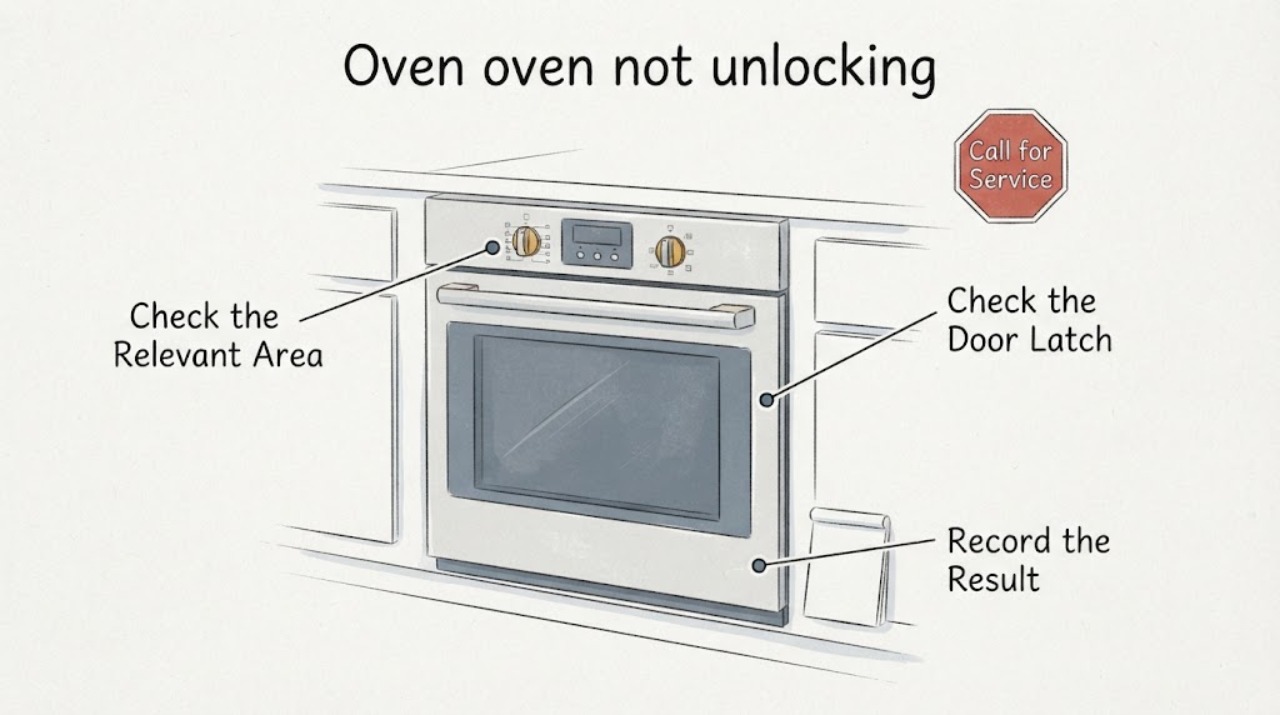
Work through in order
Diagnostic checks
Use only checks that match the exact appliance or system and its official guide.
-
Check 1
Turn the oven temperature control and any active cooking control to OFF without reaching across a hot door. Keep children away and leave the door closed while the cavity, racks, and latch cool completely.
Expected result: The oven is still hot, the LOCKED indicator remains on, heat is escaping around the door, or the door is cool and still will not release.
Next step: Wait for complete cool-down before any release attempt. Do not pull the handle, insert tools, or force the latch; request qualified Amana/range service if it remains locked when cool.
Why this matters
Why: A hot-latch condition can be normal after baking or cleaning; the lock is designed to prevent opening until the oven reaches a safe temperature. A latch that remains stuck after cool-down is a service condition.
-
Check 2
Identify the exact model from the rating label or frame location and locate its owner manual. Inspect only from outside the hot cavity; do not remove panels or the door. Amana lists a single built-in oven label on the lower left front frame and a freestanding range label behind the storage drawer.
Expected result: The model number is found and its manual shows a physical latch, or the model cannot be read and the control/latch design is uncertain.
Next step: Use only the exact manual’s release description. If the model cannot be identified or the manual is unavailable, stop at cool-down and arrange professional service rather than guessing a latch direction.
Why this matters
Why: The release direction and control behavior vary by design. A late-1990s Amana mechanical-lock manual cannot establish the correct procedure for every 1988 oven, and a modern keypad sequence may not apply.
-
Check 3
Only after the oven is fully cool and the exact manual confirms a manual latch, look at the lever above the door and move it gently in the documented unlock direction. Apply no force and do not pry the door, lift the latch with a tool, or remove the door.
Expected result: The lever moves normally and the door opens, the lever will not move at room temperature, or the door remains locked after the documented movement.
Next step: If the lever does not move with light, normal hand pressure or the door does not release, leave the oven out of service and call a qualified appliance technician.
Why this matters
Why: A normal release supports a temperature-held mechanical latch. A lever that is stuck or a door that stays locked when cold may indicate a bent latch, failed interlock, or misalignment that needs service.
-
Check 4
If the exact manual shows an electrical control or the oven has a documented lock/reset function, use only that model-specific sequence after the oven is cool. A single breaker or fuse reset may be used only as the manual directs; do not repeatedly cycle power or open the control area.
Expected result: The exact manual identifies a reset and the door releases, the oven has no compatible documented reset, or the lock returns/stays engaged after the reset.
Next step: Stop and schedule service for a latch, switch, timer/control, or wiring diagnosis; do not substitute a current Amana keypad sequence for an unidentified 1988 control.
Why this matters
Why: A documented reset can clear a control state, but an old oven with a physical lever may not have the modern control-lock behavior shown in current help pages. A recurring or cold-condition lock fault is not solved by repeated resets.
-
Check 5
Before any further use, check for visible smoke, scorched wiring, damaged glass, a bent door, or a gas odor from a gas range. Do not relight, test, or operate the oven if any warning sign is present.
Expected result: There is gas odor, smoke, scorching, damaged glass, or no warning sign but the latch remains locked after cooling.
Next step: For gas odor, do not touch electrical switches or light an appliance; leave and call the gas supplier or fire department. For other damage or a persistent lock, keep the oven off and arrange qualified service.
Why this matters
Why: Gas odor or fire/electrical damage is an immediate safety issue; a cold locked door without those signs is still an appliance-service problem, not proof of a particular part failure.
Use your observations
Decision map
Find the observation that best matches what you see, then follow the next safe action.
-
PATH 01Next step
What you see
The door is still hot or the LOCKED indicator remains on during or shortly after baking.
Do this next
Leave the control OFF, keep the door closed, and wait for complete cool-down; do not pull or pry the door.
Why this path and its safety boundary
Why it matters: The latch may be holding the door until a safe temperature is reached.
-
PATH 02Next step
What you see
The oven is cool and the exact manual confirms a physical latch that moves normally in its documented unlock direction.
Do this next
Open the door gently, return the latch to its normal position if the manual says to, and do not start another cycle until the latch and door alignment are normal.
Why this path and its safety boundary
Why it matters: The problem was consistent with a temperature-held mechanical latch rather than a failed control.
-
PATH 03Next step
What you see
The oven is cool but the model is unknown, the latch will not move normally, or the door remains locked after the documented release/reset.
Do this next
Keep the oven out of service and arrange qualified Amana/range service; provide the model, whether baking or self-clean was active, temperature/LOCKED-light behavior, and any power reset already performed.
Why this path and its safety boundary
Why it matters: The release procedure or the latch/interlock condition cannot be safely identified from the symptom alone.
-
PATH 04Next step
What you see
You smell gas when the burners are not intentionally operating, or you see smoke, scorching, damaged glass, or exposed wiring.
Do this next
Do not light an appliance or touch electrical switches; leave the area and call the gas supplier or fire department for gas odor, or emergency/qualified service for fire and electrical damage.
Why this path and its safety boundary
Why it matters: This is a gas, fire, or electrical hazard rather than a door-unlock question.
Helpful context
Understand the symptom
Why the 1988 date changes the instructions
A 1988 Amana may use a physical oven-door lever and temperature-sensitive latch rather than the touch controls shown in current Amana help pages. The opened Amana owner guide from the late 1990s documents a lever above the door and a cool-down release, but it is not proof of the exact 1988 model. Use it to set the safety boundary only; do not copy a modern Cancel/Off or keypad hold sequence unless the model manual actually shows those controls.
Keep the hot door closed
If food is still baking or the cavity is hot, finish turning the oven control to OFF and allow the appliance to cool without pulling the handle or trying to defeat the latch. The old Amana guide says the lock releases at a safe temperature and that forcing the lever can damage the lock.
When checks do not resolve it
Need a professional?
Request qualified Amana or range service for a cold oven that remains locked, a latch that will not move normally, a damaged door/glass, repeated relocking, or any internal control/wiring concern.
Have this ready
- Give the model/rating-plate information, approximate age, freestanding or built-in form, whether baking or self-clean was selected, whether the oven was hot, LOCKED-light behavior, exact manual used, and any smoke, gas odor, or visible damage.
Common questions
FAQ
Can I use a current Amana keypad sequence on a 1988 oven?
No. Current Amana pages show Cancel/Off and keypad procedures for compatible modern controls, while an older Amana guide documents a physical lever. Identify the exact model and use only its manual; otherwise wait for cool-down and use professional service.
Should I force the latch after the oven cools?
No. The older Amana guide says not to force the lever because the lock can be damaged, and current Amana guidance sends a latch that will not move after cooling to service.
What if the oven is gas and I smell gas while the door is locked?
Do not try to light any appliance, touch electrical switches, or use a phone inside the building. Leave and call the gas supplier from outside or a neighbor’s phone; call the fire department if the supplier cannot be reached.
Read the exact guide
Official sources
- Amana Manuals and GuidesAmana · Use to locate the exact manual after the rating label is identified; lookup entry does not prove any unseen model-specific unlock sequence.
- Find Your Model NumberAmana · Supports locating the model label; does not identify the assigned oven’s model.
- Oven is Locked - What to DoAmana · Current Amana guidance used for general safety boundary and model-manual routing; not assumed to describe the 1988 appliance controls.
- Ranges Troubleshooting: Cleaning, Maintenance and OdorsAmana · Gas-safety boundary applies if the assigned old Amana is gas; it does not establish whether this oven is gas or electric.
- Amana Use & Care GuideAmana · The opened late-1990s manual documents a physical lever above the door and self-clean lock behavior; exact 1988 model compatibility is unresolved.
Community feedback
Share a repair observation
Share a plain-text repair observation. Accepted observations are published automatically; this page may take a moment to update.