
On this page
Start here
Quick answer
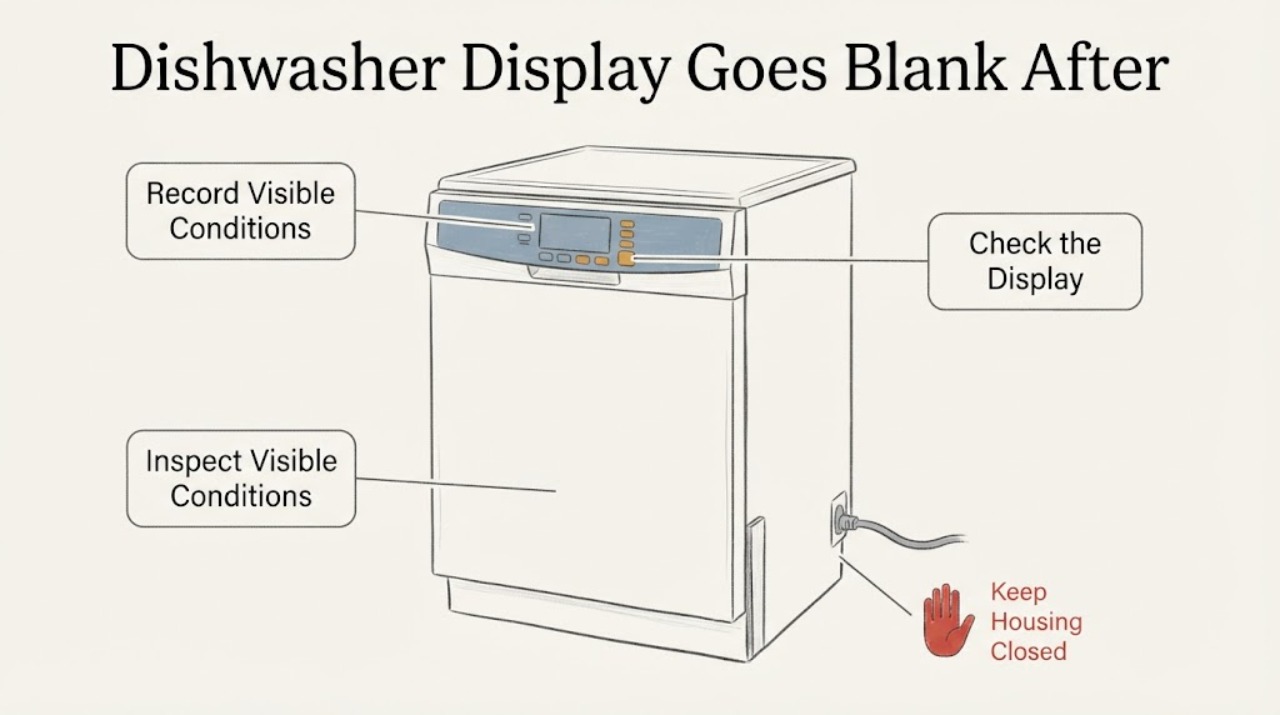
A blank ASKO dishwasher display after a completed cycle is not enough to identify a failed control board. First determine whether the cycle really ended and whether the panel wakes when the door is opened; ASKO's official guide says to use a deliberate one-second touch, clean the controls, close and reopen the door, and check Child Lock when controls are unresponsive. Confirm the appliance still has power, preserve any displayed code or unusual sound, and use at most one documented breaker power reset when there is no electrical, water, smoke, or burning hazard. If the display repeatedly returns only after power is interrupted, arrange model-specific ASKO service rather than opening the door panel or guessing a board or switch.
Work through in order
Diagnostic checks
Use only checks that match the exact appliance or system and its official guide.
-
Check 1
When the cycle appears finished, write down whether the dishwasher drained, whether any pump or fan is still running, whether the door opens normally, and whether any indicator, beep, or code remains. Open the door once and try a deliberate one-second touch on a panel selection; do not repeatedly tap the keys.
Expected result: The panel wakes or accepts a key after the door is opened, the unit is still running a fan or pump, or the panel remains completely blank and unresponsive.
Next step: If the unit is still running, let the model's documented post-cycle function finish unless there is a leak, burning smell, or other hazard. If it remains blank after the door check, continue with the external control and power checks below.
Why this matters
Why: A still-running post-cycle function or a panel that wakes after the door event is different from a total loss of response. ASKO's guide specifically directs a deliberate touch and a close-then-open door check for unresponsive controls, but it does not define every model's normal standby display.
-
Check 2
With power isolated from the controls only by normal use, wipe the panel with a soft damp cloth and let it dry. Close the door fully, open it again, and check the model's display or manual for a Child Lock indicator; do not guess a key combination from another ASKO series.
Expected result: The display or keys return after cleaning or the door event, a Child Lock indication is present, or the panel remains blank with no response.
Next step: If Child Lock is confirmed, use only the assigned model's instructions to clear it. If the panel remains blank, record the result and the exact model/serial label before arranging service; do not remove the door trim or control housing.
Why this matters
Why: A dirty panel, incomplete door state, or Child Lock can make controls appear unavailable. If none changes the symptom, the official external checks have not identified the cause; that does not establish a failed board or switch.
-
Check 3
Check the accessible power path without moving the built-in dishwasher: verify the outlet or isolation switch is on, confirm the breaker has not tripped, and look for a damaged cord, heat, water, or burning smell. Do not repeatedly reset a breaker that trips again.
Expected result: The breaker or supply is off, the supply is on but the panel is still dead, the breaker trips again, or there is visible electrical or water damage.
Next step: Restore a deliberately switched-off supply once if safe. If the breaker trips, there is water near electrical parts, or there is heat or burning smell, leave the appliance off and contact qualified service; do not pull the unit out or test live wiring.
Why this matters
Why: A supply interruption can make a display blank, while a repeat trip or physical hazard requires electrical or appliance service. Normal power at the outlet does not prove that an internal control component is healthy.
-
Check 4
Only when there is no smoke, burning smell, water at the electrical connection, damaged cord, or repeated breaker trip, document the display and any code, then perform one controlled power interruption using the accessible breaker or plug. Restore power and observe whether the panel returns and whether the next cycle completes.
Expected result: The display returns and stays usable, it returns only temporarily and goes blank after the next cycle, or it remains blank after power is restored.
Next step: If the symptom repeats or the display stays blank, stop repeating resets and request ASKO service with the model/serial, cycle selected, completion time, display behavior, codes, and power-reset result. Do not replace a board, switch, or wiring assembly based only on this symptom.
Why this matters
Why: A power interruption can clear a temporary state, but recovery after replugging is not a component diagnosis. Repeated loss of the display after a completed cycle is a persistent model-specific fault pattern that the generic guide does not isolate.
Use your observations
Decision map
Find the observation that best matches what you see, then follow the next safe action.
-
PATH 01Next step
What you see
The display wakes when the door is opened or accepts a deliberate one-second key touch after the cycle.
Do this next
Record the model/serial and consult that model's use-and-care guide for normal end-of-cycle display behavior and Child Lock before requesting service if the condition returns.
Why this path and its safety boundary
Why it matters: The panel is not continuously dead; a model-specific standby, door-state, touch, or lock condition remains possible, and the opened generic guide does not distinguish those behaviors by model.
-
PATH 02Next step
What you see
The panel remains blank after the door check and deliberate touch, while the breaker and accessible supply remain on and there is no hazard.
Do this next
Record the exact model/serial and request model-specific ASKO service. Leave the door panel and internal wiring closed.
Why this path and its safety boundary
Why it matters: The generic external control steps did not restore the interface; the result does not identify a control board, switch, or wiring fault.
-
PATH 03Next step
What you see
The display returns after one power interruption but goes blank again after the next completed cycle.
Do this next
Stop repeating power cycles, preserve any code or timing information, and arrange qualified service with the model/serial and the repeatable cycle timeline.
Why this path and its safety boundary
Why it matters: The power cycle changes the symptom without proving a repair or naming the failed component.
-
PATH 04Next step
What you see
The breaker trips again, water reaches an electrical connection, or there is smoke, burning odor, unusual heat, or a damaged cord.
Do this next
Keep the dishwasher off, avoid touching wet electrical areas, and contact qualified appliance or electrical service. Do not re-energize it to test the display.
Why this path and its safety boundary
Why it matters: This is an electrical or water safety boundary rather than a display-setting problem.
Helpful context
Understand the symptom
Separate normal post-cycle behavior from a dead control panel
The report says the dishwasher completes a wash and then the home screen has no writing until power is removed and restored, but no model number is supplied. That leaves an important first distinction: some ASKO models may reduce or change what is shown after a cycle, while a panel that will not wake, accept keys, or show any status is an unresponsive-control symptom. The opened ASKO guide does not establish one display behavior for every model, so record whether the cycle completed, whether the door opens normally, whether any lights or beeps remain, and whether the panel responds to a deliberate touch before treating the display as a fault.
Use only the documented external control checks
For unresponsive controls, ASKO's guide says not to tap the keys, to place a finger on each selection for about one second, to clean the controls with a damp cloth, to close the door completely and then open it, and to verify that Child Lock is not activated. These checks can distinguish a missed touch, a dirty or locked interface, and a panel that remains unresponsive without naming an internal component. The exact key sequence for Child Lock depends on the model's use-and-care guide.
A power reset is an observation, not a component diagnosis
If the display comes back after unplugging, that only shows that the appliance changes state when its power is interrupted. It does not prove a control board, door switch, wiring connection, or other part is defective. ASKO's guide supports checking that the unit is properly plugged in and resetting power at the circuit breaker for the documented cases; repeated resets should be replaced by model-specific service, especially if the display becomes blank again after each completed cycle.
When checks do not resolve it
Need a professional?
Arrange ASKO service when the panel repeatedly goes blank after completed cycles, remains unresponsive after the documented external checks, or returns only after power is interrupted. Keep the appliance off and seek qualified electrical or appliance service for a repeat breaker trip, water near electrical parts, smoke, burning odor, unusual heat, or damaged cord.
Common questions
FAQ
Does a display that returns after unplugging prove the ASKO control board is bad?
No. It proves only that interrupting power changes the appliance's state. The opened ASKO guide supports external control and power checks but does not map this symptom to a specific board, switch, or wiring failure. A repeatable post-cycle failure needs the exact model and qualified service.
What should I try when the ASKO dishwasher controls do not respond?
Use a deliberate one-second touch rather than tapping, clean the controls with a damp cloth, close the door completely and open it again, and verify Child Lock using the model's own guide. If the panel remains blank, record the model and arrange service instead of opening the console.
Can I keep unplugging the dishwasher after every cycle?
Treat one safe power interruption as a diagnostic observation, not a repair. If the display goes blank again after the next cycle, stop repeating resets and provide the timing and display behavior to ASKO service. Do not reset a breaker that trips again.
What information should I give the repair technician?
Give the complete model/serial or product number, selected cycle, whether draining finished, when the display went blank, whether the door or a deliberate key touch woke it, any code or beep, whether Child Lock was indicated, and whether one power interruption restored it. This preserves the failure pattern without guessing an internal part.
Read the exact guide
Official sources
- ASKO Dishwasher Cleaning GuideASKO / askona.com · Official ASKO USA-hosted guide used only for generic external checks; it does not identify a specific model's standby display behavior or prove a control-board fault.
Community feedback
Share a repair observation
Share a plain-text repair observation. Accepted observations are published automatically; this page may take a moment to update.