
On this page
Start here
Quick answer
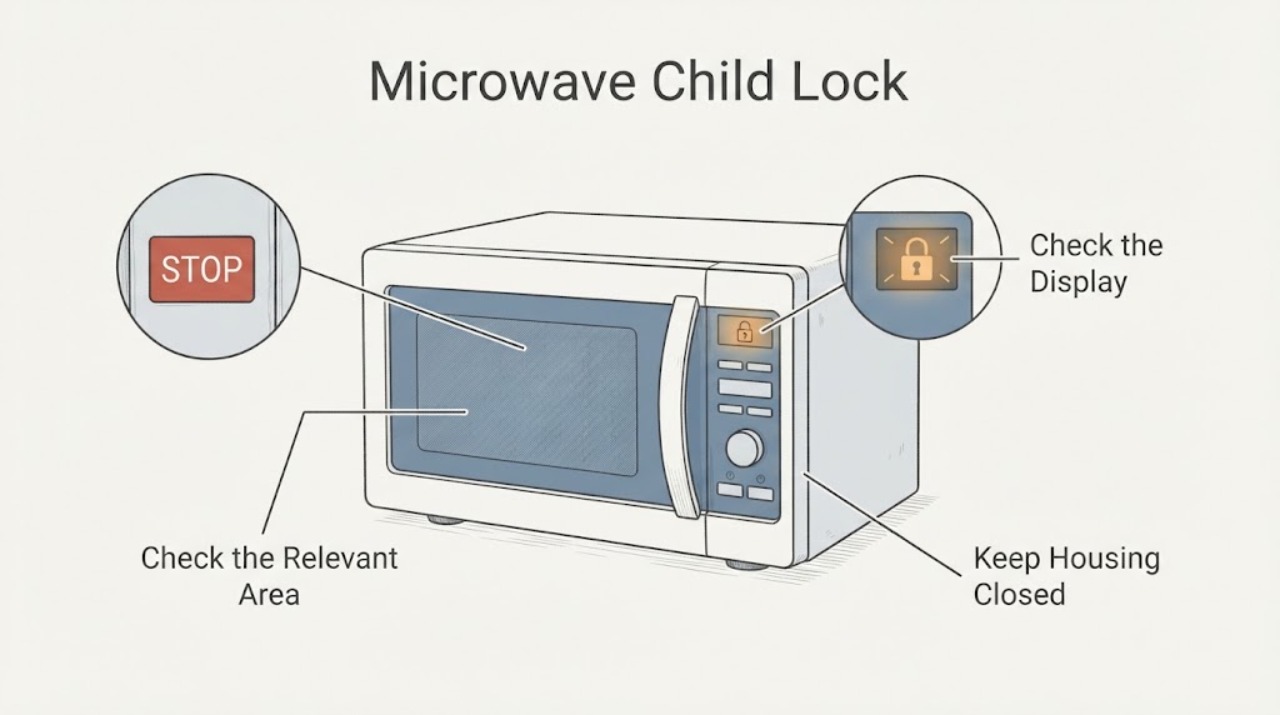
For the Breville Compact Wave Soft Close BMO650 layout covered by the opened Breville instruction manual, press and hold the STOP/CLEAR button for 3 seconds. The child-lock indication should flash and the microwave should beep when the lock is set; when it is disabled, the time is displayed and the controls become available. Confirm that the manual matches the model and regional variant on your label before using this sequence, because Wave models can place the lock function on different buttons. If the lock remains displayed after the documented hold, the panel does not respond, the door or seal is damaged, or there is smoke, arcing, a burning smell, a damaged cord, or repeated breaker tripping, stop using the microwave and arrange qualified Breville or microwave service. Do not bypass the lock or open the casing.
Work through in order
Diagnostic checks
Use only checks that match the exact appliance or system and its official guide.
-
Check 1
Read the model label and compare the visible control layout with the Breville Compact Wave Soft Close BMO650 manual. Confirm that the display shows a child-lock indication or that the controls are being blocked by the lock, rather than assuming an unlit screen is a lock problem.
Expected result: The appliance matches the BMO650 Compact Wave layout and shows the lock state, the model or region differs, or the display is dark with no clear lock indication.
Next step: Use the matching regional manual for the identified model. For a dark display, check only the accessible outlet and visible cord, then arrange service if power is normal or the breaker trips.
Stop if: Do not remove the casing, guide cover, control panel, or any door-interlock part to identify the model or lock circuit.
Why this matters
Why: Breville assigns the child-lock function to a specific control on the BMO650 manual, while standby and power faults can also make a panel appear inactive. A mismatched manual cannot safely establish the button sequence.
-
Check 2
On the BMO650 Compact Wave panel, press and hold STOP/CLEAR continuously for 3 seconds. Release the button after the documented interval instead of repeatedly pressing different controls.
Expected result: The child-lock indication flashes and the microwave beeps, or the time is displayed and the controls become available; alternatively, nothing changes.
Next step: If the lock clears, use the microwave normally according to the manual. If it does not, confirm the model and regional manual once, then stop and arrange service rather than guessing another combination.
Stop if: Do not bypass the lock, enter undocumented diagnostics, or force a button that is stuck or damaged.
Why this matters
Why: The BMO650 manual identifies STOP/CLEAR as the Child Lock button and says the same three-second hold disables the lock, after which the time appears and full functionality returns. No change means the sequence may not match the model, the panel may not be accepting input, or another fault may be present.
-
Check 3
If the screen appears inactive, wake the microwave once by opening the door or pressing a normal control as the BMO650 manual describes, then check whether the child-lock indication remains. Keep the door closed for normal operation and do not start a cycle while checking the lock state.
Expected result: The display wakes and the lock indication clears, the display wakes but the lock remains, or the panel stays dark and unresponsive.
Next step: Use the exact manual if standby was the only condition. For a persistent lock, unresponsive panel, or normal external power with no display, unplug from a dry safe position and arrange qualified Breville service.
Stop if: Do not keep pressing controls, run an empty microwave, or open the casing to diagnose the interlock or high-voltage system.
Why this matters
Why: One minute of inactivity can place the BMO650 in standby, which is different from an uncleared Child Lock. A lit but blocked panel points back to the lock sequence or a control issue; a dark panel points toward power or an internal fault.
-
Check 4
With the microwave stopped, inspect only visible external conditions: door alignment, door seal and latch, power cord and plug, cavity damage, smoke, arcing, burning odor, liquid near electrical parts, or a tripped breaker. Record the model, lock indication, and result of the three-second hold for service.
Expected result: The lock stays on, the door or seal is damaged, the cord is damaged, an electrical or fire symptom is present, or the microwave is intact but the panel remains unavailable.
Next step: Stop using the microwave and contact Breville or qualified microwave service with the exact model and observations. Use emergency procedures for active smoke, fire, shock, or other immediate danger.
Stop if: Do not operate with a damaged door or seal, bypass the interlock, replace an internal fuse, or touch exposed electrical parts.
Why this matters
Why: A persistent control problem cannot identify a safe replacement part from the outside. Breville's BMO650 manual says not to operate a microwave with door, seal, hinge, latch, or cavity damage and directs damaged units to service.
Use your observations
Decision map
Find the observation that best matches what you see, then follow the next safe action.
-
PATH 01Next step
What you see
The appliance matches the BMO650 Compact Wave panel and the child-lock indication disappears after STOP/CLEAR is held for 3 seconds, with the time displayed afterward.
Do this next
Use the microwave according to the BMO650 manual. If the lock returns unexpectedly, record when it returns and have the control behavior checked rather than repeatedly cycling buttons.
Why this path and its safety boundary
Why it matters: This matches the BMO650 manual's documented Child Lock disable result rather than an internal microwave failure.
-
PATH 02Next step
What you see
The display wakes from standby but the lock remains after the documented three-second STOP/CLEAR hold, or the panel does not respond to the matching sequence.
Do this next
Confirm the exact model once, then leave the microwave unused and arrange Breville or qualified microwave service. Do not guess a second unlock combination or bypass the interlock.
Why this path and its safety boundary
Why it matters: The appliance is not following the documented BMO650 control response. The model or regional manual may differ, or the control panel or lock system may have a fault; the symptom does not select a part.
-
PATH 03Next step
What you see
The display and cavity light remain off, the outlet is known to have power, or the breaker trips again while the child-lock problem is being checked.
Do this next
Unplug from a dry, safe position and arrange qualified service. Do not reset a tripping circuit repeatedly or open the microwave to reach a fuse.
Why this path and its safety boundary
Why it matters: This pattern is more consistent with a supply, input, or internal electrical fault than with a display-only Child Lock state.
-
PATH 04Next step
What you see
The door, seal, latch, hinge, or cavity is damaged, or smoke, arcing, burning odor, liquid near electrical parts, shock, or another immediate hazard is present.
Do this next
Stop using the microwave, unplug only if the position is dry and safe, keep clear, and arrange qualified service or emergency help as appropriate.
Why this path and its safety boundary
Why it matters: This is a microwave safety or electrical event, so clearing a program lock cannot make continued operation safe.
Helpful context
Understand the symptom
Use the button shown on the exact BMO650 panel
Breville's Compact Wave Soft Close product page identifies Child Lock as a built-in function, while the opened BMO650 instruction manual labels STOP/CLEAR as the Child Lock button. The manual's disable sequence is a three-second hold, not a series of guessed key presses. Check the model label and panel layout first so a different Wave model or regional version is not given the wrong sequence.
How to tell whether the lock cleared
On the BMO650 manual, the child-lock indication flashes and the microwave beeps when the lock is set. After the same STOP/CLEAR button is held for 3 seconds to disable it, the time is displayed and the microwave has full functionality. If the indication does not change, do not assume the lock is off just because the display is lit; verify the model manual and treat a non-responsive panel as a separate service question.
Separate Child Lock from standby or damage
The BMO650 manual says the microwave enters standby after one minute of inactivity and can be activated by opening the door, turning a dial, or pressing a button. Standby can make the panel look inactive, but it is different from a persistent child-lock indication. If the panel will not wake, the lock will not clear with the documented sequence, or the door, seal, cord, or cavity is damaged, stop and use Breville service rather than trying to defeat an interlock.
When checks do not resolve it
Need a professional?
Contact Breville or qualified microwave service when the documented BMO650 unlock sequence does not work, the exact model manual is unavailable, the panel remains unresponsive, or any door, seal, latch, cord, cavity, or electrical fault is present. Stop immediately for smoke, arcing, burning odor, shock, liquid near electrical parts, damaged door or seal, or repeated breaker trips. Do not bypass the lock or open the casing.
Common questions
FAQ
How do I turn off Child Lock on a Breville Compact Wave microwave?
For the BMO650 Compact Wave layout in the opened Breville manual, press and hold STOP/CLEAR for 3 seconds. The time should be displayed and full functionality should return. Check the exact model and regional manual first because other Wave panels may use a different control.
How do I know the Breville Compact Wave Child Lock cleared?
The BMO650 manual says the child-lock indication disappears after the documented disable sequence and the time is displayed, restoring full functionality. If the indication remains or the controls do not respond, stop guessing and arrange model-specific service.
Is a dark Breville microwave display the same as Child Lock?
No. The BMO650 can enter standby after one minute of inactivity, but a completely dark display and cavity light can also indicate an outlet, breaker, cord, input, or internal fault. Wake the unit once as the manual describes, check only accessible power, and seek service if it remains dark or the breaker trips.
Read the exact guide
Official sources
- Compact Wave Soft Close - Quiet 25L Microwave | Breville (US)Breville · Opened the official Breville US BMO650 product page to confirm the Compact Wave Soft Close identity and that Child Lock is a product feature.
- the Compact Wave™ Soft CloseBreville · Opened the official Breville BMO650 instruction manual hosted on breville.com; this New Zealand/Australia edition is used for the documented BMO650 control sequence, so the exact regional manual remains authoritative for another variant.
Community feedback
Share a repair observation
Share a plain-text repair observation. Accepted observations are published automatically; this page may take a moment to update.