
On this page
Start here
Quick answer
On the Fisher & Paykel OR30SDPWSX1, a display of dEF after changing the function dial can mean DEFROST is selected, not that the oven has failed. The exact user guide says DEFROST is not a cooking function: only the fan runs and the temperature cannot be adjusted. Set the clock if needed, select a cooking function such as BAKE or FAN BAKE, set the temperature, and start the oven. If dEF remains on a real cooking function, or the oven still will not heat after the documented setup, stop repeated attempts and arrange qualified Fisher & Paykel service.
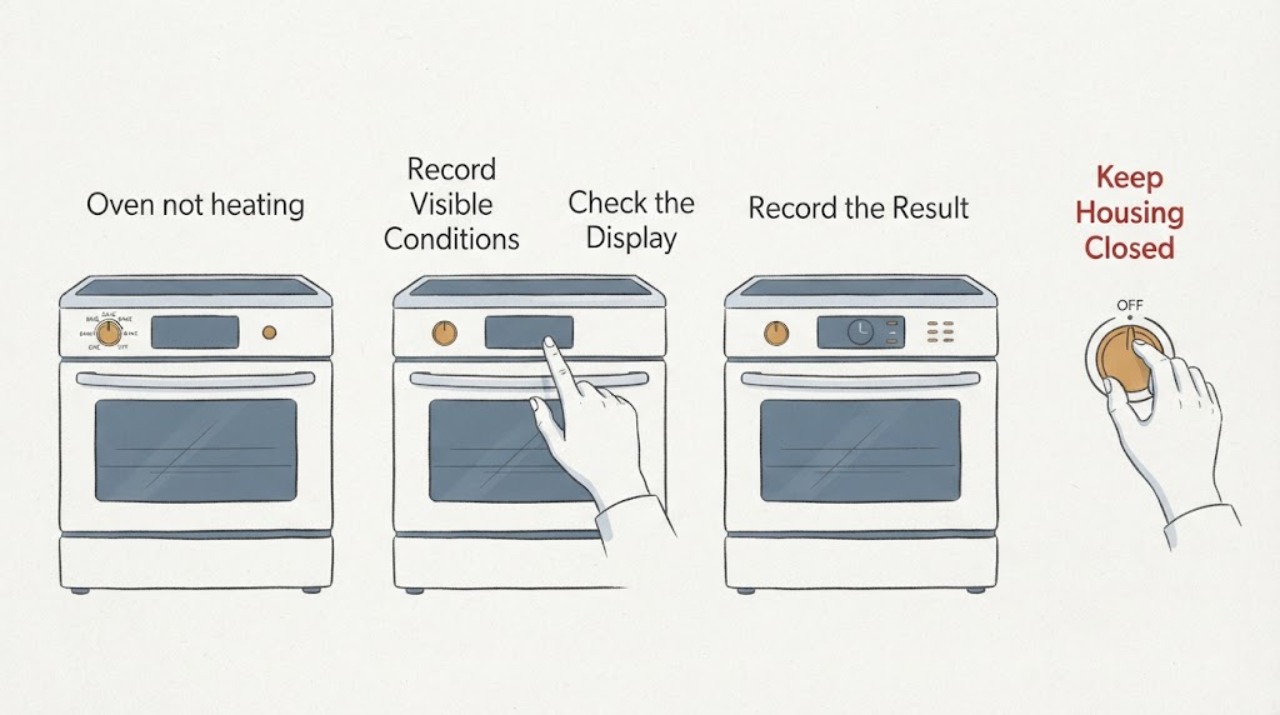
Work through in order
Diagnostic checks
Use only checks that match the exact appliance or system and its official guide.
-
Check 1
From a safe position, read the complete display after moving the function dial and record whether it says dEF, whether only the fan is audible, and whether the temperature setting can be adjusted. Confirm the rating label identifies the range as OR30SDPWSX1 or the matching OR30SDPWSX family.
Expected result: dEF appears immediately after the dial change, the fan runs without heat, or the display shows a different code or message.
Next step: If dEF follows the DEFROST position, return to the function-dial check below. If another code appears, write it down exactly and use the exact model guide rather than applying this dEF explanation.
Stop if: Do not open the control panel, reach toward the fan or heating elements, or try to force a temperature setting while DEFROST is selected.
Why this matters
Why: For this Fisher & Paykel model family, dEF is the display associated with the DEFROST dial position. DEFROST is fan-only and is not intended to heat or cook; a different message needs its own model-specific lookup.
-
Check 2
Turn the function dial to a documented cooking function such as BAKE, FAN BAKE, or FAN FORCED. Check that the function indicator light responds and that a preset temperature appears; adjust the temperature only through the normal temperature control.
Expected result: The display leaves dEF and shows a temperature for the selected cooking function, or dEF remains even though a cooking function is selected.
Next step: If the cooking function and temperature appear normally, continue with the clock and start check. If dEF persists or the dial does not select the function, stop repeated switching and arrange qualified service with the model and display recorded.
Stop if: Do not remove the dial, bypass a control, or test live wiring to force a heating function.
Why this matters
Why: BAKE, FAN BAKE, and FAN FORCED use heating elements according to the guide, while DEFROST does not. A persistent dEF on a true cooking position is outside the normal selection behavior described for this model.
-
Check 3
Check the clock display before starting the oven. If the clock is flashing or has not been set after power was restored, set it using the guide's clock procedure; then select the cooking function and press the normal oven-start control.
Expected result: The clock was unset and the oven begins its normal heating sequence after it is set, or the clock is already set and the oven still does not start.
Next step: If the oven starts on BAKE, FAN BAKE, or FAN FORCED, allow the normal preheat and monitor it. If it remains inactive after the documented setup, continue to the service branch rather than repeatedly cycling controls.
Stop if: Do not work behind the control panel or disconnect the range while it is hot or operating.
Why this matters
Why: The exact guide states that the oven will not work until the clock has been set. A set clock removes that setup condition, but it does not prove that the heating system is healthy if the oven still fails to start.
-
Check 4
With the oven on a real cooking function and the door closed, observe only the normal external indicators: whether the temperature indicator shows heating, whether the display leaves the preset temperature for the actual oven temperature, and whether the oven remains responsive.
Expected result: Heating begins normally, the oven remains cold and dEF returns, or another fault display appears.
Next step: If heating does not begin or the display fault returns, turn the function dial to OFF when safe, stop repeated resets, and request Fisher & Paykel or qualified appliance service with the exact model and display history.
Stop if: Do not touch heating elements, remove covers, perform live electrical measurements, or keep operating the oven to reproduce a suspected fault.
Why this matters
Why: Normal heating after leaving DEFROST supports a function-selection explanation. Continued no-heat behavior on a heating function, a returning dEF, or a new fault display means the issue is no longer explained by selecting the fan-only mode alone.
Use your observations
Decision map
Find the observation that best matches what you see, then follow the next safe action.
-
PATH 01Next step
What you see
dEF appears immediately after the function dial is moved to DEFROST, the fan runs, and no adjustable cooking temperature is available.
Do this next
Select BAKE, FAN BAKE, or another documented cooking function, set the temperature, and start the oven using the normal controls.
Why this path and its safety boundary
Why it matters: This matches the OR30SDPWSX guide's DEFROST behavior: it is a fan-only defrost mode and is not a heating failure by itself.
-
PATH 02Next step
What you see
A cooking function is selected but the clock is flashing or has not been set after a power interruption.
Do this next
Set the clock according to the model guide, select the cooking function again, set the temperature, and press the oven-start control once.
Why this path and its safety boundary
Why it matters: The guide states that this oven will not work until the clock has been set, so the setup state can explain why a heating function does not start.
-
PATH 03Next step
What you see
dEF remains on a documented cooking function, the oven stays cold after the clock is set and the start control is used, or another fault code appears.
Do this next
Turn the function dial to OFF when safe, record the exact display and model, and contact Fisher & Paykel Product Help or an authorized service provider. Do not open the oven electronics.
Why this path and its safety boundary
Why it matters: The fan-only DEFROST explanation no longer accounts for the symptom. A persistent display or no-heat condition needs the exact model's service diagnosis rather than a guessed element, sensor, or control part.
-
PATH 04Next step
What you see
Smoke, an uncontrolled flame, damaged wiring, a cracked door pane, or another immediate electrical or fire hazard is present.
Do this next
Stop using the range and obtain the appropriate emergency or qualified appliance or electrical help. Do not touch hot or damaged parts or operate switches where gas may be present.
Why this path and its safety boundary
Why it matters: The safety hazard takes priority over interpreting dEF or testing another function.
Helpful context
Understand the symptom
Why dEF can appear
The OR30SDPWSX guide identifies DEFROST as a separate dial position. It says this is not a cooking function: only the oven fan comes on, the fan circulates air for defrosting, and the function is not for cooking food. The same guide notes that selecting this function makes the display show dEF and does not allow the temperature to be adjusted.
What should heat
The guide lists FAN FORCED, BAKE, and FAN BAKE as heating functions and describes the heating elements that operate in those modes. Changing the dial alone is not the complete start sequence: select the function, set or accept the temperature, and press the oven start control.
When checks do not resolve it
Need a professional?
Arrange Fisher & Paykel or qualified appliance service if dEF remains after selecting a documented cooking function, the oven still will not heat after the clock is set and the normal start sequence is followed, another fault code appears, or the controls behave abnormally. Stop immediately for smoke, uncontrolled flame, damaged wiring, a cracked door pane, or another urgent hazard.
Common questions
FAQ
Is dEF an error code on the Fisher & Paykel OR30SDPWSX1?
When it appears after selecting DEFROST, the model guide describes dEF as the display for that fan-only function. DEFROST is not a cooking function and is not intended to heat food. Treat it as a function selection first; use the service path if it remains on a cooking function.
Why is the oven not heating while dEF is displayed?
DEFROST runs only the oven fan and does not provide cooking heat. Select BAKE, FAN BAKE, or another documented cooking function, set the temperature, and start the oven. Also check that the clock has been set, because the guide says the oven will not work until it is set.
What should I do if dEF stays on after I select BAKE?
Record the exact display and model, confirm the clock is set, and stop repeated dial changes. If dEF persists on a cooking function or the oven remains cold, request Fisher & Paykel or qualified appliance service rather than replacing a part based on the display alone.
Read the exact guide
Official sources
- Freestanding cookerFisher & Paykel · Official Fisher & Paykel user guide identified as covering the OR30SDPWSX model family; the OR30SDPWSX1 topic is kept within that documented family scope.
- Help & Support | Fisher & Paykel EuropeFisher & Paykel Appliances Ltd · Official Fisher & Paykel support page offering product help, manuals, and service booking when the model guide does not resolve a persistent fault.
Community feedback
Share a repair observation
Share a plain-text repair observation. Accepted observations are published automatically; this page may take a moment to update.