
On this page
Start here
Quick answer
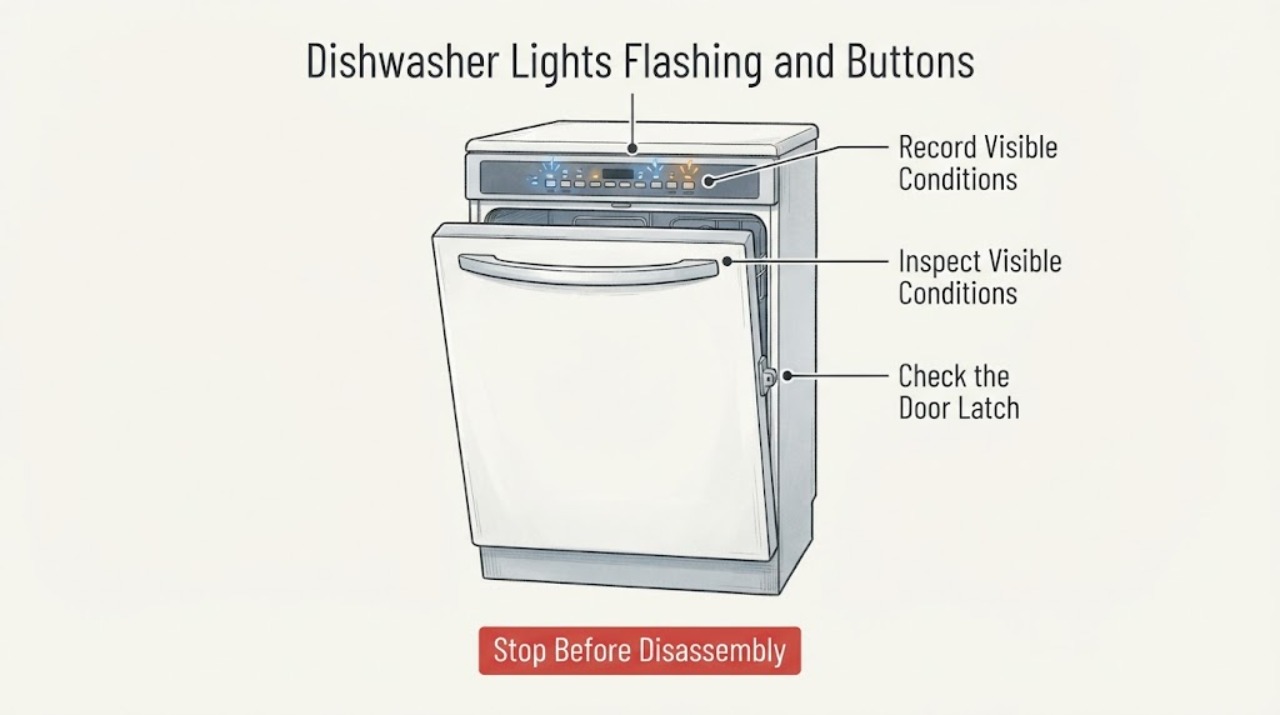
For the Frigidaire FFID2426TS2A, flashing status lights with buttons that do not respond do not by themselves identify a control board failure. Frigidaire's dishwasher guidance lists a locked control, an unlatched door, power-failure indication, and a possible shorted keypad as different possibilities. With the door open, check whether the lock indicator is lit and use the owner's guide's AIR DRY hold only to release the child lock; verify the door closes and latches. If the correct lights still flash, one controlled five-minute power-off may clear a keypad fault, but recurring flashing should go to service rather than a guessed keypad or board replacement. Do not open the control panel, bypass the latch, or perform live electrical tests.
Work through in order
Diagnostic checks
Use only checks that match the exact appliance or system and its official guide.
-
Check 1
With the dishwasher stopped, record which lights flash, whether the display or any indicator is otherwise lit, whether the unit drains by itself, and whether the lights began after an outage or breaker event. Do not press harder on a nonresponsive pad and do not open the console.
Expected result: The panel is completely dark; only specific status lights flash; the unit drains while the lights flash; or the lights return immediately after power is restored.
Next step: Photograph the pattern and continue to the visible lock, door and power checks. If there is smoke, burning odor, heat, arcing, water near electrical parts, or a damaged cord/outlet, leave the dishwasher de-energized and request service.
Why this matters
Why: A dark panel points first to a power-supply question, while Frigidaire says a flashing status pattern can accompany power failure or a shorted keypad. Flashing alone does not identify a control board or keypad as the failed part.
-
Check 2
Open the door and look for the lock indicator. On the FFID2426TS owner guide's control layout, press and release the AIR DRY pad for about three seconds with the door open to unlock the controls; use that instruction only if the pad and lock graphic match this dishwasher.
Expected result: The lock indicator goes out and other pads respond, or the lock indicator was not lit and the buttons remain unresponsive.
Next step: If the controls respond, select a cycle normally and close the door firmly. If they remain unresponsive, stop trying random button combinations and continue with the door/power checks or service.
Why this matters
Why: A lock indicator that clears with the documented sequence explains the refusal of new selections. If no lock indicator was present or the panel remains dead, the child lock is not established as the cause.
-
Check 3
Close the door normally and verify that it reaches the latch without an obstruction, then note whether the flashing starts only after Start/Cancel is pressed. Do not force the door, defeat the latch, or remove the inner panel.
Expected result: Frigidaire's described Cycles/Option/Washing pattern appears when Start/Cancel is pressed with the door not closed, or the door closes and latches but the same lights continue flashing.
Next step: Remove only an obvious external obstruction and close the door again. If the latch is damaged, misaligned or requires disassembly, leave the machine unused and arrange qualified service.
Why this matters
Why: The first pattern is consistent with the official door-not-closed condition; a persistent pattern after a sound latch is not proof of a latch, keypad or board failure and needs the next safe check.
-
Check 4
If there is no hazard and the prior observations do not explain the condition, switch off the dishwasher's supply at the breaker or unplug it only if the installation provides a safe accessible plug. Leave power off for five minutes, restore it once, and observe the same light pattern without repeating the cycle.
Expected result: The panel returns to normal; the lights return and the buttons remain dead; or the unit begins draining and flashing again.
Next step: If the pattern recurs, stop reset attempts and give service the exact model, light pattern, power history and photos. Do not order a keypad or board from the symptom alone.
Stop if: Stop immediately for a tripped breaker that will not hold, smoke, sparking, burning odor, a hot cord/outlet, water entering the console, or any need to work on energized wiring.
Why this matters
Why: Frigidaire says a five-minute power-off may clear a shorted-keypad indication, but recurrence supports service for a possible keypad fault; it does not establish that the control board is bad.
-
Check 5
Before requesting service, record the full FFID2426TS2A model from the rating label, the exact lights and timing, whether the lock indicator was present, whether the door latched, whether the five-minute power check changed anything, and whether the dishwasher drains or fills.
Expected result: The exact model and pattern are documented, or the label/pattern cannot be read and the control panel remains unusable.
Next step: Request model-specific service when the controls remain unresponsive, the lights recur, the latch is abnormal, or the appliance has an electrical or water-safety symptom. Keep the machine out of service until assessed.
Why this matters
Why: A complete symptom record lets Frigidaire or a qualified technician match the panel and keypad behavior to the correct model documentation. A missing pattern or uncertain model prevents a reliable component diagnosis.
Use your observations
Decision map
Find the observation that best matches what you see, then follow the next safe action.
-
PATH 01Next step
What you see
The lock indicator is lit with the door open and the controls begin responding after the documented AIR DRY three-second release.
Do this next
Use the normal cycle-selection and latch sequence. If the lock cannot be released or the panel remains unresponsive, stop button experiments and request model-specific service.
Why this path and its safety boundary
Why it matters: The control lock explains the lack of new selections; this observation does not indicate a failed board.
-
PATH 02Next step
What you see
Cycles, Option and Washing flash when Start/Cancel is pressed and the door is not fully latched, or the door visibly cannot close squarely.
Do this next
Remove only a simple obstruction and close the door firmly. If the latch or alignment is damaged or needs disassembly, leave the dishwasher off and arrange service.
Why this path and its safety boundary
Why it matters: Frigidaire associates that pattern with an unclosed door; the visible door/latch condition is the next decision point.
-
PATH 03Next step
What you see
The same lights flash, the panel remains nonresponsive or the unit drains again after one five-minute power-off, with no active lock or obvious door obstruction.
Do this next
Keep the dishwasher out of service, preserve the light pattern and model number, and arrange qualified service for the control-panel circuit.
Why this path and its safety boundary
Why it matters: Frigidaire lists a possible shorted keypad in this situation and says to schedule service if the condition continues; the public guidance does not identify a specific board or authorize a replacement.
-
PATH 04Next step
What you see
The panel is dark after a breaker event, the breaker trips again, there is smoke/burning odor/sparking, the cord or outlet is hot or damaged, or water is near the console.
Do this next
Leave power off, do not bypass protection or open the console, and use a qualified appliance/electrical service path.
Why this path and its safety boundary
Why it matters: This is an electrical or water-safety boundary, not a keypad diagnosis that should be tested by repeated energizing.
Helpful context
Understand the symptom
The exact model matters here: FFID2426TS2A is the assigned Frigidaire dishwasher variant within the FFID2426TS product-support family. Frigidaire's official flashing-lights guidance describes several distinct causes, so the light pattern must be recorded before treating it as a part failure.
Start with the control-lock, door-latch and power observations that can be made without opening the console. The owner's guide says to disconnect electrical power before servicing and that repairs should be done by a qualified technician; a persistent flashing condition after the permitted external checks is a service decision, not a reason to guess at a board or keypad.
When checks do not resolve it
Need a professional?
The light pattern persists after the control-lock, latch and one controlled power check, or the unit presents an electrical/water hazard.
Common questions
FAQ
Do flashing lights prove that the FFID2426TS2A control board failed?
No. Frigidaire lists more than one cause, including a locked control, an unclosed door, power-failure indication and a possible shorted keypad. The symptom alone is not a part diagnosis.
How do I check the control lock on this Frigidaire family?
With the door open, use the FFID2426TS owner guide's AIR DRY press-and-release hold for about three seconds and watch for the lock indicator to go out. Do not substitute a random sequence if the panel markings differ.
Should I keep resetting the dishwasher until the lights stop?
No. Frigidaire says a five-minute power-off may clear a shorted-keypad indication, but recurring flashing should be serviced. Do not repeatedly energize a unit with a hot cord, burning odor, smoke, sparking, water near controls or a tripping breaker.
Read the exact guide
Official sources
- Dishwashers Flashing LightsFrigidaire Owner Support · Opened Frigidaire's official dishwasher support article. It applies to Frigidaire dishwashers generally, including the assigned symptom, and distinguishes power failure, an unclosed door and a shorted keypad; it does not identify a specific control board from lights alone.
- Dishwasher Not StartingFrigidaire Owner Support · Opened Frigidaire's official dishwasher not-starting article. It supports checking visible power, cord/breaker, door latch, delay start and service escalation; it is not used to infer an internal component failure.
- Dishwasher Use & CareFrigidaire / Electrolux · Opened the PDF from Frigidaire's official FFID2426TS product-support page. It documents the AIR DRY child-lock release, the door/start sequence, the requirement to disconnect power before servicing, and qualified-repair boundary for this dishwasher family.
- Product Support: Frigidaire 24'' Built-In Dishwasher Stainless Steel-FFID2426TSFrigidaire Canada · Opened Frigidaire Canada's official product-support page. It identifies the FFID2426TS built-in dishwasher family and links the Complete Owner's Guide, which is used here to scope the assigned FFID2426TS2A variant rather than infer a different model.
Community feedback
Share a repair observation
Share a plain-text repair observation. Accepted observations are published automatically; this page may take a moment to update.