
On this page
Start here
Quick answer
A Hotpoint dryer timer that appears not to advance is not automatically broken. First identify the exact model and whether the cycle is Timed Dry, an automatic/sensor cycle, or a model that uses progress lights instead of a moving programmer. On a timed cycle, a knob that never moves is abnormal; on an automatic cycle, intermittent movement can be normal. If the knob is cracked, has fallen off, or cannot select a setting, unplug the dryer before inspecting the visible control and use only a model-matched replacement. Do not force the shaft, use pliers, open the cabinet, or leave a dryer running unattended while the timer remains fixed; arrange qualified service when the cycle does not finish, the control does not respond, or the exact model guidance cannot be confirmed.
Before you begin
Safety first
- Do not open the cabinet, probe live wiring, turn the timer shaft with pliers, bypass the door or control switch, or leave a dryer unattended when the timer cannot reliably advance or stop. Unplug before any visible knob inspection, and stop immediately for smoke, burning odor, sparks, abnormal heat, water, a hot or damaged connection, or repeated breaker trips.
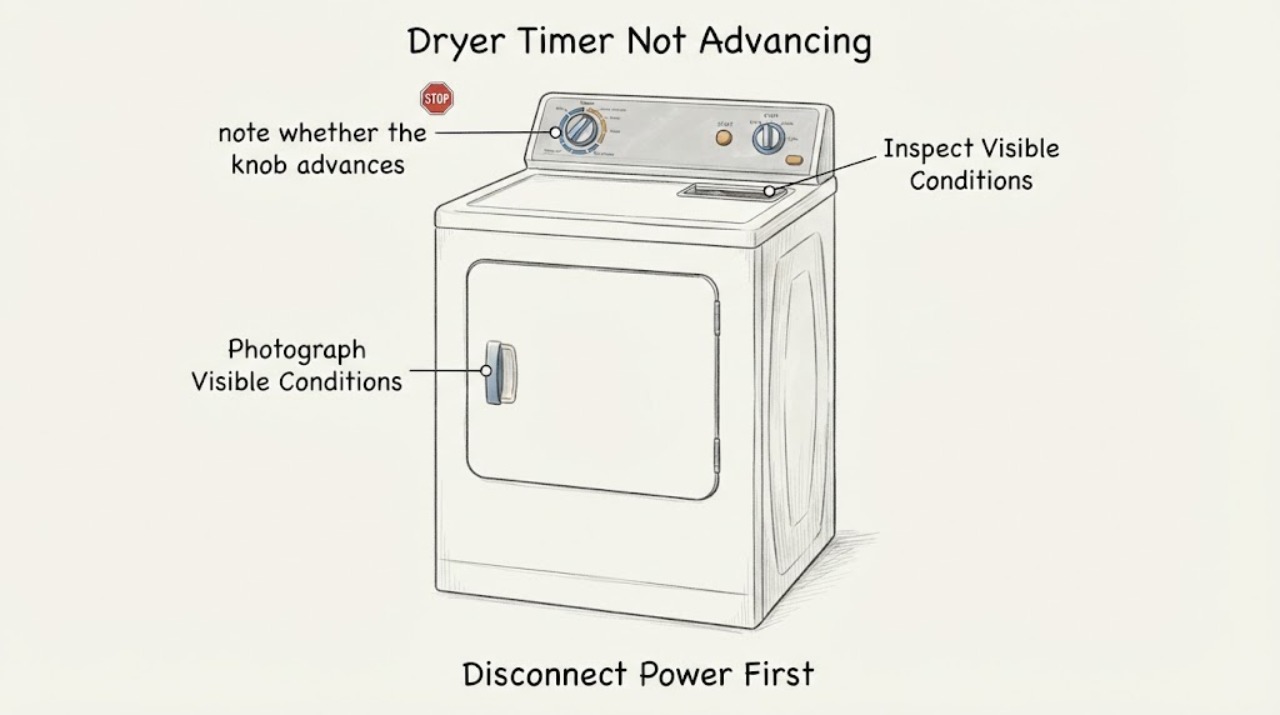
Work through in order
Diagnostic checks
Use only checks that match the exact appliance or system and its official guide.
-
Check 1
From a dry position, photograph the full control panel and rating label, then record the exact Hotpoint model or industrial code. Note whether the selected programme is Timed Dry, an automatic/sensor programme, or a programme with progress lights rather than a moving dial.
Expected result: The cycle type and model are clear, or the knob is stationary but progress lights change.
Next step: Use the matching manual and continue with the cycle-specific check. If the model or display behavior cannot be identified, do not borrow a timer diagnosis from another Hotpoint platform; arrange model-specific support.
Why this matters
Why: The expected movement depends on the model and cycle. Hotpoint says some dryers use progress indicators instead of a rotating programmer, while automatic cycles may advance only at intervals.
-
Check 2
If the dryer is on a Timed Dry programme, observe one supervised cycle without opening the cabinet. Note whether the drum runs, heat is produced as expected for the programme, and the timer knob moves slowly as time counts down.
Expected result: The drum and heat operate but the knob does not move at all throughout the timed cycle, or the dryer stops before completing the selected time.
Next step: Stop relying on that cycle, record the model and behavior, and arrange qualified appliance service. Do not force the control or select a replacement timer from the symptom alone.
Stop if: Stop immediately for smoke, burning odor, sparks, a hot or damaged plug or cord, repeated breaker trips, abnormal heat, or a leak; disconnect only if safe and seek qualified electrical or appliance help.
Why this matters
Why: Official timer guidance says a timed-cycle knob should move slowly; no movement throughout the cycle is not normal and service may be required. This does not identify whether the knob, timer mechanism, wiring, or another control is at fault.
-
Check 3
If the programme is automatic or sensor-controlled, note whether the knob advances occasionally and whether the load is actually drying. Do not judge the timer by a short observation; compare the result with the model manual's cycle description.
Expected result: The knob advances periodically and the load dries, or the load is dry but the knob remains at its starting position after about an hour or more.
Next step: If movement is periodic and the cycle completes normally, do not replace a part just because the dial is not continuously moving. If the load is dry but the knob remains fixed, keep the dryer supervised and arrange service rather than leaving it operating unattended.
Why this matters
Why: Periodic movement can be normal in an automatic cycle. Conversely, official guidance treats a knob that remains fixed after the clothes are dry and an extended observation as a service condition; drying progress alone does not prove the timer display is healthy.
-
Check 4
Unplug the dryer before inspecting only the visible knob and control face. Check for a cracked or missing knob, a pointer that no longer matches the setting, a knob that spins without selecting a programme, or a control that cannot be turned normally. Do not pull the control panel, probe wiring, turn the shaft with pliers, or bypass a switch.
Expected result: Only the removable knob is visibly cracked, fallen off, or worn, and the exact model is known; or the shaft/control is stiff, loose, damaged, or still cannot select a programme.
Next step: For a confirmed model, compare the part against Hotpoint's model-fit information and replace only the user-accessible knob if the model documentation permits it. If the shaft or timer mechanism is involved, leave the dryer disconnected and arrange qualified appliance service.
Stop if: Do not use the dryer if the control cannot reliably select or stop a programme, or if the control area is hot, scorched, wet, or electrically unsafe.
Why this matters
Why: Hotpoint lists genuine replacement control knobs for selected tumble dryers and says model fit must be verified. A damaged knob can prevent setting selection, but a damaged or nonresponsive control behind it requires service and cannot be diagnosed from the knob alone.
Use your observations
Decision map
Find the observation that best matches what you see, then follow the next safe action.
-
PATH 01Next step
What you see
The model uses progress lights or an automatic cycle, the lights or knob advance periodically, and the dryer completes the programme normally.
Do this next
Keep the matching manual with the appliance and do not replace a timer or knob solely because movement is not continuous. Escalate if the behavior changes or the cycle stops completing.
Why this path and its safety boundary
Why it matters: The stationary appearance is consistent with the documented model or sensor-cycle behavior rather than proof of a failed timer.
-
PATH 02Next step
What you see
The dryer is on Timed Dry and the knob never moves during the cycle, or the dryer stops before the selected time despite normal external power.
Do this next
Stop using the affected setting, save the model, cycle, and observation, and book qualified appliance service. Do not force the knob or use a generic timer part.
Why this path and its safety boundary
Why it matters: This is not the expected timed-cycle behavior and leaves a timer/control fault for qualified diagnosis; it does not prove which internal part failed.
-
PATH 03Next step
What you see
The knob is physically cracked, missing, or worn, but the model is known and the control behind it still selects settings normally when operated only as the manual permits.
Do this next
Use the exact model or industrial code to verify a replacement knob. If the underlying shaft is loose, stiff, damaged, or nonresponsive, do not replace the knob as a workaround; arrange service.
Why this path and its safety boundary
Why it matters: A model-matched control knob may be the limited user-replaceable cause of the selection problem; Hotpoint lists knob fit by selected model rather than by the Hotpoint name alone.
-
PATH 04Next step
What you see
The knob remains fixed after the load is dry, the programme will not finish or stop reliably, the control cannot select a cycle, or any smoke, burning odor, sparks, abnormal heat, water, or electrical fault is present.
Do this next
Stop the cycle, unplug only if safe, keep clear of electrical or heat hazards, and arrange qualified appliance service. Seek qualified electrical help for repeated trips or a hot/damaged connection, and do not restart to see whether it clears.
Why this path and its safety boundary
Why it matters: The issue has crossed the normal user-observation boundary. A fixed timer can leave the dryer operating unpredictably, while the hazard signs require immediate stop; the symptom does not justify live testing or cabinet repair.
Helpful context
Understand the symptom
A fixed knob can be normal on some Hotpoint models
Hotpoint's tumble-dryer troubleshooting page says that certain models do not rotate the dryer programmer; progress indicator lights show the status instead. That means a stationary dial is not enough to diagnose a failed timer. Before ordering a part, photograph the control panel and record the complete model or industrial code so the matching manual can identify how that model shows progress.
Timed and automatic cycles behave differently
Official appliance guidance for GE and Hotpoint models distinguishes Timed Dry from automatic cycles. A timed-cycle knob is expected to turn slowly as time counts down. An automatic or sensor cycle can leave the knob apparently still for a while and advance at intervals because the dryer is responding to sensed drying conditions. The observation changes the next step: verify the cycle type and actual drying progress before treating a lack of continuous movement as a fault.
Only after diagnosis
Potential parts
- Hotpoint tumble-dryer control or timer knob
Hotpoint's genuine-parts page describes a knob replacement for a cracked, fallen-off, or worn control knob, but only for selected models. The stationary timer symptom alone does not establish that the knob is the failed item.
Verify the complete model or industrial code and the control layout before ordering. If the shaft, timer mechanism, wiring, or control panel is damaged, a knob-only replacement may not solve the fault and service is required.
When checks do not resolve it
Need a professional?
Call qualified Hotpoint or appliance service for a timed-cycle knob that never moves, a fixed automatic-cycle knob after drying, an unresponsive or damaged shaft/control, a programme that will not complete or stop, or any recurring electrical or thermal symptom.
Safety scope: Do not open the cabinet, probe live wiring, turn the timer shaft with pliers, bypass the door or control switch, or leave a dryer unattended when the timer cannot reliably advance or stop. Unplug before any visible knob inspection, and stop immediately for smoke, burning odor, sparks, abnormal heat, water, a hot or damaged connection, or repeated breaker trips.
Have this ready
- Provide the complete model or industrial code, serial number if available, country, cycle type, a photo of the control panel, whether progress lights change, whether the drum and heat operate, how long the dryer was observed, and whether the knob is cracked, missing, loose, or simply stationary.
Common questions
FAQ
Should a Hotpoint dryer timer knob always turn while drying?
No. Hotpoint says certain models use progress indicator lights instead of a rotating programmer, and official timer guidance says automatic cycles can advance intermittently. A timed-cycle knob that never moves is abnormal, while intermittent movement on an automatic cycle can be normal.
What should I do if the Hotpoint dryer knob is broken?
Unplug the dryer and inspect only the visible knob and control face. Hotpoint lists model-specific genuine control knobs for selected tumble dryers, but verify the full model or industrial code before ordering. If the shaft is loose, stiff, damaged, or the programme cannot be selected or stopped, arrange service instead of forcing it.
Can I keep using a Hotpoint dryer if the timer stays at one position?
Do not leave it unattended. If the model uses a stationary programmer or the cycle is automatic and otherwise completes normally, the appearance may be expected; if a timed cycle never advances, the knob remains fixed after the load is dry, or the dryer will not finish or stop reliably, stop using it and arrange qualified service.
Read the exact guide
Official sources
- Dryer - Timer is Not AdvancingGE Appliances · Used for the cycle-dependent timer observation, not as a model-specific Hotpoint fault-code or parts table; it distinguishes timed-cycle movement from automatic-cycle intermittent movement.
- Dryer - Timer Knob DirectionGE Appliances · Supports the fact that timer movement differs by Hotpoint generation; it is not used to infer a specific model's timer failure.
- Hotpoint Appliance ManualsHotpoint · Used to route the reader to the manual matching the exact model or 12NC; it does not define a universal timer fault.
- Tumble Dryer Troubleshooting - Quick Fixes & TipsHotpoint · Directly applicable to Hotpoint tumble dryers on the Hotpoint UK support path; it explicitly addresses a non-rotating dryer dial and model-specific progress indicators.
- Tumble Dryer Control Knob J00259988Hotpoint · Directly supports the limited visible-knob branch; the page warns that the listed knob fits selected models and requires model-fit verification.
Community feedback
Share a repair observation
Share a plain-text repair observation. Accepted observations are published automatically; this page may take a moment to update.