
On this page
Start here
Quick answer
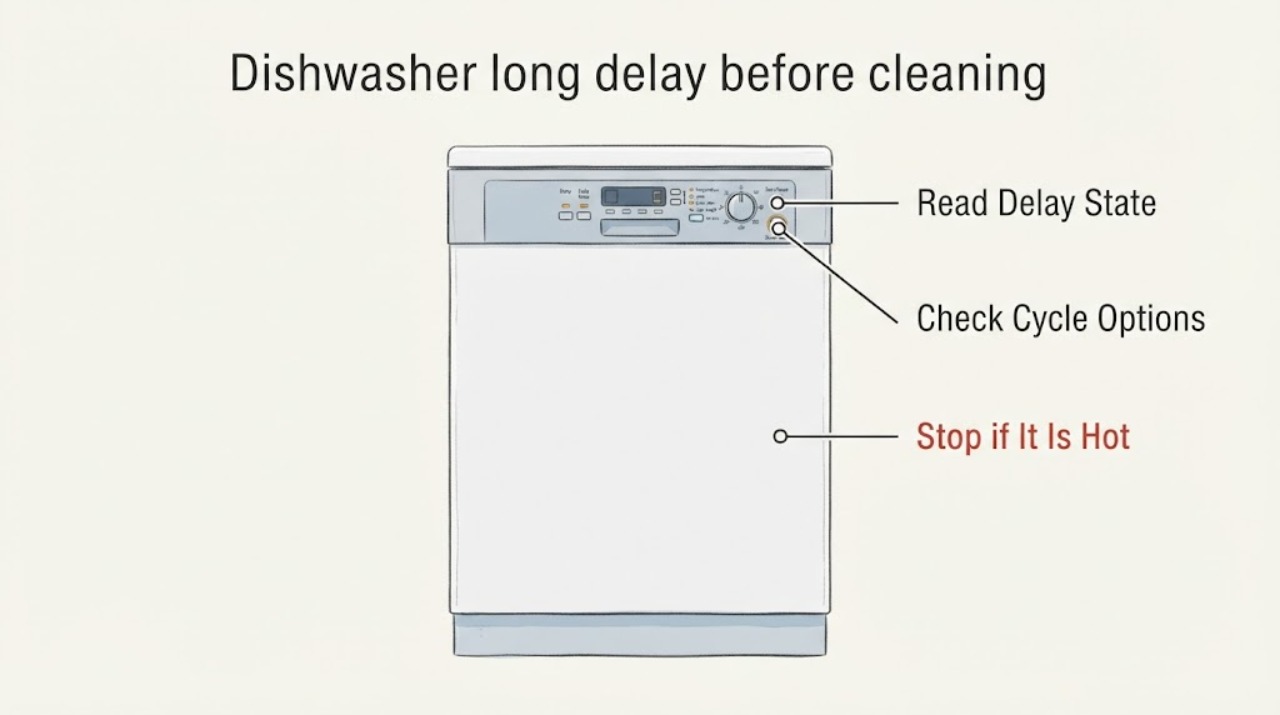
First determine whether the dishwasher is intentionally counting down a Delay Start or is spending time in a selected cycle, rather than assuming a failed part. Kenmore documents Delay Start on its dishwasher families, with current built-in models allowing a one-to-24-hour start delay, while SmartWash can adjust cycle time and Quiet Wash can add time. Read the display and selected options, use the exact model's instructions to cancel an unintended delay, and check whether the countdown and running indicator progress after the door is fully closed. If the delay has expired but the display stalls, the dishwasher never begins filling or washing, or it repeatedly needs unusual waiting, record the model and arrange qualified service; do not open panels or attempt live electrical checks.
Work through in order
Diagnostic checks
Use only checks that match the exact appliance or system and its official guide.
-
Check 1
Read the display and note any Delay Start label, remaining hours, countdown, or other cycle-status indication before changing settings.
Expected result: A delay value is counting down, or there is no delay value and the display is frozen or blank.
Next step: If a delay is active, use only the exact model's owner instructions to cancel or let it expire. If the display is frozen or blank, record it and use the service branch rather than guessing a control part.
Why this matters
Why: A progressing delay is an intentional wait; a frozen or blank display is a different control/power symptom and cannot be diagnosed from the topic alone.
-
Check 2
Record the selected cycle and options, including SmartWash, Quiet Wash, High Temp, Extra Dry or any abbreviated/express setting shown on the panel.
Expected result: The long wait occurs only with a particular cycle or option, or the model guide says that option changes timing; otherwise it occurs across cycles.
Next step: Run the model-documented comparison cycle once with the same safe load and note whether the wait follows the option. Do not substitute a button sequence or timing limit from another Kenmore model.
Why this matters
Why: Kenmore documents load-dependent SmartWash timing and longer duration for Quiet Wash on select models, so the option pattern is meaningful but does not identify a failed component.
-
Check 3
After an unintended delay has been cancelled according to the exact model guide, close the door fully and start the cycle once; observe the display, any running indicator, and whether filling or washing eventually begins without opening panels.
Expected result: The time changes and a running indicator or filling/washing activity appears, or the display remains unchanged after the documented delay should have ended.
Next step: For normal progress, allow the cycle to continue and record the option that caused the wait. For a repeatable stall, stop repeated trials and provide the model, cycle, options and observed state to qualified service.
Why this matters
Why: Progress supports a selected delay or programmed phase; a stalled display or absent start after the delay is over is a service symptom, not proof of a pump, heater or control-board failure.
-
Check 4
Record the full model number, display state, selected cycle/options, elapsed wait and any leak, odor or electrical warning before arranging appliance service.
Expected result: The delay has expired but the dishwasher repeatedly does not progress, or there is smoke, burning odor, sparking, a damaged cord, a visible leak or water near electrical connections.
Next step: Stop using the dishwasher for a hazard and obtain qualified appliance/electrical service as appropriate. Do not open panels, handle wiring, bypass the latch/protection or perform live tests.
Why this matters
Why: The symptom exceeds safe external checks; the observed delay does not identify a particular internal part, and the hazard requires immediate stop-use handling.
Use your observations
Decision map
Find the observation that best matches what you see, then follow the next safe action.
-
PATH 01Next step
What you see
The display shows a Delay Start value and that value is counting down.
Do this next
Let the delay expire or follow the exact model guide to cancel it; do not call this a failed cleaning cycle while the delay remains active.
Why this path and its safety boundary
Why it matters: The appliance is waiting by design, consistent with Kenmore's documented delay-start feature.
-
PATH 02Next step
What you see
The countdown completes and the display or running indicator advances, followed by filling or washing.
Do this next
Allow the cycle to finish, record the selected options and compare the behavior with the exact model guide if the wait is unacceptable.
Why this path and its safety boundary
Why it matters: The dishwasher is progressing; a selected option or load-dependent SmartWash timing is more likely than a confirmed component failure.
-
PATH 03Next step
What you see
The documented delay has expired, but the display remains unchanged and no cycle activity begins on repeated starts.
Do this next
Stop repeated attempts, photograph or transcribe the display, and arrange model-specific qualified service with the model and cycle details.
Why this path and its safety boundary
Why it matters: This is a stalled-start symptom; it does not establish that the pump, heater, latch or control board is the failed part.
-
PATH 04Next step
What you see
There is smoke, a burning smell, sparking, a damaged cord, a visible leak or water near electrical connections.
Do this next
Stop using the appliance and obtain qualified electrical or appliance service as appropriate; do not open panels or bypass safety protection.
Why this path and its safety boundary
Why it matters: The situation has a fire, shock or water-damage risk beyond owner-level timing checks.
Helpful context
Understand the symptom
Separate a deliberate delay from a stalled start
A dishwasher can look inactive when Delay Start is selected. Kenmore describes Delay Start as a way to postpone the wash, and its current built-in lineup describes a 1-to-24-hour range. Without a model number, do not use another Kenmore's button sequence: record the display, the delay indicator or remaining hours, and the exact model from the rating label or owner's documentation before changing settings.
Check the selected cycle and options
If the panel is counting down normally, inspect the chosen cycle and options in the model guide. Kenmore says SmartWash can change temperature, pressure and cycle time according to the load; on select models Quiet Wash increases temperature and cycle duration. A long displayed time can therefore be a programmed or load-dependent behavior rather than proof of a bad pump or control board.
Watch for actual cycle progress
After cancelling an unintended delay according to the exact model instructions, close the door fully and start the selected cycle once. Observe without removing panels: does the displayed time change, does a running indicator appear, and do you eventually hear filling or washing? Kenmore product pages describe time-remaining displays and, on some models, a floor indicator for a running cycle. If the display advances and the cycle begins, the delay was likely a setting or programmed phase; if it remains frozen after the delay should have ended, preserve the display state for service.
Escalate a repeatable stalled start safely
If a documented delay has expired but the dishwasher still does not progress, or the same unusually long wait returns on more than one cycle, record the full model number, cycle and options, displayed time, whether the door latched, and what sound or water movement was observed. Arrange qualified Kenmore or appliance service. Do not open the door panels, handle wiring, bypass the latch or protection, or perform live electrical tests. Stop use for smoke, burning odor, sparking, a damaged cord, or water near electrical connections; use the appliance's leak-safety/service path for a visible leak.
When checks do not resolve it
Need a professional?
Arrange qualified Kenmore or appliance service when the model-documented delay has expired but the dishwasher repeatedly stalls before filling or washing, or when the display, latch, wiring or water-safety behavior needs diagnosis. Use an electrician for an electrical hazard and stop use for smoke, sparking, burning odor, a damaged cord or water near electrical connections.
Common questions
FAQ
Why does my Kenmore dishwasher wait before it starts cleaning?
Check for an active Delay Start first. Kenmore documents intentional start delays, and current built-in models describe a 1-to-24-hour range. If the display is counting down, the dishwasher is waiting by design; use the exact model guide to cancel it rather than borrowing another model's button sequence.
Can a Kenmore cycle take longer without a failed part?
Yes. Kenmore says SmartWash can adjust cycle time for the load, and Quiet Wash can increase cycle duration on select models. Compare the selected cycle and options with the exact model guide before assuming a pump, heater or control fault.
When is a long pre-cleaning delay a service issue?
If the documented delay has ended but the display does not advance, no filling or washing begins, or the same stall repeats across cycles, record the model and display state and arrange qualified service. A waiting symptom alone does not identify a safe replacement part.
Read the exact guide
Official sources
- 24" Built-in Dishwasher with UltraWash® System and 54 dBA Quiet Package Stainless Steel with Fingerprint ResistanceKenmore · Official Kenmore product page for model 22-14785; used for documented cycle-time adjustment, time display and delay-start features, with no claim that this model's controls apply to an unspecified Kenmore dishwasher.
- Introducing: New Kenmore Dishwasher LineupKenmore Livemore · Official Kenmore brand article for the 2023 built-in lineup; used for its explicit 1-to-24-hour Delay Start statement and the documented scope of SmartWash/Quiet Wash behavior, not as a universal button sequence for every Kenmore model.
- 45dBA 24" Dishwasher w/ EasyFlex 3rd Rack and TurboDry and Exterior Handle Stainless SteelKenmore · Official Kenmore product page for model 22-14645; used only for its documented Time Remaining Display, LED running indicator, Delay Start, option timing and leak-detection features.
- 18" Portable Dishwasher - WhiteKenmore · Official Kenmore product page for the 14652 portable dishwasher; used only to establish that this Kenmore dishwasher family includes an intentional Delay Start option.
Community feedback
Share a repair observation
Share a plain-text repair observation. Accepted observations are published automatically; this page may take a moment to update.