
On this page
Start here
Quick answer
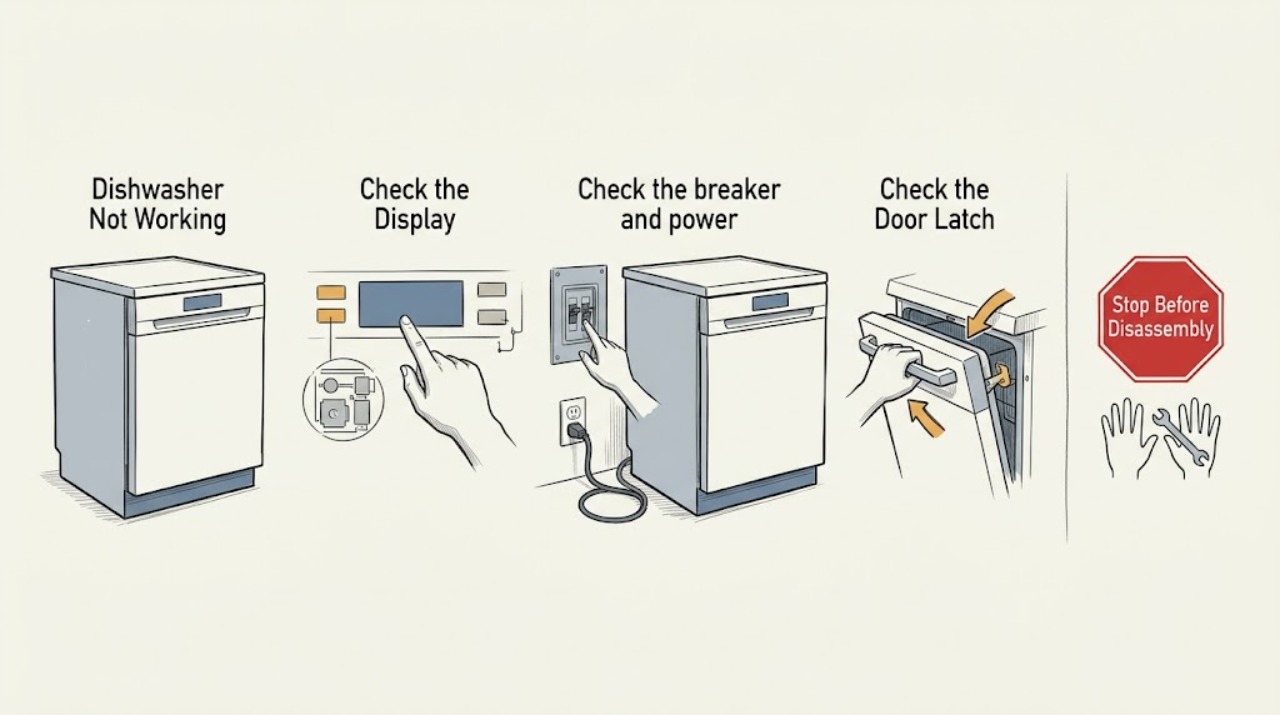
Separate a blank panel, locked controls, a door that will not latch, and a cycle that stops. Check power and Control Lock, close the door fully, and verify the water supply. Stop and arrange service for leaks, repeated breaker trips, or a persistent fault.
Work through in order
Diagnostic checks
Use only checks that match the exact appliance or system and its official guide.
-
Check 1
Press Power and note whether the panel is blank, shows CL, shows a code, or responds normally.
Expected result: The panel is blank, locked, coded, or responsive.
Next step: Check breaker when blank and disable Control Lock using the model procedure when CL appears.
Why this matters
Why: Blank points to power; CL means Control Lock; a code needs model guidance; response allows door/water checks.
-
Check 2
Check the breaker and power connection, resetting the breaker once if safe.
Expected result: The panel returns or stays blank / the breaker trips again.
Next step: Leave it off and request qualified service.
Why this matters
Why: A repeat trip is an electrical fault.
-
Check 3
Close the door firmly, check the latch for an obvious obstruction, and verify the inlet valve is open and hose not kinked.
Expected result: The cycle starts or remains unable to start.
Next step: Correct only an obvious obstruction/kink and request service for latch, valve, or hose work.
Why this matters
Why: A door or water-supply condition can prevent a cycle; persistent failure needs diagnosis.
Use your observations
Decision map
Find the observation that best matches what you see, then follow the next safe action.
-
PATH 01Next step
What you see
The panel is blank and power cannot be restored
Do this next
Treat it as a power or appliance electrical fault and arrange service.
-
PATH 02Next step
What you see
The panel responds but the cycle will not start after lock, door, and water checks
Do this next
Record any code and request LG service; do not bypass the latch.
Helpful context
Understand the symptom
Define the failure
LG dishwashers can appear inactive because Control Lock is on, a cycle is being canceled, or the panel is not receiving power. The exact symptom changes the next check.
When checks do not resolve it
Need a professional?
Call for leak, repeat breaker trip, damaged cord, failed latch, persistent code, or no operation with confirmed power.
Read the exact guide
Official sources
- LG DIOS Dishwasher Panel Buttons UnresponsiveLG Electronics · Manufacturer guidance for an unresponsive dishwasher panel and power checks.
Community feedback
Share a repair observation
Share a plain-text repair observation. Accepted observations are published automatically; this page may take a moment to update.