
On this page
Start here
Quick answer
Press Stop/Clear once and note whether the timer, fan, light, and heating stop. If the microwave continues heating, sparks, smokes, or the controls do not respond, keep clear of the door and disconnect power only if it is safe, then arrange qualified service. Do not bypass the door interlock or open the cabinet.
Before you begin
Safety first
- Never bypass the door interlock or open the microwave cabinet, even after power is removed.
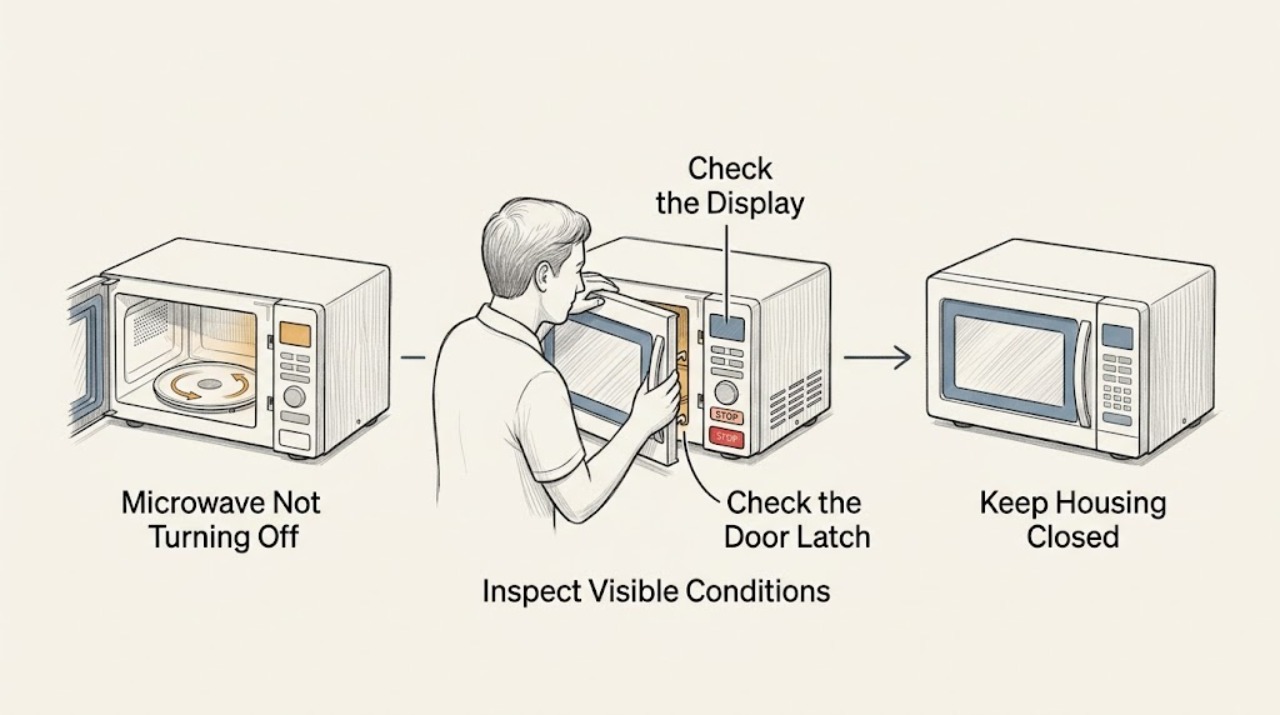
Work through in order
Diagnostic checks
Use only checks that match the exact appliance or system and its official guide.
-
Check 1
Press Stop/Clear once and observe whether the countdown ends and whether the cooking sound, fan, light, and heat stop; do not place your hands inside during the event.
Expected result: Only a fan or light remains, or the timer/heating continues after Stop/Clear.
Next step: If heating continues, isolate power only through a safe accessible switch or plug and arrange immediate service. Do not keep testing.
Why this matters
Why: A post-cycle fan or light can differ from a control failure; continued countdown or heating indicates the stop command was not honored.
-
Check 2
Once the appliance is safely stopped, check whether the keypad makes a chime and changes the display when a non-start key is pressed, without spraying or removing the panel.
Expected result: The panel responds, or no key produces a response and a lock indicator is present.
Next step: Use the exact LG manual for Control Lock. Do not force the buttons or bypass the interlock.
Why this matters
Why: A lock or control-panel condition can affect commands; no response after safe power restoration points to service-level control diagnosis.
-
Check 3
Inspect the visible door, latch, and sealing area for damage or an obstruction after power is isolated and the cavity is cool.
Expected result: The door is damaged, does not close normally, or the latch area is clean and intact.
Next step: Stop using the microwave and request service for damage, a loose door, or a persistent failure to stop.
Why this matters
Why: A door/interlock fault can create unsafe control behavior; a sound visible door does not justify opening the cabinet.
Use your observations
Decision map
Find the observation that best matches what you see, then follow the next safe action.
-
PATH 01Next step
What you see
Only the fan or light continues briefly but the timer and heating have stopped
Do this next
Follow the exact model manual; arrange service if it never stops or is accompanied by heat, sparks, or odor.
-
PATH 02Next step
What you see
The timer or heating continues after Stop/Clear
Do this next
Disconnect power only if safe, keep the unit out of use, and arrange qualified microwave service.
-
PATH 03Next step
What you see
The door is damaged or the unit behaves unpredictably when the door moves
Do this next
Do not operate it again or bypass the interlock; request service.
Helpful context
Understand the symptom
Separate a running fan from continued heating
Some ventilation fans or lights can continue after a cooking cycle, while continued microwave heating is an urgent fault. Observe the display and the sound without reaching inside or repeatedly opening the door.
When checks do not resolve it
Need a professional?
Report whether Stop/Clear ended heating and whether the fan/light continued.
Safety scope: Never bypass the door interlock or open the microwave cabinet, even after power is removed.
Common questions
FAQ
Is a fan running after cooking the same as the microwave heating?
Not necessarily. Check that the timer and heating have stopped. If heat or the countdown continues after Stop/Clear, isolate power safely and call service.
Should I open the door to make a microwave stop?
Do not rely on repeated door movement. If it continues heating or behaves unpredictably, keep clear, disconnect power only if safe, and arrange service.
Read the exact guide
Official sources
- LG Microwave - Troubleshooting the Start Button Not WorkingLG USA Support · LG microwave keypad, door, lock, and service safety
- LG Microwave Owner's ManualLG Electronics · LG microwave operation and safety troubleshooting
Community feedback
Share a repair observation
Share a plain-text repair observation. Accepted observations are published automatically; this page may take a moment to update.