
LG appliance guidance
LG Microwave Repair Guides
Troubleshooting and repair guidance for published LG Microwave problems, symptoms, and maintenance questions.
Published LG Microwave guides
Choose the guide whose symptom or condition most closely matches what you are seeing.
-
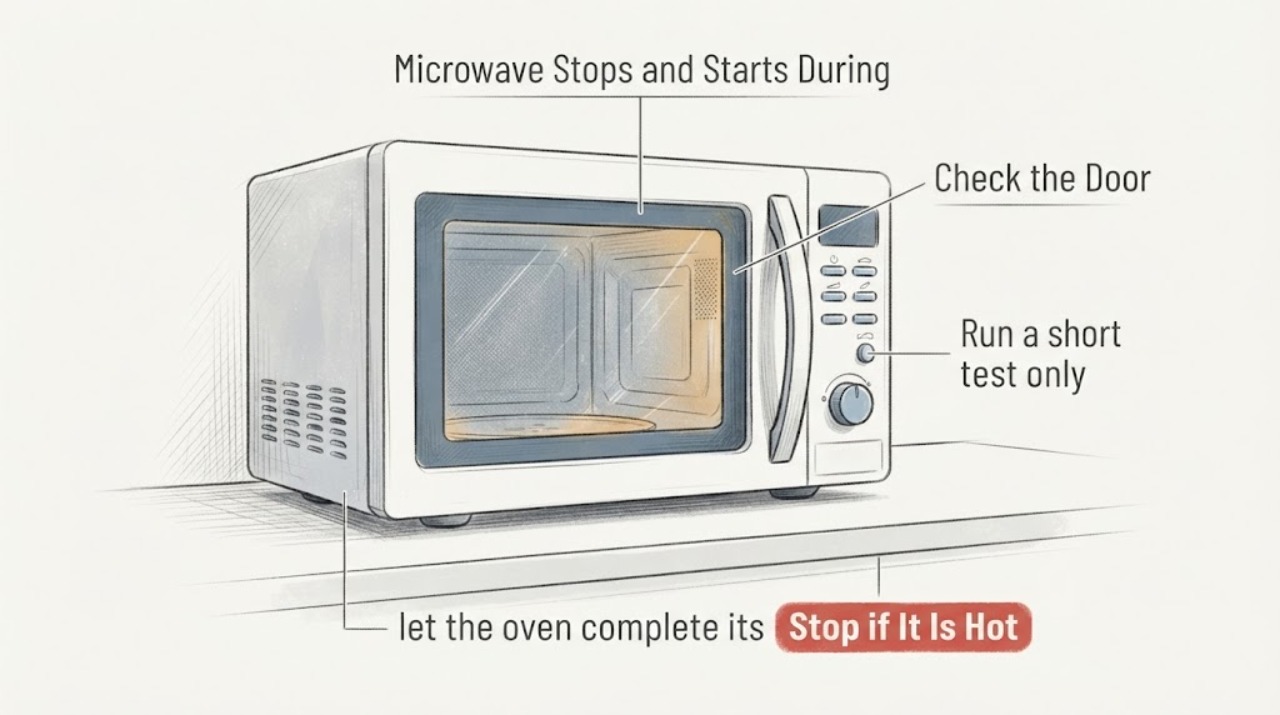
LG LMC1050ST Microwave Stops and Starts During a Cycle: What Is Normal?
If an LG LMC1050ST pauses heating while the fan, light or timer continues, the pattern can be normal power modulation at a lower setting or during defrost. After repeated operation, LG also describes weaker heating while cooling completes.
-
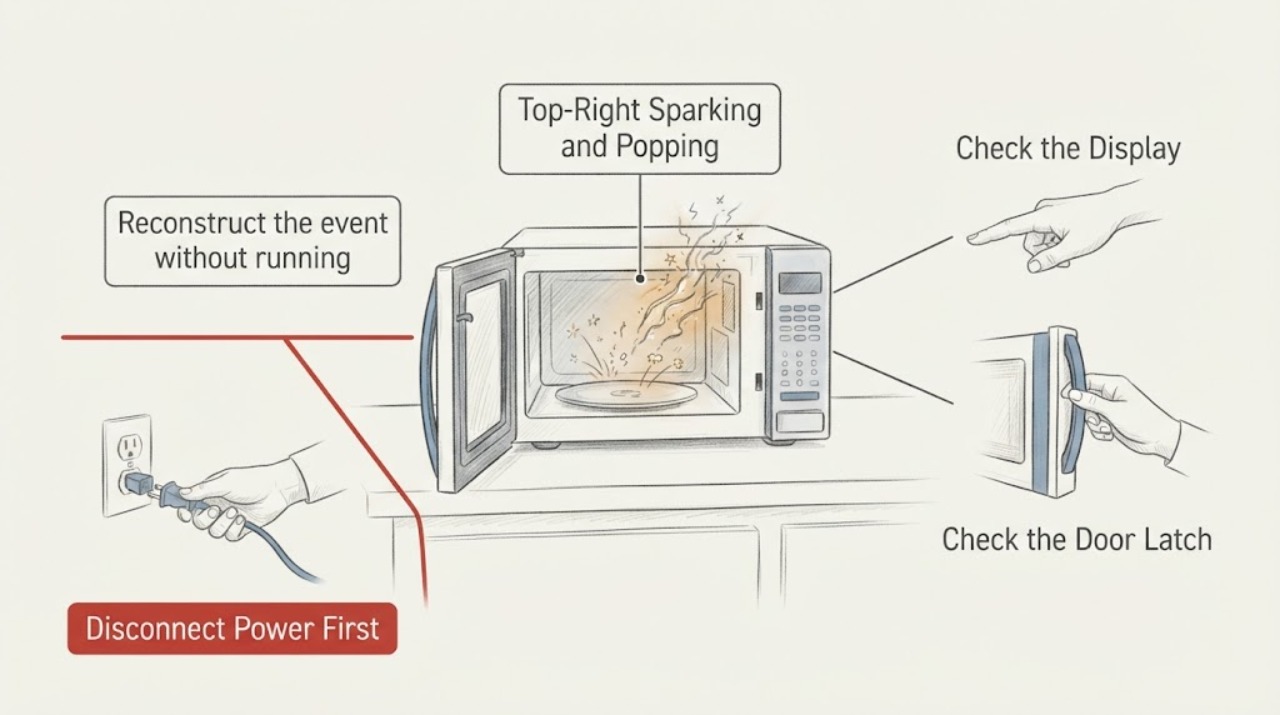
LG LMV1831BD Top-Right Sparking and Popping: Stop Using It
Treat a top-right spark with a loud pop on the LG LMV1831BD as an immediate stop condition, especially when it recurs after the microwave has sat unused for hours. If it is still running and the controls respond normally, press Stop/Clear without opening the door; then unplug it from a dry, safe location and keep the door closed.
-
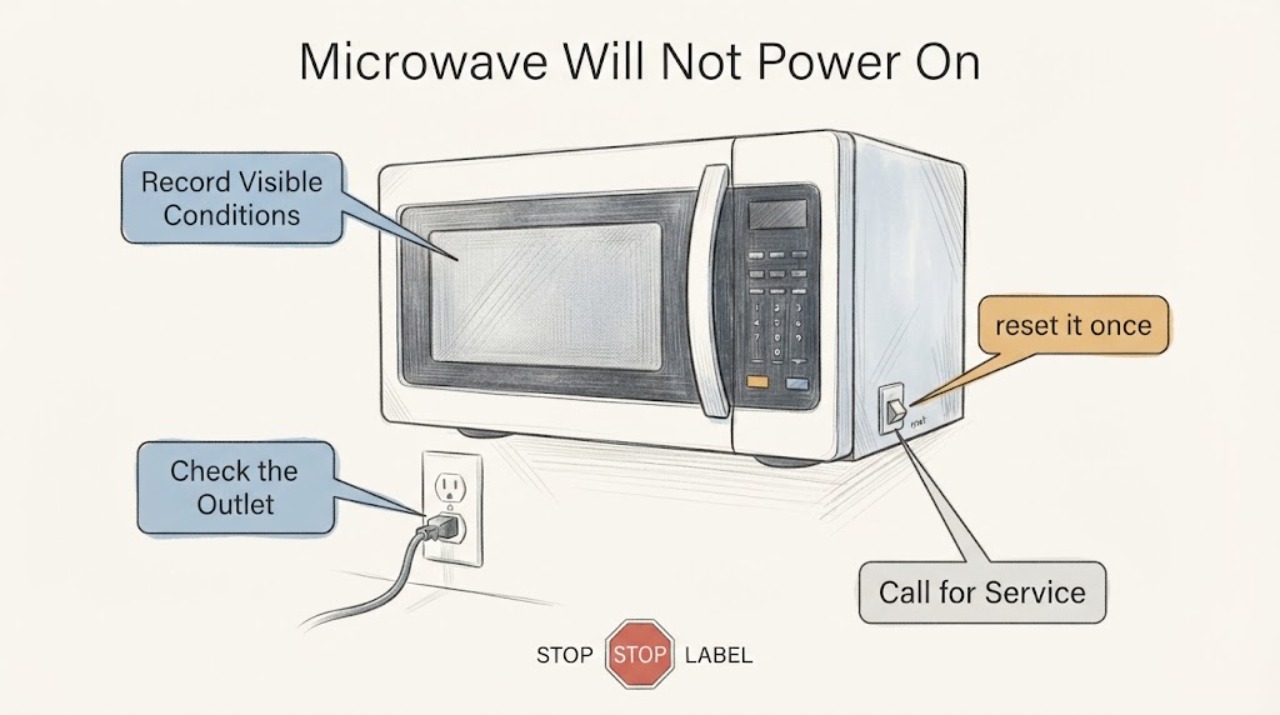
LG LMV2031ST Microwave Will Not Power On: Safe Checks
For an LG LMV2031ST that appears dead, begin with the visible power path: check whether the display is merely in an energy-saving state, confirm the cord is firmly in the grounded wall outlet, and check a GFCI or the microwave circuit breaker once. LG's no-power guidance says a working test device at the outlet with a still-dead microwave points to service.
-
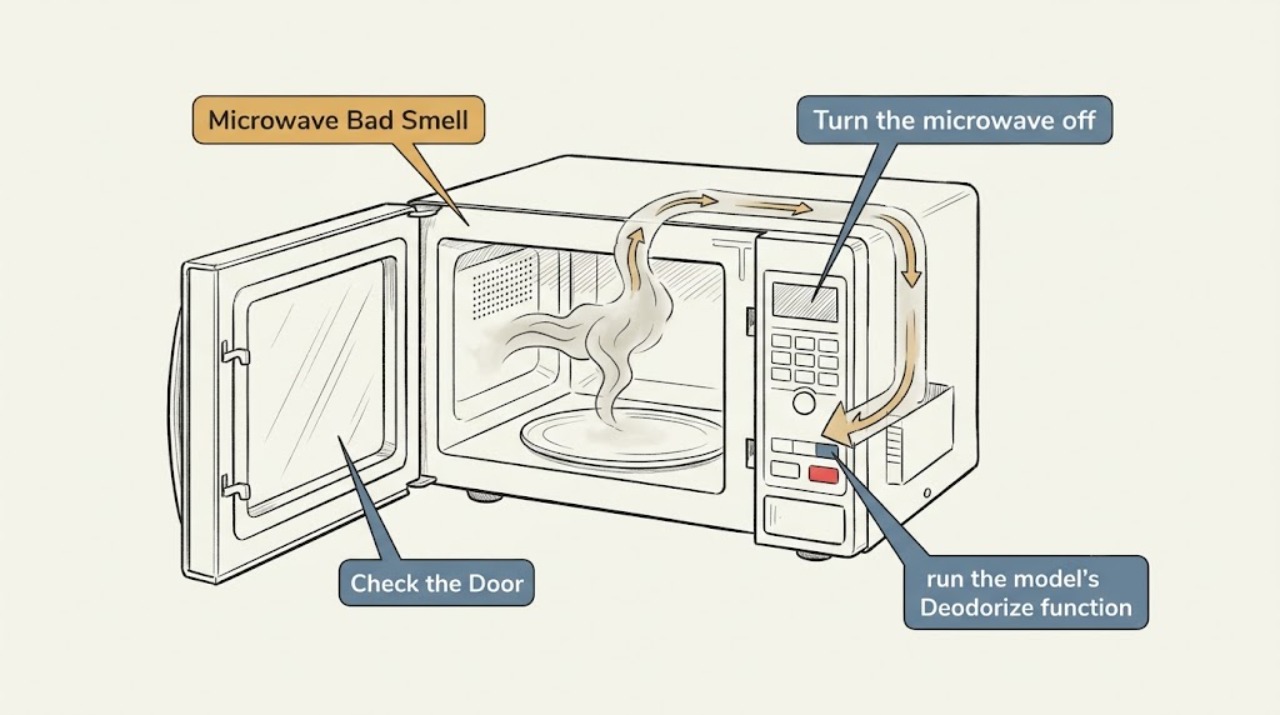
LG Microwave Bad Smell: Find the Odor Source Safely
Identify whether the odor is food residue, a first-use manufacturing smell, or a continuing burnt smell. Empty the cavity, clean accessible residue with the LG method, and use Deodorize only if your model provides it. Stop immediately for smoke, arcing, or a strong electrical/burning odor.
-
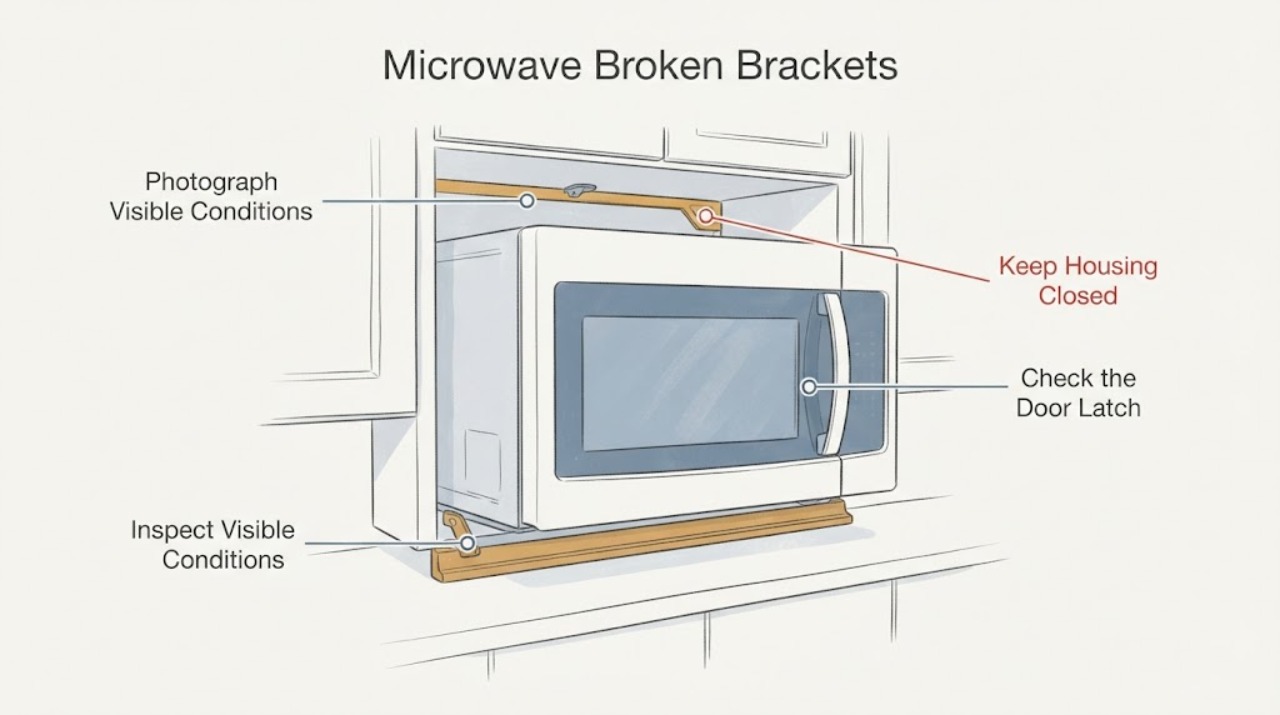
LG Microwave Broken Brackets: Identify the Mount and Stop Safely
Do not order a bracket or continue using the microwave until you know which bracket is damaged and which LG model it belongs to. A bracket may be part of an over-the-range wall or cabinet mount, a built-in trim or anti-tip kit, or an internal support, and those are not interchangeable.
-
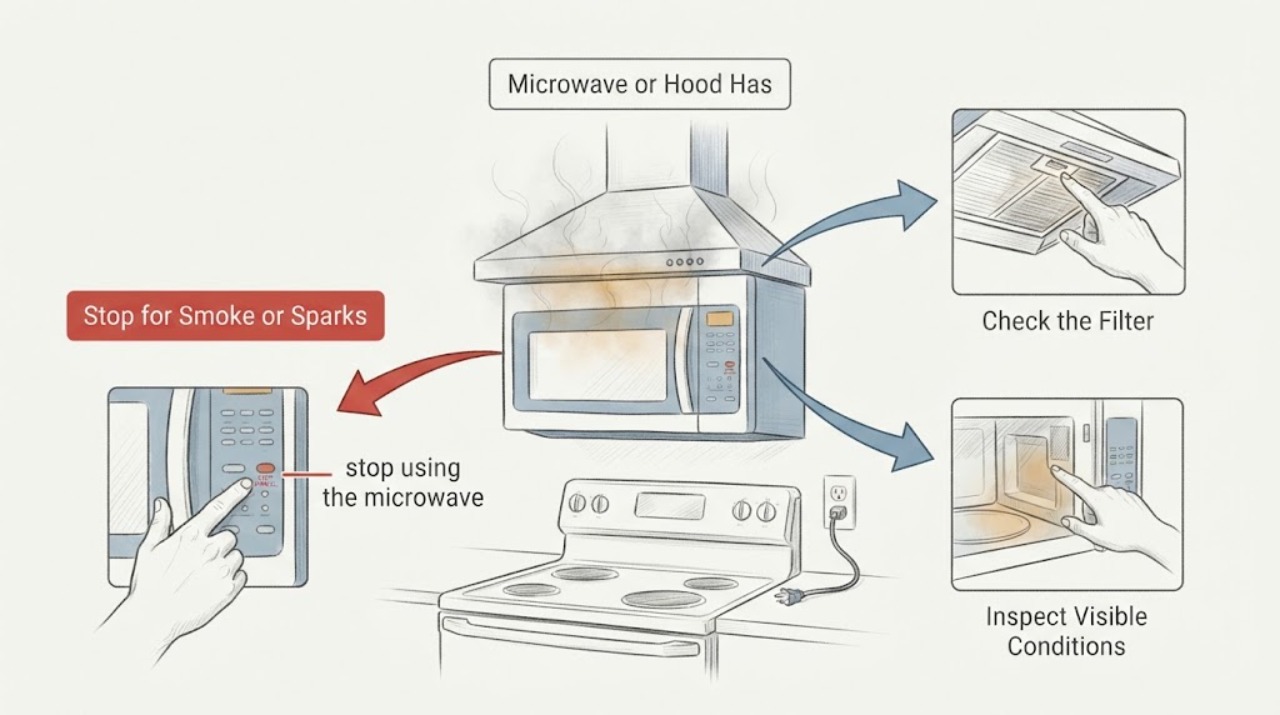
LG Microwave or Hood Has a Burning Smell While Not in Use
Treat an unexplained burning or plastic-like smell from an LG microwave/hood combination as a stop-use electrical and appliance-safety issue. From a safe location, switch off the microwave circuit; unplug it only if the plug and outlet are cool, visible and safe to reach.
-
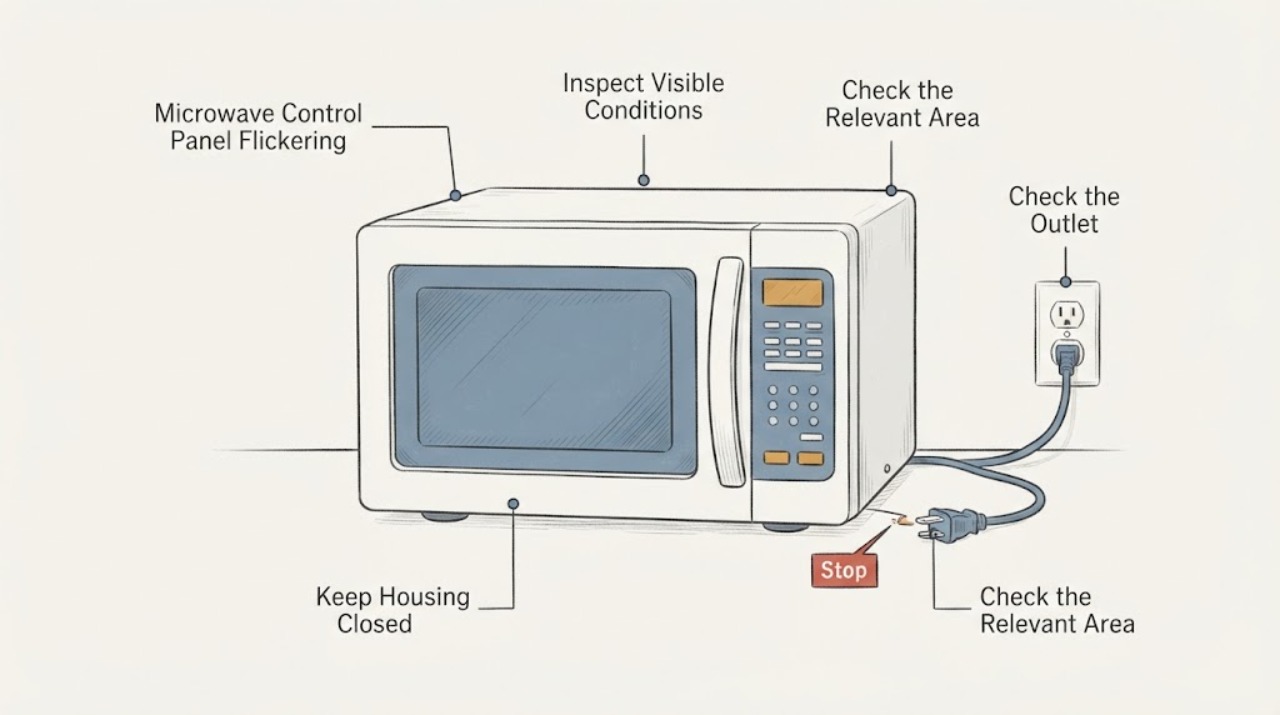
LG Microwave Control Panel Flickering: Safe Checks Before Service
First determine whether the LG microwave display is only going dark after sitting idle or is actually flickering while you use the controls. LG says some microwave displays turn off after five minutes of inactivity as an energy-saving feature and can return when the door is opened or closed; a panel that flickers during input, remains unstable after one safe reset, or is accompanied by smoke, burning, arcing or a hot plug should be taken out of service.
-
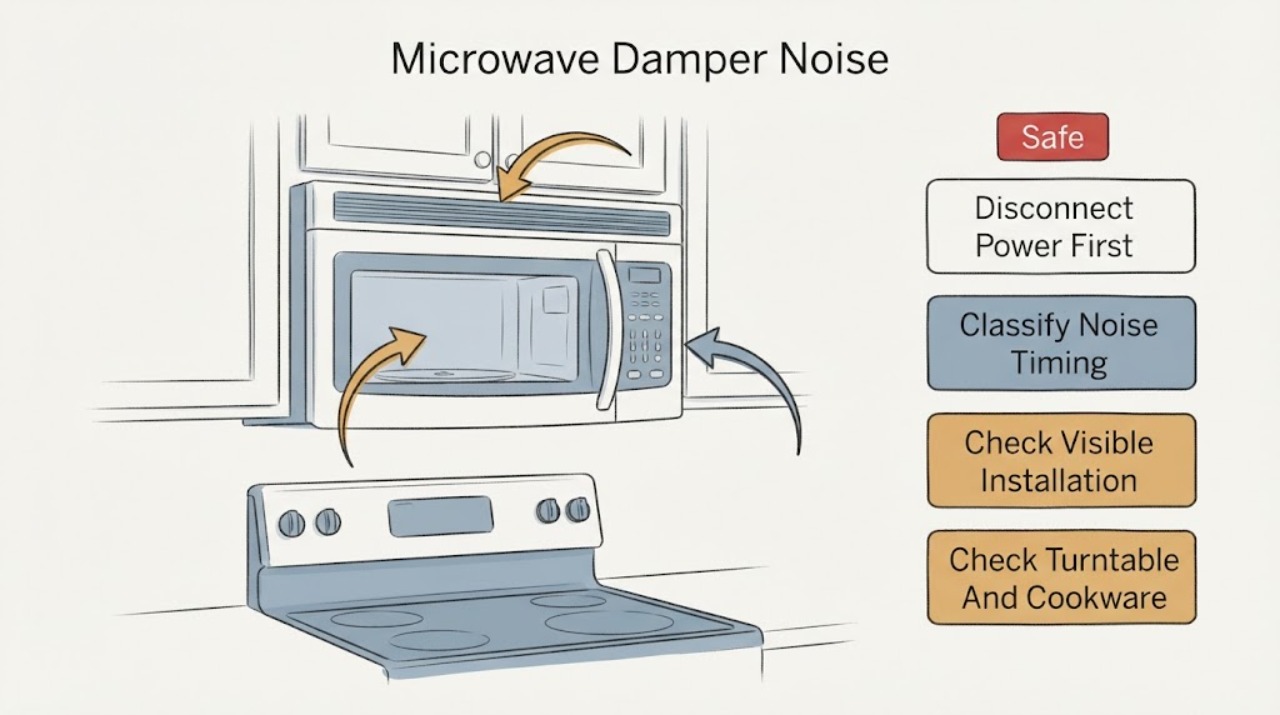
LG Microwave Damper Noise | Safe External Checks
Do not assume that a sound described as damper noise comes from the damper. First record whether it occurs during microwave cooking, the exhaust fan, turntable movement, door operation or startup/shutdown.
-
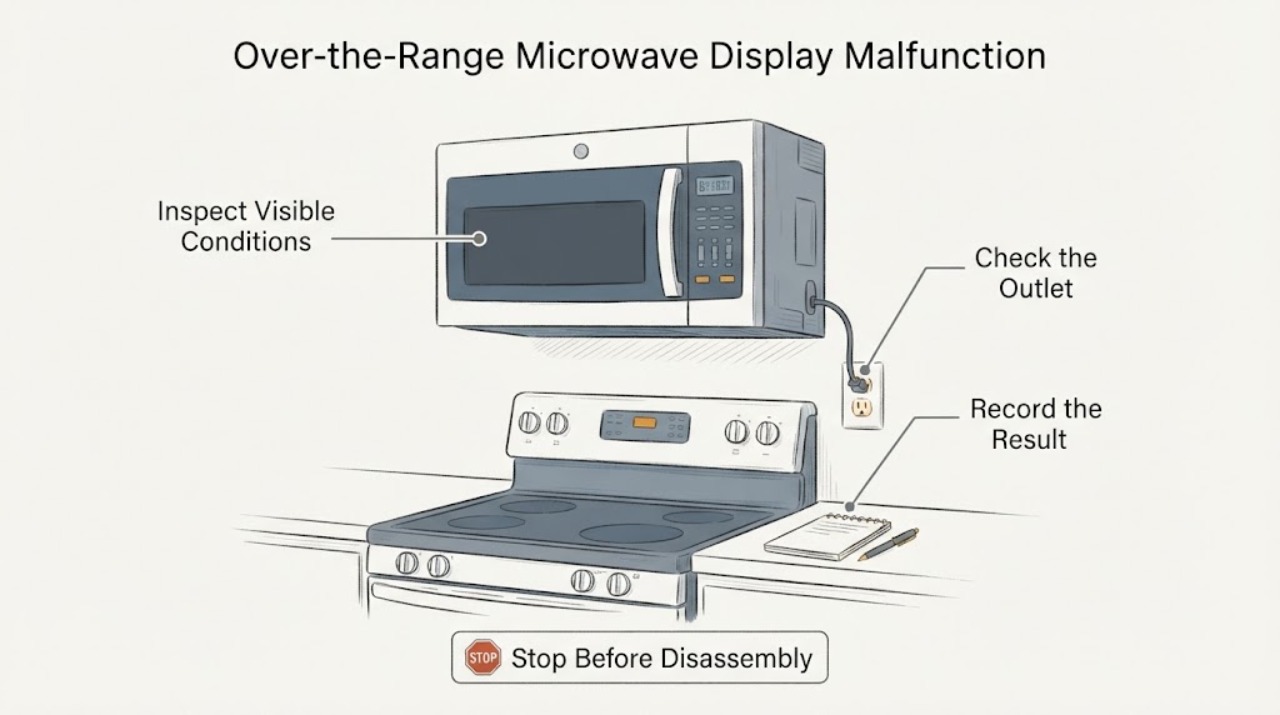
LG Over-the-Range Microwave Display Malfunction: Separate Energy Saving From a Fault
An LG microwave display that goes completely dark after several minutes may be using the Energy Saving feature; LG says pressing a button or opening and closing the door should wake it. A display that cycles, flashes incomplete characters or shows the wrong time after a wake-up, clock-setting attempt and one external power reset is a different symptom and is not proven to be an Energy Saving behavior.
-
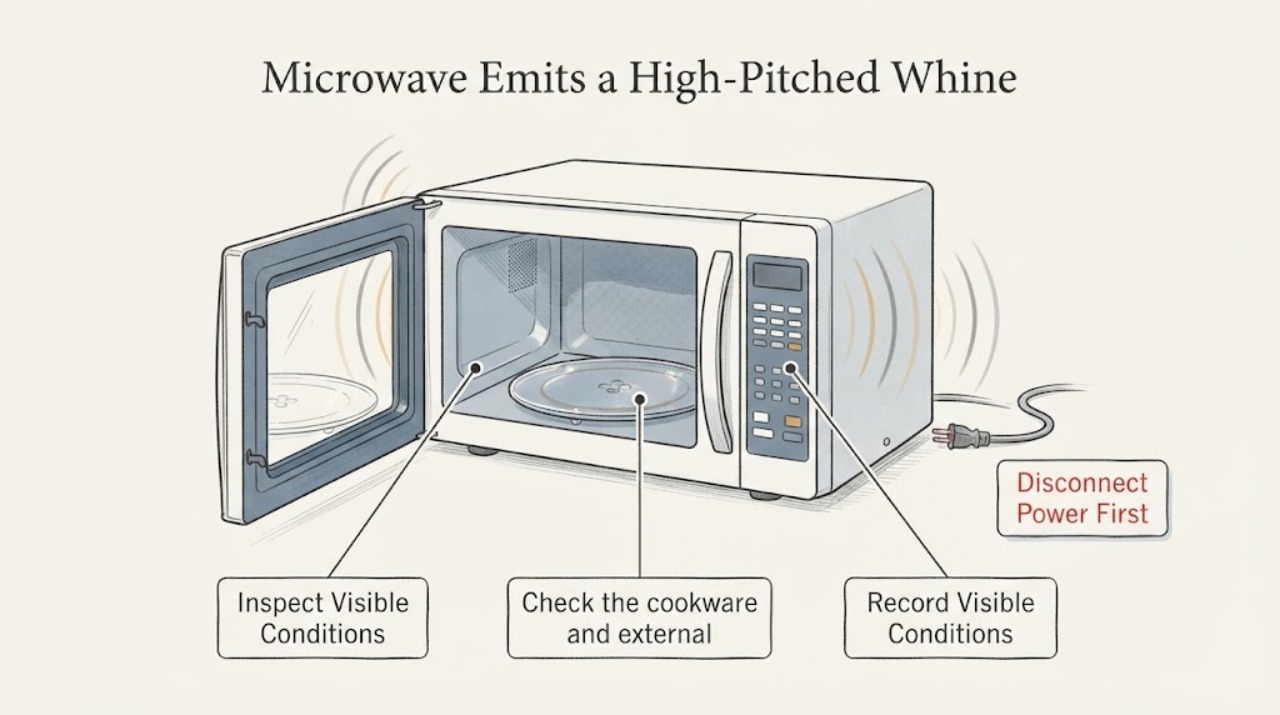
LG Microwave Emits a High-Pitched Whine: Normal Sound or Service Issue?
A high-pitched whine is not automatically a failed part. First separate a steady sound that occurs only during heating from a sudden or unusually loud change.
-
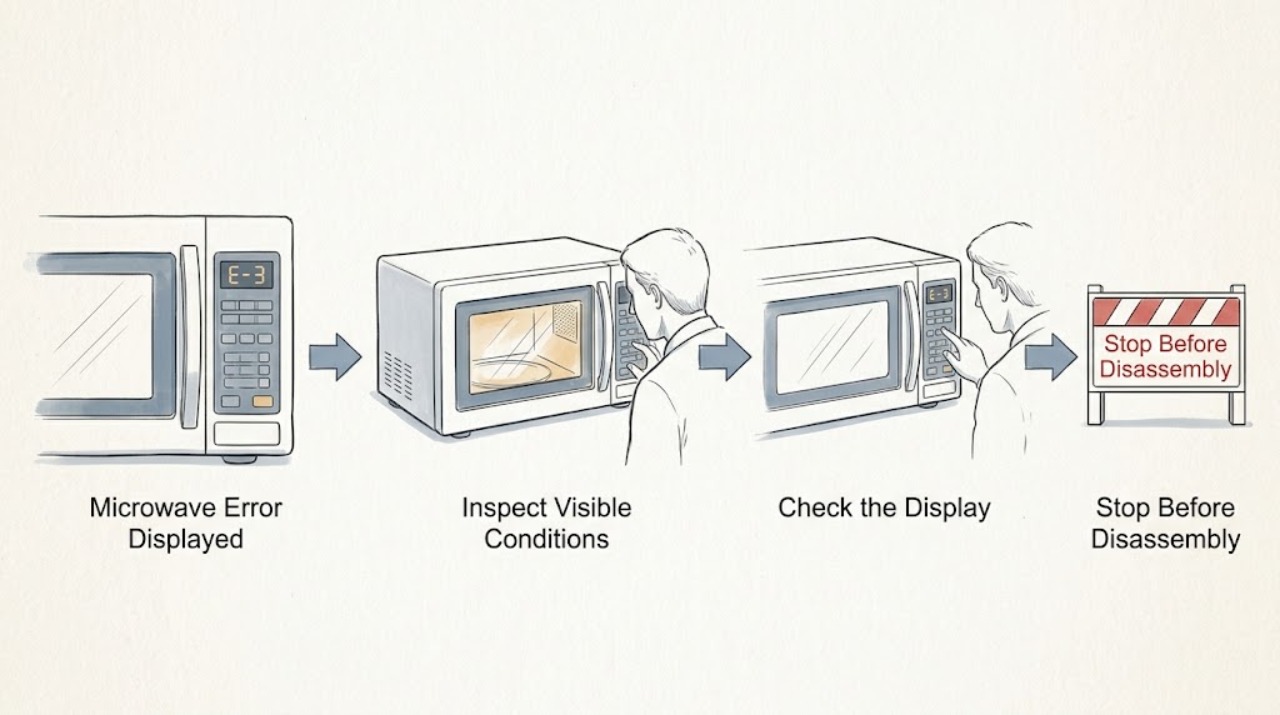
LG Microwave Error Displayed: Identify the Code Before Resetting
Write down the exact characters and when the LG microwave shows them before clearing power. Clean the touch panel only for visible residue, then perform one model-appropriate power reset. If the same code returns, the door is damaged, or the code indicates a fault you cannot identify in the manual, stop using the unit and arrange service.
-
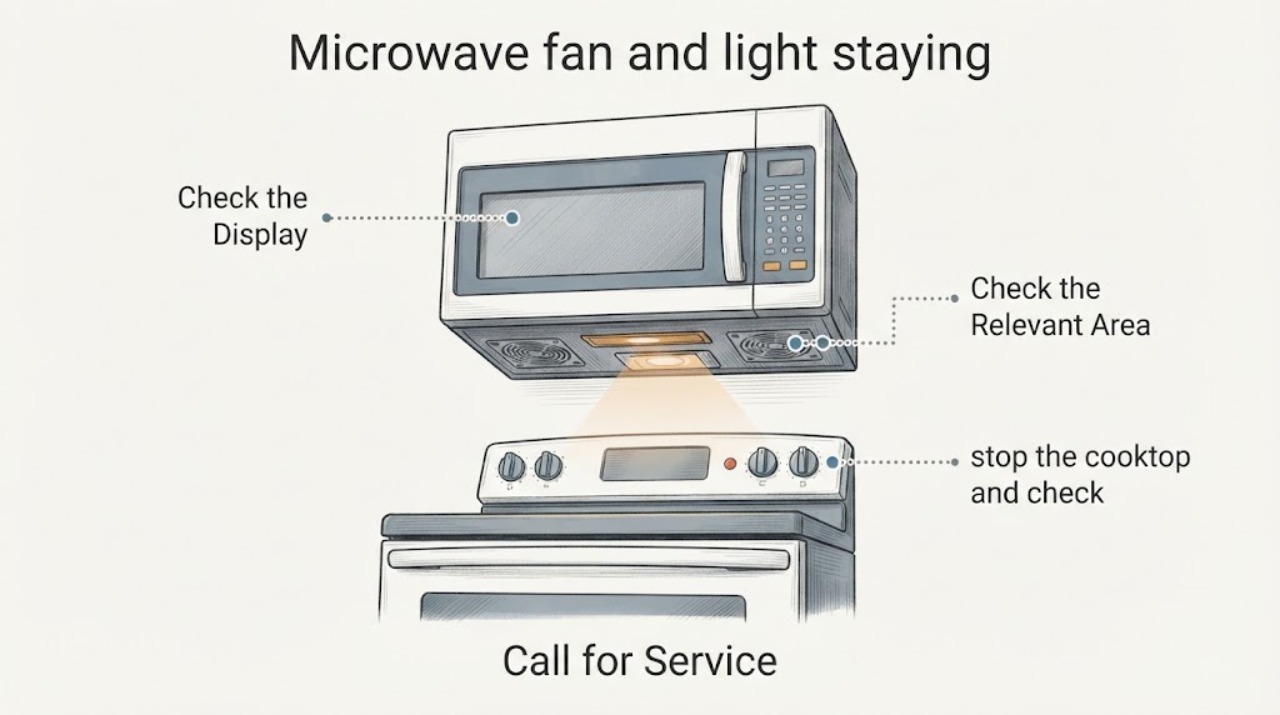
LG microwave fan and light staying on: separate cooling from a fault
First identify which light is on and whether the fan is in an automatic cooling or hood-sync cycle. LG says its Auto Cooling fan can run temporarily after cooking and show Cool; an opened LG LMV1680 manual also says a hot over-the-range unit can run the vent fan for up to an hour and that this safety fan cannot be turned off manually.
-
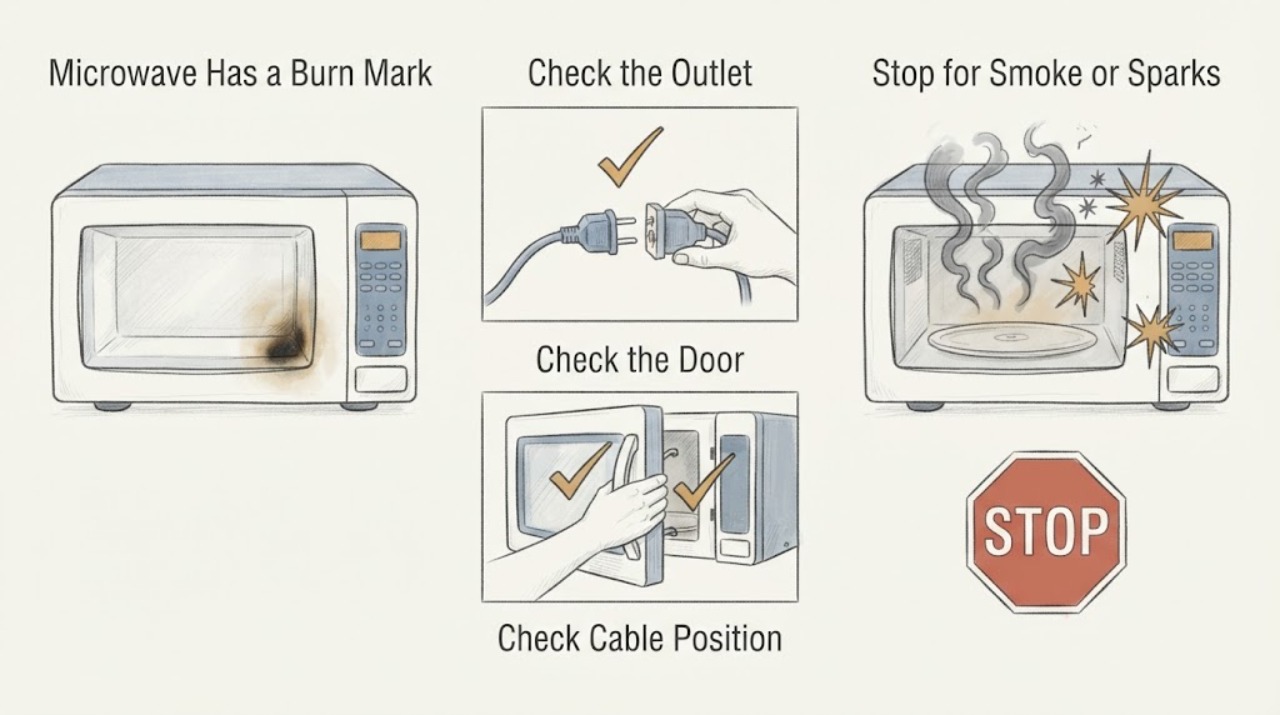
LG Microwave Has a Burn Mark on the Side and Is Not Heating
Stop using an LG microwave if the burn is inside the cooking cavity, the cavity coating or wall is damaged, there has been sparking, smoke, a strong burning smell, a damaged door or seal, or the unit is not heating. LG says cavity damage can cause arcing and requires repair.
-
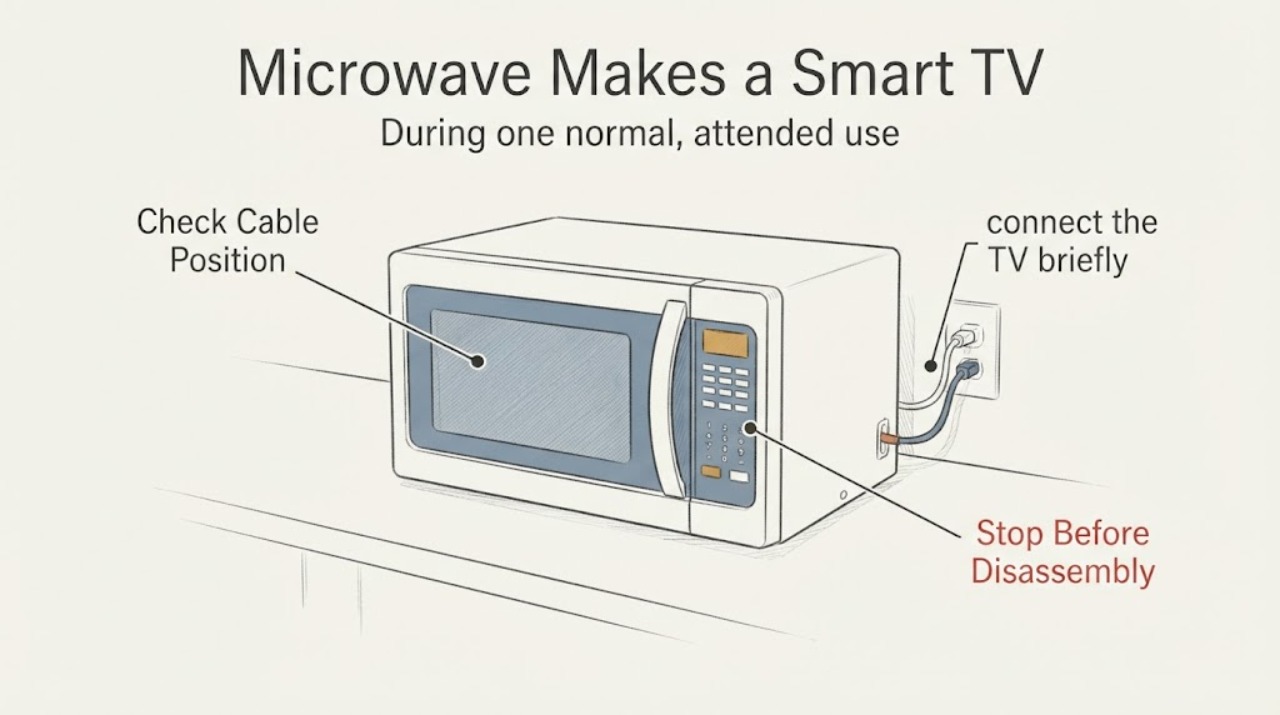
LG Microwave Makes a Smart TV Disconnect from Wi-Fi
A Smart TV disconnecting only while an LG microwave is running can be 2.4 GHz Wi-Fi interference, but the timing does not prove microwave leakage or a microwave defect. Confirm whether other devices lose Wi-Fi, check whether the TV is using 2.4 GHz, and try the TV on 5 GHz or Ethernet if the equipment supports it.
-
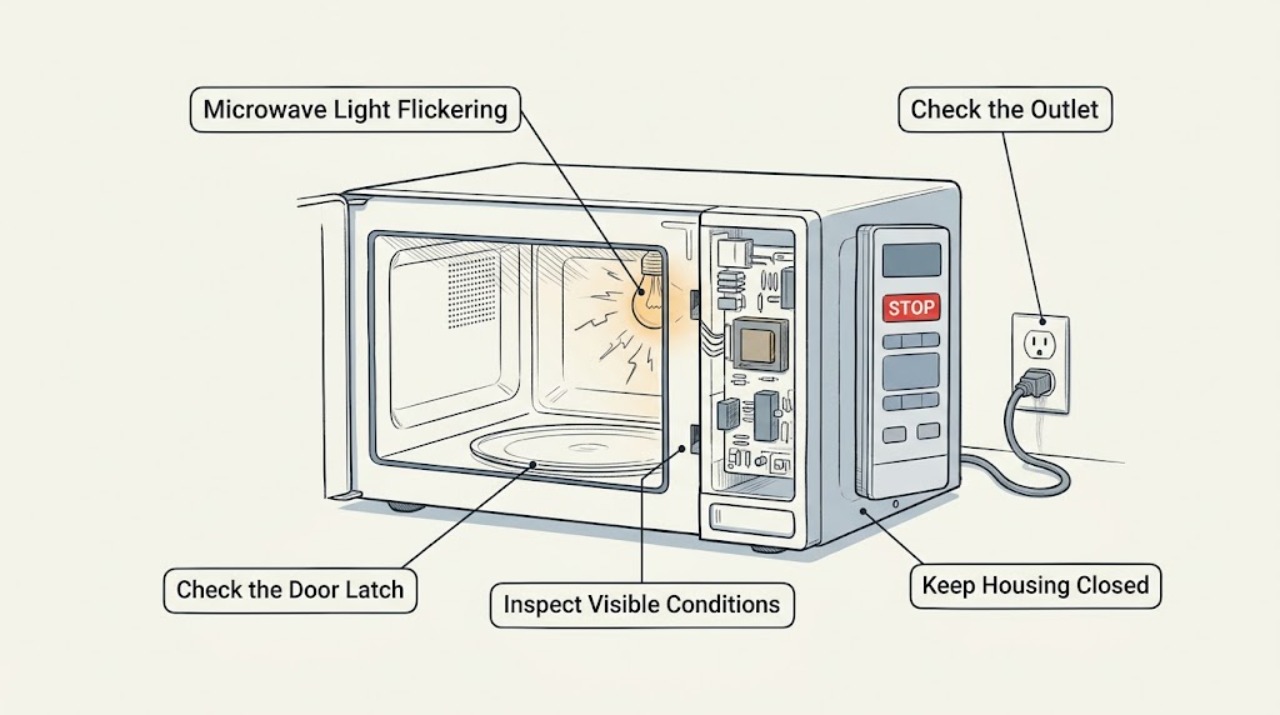
LG Microwave Light Flickering: Separate Normal Cycling from a Fault
Watch whether the cavity lamp flickers only when the door moves, during cooking, or while the microwave is idle. Check the door area and control display without opening the cabinet. A lamp that flickers with smoke, sparks, a hot plug, repeated power loss, or a damaged door is a stop condition requiring qualified service.
-
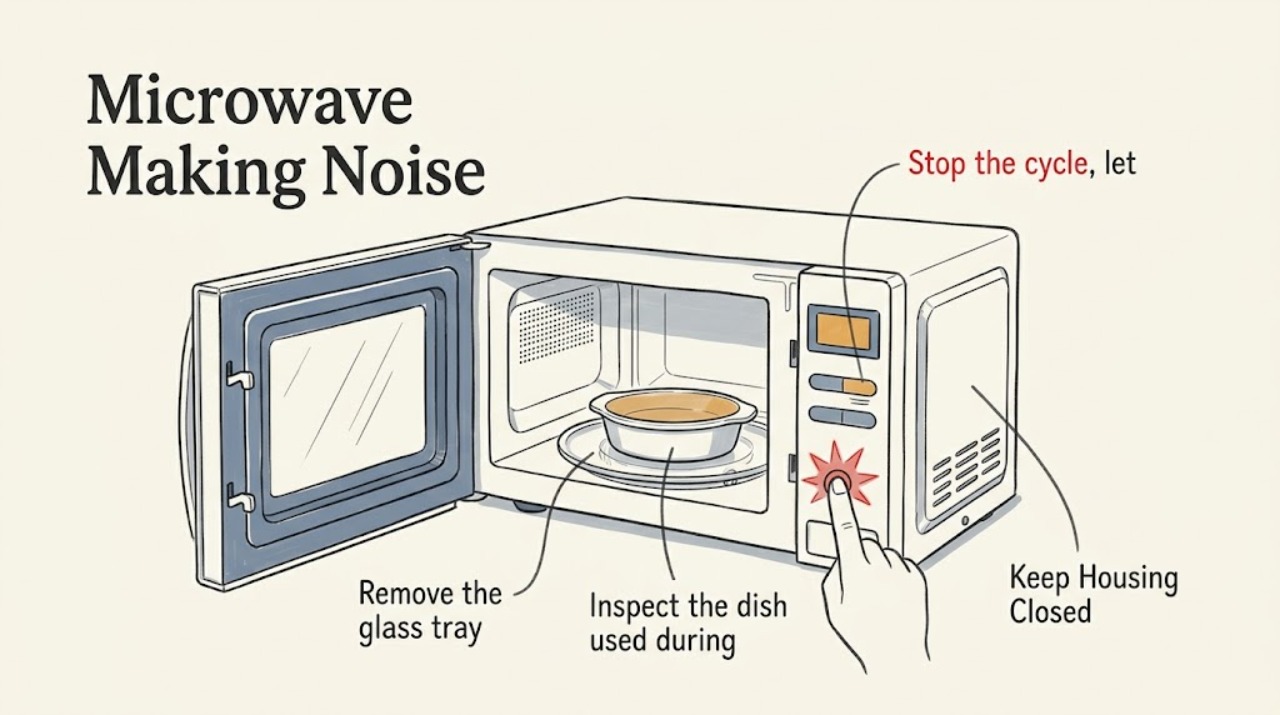
LG Microwave Making Noise: Locate the Sound Before Service
Stop the cycle and identify whether the noise is a scrape, rattle, hum, pop, or spark. Clean food buildup, check the glass tray and support ring, and remove cookware with metallic decoration. If the sound continues with smoke, arcing, a burnt smell, or a damaged rotating part, stop using the microwave and arrange service.
-
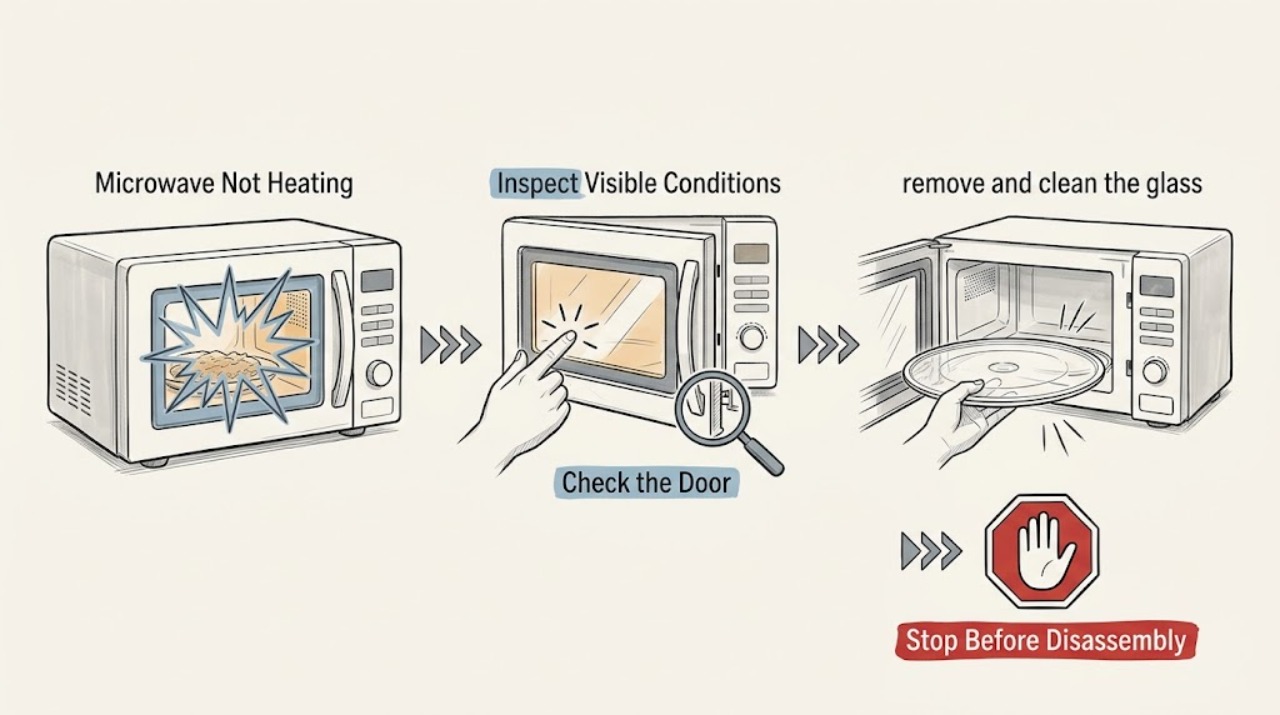
LG Microwave Not Heating: Use a Water Test to Split the Causes
Test the LG microwave with one cup of water in a microwave-safe container using a short normal cycle. Before blaming a heating part, check frozen food, cooking settings, door operation, and whether the glass tray rotates freely. If the water remains cold while the cycle runs, stop and arrange qualified service; never open the cabinet.
-
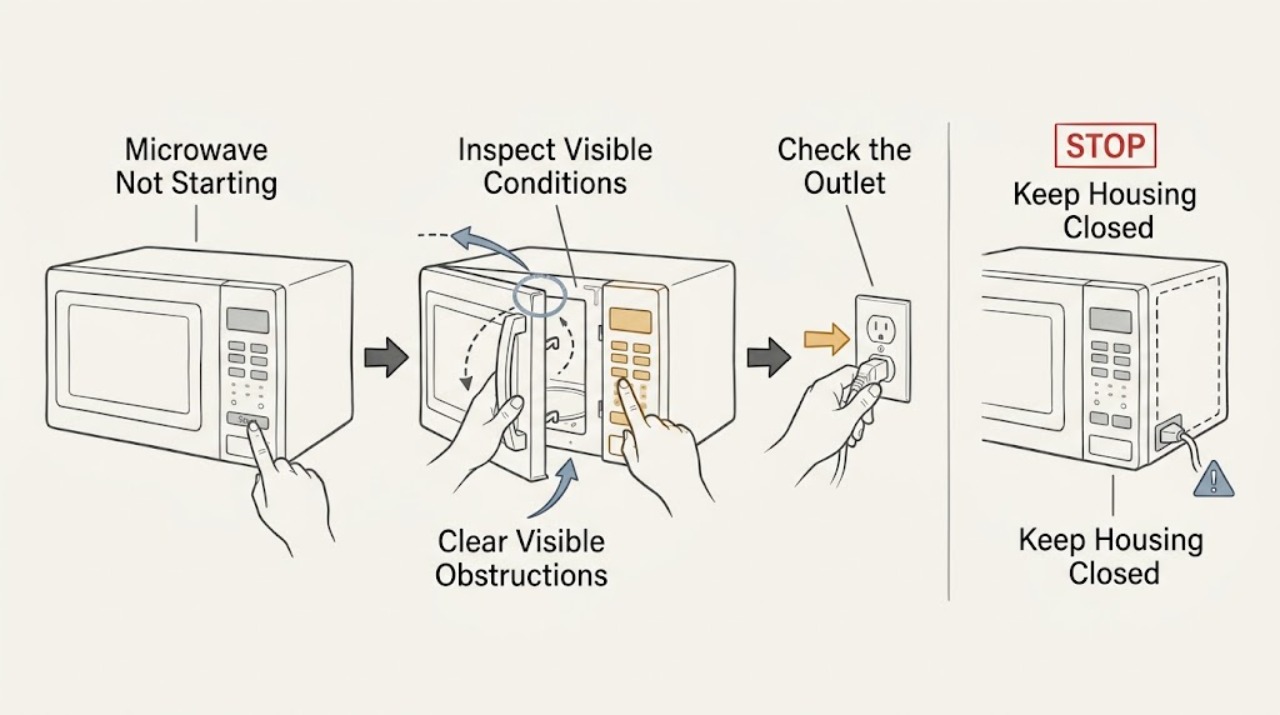
LG Microwave Not Starting: Check the Door, Lock, and Power Path
Check the LG microwave door for an obstruction, confirm the latch engages, and see whether other buttons produce a chime or display response. A control lock, a door-state problem, or a power interruption can prevent starting. If the door is damaged, an error remains, or the unit still will not start after one documented reset, stop and arrange service.
-
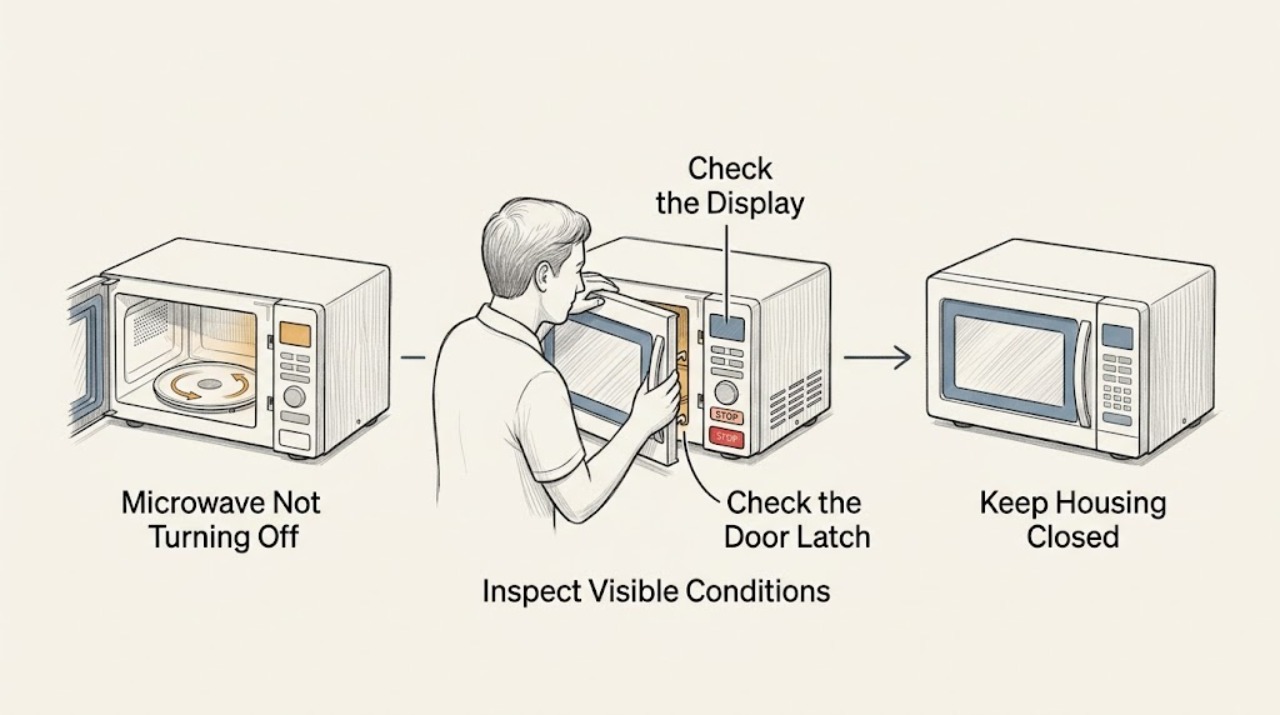
LG Microwave Not Turning Off: Stop Safely and Check the Controls
Press Stop/Clear once and note whether the timer, fan, light, and heating stop. If the microwave continues heating, sparks, smokes, or the controls do not respond, keep clear of the door and disconnect power only if it is safe, then arrange qualified service. Do not bypass the door interlock or open the cabinet.
-
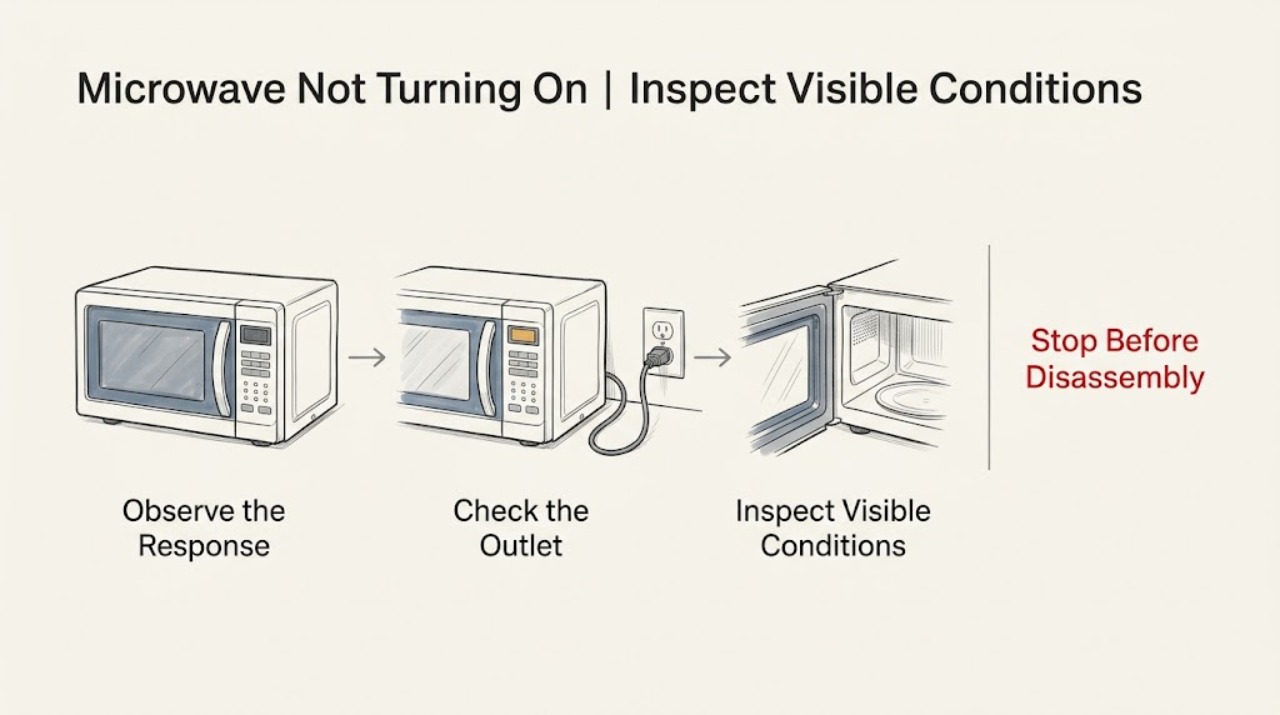
LG Microwave Not Turning On: Trace Power Before Requesting Service
Check whether the LG microwave display is blank, whether the wall outlet works, and whether another appliance on the circuit was affected. Press a key or open and close the door once to distinguish energy-saving display behavior from loss of power. If the outlet is live but the display stays dead, a breaker trips again, or the cord is damaged, stop and arrange safe electrical or appliance service.
-
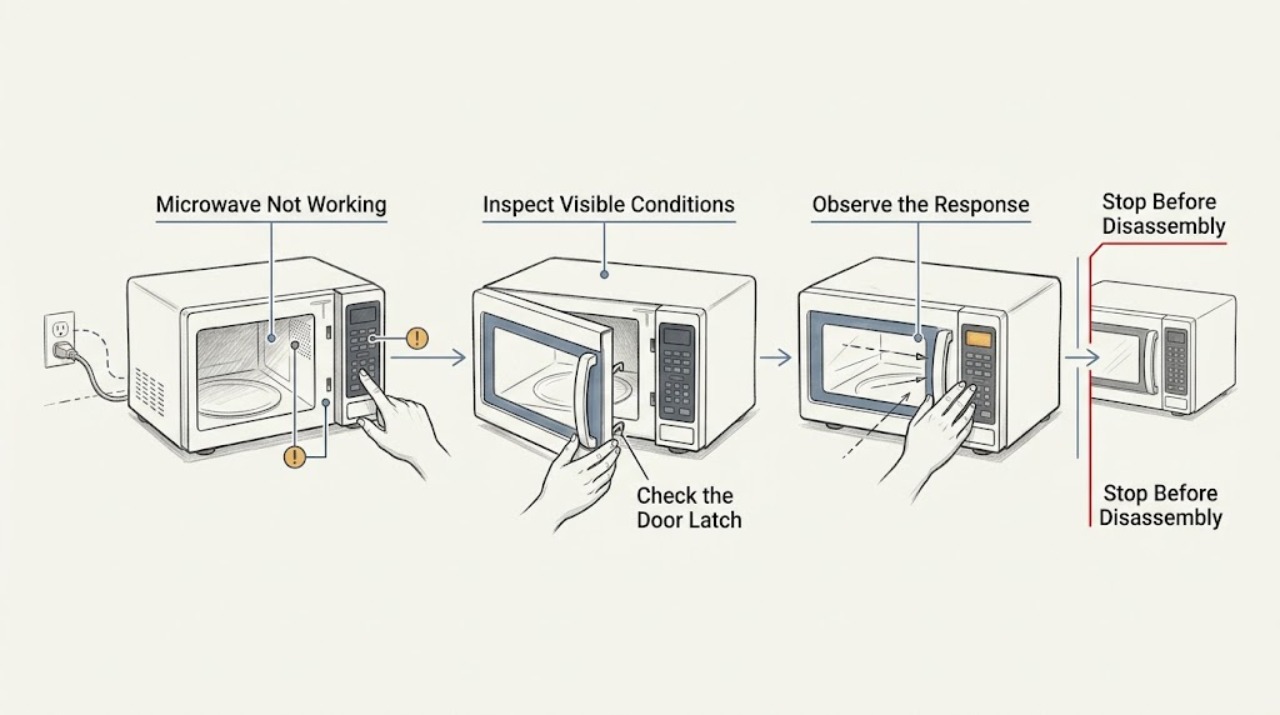
LG Microwave Not Working: Classify the Failure Before Service
Classify the LG microwave problem as no display, no response, no start, or a running cycle with no heat. Check the visible power connection, door/latch, control lock, and a cup-of-water test only when the unit starts normally. Stop for smoke, arcing, a damaged door, repeat breaker trips, or a cold water test.
-
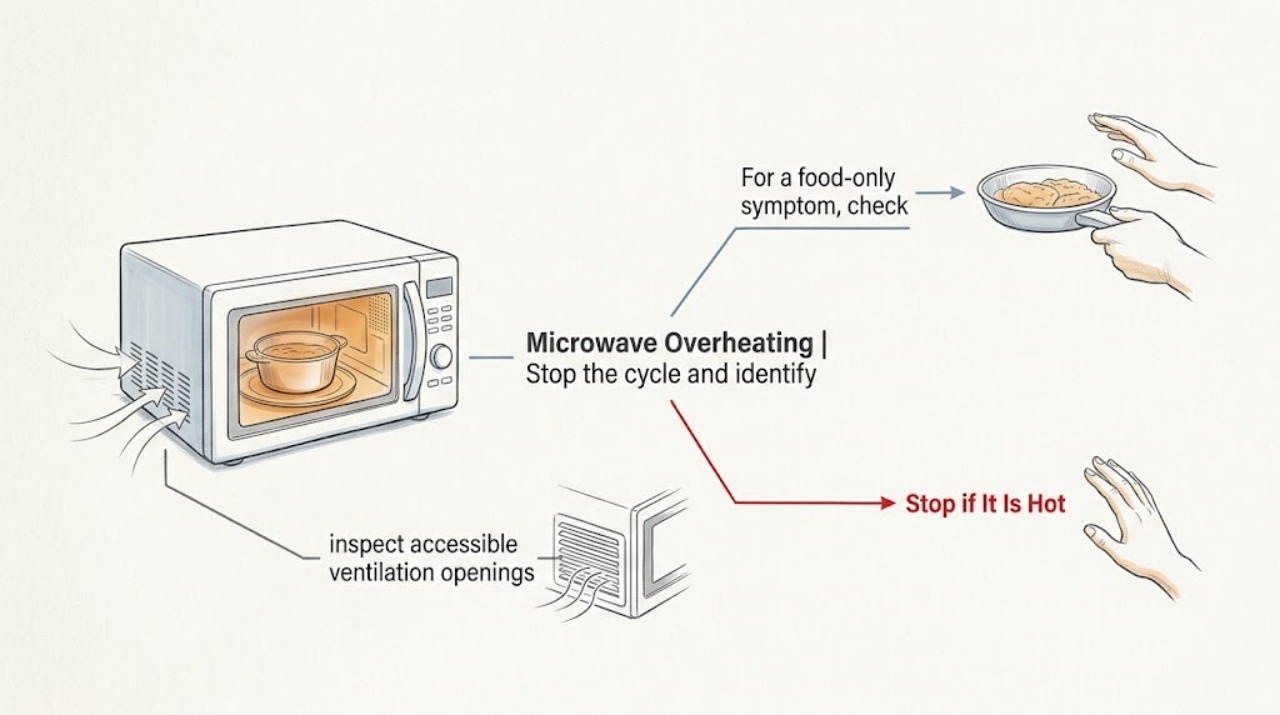
LG Microwave Overheating: Check Ventilation and Stop at the Right Point
First determine whether the food or the microwave cabinet is overheating. Stop the cycle for smoke, scorching, sparks, a hot plug, or a damaged door. For a food-only problem, check cooking time, power, load size, and ventilation openings; do not operate the microwave empty or remove its cover.
-
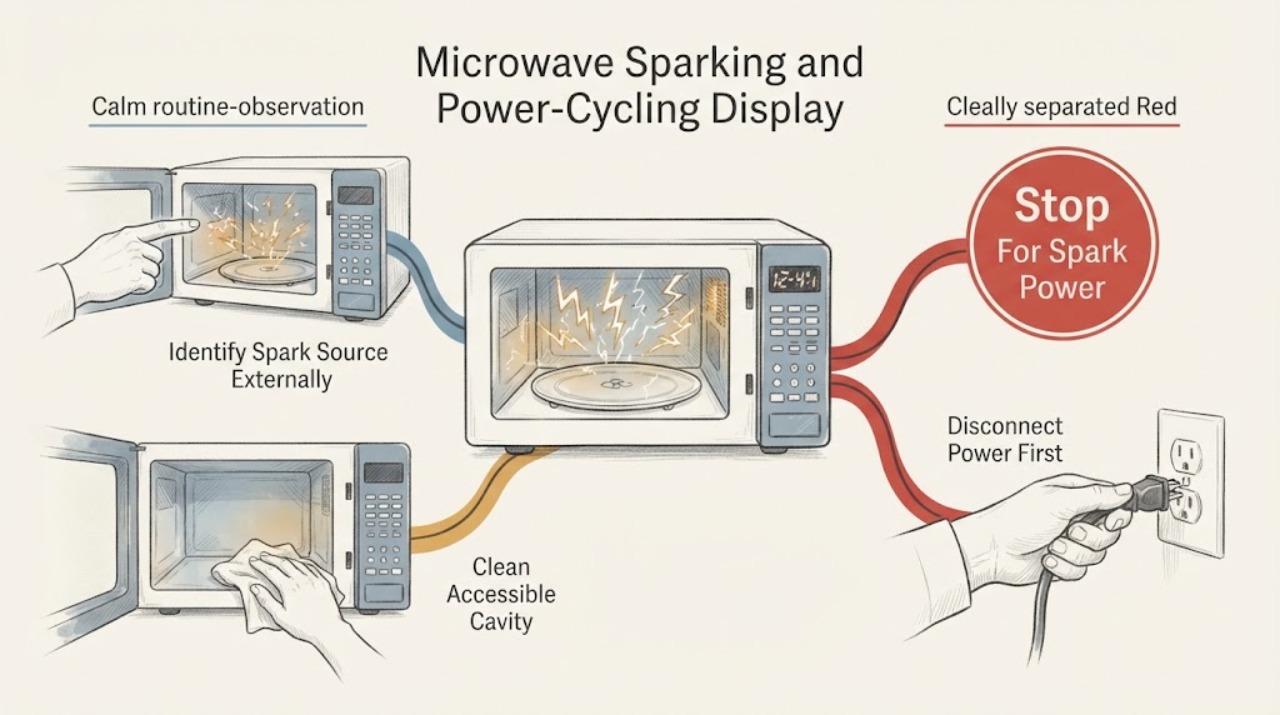
LG Microwave Sparking and Power-Cycling Display Issues: Safe Checks
Treat sparking together with power cycling as a stop-and-scope problem, not as proof of a bad magnetron, inverter, control board or fuse. LG says sparks can come from food carbonization, metal or metallic-trim cookware, an incorrectly installed rack, an empty cavity, or a damaged cavity; continuing sparks or cavity damage require service.
-
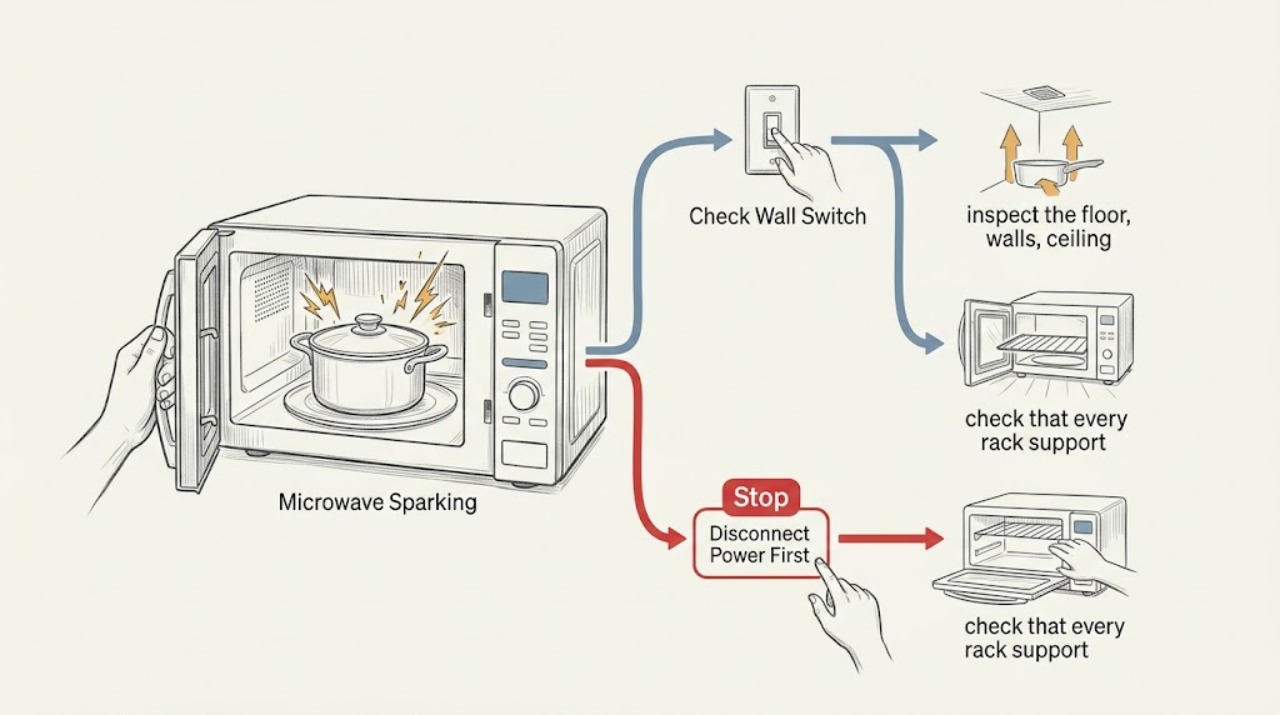
LG Microwave Sparking: Check the Load, Rack, and Cavity
Stop the cycle and let the LG microwave cool. Remove any metal or non-microwave-safe item, look for food residue or cavity damage, and check that an included rack sits on all of its supports. A clean cavity that still sparks, or any charring or damaged interior, needs qualified service rather than repeated testing.