
On this page
Start here
Quick answer
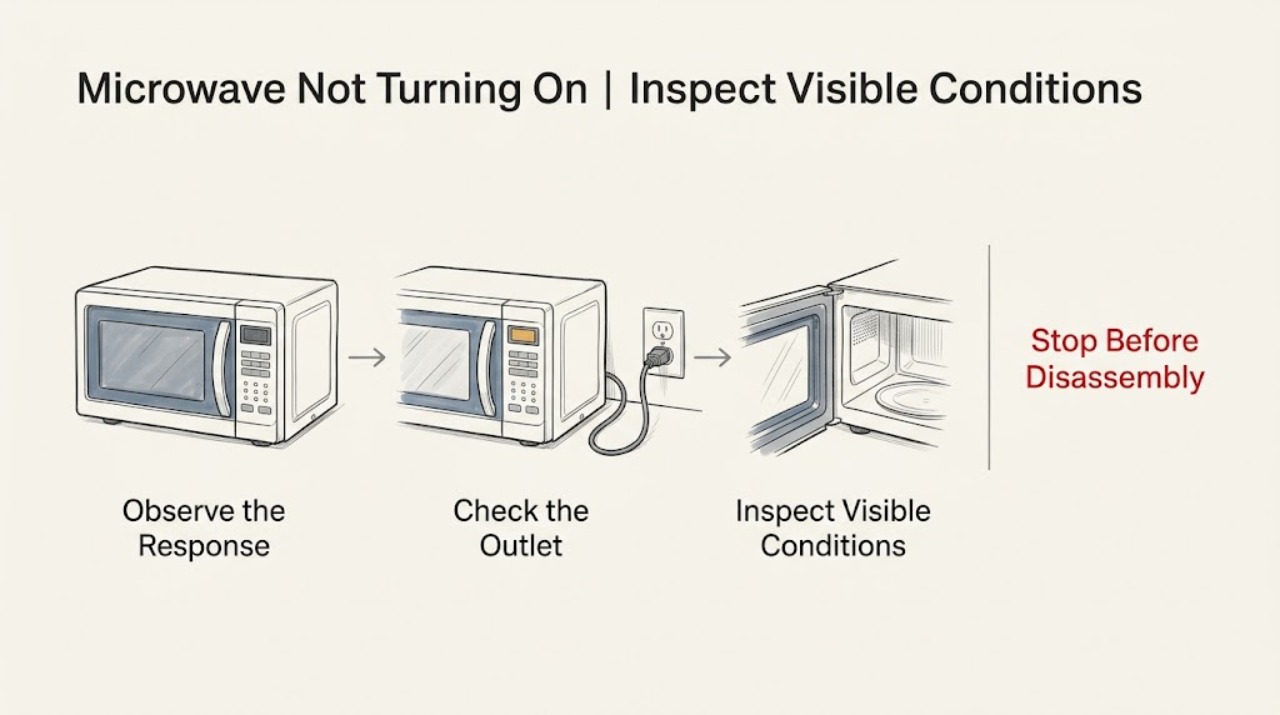
Check whether the LG microwave display is blank, whether the wall outlet works, and whether another appliance on the circuit was affected. Press a key or open and close the door once to distinguish energy-saving display behavior from loss of power. If the outlet is live but the display stays dead, a breaker trips again, or the cord is damaged, stop and arrange safe electrical or appliance service.
Before you begin
Safety first
- Do not replace an internal fuse or access the microwave power supply yourself.
Work through in order
Diagnostic checks
Use only checks that match the exact appliance or system and its official guide.
-
Check 1
Look at the display, interior lamp, and response to one normal key press or a single door open/close; do not reach into the cavity or operate a damaged unit.
Expected result: The display wakes, or the display and interior lamp remain dark.
Next step: If it wakes, follow the model controls. If everything remains dark, continue to the outlet check.
Why this matters
Why: LG says a display can turn off in energy-saving mode; no response at all makes a power-path check more important.
-
Check 2
Confirm the power cord is firmly inserted into the wall outlet and inspect the visible cord and plug for heat, cuts, looseness, or discoloration.
Expected result: The connection is loose/damaged, or it appears sound.
Next step: Do not use a damaged cord or hot/discolored outlet. Arrange qualified electrical or appliance service.
Why this matters
Why: A loose or damaged connection can interrupt power and may create a hazard that should not be tested repeatedly.
-
Check 3
Check the household breaker or fuse and verify the outlet with a small appliance only if doing so is safe; reset a tripped breaker no more than once.
Expected result: The outlet is dead, the breaker trips again, or the outlet is live while the microwave remains blank.
Next step: Do not keep resetting a tripping breaker. Arrange the appropriate electrician or qualified appliance technician.
Why this matters
Why: A dead outlet points to the circuit; a live outlet with a blank microwave points to appliance power or control hardware.
Use your observations
Decision map
Find the observation that best matches what you see, then follow the next safe action.
-
PATH 01Next step
What you see
The display returns after a key press or door movement
Do this next
Use the exact model instructions and monitor whether it starts normally.
-
PATH 02Next step
What you see
The wall outlet is dead or the breaker trips again
Do this next
Leave the microwave disconnected and contact a qualified electrician.
-
PATH 03Next step
What you see
The outlet is live but display and lamp remain dead
Do this next
Stop testing and arrange qualified microwave service; do not remove the cover.
Helpful context
Understand the symptom
Blank display and a dark display are different clues
LG describes an energy-saving state in which the display turns off after inactivity, while a loose cord or dead circuit can remove power. Start with the visible power path before assuming a control-board failure.
When checks do not resolve it
Need a professional?
Give service the outlet result, display behavior, and breaker response.
Safety scope: Do not replace an internal fuse or access the microwave power supply yourself.
Common questions
FAQ
Why is my LG microwave display dark but the unit not necessarily broken?
LG describes an energy-saving display state after inactivity. Press a key or open and close the door once; if there is no response and the outlet is live, arrange service.
What if the breaker trips again when the microwave is used?
Stop using it and do not repeatedly reset the breaker. Have the circuit and appliance assessed safely.
Read the exact guide
Official sources
- LG Microwave - What should I do when a product stops and display turns off?LG USA Support · LG microwave energy-saving display, power cord, and outlet checks
- LG Microwave Owner's ManualLG Electronics · LG microwave no-start and power troubleshooting
Community feedback
Share a repair observation
Share a plain-text repair observation. Accepted observations are published automatically; this page may take a moment to update.