
Repair problem
Not Turning Off Troubleshooting Guides
Published FixGraph guidance for diagnosing and responding to not turning off.
Matching published guides
Choose a guide that matches the service, equipment, and conditions you are seeing.
-
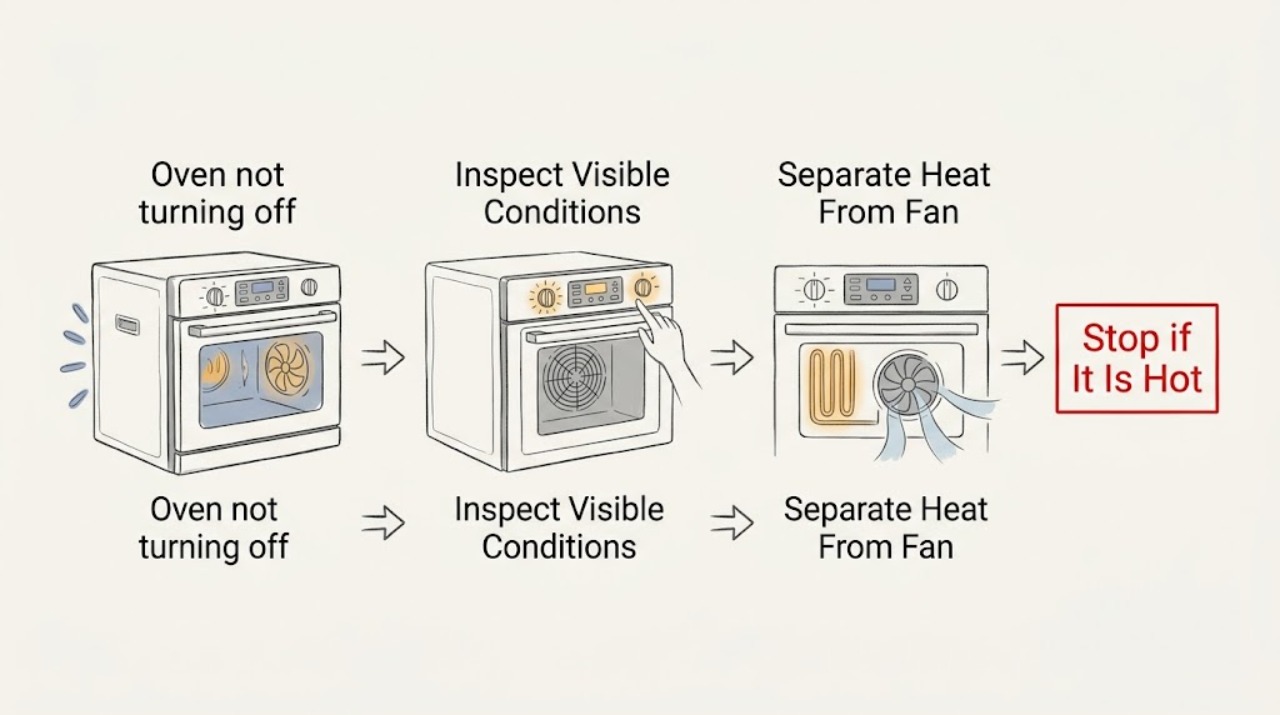
AEG oven not turning off: Check the heating function before the cooling fan
First determine whether your AEG oven is still heating or whether only its cooling fan is running. AEG says the cooling fan operates during cooking and can continue after the oven is switched off while the cavity remains warm; that does not by itself mean the heating function is on.
-
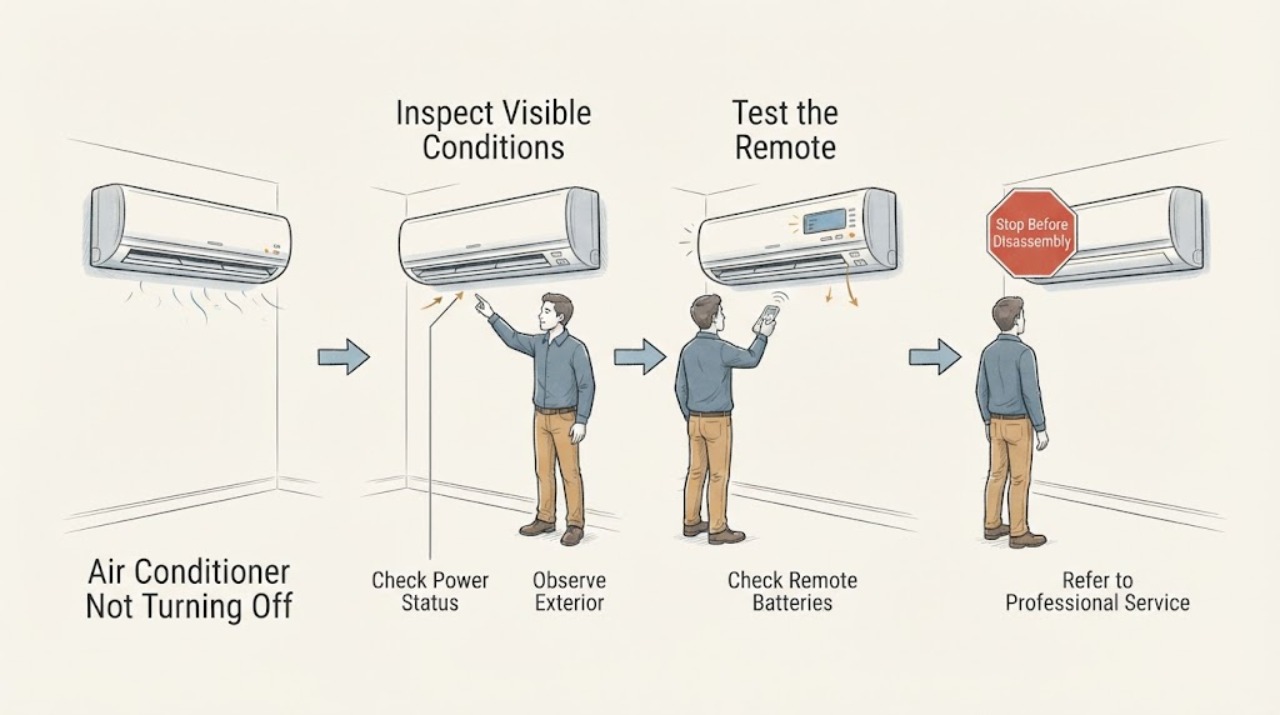
Air Conditioner Not Turning Off
An air conditioner may continue briefly after Stop because of an auto-dry or fan-delay routine, but continuous compressor or fan operation is different. Note which part runs, the selected mode, room temperature, timer, and any error light; then use the exact model manual for its stop and delay behavior. If the unit will not stop, trips power, leaks, smells hot, or shows a fault, isolate it when safe and arrange qualified HVAC service.
-
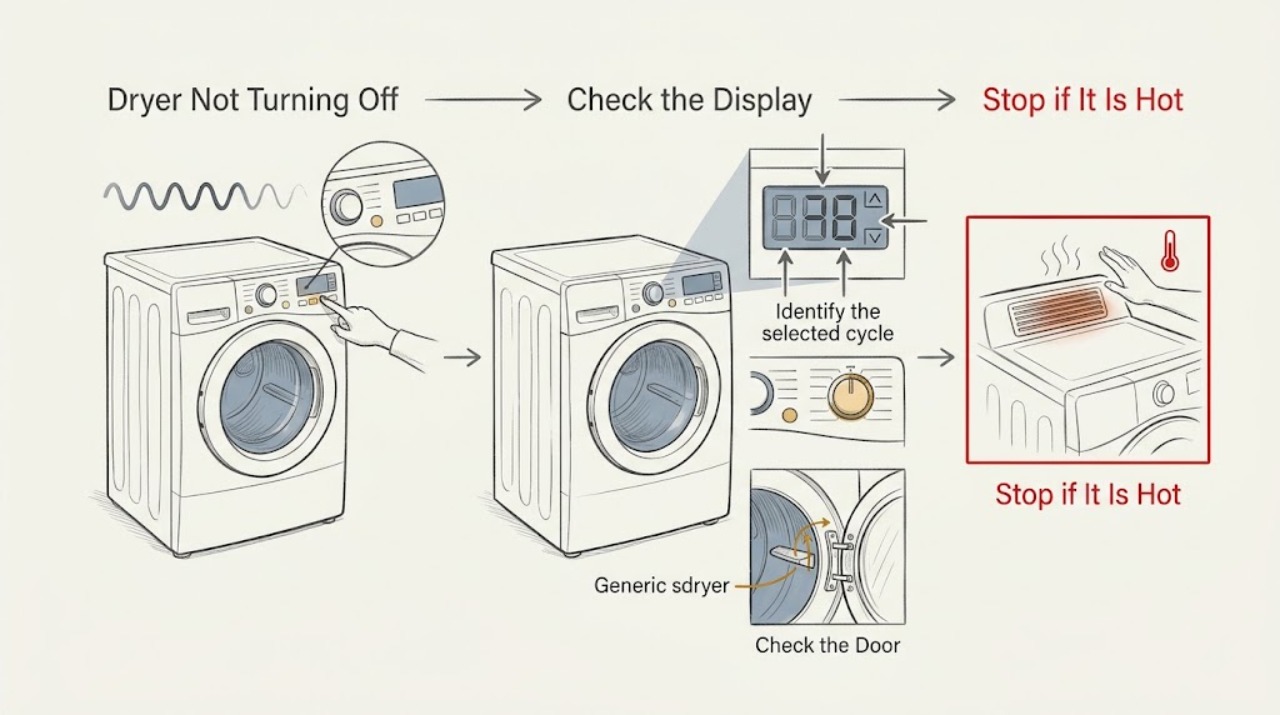
Amana Dryer Not Turning Off: Safe Checks and Next Steps
If an Amana dryer will not turn off, first determine whether it is actually running a selected Wrinkle Prevent or other periodic-tumble option, paused after the door was opened, or stuck in an active cycle. On models with Wrinkle Prevent, opening the door before that option ends can leave the dryer paused; use the normal Power control to turn it off or Start/Pause to continue, as the manual directs.
-
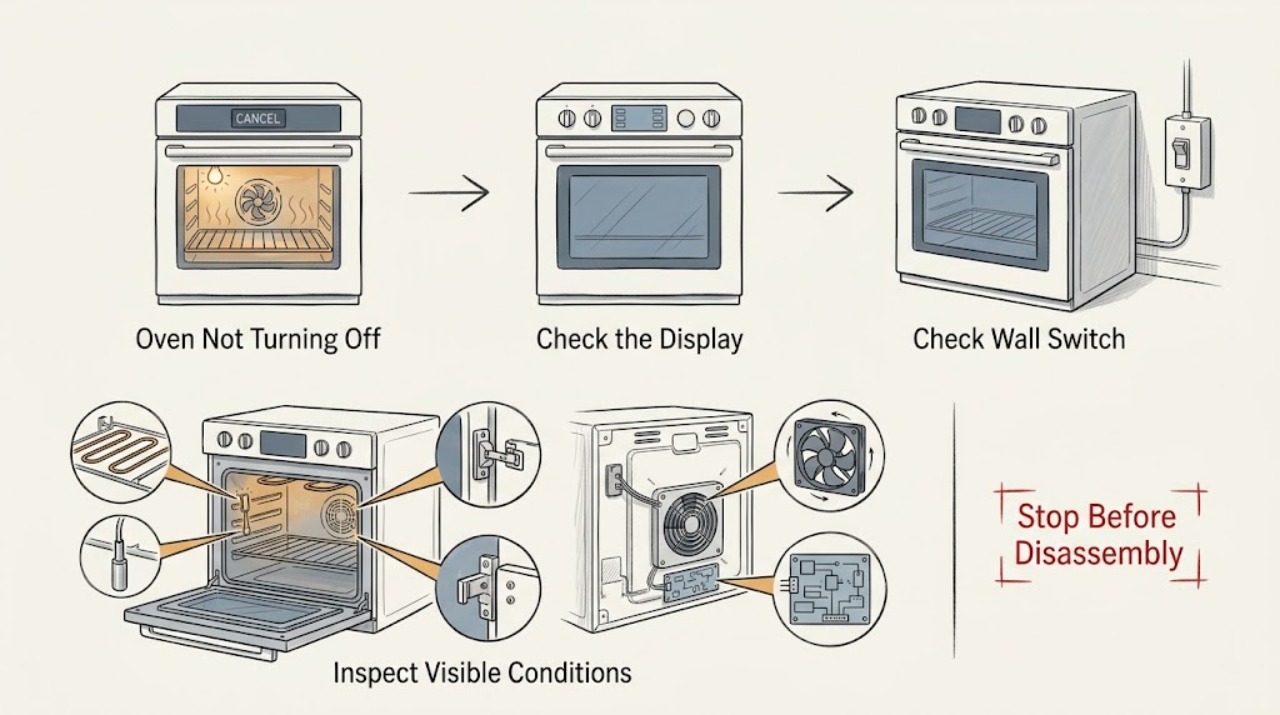
Amana Oven Not Turning Off: Tell a Cooling Fan from a Stuck Heat Control
First identify what is still operating. A cooling fan can continue for several minutes after Bake, Broil, or Clean to cool the cavity and electronic controls, and that is normal.
-
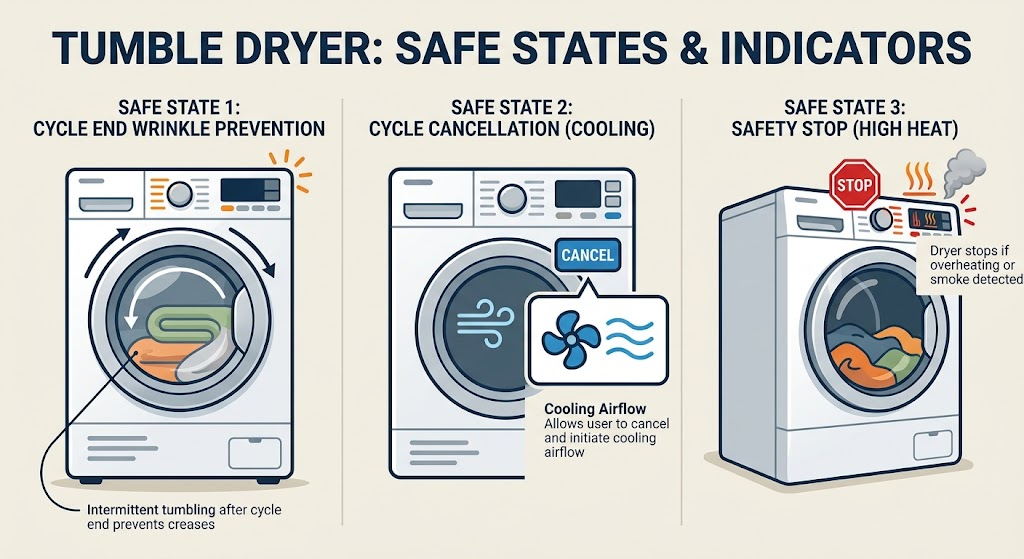
Beko Dryer Not Turning Off: Check End-of-Cycle Tumble, Cancel, and Safety
First check whether the programme has actually ended. Some Beko models run a wrinkle-prevention programme that tumbles the load at intervals after drying; that is different from continuous heating.
-
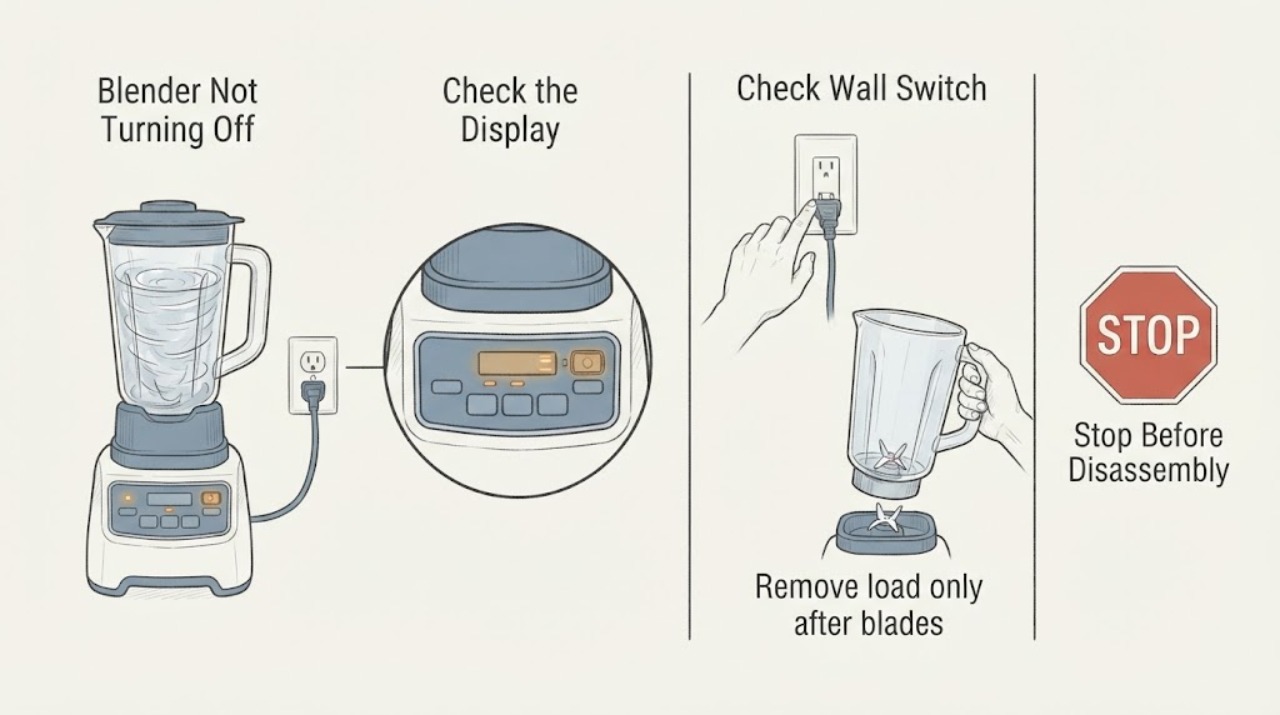
Blender Not Turning Off
If a blender will not turn off, release the control and unplug it if safe. Check whether a stuck switch, control lock, heavy load, or motor protection is involved; never reach into a moving jar. A blender that runs with controls released, smells hot, or has damaged wiring requires service.
-
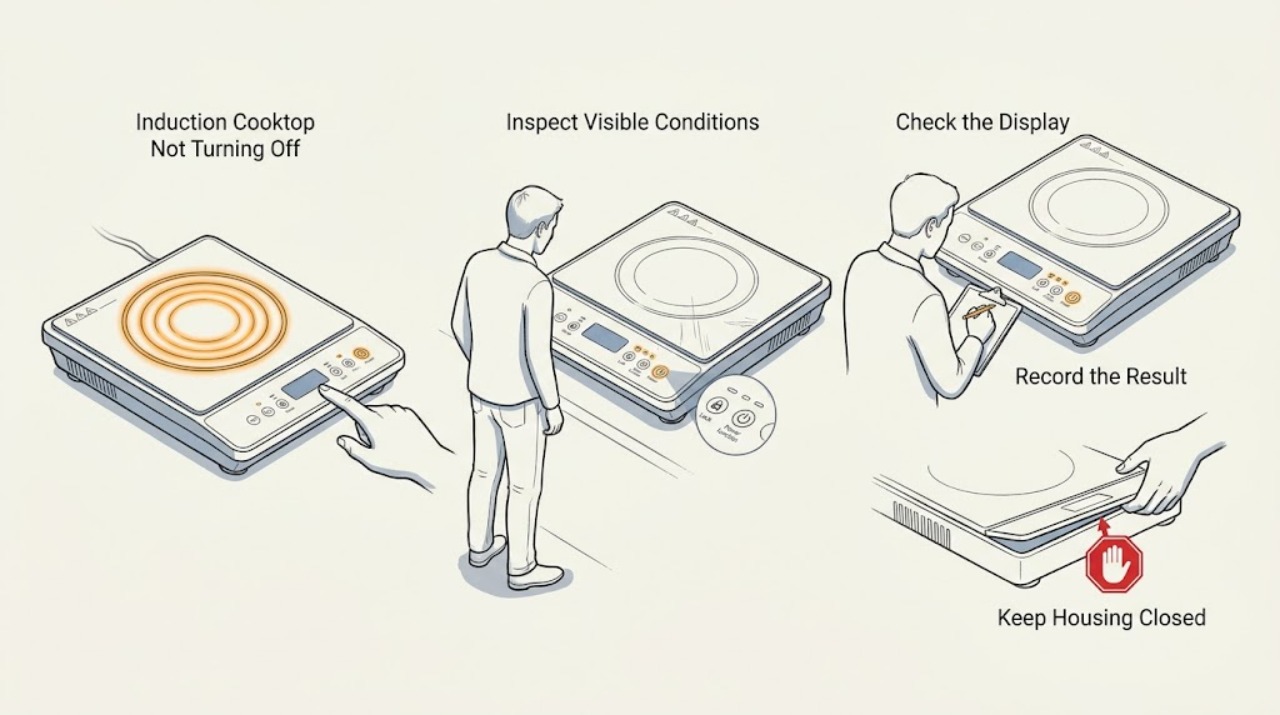
Bosch Induction Cooktop Not Turning Off: Clear the Panel, Check Lock and Errors Safely
If a Bosch induction cooktop will not turn off, move cookware away from the touch controls using safe handles, keep the area clear, and dry the cool control panel. A wet panel or object can interfere with touch commands, while a key or child-lock symbol can indicate that the controls are locked.
-
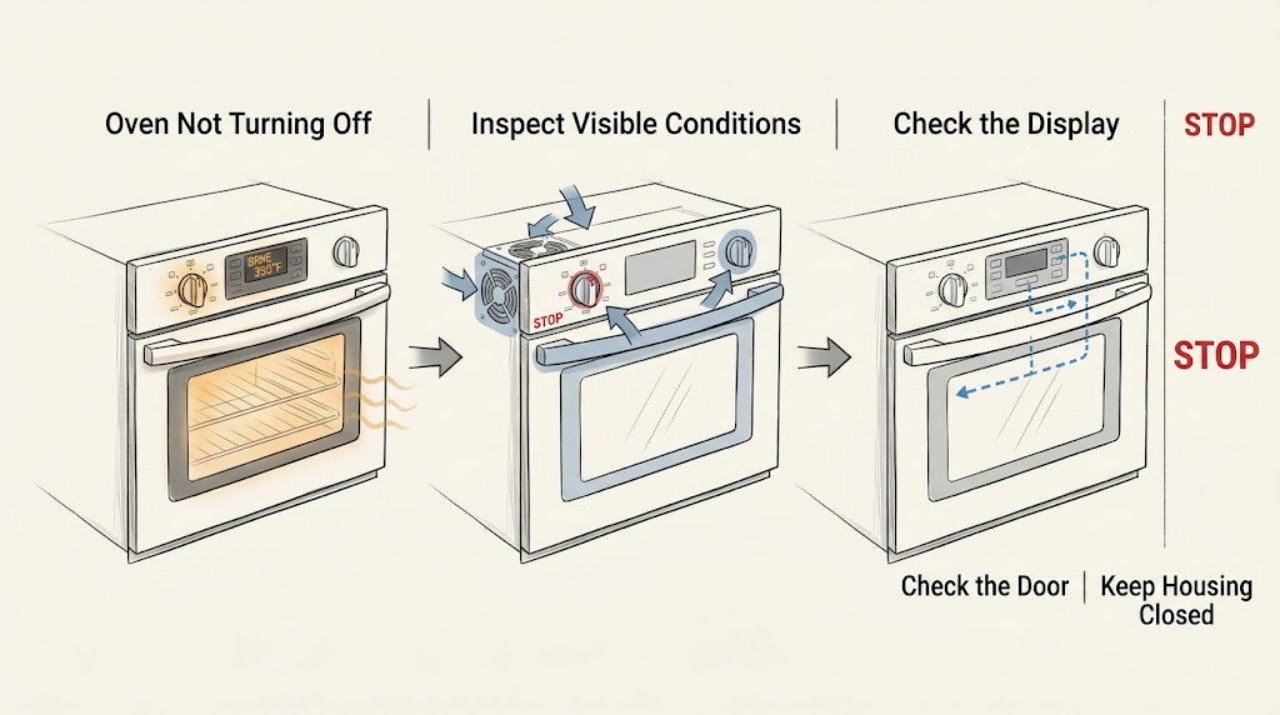
Bosch Oven Not Turning Off: Separate Normal Cooling From a Fault
First check whether the oven is still heating or whether only the light or cooling fan is running. Bosch's owner instructions say that after cooking the oven stops heating, while the cooling fan can continue until the appliance has cooled; setting the function selector to Off ends the operation.
-
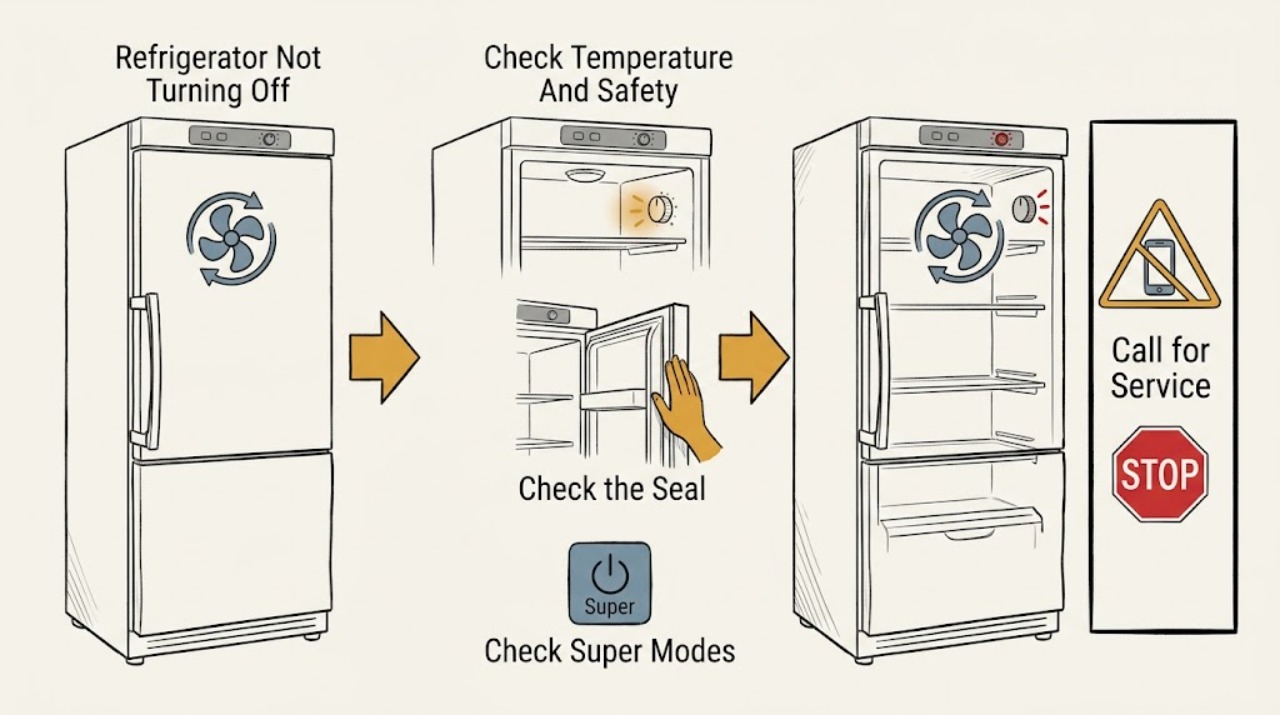
Bosch Refrigerator Not Turning Off: Normal Cycles vs. a Fault
A Bosch refrigerator that seems not to turn off is not automatically failing: efficient compressors and fans can run longer after installation, a warm room, a large warm load, frequent or prolonged door opening, or a colder setting. Bosch manuals also describe Super Freezing or Super Cooling as functions that increase cooling activity and noise until the model-specific function ends or is cancelled.
-
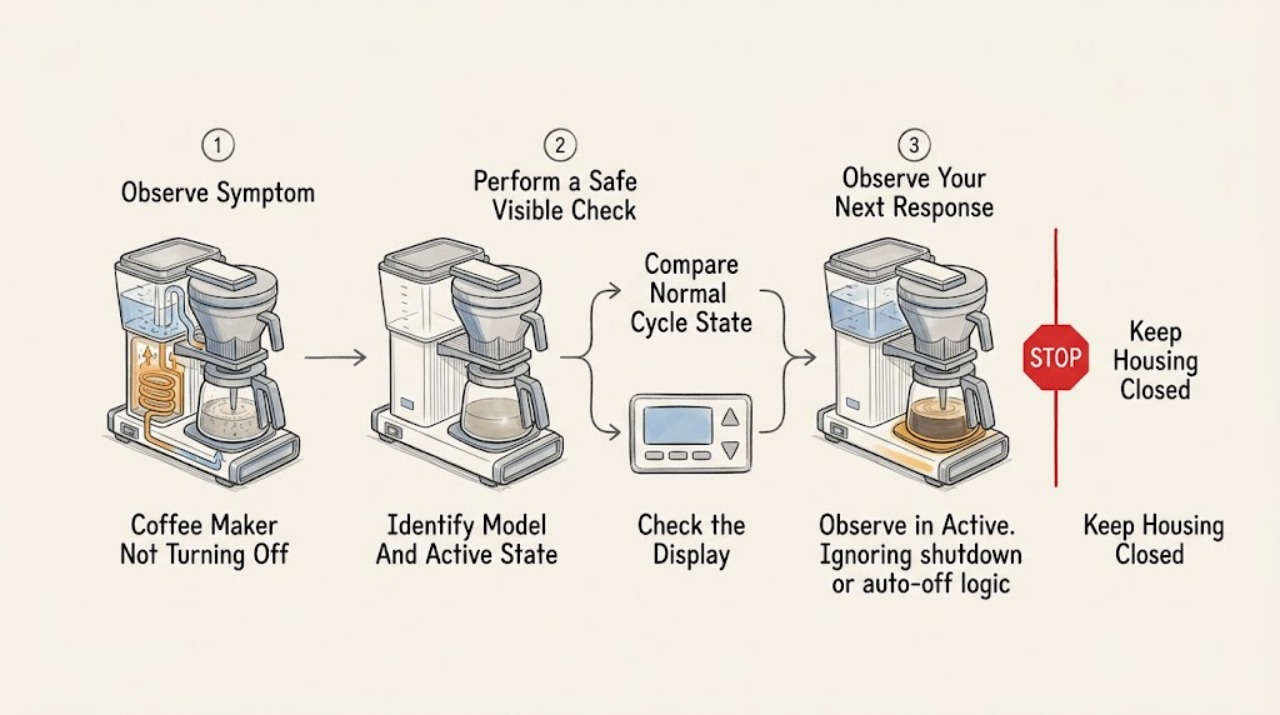
Breville Coffee Maker Not Turning Off
First identify the Breville product family and what is still active. On drip models, a hot plate or keep-warm function can continue after brewing; one BCM700 manual says its hot plate keeps coffee warm for two hours and then the coffee maker turns off, while the Precision Brewer manual allows keep-warm and standby behavior that varies by mode and settings.
-
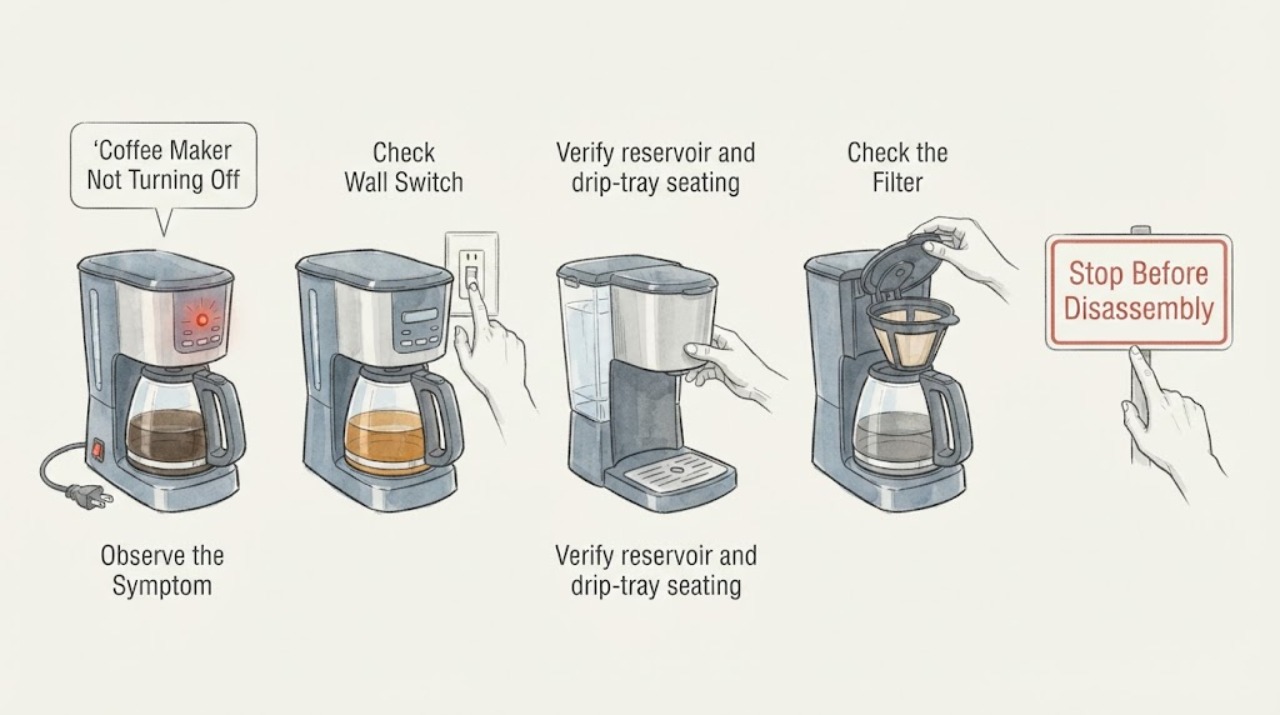
Coffee Maker Not Turning Off Troubleshooting Guide
A coffee maker with not turning off should be checked at the dry power connection, reservoir and tray seating, removable brew path, and model-approved cleaning cycle. Persistent flow, heat, leak, overflow, or control problems require qualified service.
-
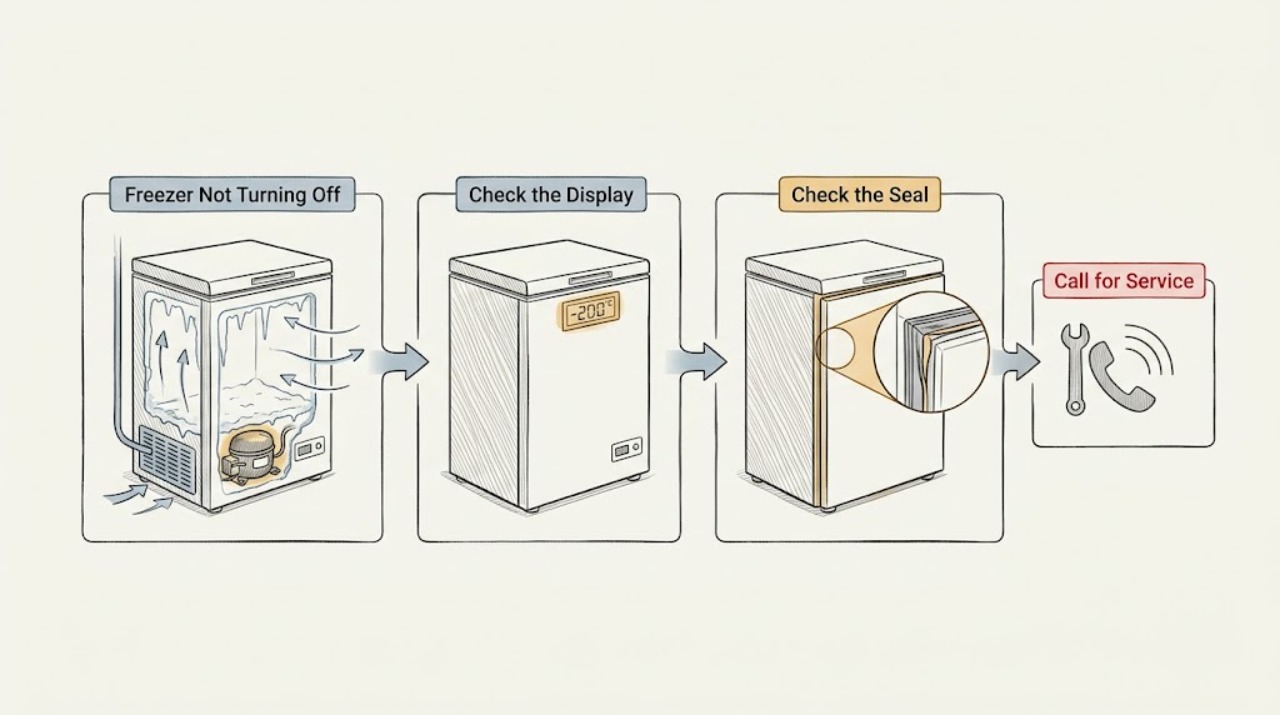
Danby Freezer Not Turning Off: Check Settings, Door Seal, Frost, and Airflow
A Danby freezer that seems not to turn off may be running longer because the temperature control is set too cold, the door is not sealing, warm food was added, the door is opened often, airflow is restricted, the unit is near heat or direct sun, or a quick-freeze function is active.
-
Dishwasher Not Turning Off
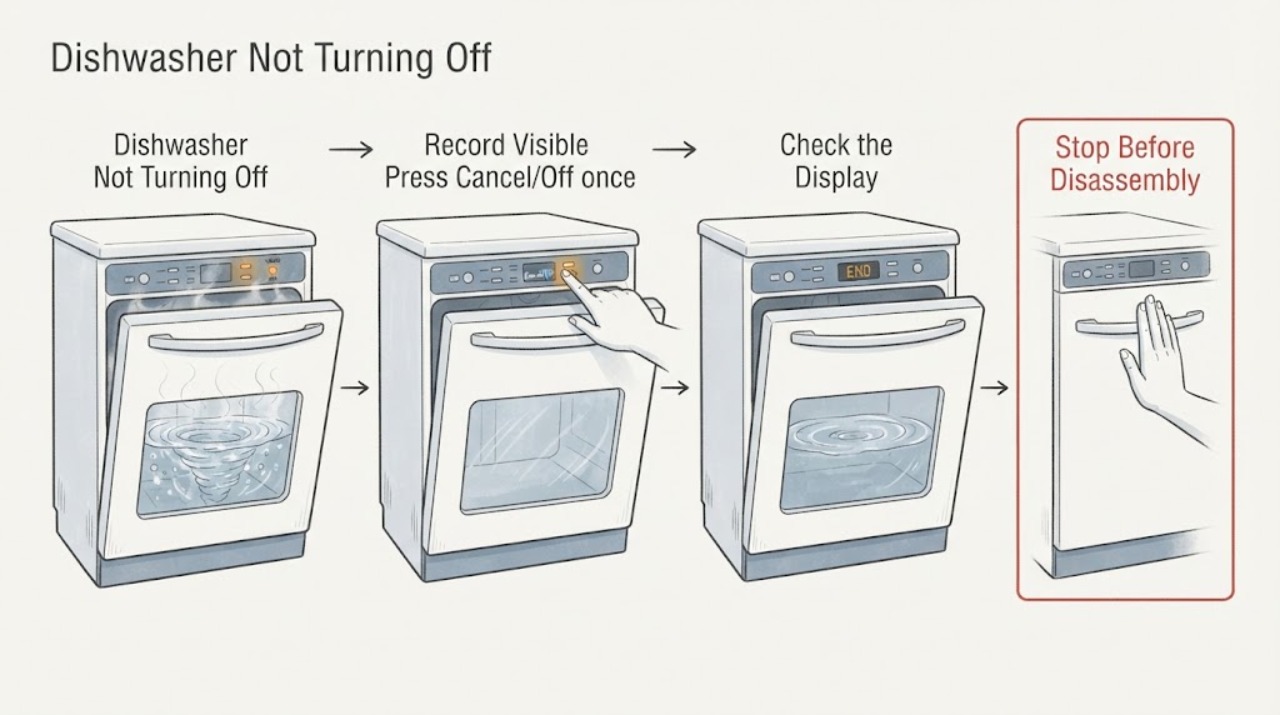
If a dishwasher will not turn off, press Cancel/Off once and record whether the pump, fan, or display remains active. Check delay, drain, water level, and door state using the exact manual. Do not repeatedly reset a leaking, hot, smoking, or electrically abnormal dishwasher.
-
Dyson Vacuum Cleaner Won't Turn Off: Switch, Trigger, Blockage, and Safe Stop Checks
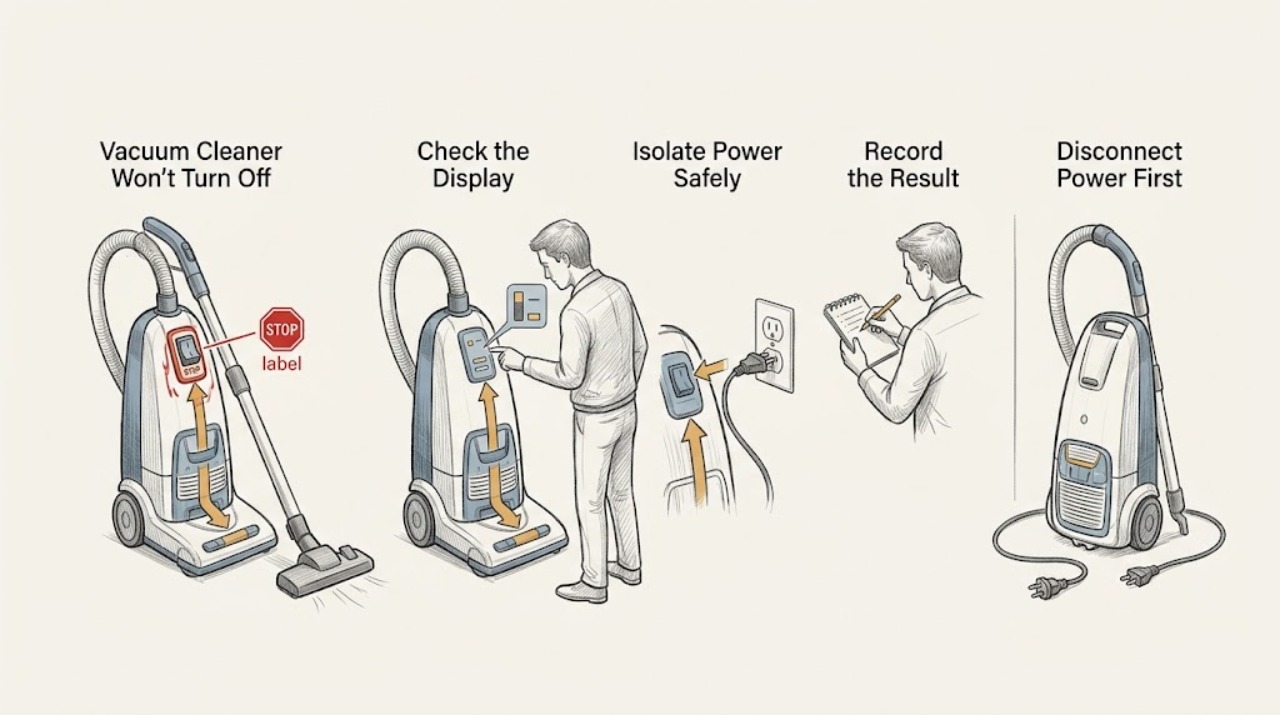
First identify whether the Dyson is a cordless trigger-held model, a corded upright or canister with a power switch, or a robot or wet-cleaning model with different controls. Release the trigger or switch and disconnect the machine from its charger or dock as the exact model instructions allow.
-
Electrolux Dehumidifier Not Turning Off
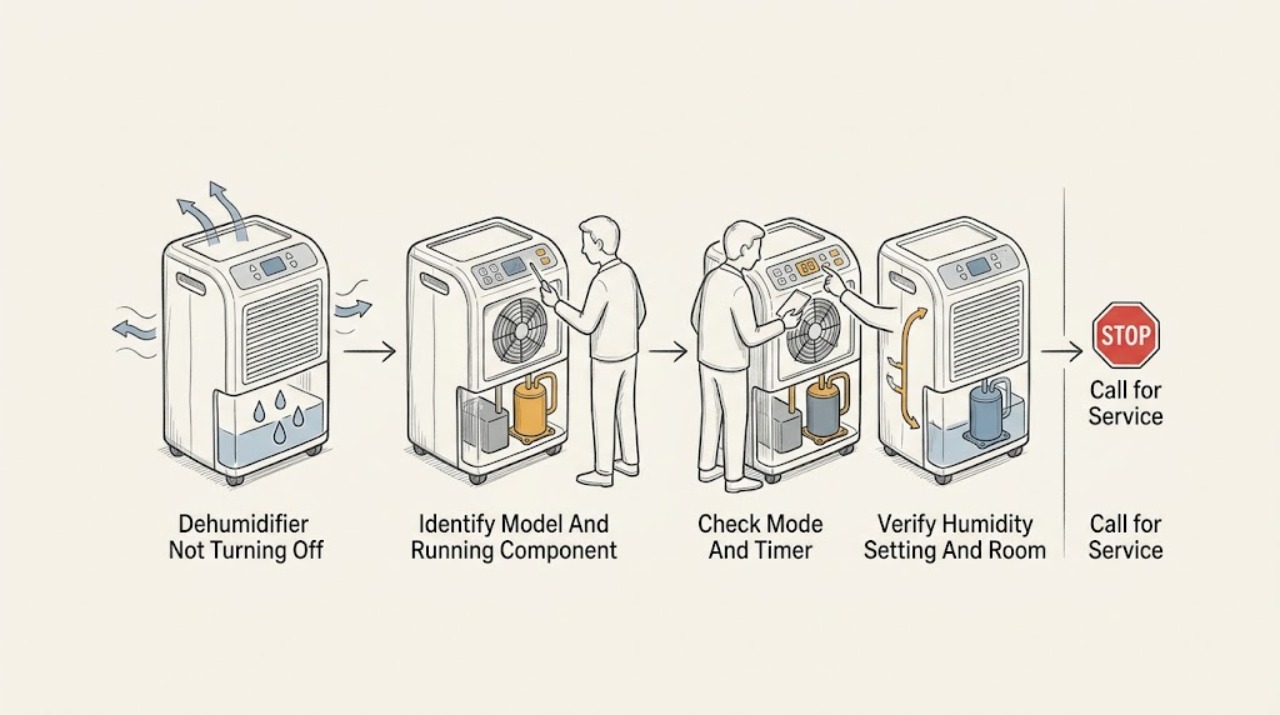
First determine whether the fan is the only part still running, whether a timer or Continuous mode is active, or whether the compressor is actually staying on. In Electrolux's DF dehumidifier manual for the EXD1, 6DN3W, and EXD20DN3W family, normal automatic shutoff occurs after the selected amount of moisture has been removed; Continuous mode intentionally keeps the unit operating, and the Timer can program an automatic stop.
-
Electrolux Dishwasher Not Turning Off: Drying, Drain, and Control Checks
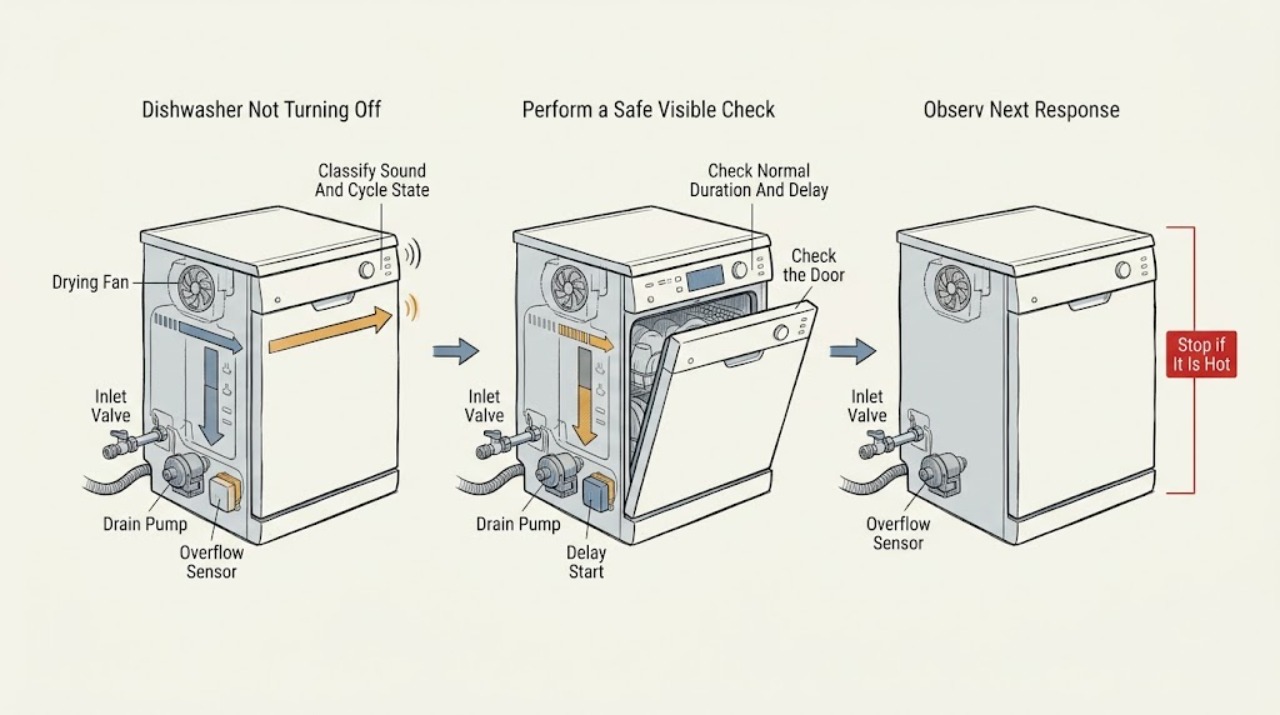
A dishwasher that sounds active after the wash may still be in a model-dependent drying or fan phase; Electrolux says fan-assisted Even Dry or Perfect Dry systems can operate at different times during a cycle, and cycle length varies by programme and options. First read the display and determine whether the cycle is truly finished, paused, delayed, or still drying.
-
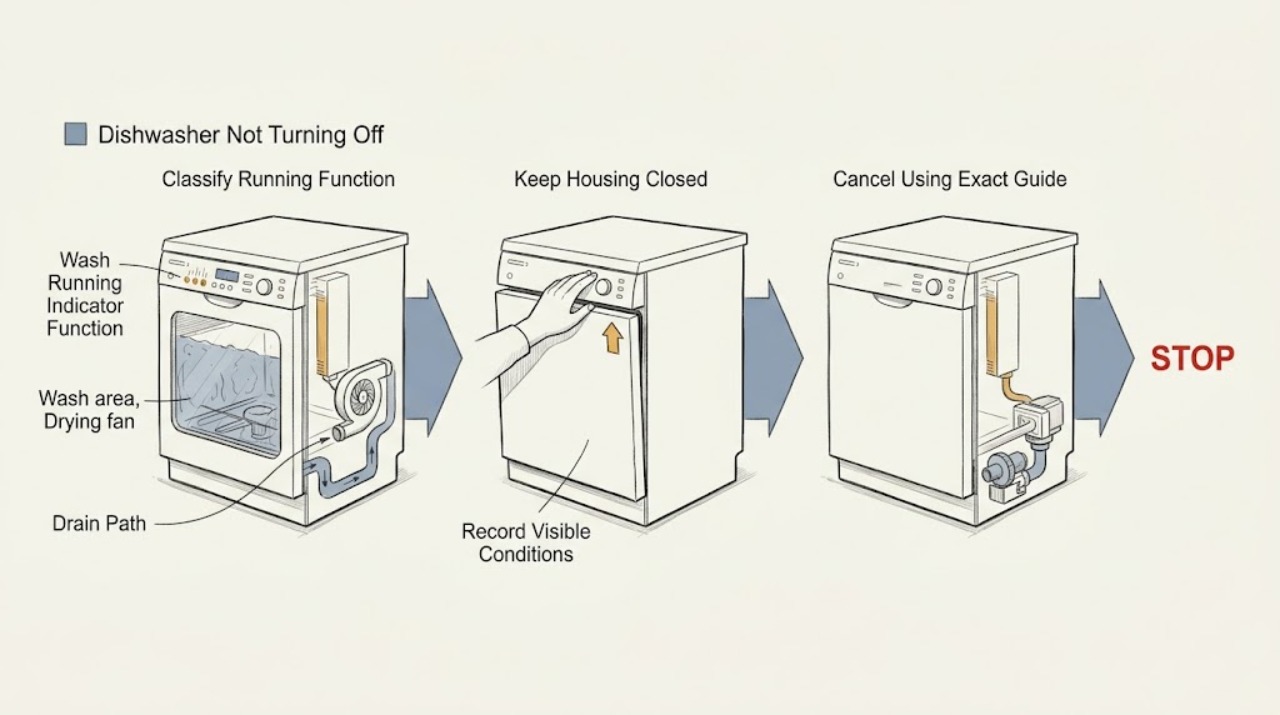
Fisher & Paykel Dishwasher Not Turning Off: Tell a Drying Fan from a Fault
First decide what is still running. On Fisher & Paykel DishDrawer models, fan noise after a completed program can be normal: the fan assists drying and should stop after a set time or when the drawer is opened.
-
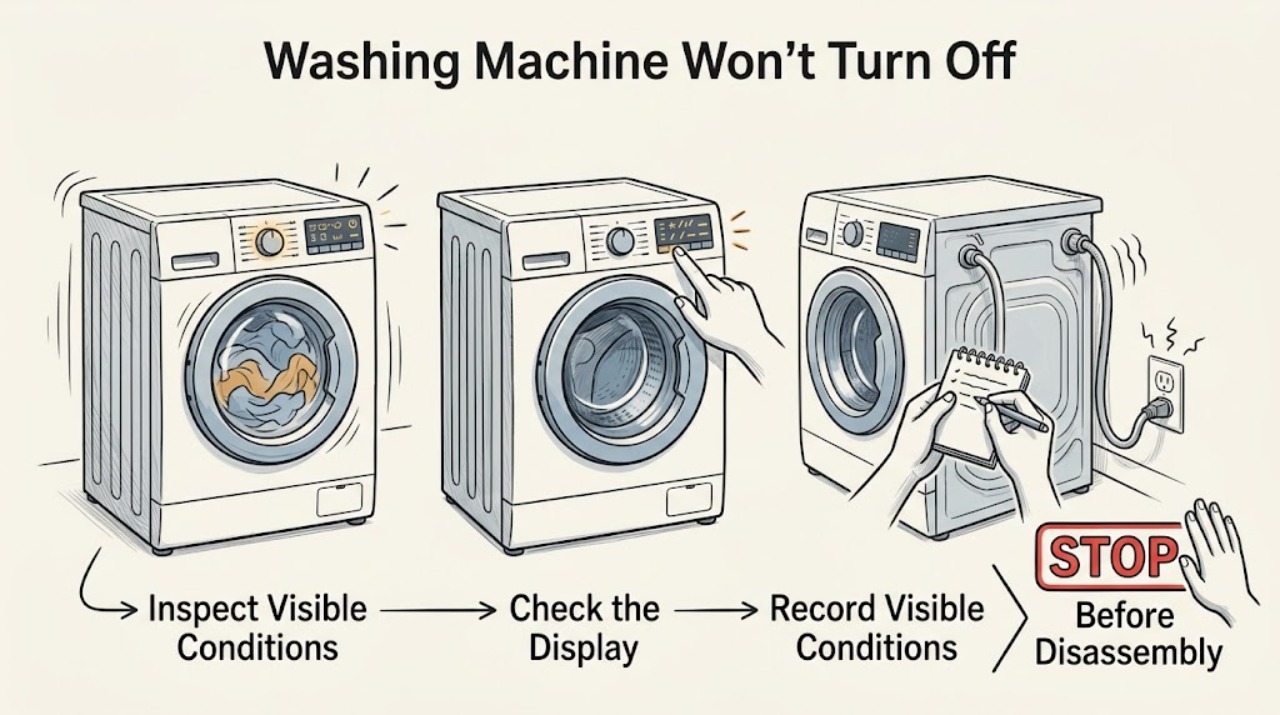
Fisher & Paykel Washing Machine Won’t Turn Off: Stop It Safely
If a Fisher & Paykel washing machine will not turn off, press POWER once and note whether the cycle stops, the display changes, or the controls remain unresponsive. If the washer is filling continuously, leaking, overflowing, or the water level is high, turn off both water taps and disconnect power only from a safe, accessible point; do not force the door.
-
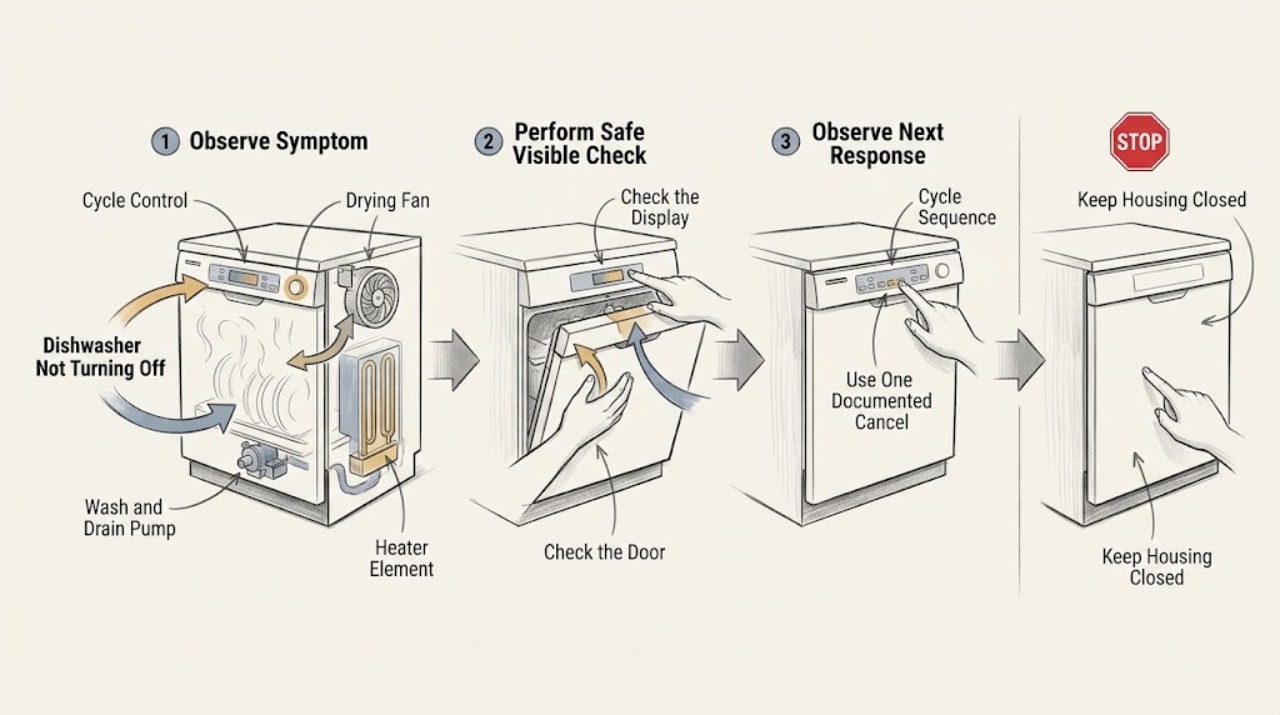
Frigidaire Dishwasher Not Turning Off: Drying Fan, Cd, Pump, and Cycle Checks
First identify what is still running and what the display says. A Frigidaire dishwasher can intentionally continue with water circulation, a drain-pump stage, heat delay, or a fan-assisted drying stage; fan operation at different times is normal on models equipped with Even Dry or Perfect Dry.
-
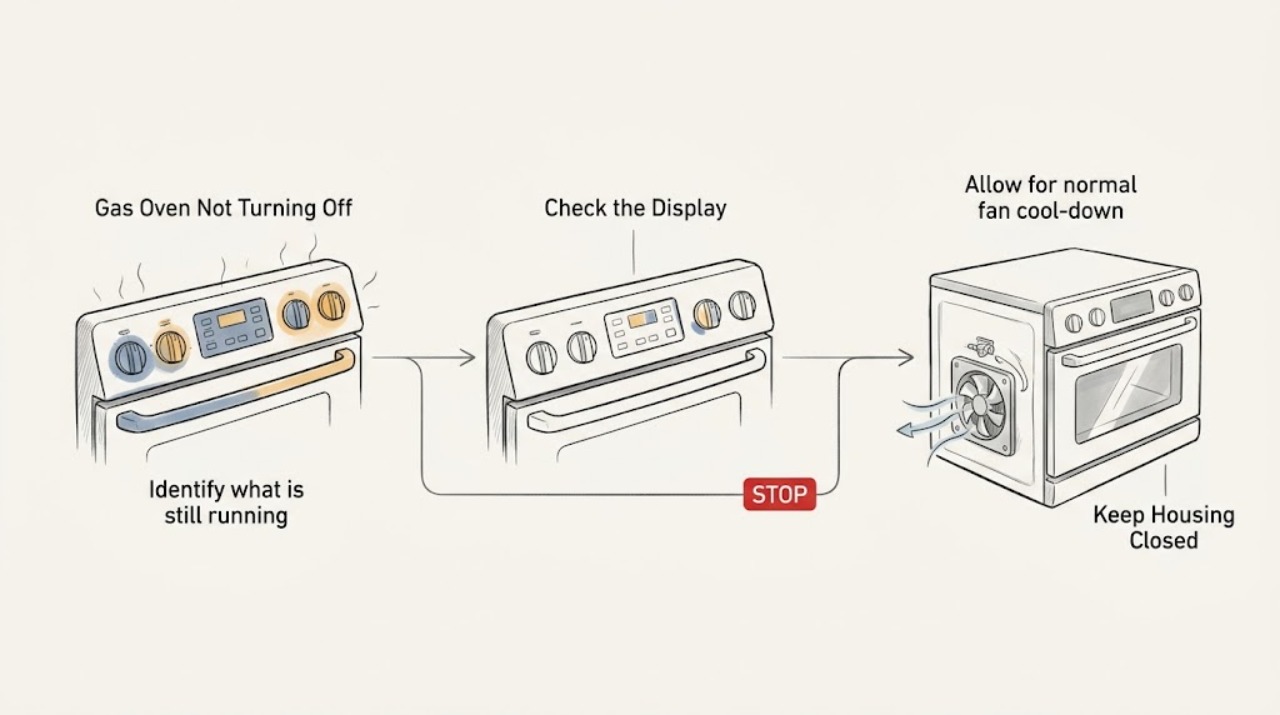
Frigidaire Gas Oven Not Turning Off
First determine whether the Frigidaire gas oven is still heating or whether only its cooling fan is running. The fan can continue after an oven is turned off while the cavity cools, but a flame, active heat, gas odor, or controls that remain on after the OFF command is not something to ignore.
-
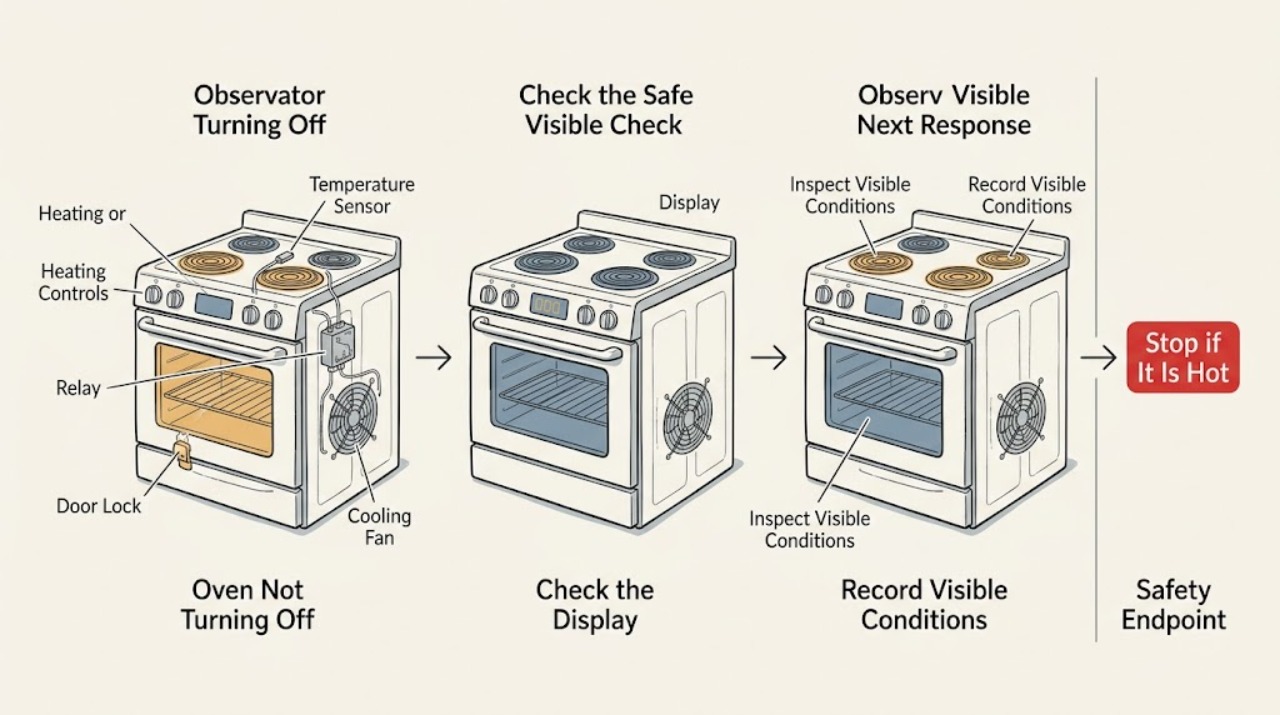
Frigidaire Oven Not Turning Off: Stop Uncontrolled Heat Safely
If a Frigidaire oven keeps heating after you press Off, treat it as a control or safety problem unless only the cooling fan is still running. Frigidaire says the fan may continue after the oven is turned off until the internal temperature cools, but the heating source should not remain active without a valid command.
-
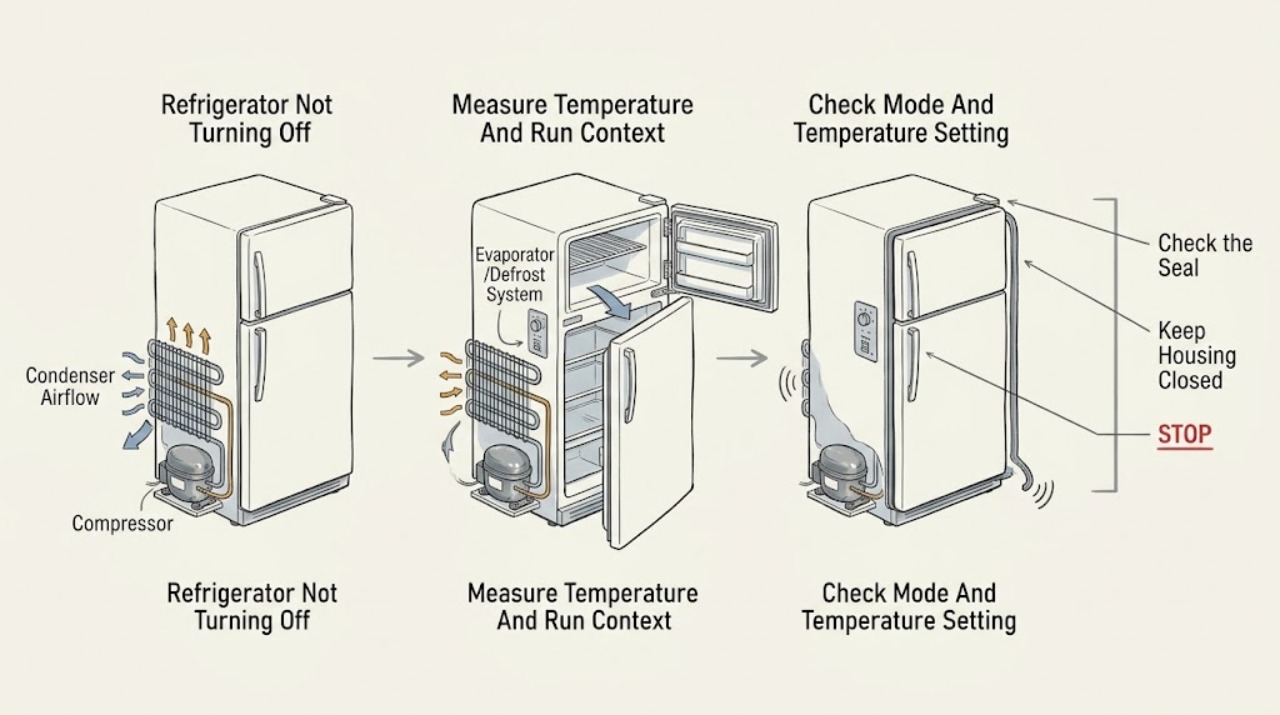
Frigidaire Refrigerator Not Turning Off: Tell Normal Long Runs from a Cooling Fault
A Frigidaire refrigerator that seems not to turn off is not automatically faulty: Frigidaire says every compressor cycles, and many French-door models use variable-speed compressors designed to run continuously except during defrost. First check whether the cabinet is actually maintaining temperature, whether the unit was recently installed or had a power interruption, and whether a Quick Freeze/fast-cooling or other model-specific mode is active.
-
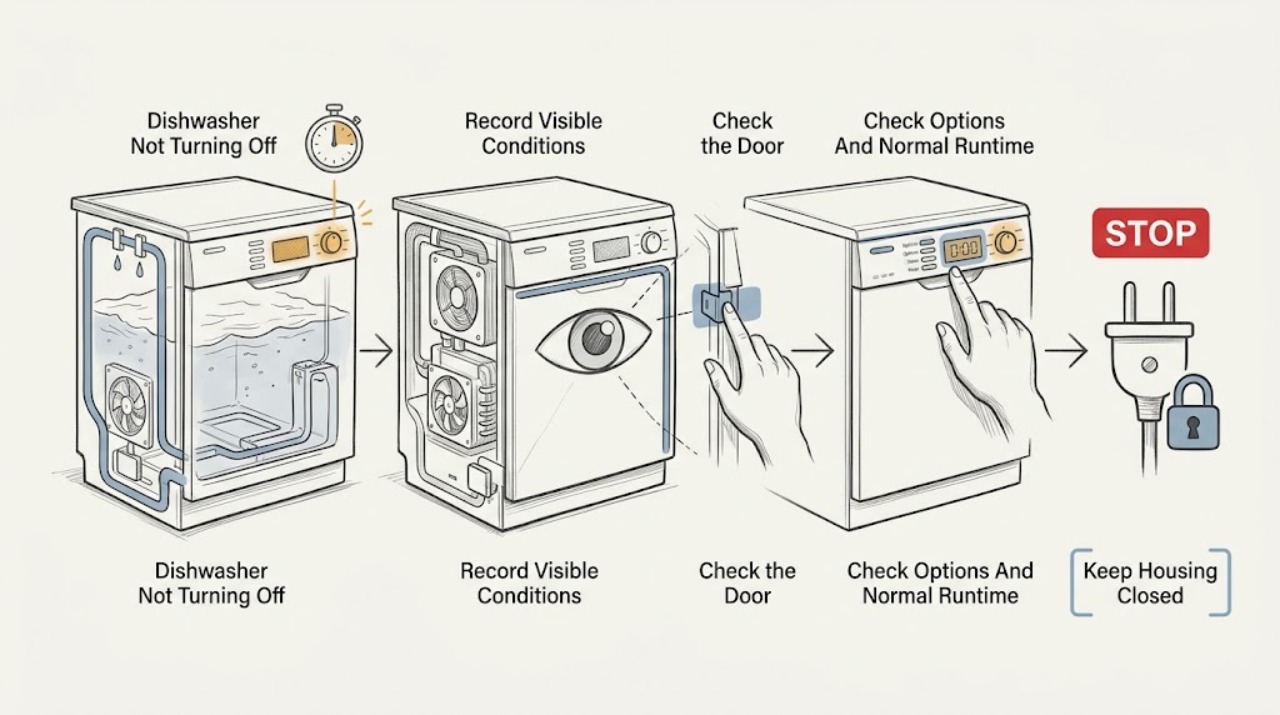
GE Dishwasher Not Turning Off
A GE dishwasher that seems not to turn off may be in a long wash, heating pause, drying fan period, or a sensor-adjusted cycle rather than failed. GE says many dishwashers can run two hours or more, the timer can pause for up to 30 minutes while heating, and clean-sensor or Auto Hot Start models can change cycle time.
-
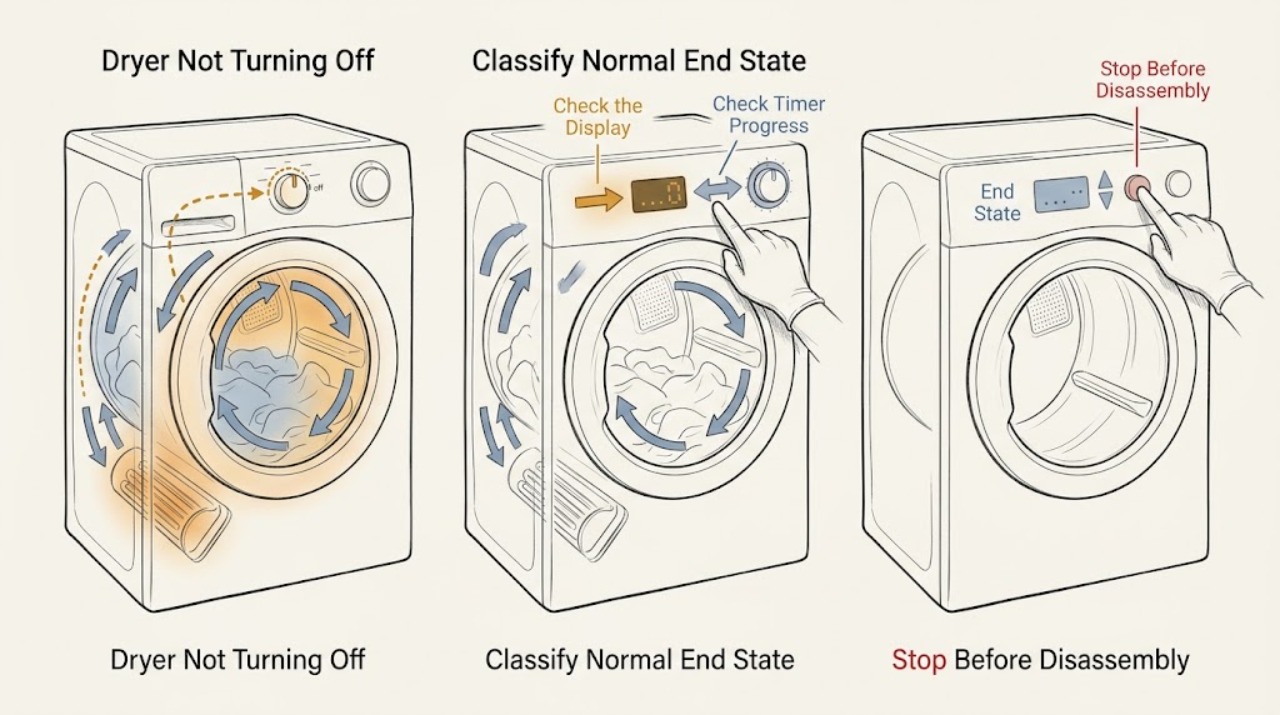
GE Dryer Not Turning Off: Check the Cycle, Timer, Sensors, and Safety Conditions
First determine whether the GE dryer is still in a normal cool-down, sensor-dry pause, or reverse-tumble phase, or whether it continues running after a timed cycle has elapsed. On automatic cycles, the timer can advance intermittently while the dryer senses load moisture and temperature; the dryer should eventually cool down and shut off.
-
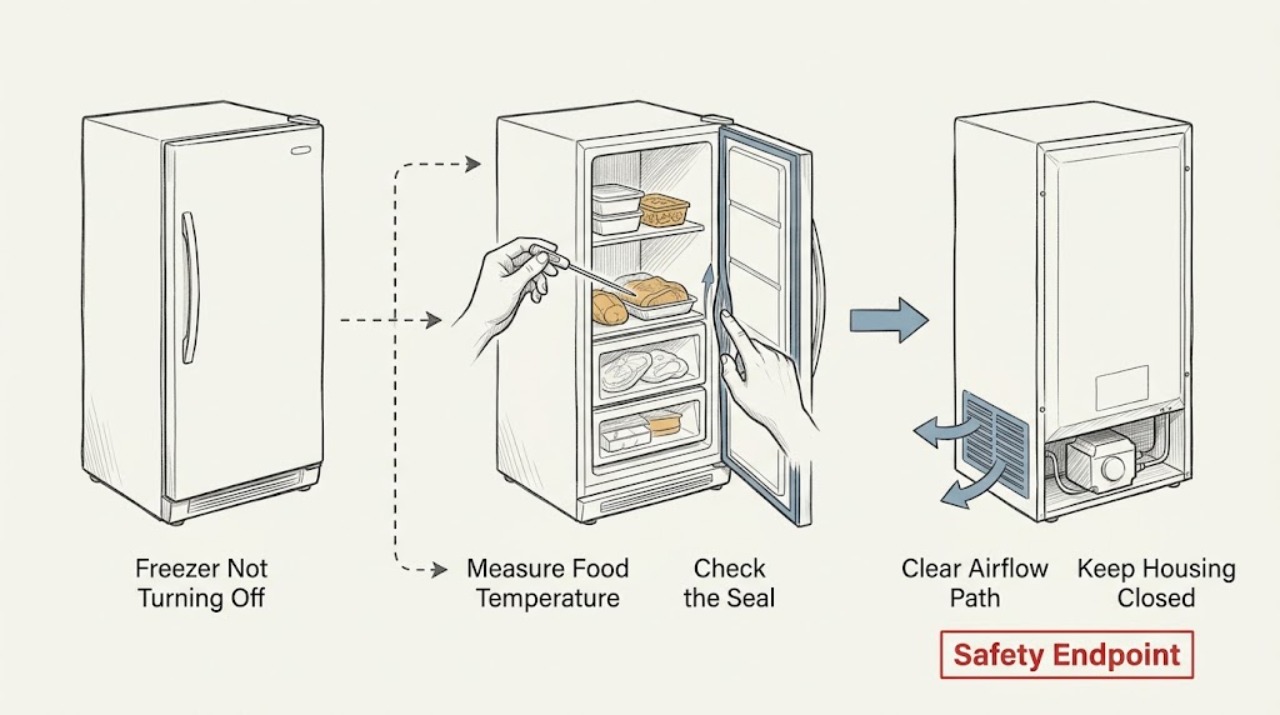
GE Freezer Not Turning Off: When Continuous Running Is Normal
A GE freezer may run for most of the day and can run continuously while it is first cooling, recovering from frequent door or lid openings, handling a large warm load, or operating in very hot room conditions. GE says freezer compressors are designed to run about 80% to 90% of the time, so sound alone does not prove a fault.
-
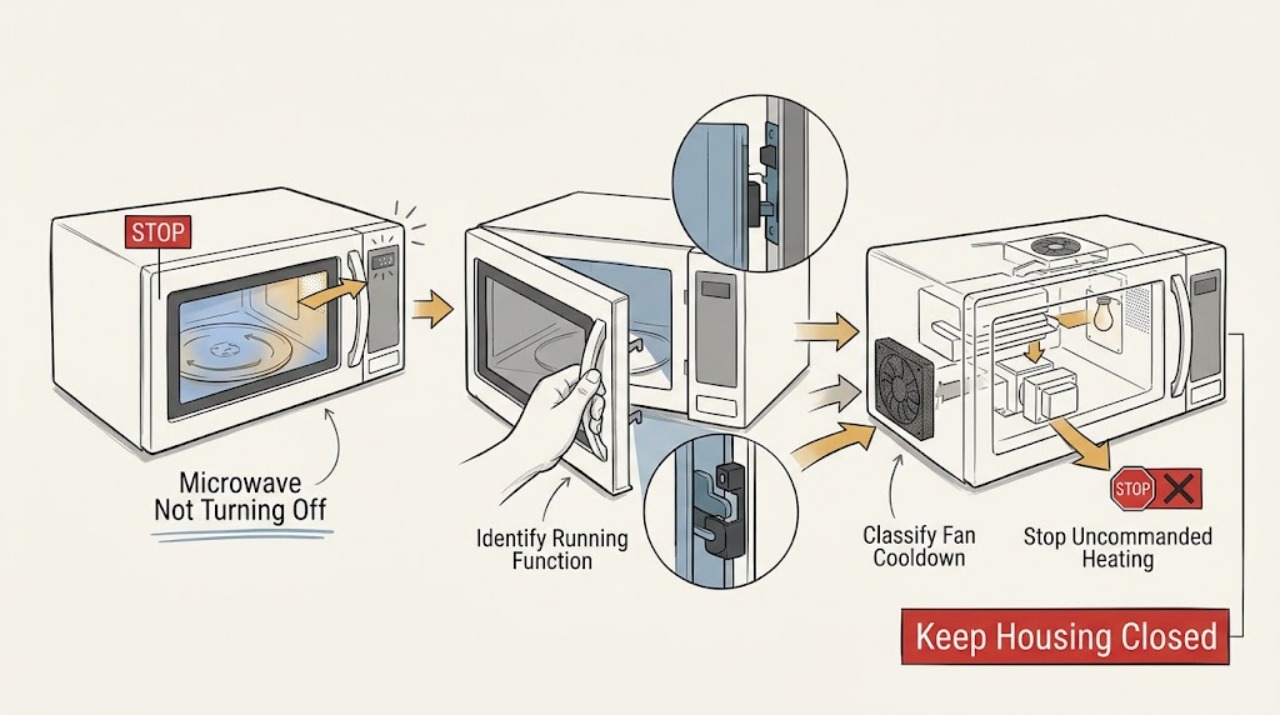
GE Microwave Not Turning Off: Tell Heating from Fan or Light Delay
First identify what is still running. If the cavity is heating, the turntable is rotating, or the microwave starts or continues a cooking cycle without an intentional command, treat it as unsafe: stop the cycle if the controls respond, disconnect power from a dry, safe position, and arrange qualified GE microwave service.
-
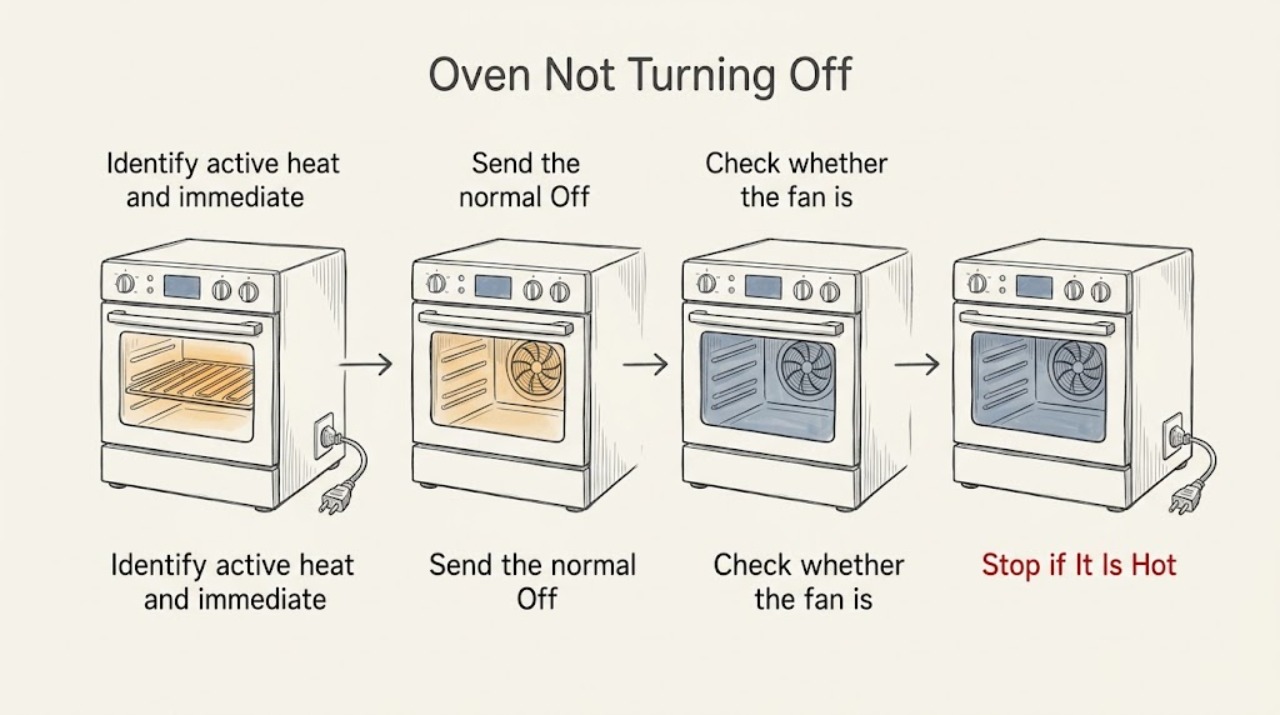
GE Oven Not Turning Off: Separate a Cooling Fan From Active Heat
If a GE oven seems not to turn off, first determine whether only the cooling fan is running or whether the oven is still producing heat. A thermostat-controlled cooling fan may continue after the oven is off while the heating elements are off; that is normal.
-
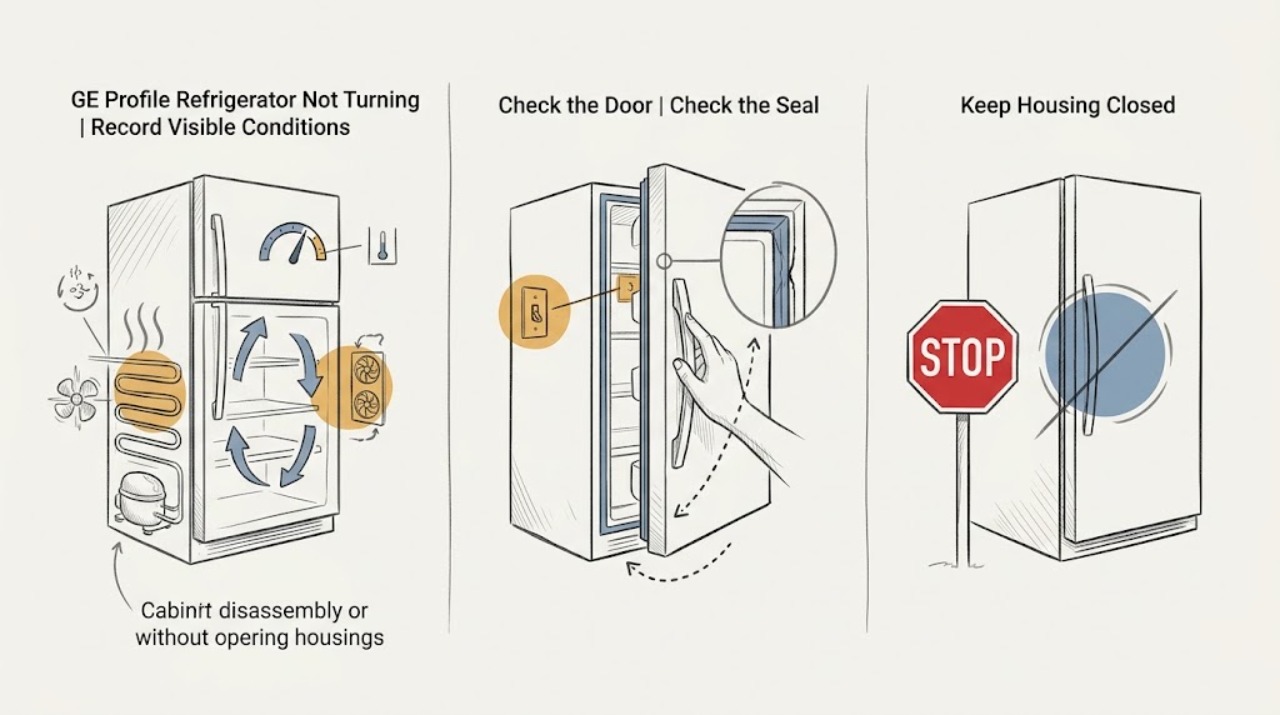
GE Profile Refrigerator Not Turning Off: When Continuous Running Is Normal
A GE Profile refrigerator that sounds as if it never turns off is not automatically broken. GE says modern refrigerator compressors are designed to run about 80% to 90% of the time, and run time can approach 100% in very hot or humid conditions.
-
GE Refrigerator Not Turning Off: Separate Normal Long Runs from Cooling Problems
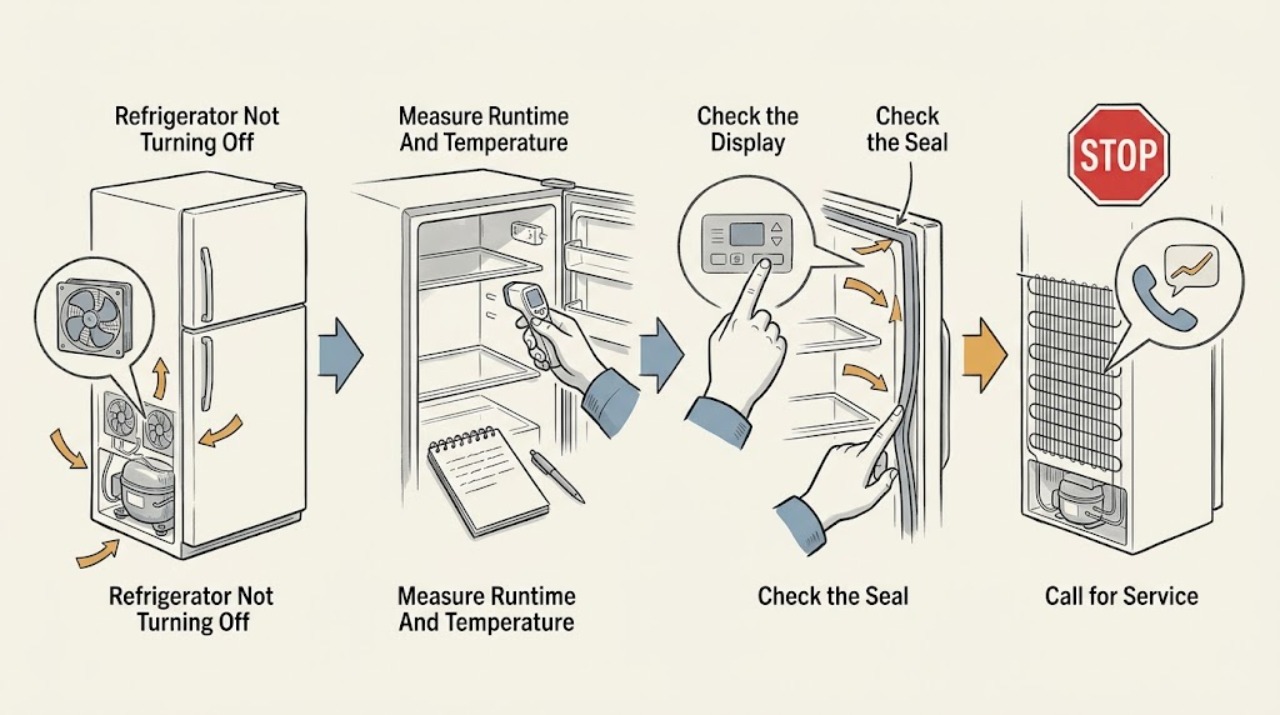
A GE refrigerator that seems not to turn off is often running within its design range: GE says modern compressors may run 80% to 90% of the time and can approach 100% in hot, humid conditions. First check whether the cabinet is actually holding temperature and whether the display shows TurboCool; on applicable models TurboCool runs the compressor and high-speed fans for up to 8 hours.
-
GE Washing Machine Not Turning Off: Stop Safely and Find the Cause
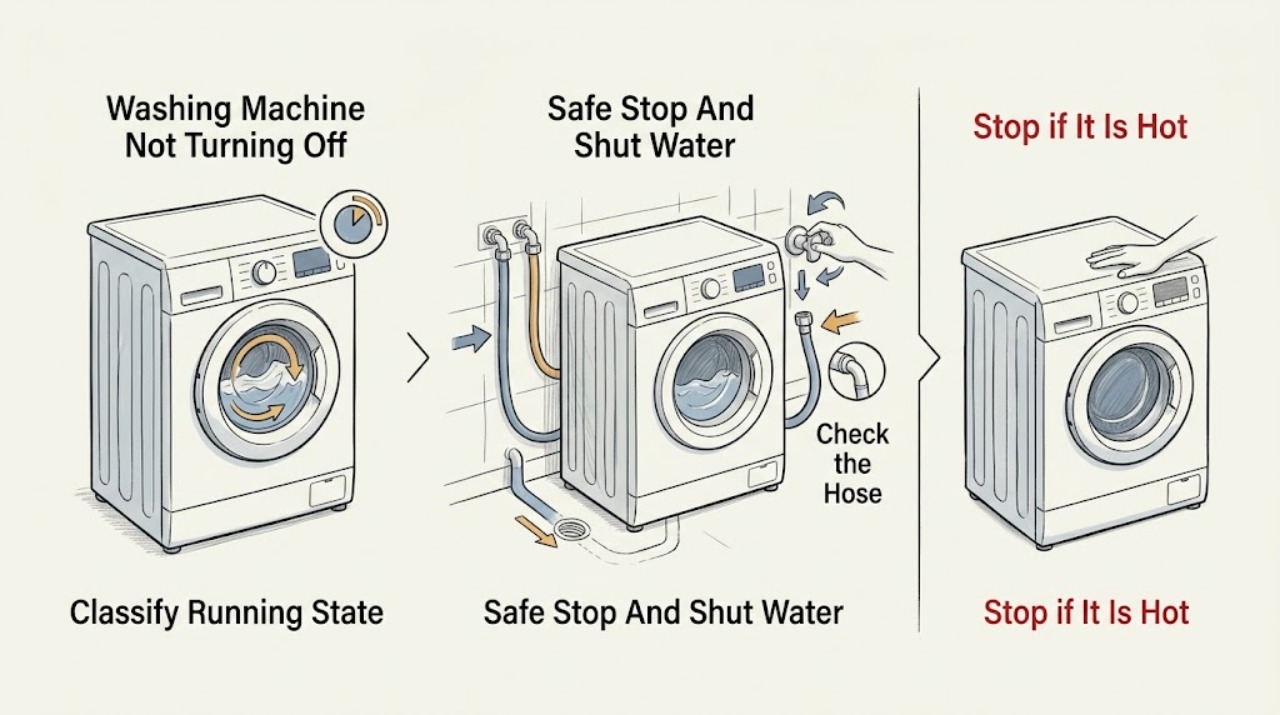
If a GE washing machine will not stop, press Stop or Start/Pause once, keep clear of moving parts, and close both hot and cold supply faucets if the washer is still filling. If water is on the floor, a hose is spraying, the cabinet is overheating, you smell burning, or a breaker trips, stop using it and use only a safe, dry disconnect or the home's water shutoff; arrange qualified service.
-
Hotpoint Oven Not Turning Off: Fan Delay or Unsafe Continued Heating?
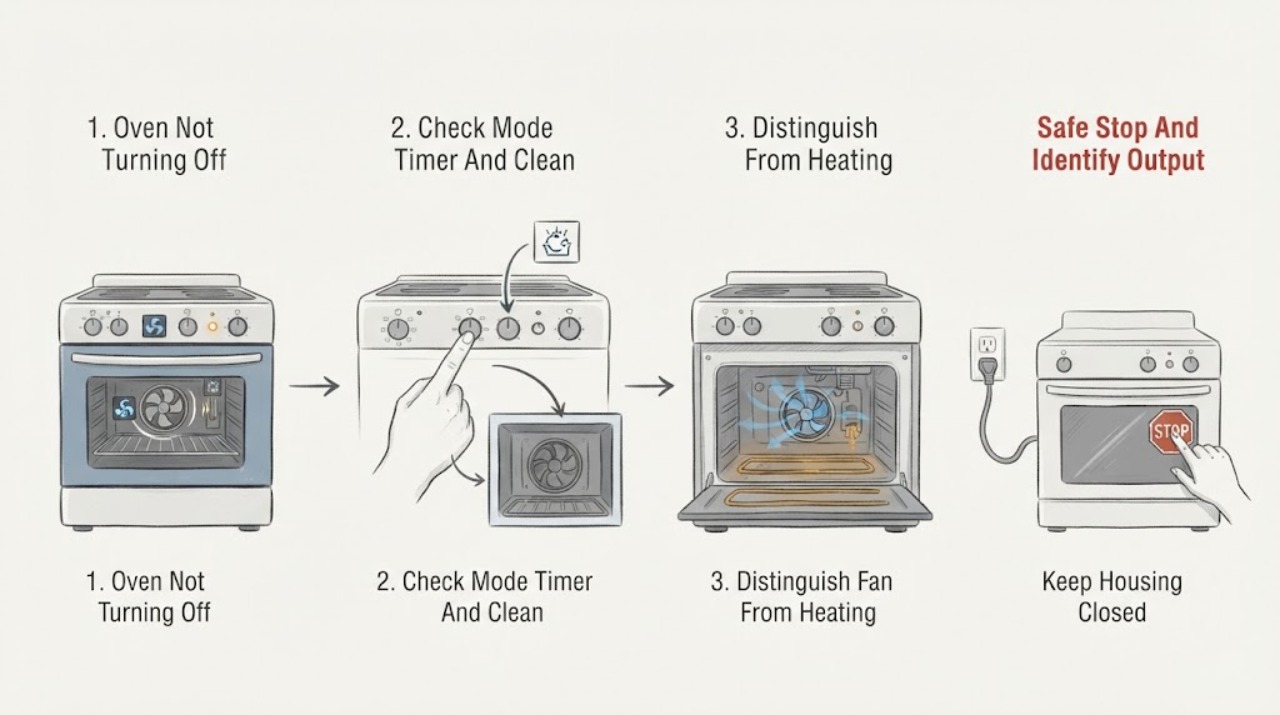
First decide whether only the cooling fan is running or whether the oven is still heating. Hotpoint says a cooling fan may cycle on and off for up to about 30 minutes after switch-off to protect the controls, and other oven makers likewise describe a temperature-controlled fan after cooking or self-cleaning as normal; the exact model manual controls the expected behavior.
-
Hotpoint RB526DP1WW Oven Will Not Turn Off After Baking: Safe Power and Heat Checks
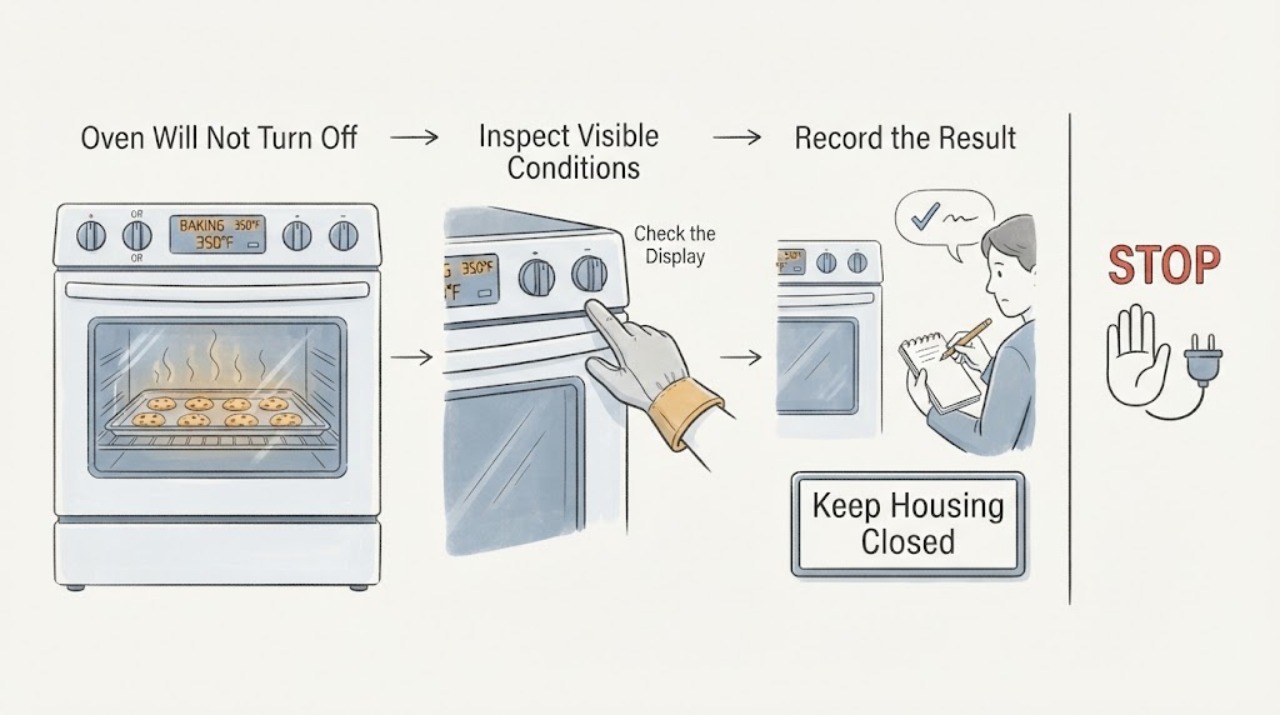
First separate a cooling fan from continued heating. The official Hotpoint/GE record opened for the close base model RB526DPWW identifies a free-standing electric range, while GE Appliances' range guidance says a control cooling fan may continue after the oven is off; that fan alone is not the same as an energized bake or broil element.
-
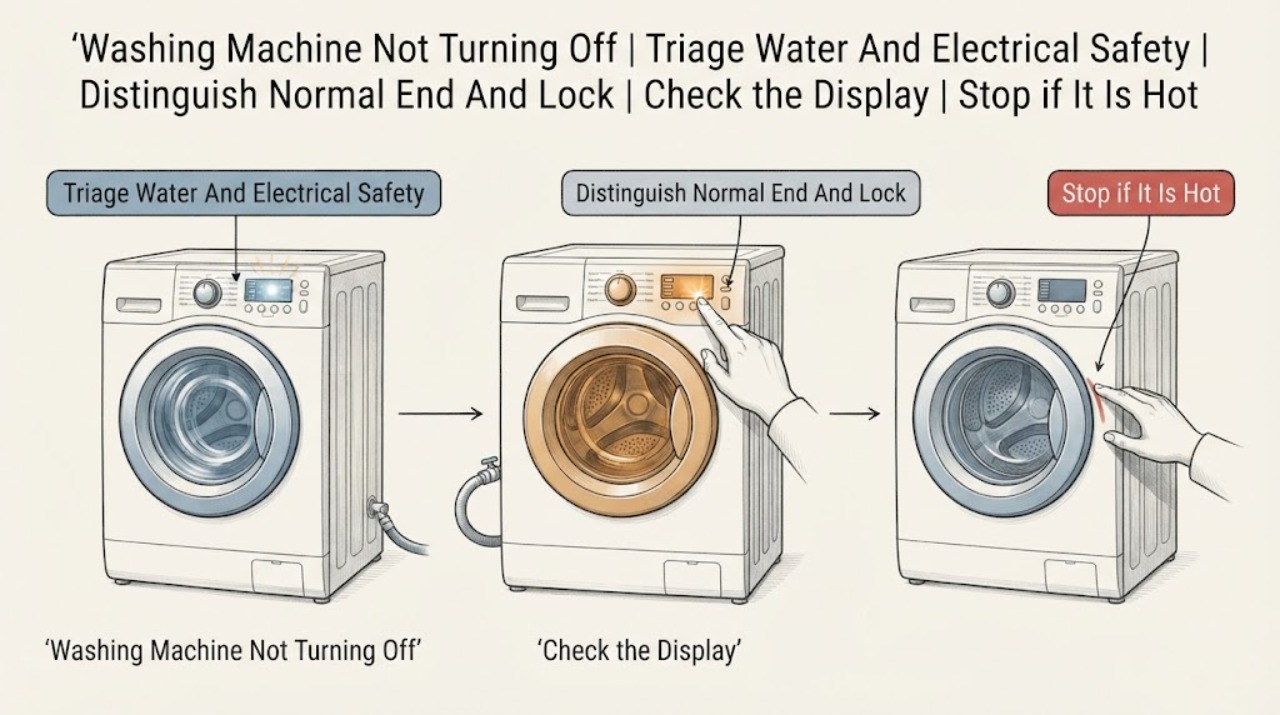
Hotpoint Washing Machine Not Turning Off: Stop Safely and Find the Stuck Stage
A Hotpoint washing machine may appear not to turn off while it is finishing a drain, waiting for a door-lock release, or retrying a fill or balance step. First look for water, a leak, smoke, burning smell, exposed wiring, or violent movement; stop and isolate the appliance if any danger is present.
-
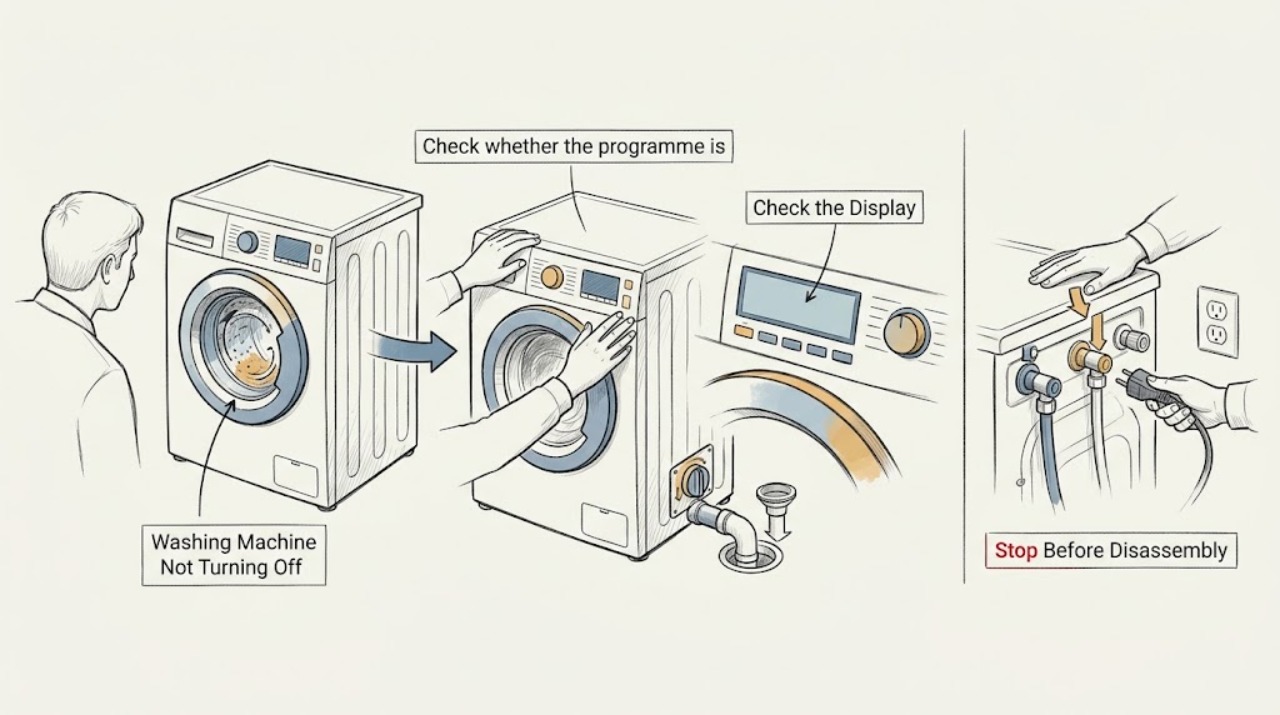
Indesit Washing Machine Not Turning Off: Stop Safely and Find the Cause
First decide whether the Indesit washer is completing a normal drain, rinse-hold, end-of-cycle, or door-lock wait, or whether it is genuinely ignoring Off or Cancel, continuing to fill or turn, or repeatedly restarting. Stop immediately for a leak, violent movement, smoke, burning or electrical odor, sparks, a hot connection, or a breaker that trips again.
-
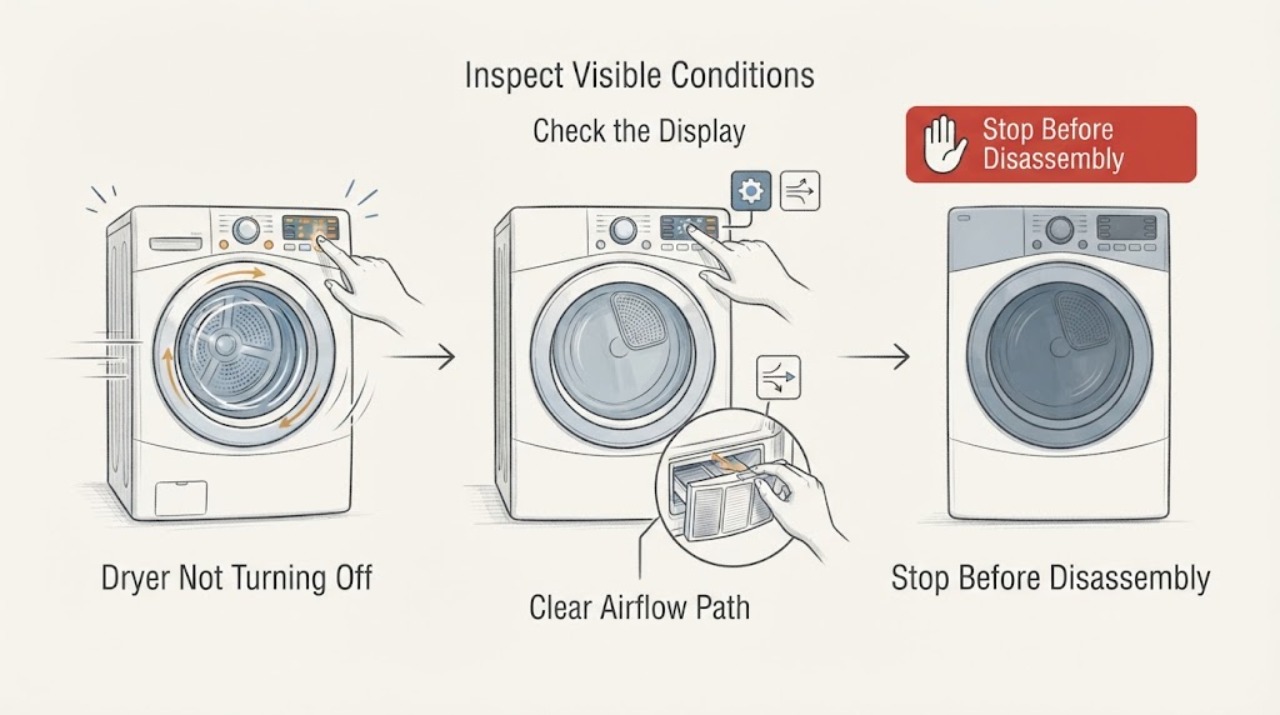
Kenmore Dryer Not Turning Off: Stop It Safely and Find the Next Check
If a Kenmore dryer keeps running, press Power or Cancel once. If the drum, heat, or blower continues, disconnect power immediately by unplugging it only when the plug and receptacle are cool, dry, undamaged, and safely reachable; otherwise switch off the dryer circuit at the breaker.
-
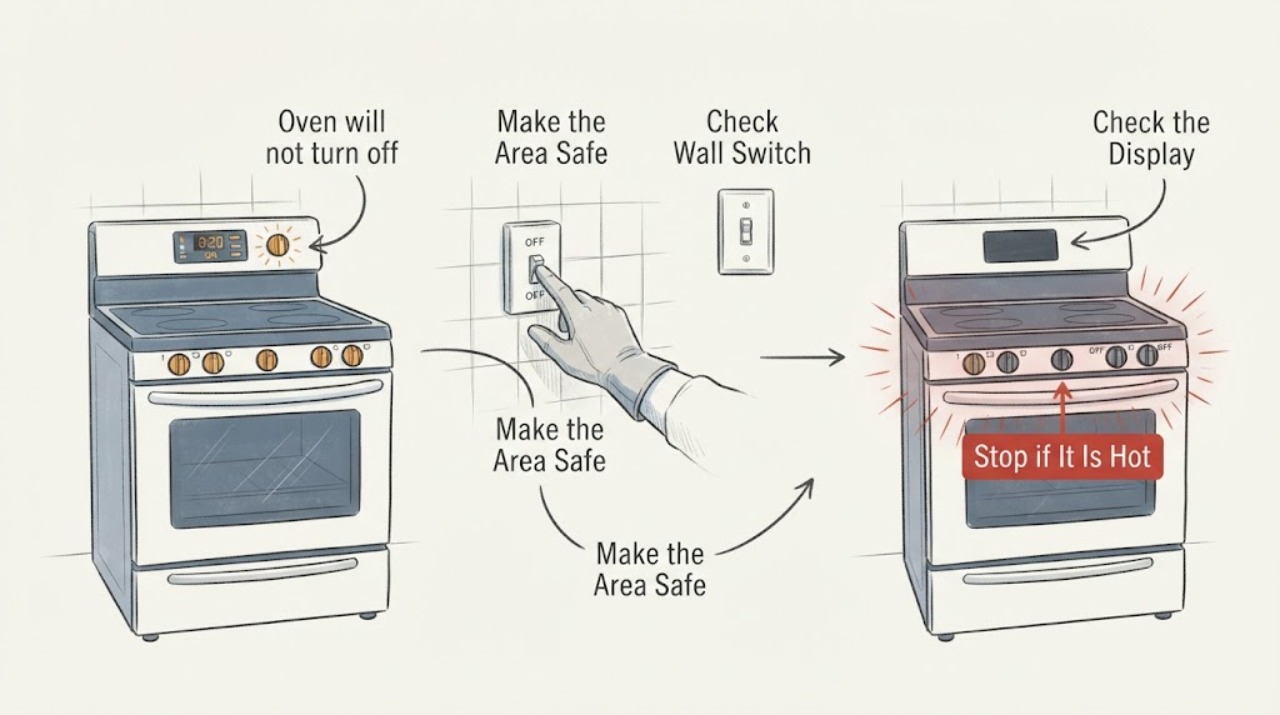
Kenmore oven will not turn off with F1: safe shutdown before code diagnosis
Treat a Kenmore oven that will not turn off as an active heating and safety problem before treating F1 as a diagnosis. If the oven is heating and the controls do not stop it, use the dedicated breaker only from a safe, dry location and only when there is no smoke, flame, gas odor, water, or other immediate danger; do not keep pressing keys or try to reproduce the fault.
-
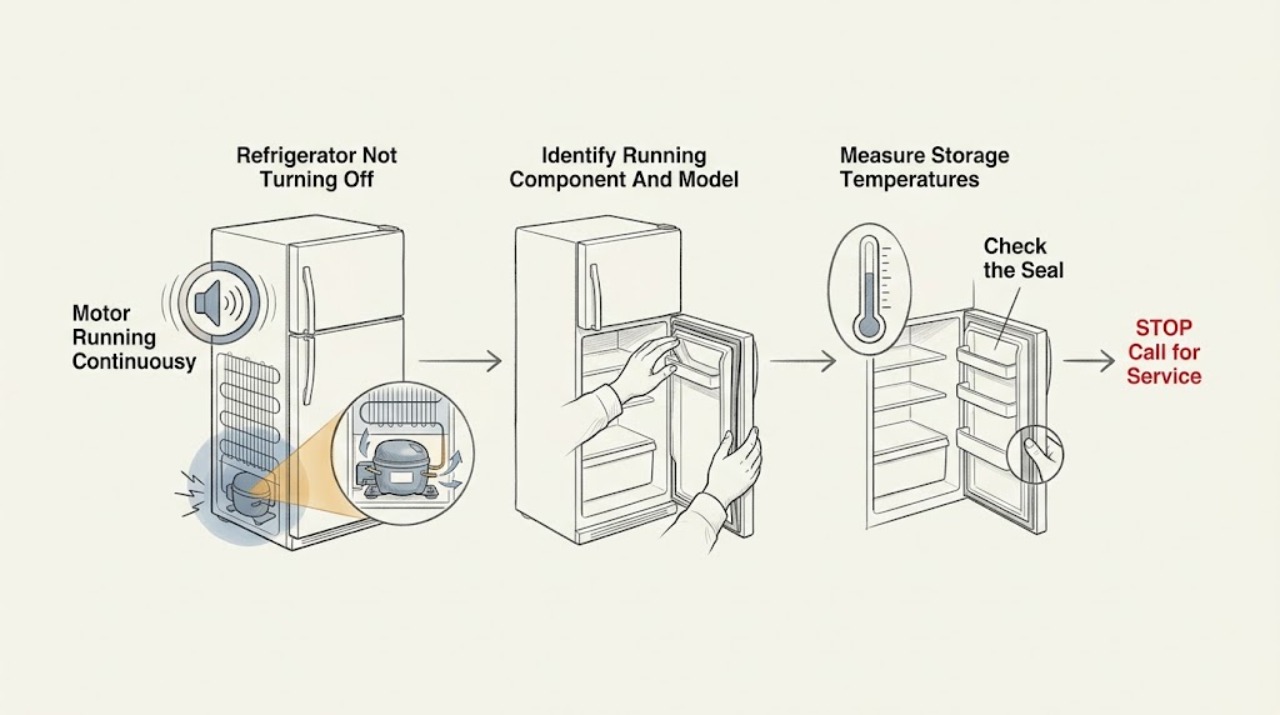
Kenmore Refrigerator Not Turning Off: Check Temperature and Airflow
First determine whether the compressor, a fan, or only the interior light is running, and record the exact model. Some of Kenmore's newest refrigerators use inverter compressors designed to run constantly and quietly, so continuous compressor sound is not by itself proof of a failure; the exact model manual decides whether that design applies.
-
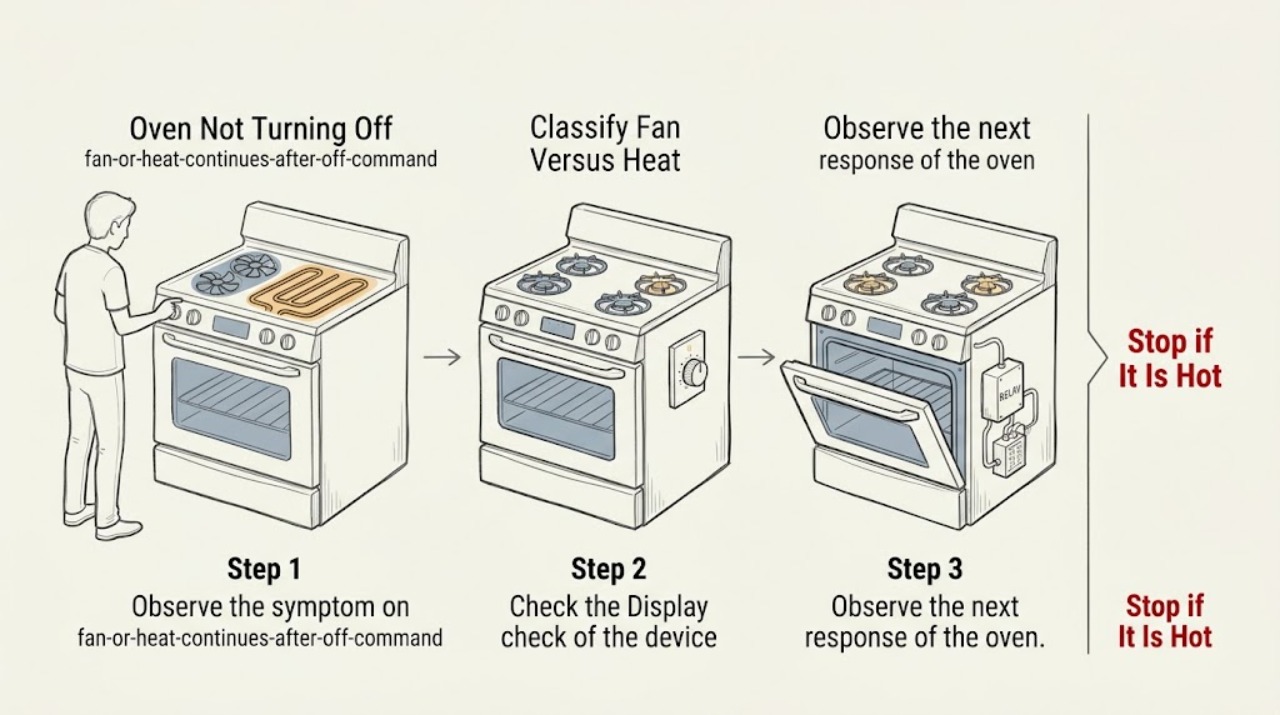
KitchenAid Oven Not Turning Off
First separate a fan that is still cooling from an oven that is still heating. KitchenAid says the automatic cooling fan can continue after a cooking cycle to cool the cavity and electronic controls, so fan noise alone does not mean the heat is still on.
-
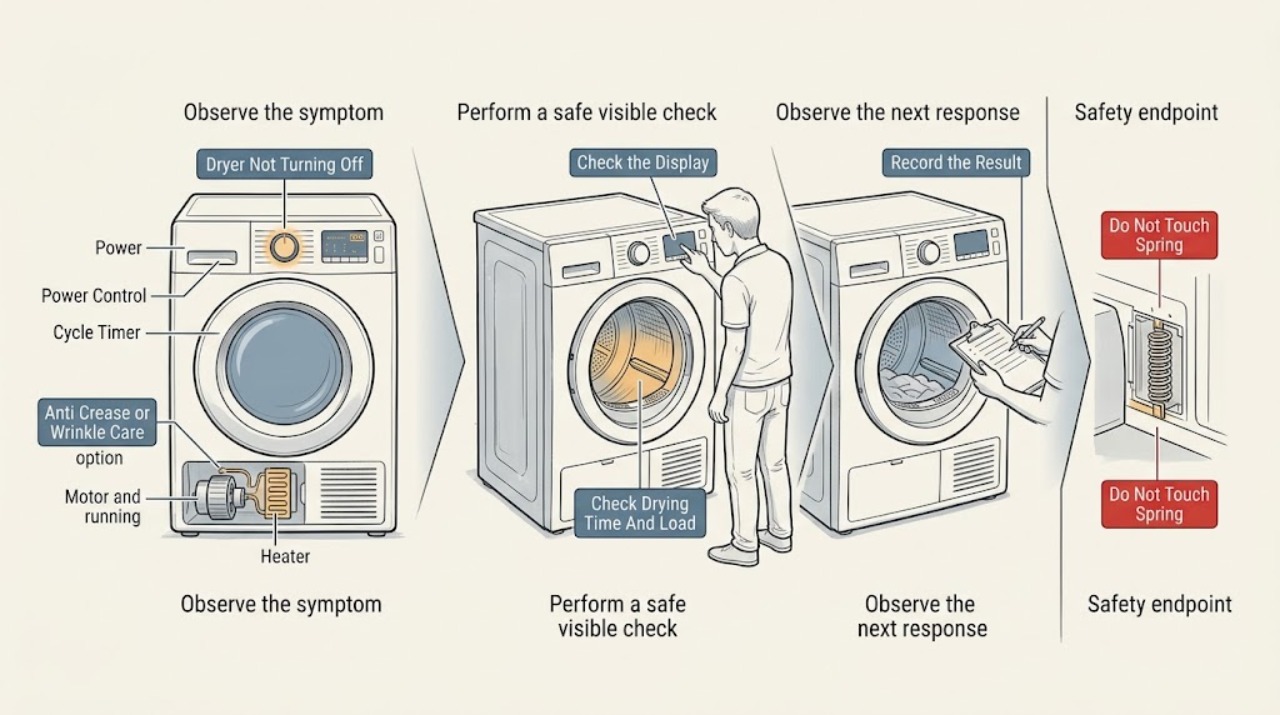
LG Dryer Not Turning Off: Check Anti-Crease, Controls, and Safety Risks
An LG dryer that appears not to turn off may be in Anti Crease or Wrinkle Care, adding drying time because the load is still sensed as damp, or continuing because of a control, sensor, motor, heater, or power fault. Check the display for a dotted border or Anti Crease/Wrinkle Care indicator, and press Power once to end a completed cycle as LG directs; wait for a Door Locked indicator to disappear before opening the door.
-
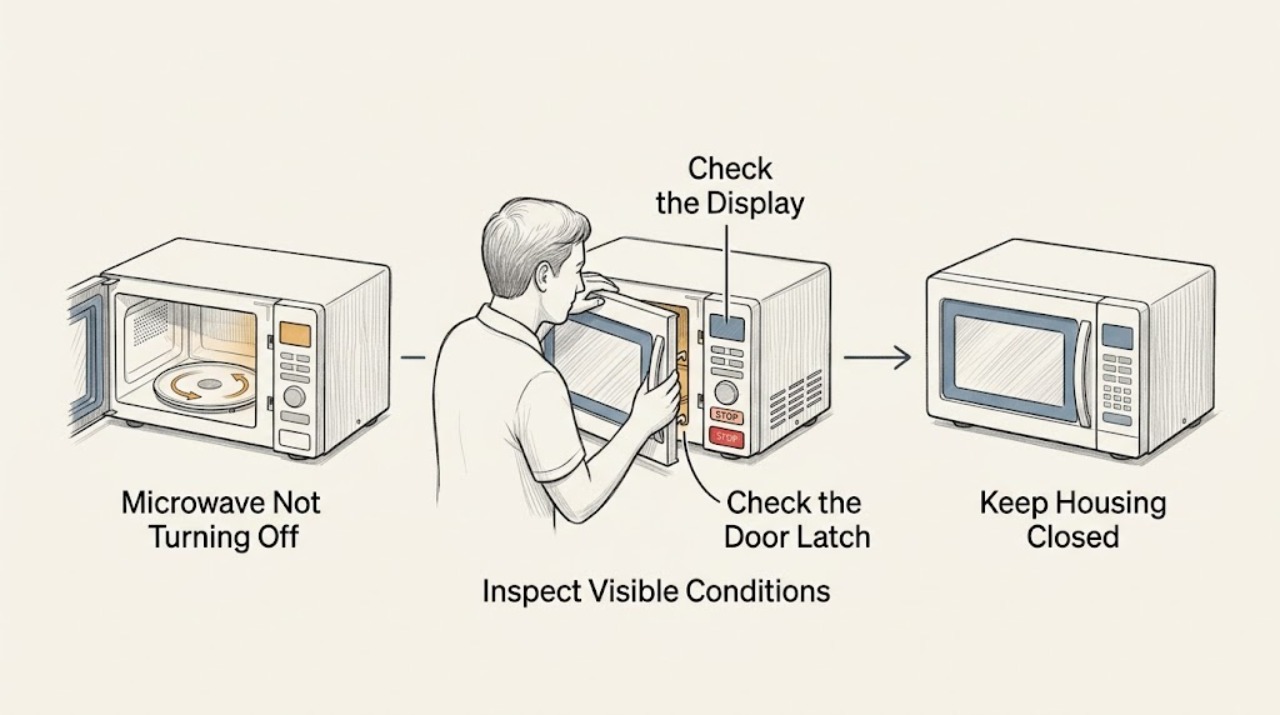
LG Microwave Not Turning Off: Stop Safely and Check the Controls
Press Stop/Clear once and note whether the timer, fan, light, and heating stop. If the microwave continues heating, sparks, smokes, or the controls do not respond, keep clear of the door and disconnect power only if it is safe, then arrange qualified service. Do not bypass the door interlock or open the cabinet.
-
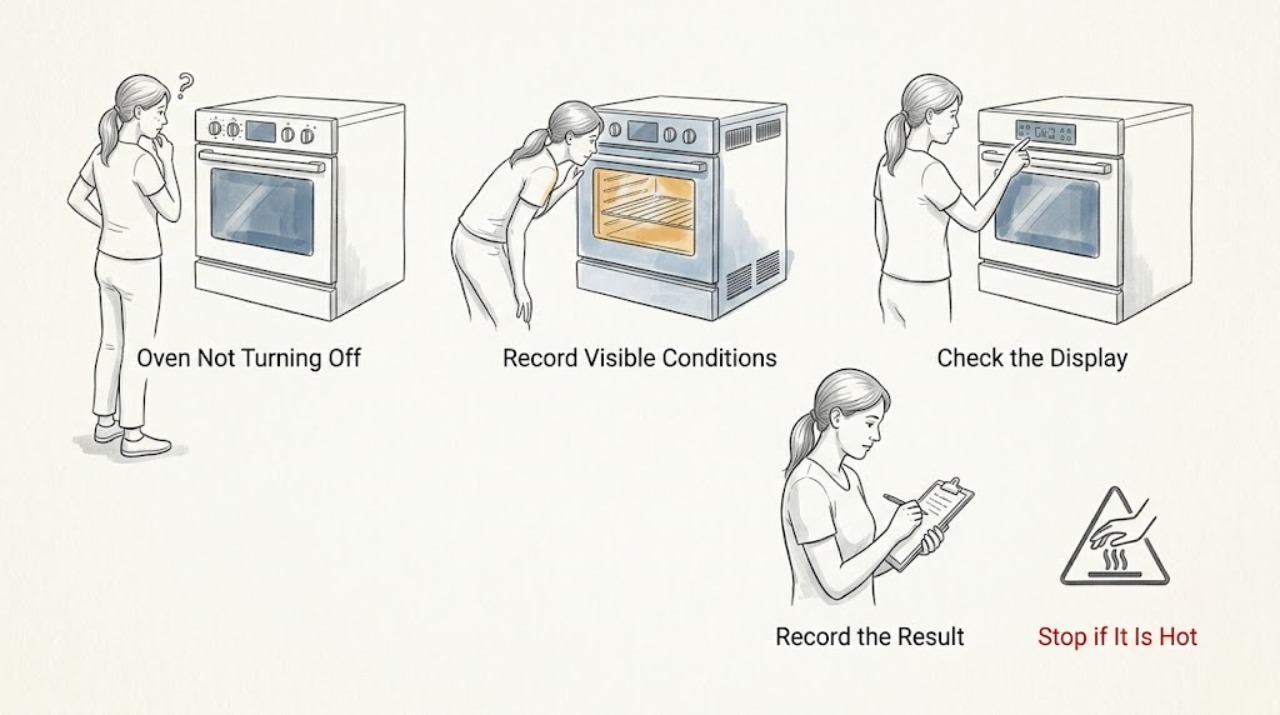
LG Oven Not Turning Off: Tell Cooling From Uncontrolled Heating
First identify what is still operating. A cooling fan, display, or hot-surface indicator can remain active after an LG oven is turned off while the cavity or surface cools.
-
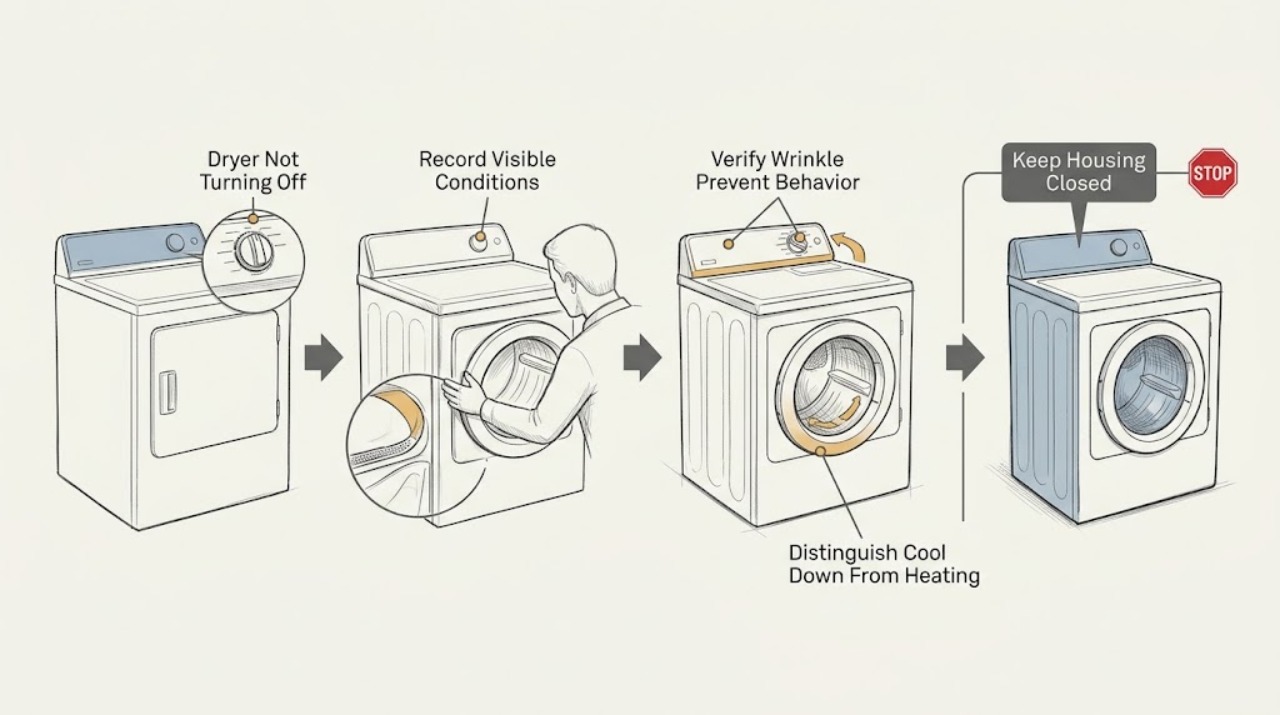
Maytag Dryer Not Turning Off: Separate Wrinkle Prevent From a Fault
A Maytag dryer may tumble after the main cycle because Wrinkle Shield, Wrinkle Prevent, or Wrinkle Guard is enabled; Maytag says this feature can periodically restart tumbling after the normal cycle and that this behavior is normal. First identify the exact model, cycle, and option lights, then distinguish cool-down or intermittent no-heat tumbling from continuous heated operation.
-
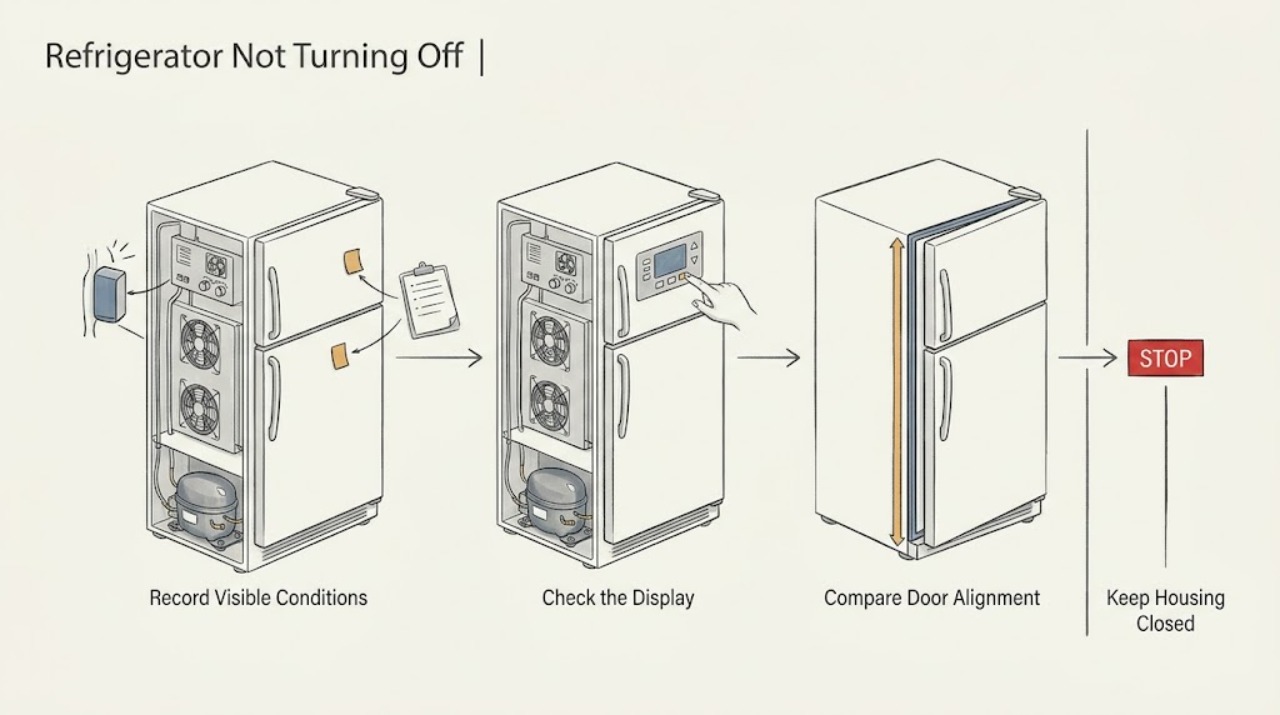
Maytag Refrigerator Not Turning Off: Check Cooling Demand and Controls
A Maytag refrigerator normally runs for long periods, especially after a warm grocery load, frequent door openings, or a warm room. Check the temperature setting, airflow, door seal, clearance, and whether the condenser area is obstructed before calling it a failure. If the compressor runs continuously while temperatures remain wrong, the condenser fan is abnormal, or the breaker trips, stop and arrange service.
-
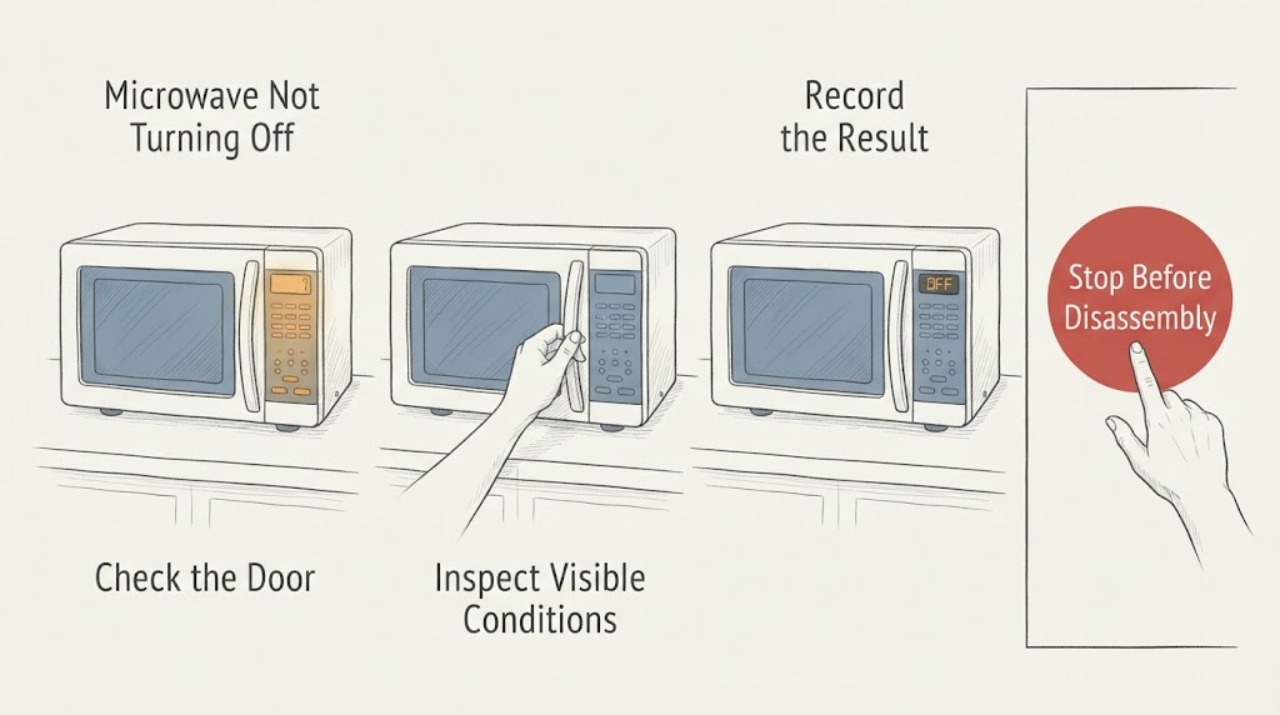
Microwave Not Turning Off
If a microwave appears not to turn off, first identify what is actually running: only the vent fan, the fan and light, or the cooking function with heat. A vent fan can run automatically to cool an over-the-range unit, but a microwave that continues heating with the door closed or starts cooking by itself must be unplugged or isolated at the breaker and serviced.
-
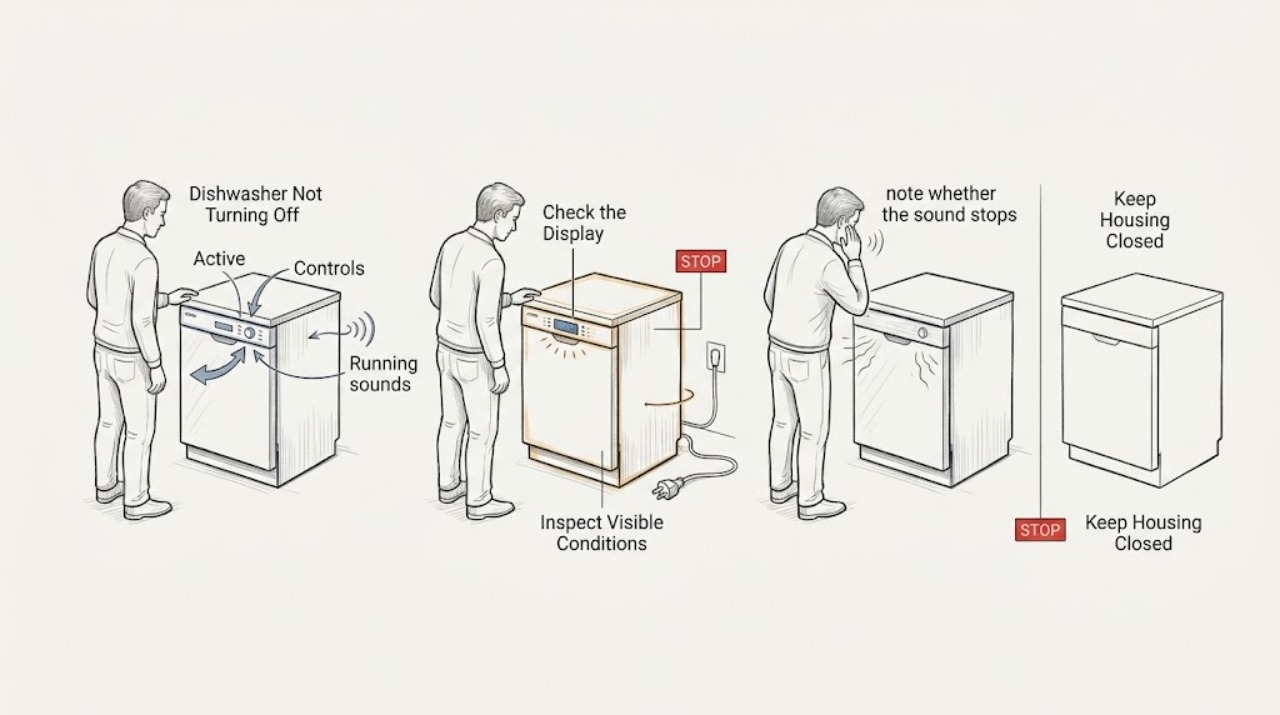
Miele Dishwasher Not Turning Off: Separate a Normal Fan From a Fault
First identify what ‘not turning off’ means on the Miele dishwasher: a fan or pump may continue briefly, a program may still be running, or the controls may ignore the Off command. Note the display, water level, and sound. If the appliance continues heating or pumping, shows a code, leaks, smells hot, or cannot be safely stopped, isolate power only when safe and call Miele service.
-
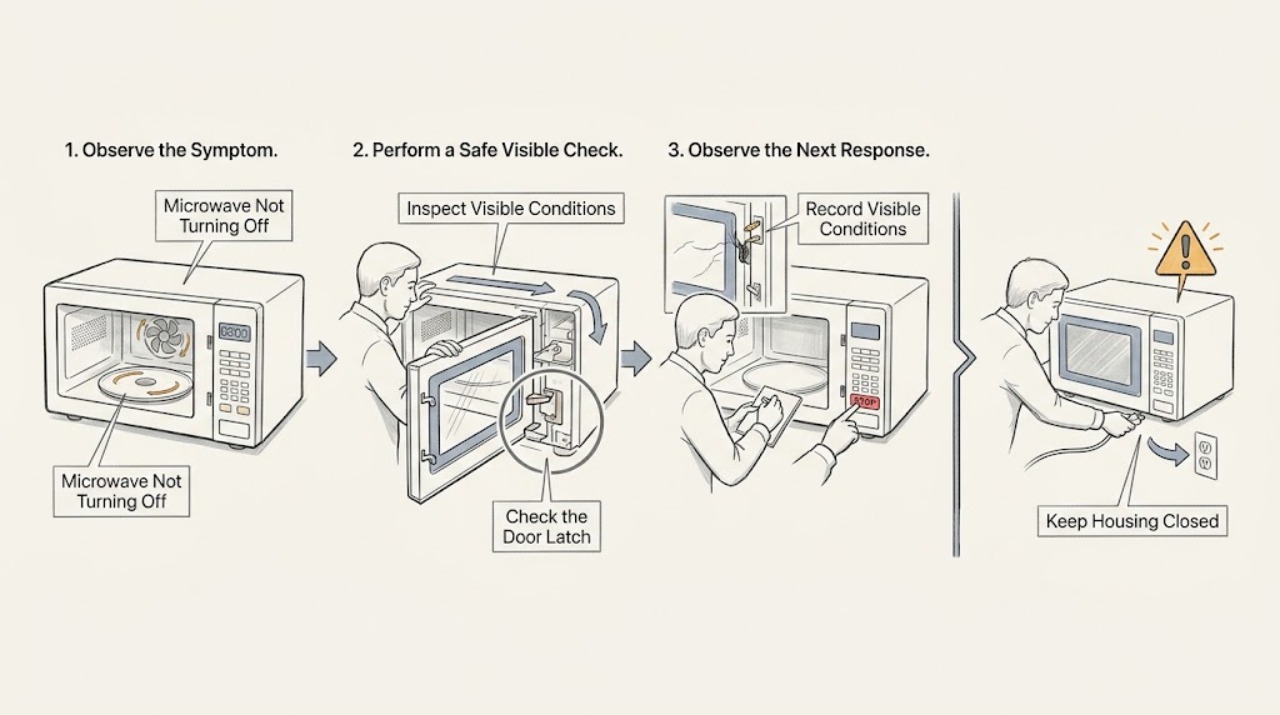
Panasonic Microwave Not Turning Off: Stop First, Then Check the Door and Mode
If a Panasonic microwave continues heating, sparking, or producing microwave-related activity after Stop/Reset, stop using it and disconnect power only if you can do so safely. A fan or light may have a model-specific after-run behavior, but operation with the door open is not normal. Check the door and controls externally; do not open the cabinet.
-
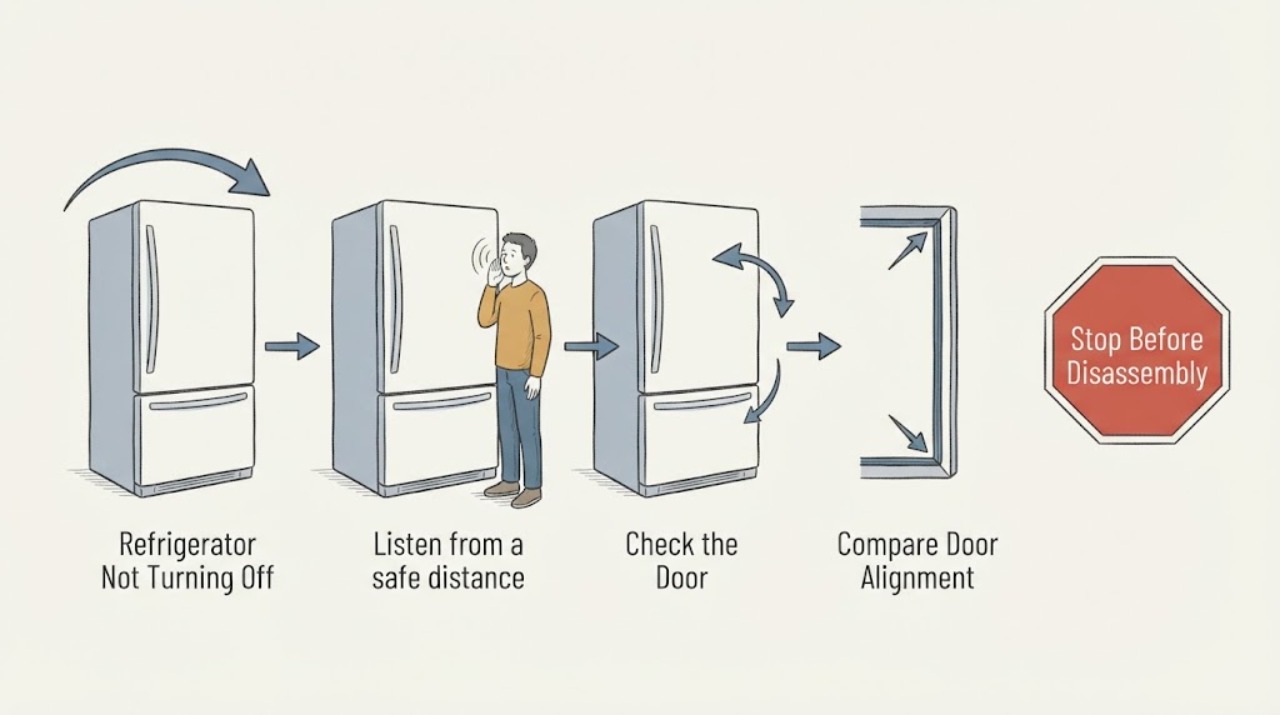
Refrigerator Not Turning Off
A refrigerator compressor may run for long periods, and Frigidaire notes that many variable-speed French-door compressors run continuously except during defrost. Check whether the sound is truly the compressor, whether doors seal, whether warm food or frequent openings are adding heat, and whether vents and rear clearance are adequate.
-
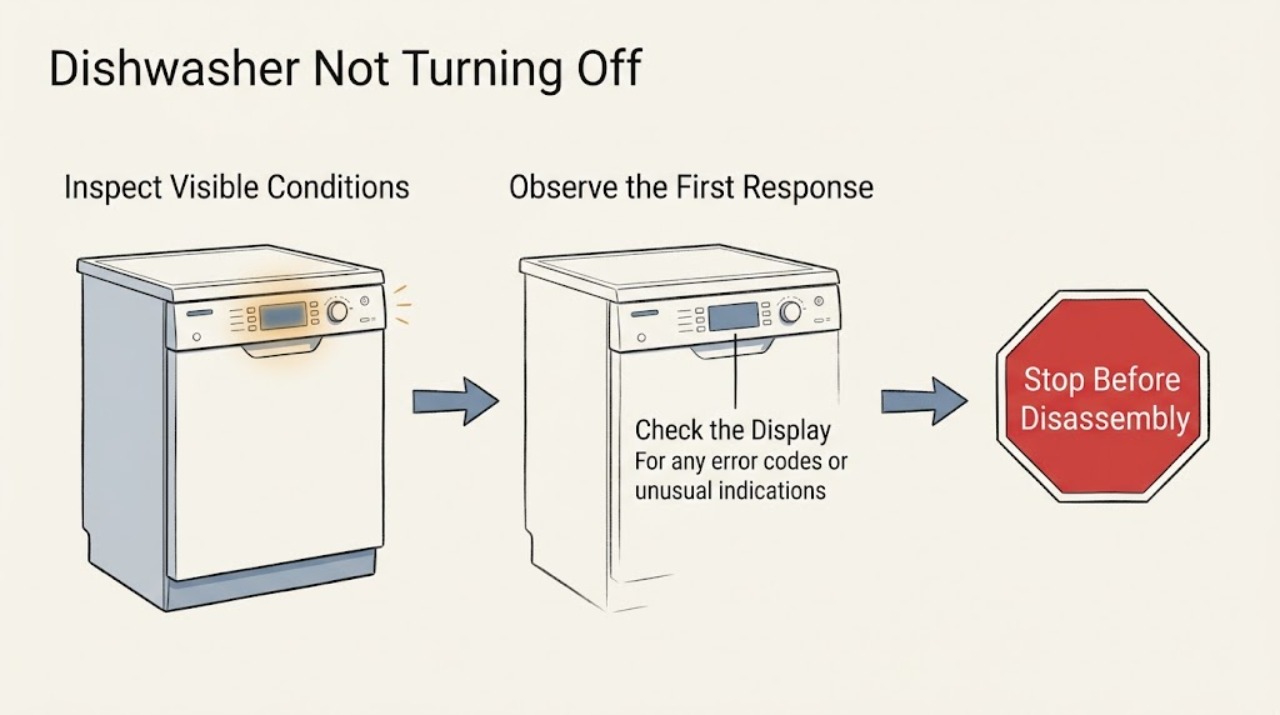
Samsung Dishwasher Not Turning Off
A Samsung dishwasher that keeps running or will not turn off is often reacting to a Sanitize-cycle display behavior or moisture detected by its leak sensor. Open the door after a Sanitize cycle, note any code or blinking lights, and inspect only for accessible water around the door and toe-kick. Continuous draining, a visible leak, or a returning leakage indication requires service; do not bypass the sensor.