
Repair problem
Not Turning Off Troubleshooting Guides – Page 2
Published FixGraph guidance for diagnosing and responding to not turning off.
Matching published guides
Choose a guide that matches the service, equipment, and conditions you are seeing.
-
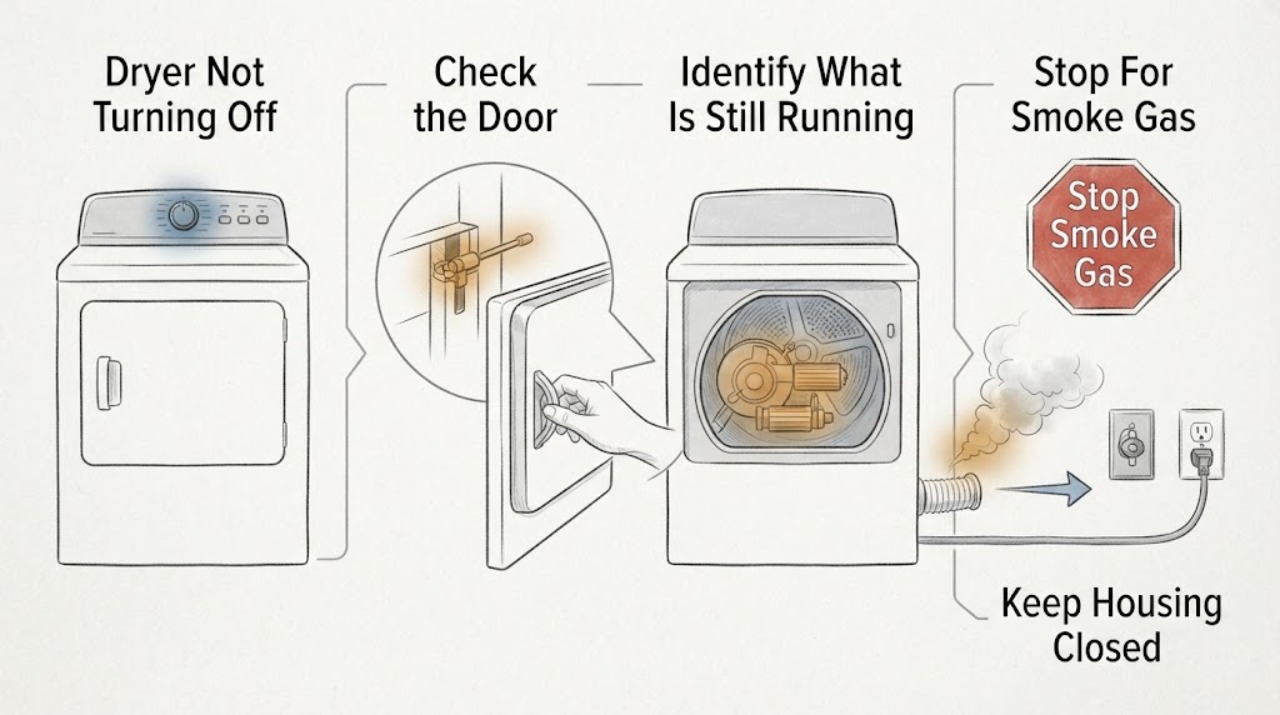
Samsung Dryer Not Turning Off: Check Wrinkle Prevent before Calling for Service
A Samsung dryer may keep the panel or drum light on after a cycle, and Wrinkle Prevent can tumble clothes intermittently without heat after the cycle ends. Open the door or press Power as the model instructs to distinguish that normal post-cycle behavior from a dryer that continues spinning, heating, or ignores controls.
-
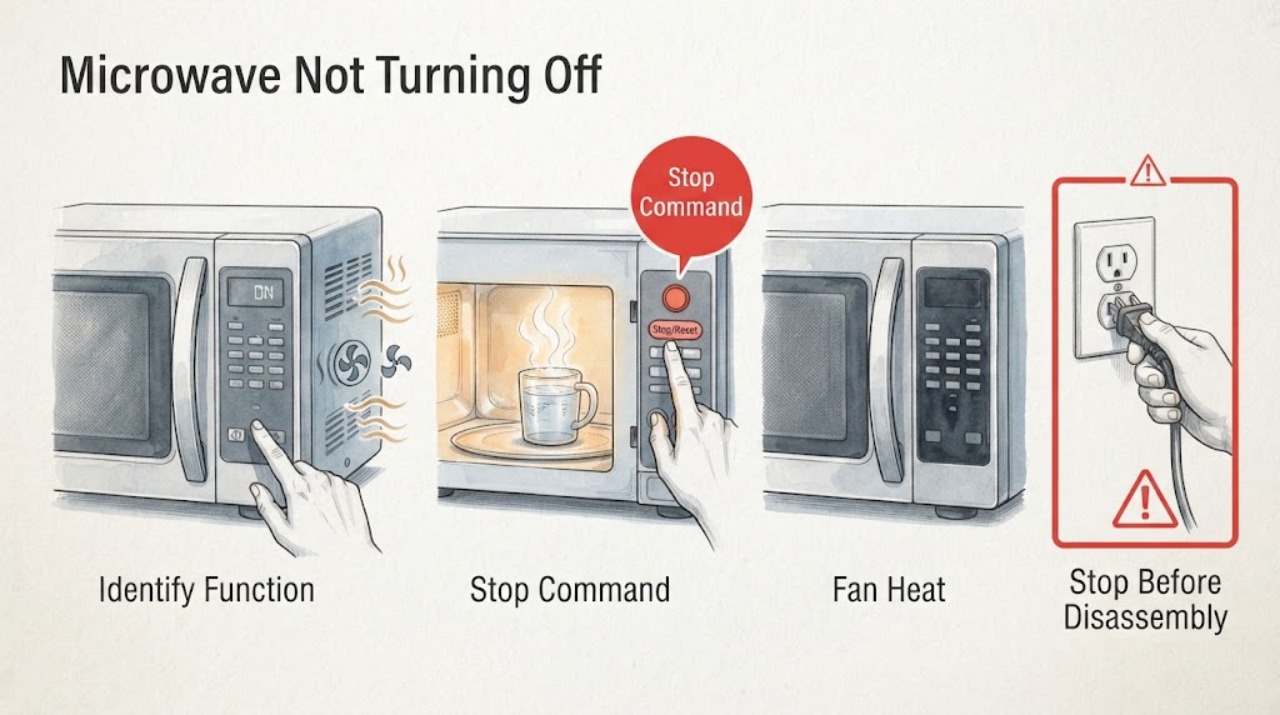
Samsung Microwave Not Turning Off: Identify the Function That Remains On
First identify whether the microwave cavity is still cooking, the vent fan is cooling after heat, or only the cooktop lamp remains lit. Samsung says a vent fan can run automatically until excess heat dissipates, but a microwave that continues cooking or starts without a command is a fire hazard: disconnect power when safe, do not use it, and request service. For a lamp that stays on, one power cycle and time to dry after steam are the only external checks.
-
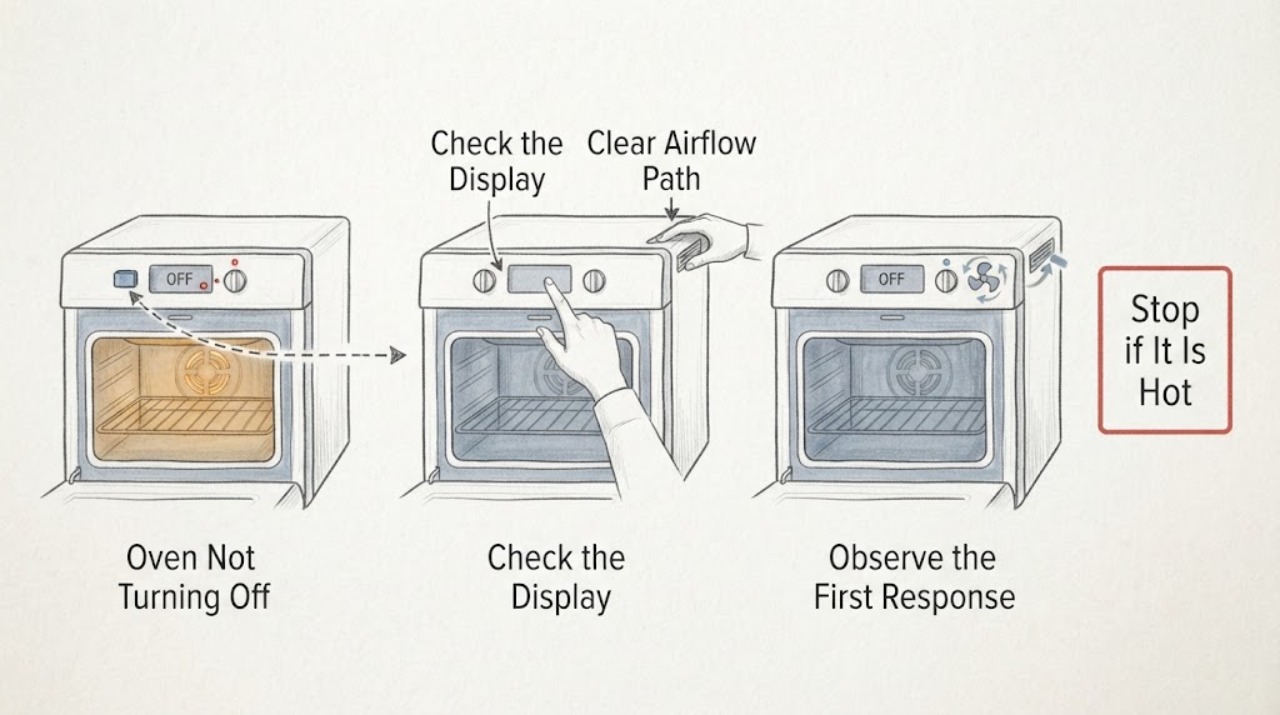
Samsung Oven Not Turning Off: Fan or Continuous Heat?
First separate a fan or lit display from continued heating. Samsung ovens can keep a cooling fan running after cooking while the electronics cool, and a convection fan can cycle during operation.
-
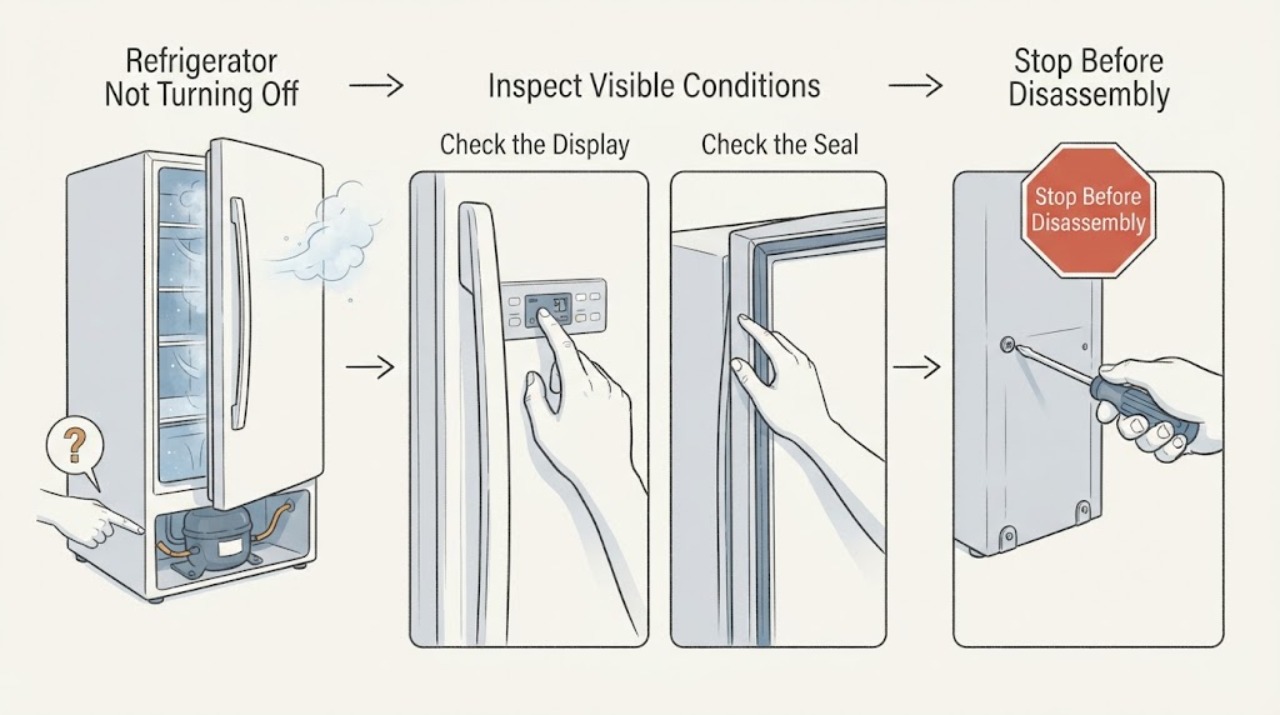
Samsung Refrigerator Not Turning Off: Safe Checks for Continuous Running
A Samsung refrigerator may run for a long time after warm food is loaded, a door is opened often, the room or nearby cooking area is hot, or Power Cool or Power Freeze is active. First identify whether the sound is the compressor or a circulation fan, confirm that the compartments are actually reaching temperature, turn off any temporary high-cooling setting using the model instructions, and check the doors, seals, vents, and clearance.
-
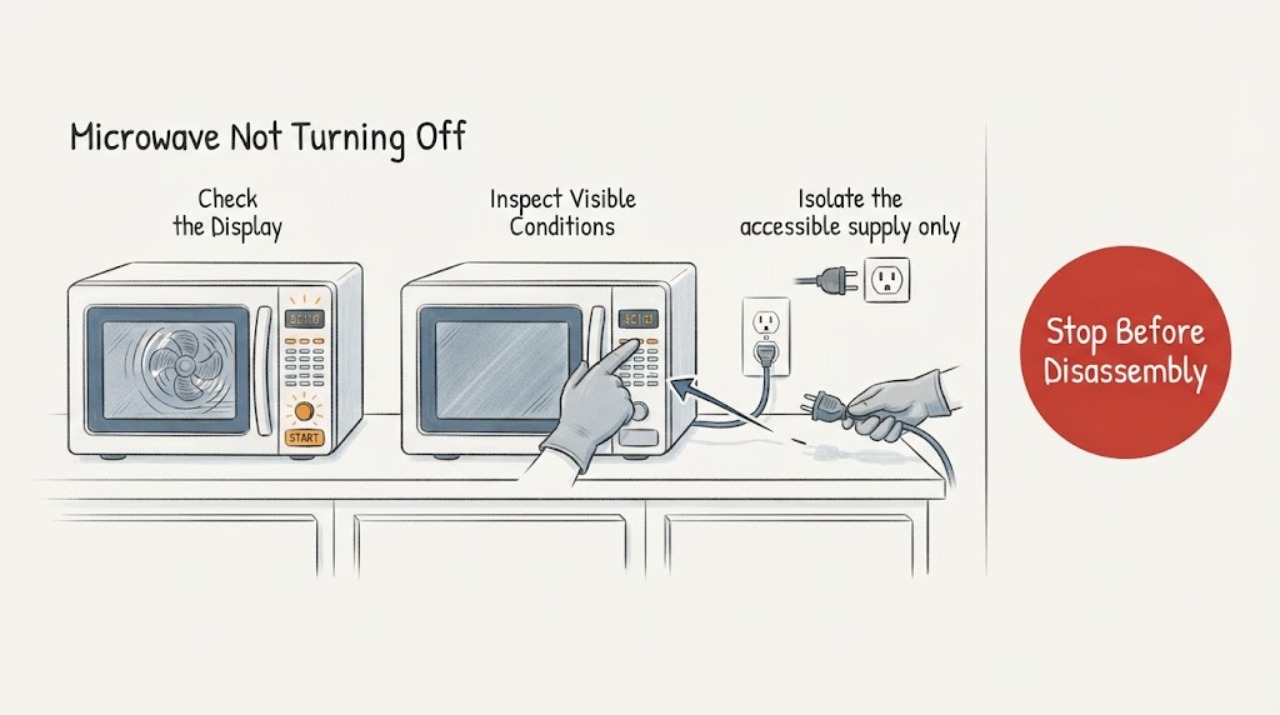
Sharp Microwave Not Turning Off
A Sharp microwave that will not turn off is a safety issue. Press Stop/Clear once if the controls respond; if heating, the fan, or turntable continues, isolate power only when safe and do not reopen the cabinet.
-
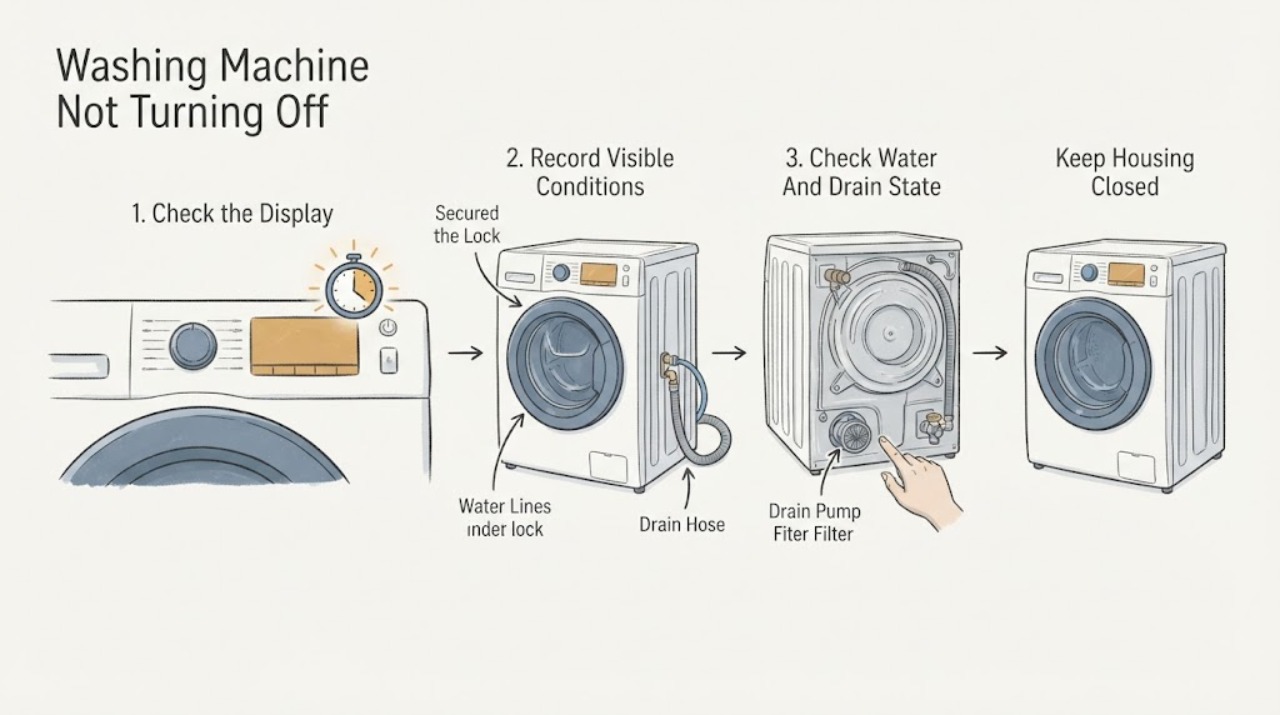
Siemens Washing Machine Not Turning Off
First distinguish a brief cooling, balancing, or drain-pump sound from a Siemens washing machine that keeps filling, tumbling, spinning, pumping, or heating after the programme should have ended. Record the exact model, display code or symbol, programme, stage, and whether the drum contains water.
-
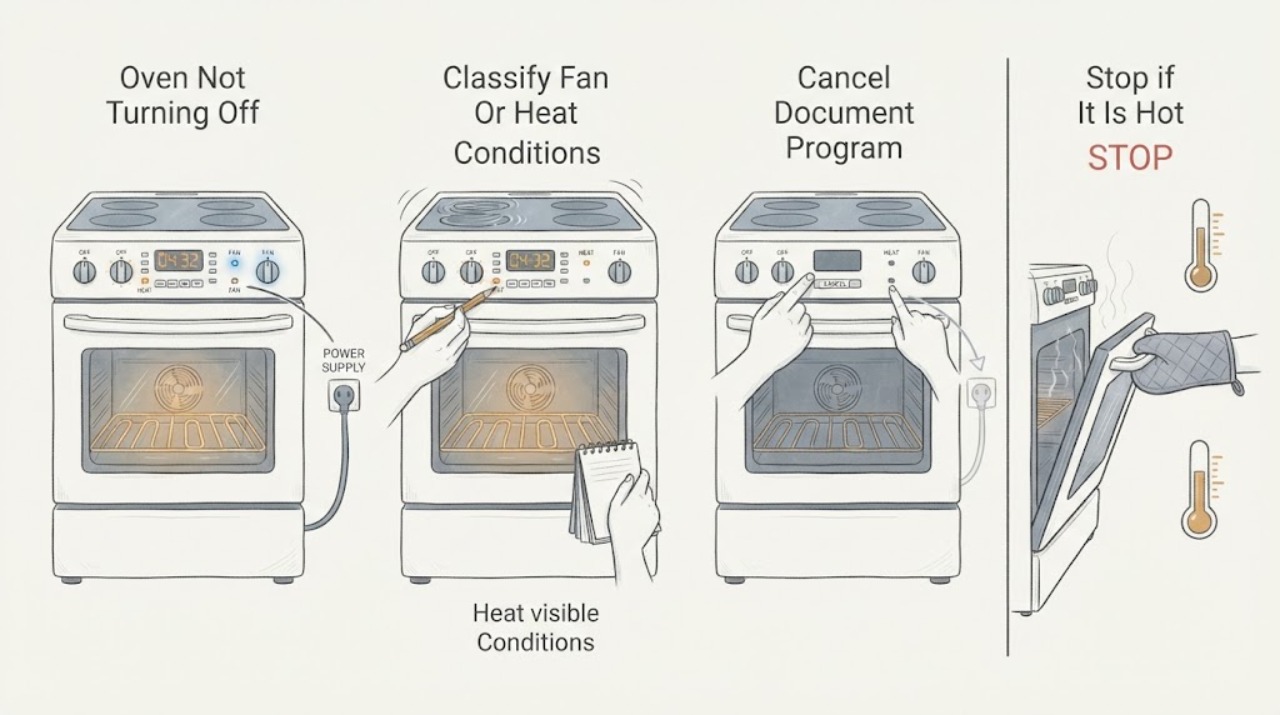
Smeg Oven Not Turning Off
First separate a Smeg cooling fan that runs after shutdown from an oven that is still producing heat. Smeg says its cooling fan can continue for around 20 minutes after the appliance is switched off, so airflow and a warm cavity alone do not prove that cooking is continuing.
-
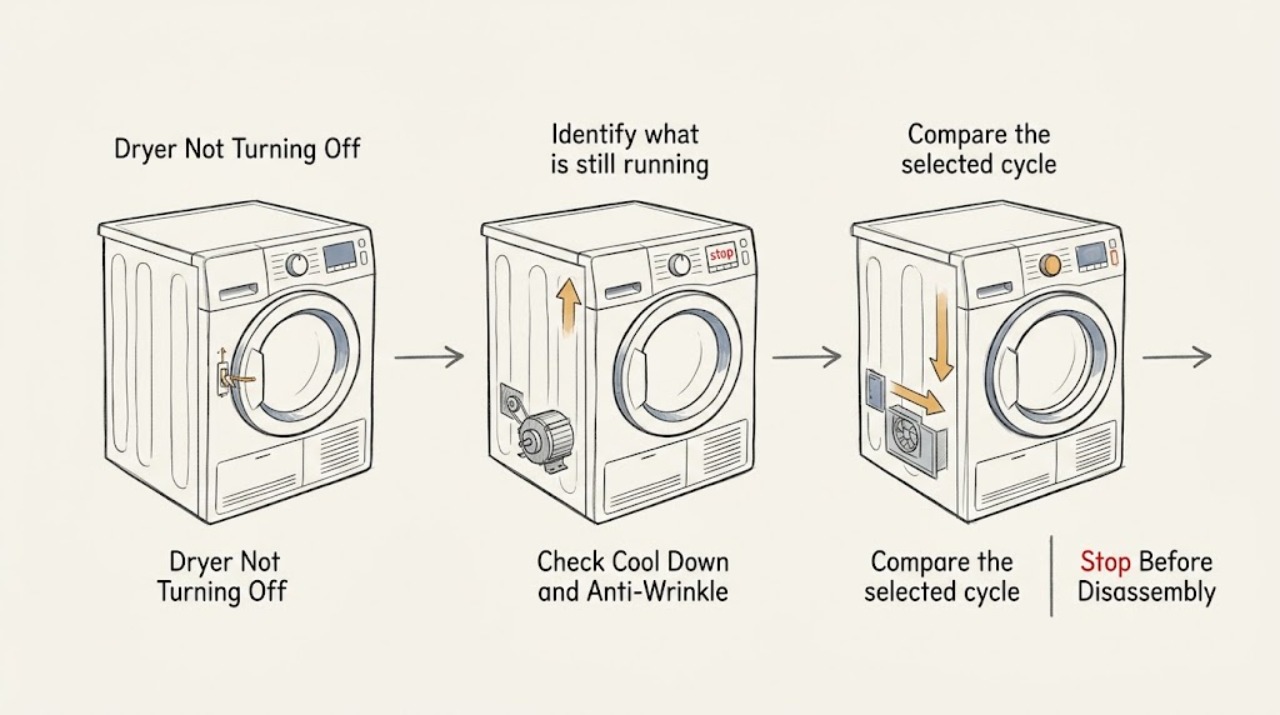
Speed Queen Dryer Not Turning Off: Separate Cooling, Wrinkle Care, and Faults
A Speed Queen dryer may tumble briefly after the heat ends because its cool-down or anti-wrinkle option is running. Check the status light, display, timer, selected cycle, and whether the drum is turning with heat or without heat.
-
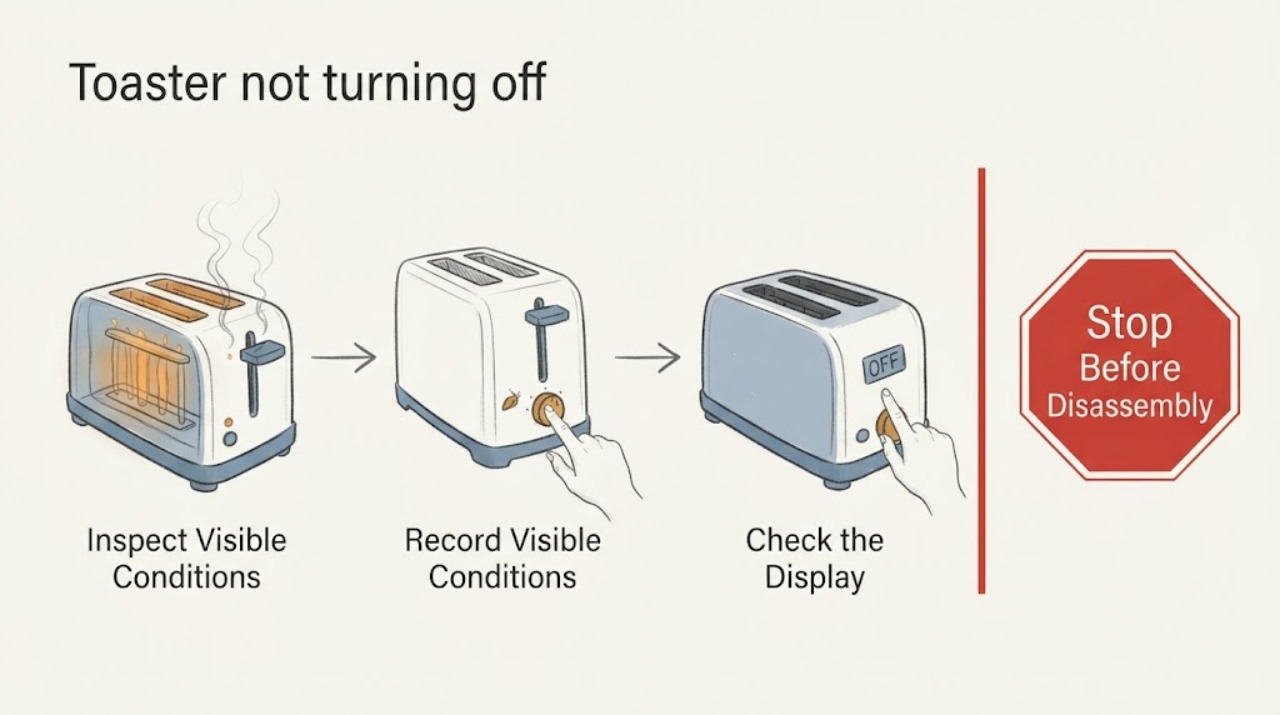
Toaster not turning off
A toaster that stays heating after the toast pops or will not stop is a fire hazard. Press STOP only if the control responds, unplug it when safe, and do not leave it unattended. Check the model and series against official safety notices; a stuck control, latch, or heating element requires replacement or qualified service.
-
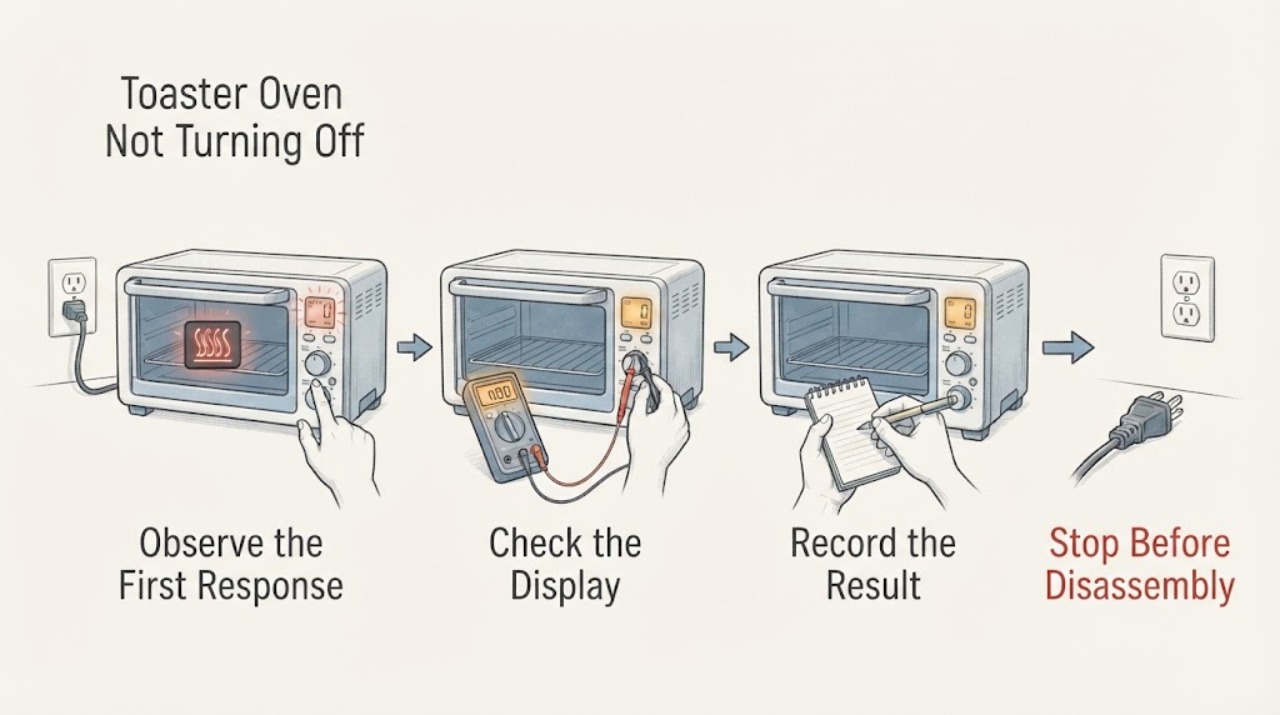
Toaster Oven Not Turning Off
Turn the timer or control to OFF, then unplug the cool, dry appliance when safe. A STAY ON setting can be intentional; heating that continues at OFF, a stuck control, smoke, or a damaged cord requires immediate stop-use and service.
-
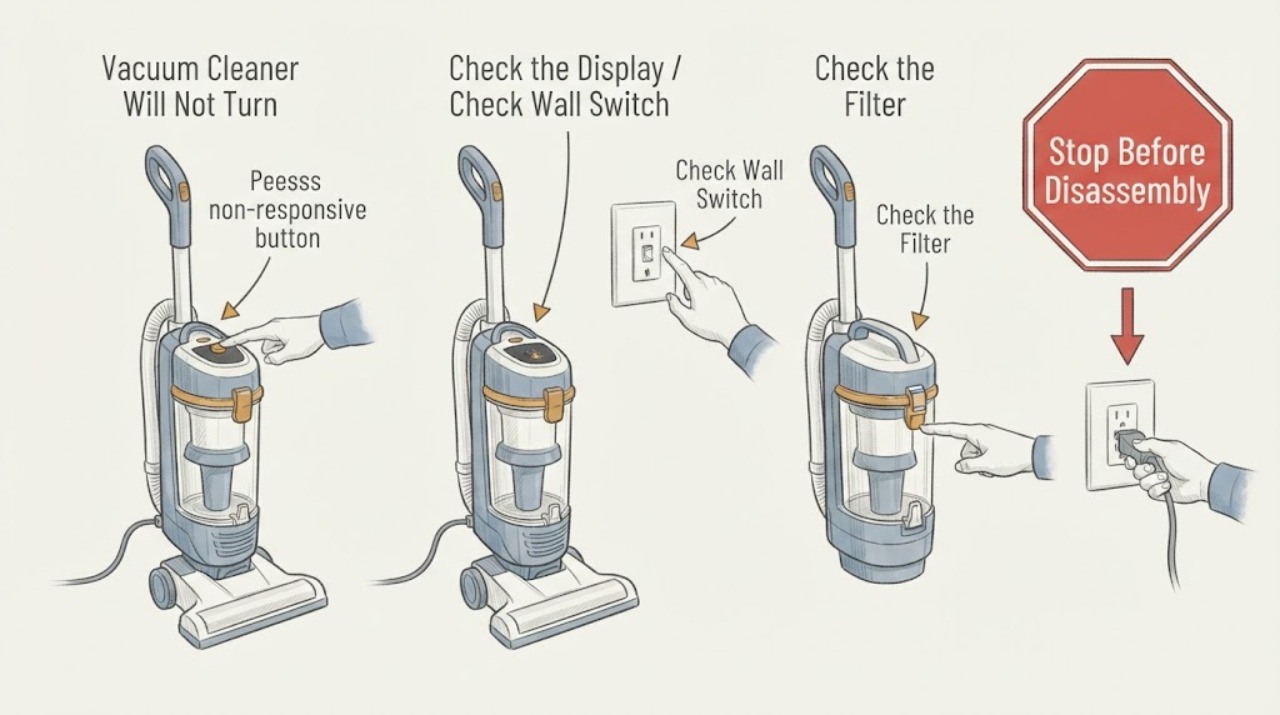
Vacuum Cleaner Will Not Turn Off: Isolate It Safely
If a vacuum cleaner continues running after its control is released, isolate it first using the plug, battery removal, or the manufacturer’s safe stop method. Check only the external switch/control and accessible brush or airflow condition; a persistent run-on points to a stuck control, relay, or electronic fault that needs service.
-
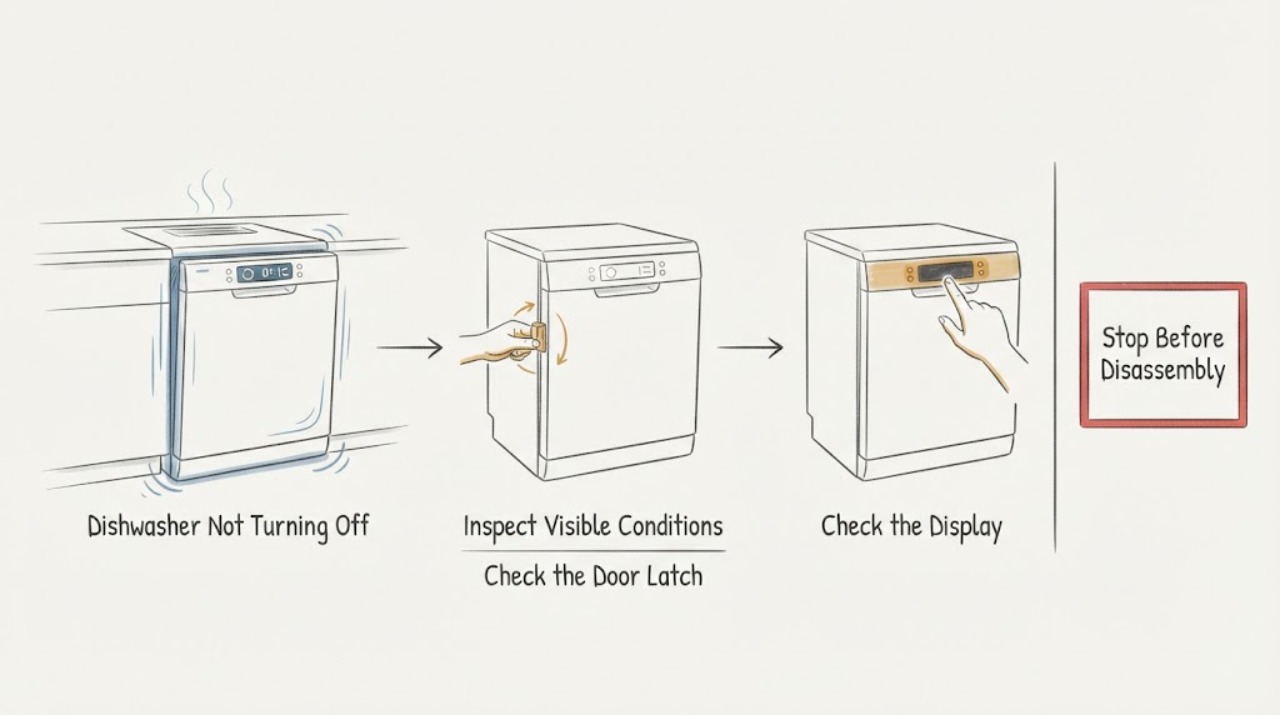
Viking Dishwasher Not Turning Off
A Viking dishwasher that keeps running may be waiting for a drain, fill, or cycle condition rather than having a simple power-button problem. Check whether the Start or Power indicator is flashing, whether the tub is draining, whether the door is securely closed, and whether a fault pattern is displayed. Use the exact model manual to cancel or reset once; if the pump continues, water remains, the unit leaks, or a fault returns, leave it off and arrange qualified service.
-
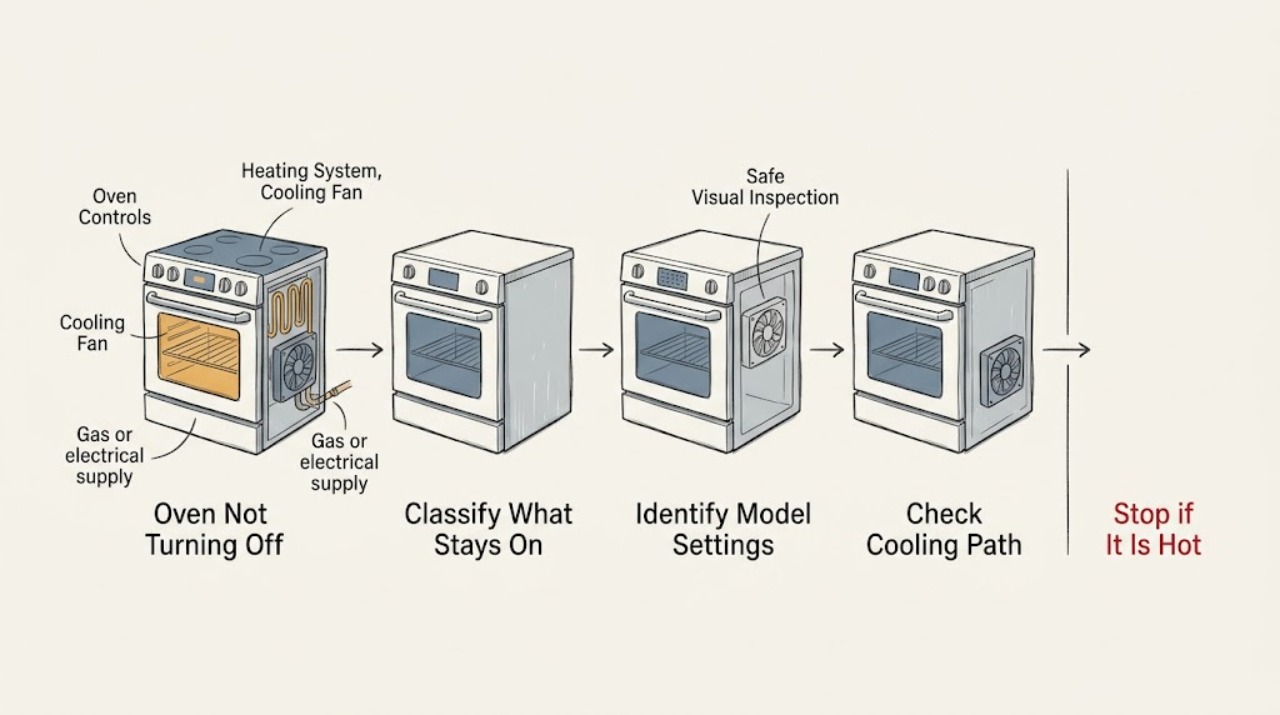
Viking Oven Not Turning Off: Separate Cooling, Hold Mode, and a Fault
A Viking oven can sound active after the controls are turned off because a cooling fan may run during the cool-down, while some models use timed cook, hold, delay, or Sabbath settings that change when heat stops. First decide whether the oven is only moving air or whether an element, burner flame, or heat output is still active.
-
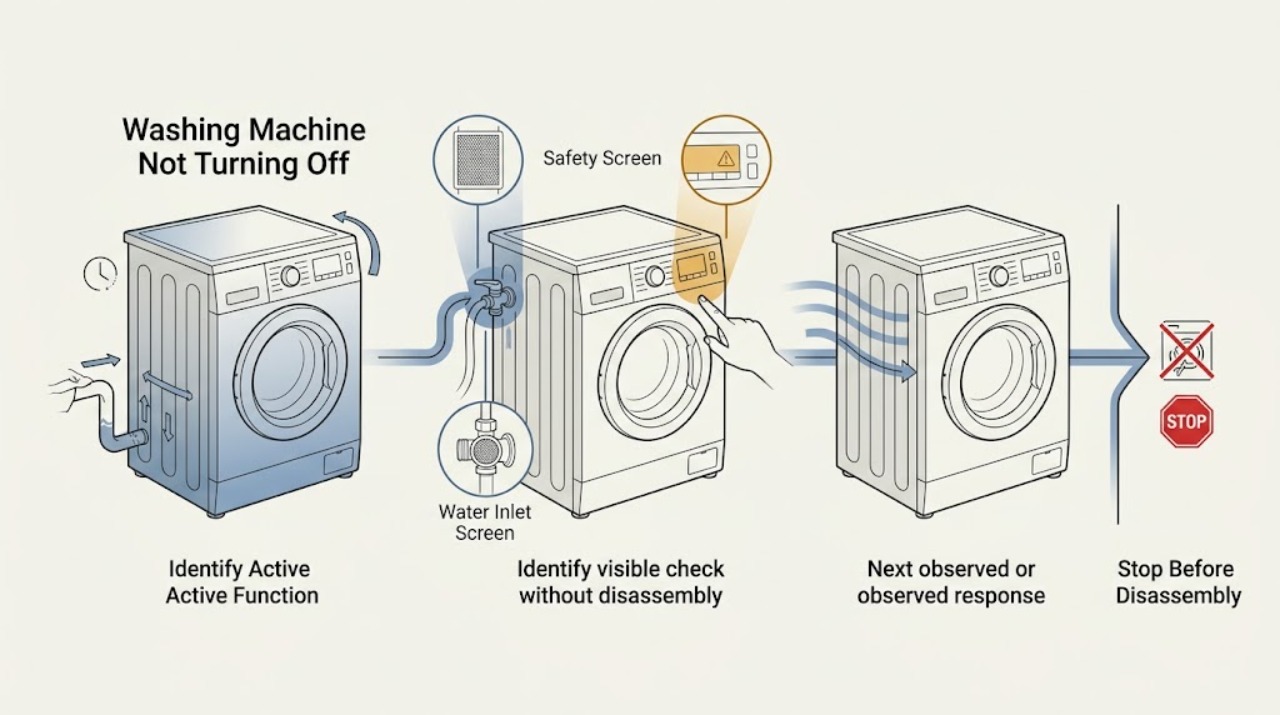
Washing Machine Not Turning Off: Separate Normal Drain Time from a Stuck Cycle
A washing machine may continue briefly after Cancel or End while it drains, cools, spins down, or releases a door or lid lock. Do not force it off until you have noted whether the drum is moving, water is entering, water remains, the pump is running, or the display shows a code.
-
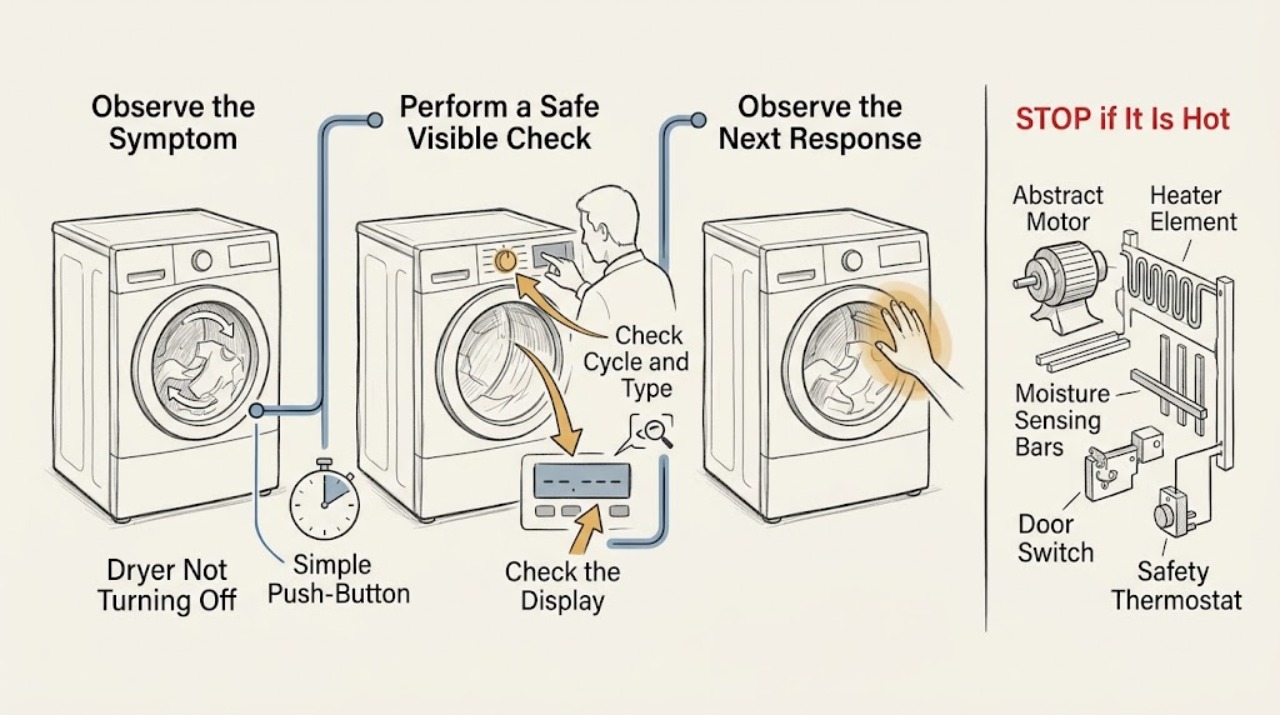
Whirlpool Dryer Not Turning Off: Check Wrinkle Shield and Stop Safely
First determine whether the Whirlpool dryer is truly running continuously or is performing a normal Wrinkle Shield, Wrinkle Prevent, or Wrinkle Guard interval. Whirlpool says these options can turn the dryer off and back on for short periodic tumbles after the normal cycle, and some models can continue this behavior for a model-defined period.
-
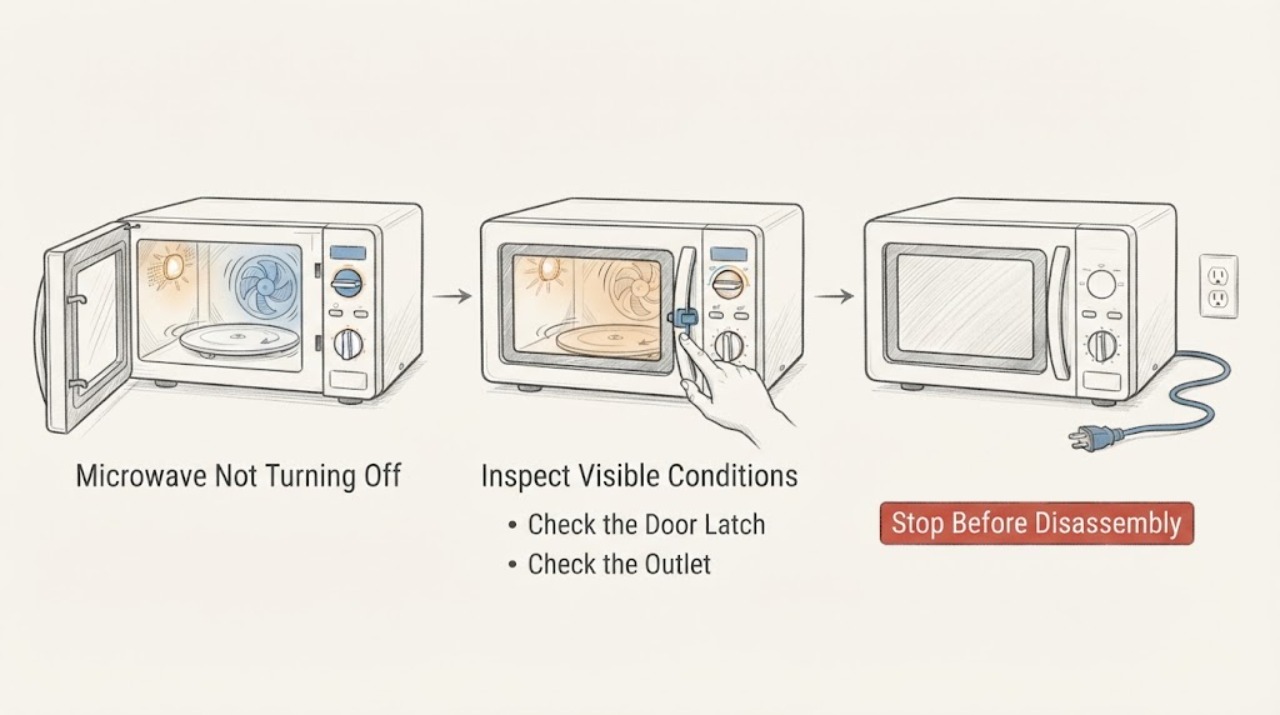
Whirlpool Microwave Not Turning Off: Safe Checks
If a Whirlpool microwave keeps running or will not turn off, press Stop/Cancel once and open the door only if it opens normally; if the fan or light continues but microwave energy stops, identify that normal cooling behavior separately from a continuing cook cycle. Whirlpool warns that if a breaker or fuse trips again after reset, do not continue operating the microwave—disconnect its power or turn off its breaker and arrange service.
-
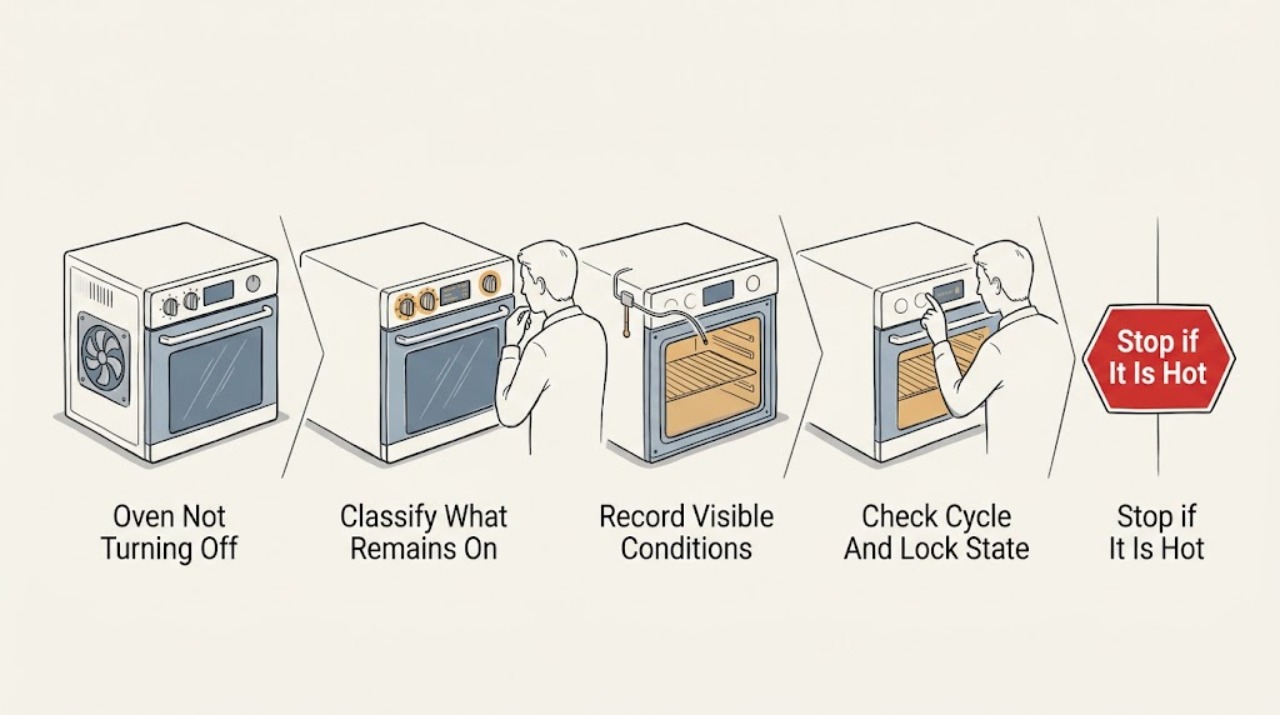
Whirlpool Oven Not Turning Off: Tell a Cooling Fan from Ongoing Heat
First determine what is still running. A Whirlpool oven's cooling fan can continue during or after a bake, broil, or cleaning cycle while the cavity and controls cool, and warm air from the vent can be normal.
-
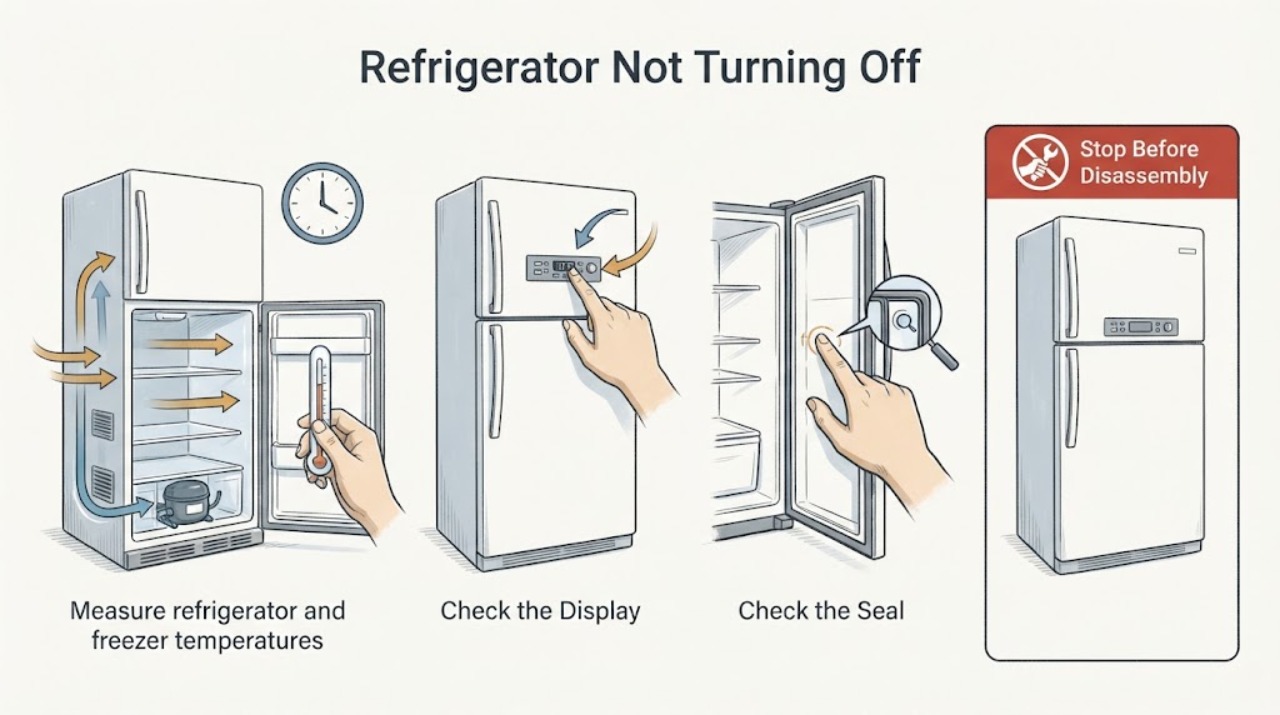
Whirlpool Refrigerator Not Turning Off: Check Temperature, Doors, and Airflow
A Whirlpool refrigerator may run for long periods after warm food, frequent door openings, or a warm room, and some inverter compressors vary speed continuously. Check the temperature setting, door seal, blocked vents, load, room heat, and ventilation before judging a fault. If it runs continuously while cooling poorly, is unusually noisy, repeatedly trips power, or has heavy frost, protect food and arrange service.
-
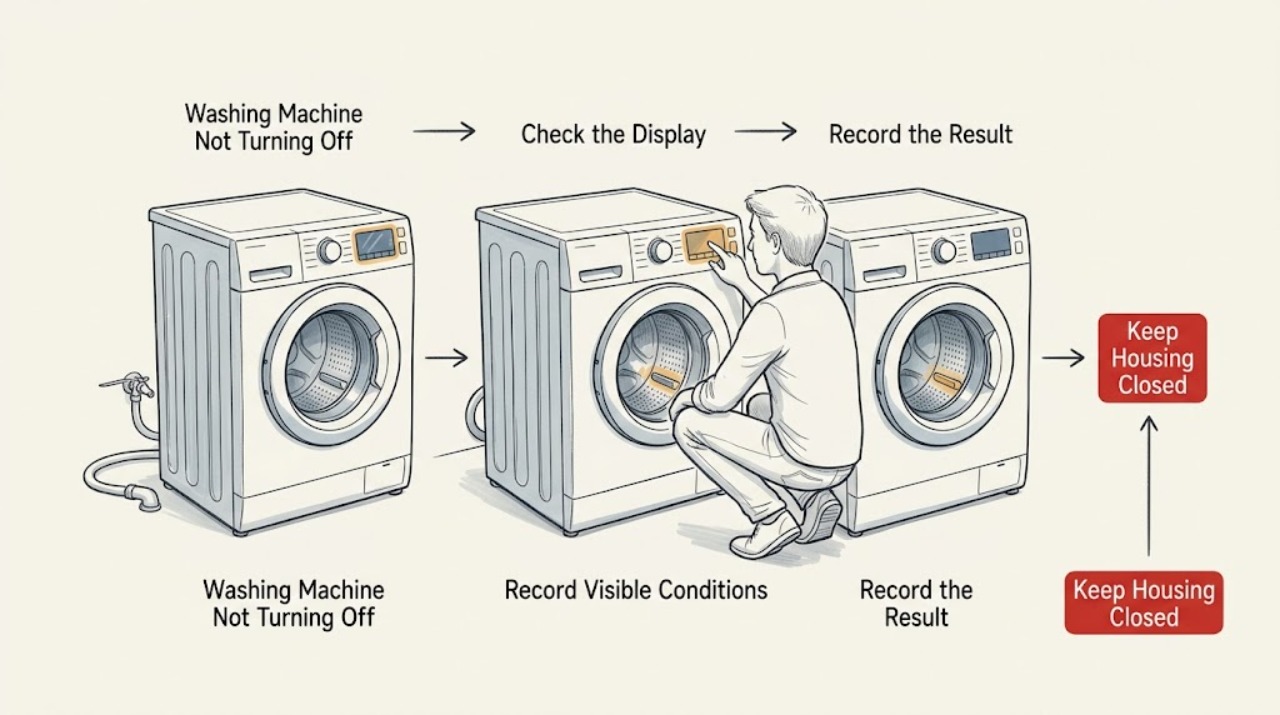
Whirlpool Washing Machine Not Turning Off: Find the Safe Stopping Point
A Whirlpool washer may continue briefly after Cancel or at the end of a cycle while it drains, releases the door lock, or completes a model-specific routine. A rotating drum or agitator, water entering continuously, or a pump that runs without clearing the condition is not a normal reason to keep testing it.
-
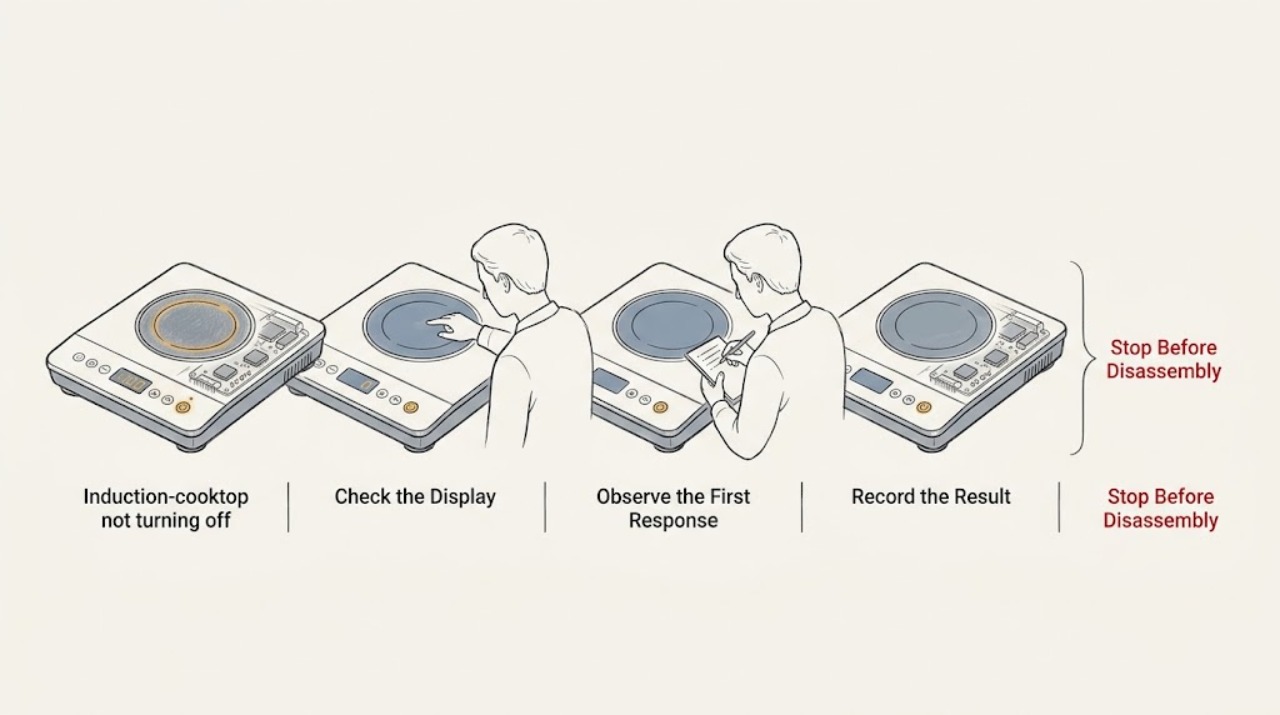
Why a KitchenAid Induction Cooktop Will Not Turn Off
First separate a cooktop that is still heating from one that is only showing a residual-heat indicator. KitchenAid says an H indicator can remain after a zone is off because the glass is still hot, including when a neighboring zone or hot pan heated it; it should disappear as the zone cools.
-
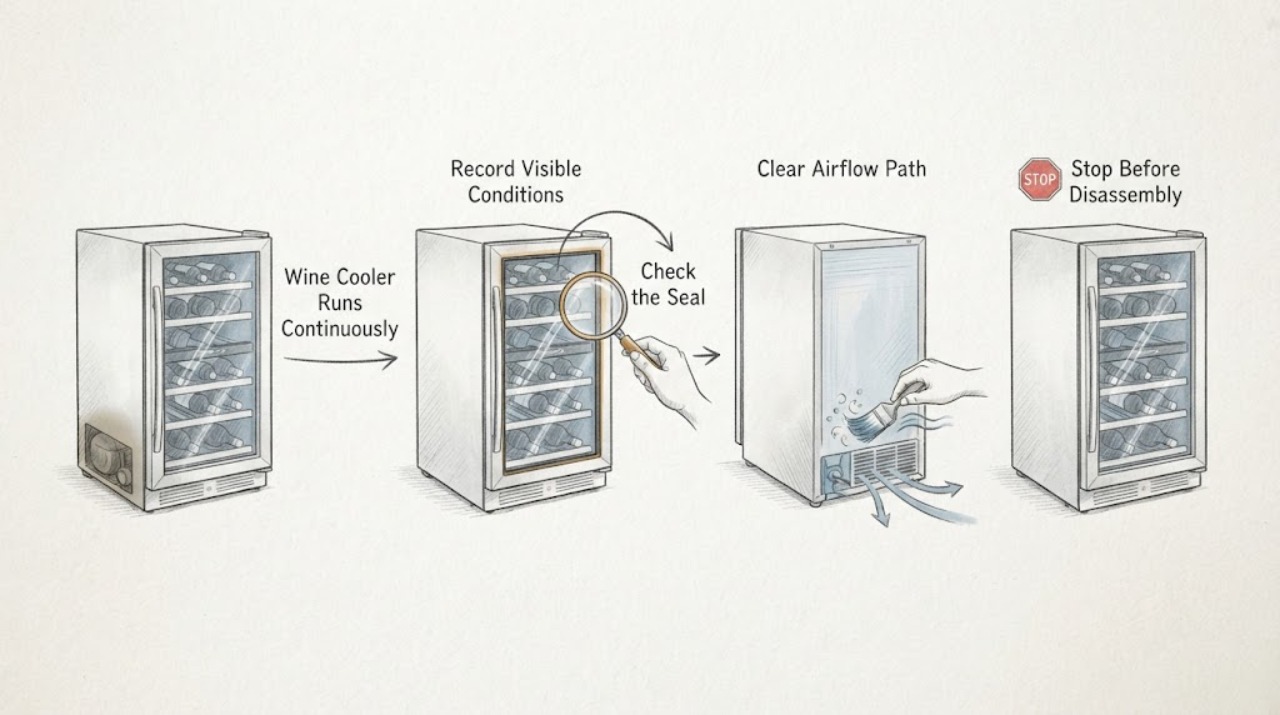
Wine Cooler Runs Continuously: Check Cooling Demand and Airflow
A wine cooler may run for a long initial pull-down or in a warm room, but continuous running with poor temperature control calls for checks of temperature setting, door seal, airflow, frost, and ambient conditions. Do not access refrigerant or sealed-system components; those require qualified service.
-
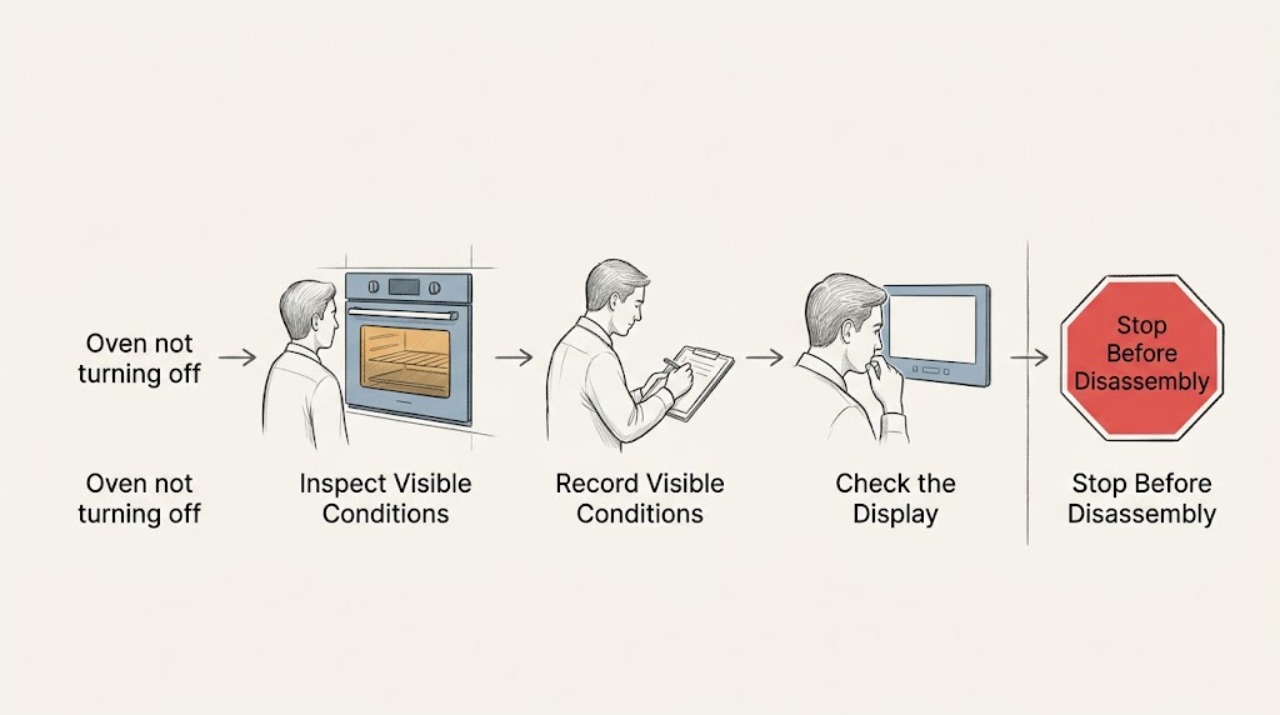
Wolf oven not turning off: separate cooling from a fault
First decide whether the Wolf oven is still heating or whether only a cooling or convection fan is running. Wolf says cooling fans can run long after an oven is switched off, cannot be turned off manually, and stop automatically after the oven reaches a safe temperature.