
On this page
Start here
Quick answer
Turn the timer or control to OFF, then unplug the cool, dry appliance when safe. A STAY ON setting can be intentional; heating that continues at OFF, a stuck control, smoke, or a damaged cord requires immediate stop-use and service.
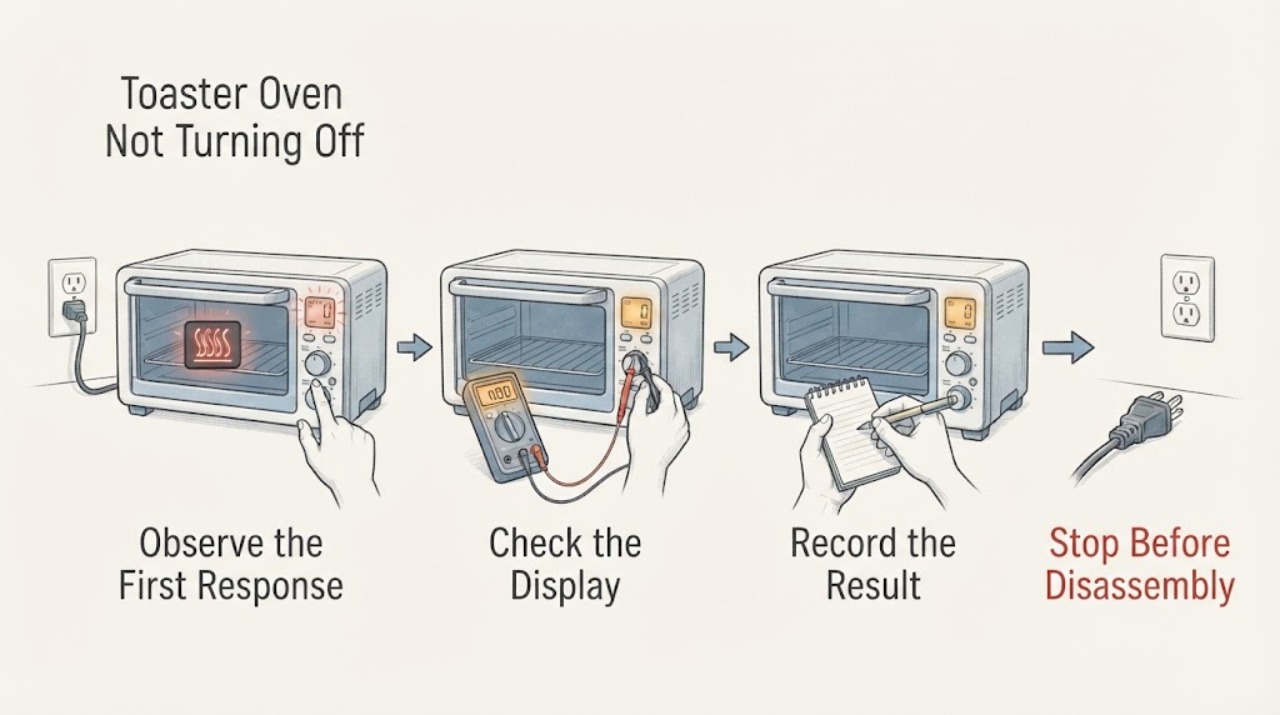
Work through in order
Diagnostic checks
Use only checks that match the exact appliance or system and its official guide.
-
Check 1
If the oven is heating or the elements glow, turn the timer or control to OFF using the normal control; if safe, unplug it from the wall after all controls are off.
Expected result: Heating stops, the timer is in STAY ON, or the oven keeps heating with controls at OFF.
Next step: Keep the door closed for any flame, isolate power only from a dry safe position, and do not touch hot elements.
Why this matters
Why: A STAY ON setting can intentionally keep a toaster oven running; continued heat at OFF suggests a control or relay fault.
-
Check 2
With the oven cool and unplugged, check the timer, function dial, temperature dial, crumb tray, and control knob for a stuck or damaged position.
Expected result: The timer returns to OFF normally, remains in STAY ON, or a knob is loose/stuck.
Next step: Do not spray cleaner into controls; arrange service if a control will not reach OFF.
Why this matters
Why: The timer and control positions determine whether the heater is commanded; a stuck control needs service rather than force.
-
Check 3
Reconnect only after the controls are OFF and test one supervised short cycle, then turn the timer to OFF and unplug when done.
Expected result: The cycle ends and indicator goes out, or heating continues after OFF.
Next step: Stop using it and arrange qualified appliance service for any repeat failure.
Why this matters
Why: Normal shutdown confirms the control path; continued heating is an unsafe electrical fault.
Use your observations
Decision map
Find the observation that best matches what you see, then follow the next safe action.
-
PATH 01Next step
What you see
The timer was set to STAY ON and the heater stops when returned to OFF.
Do this next
Use a timed setting and turn controls OFF after cooking.
Why this path and its safety boundary
Why it matters: The oven was commanded to remain on rather than failing to shut down.
-
PATH 02Next step
What you see
The heater remains on or the indicator stays active with every control at OFF.
Do this next
Disconnect from a dry safe position and obtain service; do not open the housing.
Why this path and its safety boundary
Why it matters: A timer, switch, or relay may be stuck and the appliance cannot be safely controlled.
Helpful context
Understand the symptom
This guide focuses on toaster oven not turning off and uses each observation to select the next safe check.
When checks do not resolve it
Need a professional?
Arrange qualified service when external checks do not restore operation or when there is damaged wiring, smoke, burning smell, sparking, gas odor, overheating, or repeated breaker trips.
Common questions
FAQ
Why does the toaster oven stay on?
A STAY ON timer setting can keep it running; return the timer to OFF and unplug when not in use.
Can I leave it plugged in after turning it off?
Hamilton Beach instructs unplugging the toaster oven when not in use.
What if it stays hot after OFF?
If heating elements continue heating, disconnect safely and arrange service for a control fault.
Read the exact guide
Official sources
- Hamilton Beach Toaster Oven (31523) - Use & CareHamilton Beach · toaster oven timer and off control
- Proctor Silex Toaster Oven [31122PS] - Use & CareHamilton Beach · toaster oven timer and fire safety
Community feedback
Share a repair observation
Share a plain-text repair observation. Accepted observations are published automatically; this page may take a moment to update.