
Brand-independent appliance guidance
General Toaster Oven Repair Guides
Brand-independent troubleshooting and repair guidance for common toaster oven problems and maintenance questions.
General toaster oven guides
Use these guides when the problem is not limited to a specific manufacturer.
-
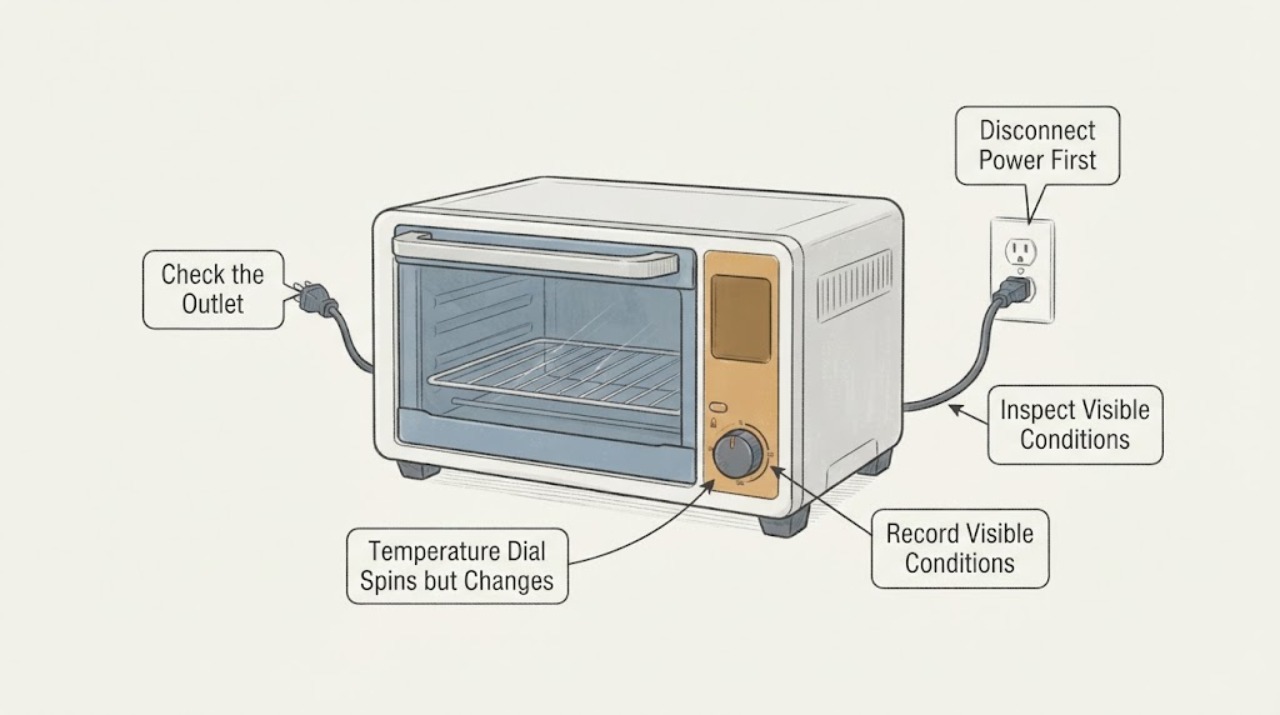
Breville BOV800XL Temperature Dial Spins but Changes the Setting Only Slightly
The Breville BOV800XL temperature dial should change the value shown on the LCD in the cooking functions that use temperature. First confirm that the oven is in a temperature-controlled function rather than Toast or Bagel, where the same dial is used as the browning control.
-
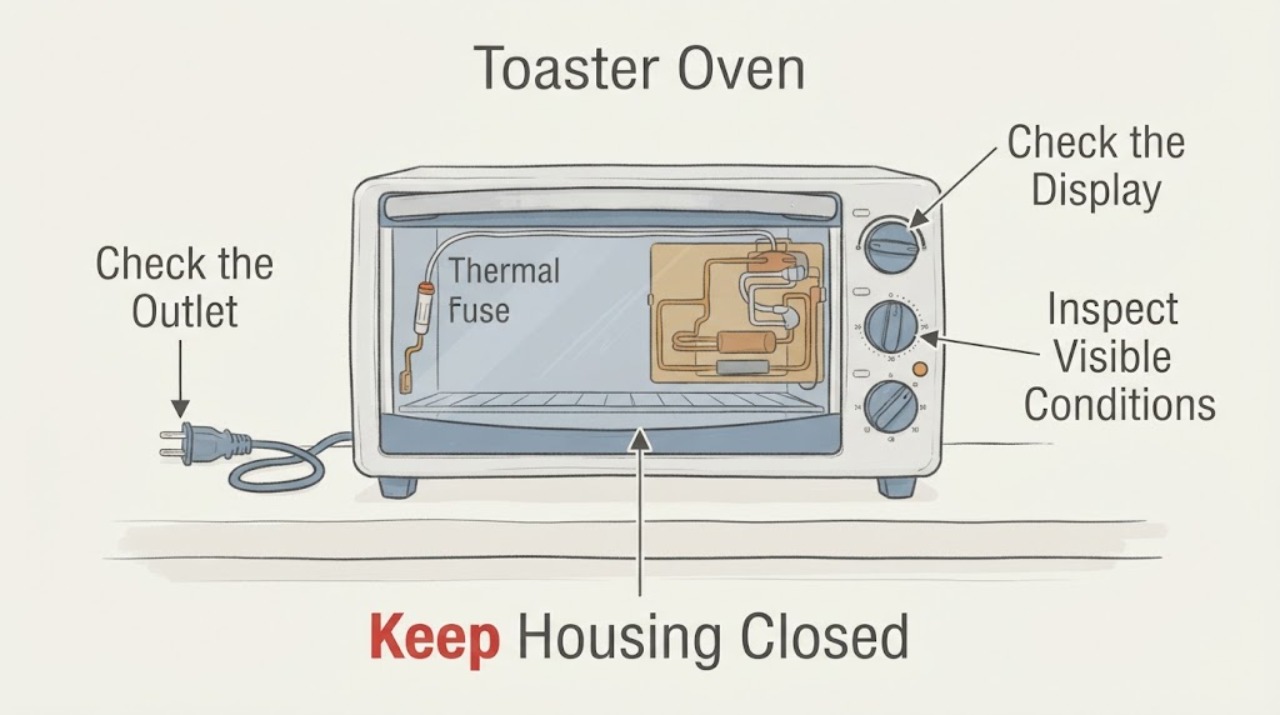
Breville BOV800XL Toaster Oven: No Heat Is Not Proof of a Thermal Fuse
On the Breville BOV800XL, a display that powers up while the elements do not heat does not prove that the thermal fuse is the failed part. Start with the safe external checks in the Breville manual: confirm the plug and independent outlet, confirm the oven is actually started and preheating, allow the oven to reach its preheat indication, and distinguish normal element pulsing from no element activity.
-
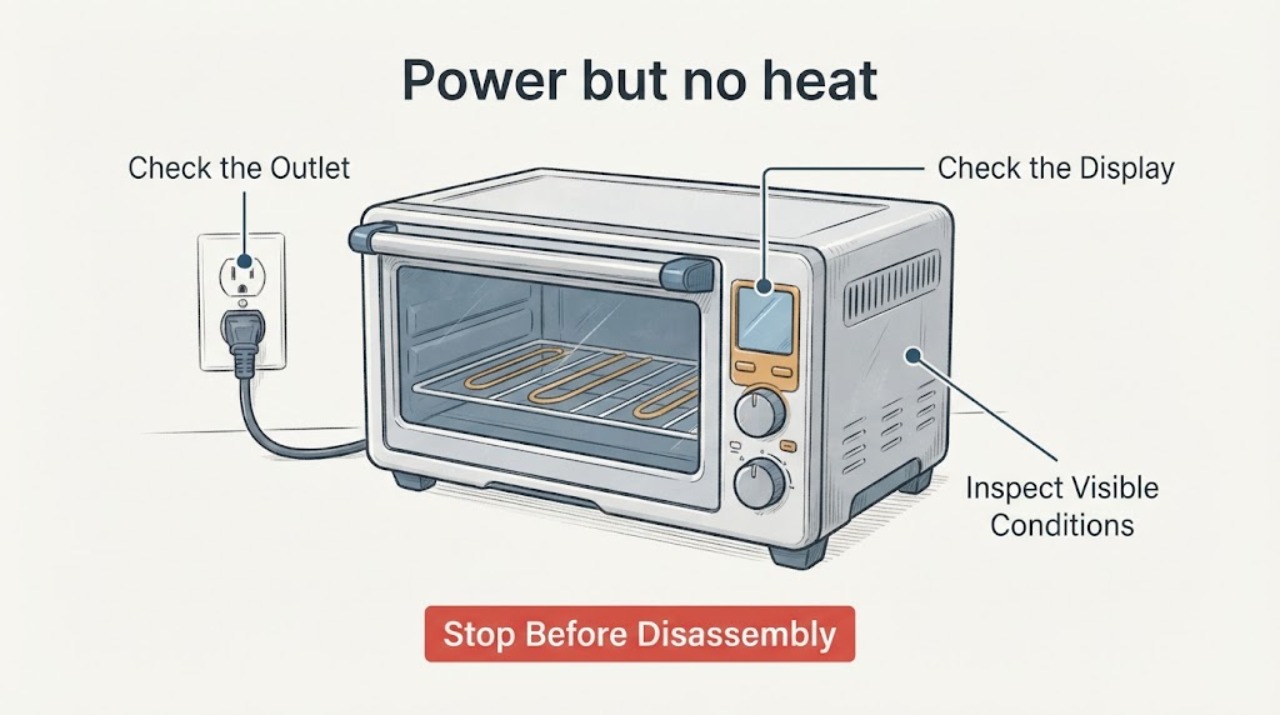
Power but no heat in a toaster oven: what to check when the thermal fuse seems okay
A toaster oven can have a lit indicator or display and still fail to heat. First verify the outlet, plug, cooking mode, temperature setting, and timer using the instructions for the exact model. Manufacturer guidance treats a correctly powered oven that still produces no heat as a service issue; a thermal fuse that appears to test good does not justify bypassing protection or guessing at an element, thermostat, selector, or wiring repair.
-
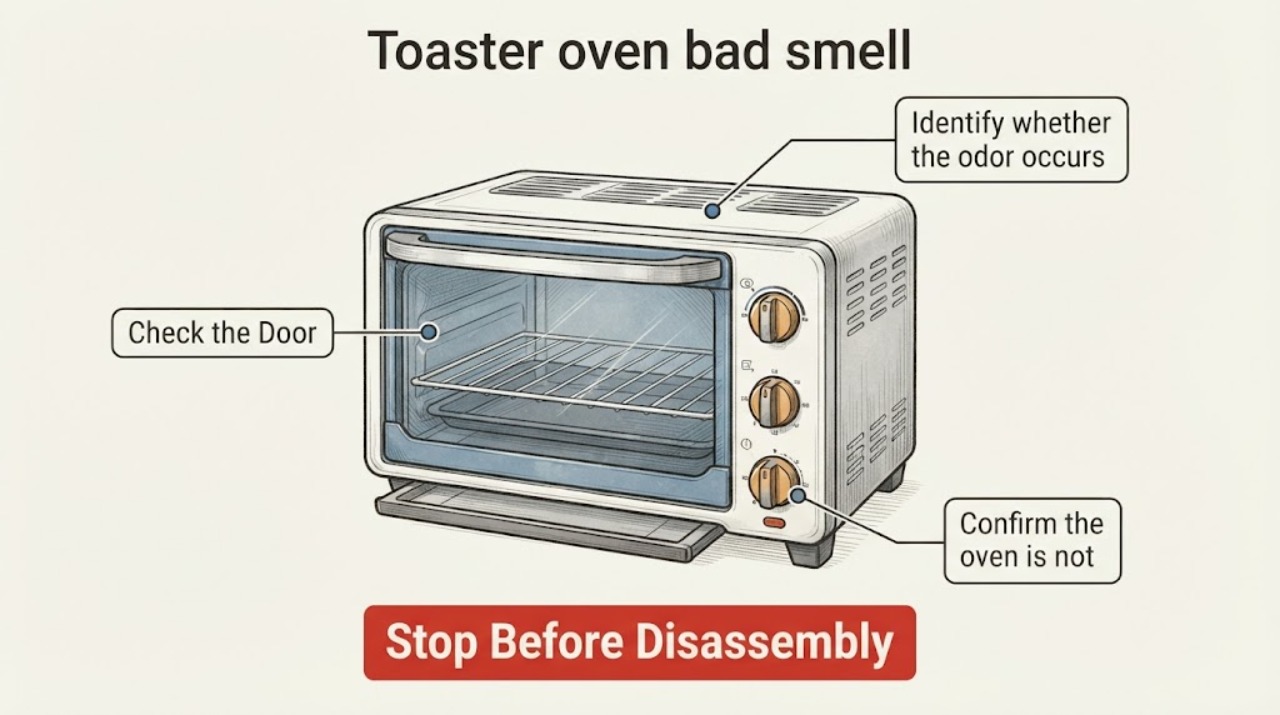
Toaster oven bad smell
A toaster oven can smell during its first heating cycle, but the odor should fade after the documented initial preheat. For an older or returning smell, unplug and cool it, remove crumbs/grease from accessible trays and surfaces, and check for food or plastic touching an element. Stop immediately for burning insulation, smoke that does not clear, sparks, or a damaged cord.
-
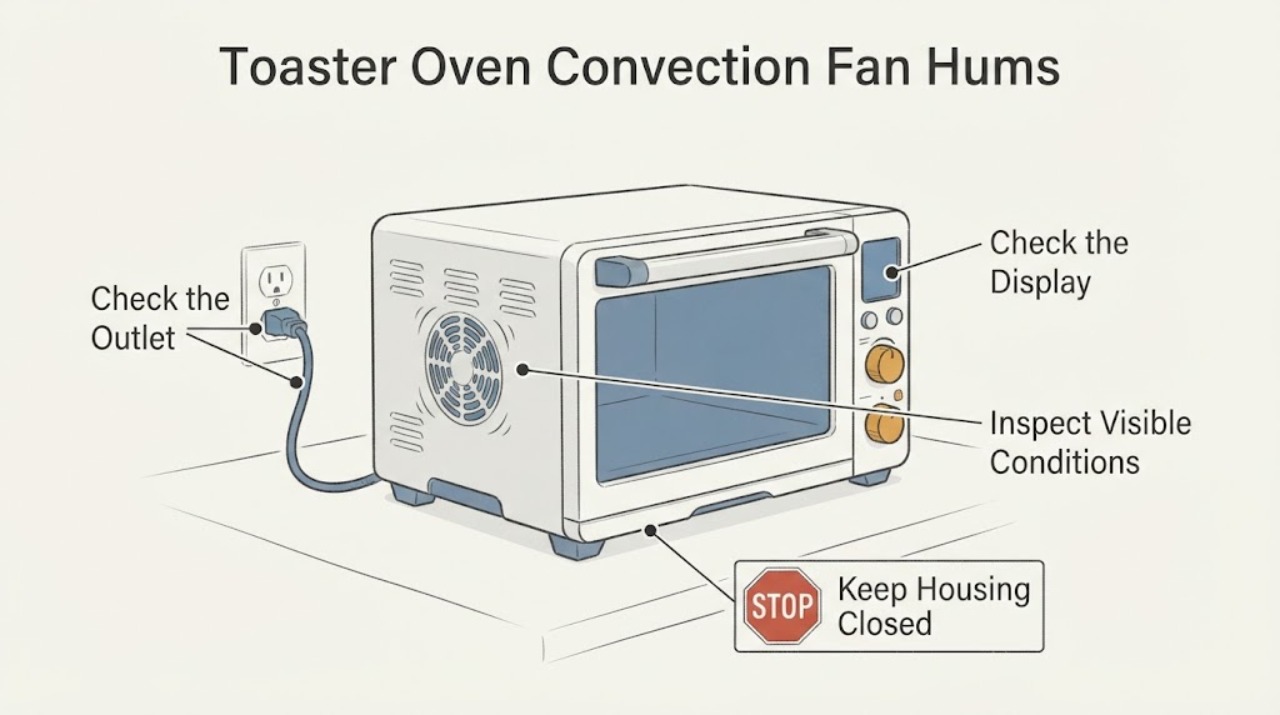
Toaster Oven Convection Fan Hums but Does Not Turn
A convection fan that hums without moving air can be a mode or door-state behavior, a visible obstruction, or a model-specific fan fault; the sound alone does not identify a motor, capacitor or replacement part. First stop cooking if the fan is scraping, the oven smells burnt, smokes, or the housing is unusually hot.
-
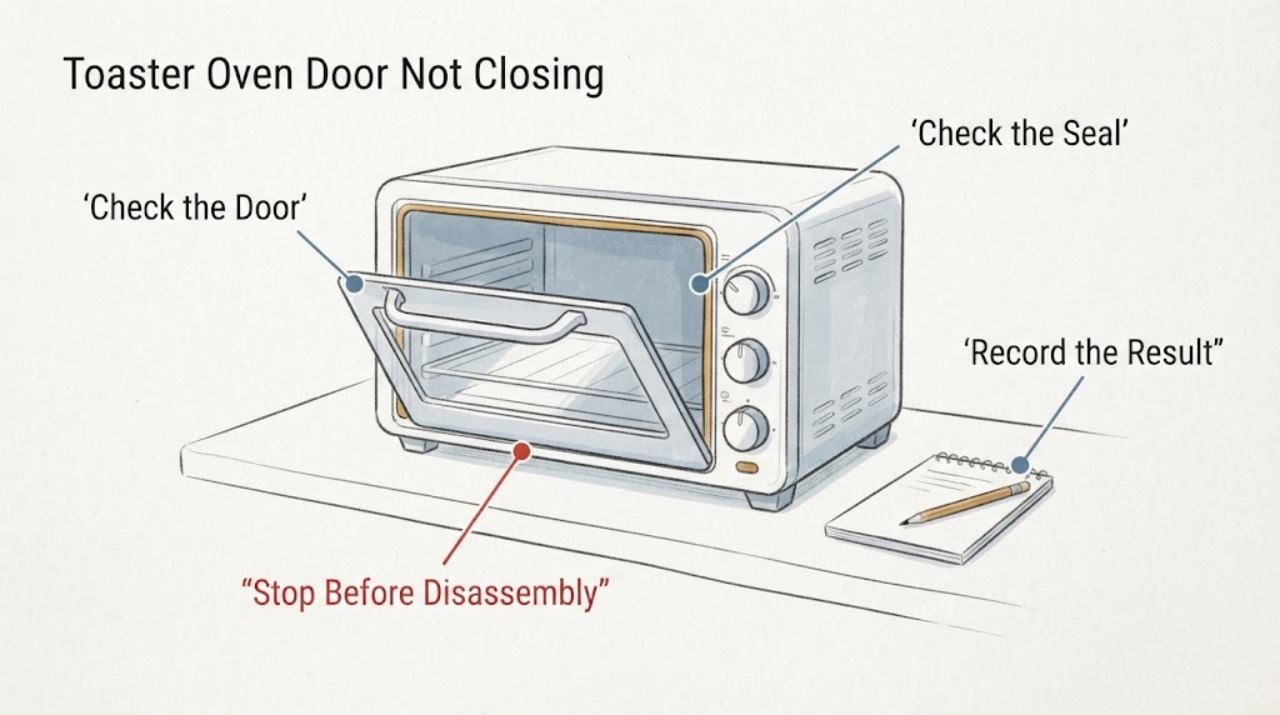
Toaster Oven Door Not Closing
Unplug the toaster oven and let it cool. Remove the rack, pan, crumb tray, or food that projects into the closing path, then inspect the glass, hinges, gasket, and latch. Do not force a hot or damaged door closed or use an oven that leaves a heat gap; bent hardware or cracked glass needs service.
-
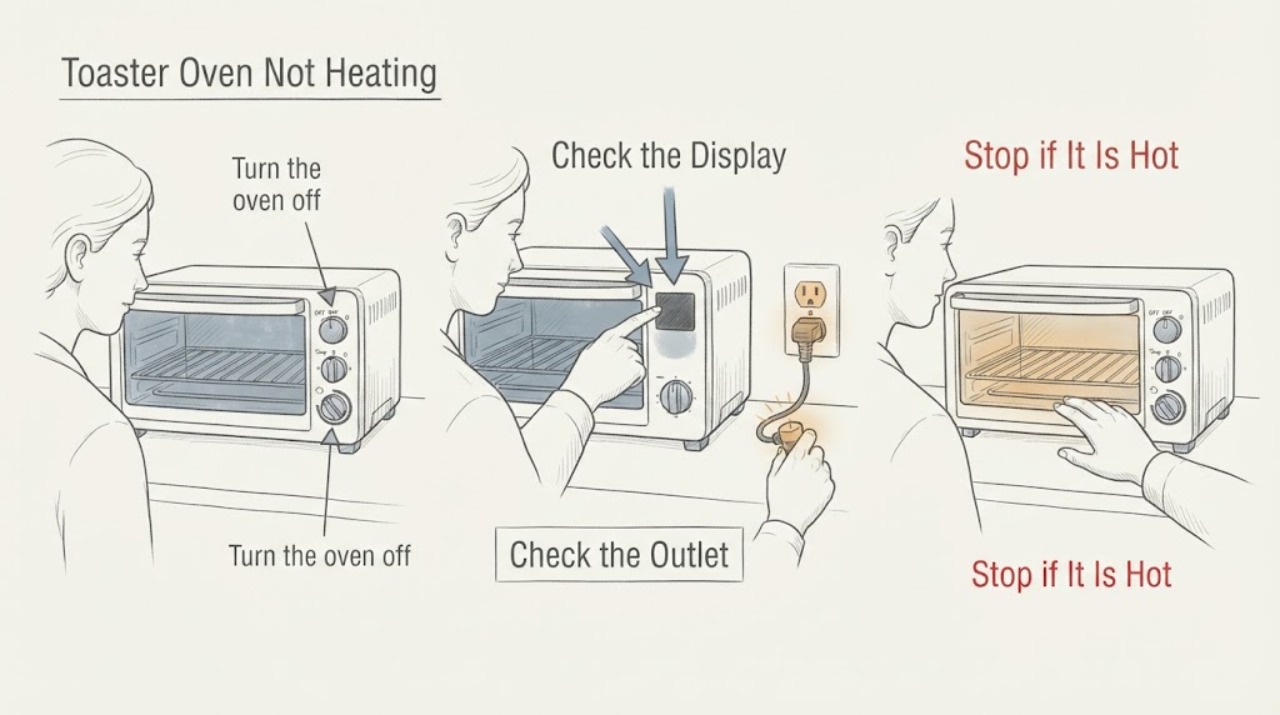
Toaster Oven Not Heating
For a toaster oven that does not heat, first confirm a timed bake/toast mode, temperature, and timer are actually set, then test the outlet and inspect the accessible crumb tray and heating elements after unplugging and cooling. If neither element heats in the correct mode, or the cord, plug, control, or element is damaged, stop using it and arrange manufacturer service rather than opening the oven.
-
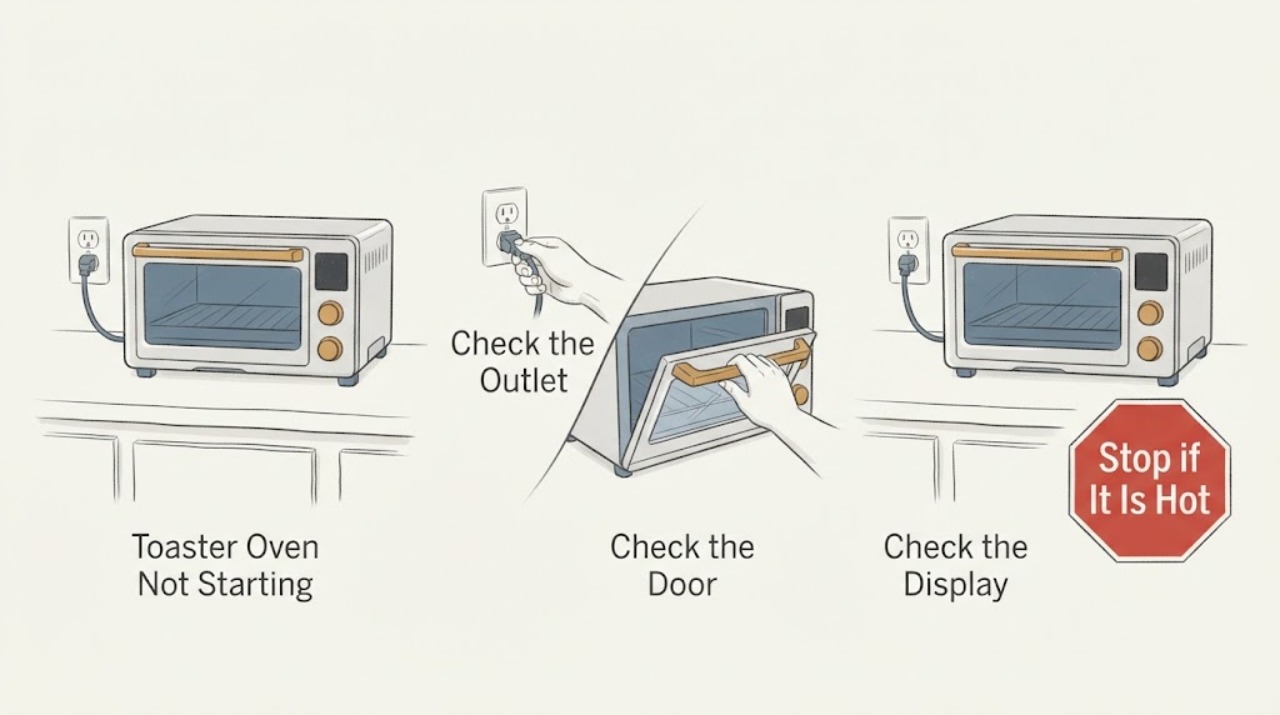
Toaster Oven Not Starting
A toaster oven that will not start should be checked at the outlet, plug, controls, timer, and crumb-tray/door area before service. Unplug and cool it before inspecting crumbs or accessories. Use the exact control sequence for the model; if the outlet works but the oven remains dead, trips protection, smells burnt, or the controls do not respond, leave it unplugged and arrange service.
-
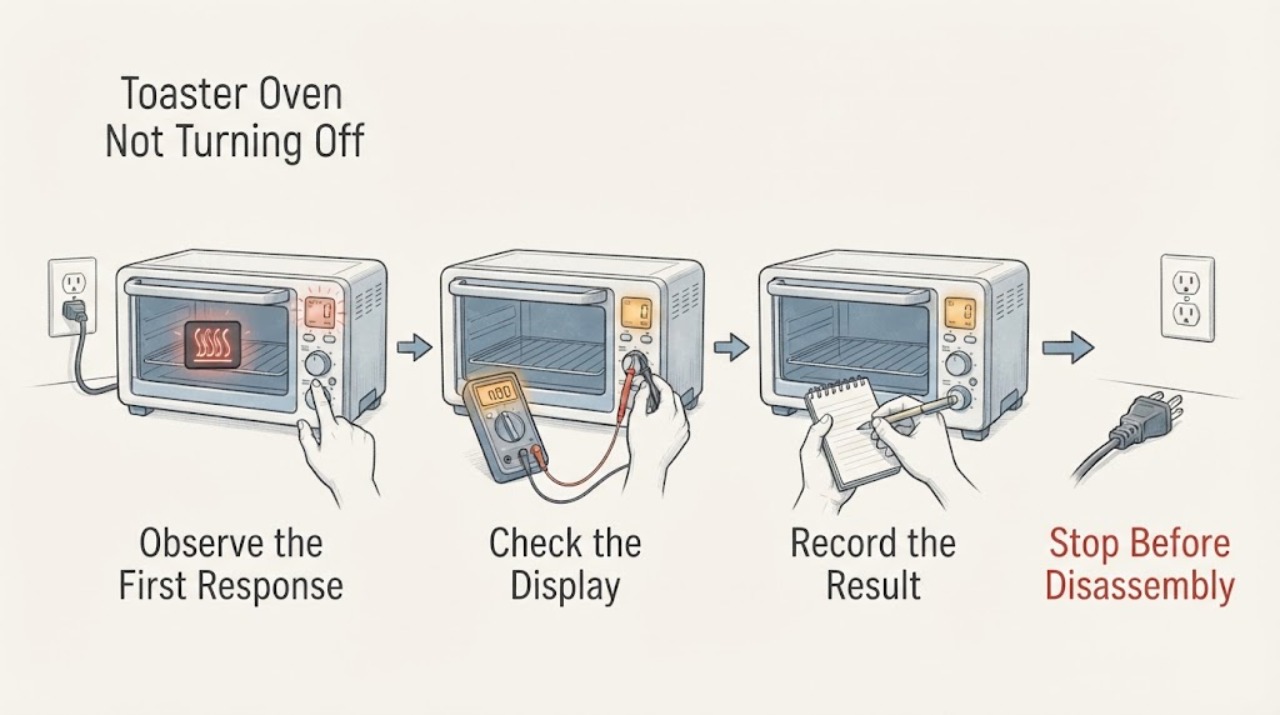
Toaster Oven Not Turning Off
Turn the timer or control to OFF, then unplug the cool, dry appliance when safe. A STAY ON setting can be intentional; heating that continues at OFF, a stuck control, smoke, or a damaged cord requires immediate stop-use and service.
-
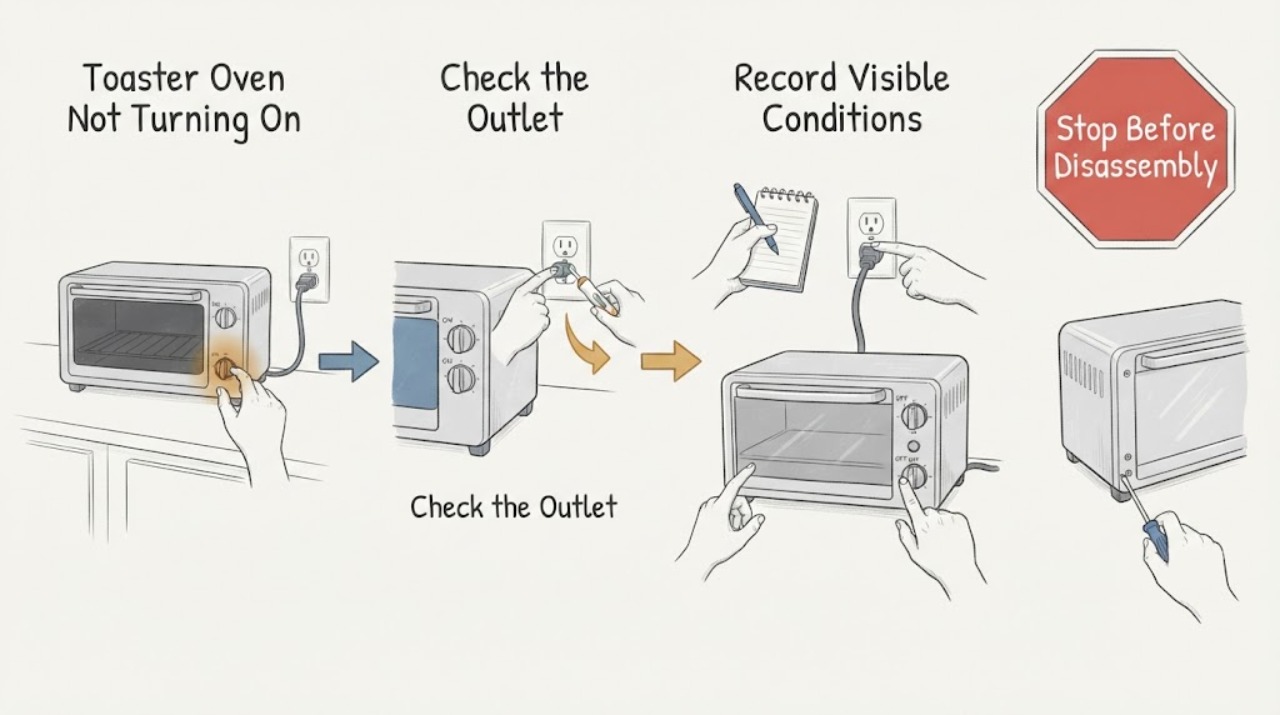
Toaster Oven Not Turning On: Check Standby, Power, and Crumb Safety
A toaster oven that appears dead should be checked at the wall outlet, plug, control or standby state, and dry seating of the crumb tray and removable parts. Unplug and cool it before cleaning; if the display and controls remain dead on a known-working outlet, stop before opening the case.
-
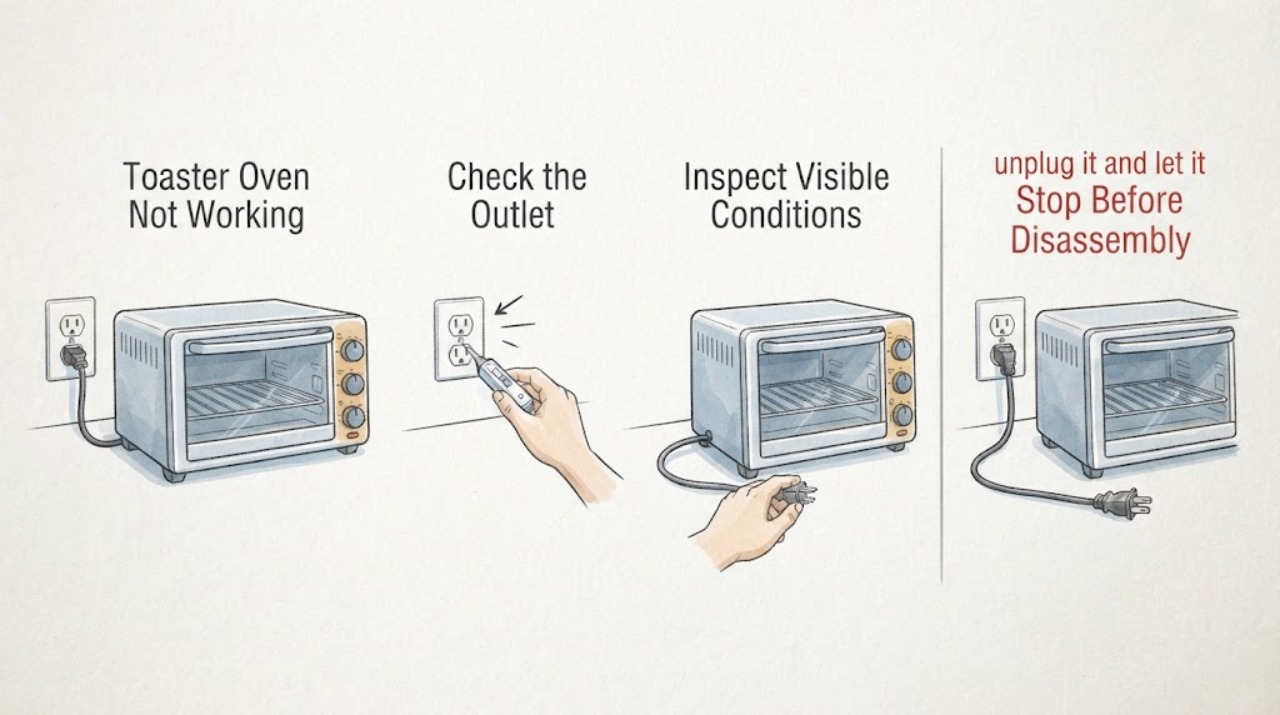
Toaster Oven Not Working
A toaster oven that is not working should be separated into no power, no heat, and an error or over-temperature condition. Check the outlet and controls, allow a hot oven to cool, and record any display code. Breville’s manual routes non-resettable codes to support and warns against continued use when a fault persists.
-
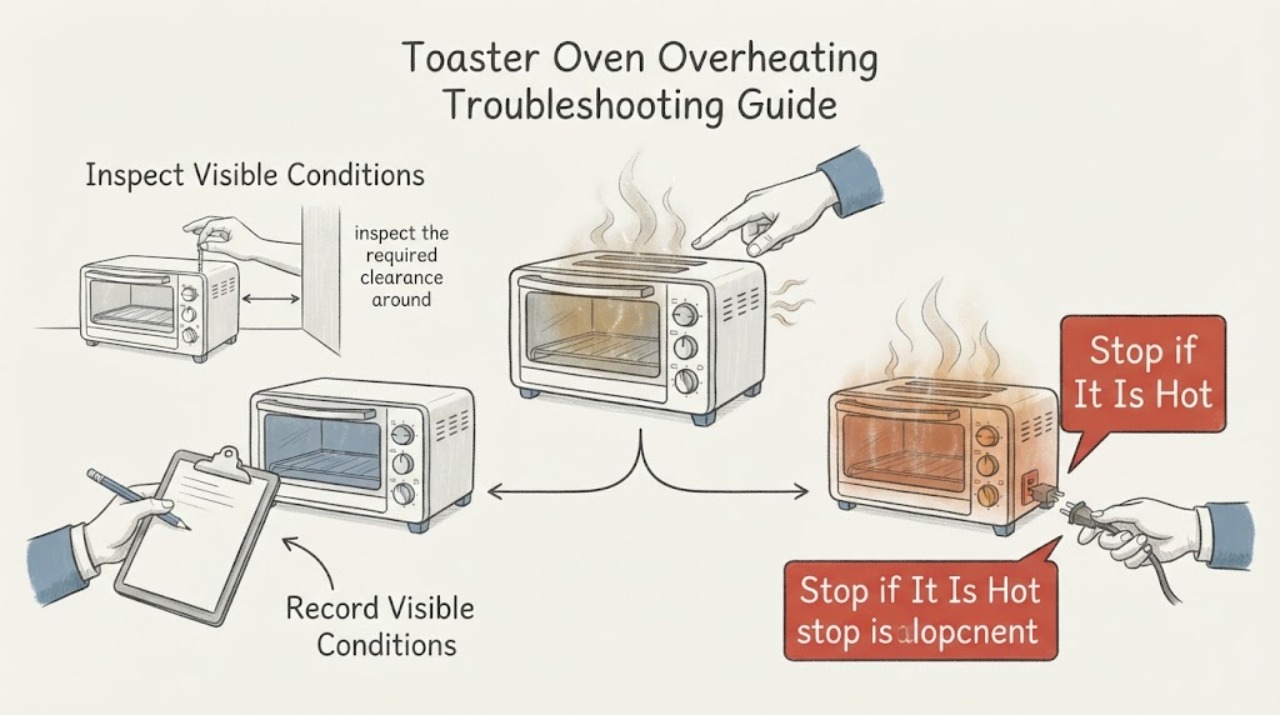
Toaster Oven Overheating Troubleshooting Guide
For a toaster oven that overheats, stop the cycle and let it cool before checking the exact fault display, surrounding clearance, and accessible power connection. Breville's manual provides a cool-down path for an over-temperature fault and sends recurring or non-resettable faults to service. If the heater behaves unexpectedly, a code returns, vents are blocked, or the plug is hot or damaged, keep the oven disconnected and arrange qualified service.
-
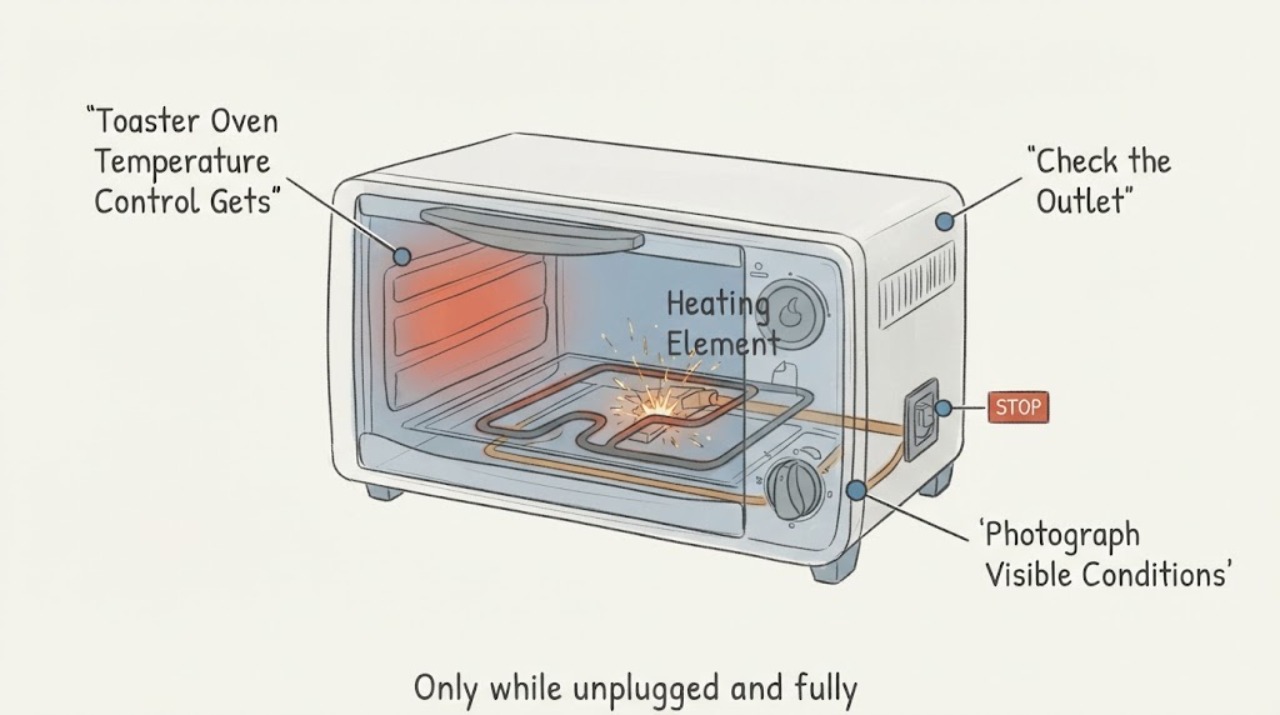
Toaster Oven Temperature Control Gets Red-Hot or Sparks: Safe Next Steps
A heating element can glow during a toaster-oven cycle, and an official Proctor Silex toaster-oven manual warns that accessible surfaces can become hot. That does not establish that a temperature knob or the control area should glow red, spark, short, smell burnt, smoke or stay hot after the controls are off.
-
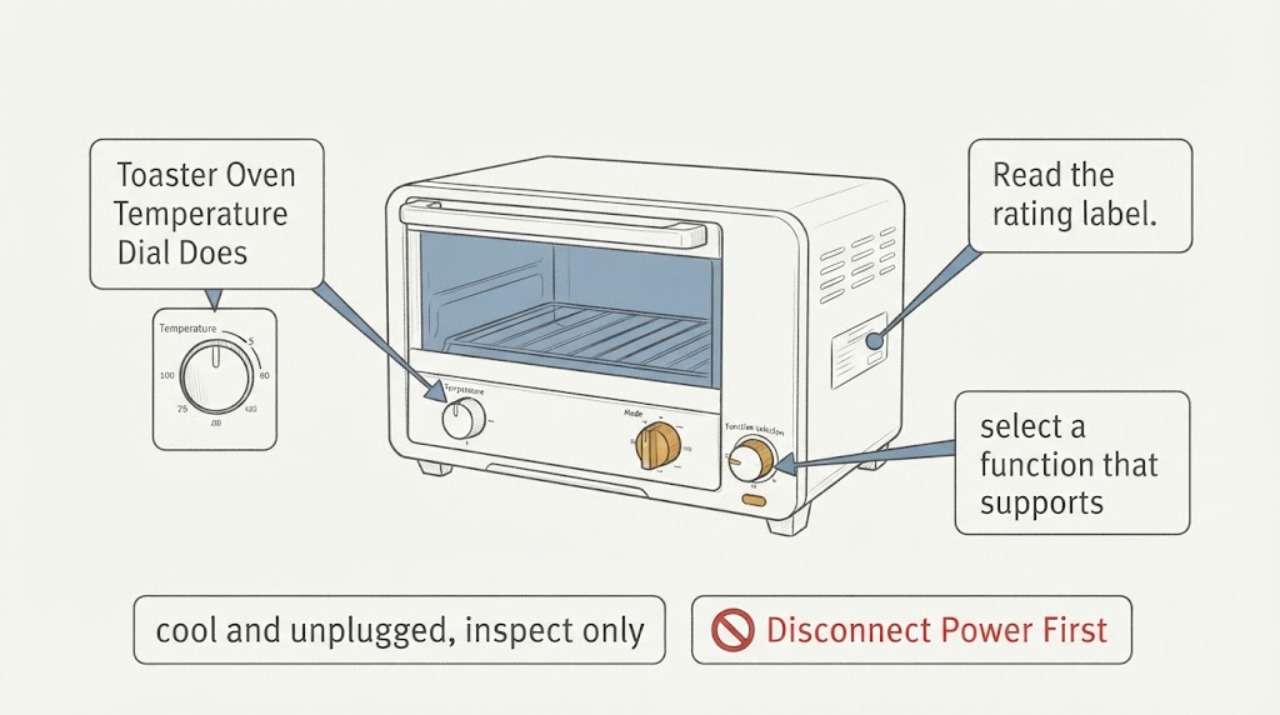
Toaster Oven Temperature Dial Does Not Work: Identify the Model First
A toaster-oven temperature knob is model- and mode-specific. First read the rating label and use the exact manual; do not assume that every dial is a simple thermostat or that a similar-looking knob has the same function.
-
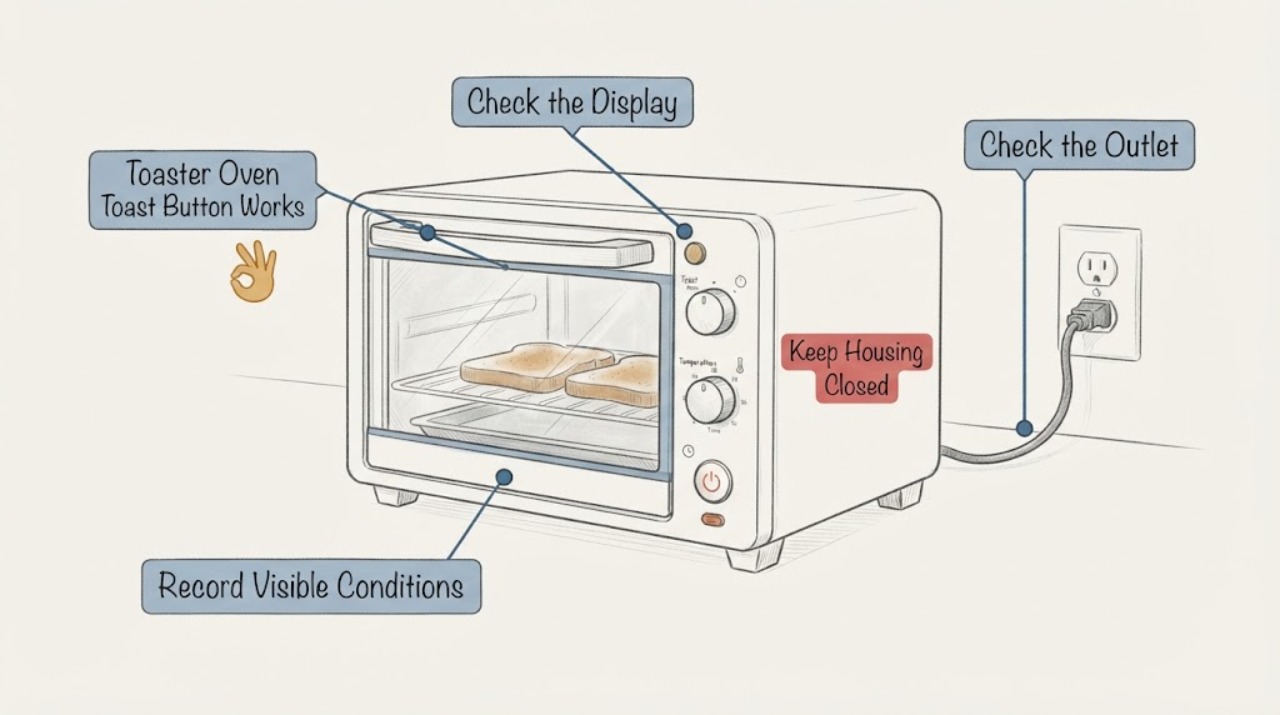
Toaster Oven Toast Button Works Intermittently: Safe External Checks
Stop using a toaster oven when its Toast start/stop control works only intermittently. If a cycle is running, use the exact model's cancel or stop control only if it responds normally; do not hold, force, or repeatedly press a failing button.
-
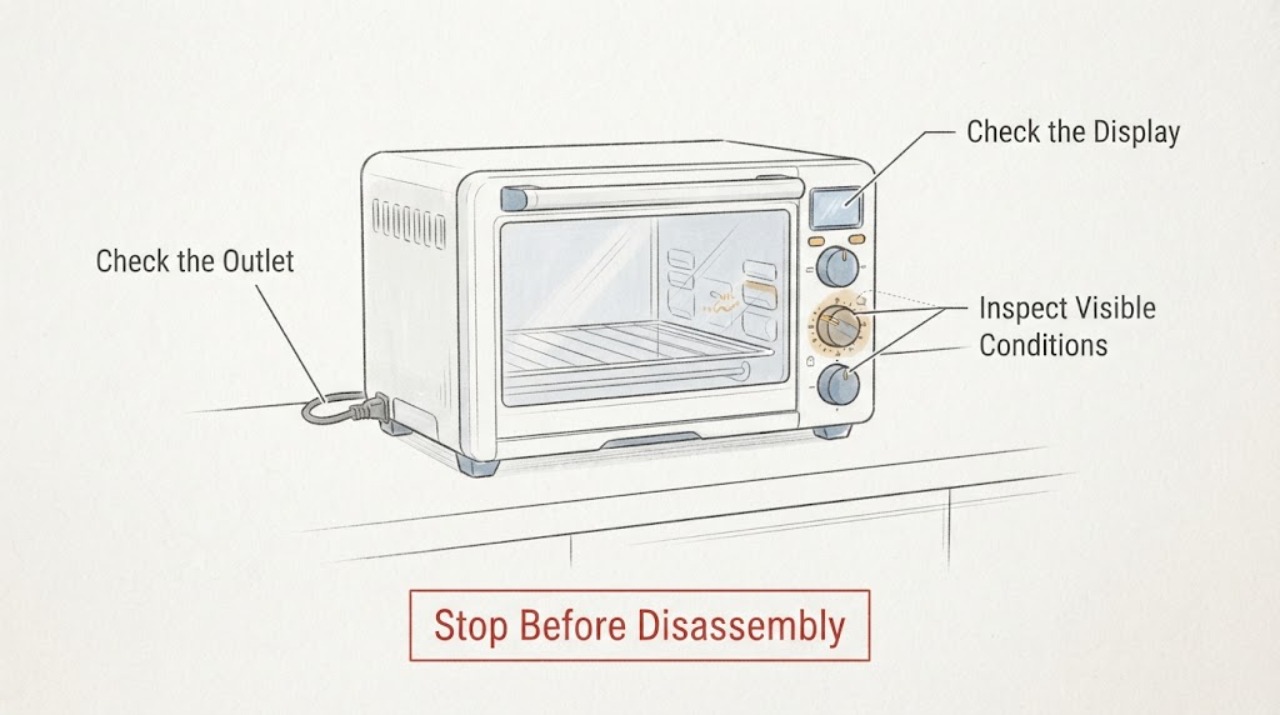
Toaster Oven Toast Dial Timer Stalling: Stop Unsafe Heating and Check the Dial Safely
Stop using a toaster oven when its toast or timer dial stalls, slips, binds, or fails to return to OFF. Hamilton Beach manuals for specific mechanical-dial toaster-oven models describe rotating the timer past a marked point to set time, using a separate STAY ON position on some models, turning the timer to OFF when finished, unplugging the oven, and never leaving it unattended.
-
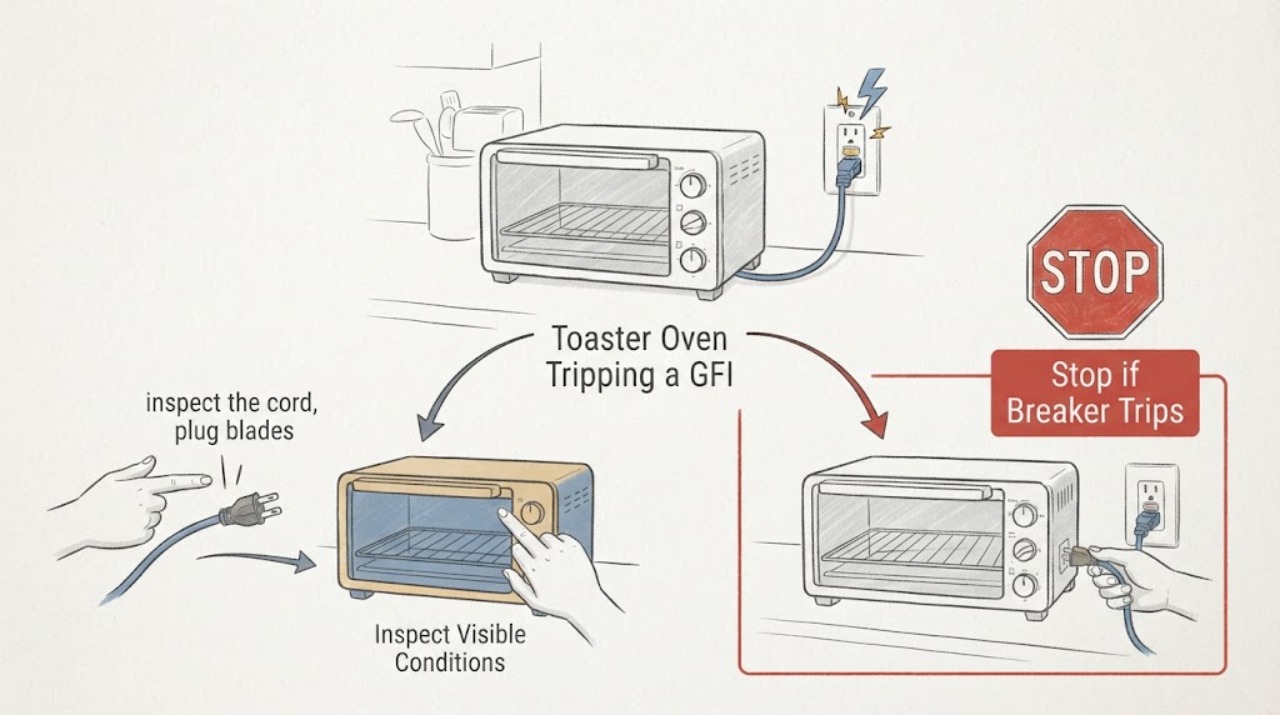
Toaster Oven Tripping a GFI: Stop Using It and Check the External Cause
Stop using the toaster oven when the kitchen GFI/GFCI trips and unplug it if the plug and receptacle are accessible without touching water or damaged parts. Do not keep resetting the GFI, bypass the ground, use an adapter or extension cord to defeat the protection, or open the appliance.
-
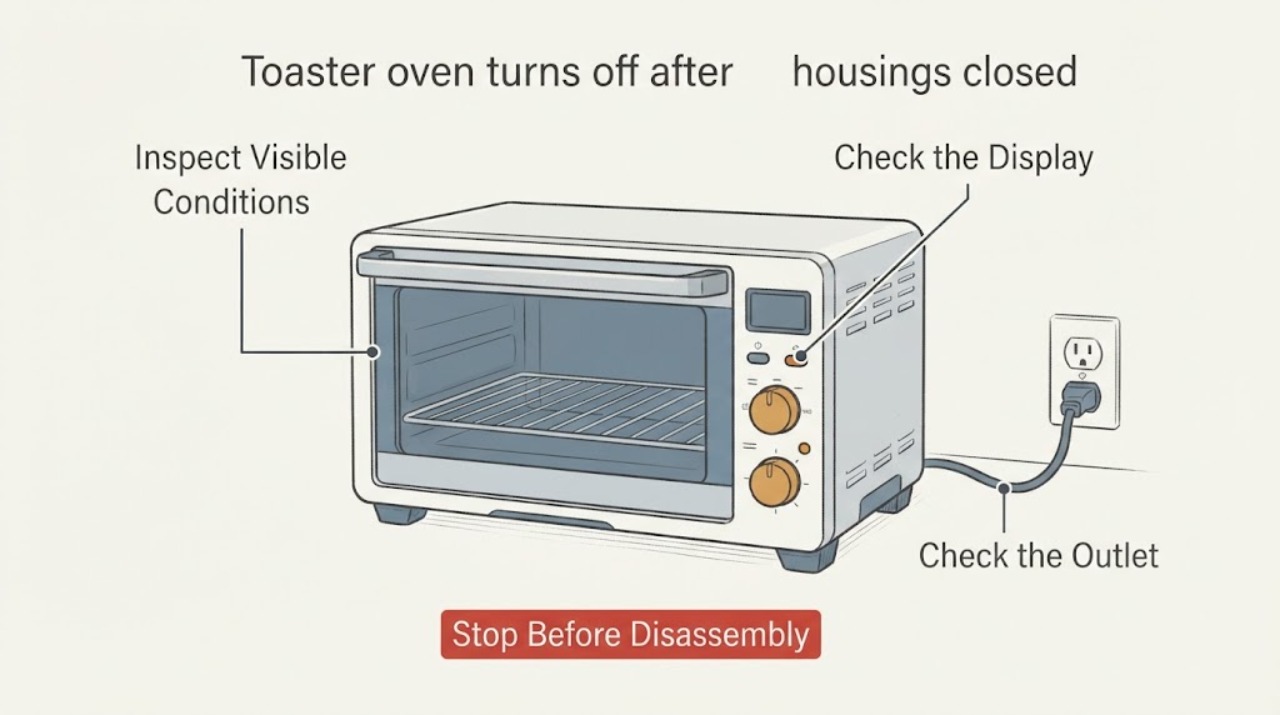
Toaster oven turns off after preheating: normal cycling or a fault?
First distinguish heating elements switching off from the whole toaster oven shutting down. Elements normally cycle to maintain temperature, but a full shutdown can be an intentional model-specific preheat sequence, a timer or Start-button step, an automatic time limit, or a fault.
-
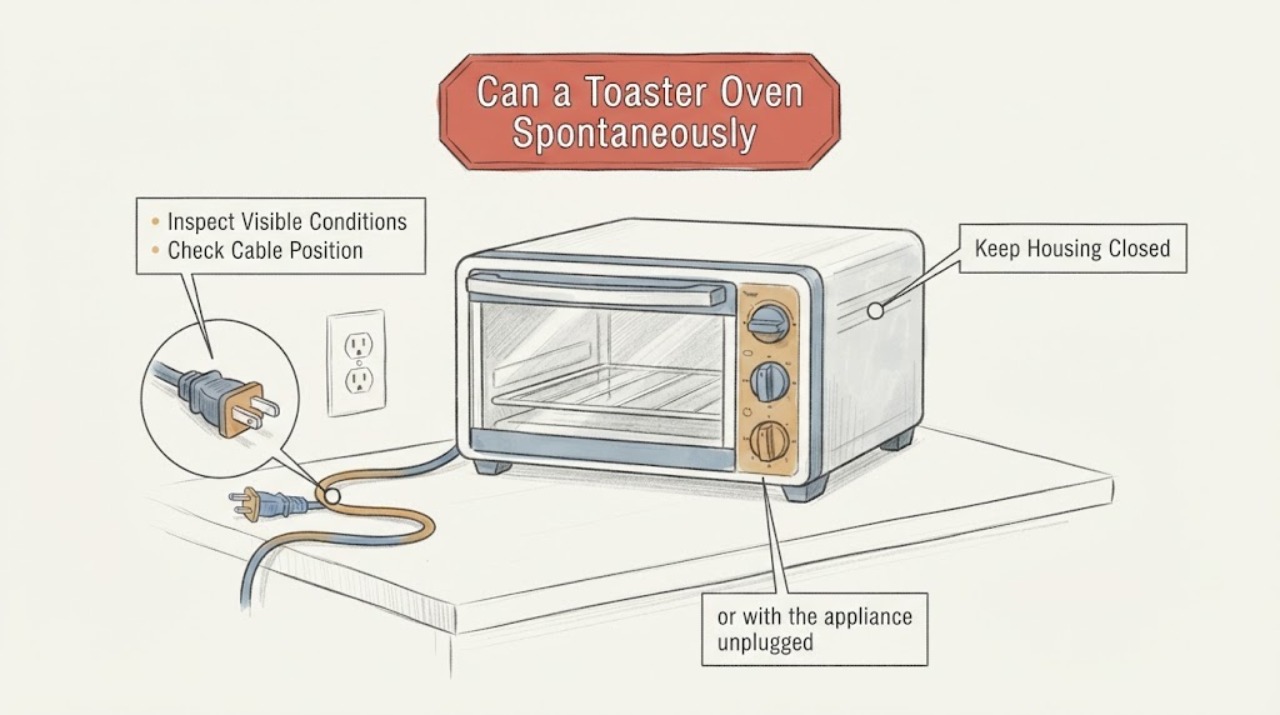
Can a Toaster Oven Spontaneously Unplug? Check the Plug, Outlet, and Timer Safely
A toaster oven cannot normally unplug itself: the plug must be moved, the receptacle must release it, or someone must remove it. If the oven is still physically plugged in but stopped heating, an expired timer or control setting can look like an unplugged appliance.