
On this page
Start here
Quick answer
Start with the outlet, plug, and accessible control rather than the compressor. Confirm the Magic Chef wine cooler is receiving power, the control is not in an off or locked state described by the manual, and the door is fully closed. If a breaker trips again, there is a burnt odor, or the display stays dead with a known-good outlet, leave the unit off and arrange service.
Before you begin
Safety first
- Do not bypass the ground, door switch, fuse, or breaker and do not open the cabinet while connected to power.
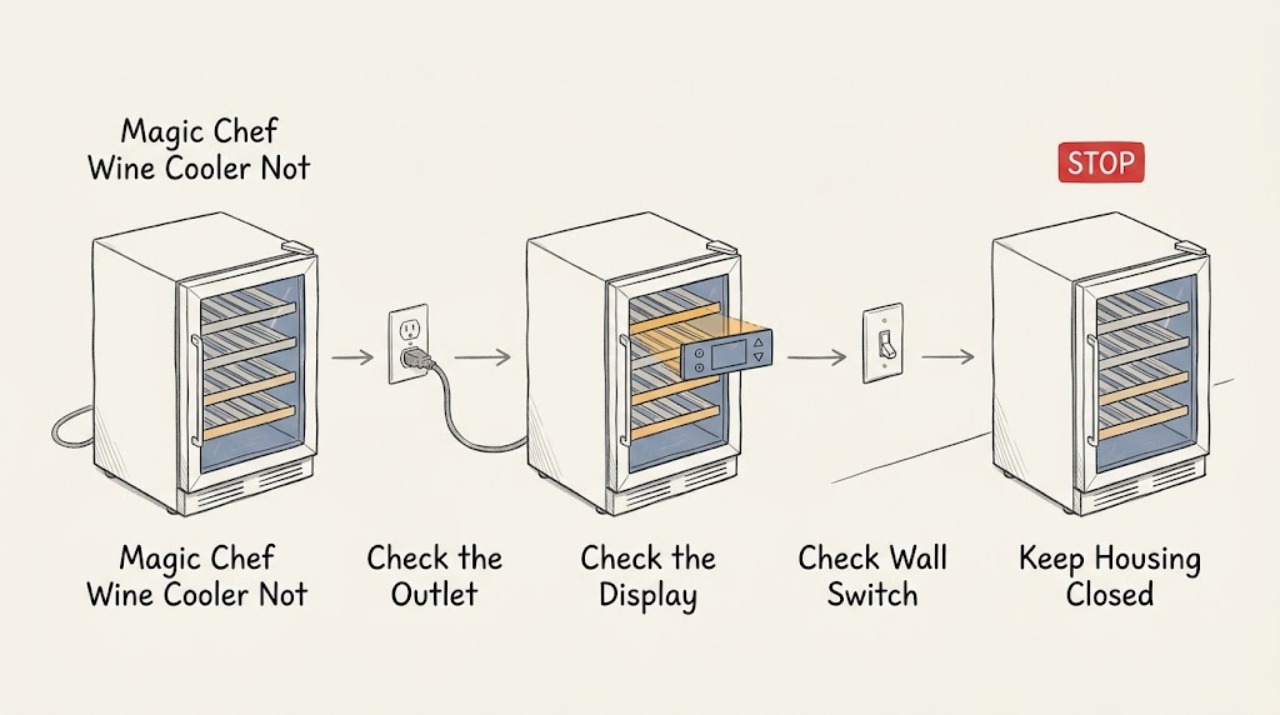
Work through in order
Diagnostic checks
Use only checks that match the exact appliance or system and its official guide.
-
Check 1
Plug a known-good low-load device into the same outlet, then inspect the wine cooler plug and cord for looseness or visible damage without moving a built-in unit unsafely.
Expected result: The outlet is dead, the outlet works but the cooler remains dark, or the cooler display lights.
Next step: Reset a tripped breaker only once if safe and permitted. Do not use a damaged cord or bypass the grounding connection.
Why this matters
Why: A dead outlet is an electrical-supply issue; a dark cooler on a working outlet points to its cord, control, or internal power path; a lit display means continue with controls and operating conditions.
-
Check 2
Use the exact model manual to confirm the temperature control, power button, child-lock behavior if present, and any required start or reset sequence.
Expected result: The control accepts input and the unit starts, or it remains unresponsive after the documented sequence.
Next step: Record the display state and model number. Stop if the panel becomes hot, smells electrical, or behaves erratically.
Why this matters
Why: A changed setting or lock can prevent a cooling request; continued unresponsiveness after the model-specific sequence needs service evidence, not repeated button presses.
-
Check 3
Check that the door closes fully and that no shelf, bottle, or packaging is pressing the gasket or switch area.
Expected result: The door latches/seals cleanly, or it springs back and the cooler immediately stops or will not begin a cycle.
Next step: Remove only the obstruction and close the door gently. Do not tape or defeat a door switch; arrange service for a damaged hinge, latch, or gasket.
Why this matters
Why: A door that cannot close may prevent normal operation or cause continuous warm-air load; a clean closure shifts attention to power and controls.
Use your observations
Decision map
Find the observation that best matches what you see, then follow the next safe action.
-
PATH 01Next step
What you see
The outlet is dead but the cooler has no visible damage
Do this next
Use a qualified electrician for a recurring breaker or outlet fault; keep the cooler unplugged until power is stable.
-
PATH 02Next step
What you see
The outlet works and the display remains dark, or the breaker trips again immediately
Do this next
Leave the cooler disconnected and request service. Do not remove the rear cover or substitute a fuse.
Helpful context
Understand the symptom
No start can mean no power or no cooling request
A silent wine cooler with no display has a different path from a lit display whose compressor has not begun a cycle. Establish which state you have before considering parts.
When checks do not resolve it
Need a professional?
Give the technician the model number, outlet result, display state, and whether the breaker trips when the cooler is connected.
Safety scope: Do not bypass the ground, door switch, fuse, or breaker and do not open the cabinet while connected to power.
Common questions
FAQ
What if the wine cooler display is on but it does not sound like it starts?
Confirm the setting and door first, then observe the unit without opening it. If it stays warm after those checks, use the model manual or request service; do not assume a particular compressor part failed.
Should I keep resetting a tripped breaker?
No. A repeat trip is a stop condition. Leave the cooler disconnected and have the circuit or appliance checked.
Read the exact guide
Official sources
- Manual DownloadsMagic Chef · Exact model operating and service instructions
- 24 in. Dual Zone Wine & Beverage Center in StainlessMagic Chef · Magic Chef wine-and-beverage-center controls and product identity
Community feedback
Share a repair observation
Share a plain-text repair observation. Accepted observations are published automatically; this page may take a moment to update.