
On this page
Start here
Quick answer
Do not force a Maytag oven door open after self-cleaning. Maytag says the door stays locked until the oven cools, and its support guidance uses approximately 200°F (95°C) as the point at which the door can open; the normal cool-down may take about 30–90 minutes depending on the model and condition. Press Cancel/Off only if your controls identify that key, then wait for the oven to cool completely. If a power interruption stopped self-clean, Maytag says to start the Self Clean option and cancel it, or remove power at the breaker/fuse for one minute, then check the latch. A manual latch arm may be moved left only after the oven is cool and only when your model has that design. If the arm remains stuck at room temperature, the door is damaged, smoke or gas is present, or the lock returns, stop and arrange Maytag service rather than prying, removing trim, or bypassing the interlock.
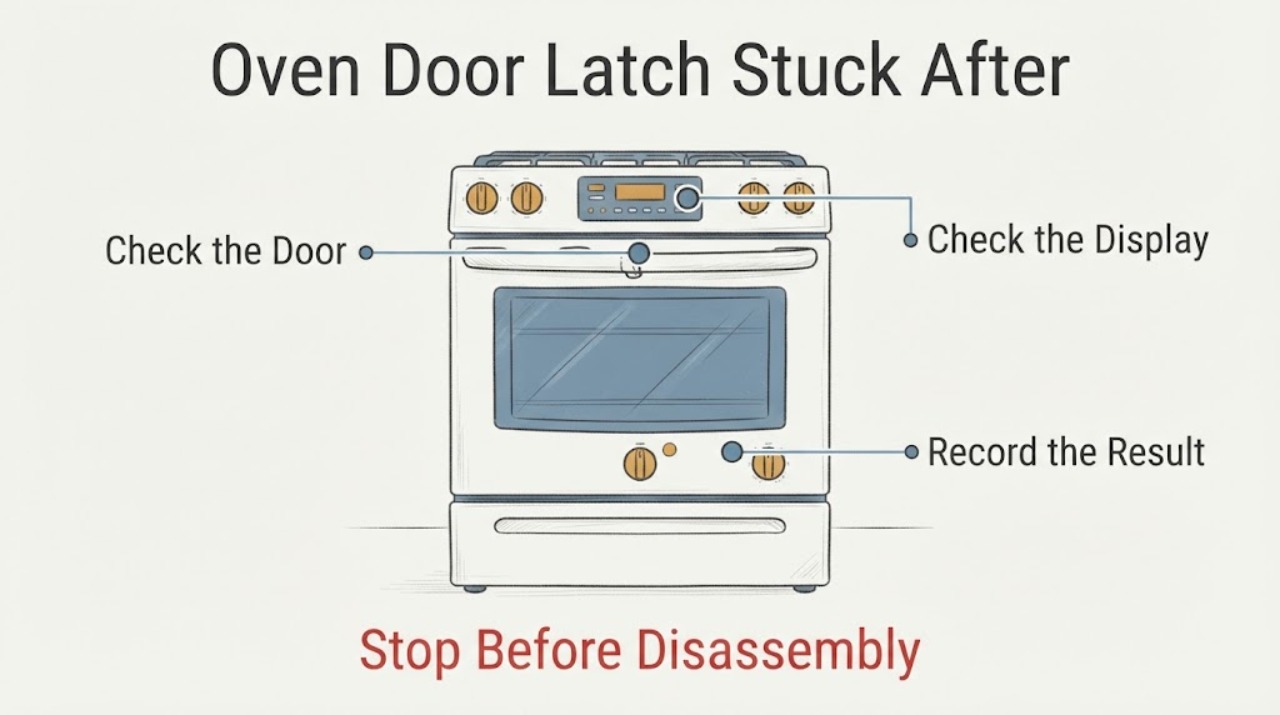
Work through in order
Diagnostic checks
Use only checks that match the exact appliance or system and its official guide.
-
Check 1
Stop trying to open the Maytag oven if the self-clean cycle is active or the cavity, door glass, frame, or handle is still hot; ventilate the room and keep people and pets away from the oven.
Expected result: The display still shows a cleaning/locked state or the oven is hot, or the oven is fully cool with no heat, smoke, gas odor, sparking, or visible damage.
Next step: Wait for full cooling and do not pry or pull the door. For smoke, gas odor, sparking, or structural damage, leave the oven off and obtain qualified help from a safe location.
Why this matters
Why: A hot locked door is expected during self-clean and can be damaged by force. Smoke, gas, electrical damage, or a damaged door is a safety/service condition rather than a latch adjustment.
-
Check 2
If the cycle was started by mistake or completed normally, press the model's Cancel/Off control once and wait for the oven to cool; use the display's Locked/End state as a guide rather than trying the handle repeatedly.
Expected result: The lock indicator disappears after cooling and the door opens normally, or the indicator/lock remains after the oven is cool.
Next step: If it releases, follow the model manual before running another clean cycle. If it remains locked, continue only with the documented interrupted-cycle or power-reset branch and then arrange service if unresolved.
Why this matters
Why: Normal release after cooling is consistent with the self-clean safety lock. A lock that remains after the oven reaches room temperature is outside the normal cool-down path and does not justify force.
-
Check 3
If power was interrupted during self-clean, and the oven is safe and cool enough for the controls to be used, select Self Clean and cancel it as Maytag describes; otherwise turn the breaker or fuse off for one minute and restore it once.
Expected result: The latch resets and the door unlocks, or the oven returns to a locked/error state or the breaker trips again.
Next step: Stop using the oven and arrange qualified Maytag service when the reset does not release the latch or the circuit does not remain stable. Do not reset a hot oven repeatedly.
Why this matters
Why: An interrupted control sequence can leave the latch state incomplete, and Maytag documents a reset path for that condition. A recurring lock, error, or electrical trip is not a reason to repeat resets or open the appliance.
-
Check 4
After the oven reaches room temperature, check whether your model has a manual latch arm and whether it is visibly bent or between its normal positions; move it left only if the matching manual and Maytag guidance identify that design and it moves without resistance.
Expected result: The arm moves normally and the door opens, or it is stuck, bent, between positions, absent, or resistant after cooling.
Next step: If it is stuck, leave the oven off and schedule Maytag service. Give the technician the E-Nr/model, clean-cycle state, cooling time, display message and whether power was interrupted.
Why this matters
Why: A freely moving manual arm can complete the model-specific unlock step. A stuck or bent arm after cooling suggests a latch/door condition that requires service; it is not safe to force or reshape.
Use your observations
Decision map
Find the observation that best matches what you see, then follow the next safe action.
-
PATH 01Next step
What you see
The self-clean cycle ended, the oven cooled completely, the Locked indicator disappeared, and the door opens without resistance.
Do this next
Remove ash only after cooling and follow the exact model manual before using the oven again; do not immediately start another self-clean cycle if the door or gasket looks damaged.
Why this path and its safety boundary
Why it matters: This matches Maytag's expected thermal-lock behavior rather than a confirmed stuck latch.
-
PATH 02Next step
What you see
The oven is cool but the manual latch arm remains stuck, bent, between positions, or the door will not release after the documented Cancel/Off or one-minute reset.
Do this next
Keep the oven out of service and schedule Maytag or qualified appliance service. Do not pry the door, bend the arm, remove trim, or bypass the lock.
Why this path and its safety boundary
Why it matters: The condition is outside the normal self-clean cooldown/reset path and may involve the latch or door mechanism, but the official general pages do not identify a component to replace.
-
PATH 03Next step
What you see
The lock appeared after a power failure or the breaker trips again when power is restored.
Do this next
Do not keep cycling the breaker. Leave the oven off and obtain qualified appliance/electrical service, reporting the interruption, display state and any smoke, odor or heat.
Why this path and its safety boundary
Why it matters: Maytag documents an interrupted self-clean reset path, but a recurring electrical trip is a safety boundary rather than a normal latch-reset result.
Helpful context
Understand the symptom
A Maytag oven door that remains locked immediately after self-cleaning is usually still in its heat-protection state, not proof that the latch has failed. The lock is intentional during the high-temperature cycle and may remain engaged while the cavity cools. The safe sequence is to cancel only through the model's controls, allow full cooling, and use the exact model's manual before considering a service issue.
Wait for cooling before touching the latch
Maytag says the door will not unlock until the oven cools, and its locked-door guidance cites approximately 200°F (95°C) as the opening threshold. It also gives an approximate 30–90 minute cooling window for some locked-door situations. The display, cycle length and exact timing vary by model, so a still-hot oven or a visible Locked indicator is a stop condition. Do not insert tools, pull the door, or move a latch arm against resistance.
Use Cancel/Off or the documented reset only
If the cycle was started by mistake and the oven is otherwise safe, Maytag directs owners to press Cancel/Off and wait for cooling. If a power failure interrupted self-clean, Maytag's range and wall-oven support pages describe selecting Self Clean and cancelling it, or turning the breaker/fuse off for one minute and restoring power. Use that sequence only when the model's controls match; do not repeatedly cycle power while the oven is hot or if the circuit is unsafe.
Treat a manual latch as a cool-oven check
Some Maytag ovens have a visible manual latch arm. After the oven has cooled to room temperature, Maytag says to move that arm to the left to unlock. This is not a universal instruction for every Maytag model: if there is no manual arm, if it is between positions, or if it will not move easily after cooling, stop. Do not bend the arm, remove the door, or reach behind the control panel to defeat the lock.
Inspect only what is visible and cool
Once the oven is cool and the door is open or safely accessible, look at the visible latch arm and the top of the frame for obvious bending or interference; Maytag's latch page identifies a bent or bowed arm as something that can prevent normal closing. Do not clean, rub, bend or move the door gasket, and do not treat a damaged latch as a DIY adjustment. Use Maytag's model-number manual lookup and service path for the correct repair boundary.
Common questions
FAQ
How long should a Maytag oven door stay locked after self-cleaning?
Maytag says the door remains locked until the oven cools and cites approximately 200°F/95°C before opening; its general locked-door guidance also gives about 30–90 minutes for some situations. Use the model display and manual rather than forcing the handle or relying on a fixed timer.
Can I pry open a Maytag oven door that is stuck after self-clean?
No. Maytag warns that the door remains locked while hot and that forcing it can cause damage. Wait for full cooling, use only the documented Cancel/Off or reset path, and arrange service if the latch remains stuck.
What if the Maytag oven lost power during self-cleaning?
If the oven is safe and the controls match the Maytag guidance, select Self Clean and cancel it, or turn power off at the breaker/fuse for one minute and restore it once. If the lock or error returns, or the breaker trips, stop resetting and contact service.
Read the exact guide
Official sources
- Oven Door Locked - Wall OvenMaytag Product Help · Maytag wall-oven support page; it explicitly conditions the manual-latch step on a model having that latch and sends a stuck arm after cooling to service.
- Door Locked - RangeMaytag Product Help · Maytag range support page; the one-minute reset and manual-latch branch are used only with the matching product type and model controls.
- Oven Door is Not Closing - Checking the LatchMaytag Product Help · Maytag external latch guidance; it supports visual inspection of a cool, accessible latch arm and does not authorize bending, disassembly or bypass.
- High Temperature Self-Clean Cycle InformationMaytag Product Help · Maytag general self-clean guidance; exact cycle controls and timings remain model-specific.
- Maytag Product Manuals & LiteratureMaytag · Maytag's model-number documentation route for exact latch, control and self-clean instructions.
- How to Use a Self-Cleaning Oven: 4 Quick StepsMaytag · Maytag educational guidance for self-clean ovens; it reinforces cooling and no-force boundaries but does not replace the model manual.
- Oven is Locked - What to DoMaytag Product Help · Maytag's general oven support path for locked doors; the exact control labels and latch design remain model-dependent.
Community feedback
Share a repair observation
Share a plain-text repair observation. Accepted observations are published automatically; this page may take a moment to update.