
On this page
Start here
Quick answer
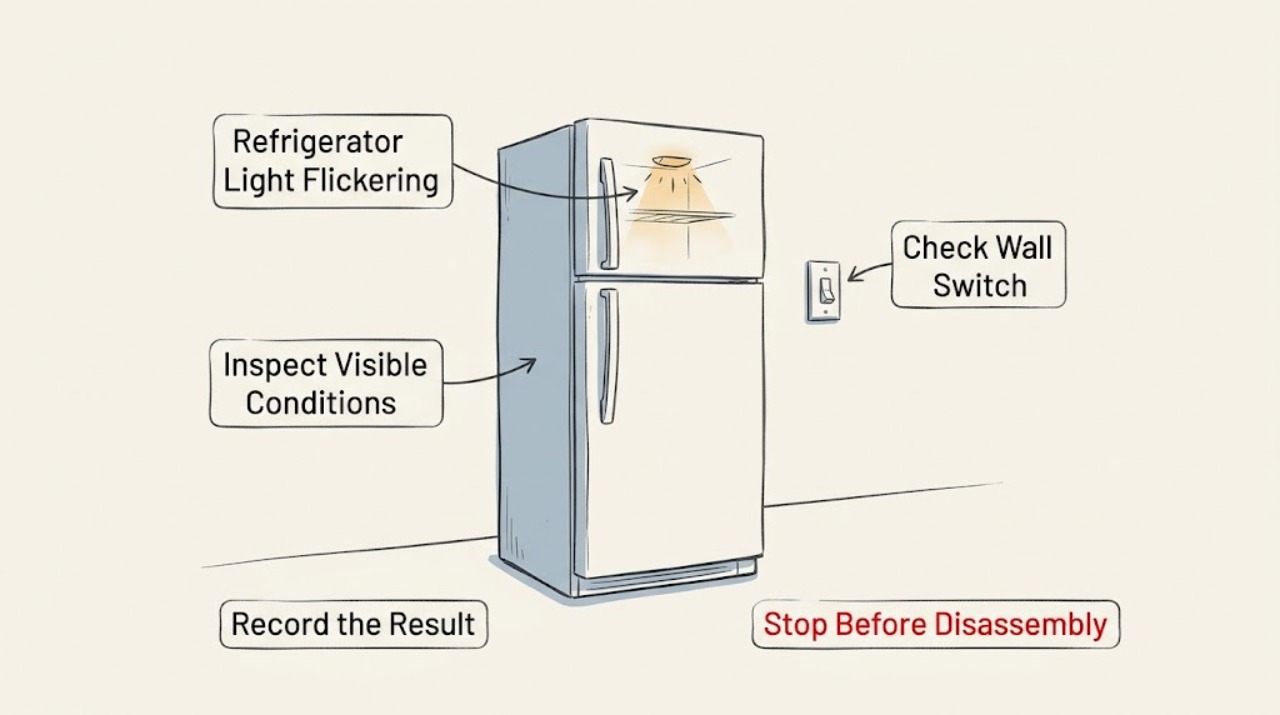
Watch whether the light changes when the door switch moves, remove magnets or electronics near the switch, and confirm the door is aligned and closing fully. Cycle power for one minute only if the manual permits. Persistent flicker, a dark compartment, heat, or a damaged socket needs service rather than LED disassembly.
Work through in order
Diagnostic checks
Use only checks that match the exact appliance or system and its official guide.
-
Check 1
Open the door slowly and observe the light while gently checking the accessible door-switch area without forcing it.
Expected result: Flicker occurs exactly as the door moves or the switch changes state, or it occurs while the door is still.
Next step: Continue with obstruction and alignment checks; do not pry out the switch or lamp module.
Why this matters
Why: Door-timed flicker points to switch alignment or door position; stationary flicker points more toward the light assembly or supply.
-
Check 2
Remove magnets, speakers, phones, or other electronics placed close to the door-switch area, and check that bins or packaging do not hold the door open.
Expected result: Flicker stops, or it continues with the switch area clear.
Next step: Keep the area clear and monitor; arrange service if flicker returns.
Why this matters
Why: Nearby magnetic or electronic interference and incomplete closure can affect switch behavior; persistence suggests an internal fault.
-
Check 3
Check that the cabinet is level and the door aligns evenly with the frame; verify the gasket is not forcing the door away from the switch.
Expected result: The door is visibly misaligned or the gasket prevents full closure, or alignment looks normal.
Next step: Use model installation guidance for accessible leveling; do not adjust hidden wiring.
Why this matters
Why: Alignment changes switch contact; normal alignment with flicker makes the switch, wiring, or LED module more likely.
-
Check 4
If the light remains safe to access and the manual allows it, disconnect power for about one minute, restore power, and observe one door cycle.
Expected result: The light is stable after reset, or flicker returns immediately.
Next step: Request service for recurring flicker, heat, a dark compartment, or any damaged socket; do not disassemble an LED assembly.
Why this matters
Why: A reset can clear a temporary control state; an immediate recurrence needs component diagnosis.
Use your observations
Decision map
Find the observation that best matches what you see, then follow the next safe action.
-
PATH 01Next step
What you see
Flicker follows door movement and stops when the switch area is clear
Do this next
Correct the accessible obstruction or alignment and monitor the next several door cycles.
Why this path and its safety boundary
Why it matters: The symptom tracks the door-switch area, so an obstruction or alignment condition is more likely than a failed light module.
-
PATH 02Next step
What you see
Door alignment is normal but flicker continues with the door still
Do this next
Arrange service for the switch, wiring, or light module; avoid probing live parts.
Why this path and its safety boundary
Why it matters: The switch area is not explaining the symptom, so the light assembly, wiring, or its control needs diagnosis.
-
PATH 03Next step
What you see
The light is dark, hot, sparking, or the socket is damaged
Do this next
Disconnect power if safe and request urgent qualified service.
Why this path and its safety boundary
Why it matters: There is an electrical safety hazard or complete light failure that should not be investigated with the assembly energized.
Helpful context
Understand the symptom
The door switch is the first clue
Refrigerator interior lights respond to a door switch or sensor. A flicker tied to door movement suggests alignment or switch interaction; flicker that continues with the door still suggests power or light-module service.
Only after diagnosis
Potential parts
- LED light assembly or door switch
Only after the switch timing, interference, closure, and power-reset checks identify the affected component.
When checks do not resolve it
Need a professional?
Flicker returns after safe alignment and one permitted power reset.
Common questions
FAQ
Why does the refrigerator light flicker when I move the door?
Door movement can change the switch state or expose an alignment problem. Clear the switch area and check closure; persistent flicker needs service.
Should I replace the LED board myself?
Do not disassemble an LED or live electrical assembly. Have the light module and switch diagnosed by qualified service.
Read the exact guide
Official sources
- Interior Lights Flickering - RefrigeratorWhirlpool Corporation (Roper Brand support) · Roper refrigerator support using Whirlpool manufacturer guidance on door switch behavior, leveling/alignment, nearby magnets or electronics, one-minute power cycle, and model manual/service.
Community feedback
Share a repair observation
Share a plain-text repair observation. Accepted observations are published automatically; this page may take a moment to update.