
On this page
Start here
Quick answer
A Zanussi dishwasher that stops before completion should be diagnosed by the stage of the stop: confirm the door latches, record any code or flashing pattern, check accessible filters and spray arms, and clear a delay or prior program using the exact panel procedure. A repeat drain, leak, water-level, motor, or heating error requires authorized service.
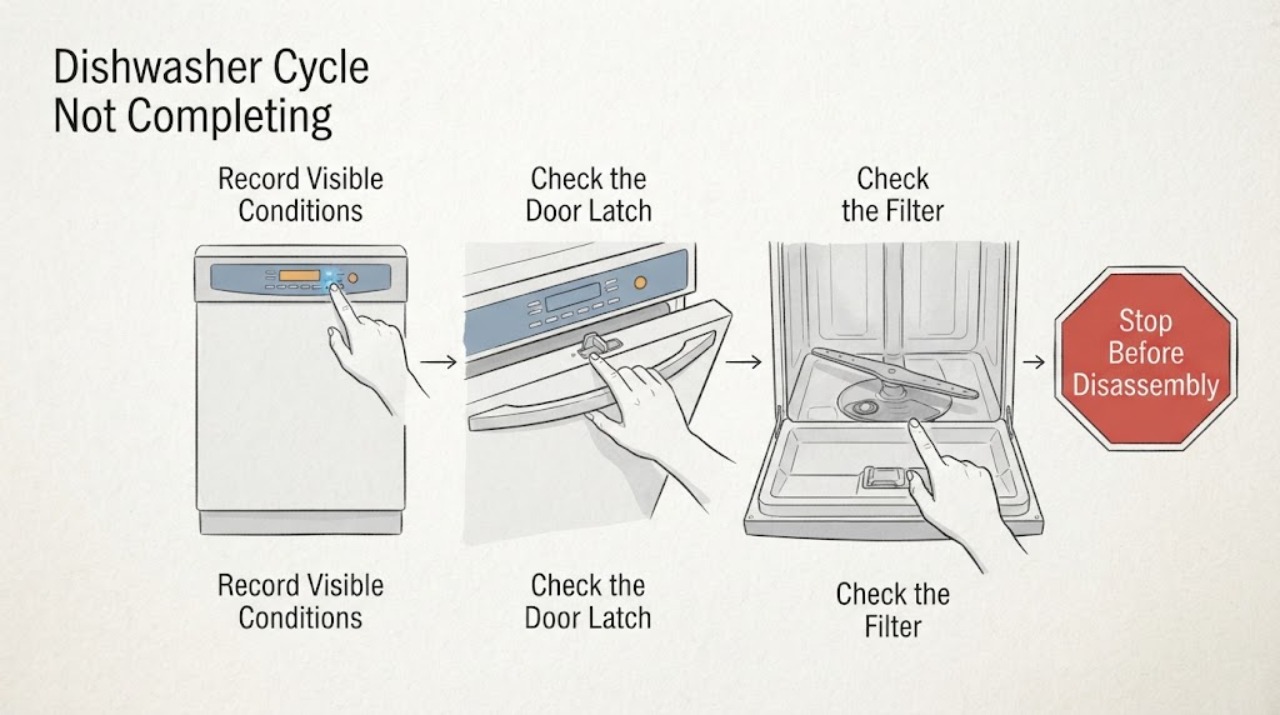
Work through in order
Diagnostic checks
Use only checks that match the exact appliance or system and its official guide.
-
Check 1
Record the exact stop stage, display code, beeps, flashing lights, remaining water, and whether the load is hot or cold.
Expected result: The stop occurs at fill, wash, drain, heat, or with a repeat code/indicator.
Next step: Keep the full code and consult the manual before a reset.
Why this matters
Why: The stage maps the symptom toward water supply, drain, leak, motor, water level, or heating.
-
Check 2
Close the door until the latch clicks and check that no rack, dish, seal, or alignment prevents closure.
Expected result: The latch does not click, the door reopens, or it stays secure.
Next step: Reposition only the load obstruction; do not bypass the latch.
Why this matters
Why: The dishwasher will not continue if its interlock does not confirm a closed door.
-
Check 3
With the dishwasher off, inspect and clean the filters and spray arms, and confirm the arms move freely.
Expected result: A filter or spray arm is blocked, or the wash path is clear.
Next step: Clean and reinstall according to the manual, then run one short test.
Why this matters
Why: Restricted circulation can cause poor washing or a program stop; a clear path shifts attention to sensors or pump.
-
Check 4
Check for delay start or an earlier program and use the exact RESET/CANCEL sequence for the panel.
Expected result: The program returns to selection mode and drains, or the same state remains.
Next step: Do not copy sequences from another interface.
Why this matters
Why: A cleared delay indicates a control state; recurrence suggests sensing or control fault.
-
Check 5
Retest once while watching fill, wash, drain, and heat, and note whether the same code returns.
Expected result: The cycle completes, stops at the same stage, leaks, leaves water, or repeats a code.
Next step: Stop for water near electrical parts or repeat failure and book service.
Why this matters
Why: A repeatable stage or code is service evidence.
Use your observations
Decision map
Find the observation that best matches what you see, then follow the next safe action.
-
PATH 01Next step
What you see
The door will not latch or the stop follows a door movement.
Do this next
Correct only the obstruction and arrange service if the latch still fails.
Why this path and its safety boundary
Why it matters: Door alignment or interlock sensing is more likely.
-
PATH 02Next step
What you see
A code or standing water points to draining, water supply, leak detection, or water-level sensing.
Do this next
Follow the exact code article/manual and use authorized service if it returns.
Why this path and its safety boundary
Why it matters: A monitored water path is involved.
-
PATH 03Next step
What you see
The machine reaches heating or motor operation but stops repeatedly with a normal door and clear filters.
Do this next
Record the code and arrange authorized service.
Why this path and its safety boundary
Why it matters: An internal heater, motor, sensor, or control fault is more likely.
Helpful context
Understand the symptom
Zanussi’s support separates a door or program-state problem from water supply, drain, leak, motor, and heating faults. The exact code and panel are more useful than a generic reset.
When checks do not resolve it
Need a professional?
Stop for a leak, standing water near electrical parts, smoke, burning odor, damaged latch, repeated code, or any internal pump, heater, motor, sensor, or control work.
Common questions
FAQ
Why does my Zanussi dishwasher stop with water inside?
A drain restriction, drain pump, leak protection, or related code may be involved. Record the code and do not keep running it if water is near electrics.
Is a flashing light always a broken part?
No. Door state, delay settings, filters, spray arms, and reset conditions can mimic a component failure.
When should I book service?
Book service when the same stage or code returns, when there is a leak, or when internal heating, motor, pump, or control work is required.
Read the exact guide
Official sources
- Program not starting and cycle indicator light flashing on dishwasherZanussi / Electrolux · Zanussi dishwashers
- Zanussi Dishwasher Displays an Error Code – How to Fix ItZanussi / Electrolux · Zanussi dishwashers
Community feedback
Share a repair observation
Share a plain-text repair observation. Accepted observations are published automatically; this page may take a moment to update.