
LG appliance guidance
LG Cooktop Repair Guides
Troubleshooting and repair guidance for published LG Cooktop problems, symptoms, and maintenance questions.
Published LG Cooktop guides
Choose the guide whose symptom or condition most closely matches what you are seeing.
-
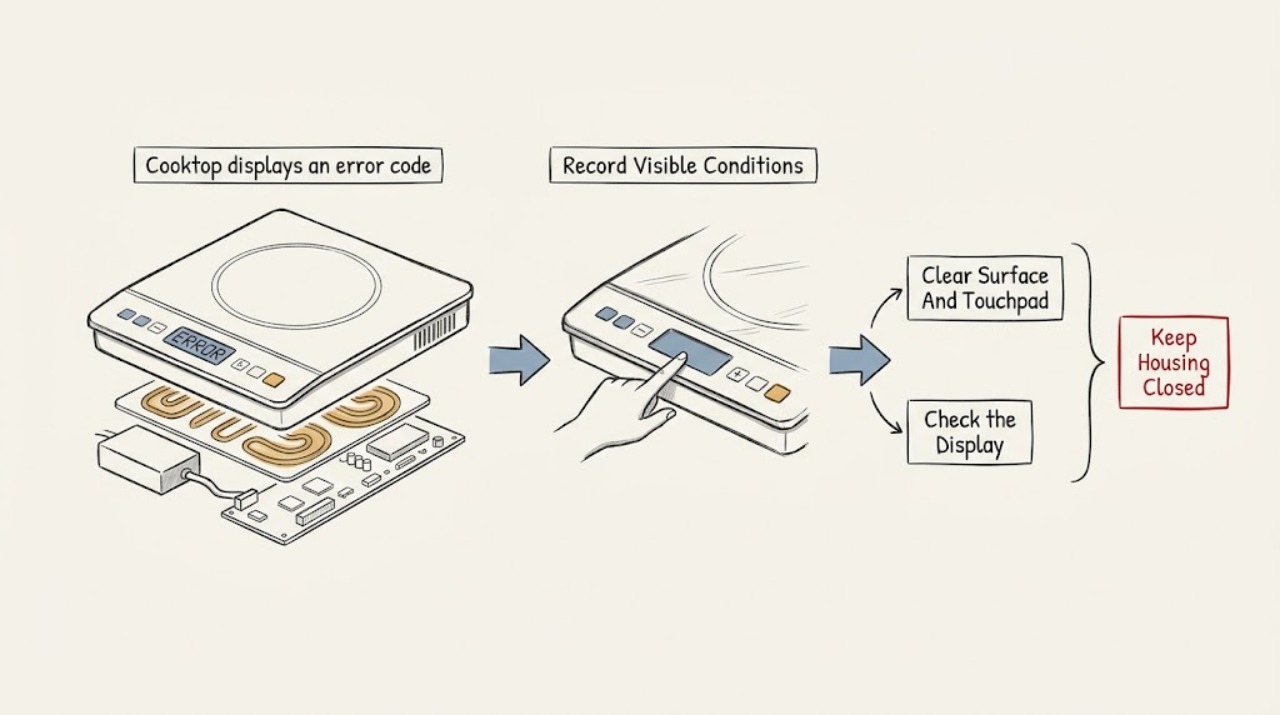
Lg cooktop displays an error code: What to Check and What to Do Next
Record the exact code, when it appears, the LG cooktop type, and whether one zone or the whole control responds. Compare that information with LG's error-code list and the exact model manual because the meaning and reset procedure are model-specific.
-
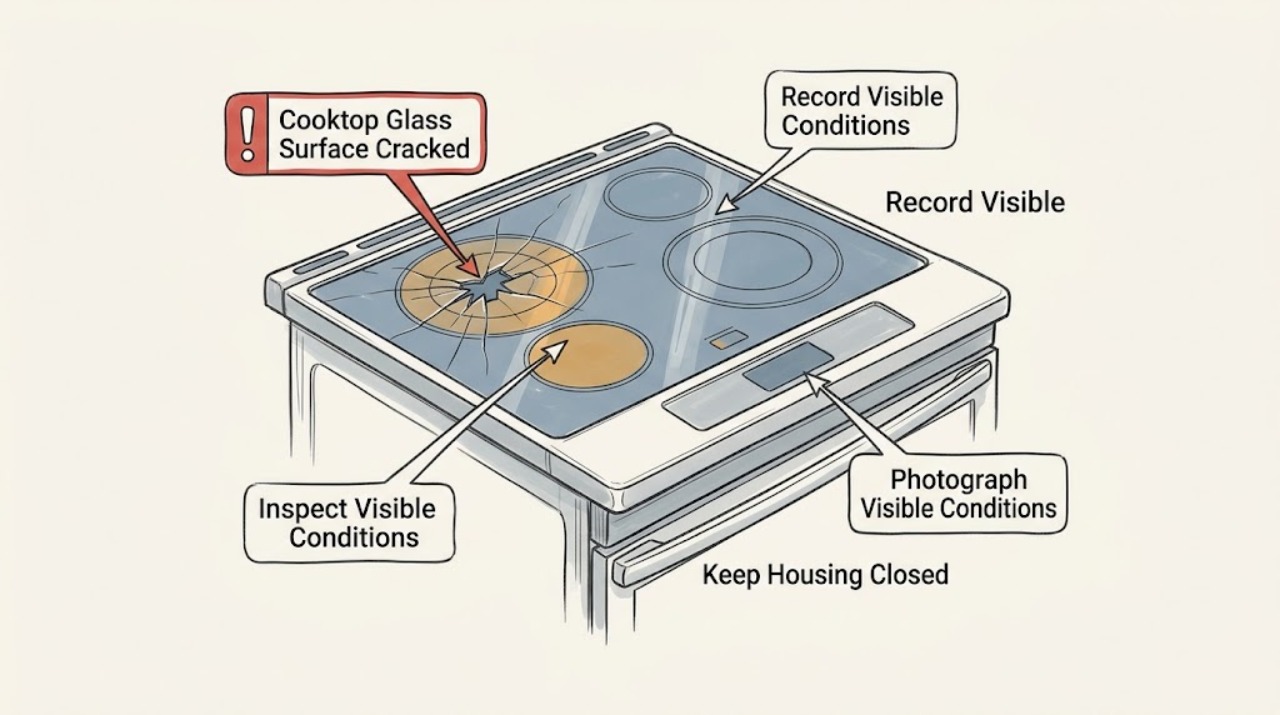
LG Cooktop Glass Surface Cracked: What to Check and What to Do Next
Treat a visible crack in an LG ceramic-glass cooktop as a stop-and-service condition, not a cosmetic repair. Turn all controls off, keep cookware and liquids away, and do not cook on, clean, scrape, glue, or tape over the cracked surface.
-
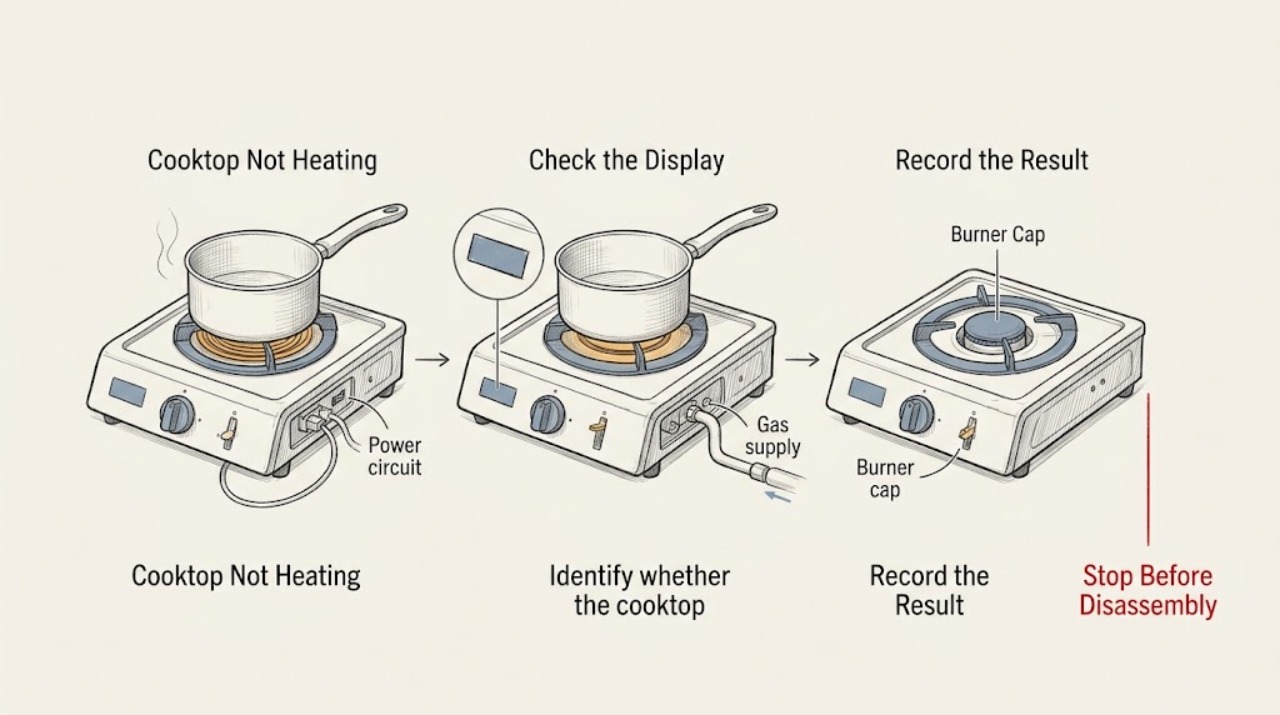
LG Cooktop Not Heating: Check the Correct Burner, Power, and Gas Safety
An LG cooktop that is not heating may have a control or power problem, an unsuitable or incorrectly positioned pan on an induction zone, a burner cap or head that is wet or misassembled on a gas model, or an electric element that is cycling normally or has failed. First identify whether the issue affects one burner or all of them, then switch the controls off and check for a cracked surface, smoke, burning smell, gas odor, liquid in the controls, or damaged wiring.
-
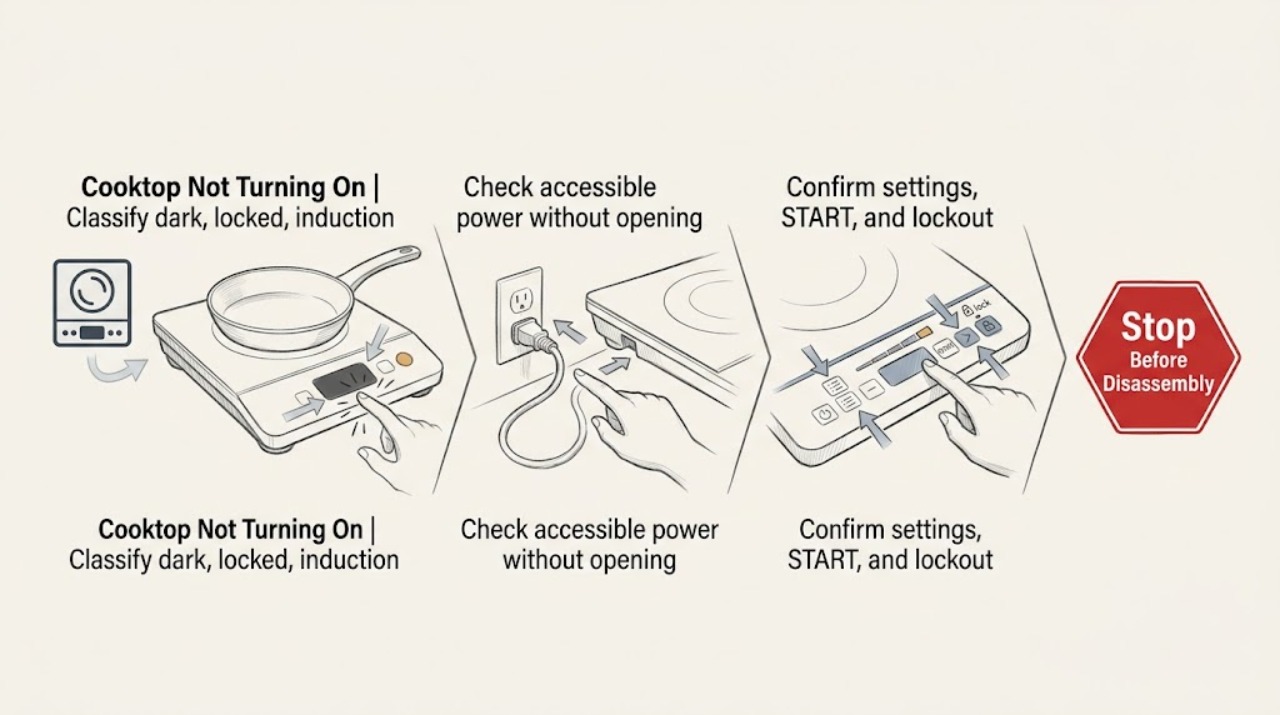
LG Cooktop Not Turning On: Check Power, Controls, and Burner or Pan Detection
First identify whether the cooktop is completely dark, powered but locked or delayed, induction and not detecting the pan, or gas and not igniting. For a dark cooktop, check the wall outlet and accessible circuit breaker without opening the appliance.
-
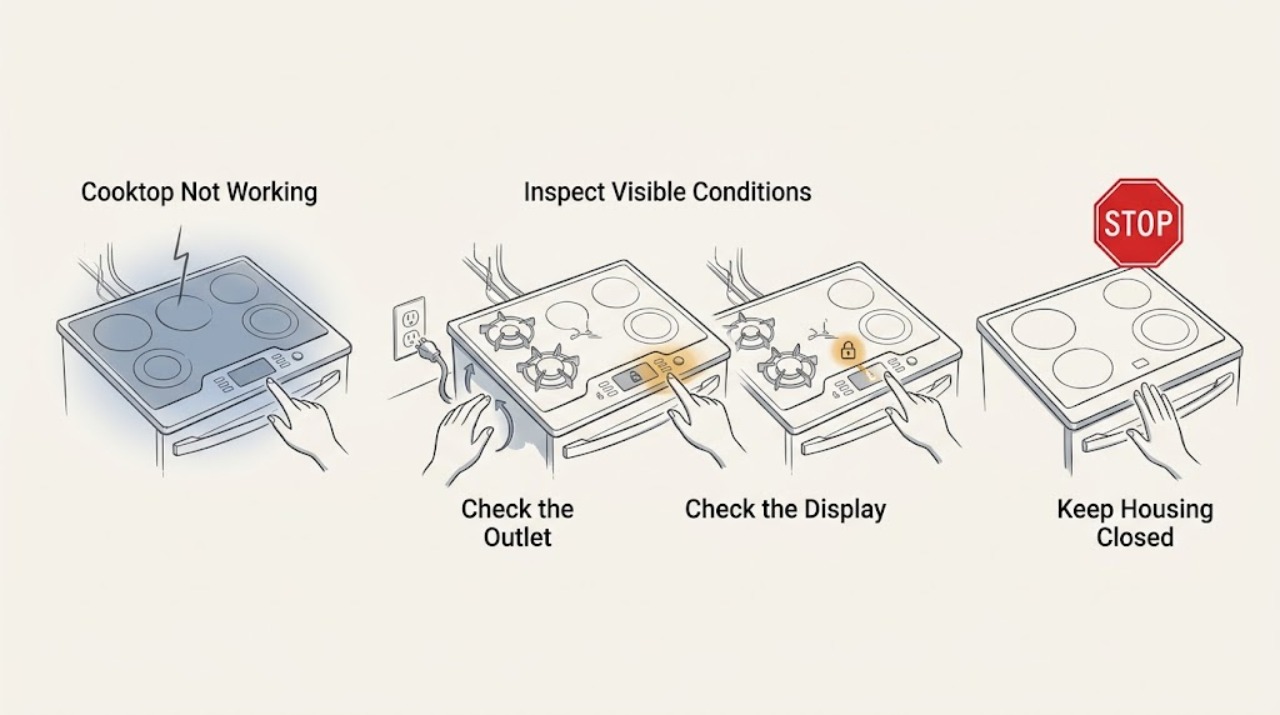
LG Cooktop Not Working: Check Power, Lock, Burner, and Cookware Conditions
First identify whether the whole LG cooktop is dead or only one burner or zone will not heat. Check the visible power connection and circuit breaker once, use a known-working device to confirm an accessible outlet where applicable, and do not use an extension cord or change breaker wiring.
-
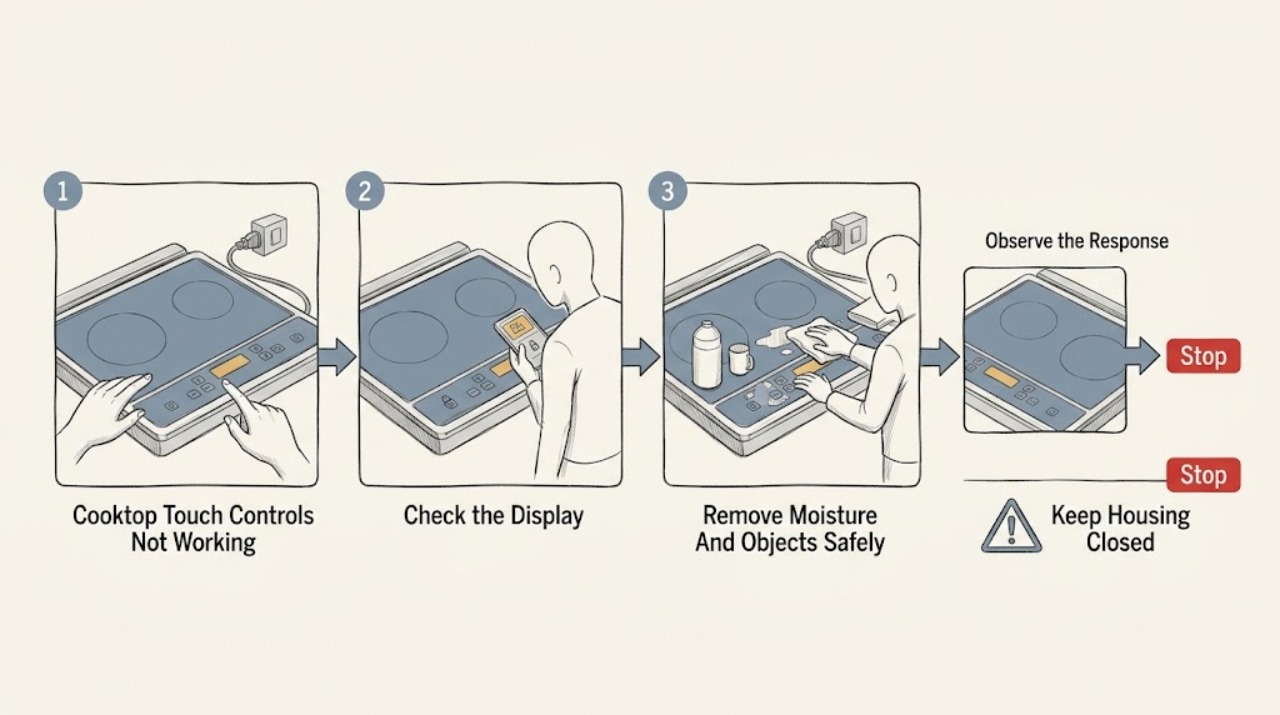
LG Cooktop Touch Controls Not Working: What to Check and What to Do Next
First determine whether the LG cooktop has power and is locked, or whether the touch panel is not recognizing input at all. If only the Power or Lock control responds, use the exact model's manual to unlock the panel; LG's general guidance says the Lock or Child Lock button is commonly held for 3 seconds.