
Repair problem
Ceiling Fan Remote Not Working Troubleshooting Guides
Published FixGraph guidance for diagnosing and responding to ceiling fan remote not working.
Matching published guides
Choose a guide that matches the service, equipment, and conditions you are seeing.
-
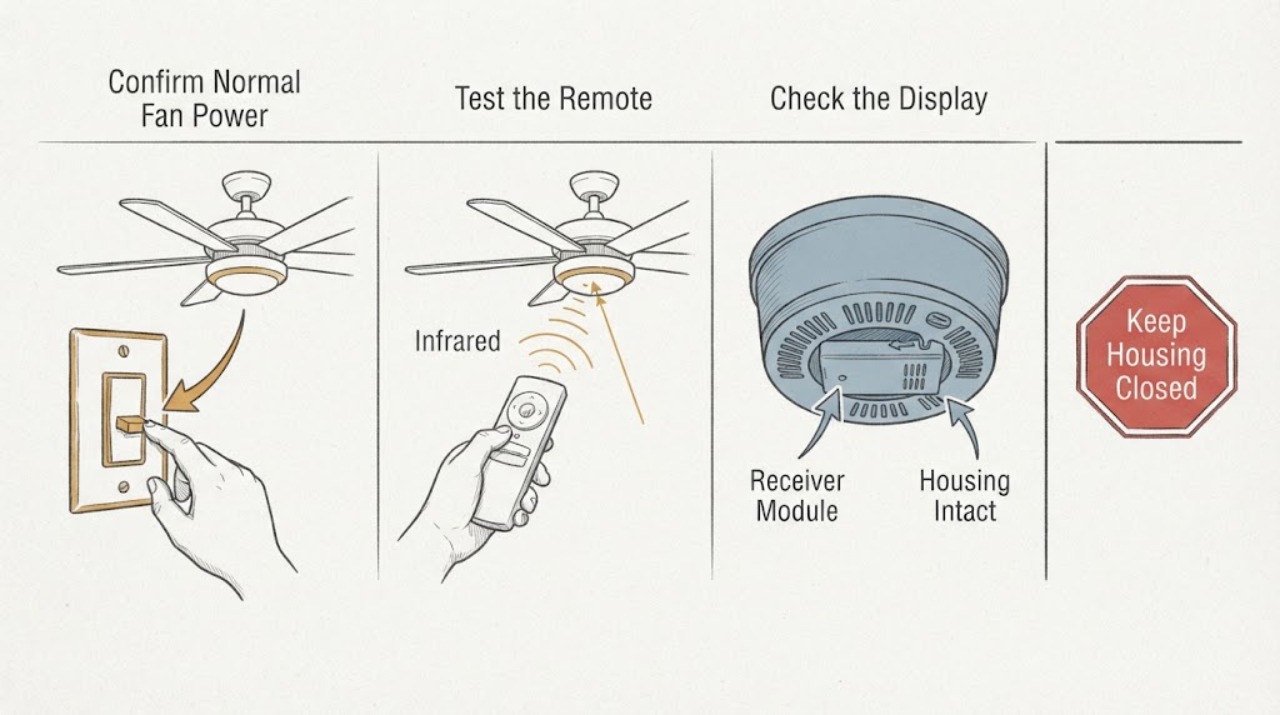
Casablanca Ceiling Fan Receiver Module Remote Not Working: What to Check and What to Do Next
When a Casablanca ceiling-fan remote stops working, first separate a dead transmitter or lost pairing from a receiver module that is not powered or cannot operate the fan. From the floor, confirm the fan's normal wall switch or pull-chain control is on, test the remote battery and button response, and record whether the light and fan react separately.
-
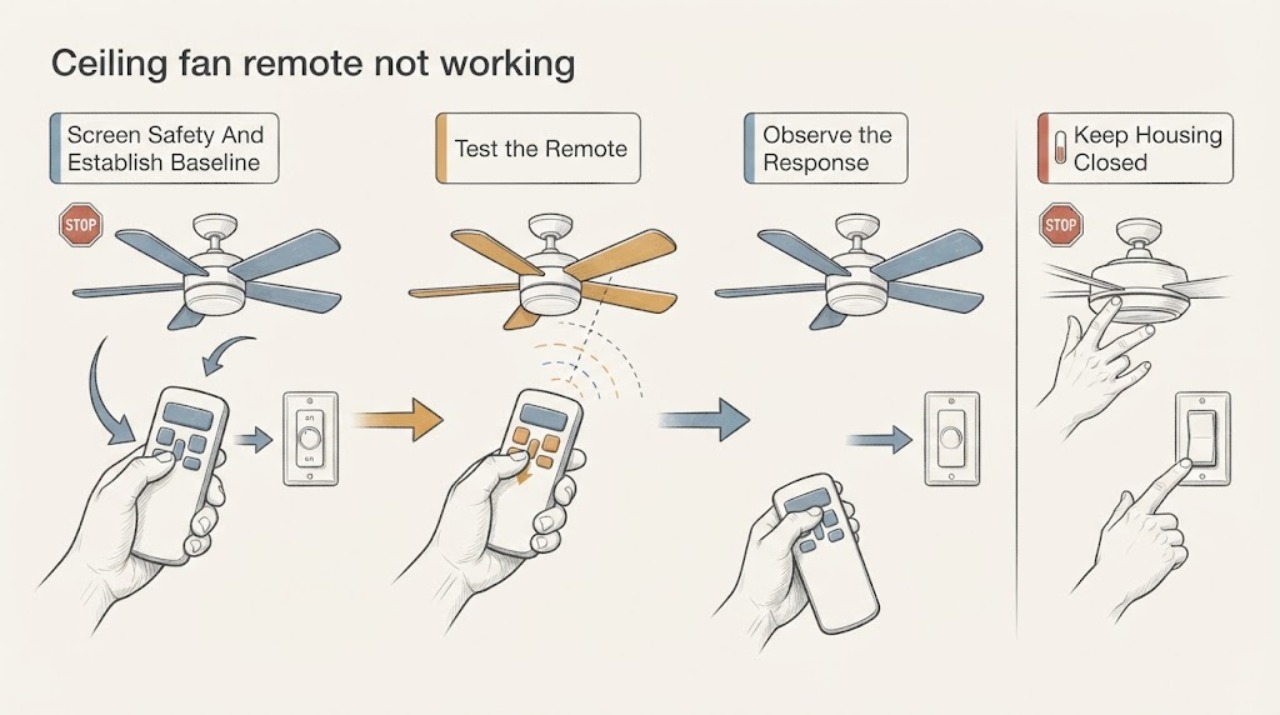
Casablanca ceiling fan remote not working: What to Check and What to Do Next
Start with the controls that are safe to reach: make sure the wall switch supplies power, then install a fresh battery in the Casablanca remote in the orientation shown in the exact manual. Test whether the fan or light responds to a pull chain or other local control if your model has one.
-
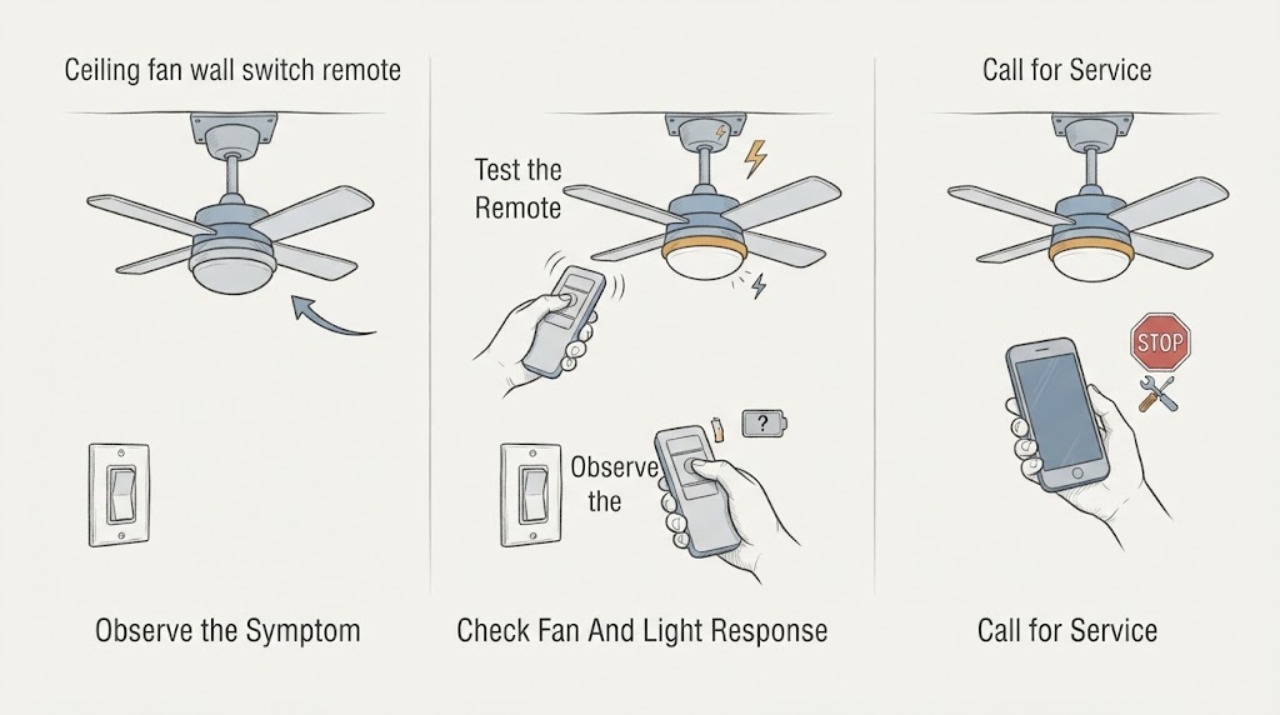
Casablanca ceiling fan wall switch remote not working: What to Check and What to Do Next
When a Casablanca ceiling-fan wall switch or remote stops working, first determine whether the fan, light, or both are unresponsive. Check the wall switch and known fan breaker, install a fresh remote battery in the correct orientation, and use the exact Casablanca manual for pairing or reset steps.
-
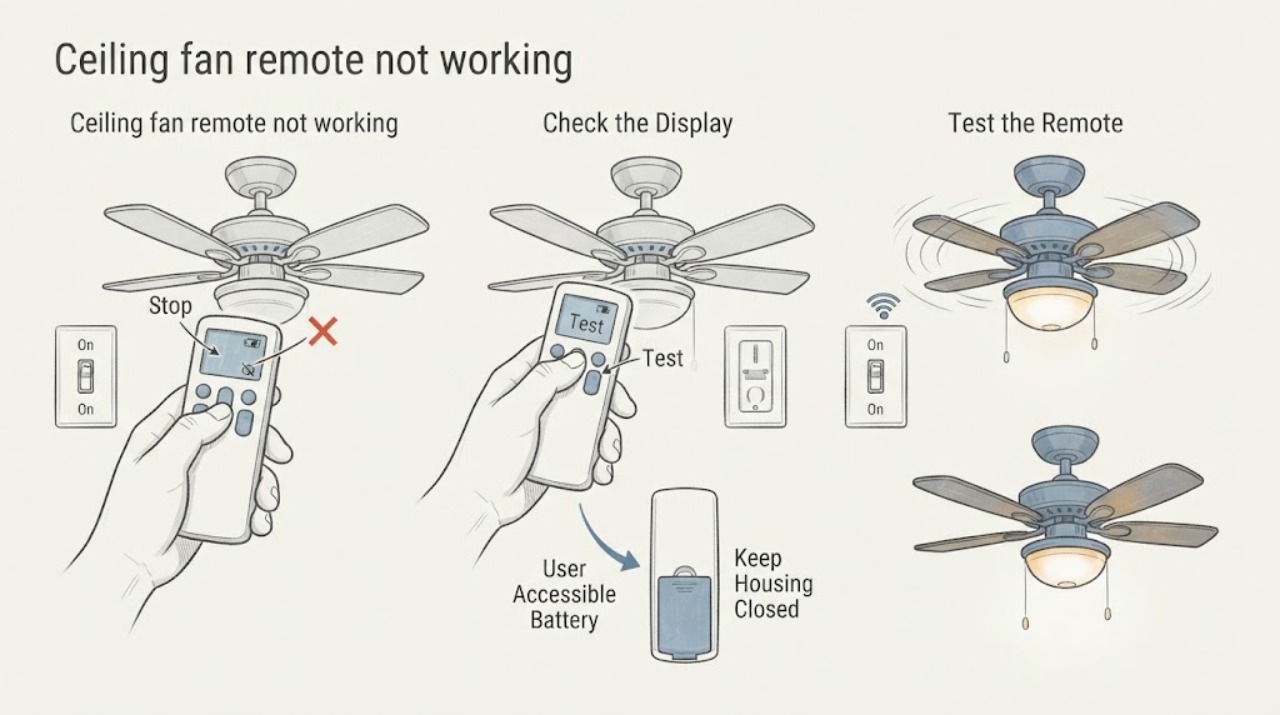
Ceiling fan remote not working: What to Check and What to Do Next
Keep the diagnosis at floor level. First observe whether the ordinary wall switch is on and whether the fan or light responds without the handheld remote.
-
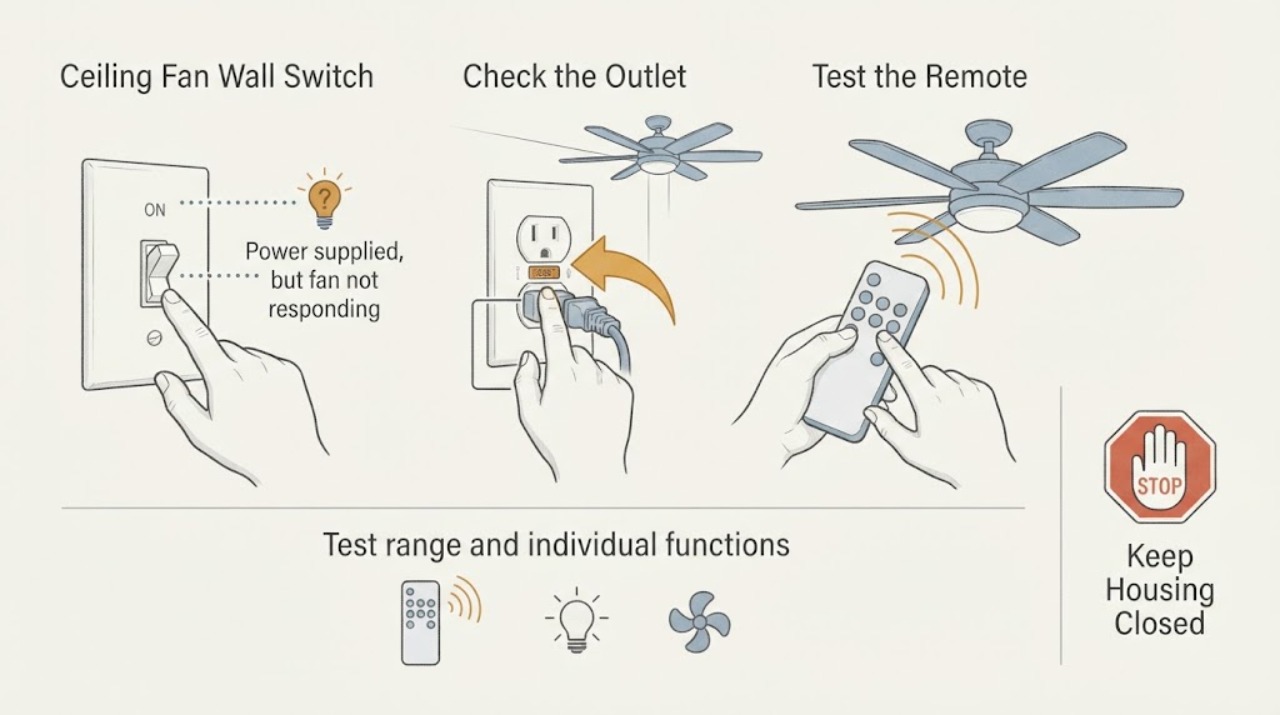
Hampton Bay Ceiling Fan Wall Switch and Remote Not Working: What to Check and What to Do Next
For a Hampton Bay ceiling fan whose wall switch and remote do not operate the fan, first confirm that the wall switch is supplying power and is an ordinary on/off switch rather than a dimmer or variable-speed control. Then replace or correctly seat the remote battery, test from the normal operating range, and check that the transmitter and receiver use the same code only according to the exact model instructions.
-
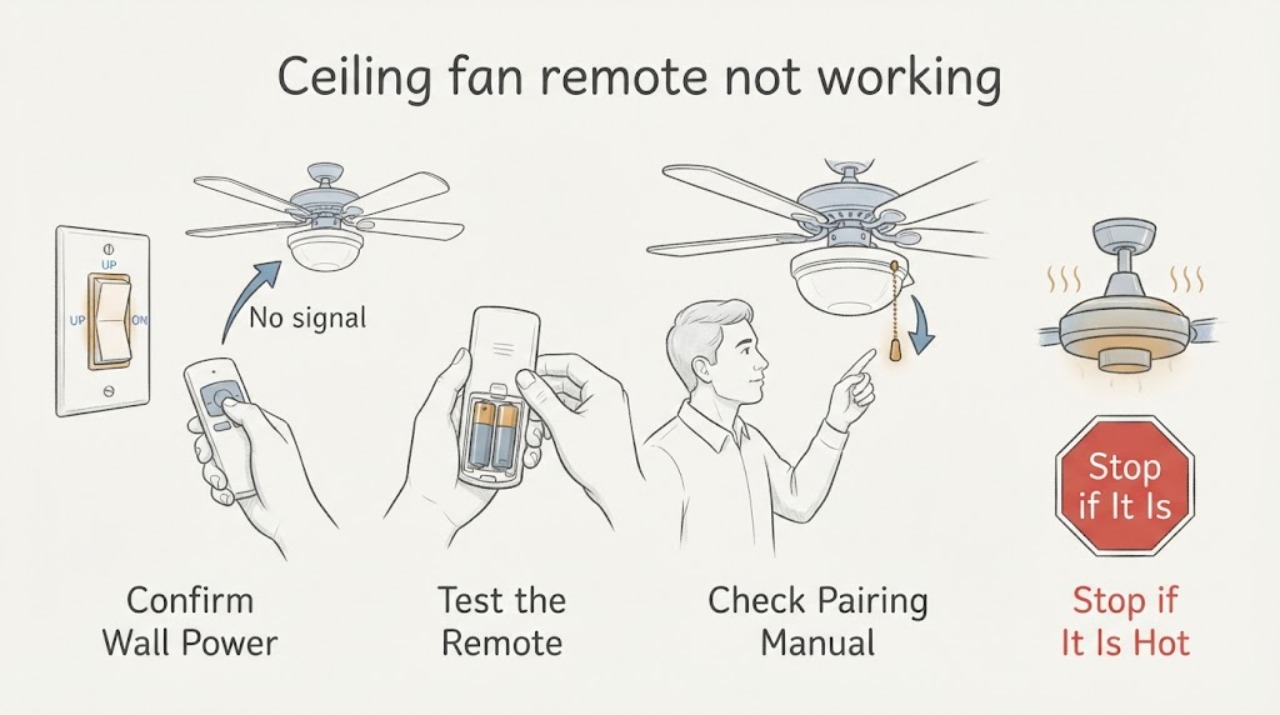
Hunter ceiling fan remote not working: What to Check and What to Do Next
For a Hunter ceiling fan remote that does not work, first confirm the wall switch is on and the fan has power, then install fresh batteries and test again from the normal range. If the fan was previously paired, it may have lost pairing with its receiver; use the exact model manual's pairing procedure rather than a generic sequence.
-
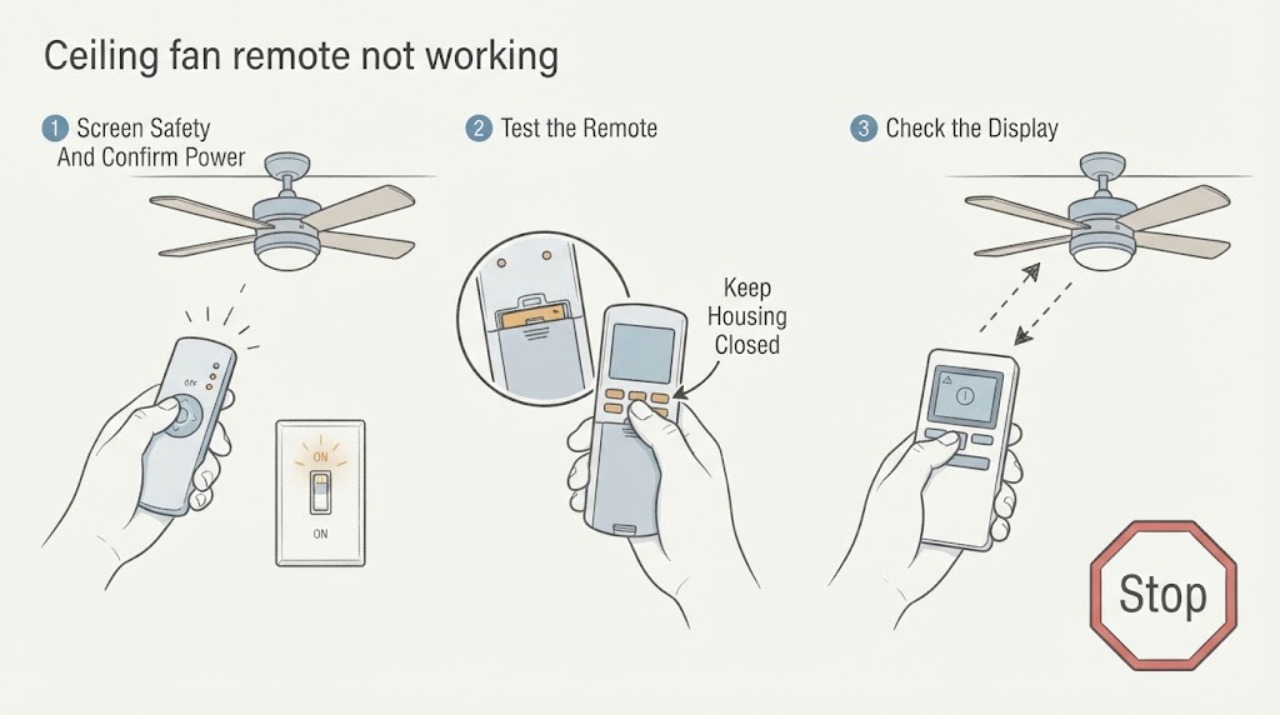
Minka Aire ceiling fan remote not working: What to Check and What to Do Next
First verify that the fan's existing wall switch supplies power, then replace the Minka Aire remote battery with the exact type and polarity shown in the model manual. Test the light and any accessible pull-chain or wall control without opening the fan.