
Repair problem
Garage Door Opener Light Blinking Troubleshooting Guides
Published FixGraph guidance for diagnosing and responding to garage door opener light blinking.
Matching published guides
Choose a guide that matches the service, equipment, and conditions you are seeing.
-
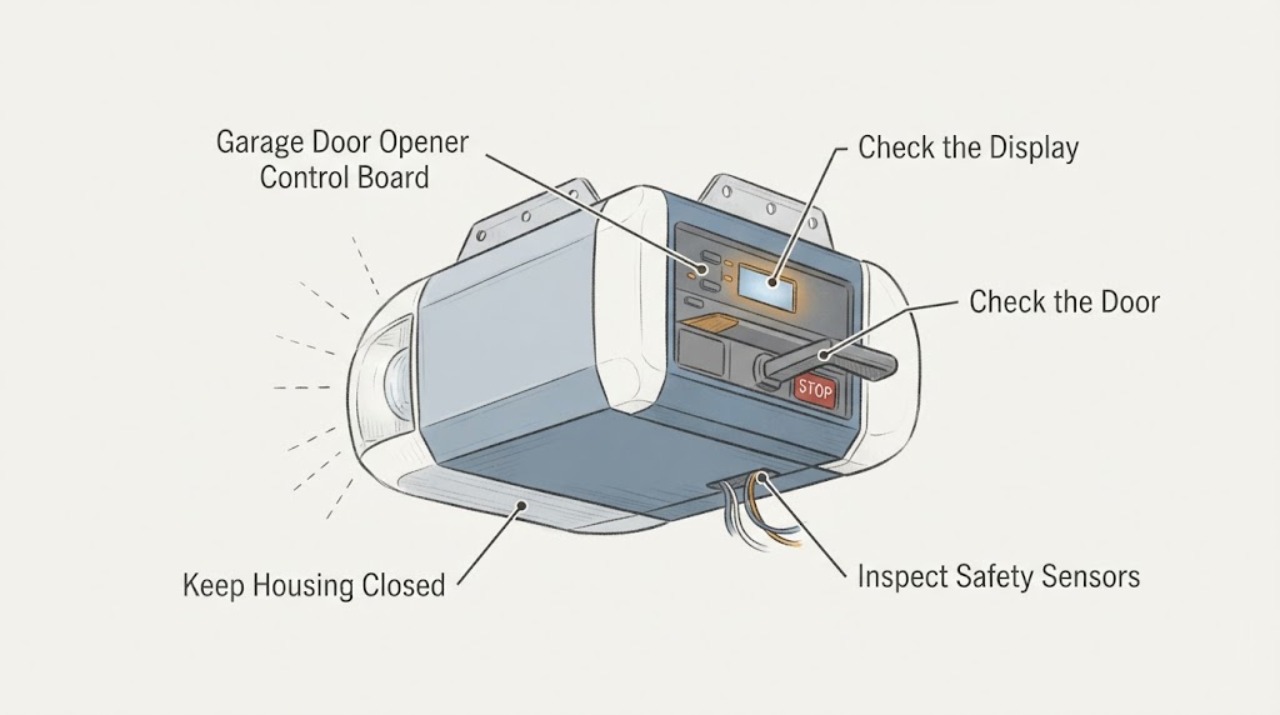
Chamberlain Garage Door Opener Control Board Light Blinking: What to Check and What to Do Next
A blinking light on a Chamberlain garage door opener does not by itself prove that the control board has failed. First identify which indicator is blinking: the diagnostic LED beside the Learn button, the UP/DOWN arrows, the wall control LED or screen, or the opener work light.
-
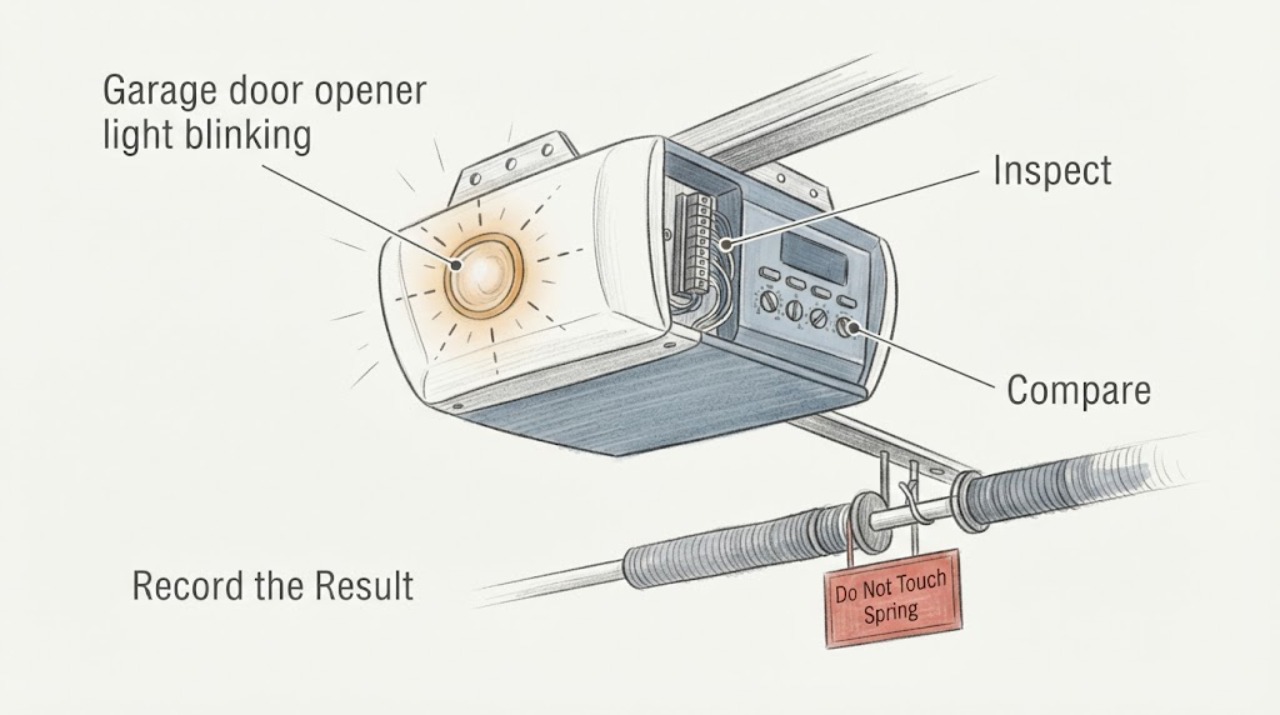
Chamberlain garage door opener light blinking: What to Check and What to Do Next
For a Chamberlain garage door opener whose light is blinking, first note whether the door also refuses to close and how many flashes repeat. Chamberlain’s support guidance links 10 flashes with a safety-reversing-sensor issue when the door will not close, and 2 flashes with the LOCK button on a door control.
-
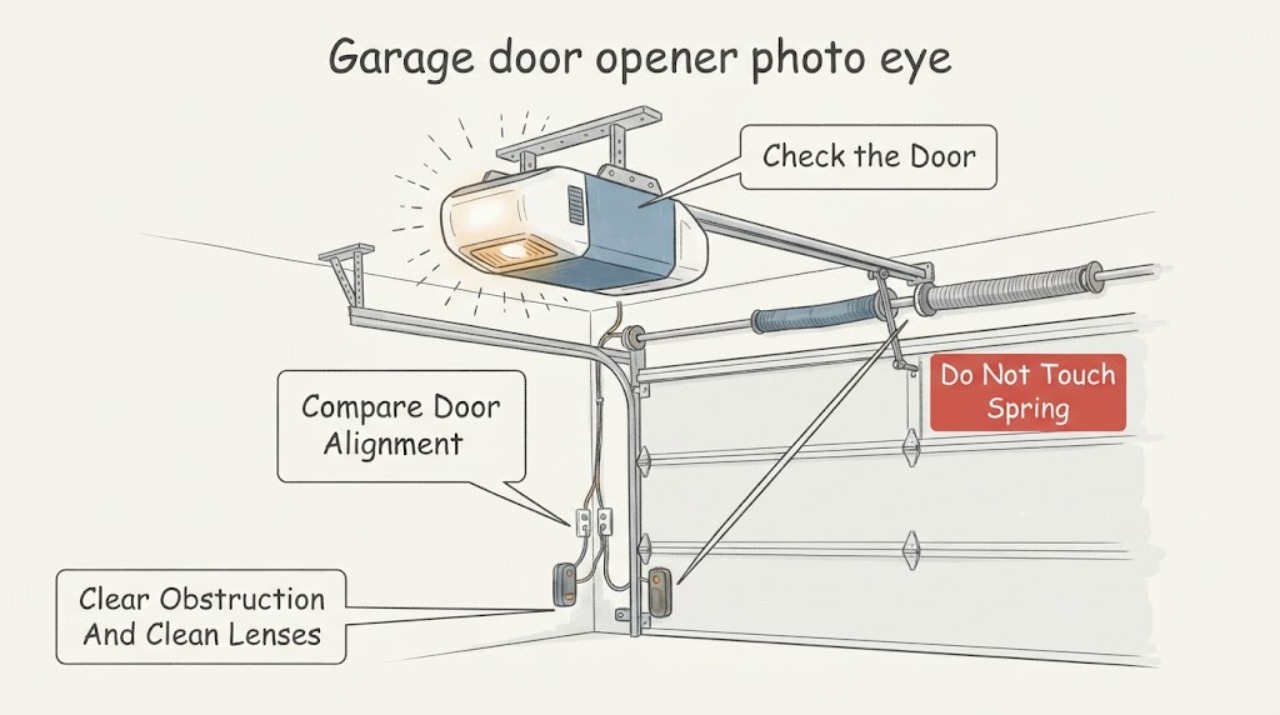
Chamberlain garage door opener photo eye sensors light blinking: What to Check and What to Do Next
Blinking photo-eye sensor lights usually mean the safety beam is weak, blocked, misaligned, affected by sunlight, or interrupted by a wire or sensor fault. First distinguish the small LEDs on the two sensors from the opener's overhead light: Chamberlain documentation says the opener lights can flash when the safety reversing sensors are not connected or aligned, while sensor LEDs show the condition at the beam.
-
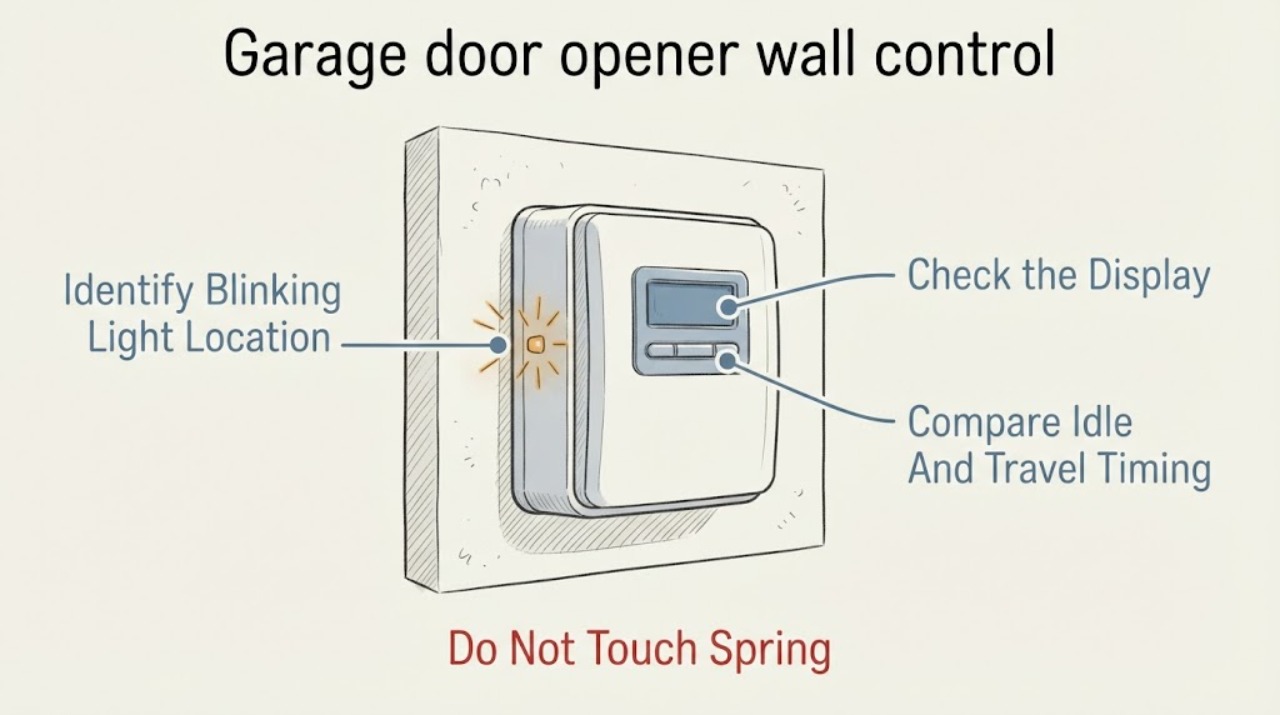
Chamberlain garage door opener wall control light blinking: What to Check and What to Do Next
First identify which light is blinking. On a Chamberlain wall control, a continuously flashing indicator commonly means the Lock feature is enabled; the wall button may still operate the door while remotes are ignored.
-
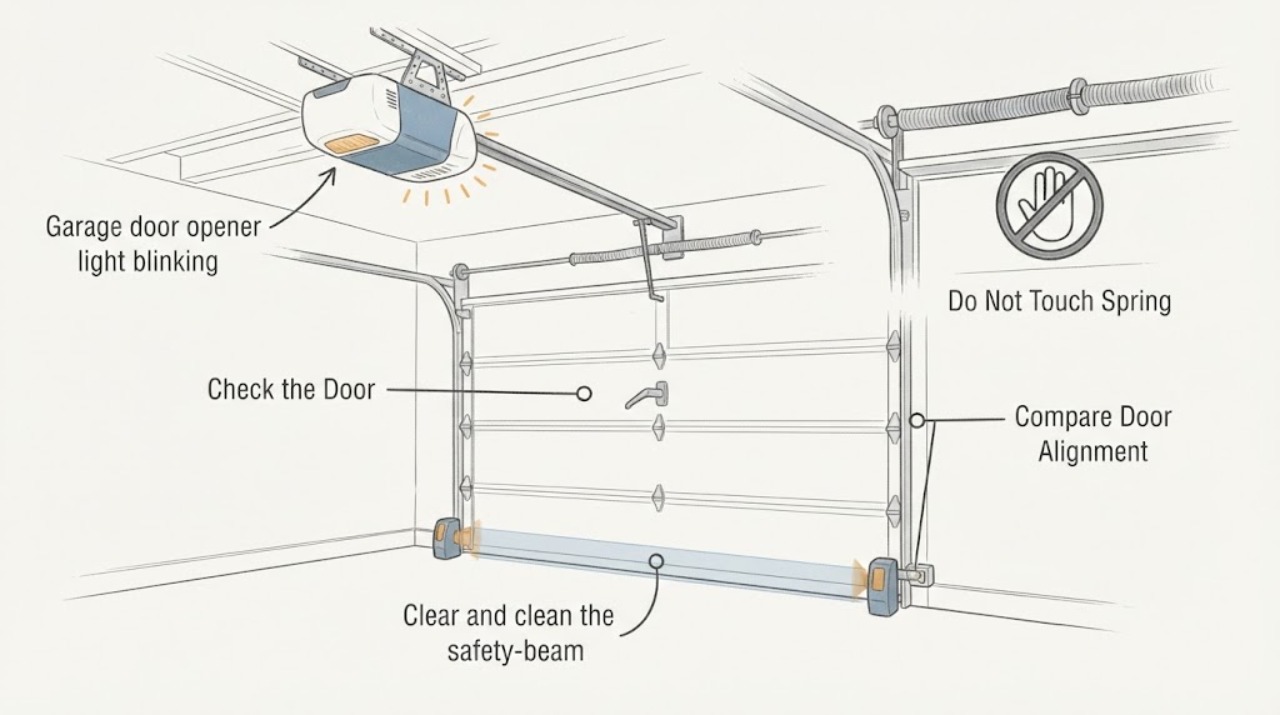
Garage door opener light blinking: What to Check and What to Do Next
A blinking opener light usually means the opener is reporting a condition rather than simply illuminating the garage. First distinguish the opener's main lamp from the small LEDs on the safety sensors, then check for an obstruction, dirty or misaligned photo eyes, visible sensor-wire damage, or a door that is binding.
-
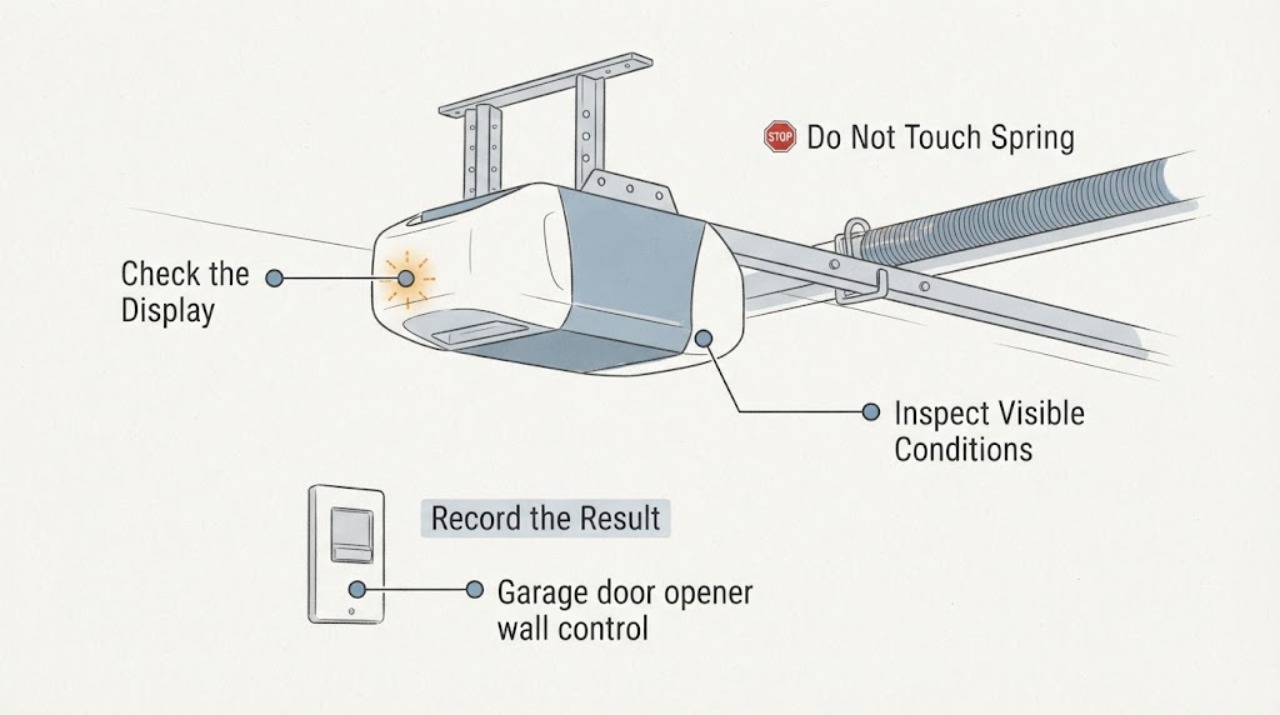
Garage door opener wall control light blinking: What to Check and What to Do Next
First confirm that the blinking indicator is on the wall control itself, not the opener’s powerhead or the photo-eye sensors. The meaning varies by brand and wall-control series: for some Genie wired consoles, the normal door-button backlight should be on and an unlit control can indicate Sure-Lock or a wiring issue; other controls use their own status or diagnostic patterns.