
Repair problem
Won T Turn On Troubleshooting Guides
Published FixGraph guidance for diagnosing and responding to won t turn on.
Matching published guides
Choose a guide that matches the service, equipment, and conditions you are seeing.
-
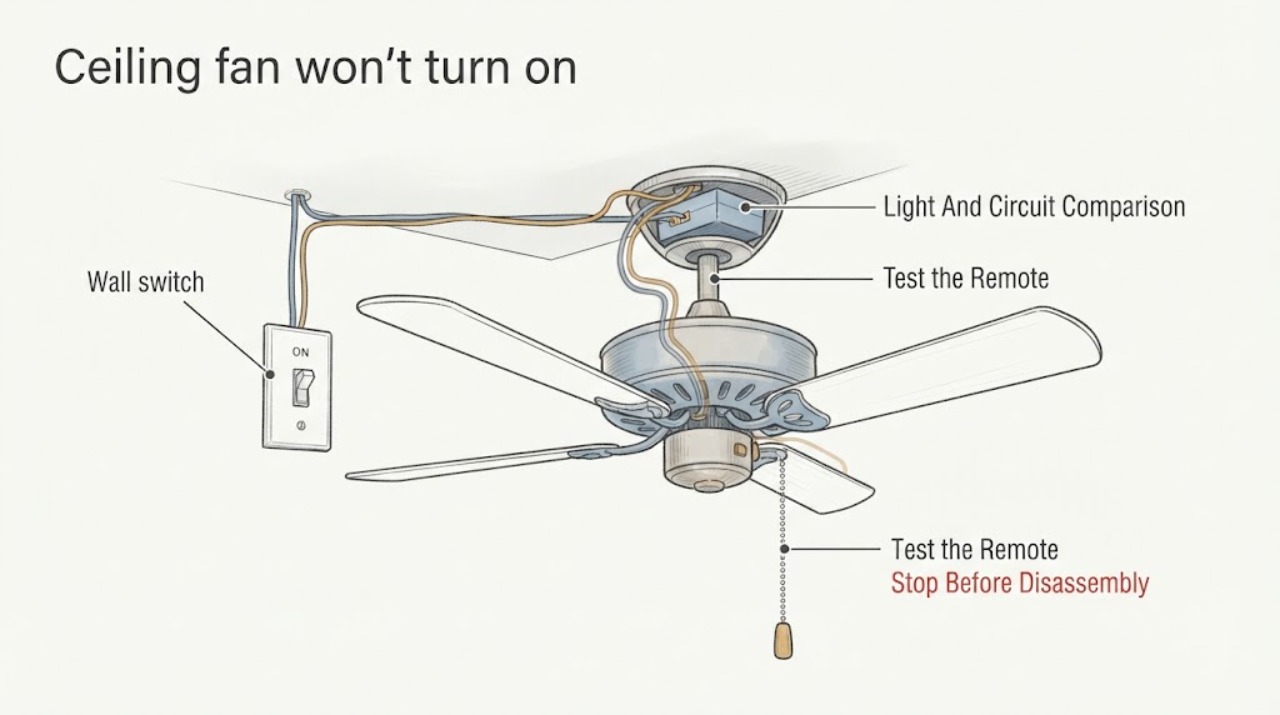
Ceiling fan won't turn on wiring when the switch is on but no fan movement
When a ceiling-fan wall switch is on but the blades never move, first determine whether the fan light, remote, pull chain, speed control, and other devices on the same circuit respond. Keep all wiring, switch-box, canopy, voltage, capacitor, receiver, and motor work for a licensed electrician.
-
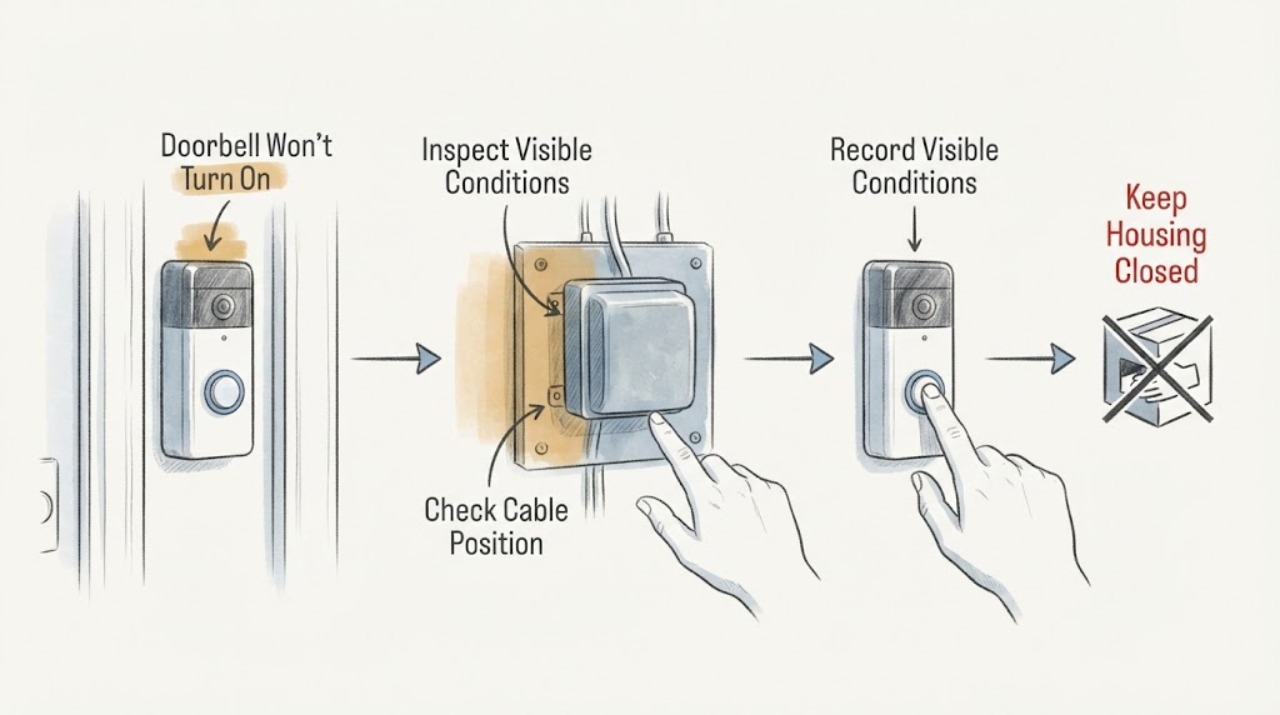
Doorbell Won't Turn On: Check the Transformer and Breaker Safely
A wired doorbell that will not turn on may have no household power reaching its transformer, an incompatible or failed transformer, a low-voltage path problem, or a failed doorbell or chime. A wireless doorbell may simply have a depleted battery and may not use the transformer at all.
-
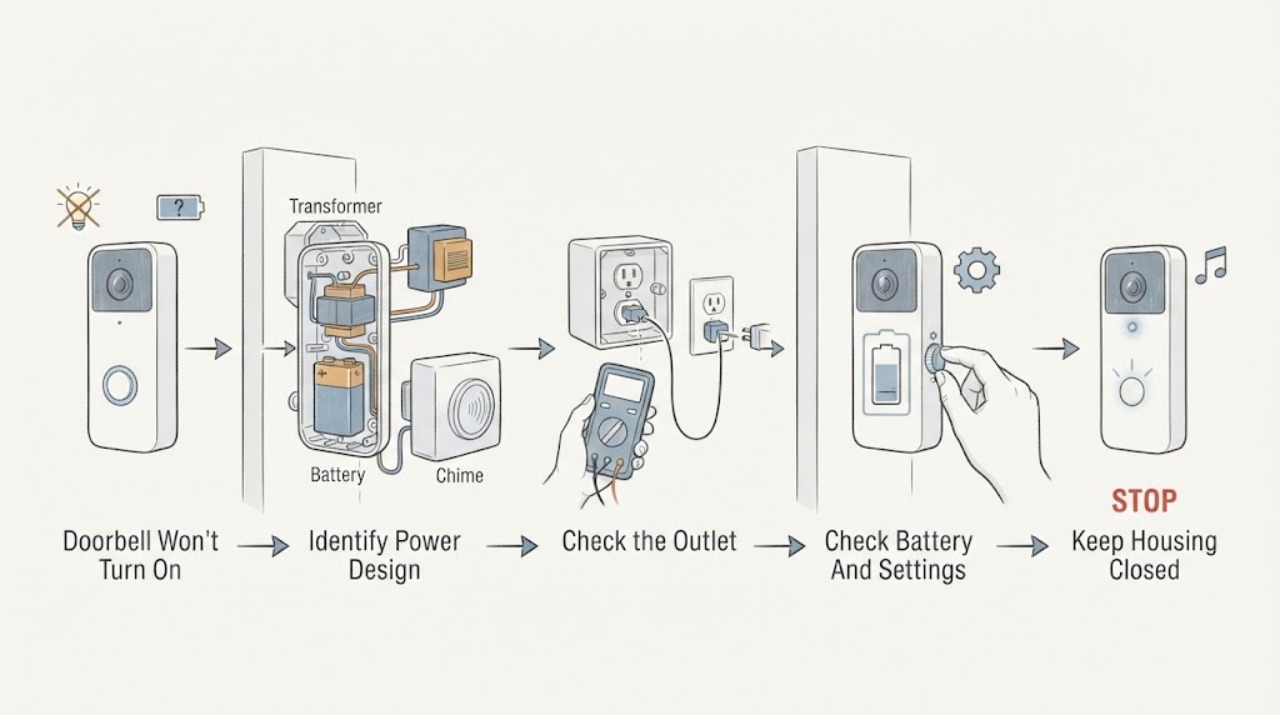
Doorbell Won't Turn On: Safe Power and Service Checks
First identify whether the doorbell is battery-powered, fed by an indoor power adapter, or connected to a wired chime and transformer. Check only user-accessible battery charge, app or chime settings, and a known-working indoor outlet when applicable; observe whether the doorbell has any status light, sound, or response.
-
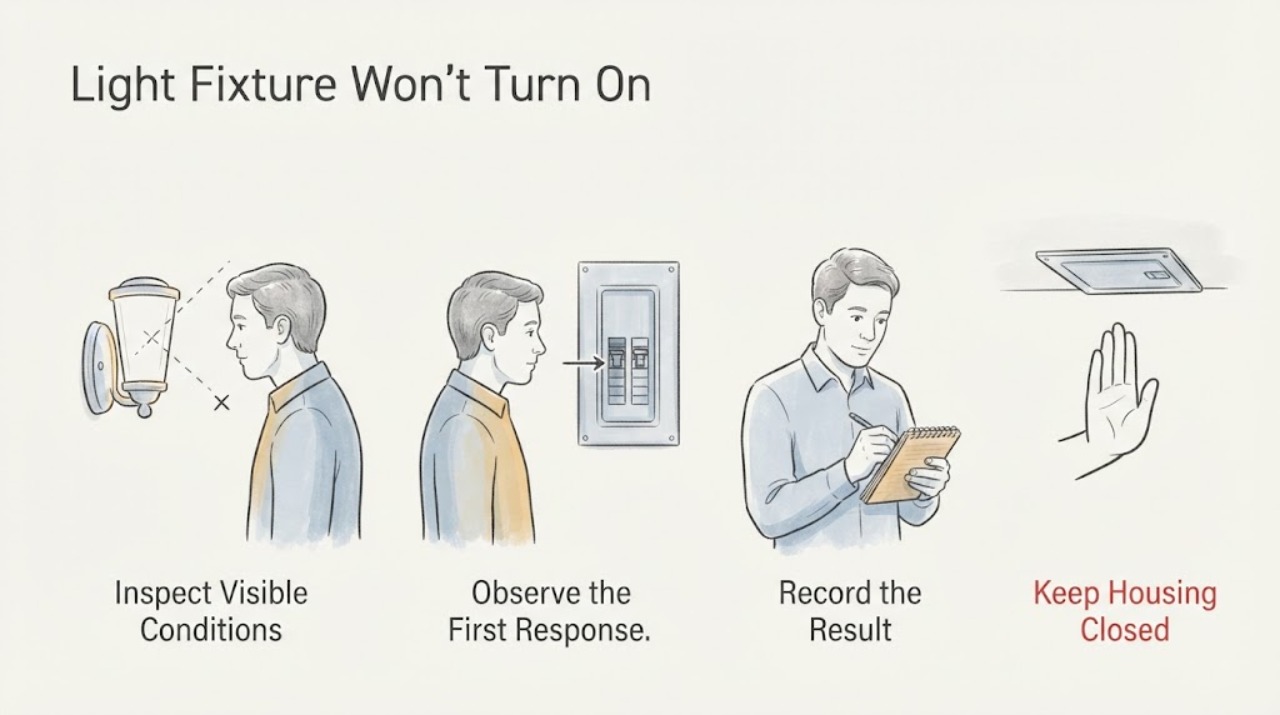
Light Fixture Won't Turn On: Check the Circuit Breaker Safely
When a light fixture will not turn on and the circuit breaker is involved, first look for a tripped or intermediate breaker position and note whether other lights or outlets are also out. Do not keep resetting the breaker, open the panel, remove the light fixture, touch wiring, or make a live electrical measurement.
-
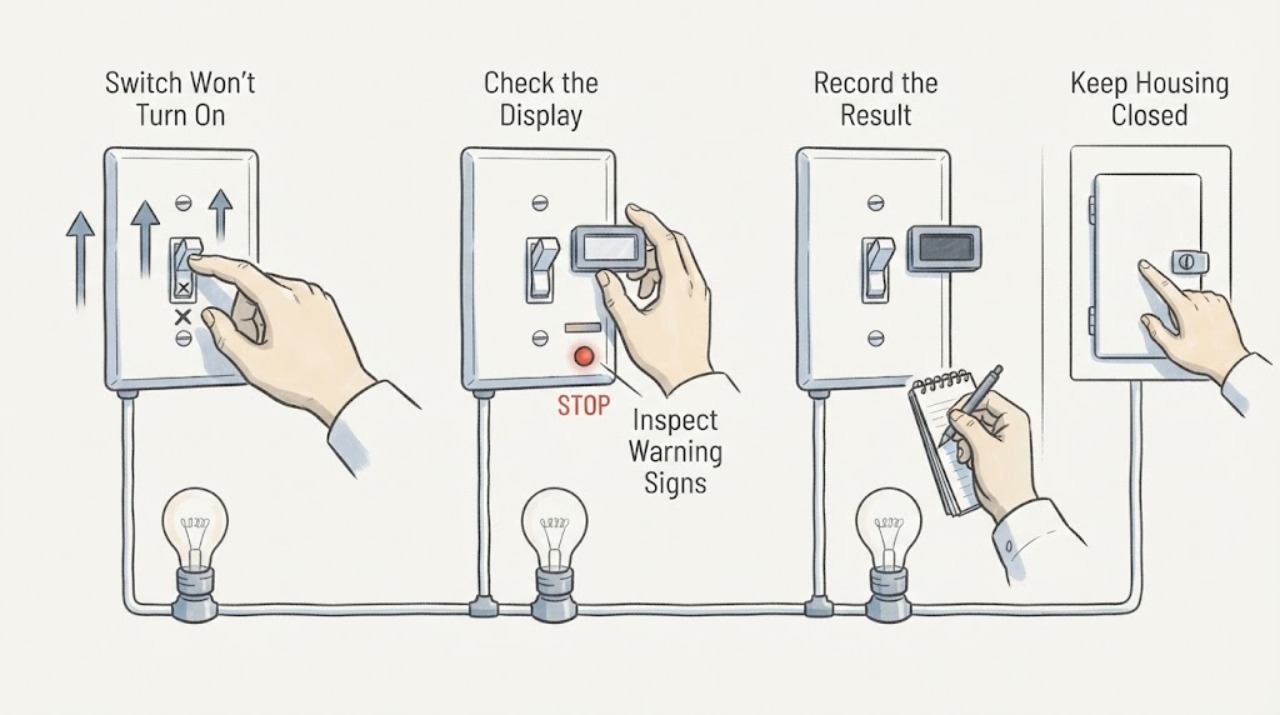
Switch Won't Turn On: Safe Checks and Next Steps
If a switch will not turn on, first identify whether it is a wall switch, pushbutton, or appliance control, then check only the external behavior: whether the control moves normally, whether the controlled light or appliance is the only thing without power, and whether a nearby breaker or protective device has tripped. Stop immediately for heat, discoloration, burning odor, crackling, sparks, shock, water, exposed wiring, or a breaker that trips again.
-
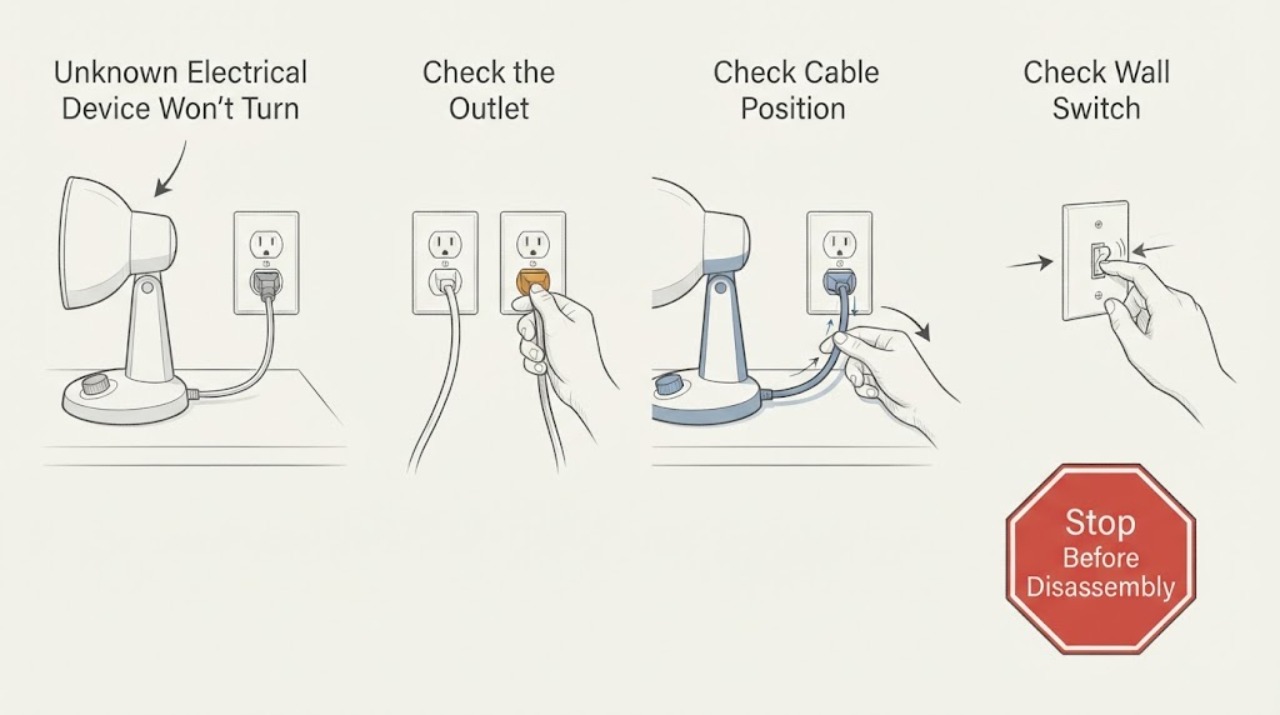
Unknown Electrical Device Won't Turn On: Safe Power Checks
First decide whether the problem is the device or the power feeding it: stop immediately for smoke, burning odor, sparks, heat, shock, water exposure, or a damaged cord; then check the plug, outlet, GFCI, and breaker only from a dry, safe position. If the outlet works but the device stays dead, or a breaker or fuse trips again, leave internal diagnosis to an authorized repair center or qualified electrician.