
On this page
Start here
Quick answer
First identify whether the Fisher & Paykel dishwasher has power and which family its controls match. In the opened DW60 guide, a wash will not start if power, the door, the Start/Pause command, the water tap, the inlet strainer, or Keylock is preventing the start sequence. In the opened US/CA DishDrawer guide, the drawer must be firmly closed, the cycle must be started within the model's required timing, and Keylock or Demo mode can prevent starting. Check only the matching guide's steps; do not force a drawer, open it during operation, or diagnose an internal latch, pump, or control board without model-specific service information.
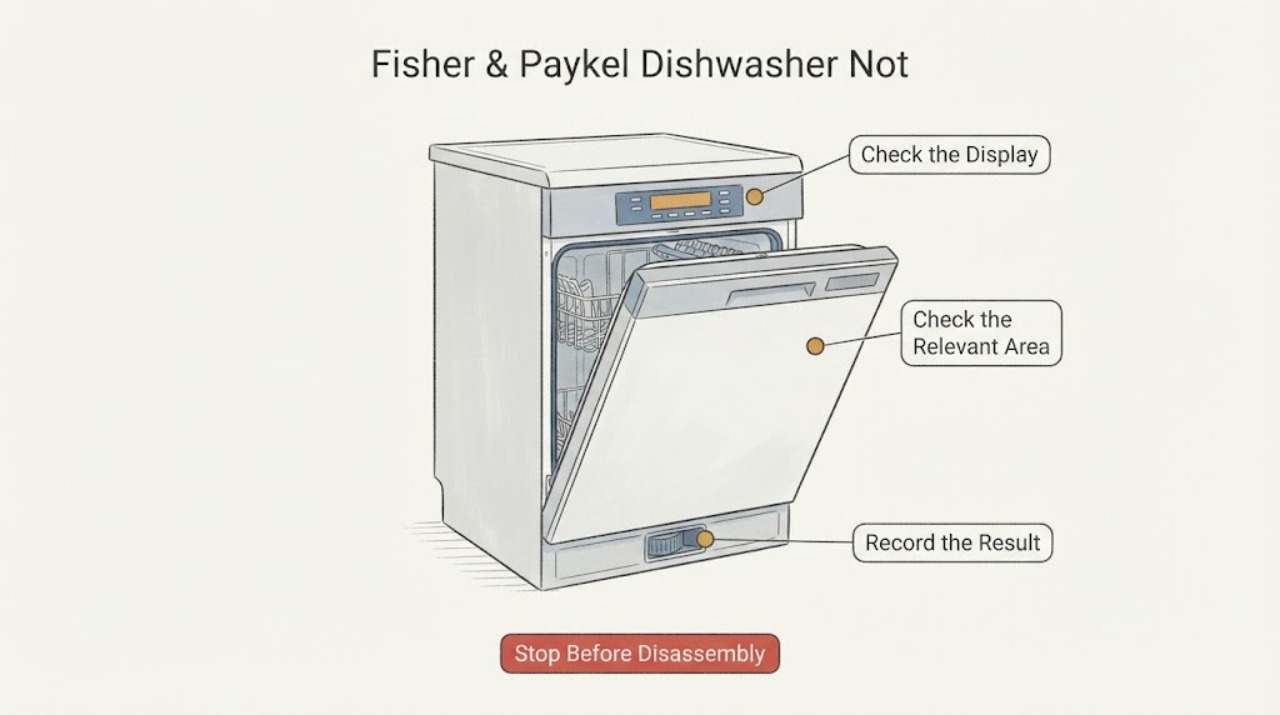
Work through in order
Diagnostic checks
Use only checks that match the exact appliance or system and its official guide.
-
Check 1
Classify the no-start state before pressing controls repeatedly: check whether the panel or display has power, whether a programme or indicator appears, and whether the machine is a full-size DW60-style dishwasher or a DishDrawer.
Expected result: Record a dark panel, a lit panel with no cycle, a flashing lock indicator, beeps without a start, a fault indication, or a programme that appears to be selected.
Next step: Use the matching family branch below and note any displayed fault or flashing indicators for service. Do not open the enclosure or test internal wiring.
Why this matters
Why: A dark panel points first to the power supply; a responsive panel with no cycle points to the start sequence, drawer or door state, lock, timing, or model-specific mode. The two Fisher & Paykel guides use different control layouts and should not be mixed.
-
Check 2
For a full-size DW60-style model, confirm the wall supply is on, turn the dishwasher on, select the programme shown on the display, press Start/Pause, and close the door as the guide requires.
Expected result: The display should show the selected programme or remaining time and then indicate the wash stage; if it stays idle, note whether the door is fully closed and whether the Start/Pause command was accepted.
Next step: Correct only the visible condition that matches the guide. If the door will not close or the control still will not start after the guide's external checks, stop and arrange Fisher & Paykel service.
Why this matters
Why: The DW60 guide lists no power, an improperly closed door, an unpressed Start/Pause button, a closed water tap, a blocked inlet strainer, and activated Keylock among causes of a dishwasher that will not start.
-
Check 3
For a DishDrawer model, close the drawer firmly, press Start on the drawer's control panel, and close it within the timing stated by the matching guide; do not use a different model's button combination.
Expected result: The start indicator should remain or the wash programme should begin. If the indicator disappears before the drawer is closed, or the drawer is not firmly latched, note that exact sequence.
Next step: Open the drawer, press Start again, and close it within the timing stated for the exact model. If it still will not start or the drawer cannot latch without force, stop using it and request service.
Why this matters
Why: The opened US/CA DishDrawer guide says the drawer must be closed correctly, the cycle must be started, and too much time between pressing Start and closing the drawer can prevent the wash from beginning.
-
Check 4
Check the visible lock state and any Demo or delayed-start indication using the exact model guide; clear Keylock only through the documented control sequence.
Expected result: Buttons may beep without responding, a lock indicator may remain lit, or a delay indicator may show that the programme is scheduled rather than starting immediately.
Next step: Use the exact guide's lock or delay procedure. Do not guess a button combination from another Fisher & Paykel family; if the lock will not clear or Demo mode is suspected, contact Customer Care.
Why this matters
Why: Fisher & Paykel documents Keylock as making controls unresponsive. The DishDrawer guide also lists Demo mode and a cycle that was never started as no-start conditions; DW60 guides document Keylock as a start blocker.
-
Check 5
After the start controls are correct, inspect only the visible water supply and inlet path permitted by the matching guide: the tap should be on and the inlet hose should not be visibly kinked; on the DW60 guide, the inlet strainer is at the tap connection.
Expected result: Look for a closed tap, a kinked hose, or an accessible strainer obstruction without opening the appliance cabinet or disconnecting a pressurized fitting.
Next step: Restore only an obviously closed tap or straighten an externally visible kink if safe. If water is leaking, the hose or fitting is damaged, or the machine still will not start, turn off water and power when safe and arrange service.
Why this matters
Why: The DW60 guide lists the water tap and inlet strainer as no-start checks, while other Fisher & Paykel models may present water issues as a fault after the cycle is initiated. A water-supply observation alone does not identify a failed inlet valve.
Use your observations
Decision map
Find the observation that best matches what you see, then follow the next safe action.
-
PATH 01Next step
What you see
If the panel is dark and there is no display or indicator
Do this next
Check the appliance's accessible supply or outage condition without opening the machine. If power is present but the panel stays dark, stop and arrange qualified service.
Why this path and its safety boundary
Why it matters: The first supported possibility is loss of power or an unconnected supply; the no-start symptom alone does not prove a control failure.
-
PATH 02Next step
What you see
If the appliance is a full-size DW60-style dishwasher, the programme is visible, but the cycle does not begin
Do this next
Repeat the matching DW60 start sequence once, correct only visible supply or lock conditions, and contact Fisher & Paykel service if the door or controls still prevent starting.
Why this path and its safety boundary
Why it matters: The DW60 guide directs attention to the closed door, Start/Pause command, water tap, inlet strainer, and Keylock before an internal diagnosis.
-
PATH 03Next step
What you see
If a DishDrawer panel responds but the wash does not begin after Start
Do this next
Use the exact DishDrawer guide to press Start and close the drawer within its timing window; do not force the drawer or bypass its closure sensing. Arrange service if the sequence still fails.
Why this path and its safety boundary
Why it matters: A firmly closed drawer, the model's Start-to-close timing, Keylock state, cycle selection, and Demo mode are documented no-start branches for the opened DishDrawer family.
-
PATH 04Next step
What you see
If water is leaking, the cord or enclosure is damaged, a fault persists, or the drawer/door will not close without force
Do this next
Stop the dishwasher, turn off water and disconnect power only when safe, keep the appliance closed, and contact Fisher & Paykel Customer Care or an authorised service technician.
Why this path and its safety boundary
Why it matters: This is outside a safe user start check and may involve water, electrical, or door-sealing hazards.
Helpful context
Understand the symptom
Fisher & Paykel uses more than one dishwasher control layout. The opened DW60 guide describes a full-size dishwasher that is turned on, set to a displayed programme, and started with the Start control. The opened US/CA DishDrawer guide describes a drawer that must be closed correctly and started within the model's timing window; its Keylock and Demo mode have separate start implications. Because no model number was supplied, use the branch matching the appliance's controls and treat internal latch, pump, motor, and control-board diagnosis as service work.
When checks do not resolve it
Need a professional?
Arrange Fisher & Paykel or qualified appliance service if the correct external start sequence fails, the door or drawer will not latch, Keylock or Demo mode will not clear, the panel remains unresponsive with power present, a fault indicator persists, or there is a leak or damaged cord/enclosure. Do not open the cabinet, bypass door or drawer sensing, force the latch, or perform live electrical tests.
Common questions
FAQ
Why does my Fisher & Paykel dishwasher have power but not start?
The official guides point first to an incomplete start sequence: an unclosed door or drawer, Start not pressed, Keylock, timing between Start and closing a DishDrawer, Demo mode, or on the DW60 family a closed tap or blocked inlet strainer. The symptom does not by itself identify a failed latch, pump, motor, or control board.
Can I use a generic Fisher & Paykel reset or button combination?
No. The opened guides show different controls for DW60 and DishDrawer families. Use the exact model guide for Keylock, delayed start, cycle start, or fault clearing rather than borrowing a combination from another family.
What should I do if the dishwasher will not start and is leaking?
Stop using it, turn off water and disconnect power only when safe, and contact Fisher & Paykel Customer Care or an authorised service technician. Do not open the enclosure or continue cycling a leaking appliance.
Read the exact guide
Official sources
- Help & SupportFisher & Paykel Appliances · Official Fisher & Paykel support hub used only for the manufacturer service boundary; it does not substitute for an exact model manual.
- USER GUIDE — DISHDRAWER™ DISHWASHER — INTEGRATED / PROFESSIONAL DD24 modelsFisher & Paykel Appliances · Official US/CA user guide for the listed DD24 DishDrawer models; use its steps only when the appliance matches this DishDrawer family or the exact model guide confirms them.
- 591216C DW60 userguide NZAU.inddFisher & Paykel Appliances · Official NZ/AU user guide for DW60 models; use only when the appliance's controls and model family match DW60, since no model number was supplied.
Community feedback
Share a repair observation
Share a plain-text repair observation. Accepted observations are published automatically; this page may take a moment to update.