
On this page
Start here
Quick answer
For the GE APEL70LW, first establish whether the basement conditions and control setting actually call for moisture removal. GE says a dehumidifier may collect little or no water when room humidity is already below the set humidity, and that closed doors/windows, clear airflow and a suitable temperature matter. With power disconnected, clean the air filter, seat the bucket, and inspect the external hose or pump-drain path. A single 30-second power reset is the manufacturer's bounded reset; if the unit never collects water afterward, stop short of refrigerant, coil, pump or electrical diagnosis and arrange qualified service.
Before you begin
Safety first
- Unplug before cleaning or touching the accessible drain arrangement. Do not remove the cabinet, open the sealed refrigeration system, handle refrigerant, probe live wiring, dismantle the pump, bypass a float or safety control, or order an internal part from the symptom alone.
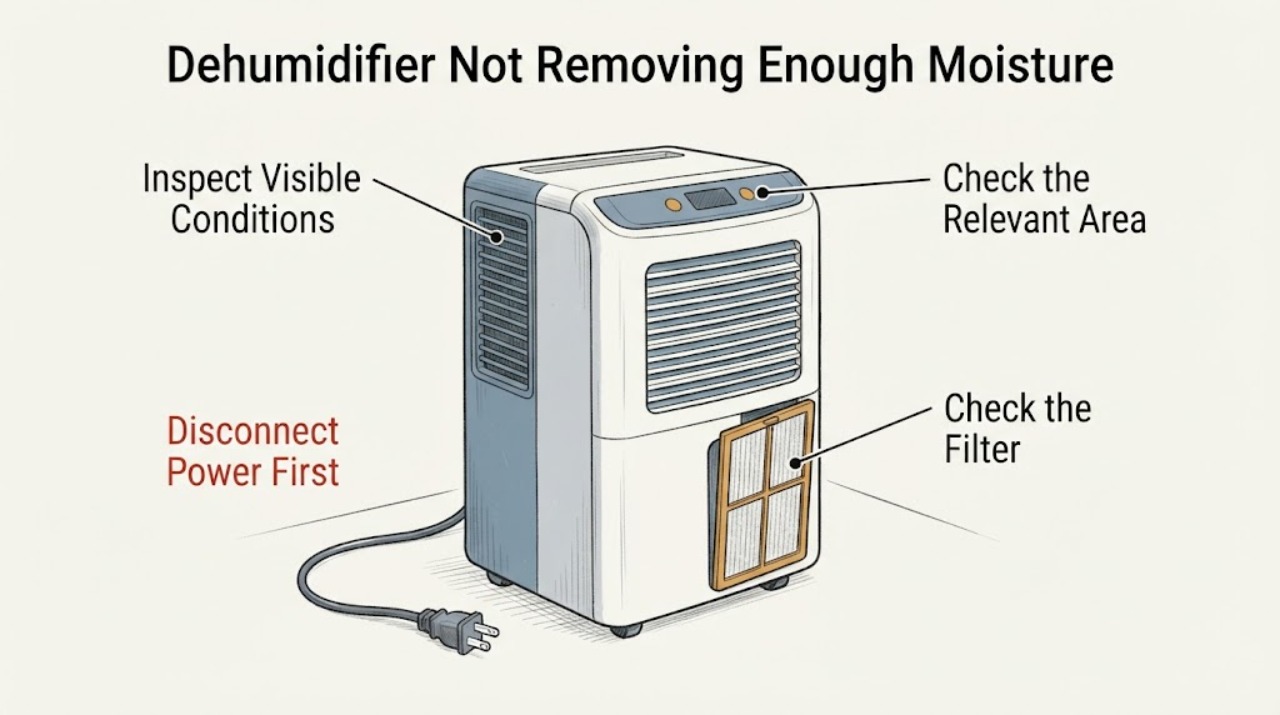
Work through in order
Diagnostic checks
Use only checks that match the exact appliance or system and its official guide.
-
Check 1
Record the basement's observed relative humidity and the APEL70LW set humidity, and note whether the unit is in a normal humidity-controlled mode or a continuous mode. Keep the room's doors and windows closed while evaluating the result.
Expected result: Humidity is at or below the setpoint, or the room remains above the setpoint while the unit is running; the setpoint or mode cannot be confirmed.
Next step: If the setpoint has been reached, allow the control to cycle and recheck the room rather than diagnosing a part. If humidity remains above the setpoint or the setting is unclear, continue with the airflow, filter and water-path checks below.
Why this matters
Why: GE says the unit will not collect water when room humidity is below its set humidity. GE also says a non-continuous unit can stop the compressor after reaching its set relative humidity; persistent high humidity with no collection needs the remaining checks.
-
Check 2
Inspect the operating area without opening the appliance: keep the APEL70LW near the center of the basement area being treated, keep doors/windows closed, and look for at least 18 inches of clear air space around it. Compare the room temperature with GE's published operating guidance.
Expected result: The unit is crowded by walls or objects, outside air is entering through open doors/windows, or the room is below 41°F; the setup is otherwise clear and within the stated guidance.
Next step: Correct only the plainly external placement or room condition and let the appliance stabilize. If the environment is already suitable and the basement stays above the setpoint, continue with the filter and bucket checks.
Why this matters
Why: GE says restricted circulation and an open area reduce performance, and that dehumidifiers ordinarily do not operate satisfactorily below 41°F because coils may freeze. These observations do not prove a refrigerant or compressor failure.
-
Check 3
Unplug the dehumidifier before maintenance. Remove the bucket and clean the accessible air filter with warm soapy water, rinse it, let it dry completely, and reinstall it according to the APEL70LW manual; reseat the bucket securely.
Expected result: The filter is visibly clogged, the bucket was not fully seated, or both are clean and secure.
Next step: Correct the filter or bucket condition, then use the unit only as directed by the manual. If the filter and bucket were already correct and the unit still never collects water, continue to the drain-path and reset checks rather than opening the cabinet.
Why this matters
Why: GE says a clogged filter can reduce dehumidifier performance and that the bucket must be securely in place for the appliance to operate. A clean, correctly seated exterior does not clear an unresolved internal fault.
-
Check 4
With the bucket removed and power disconnected, inspect only the accessible drain arrangement. If using a gravity hose, check its connection, washer, routing and visible kinks. If using the APEL70LW pump, confirm the external pump hose reaches a suitable drain and that the rear drain connection is not still sealed by the model's drain plug when a hose is intended; do not open the pump housing.
Expected result: The hose connection is loose, the hose is kinked or pushed into standing drain water, the rear plug remains in place for an intended hose connection, or the external path is clear.
Next step: Correct only a visible external connection or routing issue, keep the hose within the model's documented arrangement, and check for leakage. If the path is clear but the unit does not collect or move water, stop and arrange service.
Why this matters
Why: GE says hose connections, routing and a blocked drain can prevent water from leaving correctly. For APEL70/APEH70 models, GE documents a rear plug at the pump connection and says it should be reinserted when no hose is connected. These checks do not establish a failed pump or valve.
-
Check 5
After the external checks, disconnect power for 30 seconds, reconnect it, and restore the control settings. Treat this as one reset attempt; do not run the appliance with a leak, exposed water, burning smell or electrical damage.
Expected result: The unit resumes collecting water when the basement remains above the setpoint, or it still never collects water / shows a fault after the reset.
Next step: If collection resumes, monitor the room humidity and drain safely. If no collection returns, keep the unit out of service and give a qualified servicer the model, conditions and observations; do not infer refrigerant loss or replace an internal part from this symptom.
Why this matters
Why: GE provides the 30-second disconnect/reconnect as a reset for a dehumidifier that is not collecting water. GE separately states that a unit that never collects water is not operating correctly and directs owners to model warranty/service information.
Use your observations
Decision map
Find the observation that best matches what you see, then follow the next safe action.
-
PATH 01Next step
What you see
The basement humidity is at or below the APEL70LW setpoint, or the compressor cycles off after the target is reached.
Do this next
Keep the room conditions stable and verify the humidity with a separate observation. If humidity remains above the setpoint with no water, use the external checks and one documented reset.
Why this path and its safety boundary
Why it matters: GE treats low humidity relative to the setpoint as a reason for little or no collected water; a controlled stop is not by itself a failed dehumidifier.
-
PATH 02Next step
What you see
The unit is in a cold, restricted or open-air basement setup, or the filter is clogged / bucket is not seated.
Do this next
Correct the room placement, airflow, filter or bucket condition only while unplugged where maintenance is involved, then reassess. Escalate if the symptom persists in suitable conditions.
Why this path and its safety boundary
Why it matters: The observed condition can reduce airflow or moisture removal, and GE identifies a secure bucket as necessary for operation. It does not identify a sealed-system or internal electrical cause.
-
PATH 03Next step
What you see
The bucket, gravity hose or APEL70LW pump-hose arrangement has a visible external issue, such as a loose connection, kink, standing-water outlet or unresolved rear drain plug.
Do this next
Correct the visible hose or connection condition within the owner's instructions, check for leaks, and stop if the path needs internal access or the unit still will not collect water.
Why this path and its safety boundary
Why it matters: GE's drainage guidance supports an external water-path correction; it does not establish that the pump, valve or control has failed.
-
PATH 04Next step
What you see
The basement remains above the selected humidity, the external conditions are suitable, the filter/bucket/drain path are correct, and the APEL70LW still never collects water after the single reset.
Do this next
Leave the unit unplugged if there is water intrusion, burning smell or electrical damage and arrange qualified service using the exact model and observations. Do not open the sealed system or test live circuitry.
Why this path and its safety boundary
Why it matters: GE classifies a dehumidifier that never collects water as not operating correctly, but the public guidance does not prove a refrigerant, compressor, pump or other internal component diagnosis.
Helpful context
Understand the symptom
Separate a satisfied setpoint from a persistent no-water fault
GE's exact APEL70LW troubleshooting page links the model-specific article for a dehumidifier that is not collecting water. GE's general article says little or no water can be expected when the relative humidity is below the appliance's set humidity, but says a unit that never collects water is not operating correctly. Check the basement humidity and the setpoint before treating the bucket as proof of failure; the absence of water alone does not identify a refrigerant, compressor or other internal problem.
Use the basement and airflow conditions as decision points
GE recommends placing a dehumidifier near the center of the area being treated, keeping doors and windows closed, and allowing at least 18 inches of air space around it. Its operating-conditions guidance says performance is ordinarily unsatisfactory below 41°F and recommends a location no warmer than 90°F; it also says very humid rooms can take several days to reach and maintain the desired dryness. Those conditions can explain slow progress without proving an internal component fault, and the specific APEL70LW manual remains the authority for model limitations.
Keep the checks external and dry
GE's cleaning guidance says to unplug before maintenance, clean the filter with warm soapy water and let it dry completely, and keep the bucket securely seated for operation. The APEL70/APEH70 drain-plug article identifies an internal drain pump and a rear drain connection, but it does not authorize cabinet or pump disassembly. Use the accessible hose, bucket and drain checks only; refrigerant, sealed-system and live electrical work belong to qualified service.
When checks do not resolve it
Need a professional?
Arrange qualified dehumidifier service when the APEL70LW still never collects water after the room, filter, bucket, external drain and one-reset checks; when a fault indication persists; or when the external drain path needs internal access. Stop immediately for a leak, burning smell, damaged cord or other electrical hazard.
Safety scope: Unplug before cleaning or touching the accessible drain arrangement. Do not remove the cabinet, open the sealed refrigeration system, handle refrigerant, probe live wiring, dismantle the pump, bypass a float or safety control, or order an internal part from the symptom alone.
Have this ready
- Provide the exact APEL70LW model, serial information if available, basement temperature and observed relative humidity, selected humidity and mode, whether water appears in the bucket or is routed through a hose/pump, filter and bucket observations, and any fault indication or leak.
Common questions
FAQ
Can a GE APEL70LW run without filling the bucket?
Yes, if the basement's relative humidity is below the selected humidity, or if the unit is draining through a connected hose or pump path. GE says a unit that never collects water is not operating correctly, so compare the humidity with the setpoint and confirm the selected drain method before calling the symptom a failure.
Why does a damp basement dehumidifier seem ineffective in cold weather?
GE says dehumidifiers ordinarily do not operate satisfactorily below 41°F because the evaporator coils may freeze, although some models have low-temperature operation. Check the APEL70LW owner's manual for its model limitation and do not infer a refrigerant problem from cold-weather behavior alone.
What should I check if the GE dehumidifier uses a hose or pump?
Check only the accessible hose connection, washer, routing, drain outlet and bucket seating. GE documents a rear drain plug for APEL70/APEH70 models and says the pump hose must be connected to a suitable drain; internal pump diagnosis is a service task.
Should I add refrigerant or open the GE dehumidifier when it is not removing moisture?
No. The opened GE guidance supports room-condition, filter, bucket, external drain and one-reset checks, then directs owners to model warranty or qualified service when a unit never collects water. It does not authorize user refrigerant work, cabinet disassembly or live electrical testing.
Read the exact guide
Official sources
- Dehumidifier - CleaningGE Appliances · GE support guidance for unplugged exterior, filter/bucket-area maintenance.
- GE® Dehumidifier with Built-in Pump - APEL70LW - GE AppliancesGE Appliances · Manufacturer product page confirming the exact APEL70LW product identity and built-in-pump product family.
- Dehumidifier - Ideal Operating ConditionsGE Appliances · GE general operating guidance; model-specific temperature limitations remain subject to the APEL70LW manual.
- User Manual & Care for APEL70LW | GE AppliancesGE Appliances · Exact model identity, manufacture range, owner manual entry and maintenance links for APEL70LW.
- Dehumidifier - Draining OptionsGE Appliances · GE support article for bucket, gravity-hose and pump drainage; pump-specific details are used only where the exact APEL70LW identity is confirmed.
- Dehumidifier - Drain Hose IssuesGE Appliances · GE external gravity-hose connection, routing, drain and unplugged cleaning guidance.
- Dehumidifier - Not Collecting WaterGE Appliances · GE support article for dehumidifiers generally; used for setpoint/no-water distinction, one 30-second reset and service boundary.
- Dehumidifier - Compressor Not OperatingGE Appliances · GE general explanation of below-41°F frost and automatic-defrost behavior; not used to diagnose the APEL70LW internal compressor.
- Dehumidifier - Drain Plug - APEL70 / APEH70 ModelGE Appliances · Exact APEL70-family pump/drain-connection guidance; used only for external rear plug/hose decisions.
- Troubleshooting for APEL70LW | GE AppliancesGE Appliances · Exact model troubleshooting index linking not-collecting-water, drain-hose, fan and fault-code support topics.
- Dehumidifier - Fan Stays On, Will Not Shut OffGE Appliances · GE general explanation of setpoint cycling, frost and dirty-filter effects; used for observation meaning only.
- Dehumidifier - Air FilterGE Appliances · GE support guidance for accessible air-filter inspection and cleaning.
Community feedback
Share a repair observation
Share a plain-text repair observation. Accepted observations are published automatically; this page may take a moment to update.