
GE appliance guidance
GE Dehumidifier Repair Guides
Troubleshooting and repair guidance for published GE Dehumidifier problems, symptoms, and maintenance questions.
Published GE Dehumidifier guides
Choose the guide whose symptom or condition most closely matches what you are seeing.
-
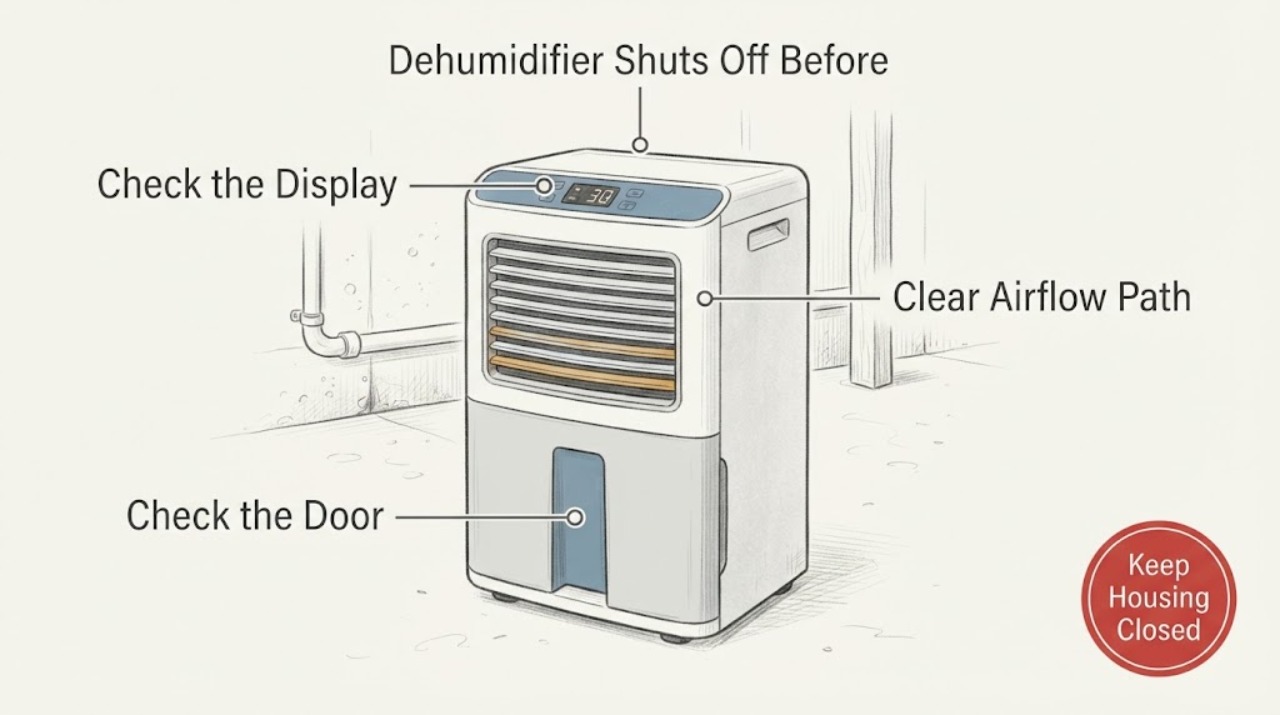
GE ADEL70LW Dehumidifier Shuts Off Before the Basement Reaches the Set Humidity
The GE ADEL70LW can stop because its humidity control has reached the set relative-humidity level, the bucket is full or not seated, or the unit is in a condition where moisture removal is slow. Its manual says the display shows the set percentage while it is being changed and then the actual room humidity with about ±5% accuracy; it also says to allow at least 24 hours after first use.
-
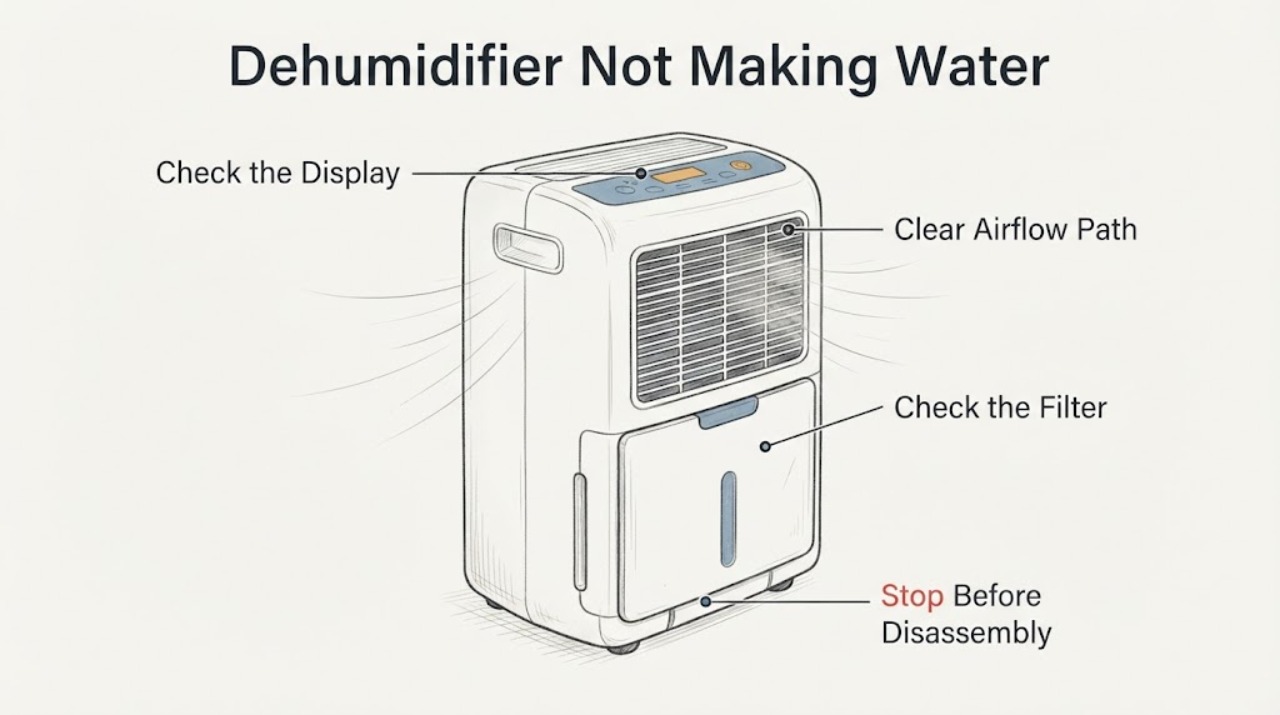
GE ADEL70LWL1 Dehumidifier Not Making Water
A GE ADEL70LWL1 that runs but does not put water in the bucket may be operating below its set humidity, in a room that is too cool or poorly circulated, with a dirty filter, an unseated bucket, or with a drain hose diverting water away from the bucket.
-
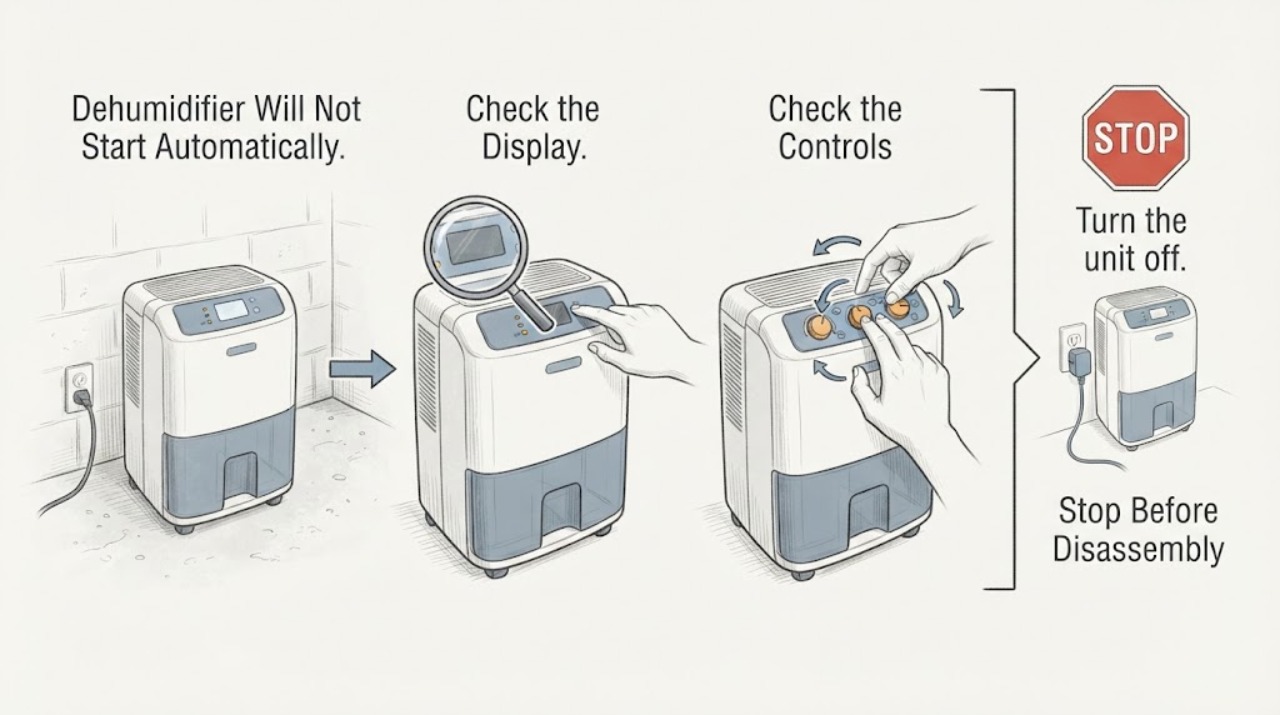
GE APEL50LZQ1 Dehumidifier Will Not Start Automatically in a Basement
For the GE APEL50LZQ1 in a basement, first separate normal humidity control from a no-power failure. The opened GE model page identifies this exact unit as a 50-pint portable dehumidifier with a built-in pump, and its linked owner manual says the unit stops when the selected humidity has been reached, when the bucket is full or missing, and for up to three minutes after a power failure.
-
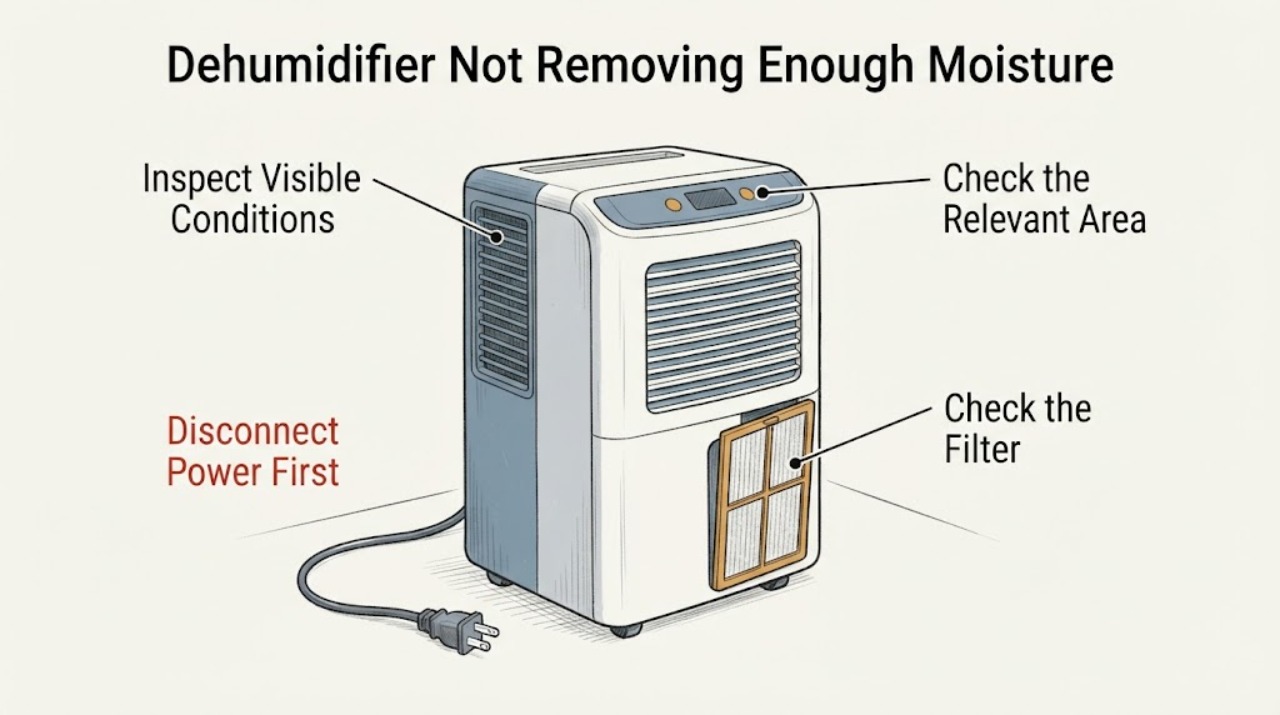
GE APEL70LW Dehumidifier Not Removing Enough Moisture in a Basement
For the GE APEL70LW, first establish whether the basement conditions and control setting actually call for moisture removal. GE says a dehumidifier may collect little or no water when room humidity is already below the set humidity, and that closed doors/windows, clear airflow and a suitable temperature matter.
-
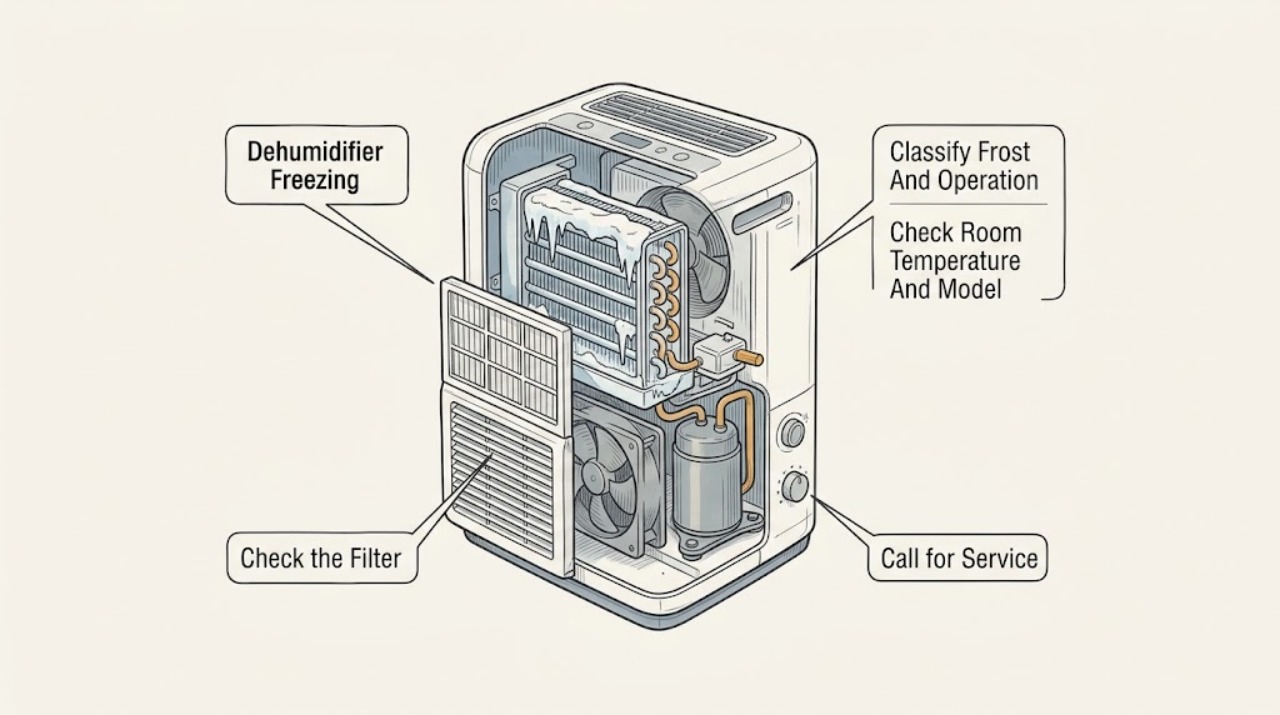
GE Dehumidifier Freezing: Check Temperature, Airflow, and Defrost Safely
A GE dehumidifier can show a light coating of frost when first turned on, but GE says it should normally disappear within about 30–60 minutes. Persistent or recurring ice usually starts with operating conditions and airflow: room temperatures below 41°F can freeze the evaporator coil, some models have a documented low-temperature mode, a dirty filter can restrict airflow, and blocked grilles or too little clearance can worsen the condition.
-
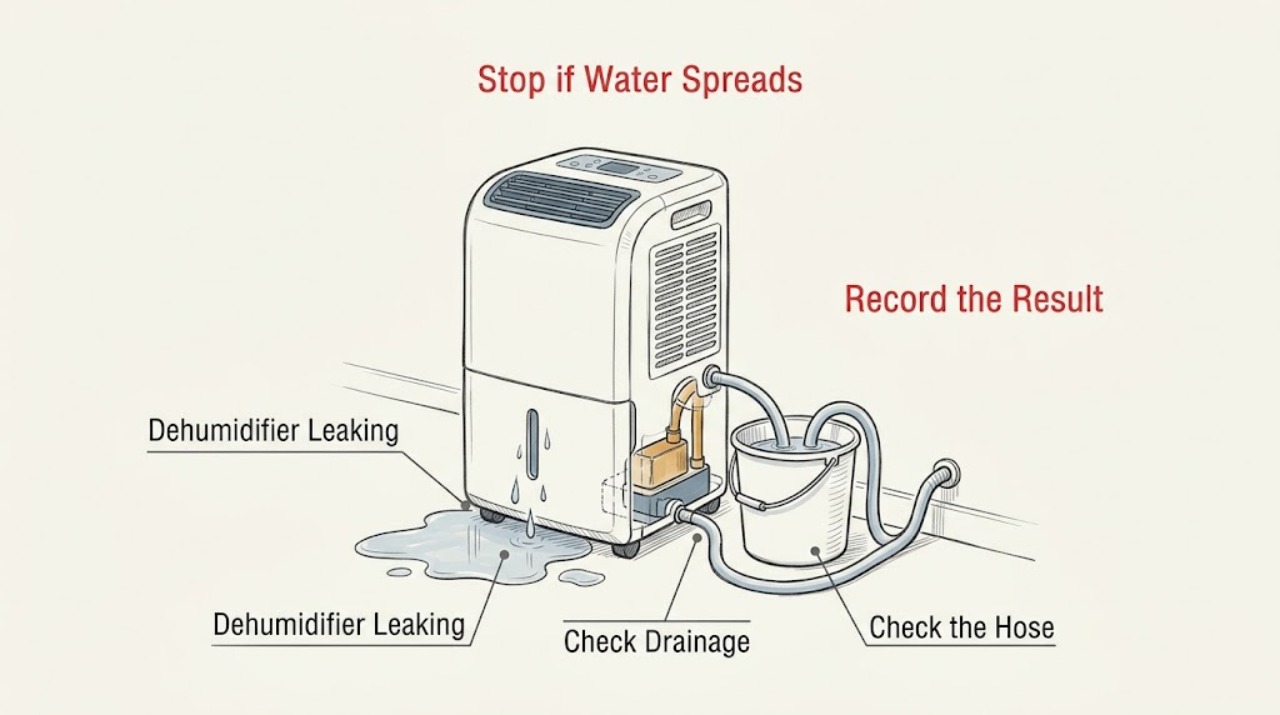
GE Dehumidifier Leaking
If a GE dehumidifier is putting water on the floor, first move water away from electrical connections and stop the appliance if the leak is near the cord or outlet. Then identify whether you intend to use the bucket, a gravity drain hose, or an internal pump: GE says a hose connection can leak when loose, and a hose should not be attached when the bucket is the chosen collection method.
-
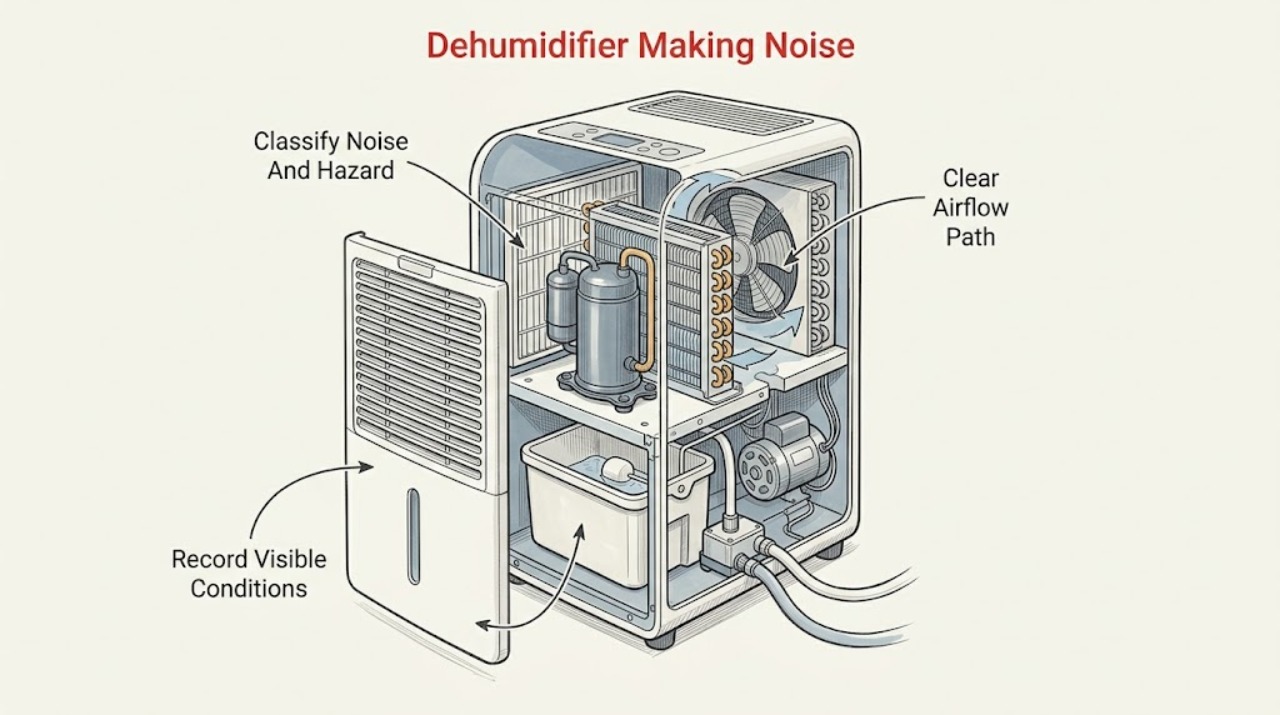
GE Dehumidifier Making Noise: Separate Normal Operation from a Fault
A GE dehumidifier normally makes compressor and condenser-fan sounds, may drip water into the bucket, cycles on and off, and exhausts warm air while removing moisture. First record whether the sound is a steady air rush/hum, a normal water drip or cycle change, a beep with a full bucket, or a new rubbing, grinding, rattling, buzzing, or repeated clicking sound.
-
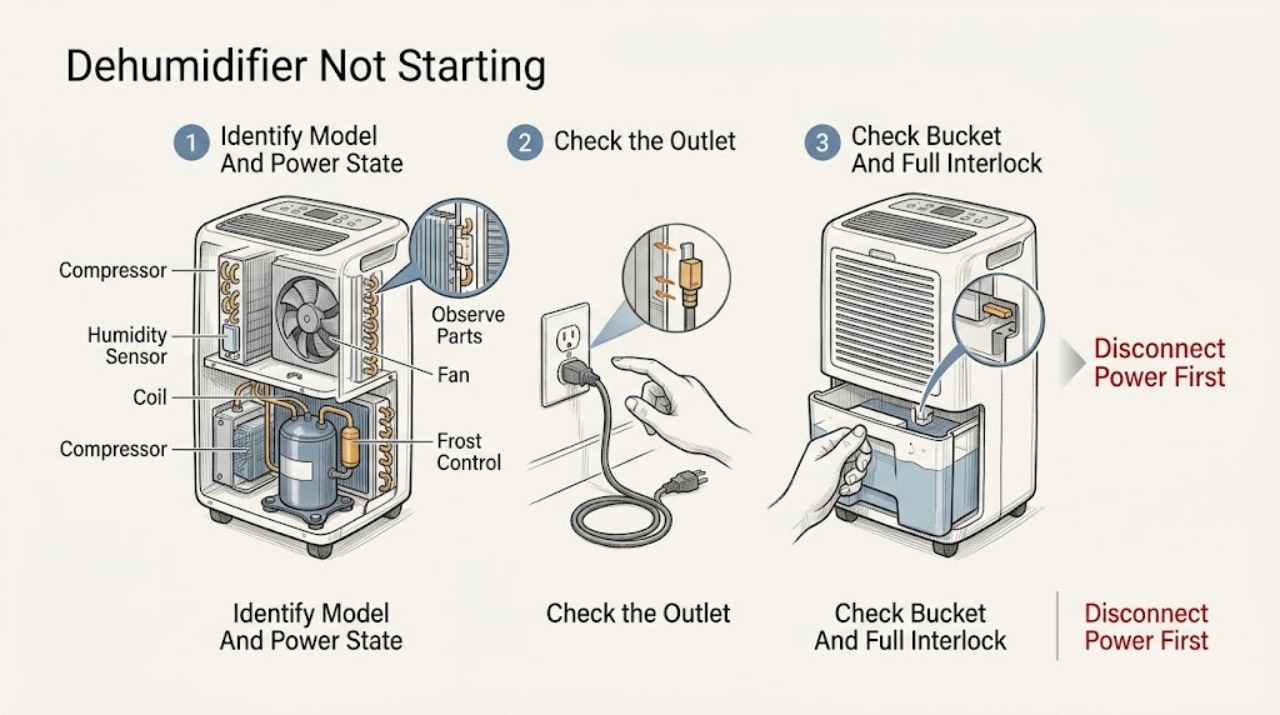
GE Dehumidifier Not Starting
If a GE dehumidifier will not start, first decide whether it is completely dead or has power but is waiting for the humidity set point, a bucket/full-water interlock, a defrost cycle, or a model-specific fault. GE provides model-specific Owner Centers and says the manual controls the temperature limits, controls, bucket arrangement, and reset procedure.
-
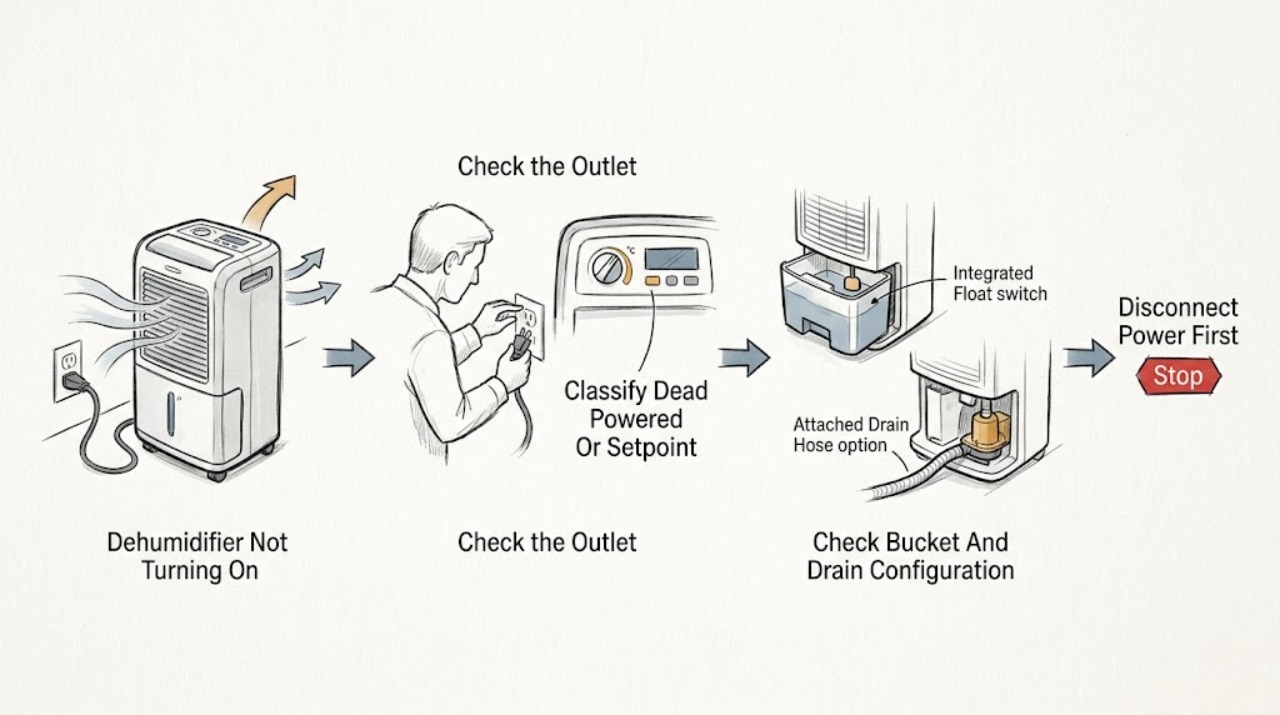
GE Dehumidifier Not Turning On: Check Power, Bucket Seating, Controls, and Humidity
First decide whether the GE dehumidifier is electrically dead, powered but waiting at its humidity setpoint, or stopped because the bucket is full, removed, or not seated. Check the plug and outlet, then confirm the bucket is fully and securely in place; GE says the bucket must be seated for the dehumidifier to operate.
-
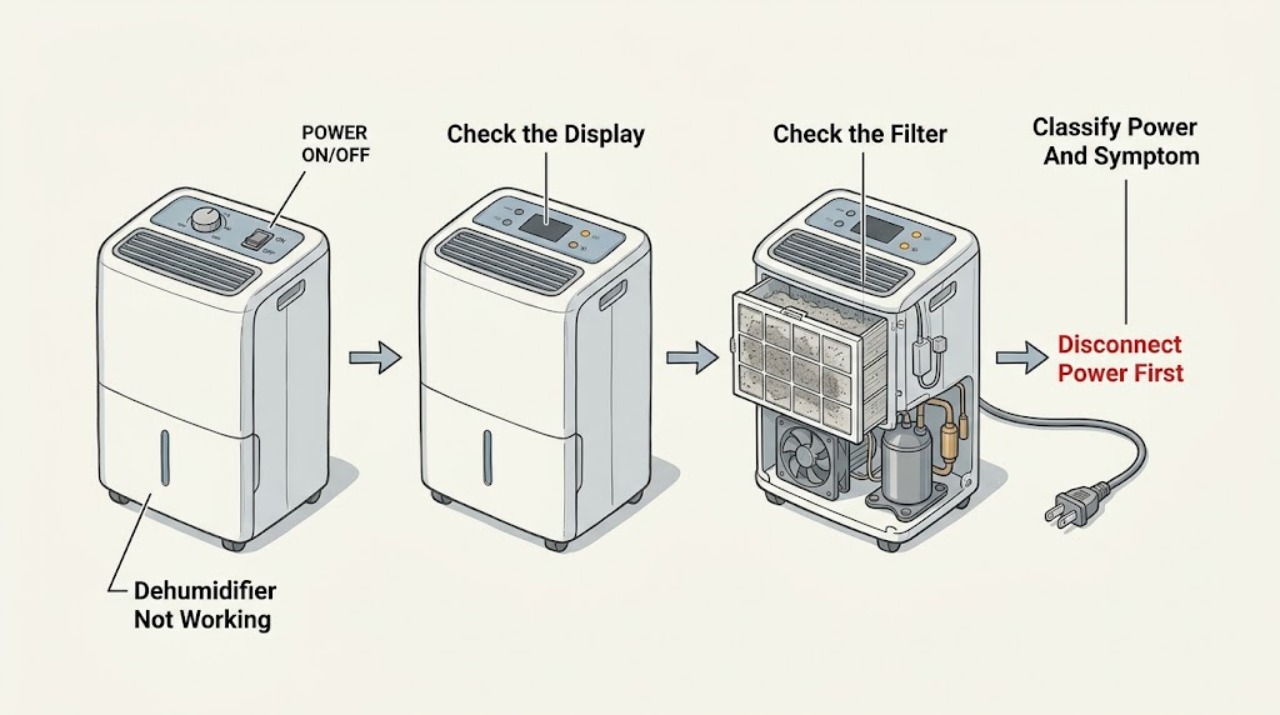
GE Dehumidifier Not Working: Check Power, Bucket, Humidity, and Frost
Start with the safe external state, not a part guess. Check whether the display or power indicator works, whether the bucket is empty and securely seated, whether the humidity setting is calling for dehumidification, and whether the air filter and grille are visibly blocked.
-
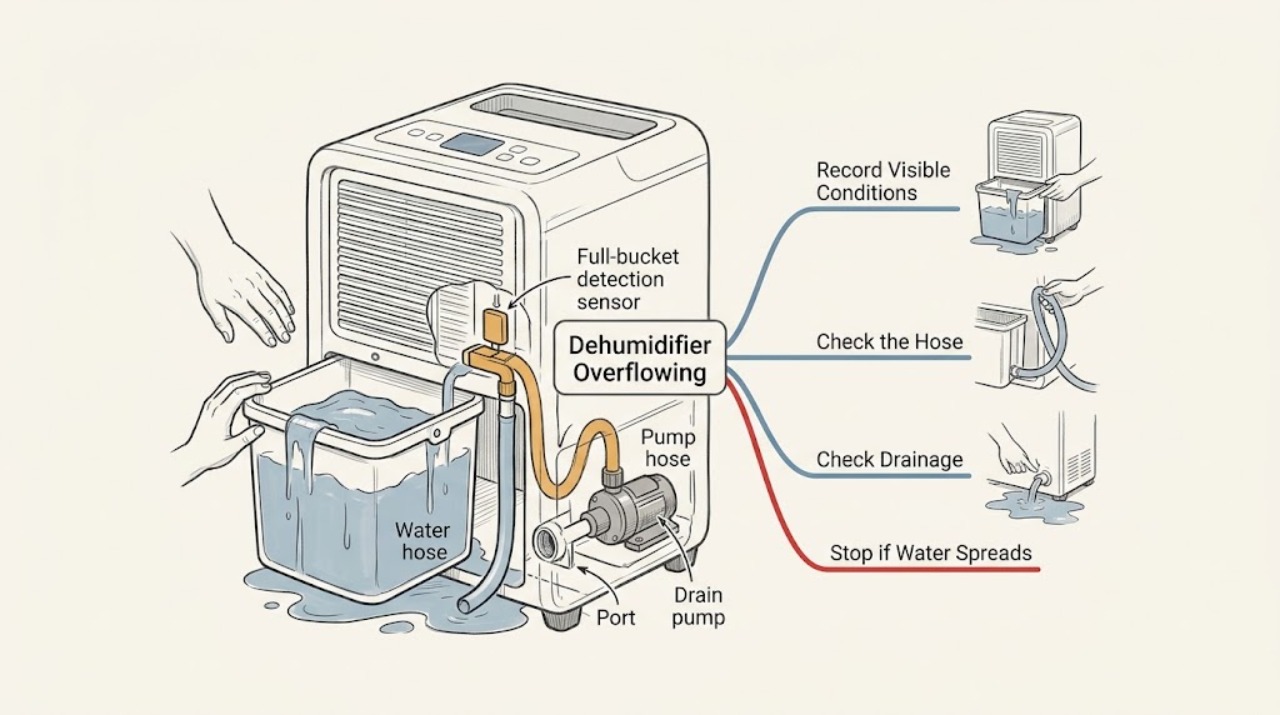
GE Dehumidifier Overflowing: Check the Bucket, Hose, and Pump Path
If a GE dehumidifier is overflowing, stop it before water reaches the cord or outlet and disconnect power only from a safe, dry, accessible point. Empty and correctly reseat the bucket, then determine whether this model is meant to collect in the bucket, drain by gravity, or use an internal pump.
-
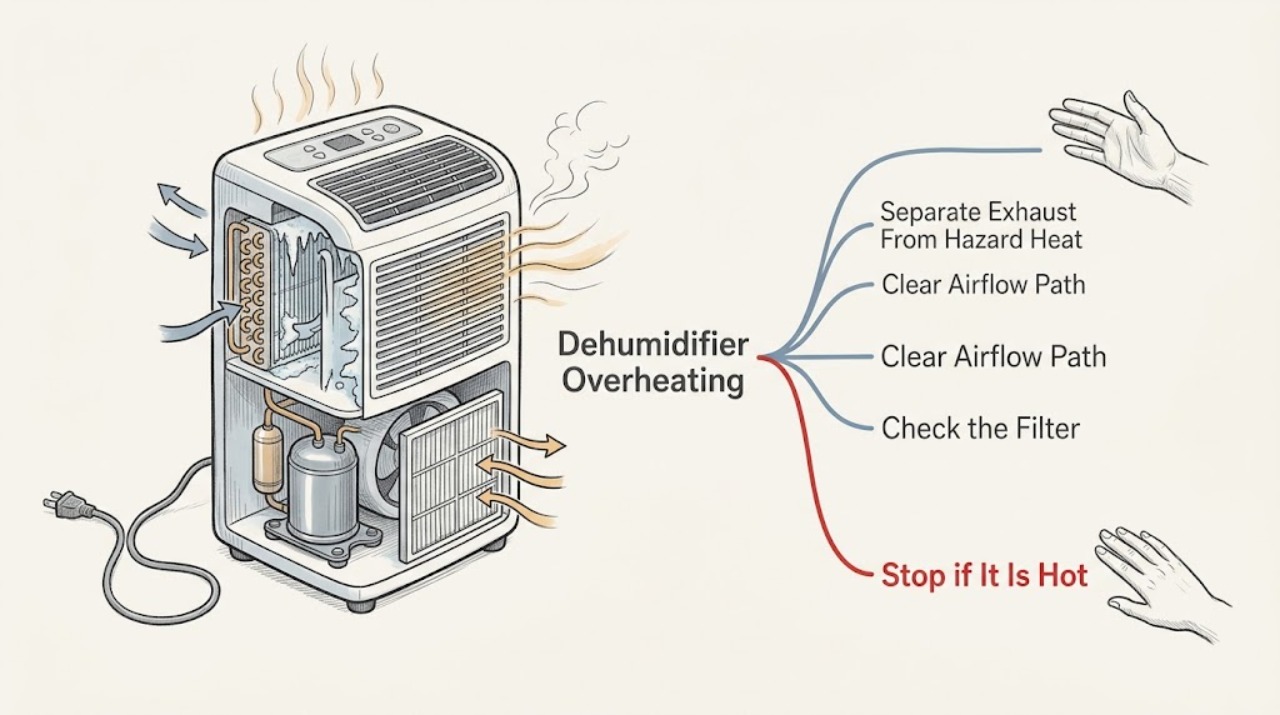
GE Dehumidifier Overheating: Warm Exhaust vs. a Safety Fault
Warm or hot air from the exhaust of a GE dehumidifier is normally produced while the compressor removes moisture; GE explains that the compressor generates heat and the exhaust carries that heat away. That is different from a hot cabinet, hot plug or cord, burning smell, smoke, melted plastic, repeated breaker trips, or a unit that stops and restarts abnormally.