
On this page
Start here
Quick answer
A GE dishwasher that appears not to sense a closed door may actually have an obstruction, rack or installation problem that prevents the latch from fully engaging, or it may be in a control state such as Control Lock or Delay Start. Check the visible door closure and model-specific controls first; do not bypass the latch or assume the sensor itself has failed.
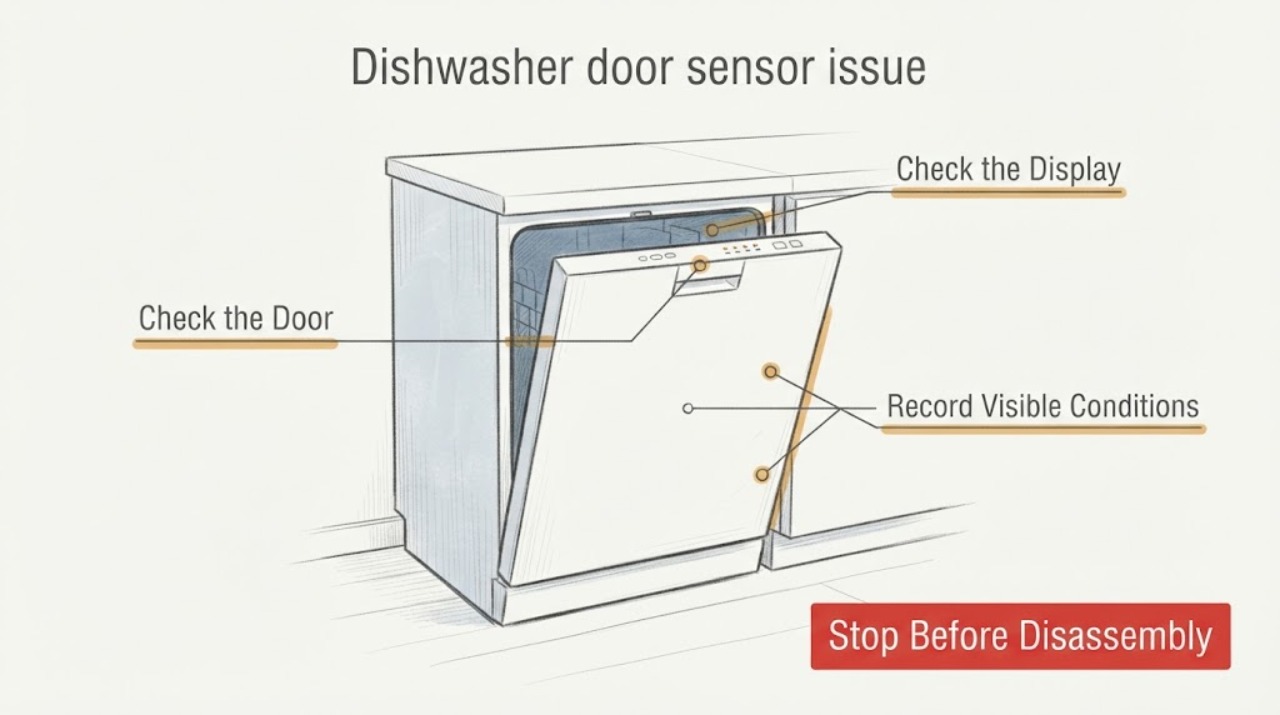
Work through in order
Diagnostic checks
Use only checks that match the exact appliance or system and its official guide.
-
Check 1
Record what happens when the door is closed and Start is pressed: no response, a beep or lights, an immediate stop, or a cycle that starts normally.
Expected result: Lights and button sounds with no run point toward a start or door-state branch, while an immediate stop can indicate that the control is not retaining a closed-door signal; the observation does not prove a sensor fault.
Next step: Use the visible behavior to choose the checks below and record any displayed message for the exact model manual.
Why this matters
Why: The same user description can result from latch engagement, control lock, delay settings, demo/sleep modes, or a service condition.
-
Check 2
With the door open, inspect the door edges, cabinet and countertop clearance, rack position, silverware, pans, and items protruding beyond the racks; close the door without forcing it.
Expected result: GE says trim, insulation, cabinets, screws, an incorrectly positioned adjustable rack, or items extending from the racks can prevent the door from closing or latching fully.
Next step: Remove only the visible obstruction or correct loading; if the door still will not latch, keep the dishwasher off and arrange service rather than forcing the door.
Why this matters
Why: A door that cannot reach the latch can look like a sensor problem because the latch switch never receives a fully closed condition.
-
Check 3
Check whether the controls are locked, Delay Start is active, or the model is in Demo or Sleep/Sabbath mode by using the exact owner manual for that dishwasher.
Expected result: GE notes that control-lock behavior varies by model, Delay Start can postpone the wash, Demo Mode can prevent normal operation, and Sleep/Sabbath Mode can remove lights and sounds on some models.
Next step: Follow only the model-specific owner-manual sequence for the applicable control state; do not use an unrelated model's button combination.
Why this matters
Why: A control state can mimic a door-sensor or no-start problem even when the latch is physically closing.
-
Check 4
If the door closes and latches but the dishwasher still will not start, verify the exact model and any displayed fault or function code before choosing a repair path.
Expected result: GE states that not all codes appear on all models and that many codes require a repair technician; its support pages direct owners to model-specific manuals and support.
Next step: Use the exact model documentation or schedule qualified service; do not remove the inner door panel or test the sensor with the appliance energized.
Why this matters
Why: A door that feels latched does not establish whether the switch, wiring, control, leak protection, or another subsystem is responsible.
-
Check 5
If cleaning or any maintenance is needed around the latch or door edge, disconnect power at the plug or circuit breaker first and keep the appliance off while the door condition is unresolved.
Expected result: GE's door-latch guidance instructs users to unplug the appliance or turn off the circuit before maintenance or cleaning.
Next step: Restore power only after the visible check is complete and the door closes normally; leave latch, switch, wiring and control repairs to a qualified technician.
Why this matters
Why: The latch and its wiring are part of an electrical appliance; bypassing the door signal could allow unsafe operation.
-
Check 6
Stop troubleshooting and arrange service if the door will not latch, the cycle stops as soon as the door is released, the door or cabinet is damaged, or the visible checks do not restore operation.
Expected result: GE recommends service when the latch checks do not resolve the concern and when a dishwasher still will not start or run.
Next step: Keep the dishwasher unused and request qualified GE service with the model number and observed behavior; do not bypass or hold the latch closed.
Why this matters
Why: The remaining cause is outside the verified user-level checks; a sensor or latch part cannot be selected safely without model-specific diagnosis.
Use your observations
Decision map
Find the observation that best matches what you see, then follow the next safe action.
-
PATH 01Next step
What you see
If the door hits an obstruction, rack, cabinet, or countertop and never reaches a firm latch
Do this next
Correct only the visible loading or clearance issue, then reassess the latch; use installation guidance or service if alignment remains wrong.
Why this path and its safety boundary
Why it matters: The appliance may not be receiving a closed-door signal because the latch cannot fully engage; this does not prove the sensor has failed.
-
PATH 02Next step
What you see
If the door latches normally but the display delays, ignores Start, or shows no normal cycle response
Do this next
Check the exact owner's manual for the model-specific control state and do not borrow a key sequence from another GE dishwasher.
Why this path and its safety boundary
Why it matters: Control Lock, Delay Start, Demo/Sleep modes, or another model-specific control state can mimic a door-state issue.
-
PATH 03Next step
What you see
If the door latches, the control state is correct, and the dishwasher still will not start or stops immediately
Do this next
Keep power off for internal work and arrange qualified service with the model number and any displayed code.
Why this path and its safety boundary
Why it matters: The remaining cause may be an unverified latch/switch signal, wiring, control, leak protection, or another fault; the title's sensor assumption is not enough to choose among them.
Helpful context
Understand the symptom
The display's failure to recognize a closed door does not identify a failed sensor by itself. GE's support guidance starts with the latch, cabinet or countertop interference, rack loading and other visible obstructions, then separates control states from a repair condition. Exact model instructions are required for controls and any internal service.
When checks do not resolve it
Need a professional?
Stop and arrange qualified service if the door will not latch, the latch must be forced or held, the door/cabinet is damaged, the dishwasher stops immediately after closing, or visible checks do not restore operation. Unplug or switch off the breaker before cleaning or maintenance. Never bypass the latch, short a switch, remove panels, or perform live electrical tests.
Common questions
FAQ
Does a door-sensor symptom prove the GE dishwasher sensor is bad?
No. GE's guidance first checks door clearance, rack loading, obstructions and control states. A sensor or latch repair requires model-specific diagnosis.
Can I hold or bypass the latch to test the dishwasher?
No. Keep the latch and safety interlock intact, disconnect power before maintenance, and use qualified service for an unresolved latch or door-state fault.
Read the exact guide
Official sources
- Dishwasher - Door Will Not LatchGE Appliances · Official GE Appliances dishwasher latch guidance applicable to new and existing installations without assuming a specific model or sensor part.
- Support for GE DishwashersGE Appliances · Official GE Appliances dishwasher support hub directing owners to model-specific support, FAQs, manuals and service.
- Dishwasher - Will Not Start or Run but Has Lights or SoundGE Appliances · Official GE Appliances dishwasher support guidance for no-start situations with lights or sounds; model-specific controls vary.
- Dishwasher - Error, Fault or Function CodesGE Appliances · Official GE Appliances dishwasher code guidance; it explicitly states that not all codes appear on all models and that many require a technician.
Community feedback
Share a repair observation
Share a plain-text repair observation. Accepted observations are published automatically; this page may take a moment to update.