
On this page
Start here
Quick answer
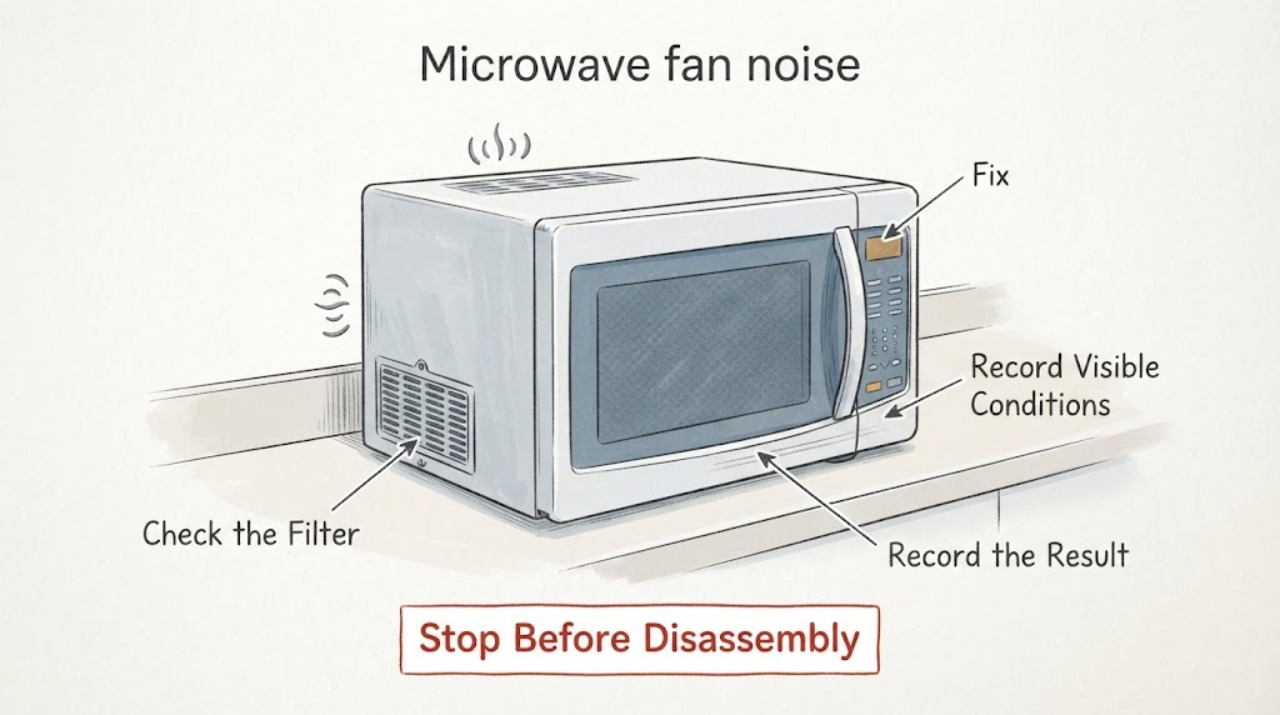
First identify when the GE microwave fan noise occurs. GE says an internal fan can run while the microwave is operating and briefly after a cycle, while an over-the-range vent fan can sound like a range hood, start automatically when heat rises from the cooktop, and continue until the microwave cools. A vent can also get louder when ductwork or a charcoal-filter arrangement creates back pressure. Check only the accessible vent mode, cover, and filter seating using the exact model instructions. Stop using the microwave and seek service if the sound does not match these patterns, is accompanied by smoke, burning odor, visible damage, or a failure to heat; do not open the cabinet or perform high-voltage tests.
Work through in order
Diagnostic checks
Use only checks that match the exact appliance or system and its official guide.
-
Check 1
Record whether the fan noise occurs during microwave cooking, immediately after the cycle, while the cooktop or range below is hot, only when the vent button is pressed, or while the appliance is otherwise idle.
Expected result: The sound follows active cooking, lasts briefly after cooking, starts with cooktop heat, or persists while idle without a documented trigger.
Next step: Use the matching branch below. If the sound persists without a heat or operation trigger, leave the microwave off and arrange service instead of repeatedly testing it.
Why this matters
Why: GE describes internal cooling-fan operation during use and briefly afterward, and automatic over-the-range vent operation when heat rises from below. Persistent idle noise without those conditions is outside the normal pattern described on the support page.
-
Check 2
If the microwave is over the range, note whether the sound resembles a range hood and whether air exits through ductwork or recirculates through a charcoal-filter path; do not remove the outer cabinet.
Expected result: The noise changes with vent speed or is louder on high, and the installation is ducted or recirculating; or the sound is unchanged by the vent control.
Next step: Use the documented vent setting and exact installation instructions. Do not block the vent or alter ductwork as a noise fix; arrange service if the fan scrapes, vibrates, or does not behave as the manual describes.
Why this matters
Why: GE says vent back pressure can make an over-the-range fan automatically run at a higher speed and stay louder at lower settings. A counter microwave or a sound unrelated to vent speed needs a different model-specific assessment.
-
Check 3
With the microwave stopped and cool, inspect only the accessible vent cover, grille, and charcoal-filter seating for a visibly crooked cover, a gap, or a filter that was recently replaced; use the exact model manual before removing any cover.
Expected result: The cover sits askew, the filter is not seated, or the accessible vent parts look correctly fitted.
Next step: If the manual allows the user check, reseat the filter and cover without force and ensure there is no visible gap. If the sound remains or the cover cannot be safely accessed, stop and arrange service.
Why this matters
Why: GE says an improperly seated charcoal filter can leave the vent cover askew and contribute to fan/light operation on an over-the-range model. A correctly seated external cover does not rule in an internal fan fault.
-
Check 4
Compare the noise with the normal operating description for the exact GE model and installation type; do not use an over-the-range vent explanation for a countertop microwave or a different GE appliance.
Expected result: The model manual describes an internal fan, automatic vent, or post-cycle cooling behavior matching the observation, or it does not match.
Next step: For a matching normal pattern, monitor without blocking vents. For a mismatch or worsening sound, leave the unit off and provide the model and timing to GE service.
Why this matters
Why: GE states that sound varies by model and installation. A matching manual description supports normal operation; a mismatch leaves the source unresolved rather than proving a specific fan component failed.
-
Check 5
Stop using the microwave immediately for smoke, burning odor, sparking, visible damage, a harsh scraping or grinding sound, a fan that will not stop after the documented cooling period, or a microwave that no longer heats normally.
Expected result: The noise is isolated and follows a documented cooling/vent pattern, or a hazard or performance change accompanies it.
Next step: For a hazard or performance change, unplug only if safe, leave the appliance out of use, and arrange qualified microwave service. Do not open the cabinet or repeat a heating test.
Why this matters
Why: A documented cooling or vent pattern can be normal. A sound outside that pattern or combined with a hazard/performance change needs professional assessment and is not a safe basis for cabinet or high-voltage work.
Use your observations
Decision map
Find the observation that best matches what you see, then follow the next safe action.
-
PATH 01Next step
What you see
The fan runs during cooking or for a short period after the cycle, then stops as the appliance cools.
Do this next
Keep vents clear and monitor; arrange service if the duration changes sharply or the sound becomes harsh, scraping, or accompanied by a hazard sign.
Why this path and its safety boundary
Why it matters: GE describes internal component cooling as normal in this timing pattern.
-
PATH 02Next step
What you see
An over-the-range vent fan starts when the cooktop or underside is hot and sounds like a range hood.
Do this next
Allow the microwave and surrounding surface to cool, and use only the documented vent control; do not force the fan off while the automatic feature is active.
Why this path and its safety boundary
Why it matters: This matches GE's automatic vent-fan behavior and is not by itself evidence of a failed motor.
-
PATH 03Next step
What you see
The vent becomes louder or changes speed on high, especially with ducted or recirculating installation.
Do this next
Check the accessible filter/cover seating and installation guidance; arrange service if the sound includes scraping, vibration, damage, or does not match the manual.
Why this path and its safety boundary
Why it matters: GE says airflow back pressure can cause the vent to select a higher speed and remain louder at lower settings.
-
PATH 04Next step
What you see
The noise persists while idle without heat, does not match the model's fan pattern, or comes with smoke, burning odor, sparking, visible damage, or loss of heating.
Do this next
Leave the microwave off, unplug only if safe, and arrange qualified service. Do not open the cabinet or perform high-voltage testing.
Why this path and its safety boundary
Why it matters: The symptom is outside the documented normal fan explanations and needs professional diagnosis.
Helpful context
Understand the symptom
Fan timing matters more than the word noisy
GE microwaves use more than one fan path. A fan near the internal electronics can run during cooking and briefly after the cycle, while an over-the-range vent fan can remove cooktop steam and odors or start automatically when the underside gets hot. The same sound can therefore be normal in one phase and need service in another; record when it starts, where the air moves, and whether it stops after cooling.
Do not diagnose a motor from a fan sound
GE says an over-the-range vent may change speed or get louder when ductwork or a recirculating charcoal-filter setup creates back pressure. That explanation does not prove a damaged fan motor, and a counter microwave does not use the same vent arrangement. Keep the inspection to accessible controls, the external vent path, and a correctly seated filter or cover; use the exact model manual for anything else.
When checks do not resolve it
Need a professional?
Arrange GE or qualified microwave service when fan noise persists outside a documented cooking/cooling or vent pattern, the accessible filter/cover cannot be seated, the fan scrapes or vibrates, or noise is accompanied by smoke, burning odor, sparking, visible damage, or loss of heating. Do not diagnose or replace an internal fan or high-voltage part yourself.
Common questions
FAQ
Is a GE microwave fan running after cooking always a fault?
No. GE says an internal electronics fan can continue briefly after a cycle, and an over-the-range vent fan can remain on while the appliance or cooktop area cools. A fan that persists outside the documented pattern or is accompanied by a hazard needs service.
Why does an over-the-range GE microwave fan get louder?
GE says ductwork or a recirculating charcoal-filter setup can create back pressure, causing the fan to run at a higher speed. This can be normal, but scraping, vibration, damage, or a mismatch with the model manual should be assessed by service.
Can I open the microwave to inspect the fan motor?
No. Keep the checks to the accessible vent control, grille, cover, and filter seating described by the exact manual. Cabinet and high-voltage work belongs to qualified microwave service.
Read the exact guide
Official sources
- Microwave - Starting On Its OwnGE Appliances · GE over-the-range microwave fan-only operation from nearby heat and accessible charcoal-filter/vent-cover seating boundary
- Microwave - Normal Operational CharacteristicsGE Appliances · GE microwave normal sounds, internal cooling fan, over-the-range vent fan, automatic heat-triggered vent operation, and support boundary
- Microwaves - Vent Getting Louder or Changing SpeedsGE Appliances · GE over-the-range microwave vent speed changes and airflow back-pressure explanation
Community feedback
Share a repair observation
Share a plain-text repair observation. Accepted observations are published automatically; this page may take a moment to update.