
GE appliance guidance
GE Microwave Repair Guides
Troubleshooting and repair guidance for published GE Microwave problems, symptoms, and maintenance questions.
Published GE Microwave guides
Choose the guide whose symptom or condition most closely matches what you are seeing.
-
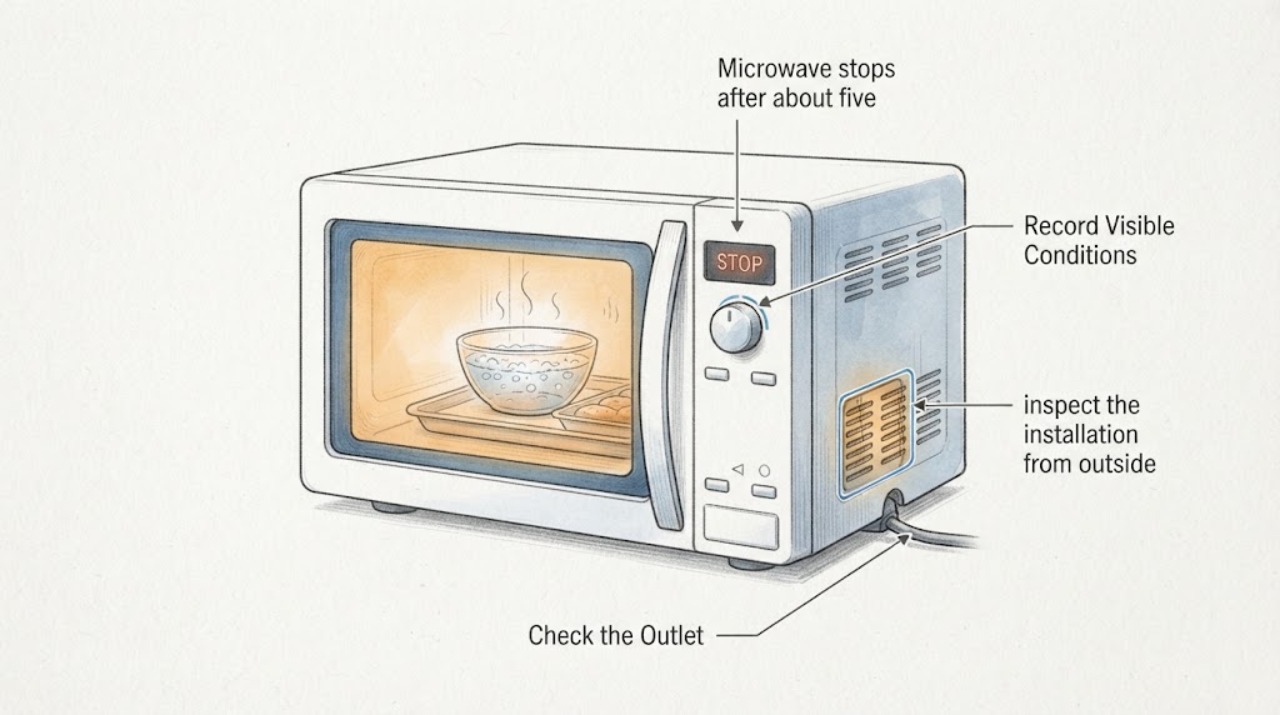
GE GCST10A1WSS microwave stops after about five minutes: check overheat versus normal operation
A GE GCST10A1WSS that stops after about five minutes has not been proven to have a failed thermal cutoff by the timing alone. This is a 1.0-cu.-ft.
-
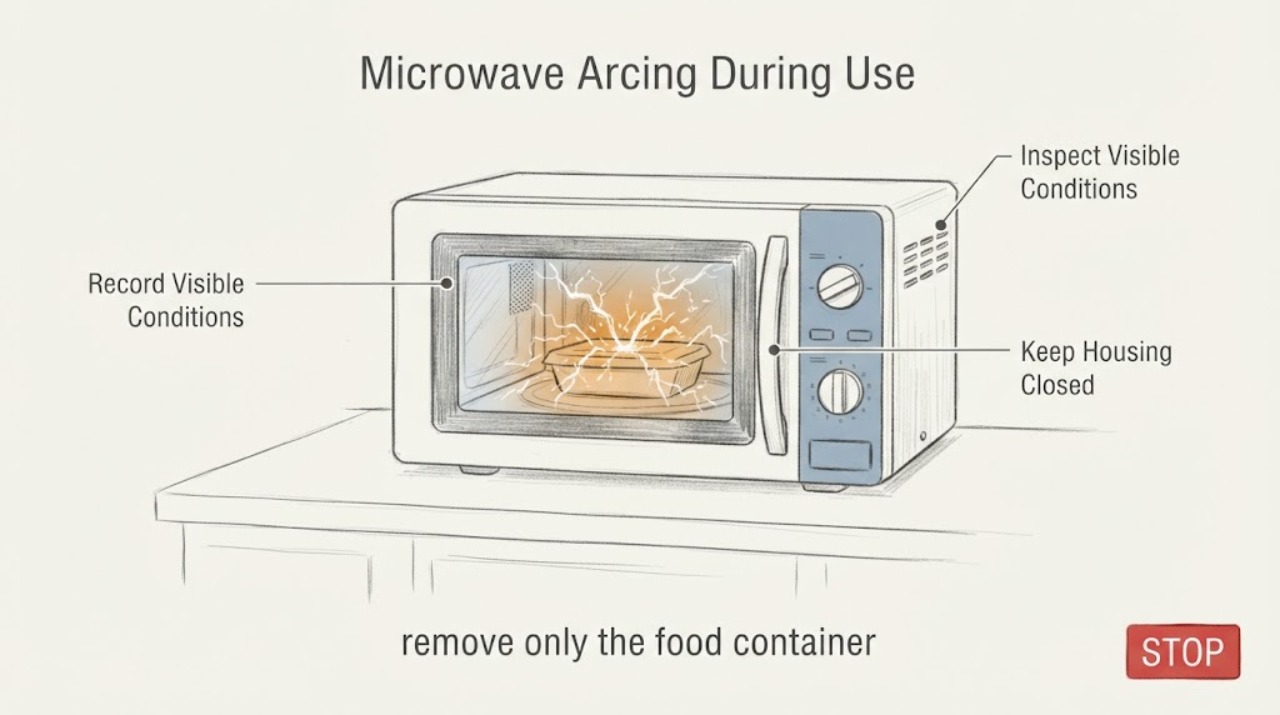
GE GCST16S1W1WW Microwave Arcing During Use
Stop the GE GCST16S1W1WW as soon as you see arcing, press Cancel/Off once if the controls respond, and leave it out of service if the sparks recur or leave any scorch, hole, blister, smoke, burning odour, door damage, or electrical fault. After it is cool and disconnected from a safe dry position, remove only an obvious metal item, foil, metallic-trim dish, twist tie, or contaminated paper product from the cavity.
-
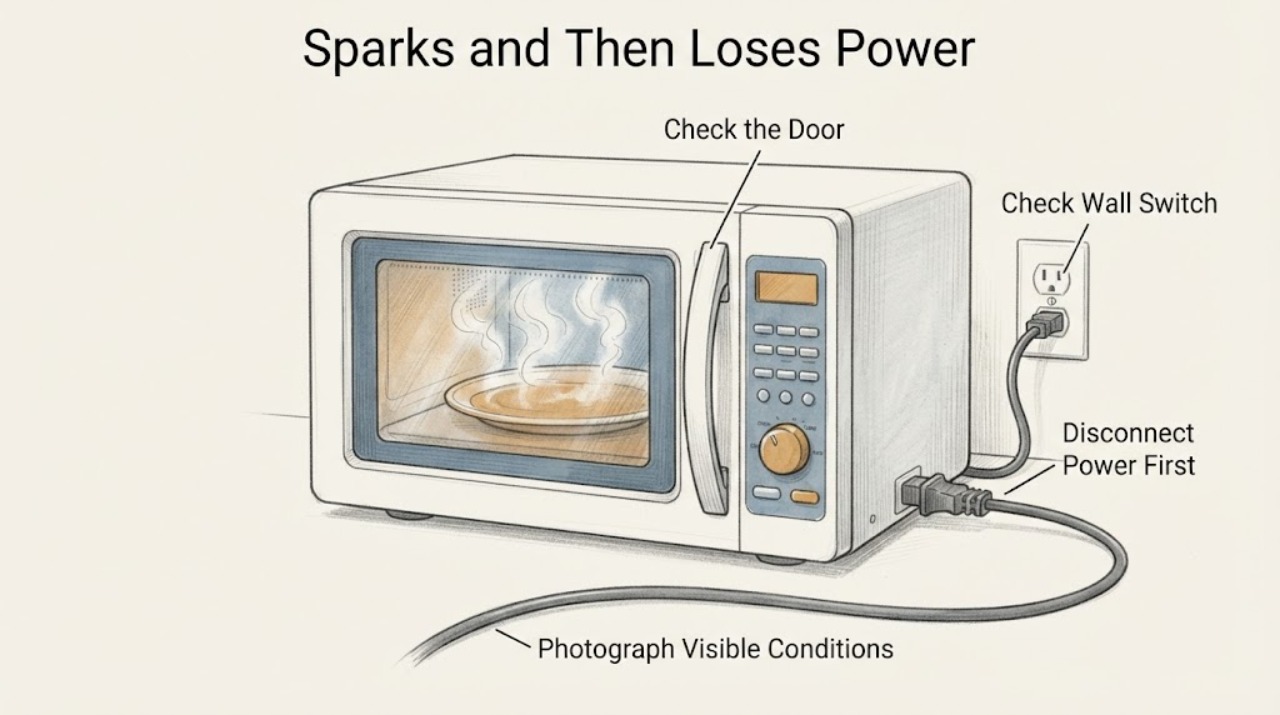
GE JES1072SH1SS Sparks and Then Loses Power While Microwaving
Treat a GE JES1072SH1SS that sparked and then went dead as a stop-use event, not as a normal no-start reset. GE's official pages document a closely matching JES1072SHSS countertop model, but the assigned string includes an extra '1', so photograph the rating label and confirm the complete model before using its manual; do not silently substitute the near-match.
-
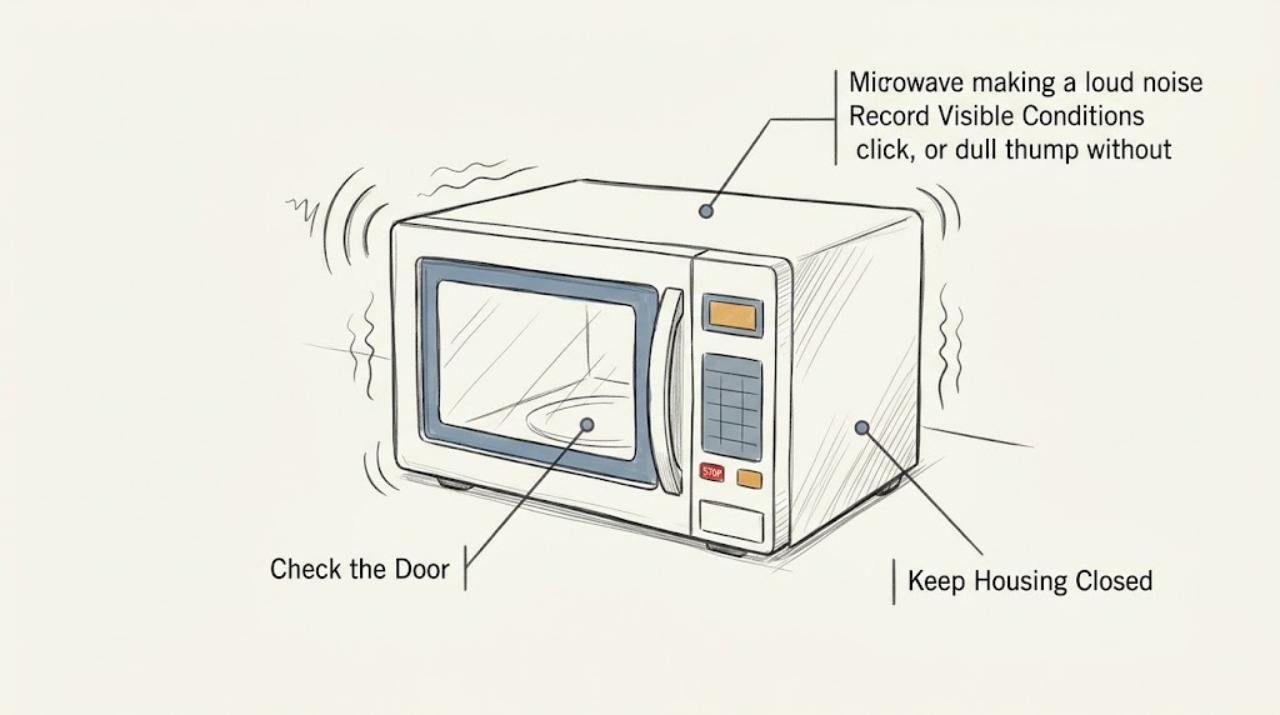
GE JES1145SHSS microwave making a loud noise: what to check safely
GE lists JES1145SHSS as a 1.1 cu. ft.
-
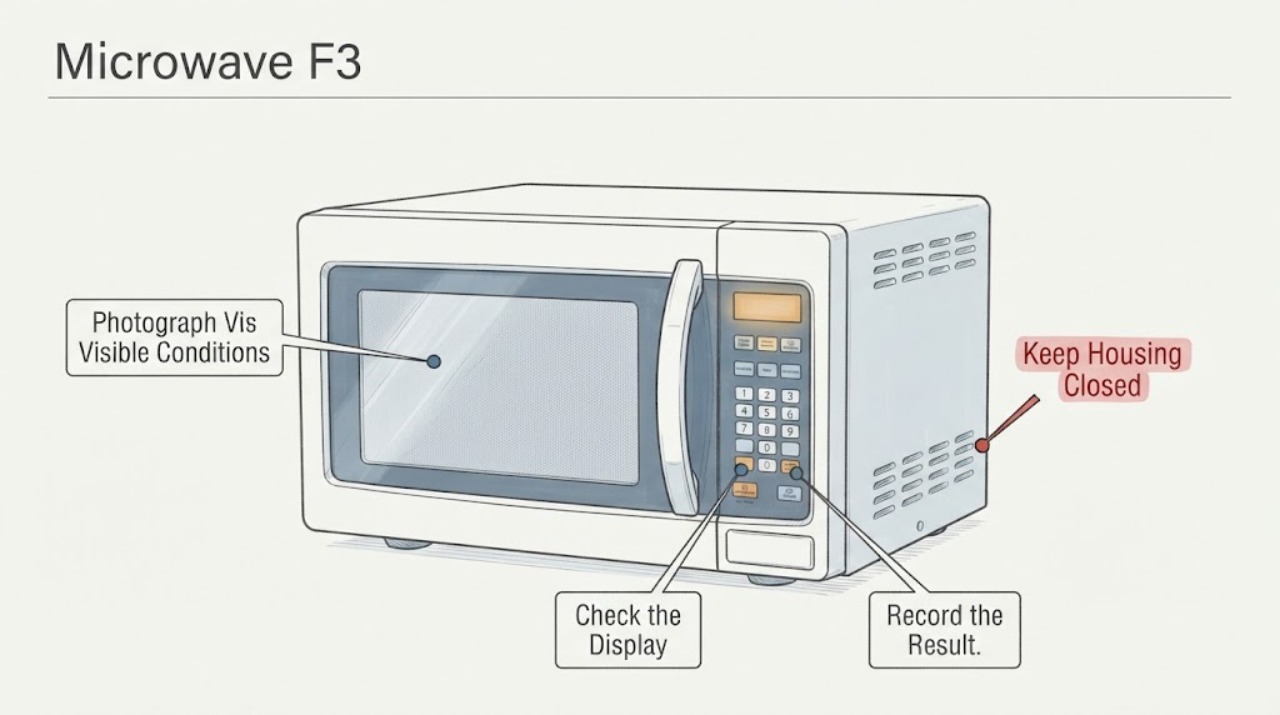
GE JES821WB 002 Microwave F3: Safe Keypad Checks
For the GE JES821WB 002 microwave showing F3 or behaving as though a keypad is stuck, first confirm the exact model string and the complete display from the rating label or manual. GE's official general microwave code page defines F3 as a shorted touch pad panel, but GE also directs owners to model-specific literature and says a trained service technician should diagnose displayed fault codes.
-
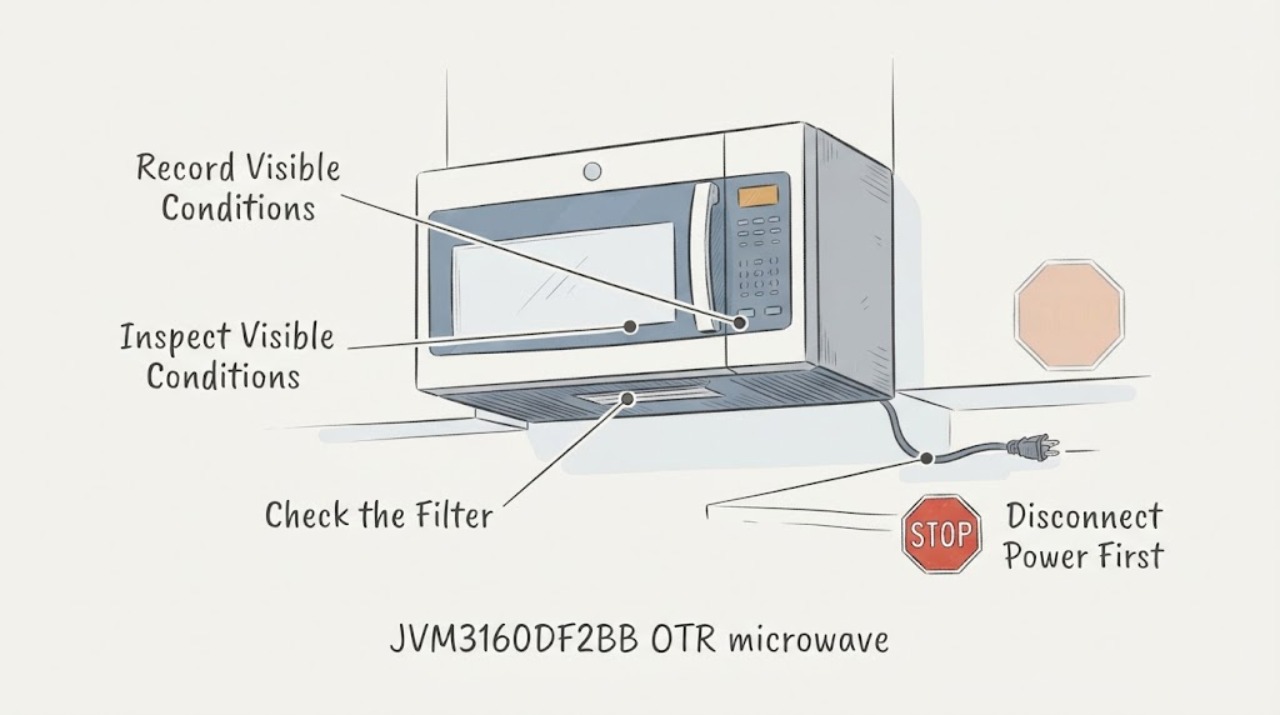
GE JVM3160DF2BB OTR microwave: weak vent airflow after moving into a new home
First verify the identity and ventilation mode before calling this a failed fan. The assigned topic spells the model JMV3160DF2BB, while GE's opened owner and installation documents identify the published family as JVM3160DFBB/JVM3160; read the rating plate before applying a model-specific instruction.
-
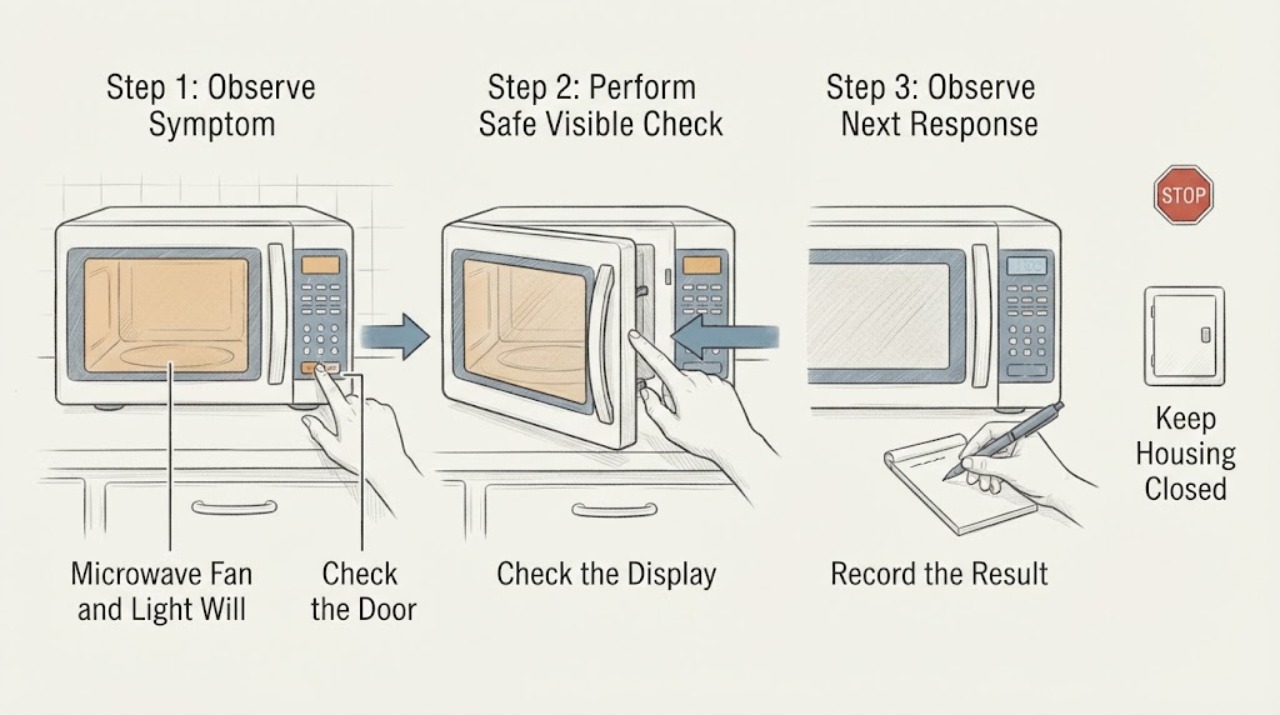
GE JVM3160DF4WW Microwave Fan and Light Will Not Turn Off
For the GE JVM3160DF4WW over-the-range microwave, first identify which light and which fan are running. The underside cooktop light is a user-controlled three-position function: press Surface Light once for bright, twice for night light, and a third time to turn it off.
-
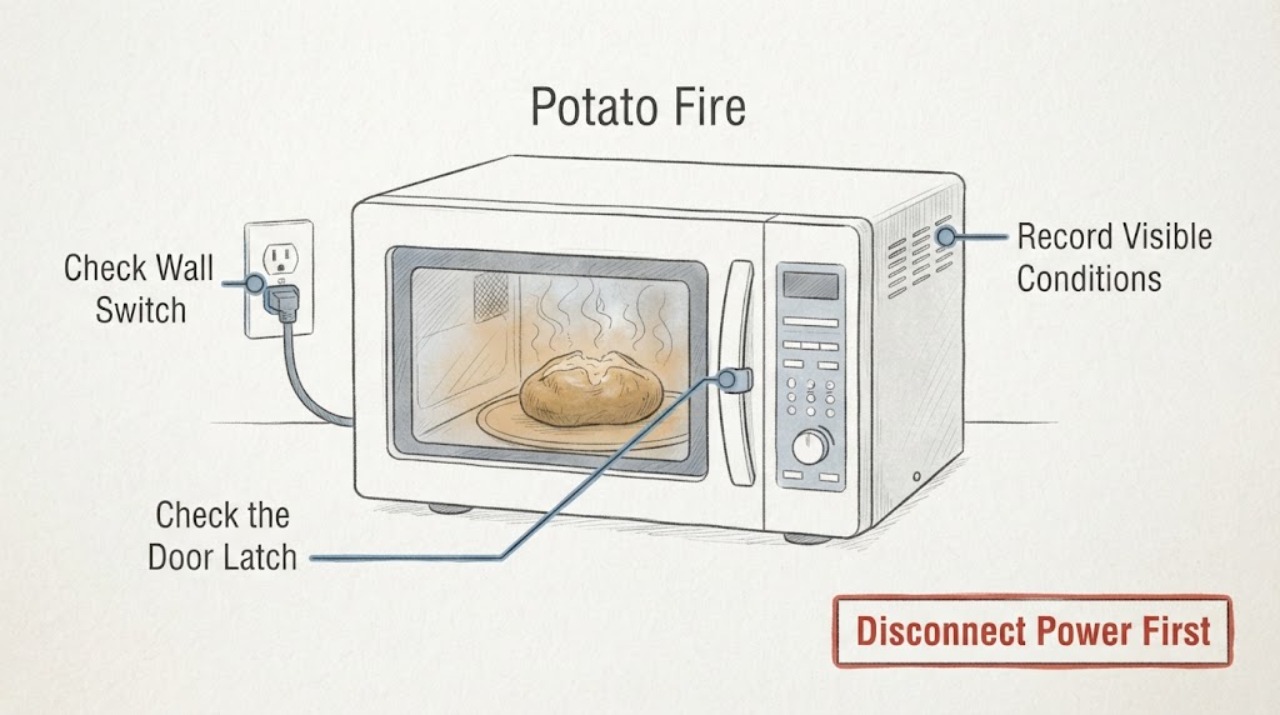
GE JVM6175SF1SS Potato Fire: Keep It Off and Check for Cavity or Door Damage
Treat a potato fire in the GE JVM6175SF1SS as a stop-use event, not a reason to run a cup-of-water test. If anything is still burning, keep the door closed, turn the microwave off, and disconnect power from a safe position or at the breaker; opening the door can spread the fire.
-
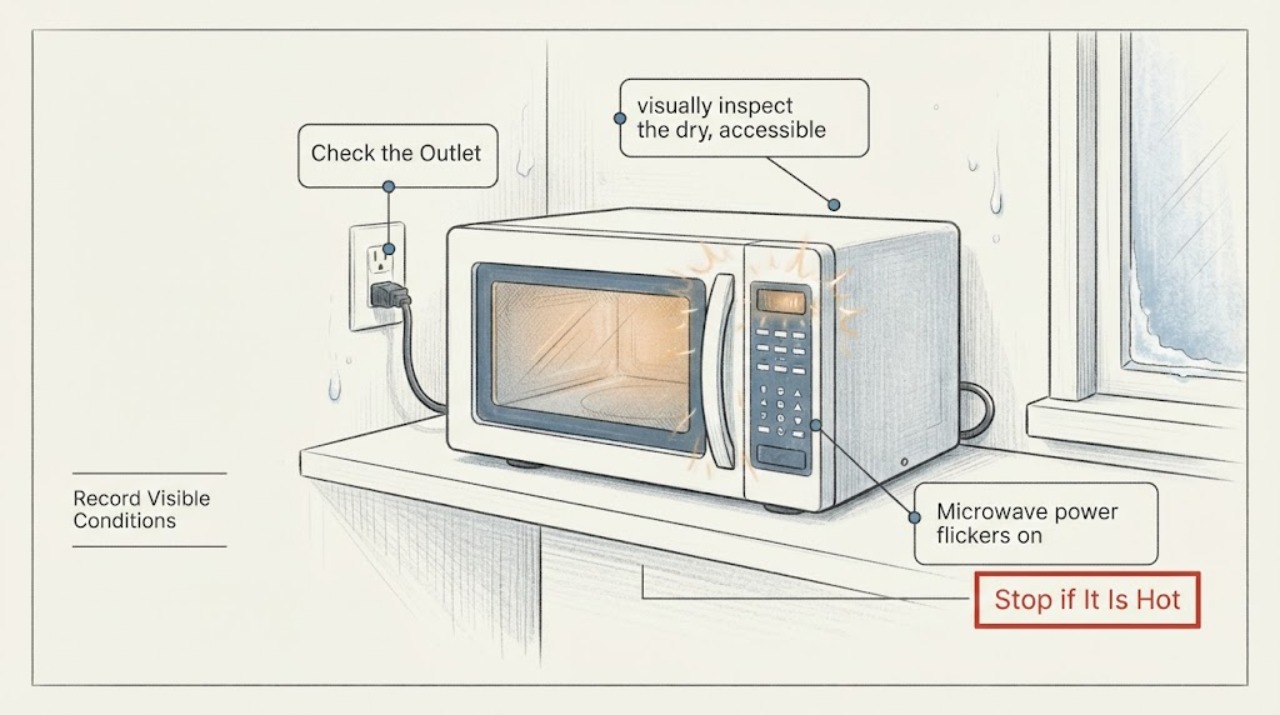
GE JVM6175SF1SS microwave power flickers on an outside wall: separate supply, moisture, and overheating clues
A cold outside wall is a clue to inspect for visible moisture, but GE does not identify cold-wall placement as a confirmed cause of power flicker. First record whether the display, interior light, and controls all blink, whether the event occurs only when cooking begins, and whether a breaker or other lights change.
-
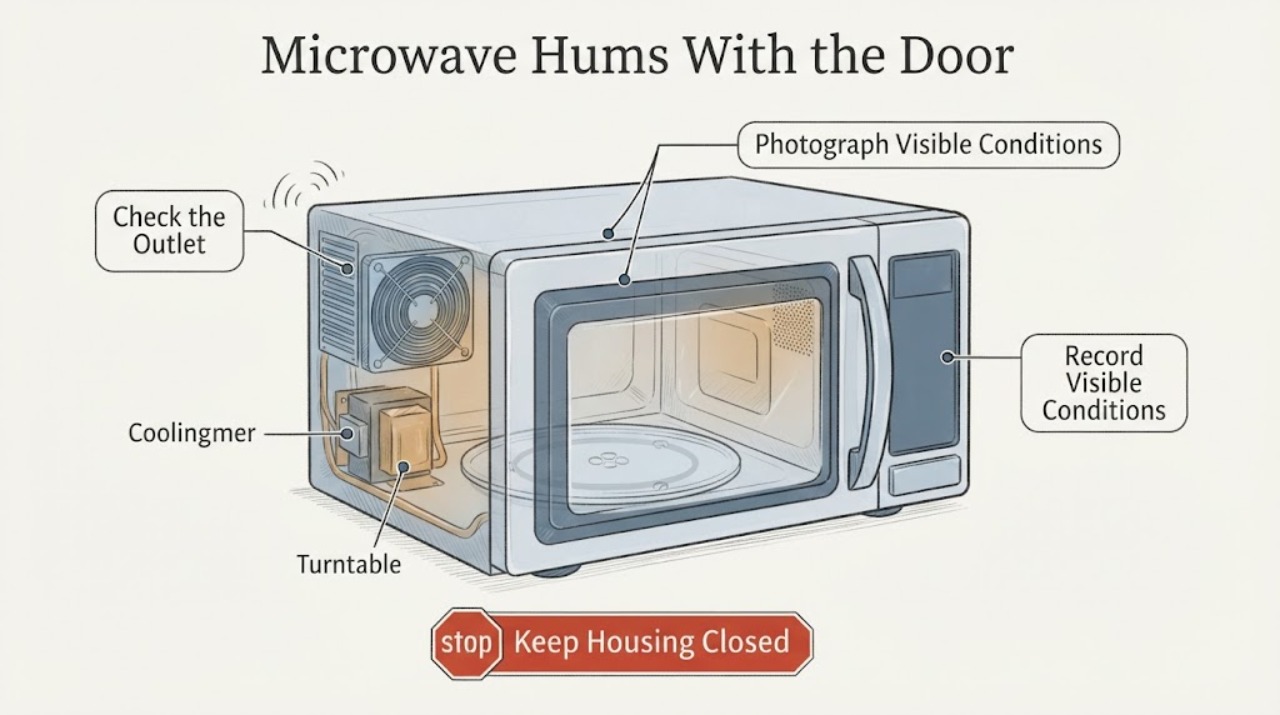
GE JVM7195SK3SS Microwave Hums With the Door Closed Without Starting
A GE JVM7195SK3SS that hums with its door closed before anyone starts a cycle should not be tested by running it. From a safe, dry position, stop using it and disconnect power if the sound could be accompanied by heating, a running turntable, smoke, sparks, odor, abnormal heat, or a breaker trip.
-
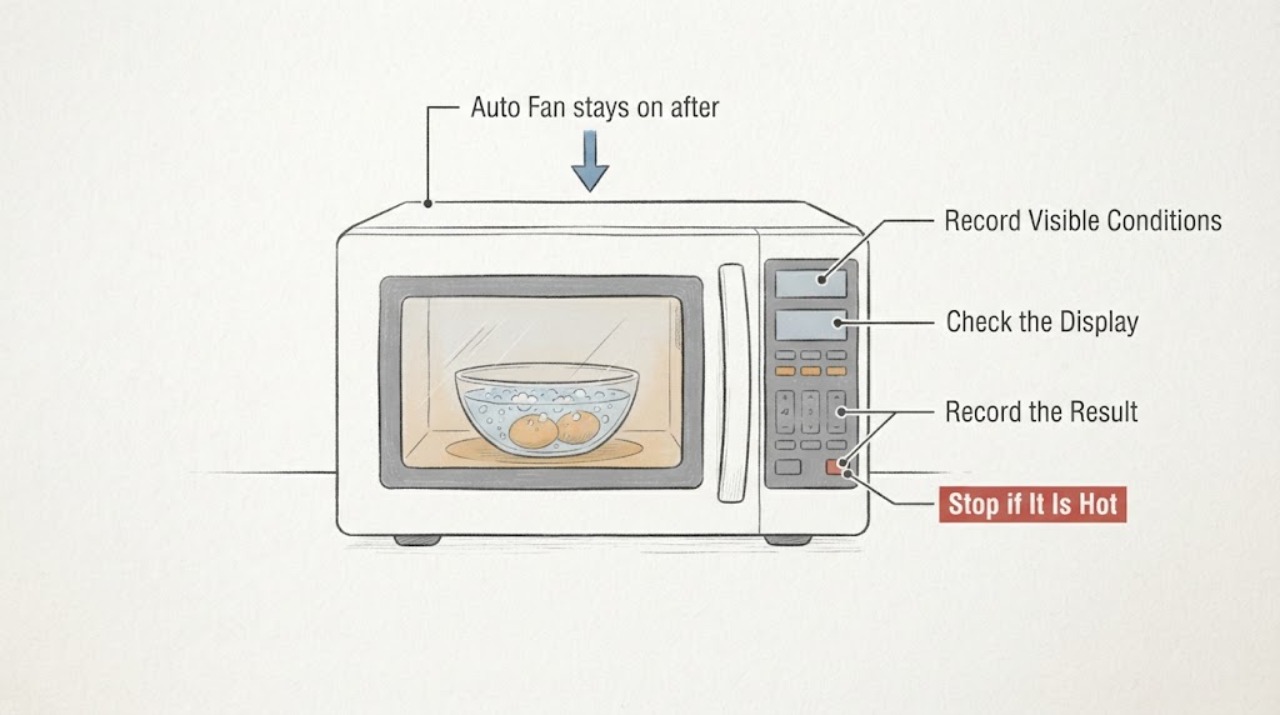
GE JVM7195SKSS Auto Fan stays on after boiling eggs
On the GE JVM7195SKSS over-the-range microwave, a low-speed fan that starts while eggs or other food are boiling on the cooktop is usually the model's Automatic Fan responding to rising cooktop heat. The Owner's Manual says the automatic fan may not turn off immediately and can remain on for 30 minutes or more after the cooktop and microwave controls are turned off.
-
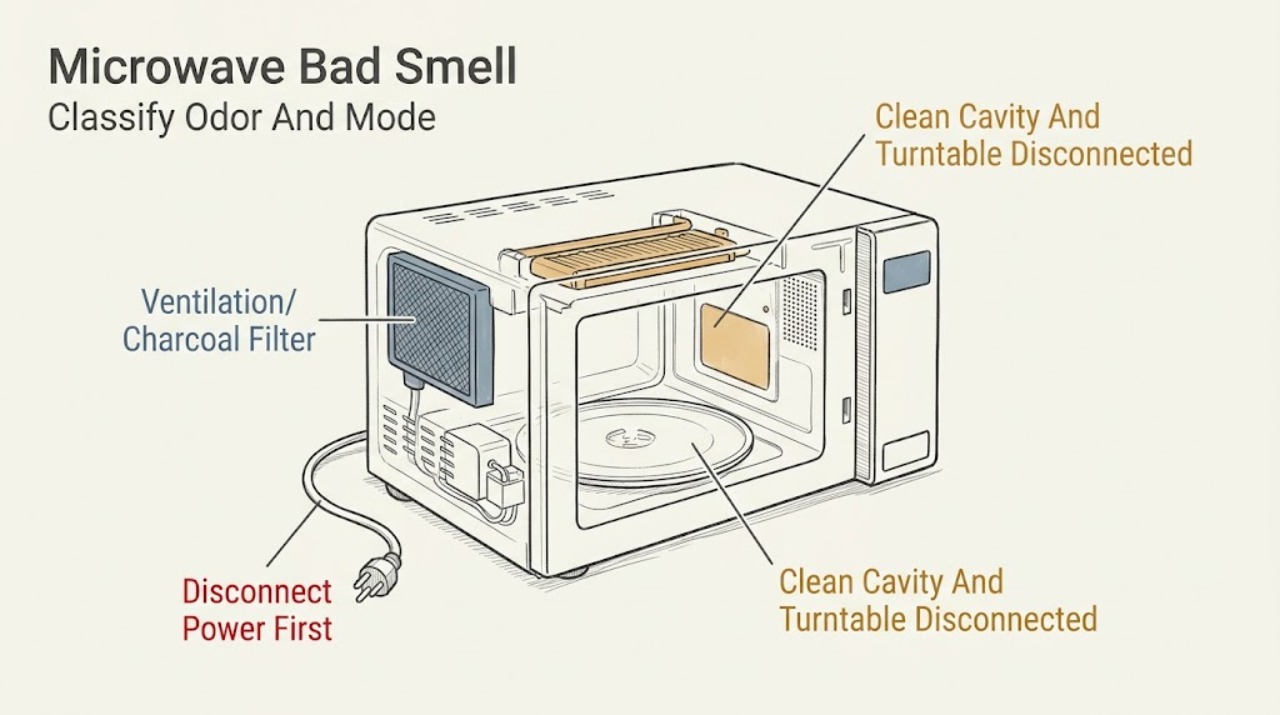
GE Microwave Bad Smell: Separate Food Odor from an Electrical Hazard
Stop and classify the smell before cleaning or using the microwave again. If it smells like food, grease, fish, or burned popcorn and there is no sparking, smoke, or electrical odor, unplug before cleaning the cavity and turntable with the exact manual's mild, non-abrasive method; GE says baked-on odors can take several days to fade.
-
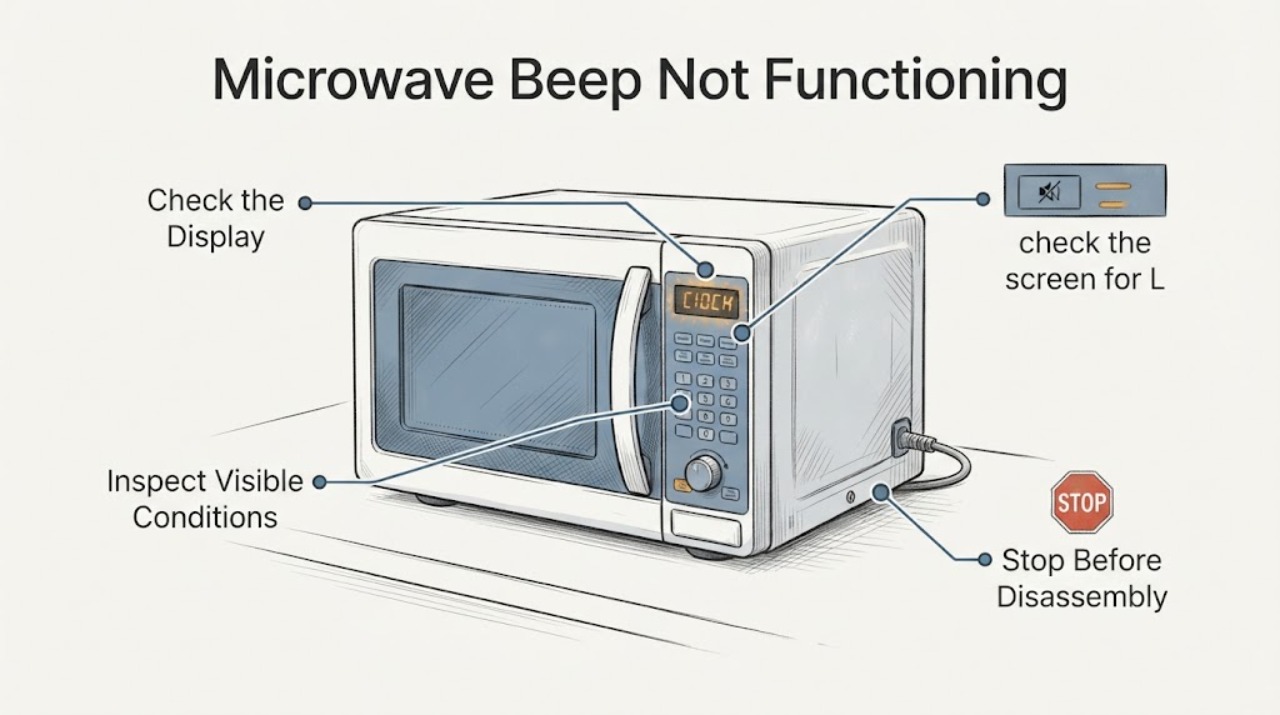
GE Microwave Beep Not Functioning | Safe Sound and Control Checks
First separate a muted beeper from a nonresponsive control panel. GE says some microwave models can turn sounds off or change their volume, while other models do not offer that feature.
-
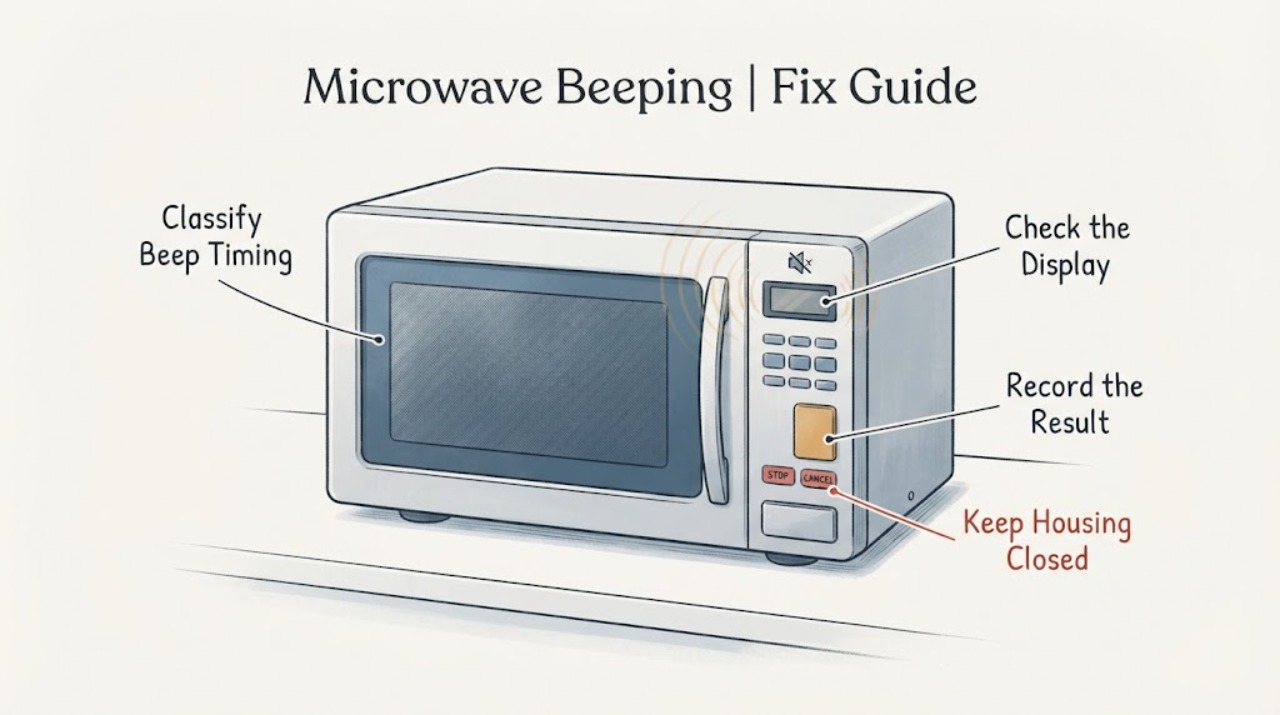
GE Microwave Beeping | Fix Guide
A beep after a pad is pressed or when a cooking cycle finishes can be normal GE microwave feedback. First note whether the sound is tied to a key press or cycle completion, happens at regular intervals after cooking, or continues while the microwave is idle, and check whether the display responds.
-
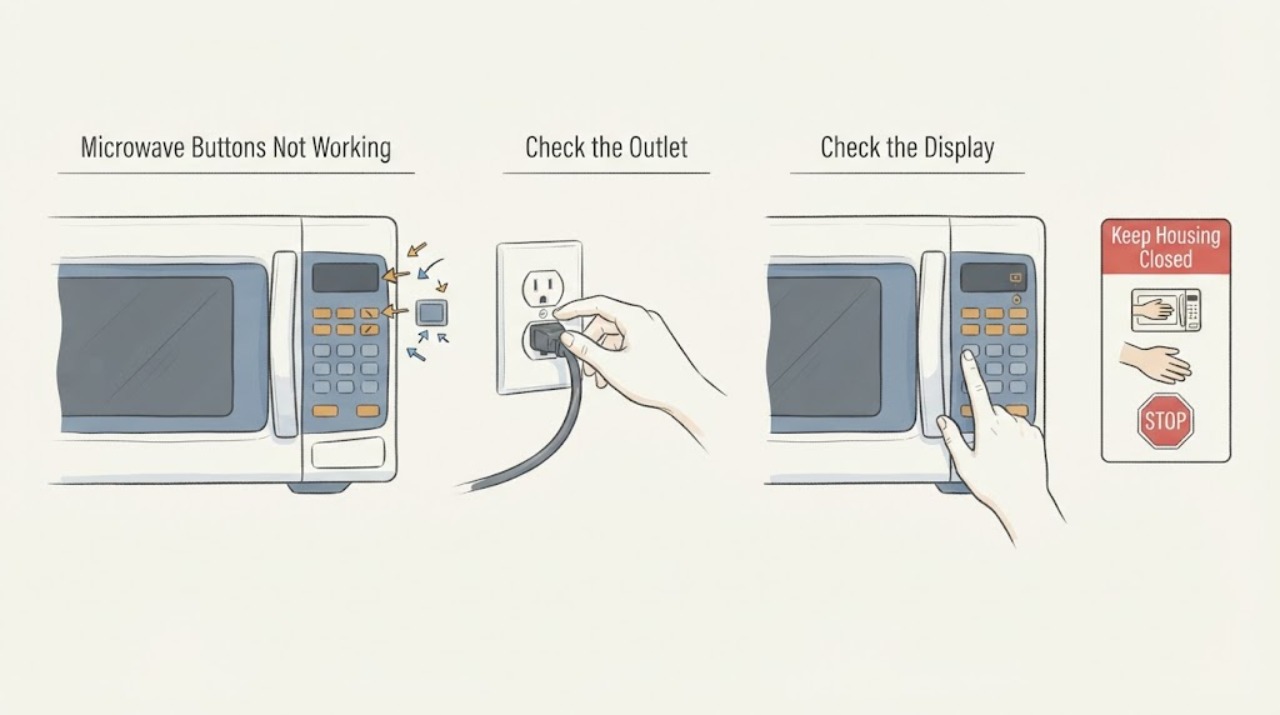
GE Microwave Buttons Not Working: Check Lock, Program State, Panel, and Power Safely
First separate a locked or unfinished program from a dead microwave. If the display is lit and the inside light comes on when the door opens, press the model's CLEAR/OFF or RESET control to clear an unfinished sequence and look for an L, LOC, or LOCKED indicator; GE says many models unlock by holding CLEAR/OFF for three seconds, but the exact manual controls.
-
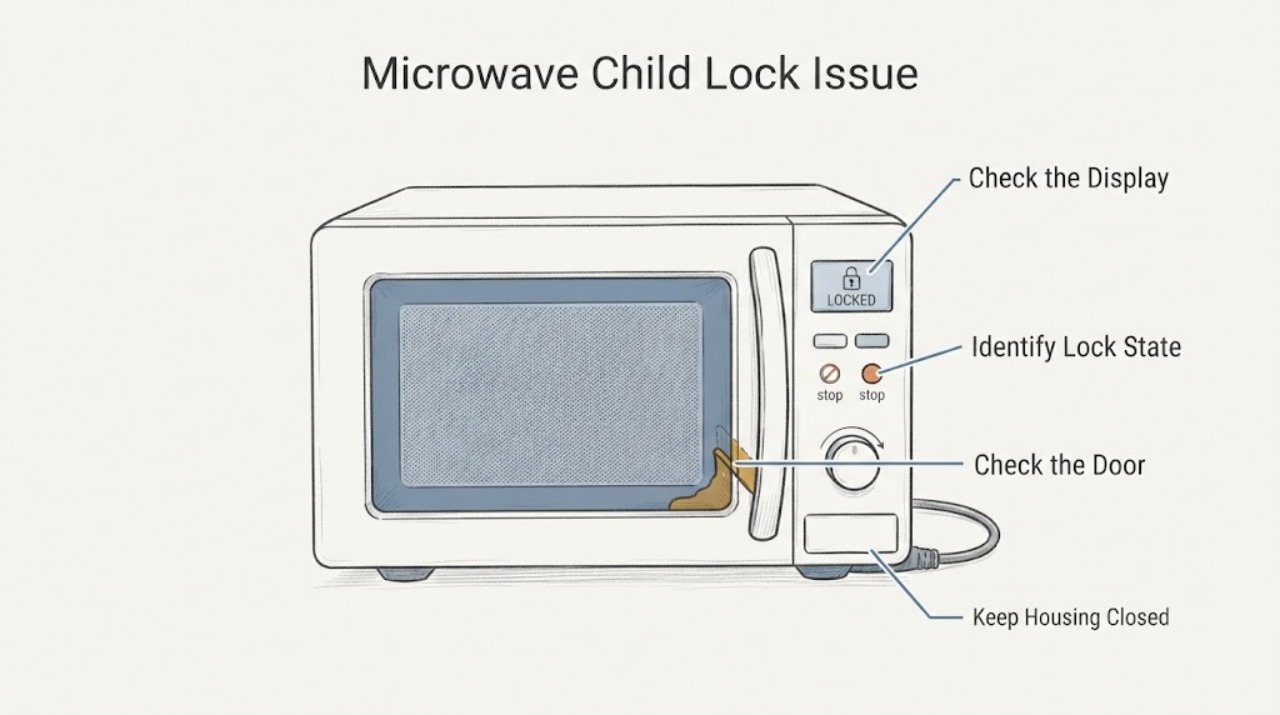
GE Microwave Child Lock Issue, Door Malfunction | Fix Guide
First separate the two GE features that are often both called child lock. If the display shows LOCK, LOC or L and the buttons do not respond while the door itself is physically normal, the control panel may be locked; GE lists several model-dependent unlock methods, so use the exact owner's manual rather than guessing a key combination.
-
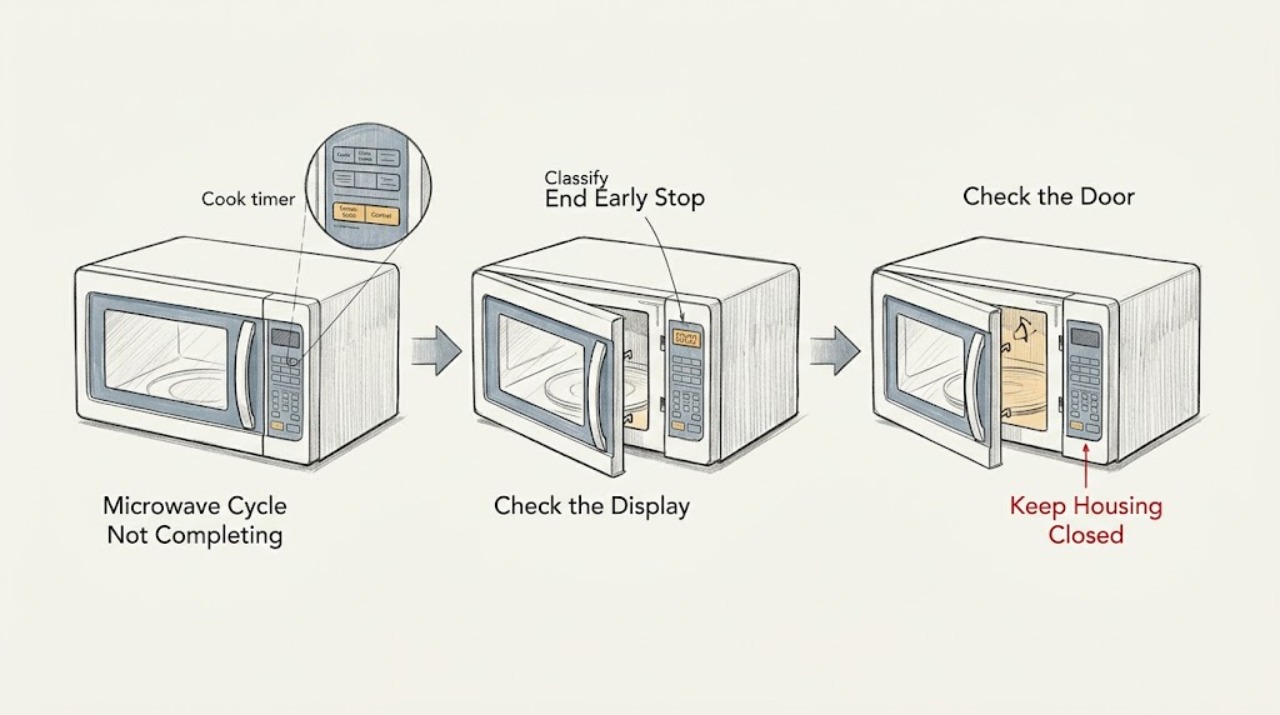
GE Microwave Cycle Not Completing: Find the Safe Branch
First determine whether the timer reaches End, stops early while the display stays on, or stops with the display or power gone. If the display and controls remain active, press Clear/Off or Reset once and use the exact Owner's Manual to check a paused door, control lock, sensor program, or model-specific mode; a door that is not fully closed cannot engage the safety interlocks.
-
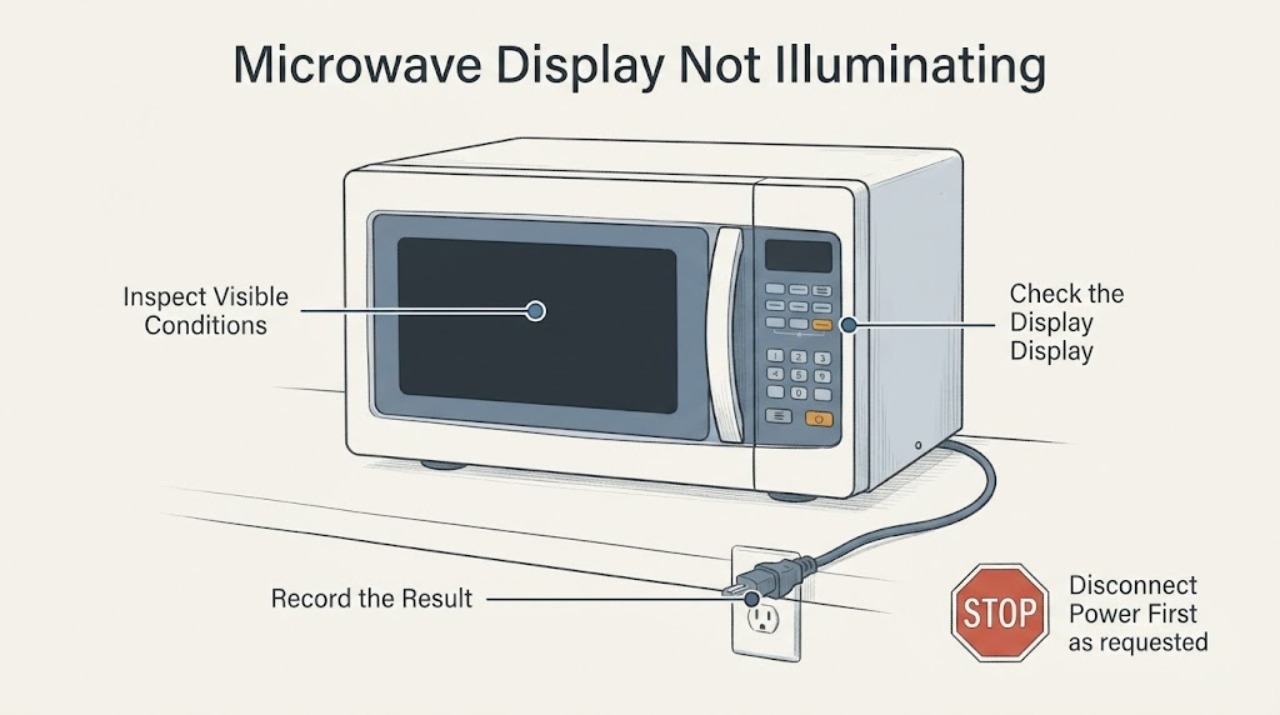
GE Microwave Display Not Illuminating: Check Display Settings and Power Safely
A dark GE microwave display does not automatically mean the high-voltage section failed. GE says some models intentionally turn the clock off through a Display On/Off control, Settings option or Power Saver feature, and some GE Profile, Café or Monogram models automatically hide the clock after a period of standby.
-
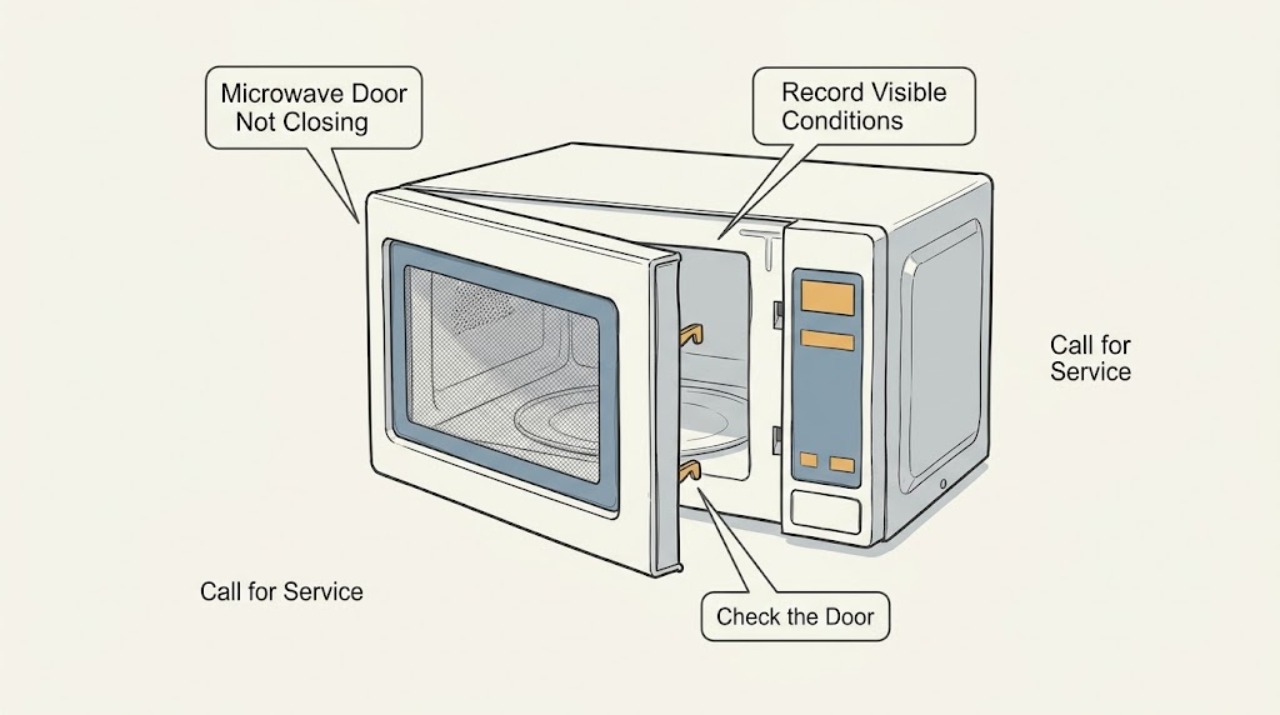
GE Microwave Door Not Closing: Check Obstructions, Latch Release, and Damage
Do not operate a GE microwave whose door will not close and latch securely. First remove only an obvious dish, rack, packaging, residue, or other object touching the door or front frame, and use the model's intended handle or centered Door Latch Release button; do not force the door.
-
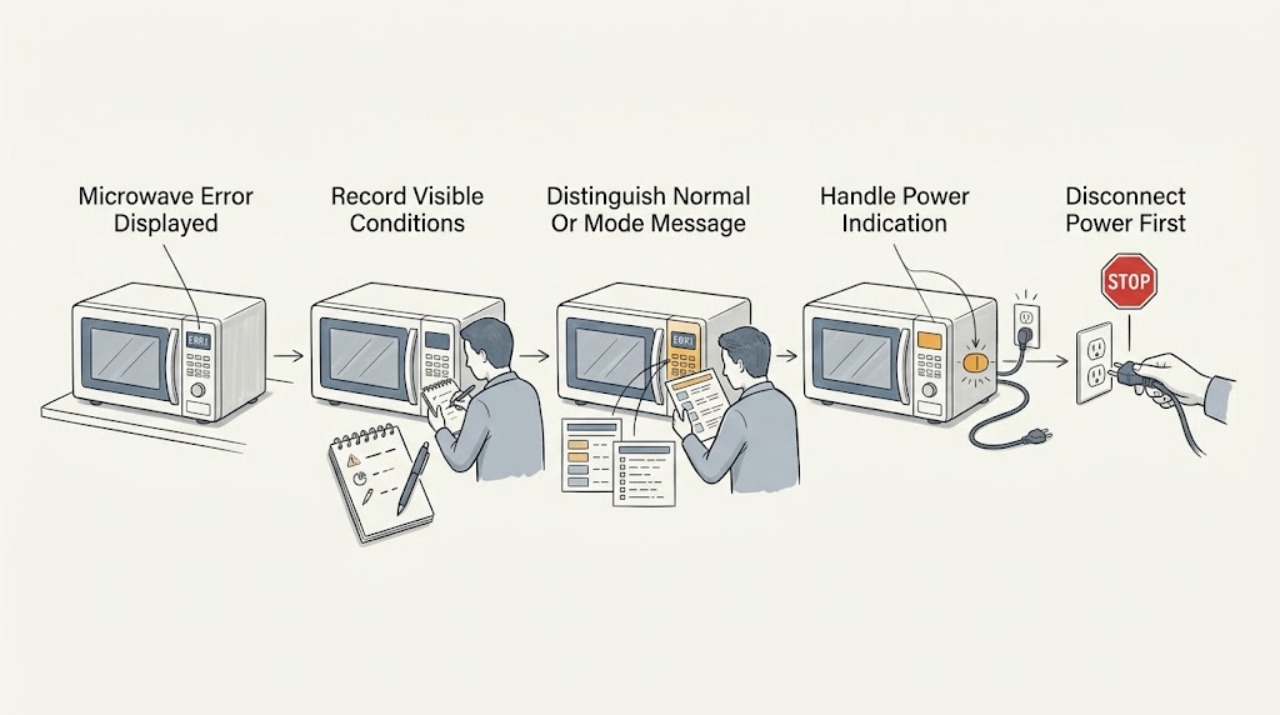
GE Microwave Error Displayed: Identify the Code Before You Reset It
Write down the exact characters, punctuation, and timing on the display, then identify the microwave model before interpreting the message. Do not assume that a code from another GE model or from a wall oven applies.
-
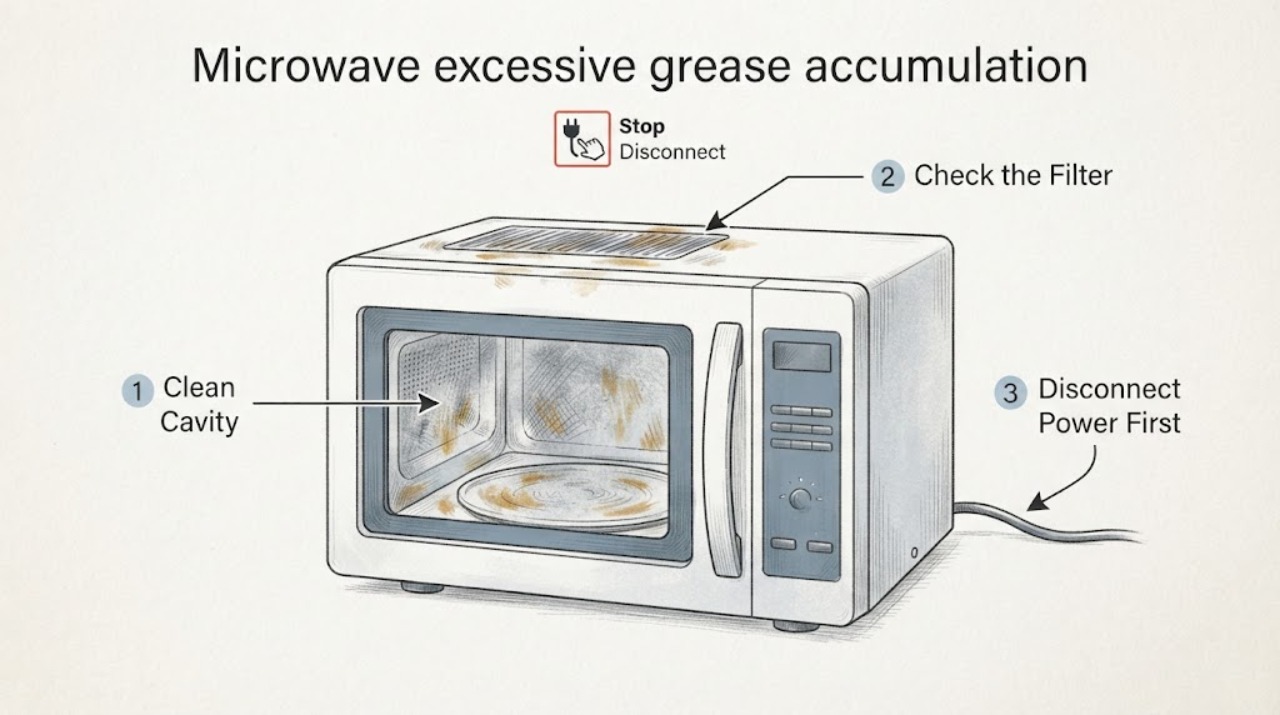
GE microwave excessive grease accumulation: clean the cavity and vent safely
Stop using the GE microwave and disconnect power before cleaning. Wipe grease from the cavity, door surfaces, and controls with a mild, non-abrasive cleaner on a cloth; never use commercial oven cleaner, abrasives, bleach, ammonia, or sharp tools.
-
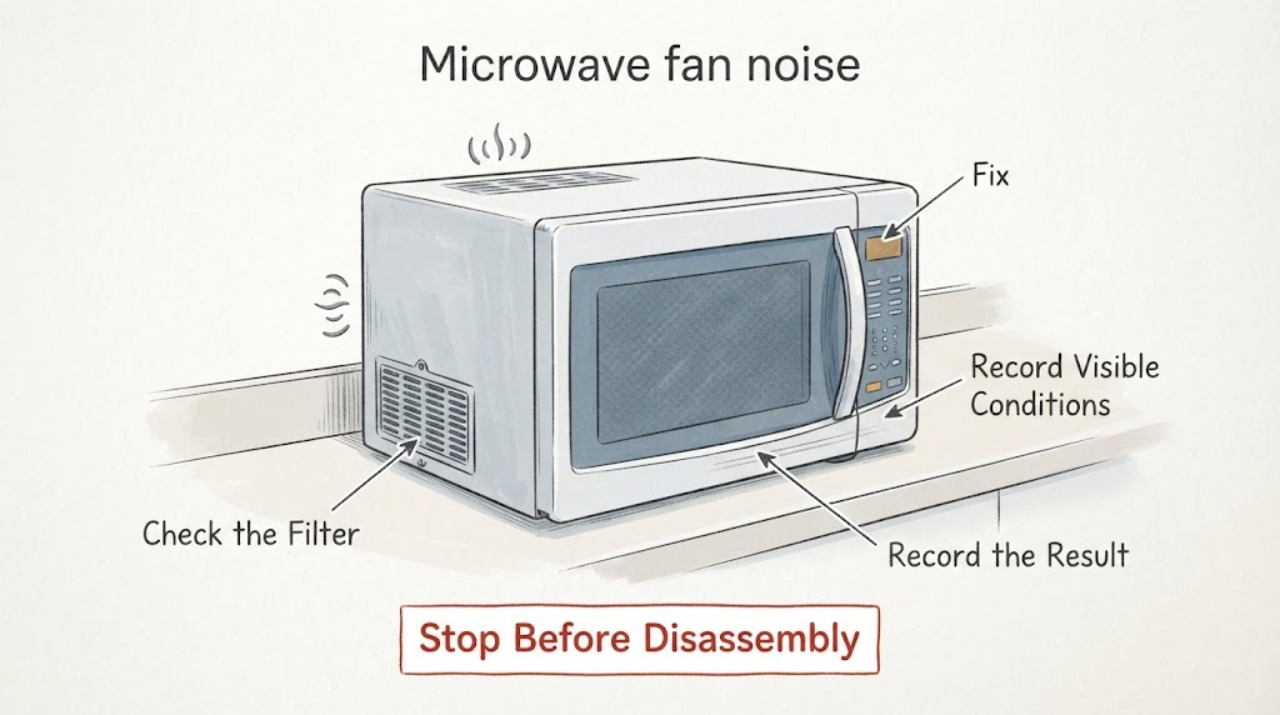
GE Microwave fan noise | Fix Guide
First identify when the GE microwave fan noise occurs. GE says an internal fan can run while the microwave is operating and briefly after a cycle, while an over-the-range vent fan can sound like a range hood, start automatically when heat rises from the cooktop, and continue until the microwave cools.
-
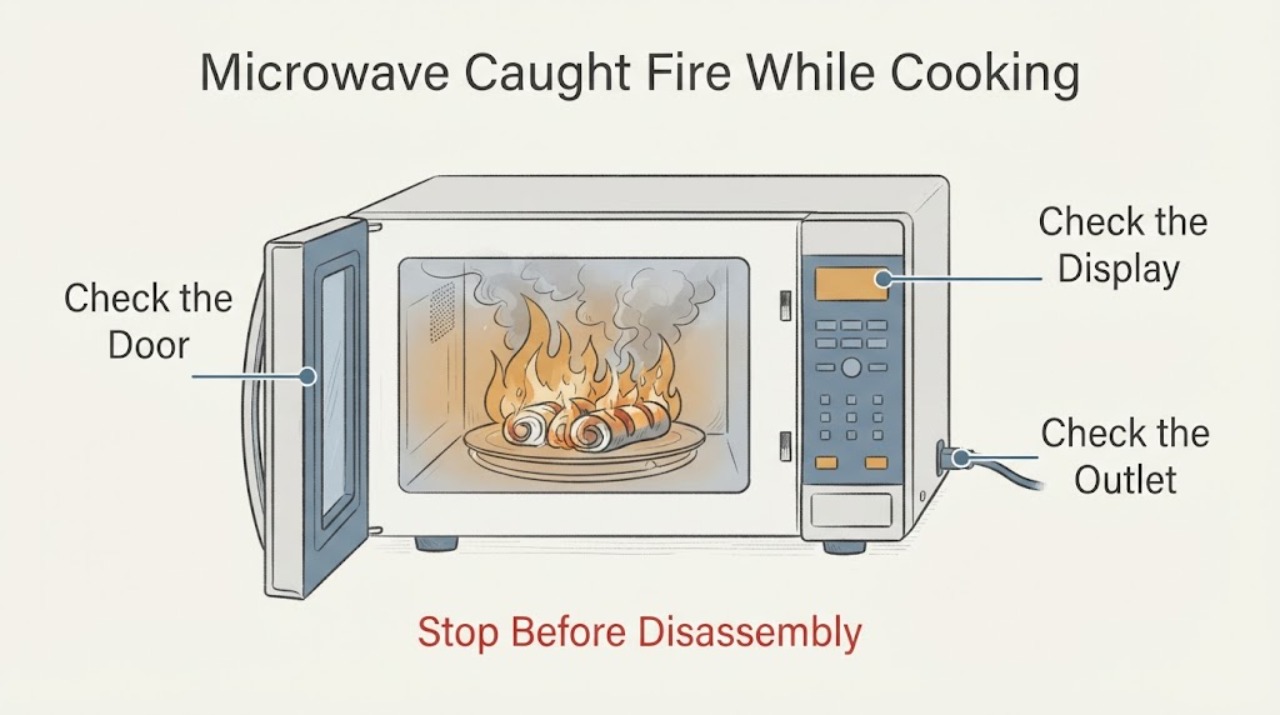
GE Microwave Caught Fire While Cooking Rolls: What to Do
Treat a GE microwave fire during cooking as a stop-use safety event. Keep the door closed, turn the microwave off, and unplug it from the wall only if you can do so without approaching flames, heat, smoke, or a damaged connection.
-
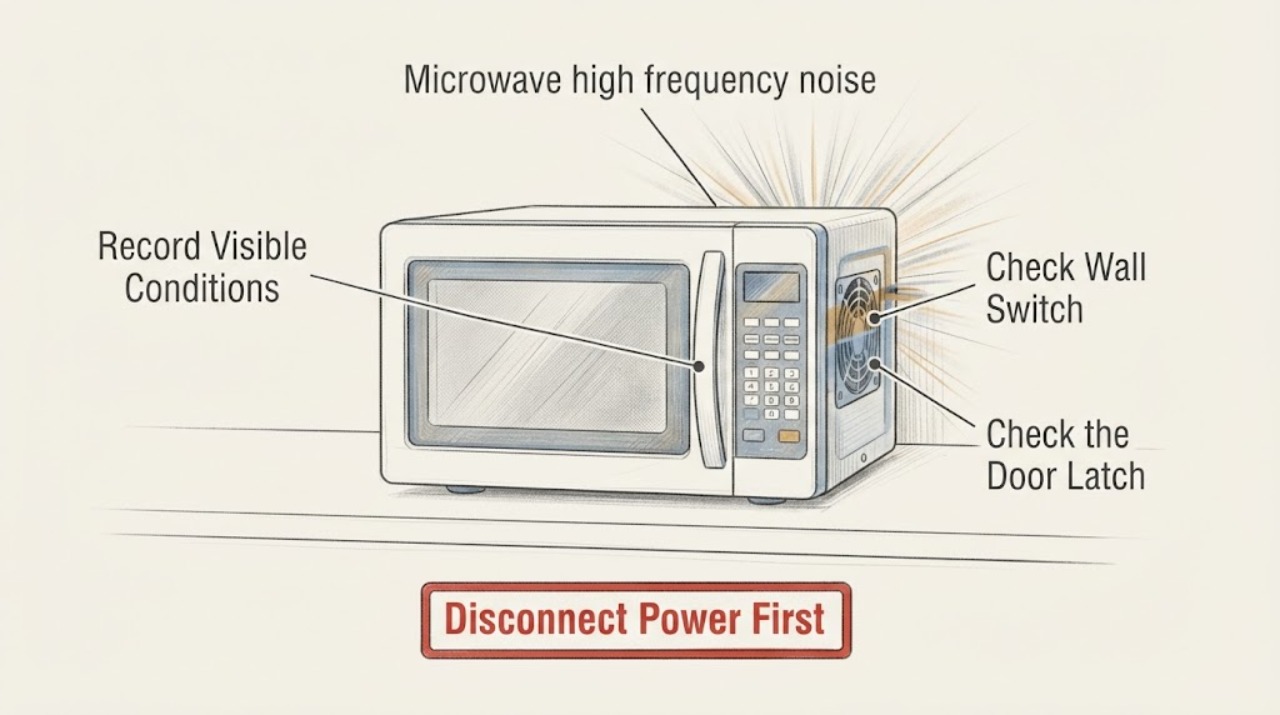
New GE Microwave High-Frequency Noise: Safe Checks After Installation
A constant high-frequency sound from a newly installed GE microwave is not enough to identify a failed capacitor, transformer, magnetron, or control board. First determine whether it is present while the microwave is idle, only while cooking, or only when a vent fan is running.
-
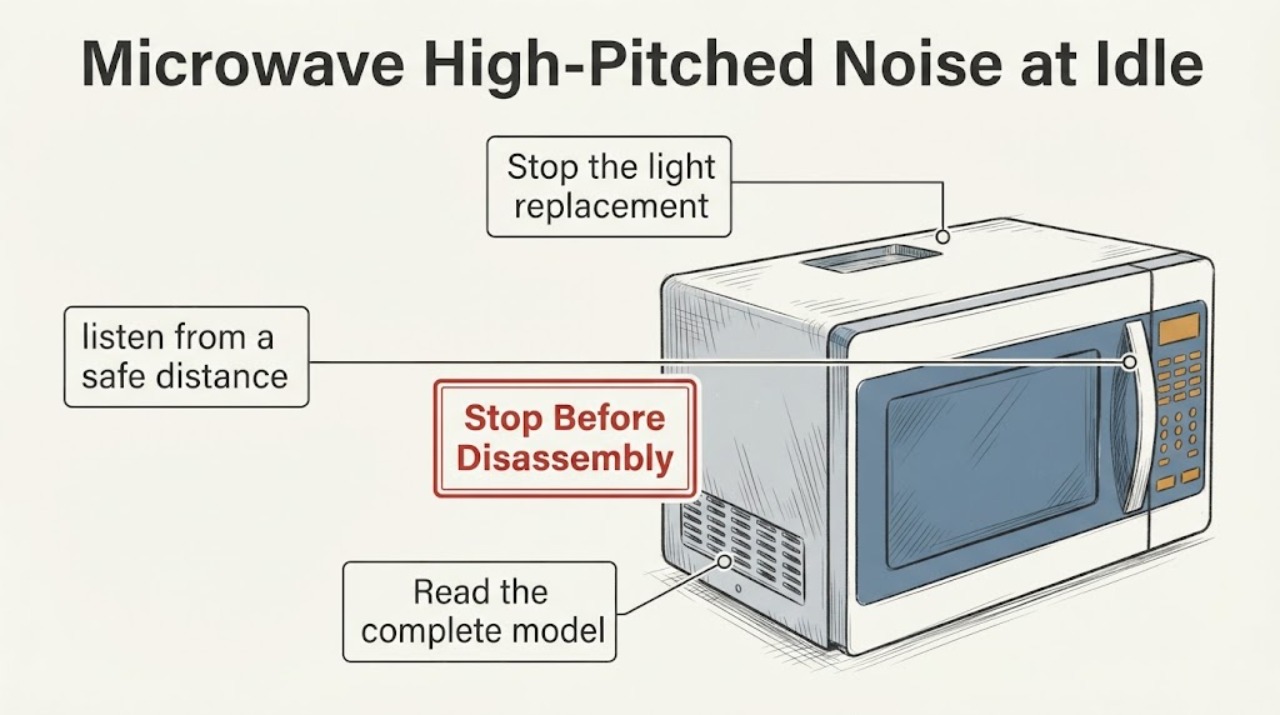
GE Microwave High-Pitched Noise at Idle After a Light-Circuit Shutoff
Do not open a GE microwave cabinet to chase a high-pitched sound. GE says microwaves are not a do-it-yourself repair because the high-voltage capacitor can retain a charge after unplugging.
-
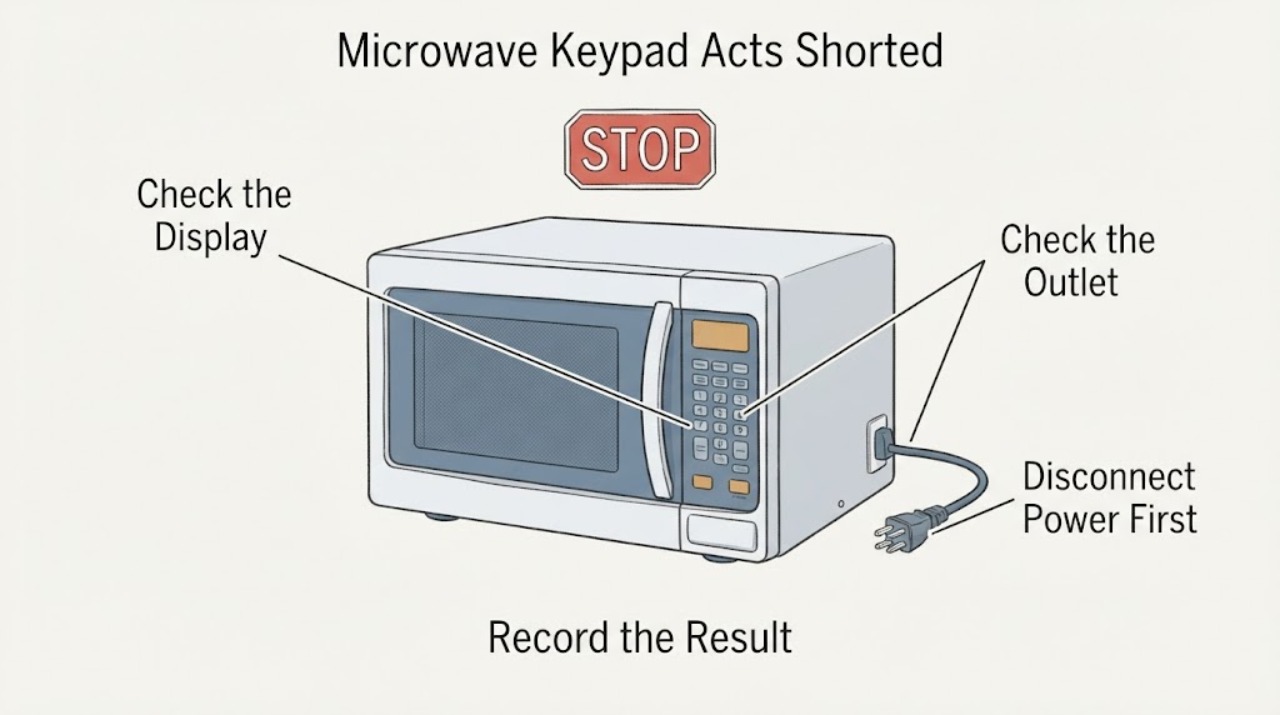
GE Microwave Keypad Acts Shorted or Erratic
“Keypad short” is a symptom description, not a confirmed GE diagnosis. If a GE microwave keypad ignores presses, repeats inputs, beeps by itself, or starts a function without the intended command, stop using it and do not open the cabinet.
-
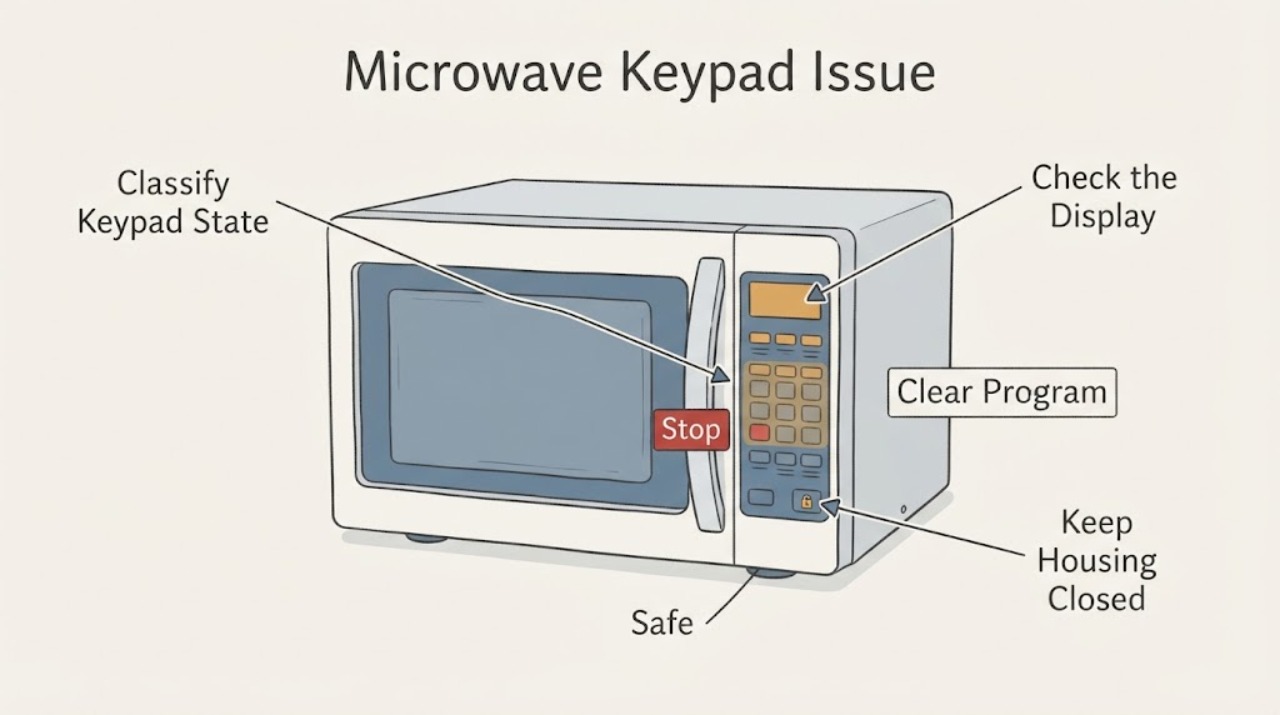
GE Microwave Keypad Issue | Safe Checks
Start with the visible state of the GE microwave. If the display is lit, check whether the control lock is shown, clear a stored or incomplete programme with the model's CLEAR/OFF or RESET control, confirm the clock and enter a complete cook time followed by START.
-
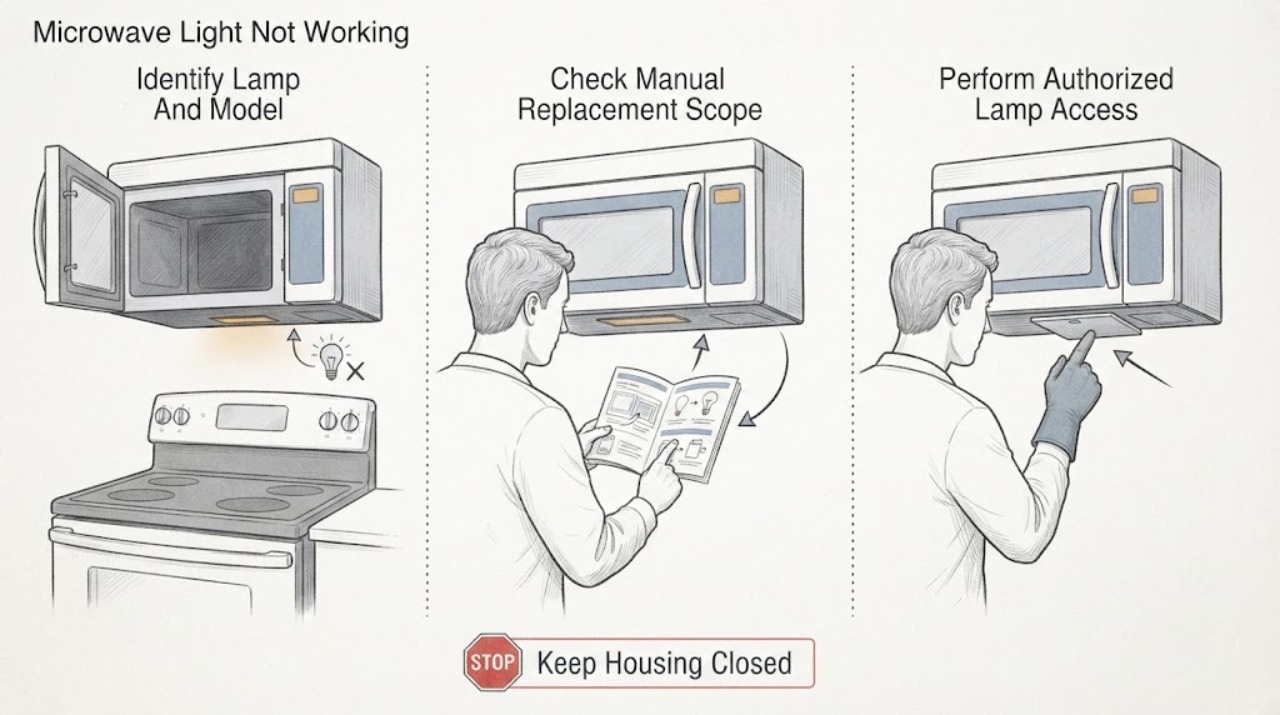
GE Microwave Light Not Working | Fix Guide
First identify whether the failed lamp is inside the microwave cavity or under an over-the-range unit, and record the exact model. GE says lamp replacement is model-specific: use the Owner's Manual, and only replace a lamp yourself when that manual provides a consumer procedure.
-
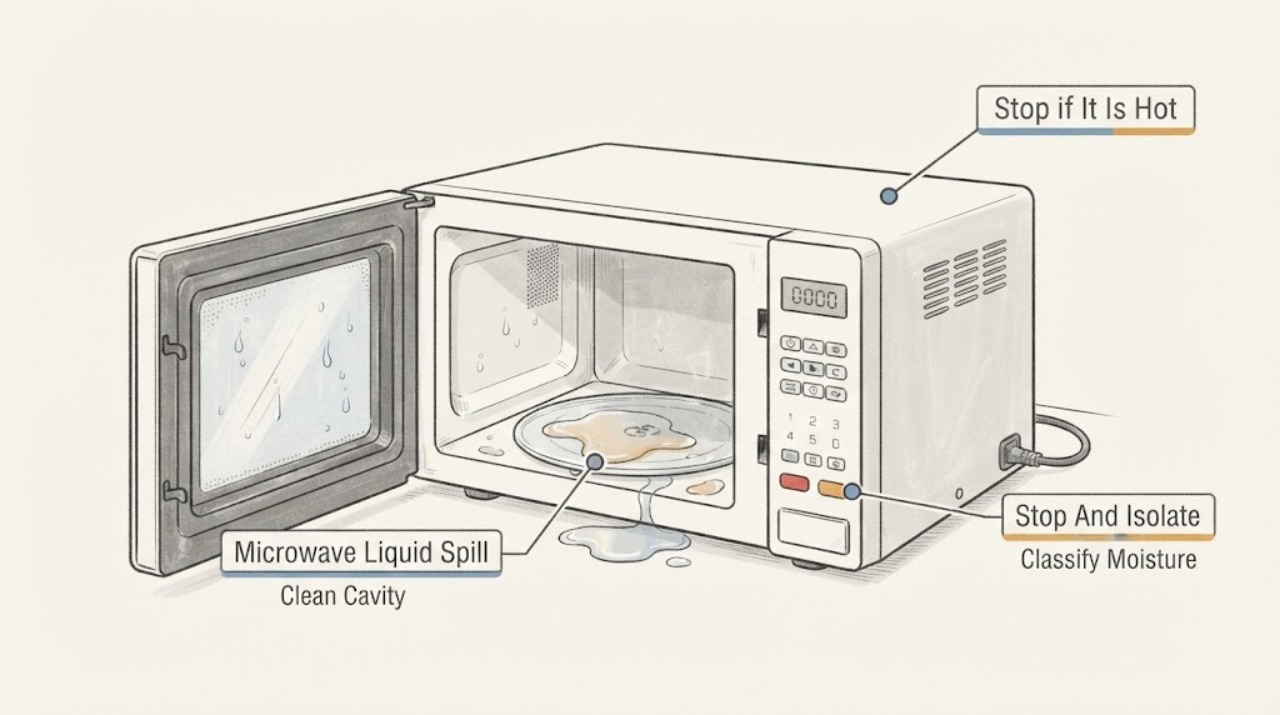
GE Microwave Liquid Spill: Dry the Safe Areas and Know When to Stop
Stop the microwave, unplug it if safe, and identify where the liquid went before touching controls or trying another cycle. GE says most cavity spills can be cleaned with a mild dishwashing liquid and a damp cloth, while the control panel should only be wiped with a soft damp cloth and dried immediately; do not spray solution directly onto the controls.
-
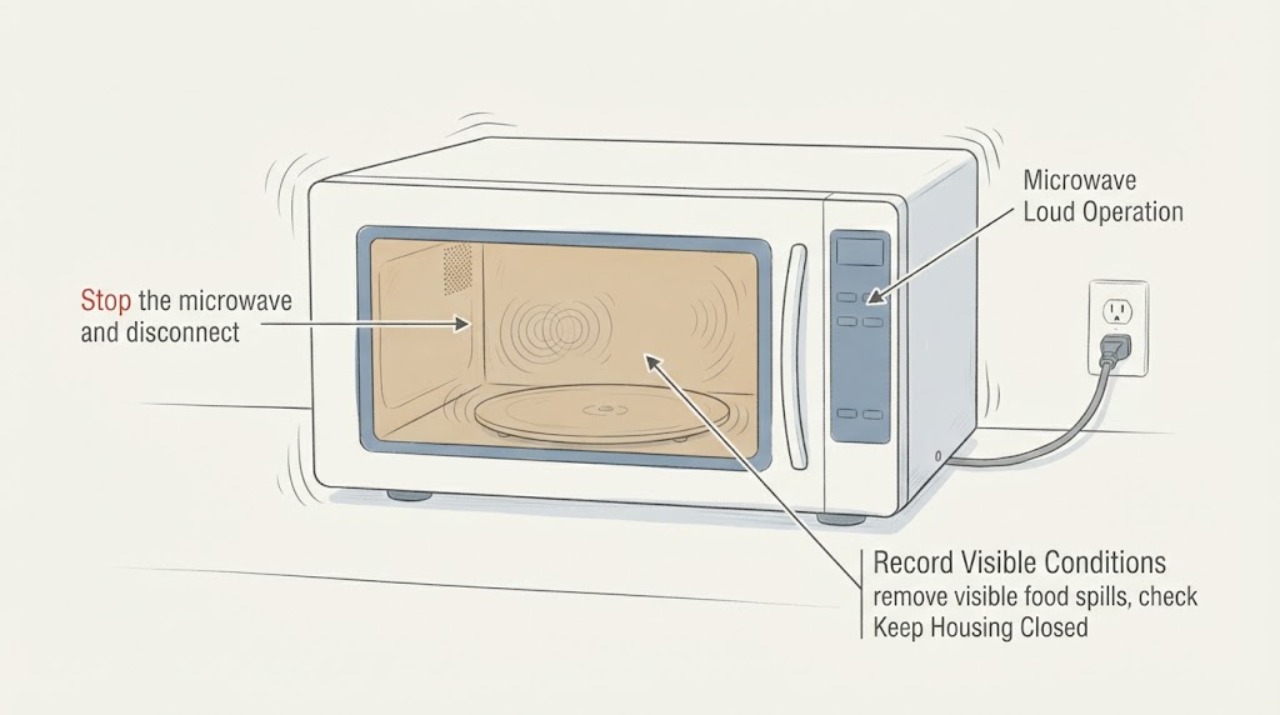
GE Microwave Loud Operation: Separate Normal Fan and Turntable Sounds from a Fault
First identify whether the sound is a normal fan-speed change, turntable movement, or food-related popping. GE says a turntable may hesitate, jerk, drag, pause, or reverse direction, and an over-the-range vent fan may become louder because of heat or duct back pressure.
-
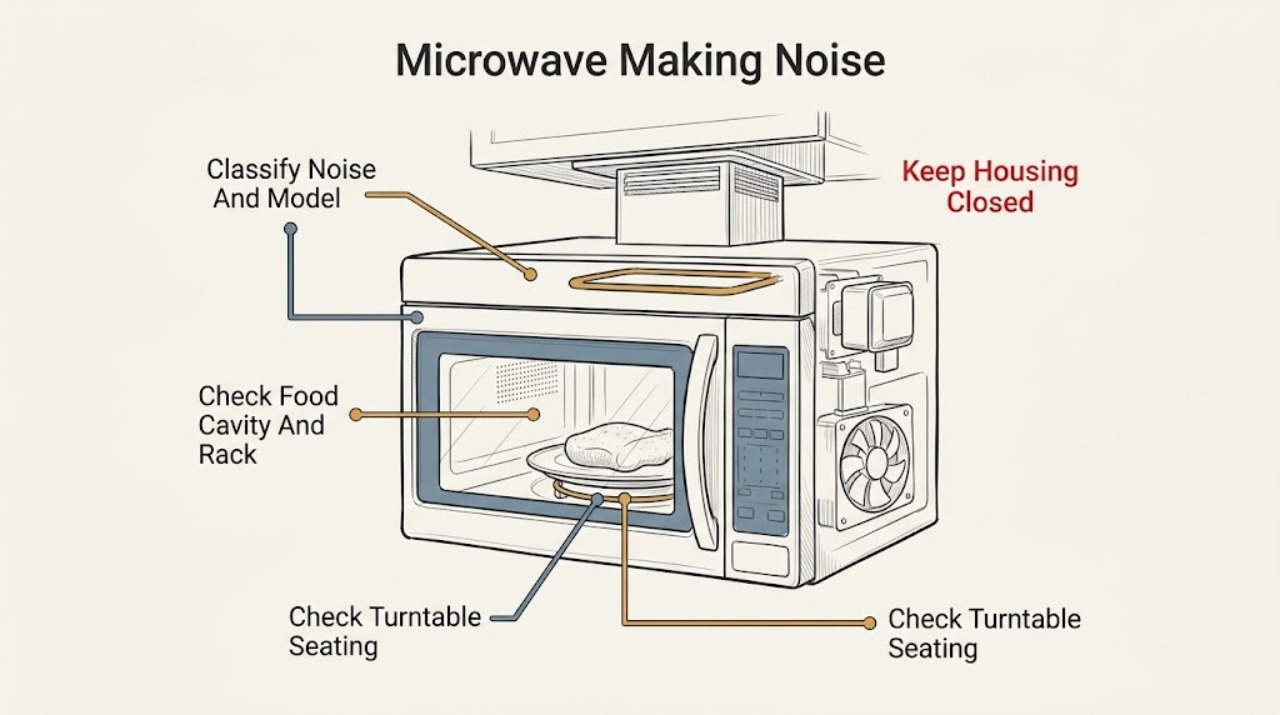
GE Microwave Making Noise: Normal Sounds and Safe Checks
A GE microwave may normally click or hum as the magnetron cycles at lower power, click when relays operate, run an internal cooling fan during cooking, or run an over-the-range vent fan automatically when the underside gets hot. A turntable may hesitate, jerk, drag, or change direction normally.
-
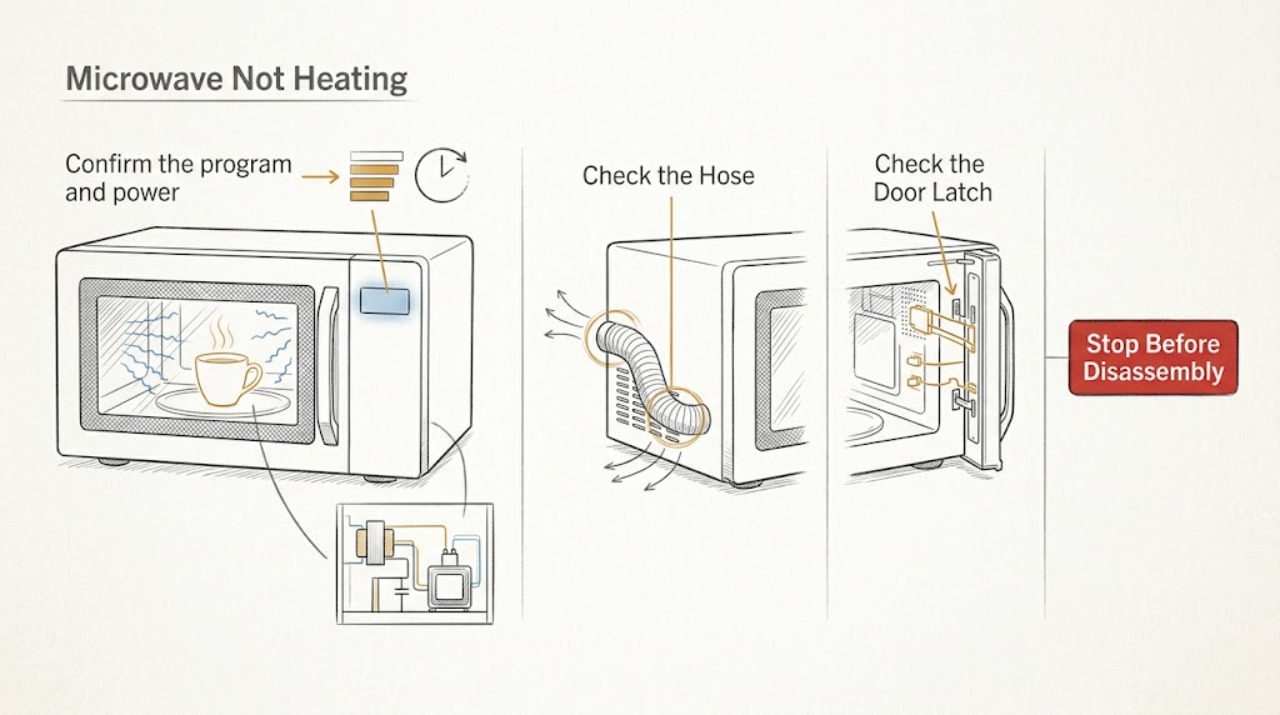
GE Microwave Not Heating
If a GE microwave runs but does not heat, first confirm that you used a cooking function rather than Timer, the door closes firmly, and the selected power level is appropriate. Test with a heat-safe glass bowl of water only if the oven is intact and the model instructions allow it; never put a thermometer inside the cavity and never run the microwave empty.
-
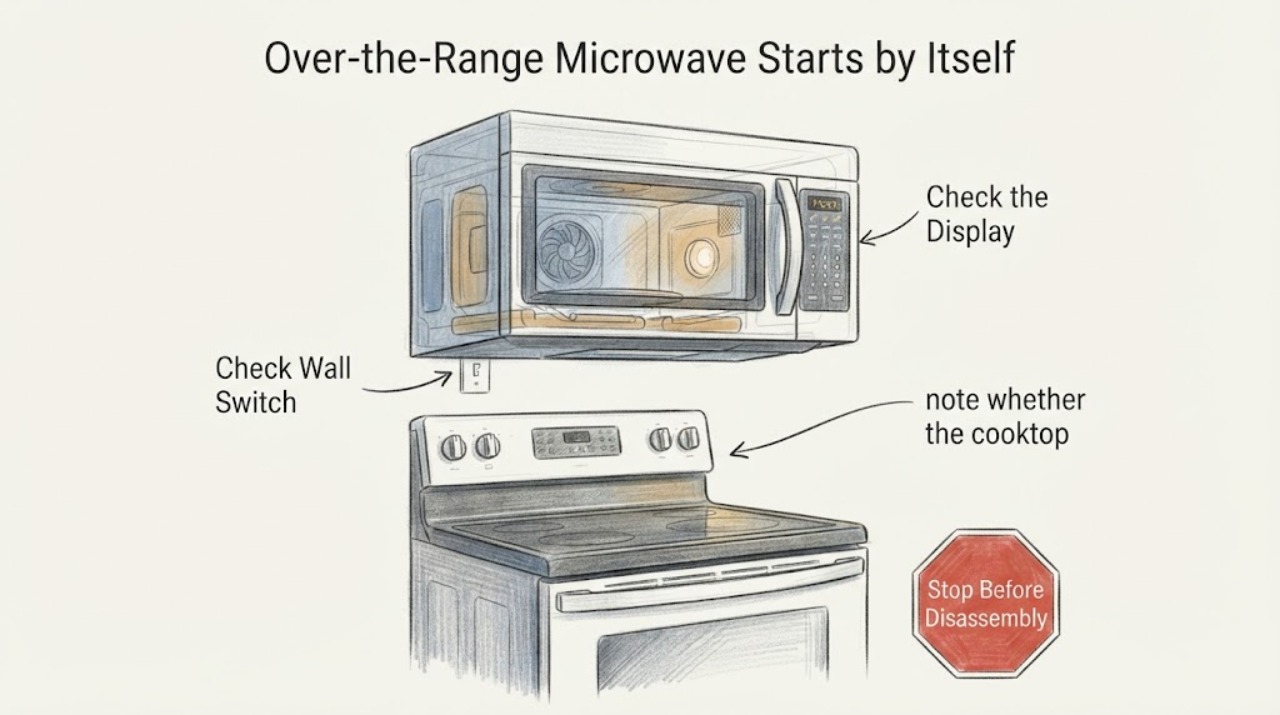
GE Over-the-Range Microwave Starts by Itself: Stop and Separate Heating From Fan Operation
A GE over-the-range microwave that actually starts heating by itself is an unsafe malfunction. Stop using it, do not run another test, and disconnect its power only if the plug or dedicated breaker can be reached without touching a hot, smoking or energized-looking appliance; otherwise leave it alone and arrange service.
-
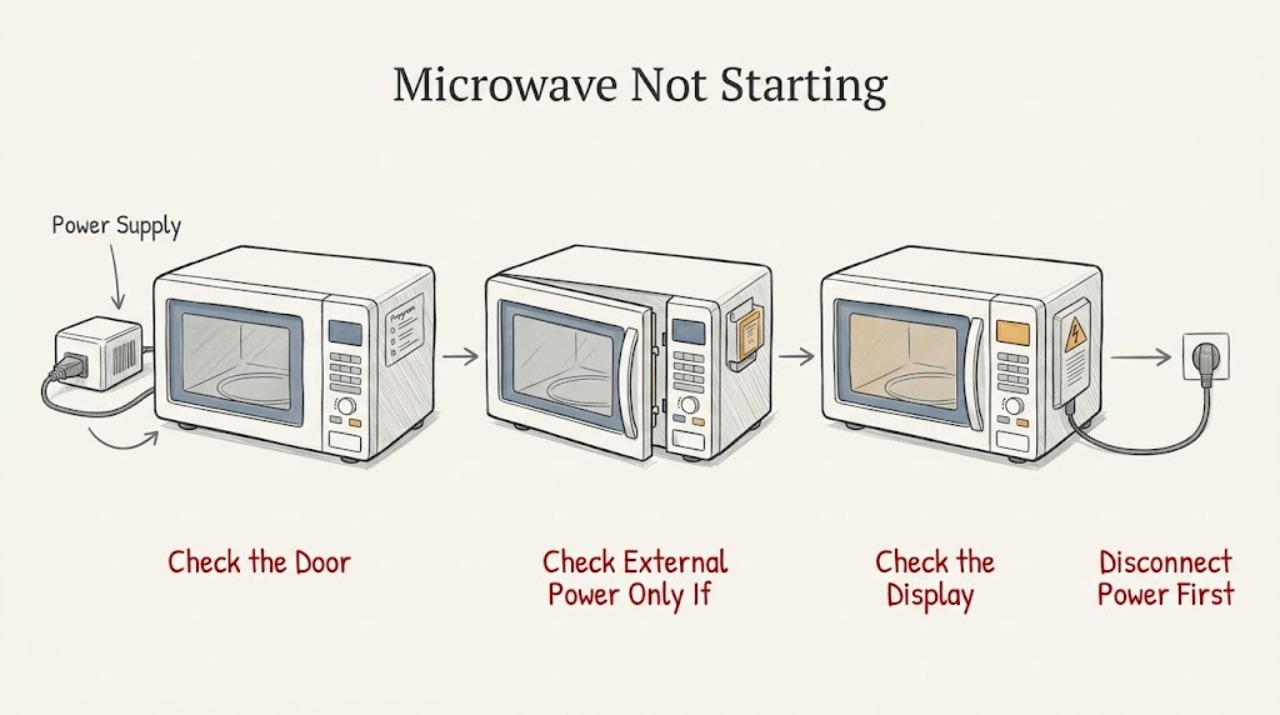
GE Microwave Not Starting: Separate Power, Controls, and Door Safety
First separate a dark appliance from a lit panel. If the display and cavity light are both off, check only the plug, receptacle, and breaker from a dry, safe position; stop for a hot or damaged cord/outlet, smoke, sparks, or repeated tripping.
-
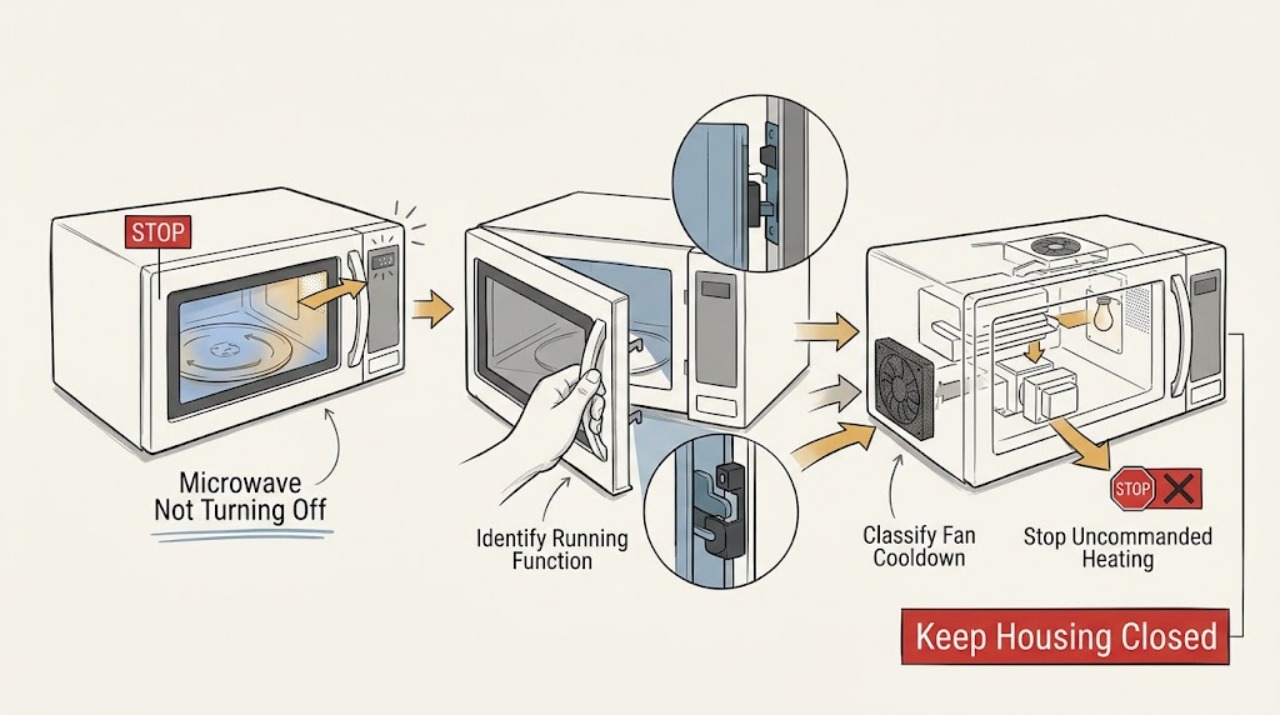
GE Microwave Not Turning Off: Tell Heating from Fan or Light Delay
First identify what is still running. If the cavity is heating, the turntable is rotating, or the microwave starts or continues a cooking cycle without an intentional command, treat it as unsafe: stop the cycle if the controls respond, disconnect power from a dry, safe position, and arrange qualified GE microwave service.
-
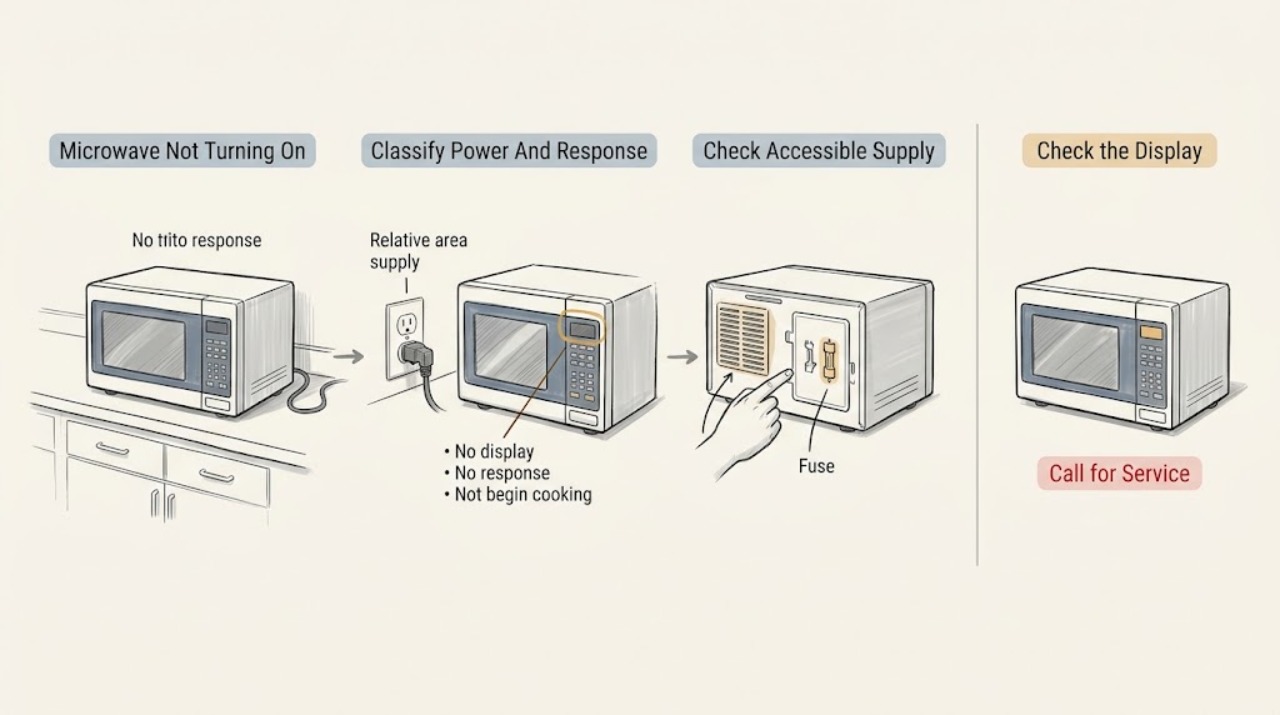
GE Microwave Not Turning On: Separate Power, Controls, Door, and Overheating
First decide whether the microwave is completely dark, has a display but ignores buttons, or responds but does not begin when Start is pressed. For a dark unit, check the dry, accessible breaker, fuse, outlet, or wall switch once; GE says a microwave that shut down can also have overheated if vents were blocked, so clear external airflow and allow about 30 minutes to cool.
-
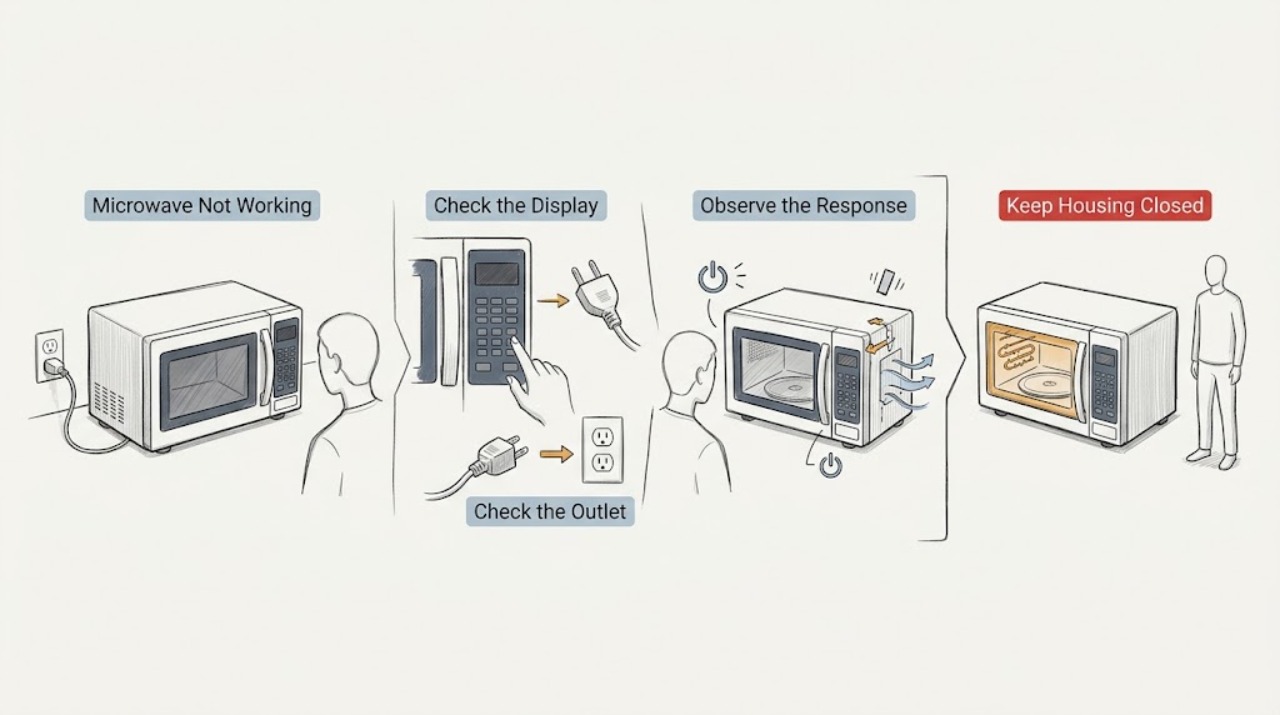
GE Microwave Not Working
When a GE microwave is not working, first separate a dead display from a lit display that will not start, a unit that shuts down, and a unit that runs without heating. Check the dedicated breaker or fuse and the outlet, then confirm the cord is fully inserted in a grounded three-prong outlet.
-
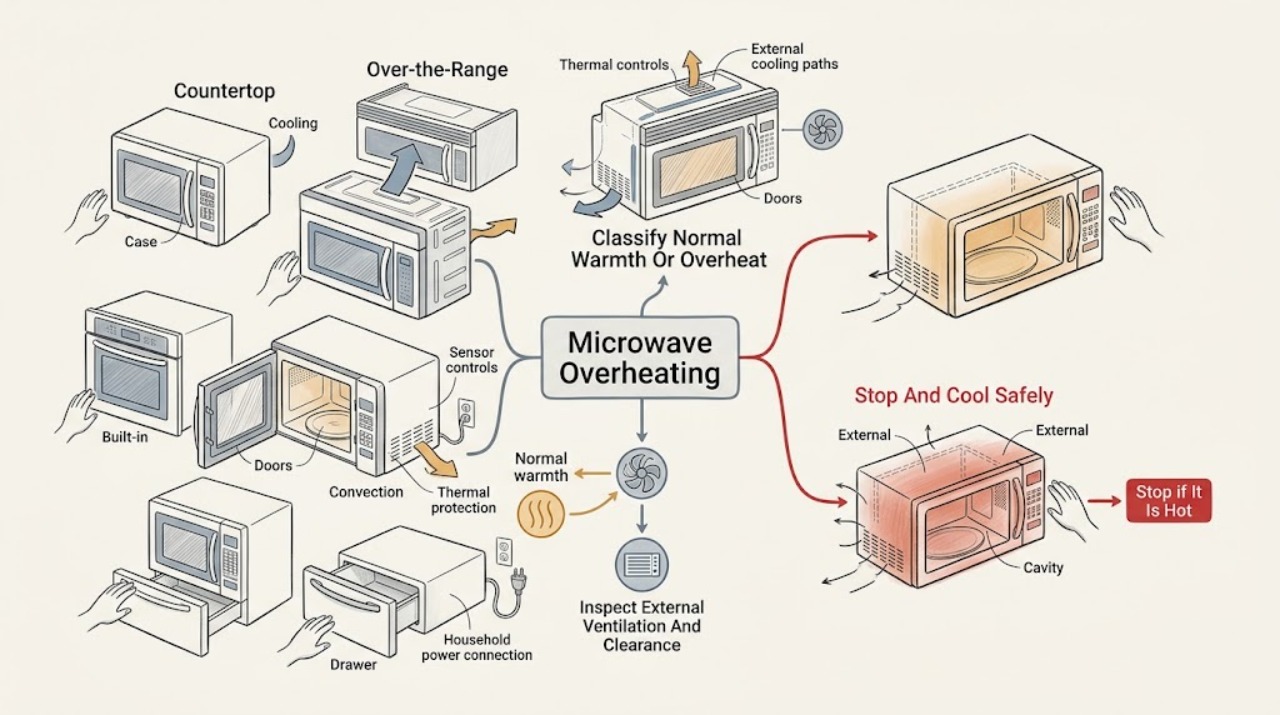
GE Microwave Overheating: Separate Normal Heat from a Fault
A warm cabinet, cavity floor, door steam, or a cooling fan after cooking can be normal on a GE microwave, especially after extended cooking, convection use, or heat from an over-the-range cooktop.
-
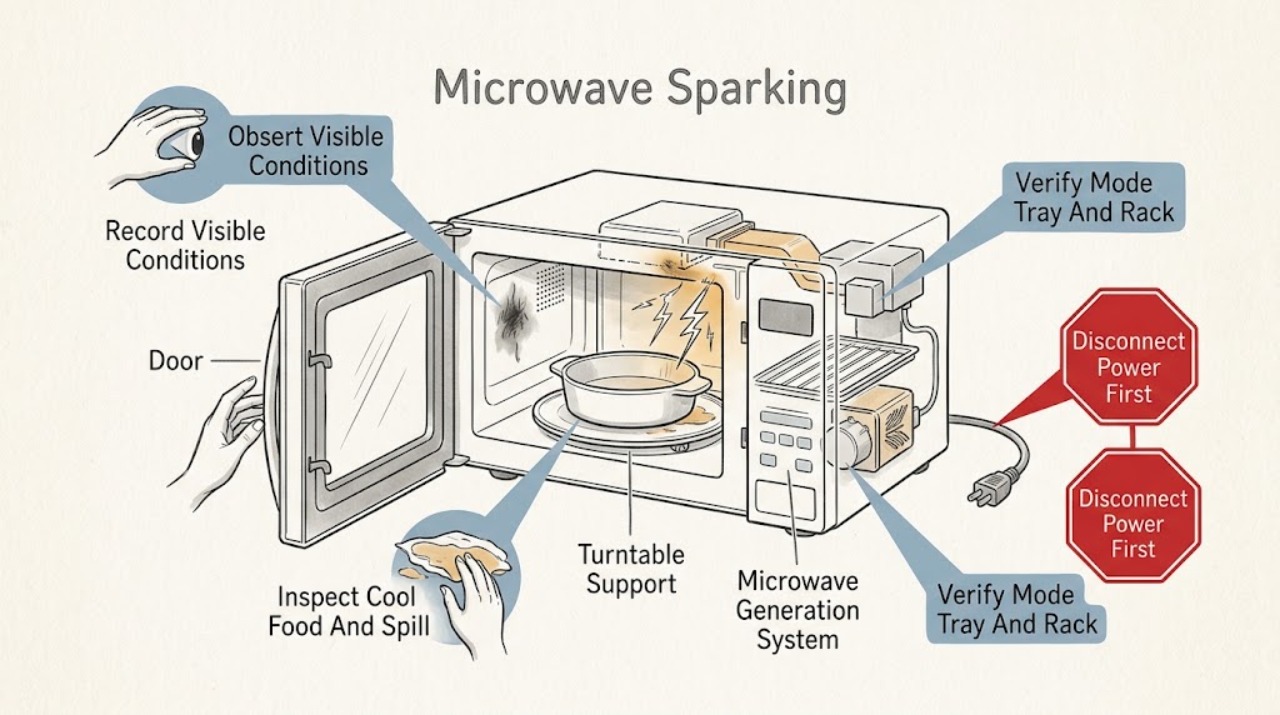
GE Microwave Sparking: Stop, Identify the Cause, and Check the Cavity
If a GE microwave sparks, stop the cycle immediately with Clear/Off or Cancel/Off if safe. Do not continue cooking to see whether it stops, and never run the microwave empty.
-
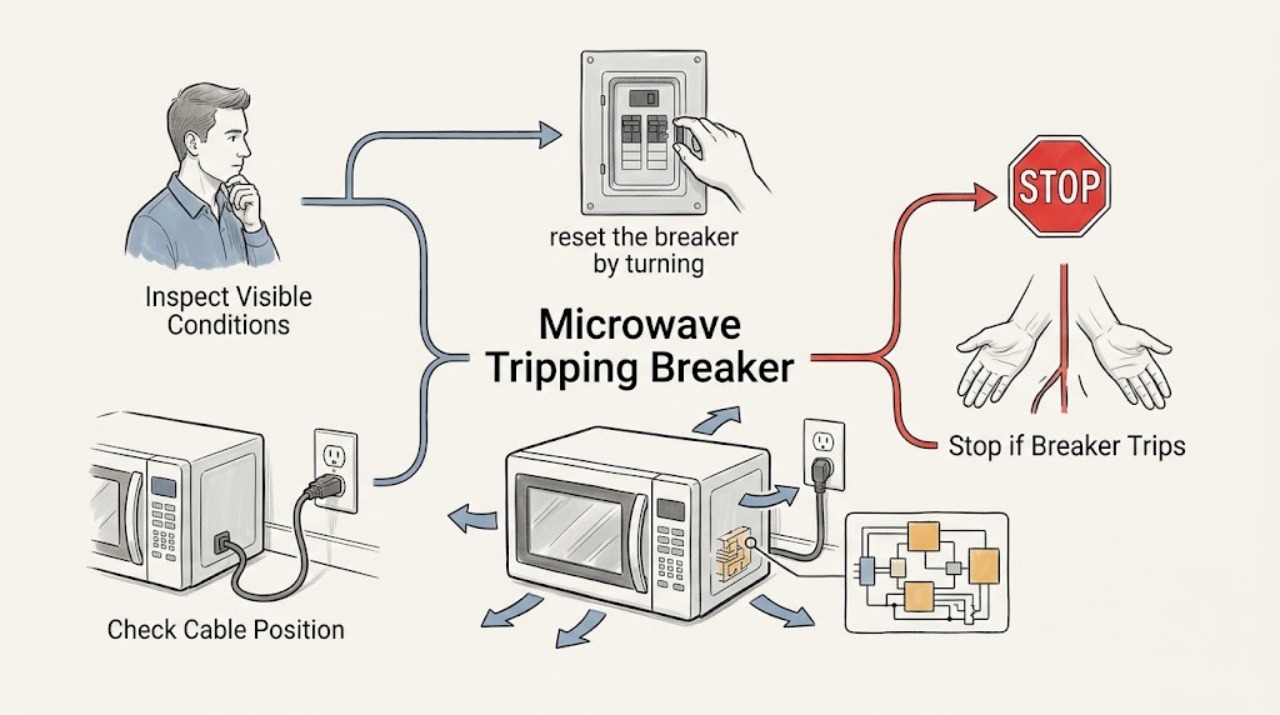
GE Microwave Tripping Breaker
If a GE microwave trips the breaker or blows a fuse, stop using it after the first repeat trip. Confirm from the model's installation instructions that it has the correct grounded, dedicated circuit; standard countertop and over-the-range GE microwaves generally require an individual 120V branch circuit, while a particular model may have different requirements.
-
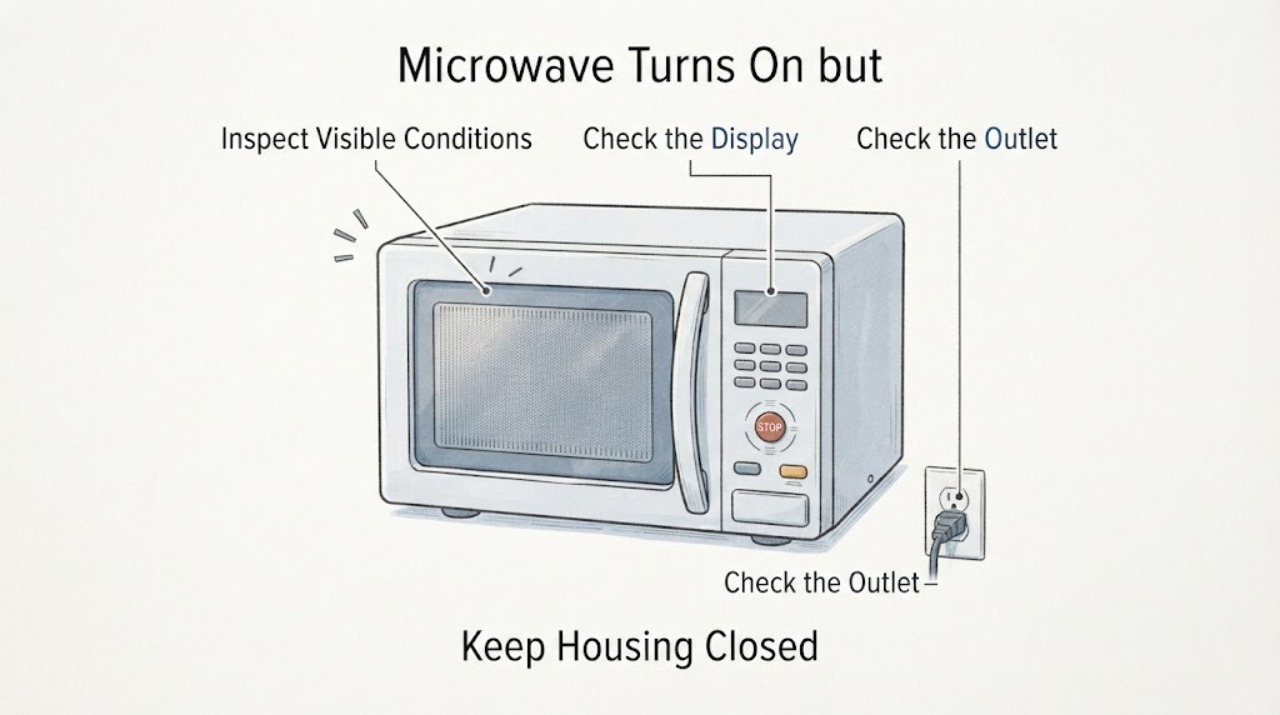
GE Microwave Turns On but the Control Panel Is Not Responding
When a GE microwave turns on but its touch panel behaves erratically, first identify whether the display is lit and changing, whether the buttons beep, and whether the problem is limited to starting a cycle. A lit display with no button response can come from an unfinished program or an enabled control lock; GE says to clear the program and, when applicable, hold CLEAR/OFF for three seconds to unlock.
-
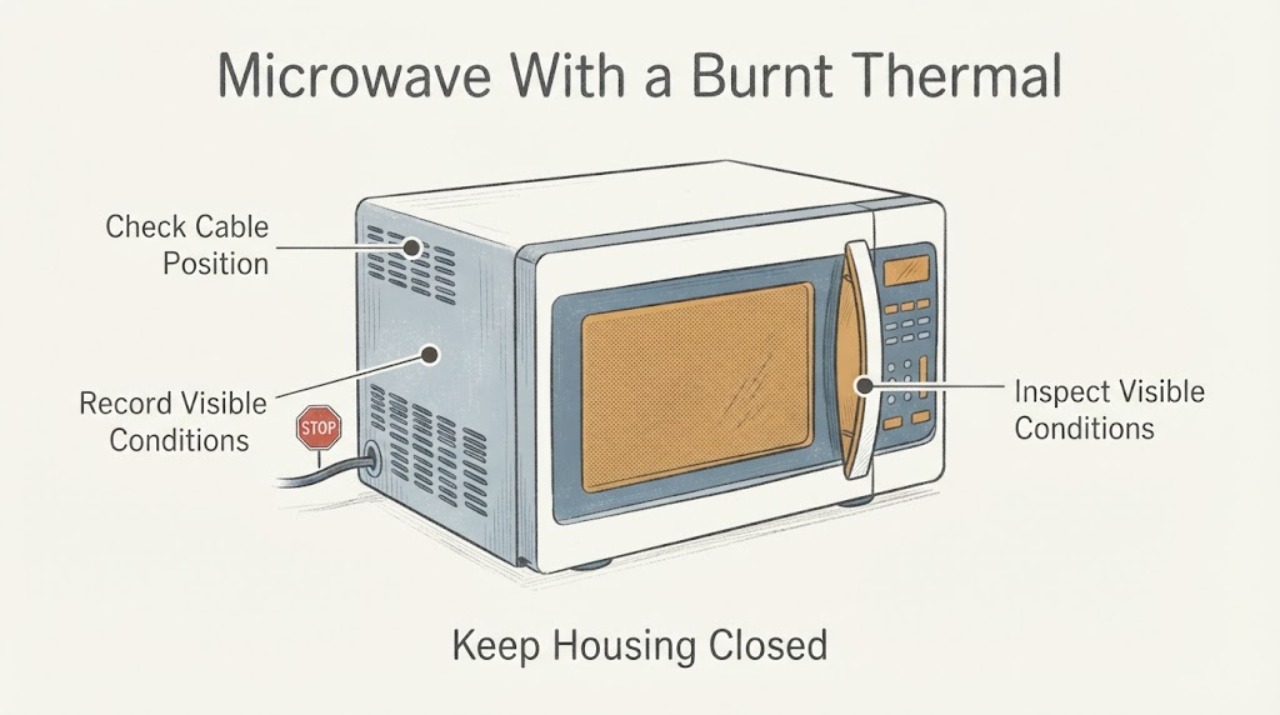
GE Microwave With a Burnt Thermal Protector: Stop Using It and Arrange Safe Service
Do not try to fix a burnt thermal protector in an unidentified GE microwave by replacing the disc, connector or wire and testing it. Stop using the oven, isolate power from a dry safe position, and keep the enclosure closed.
-
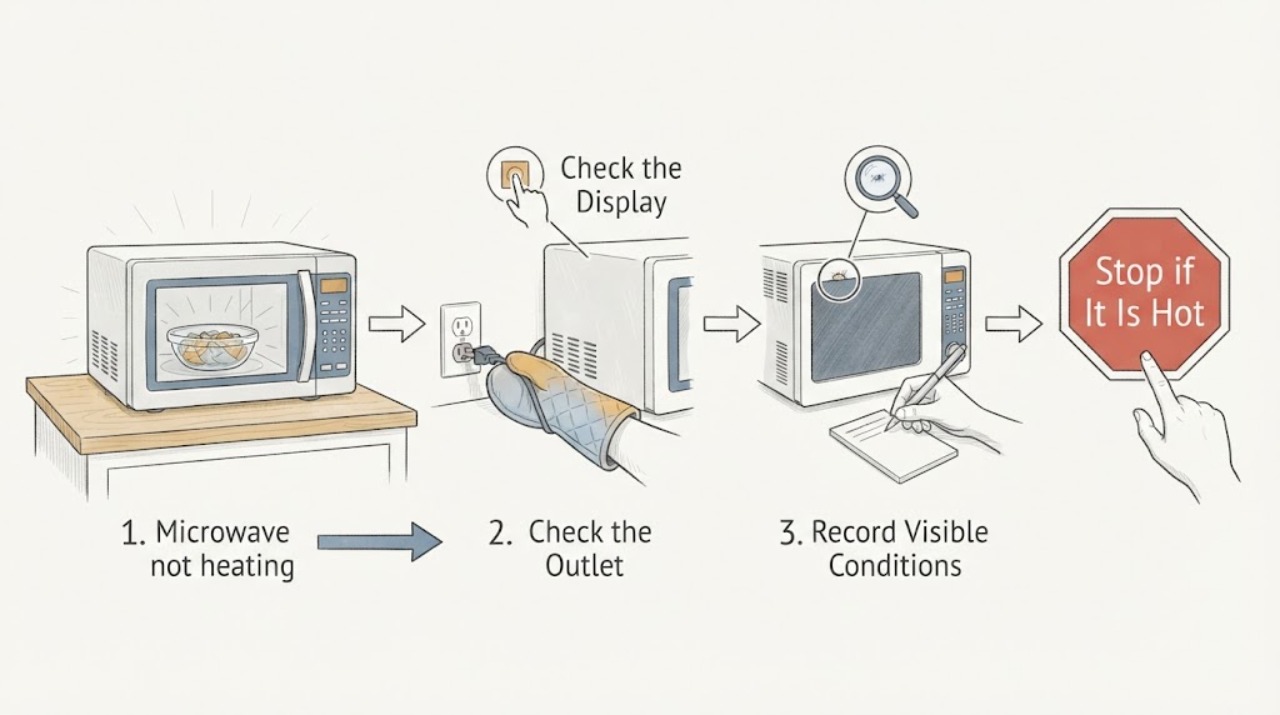
GE Profile PEB7227AN1DD not heating after a power drop: separate a supply event from an internal fault
A power drop before a GE Profile microwave stopped heating is a timeline clue, not proof that a high-voltage part failed. First preserve the exact model label and record whether the display, clock, fan, light, turntable, and countdown still work.
-
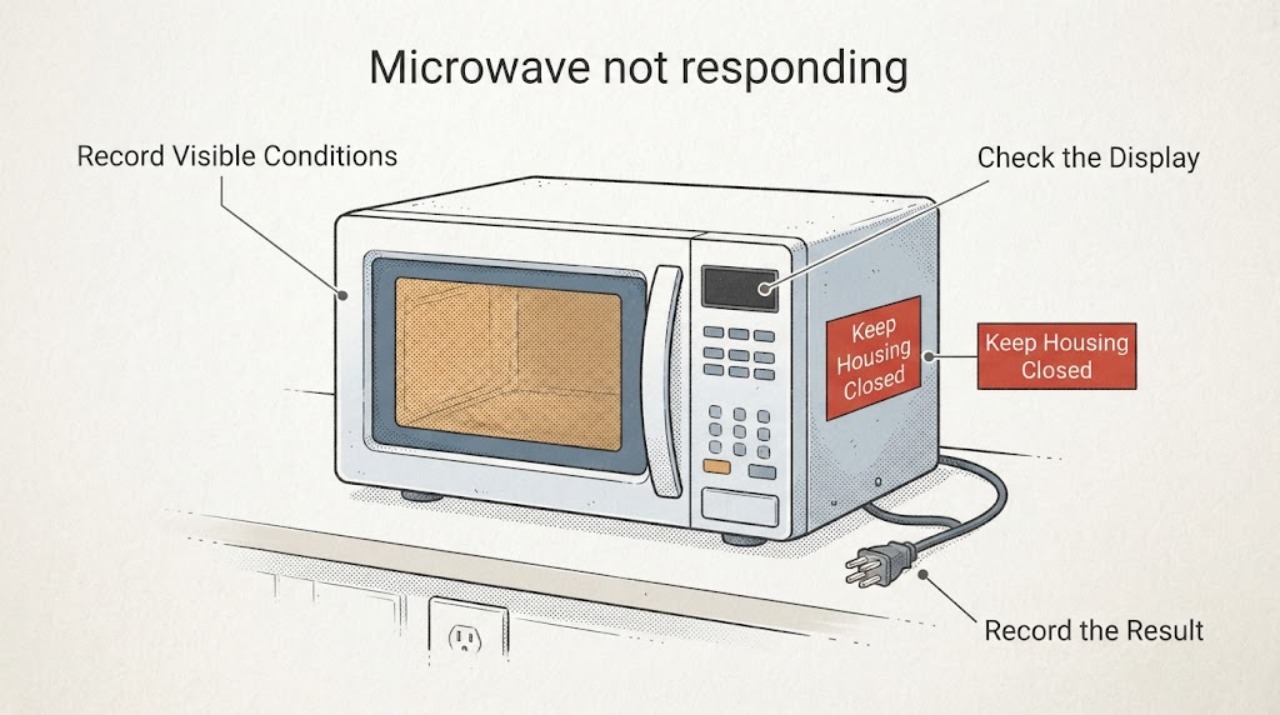
GE Profile PVM9005SJ3SS Microwave Has Keys That Stop Responding After a Power Outage
If some keys on a GE Profile PVM9005SJ3SS stop responding after a power outage while other functions still work, do not treat it as a completely dead microwave and do not guess that the control board or touchpad is bad. Record which keys work, whether the display and interior light are normal, and whether the missing keys include Stop/Clear or Start.
-
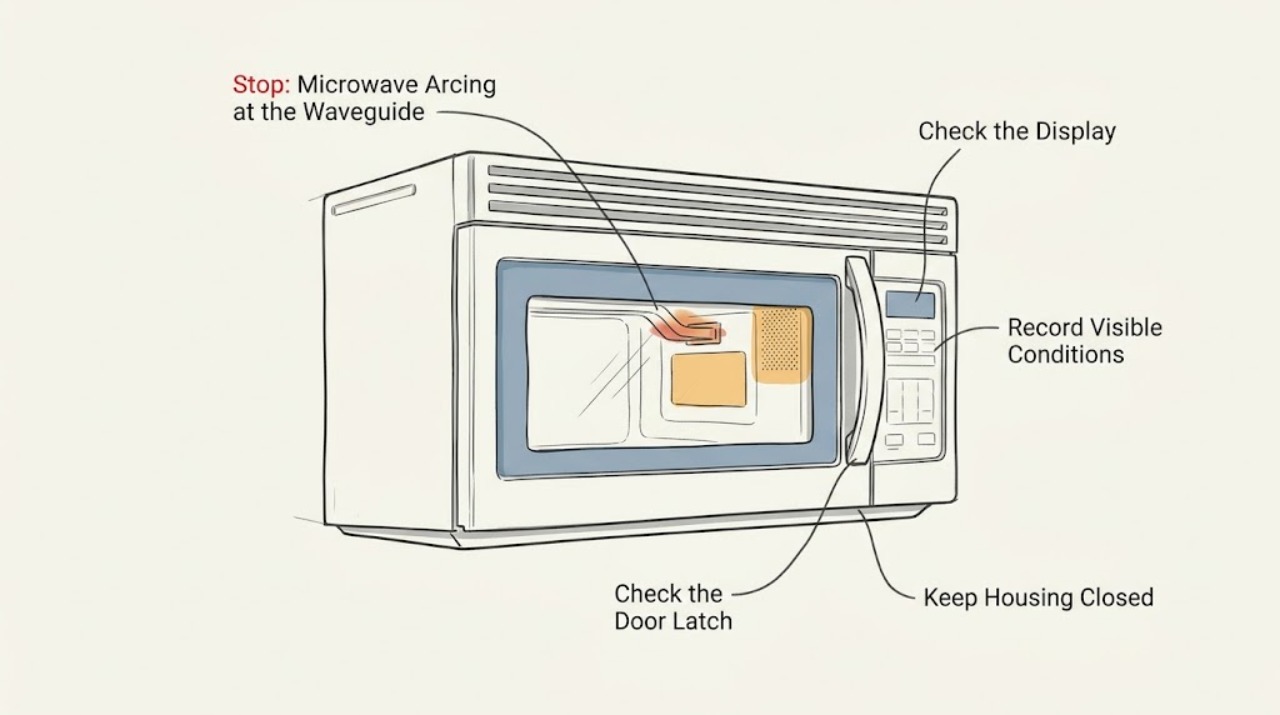
GE Spacemaker 1800XL Microwave Arcing at the Waveguide: Do Not Reconnect After a Magnetron Change
No—do not reconnect or run this GE Spacemaker 1800XL after arcing from the magnetron antenna toward the waveguide, even if the magnetron was replaced with one that appears identical. “Spacemaker 1800XL” is a family description, not a complete model number; GE's official owner centers show different JVM models under the XL1800 name and route each one to its own manual.
-
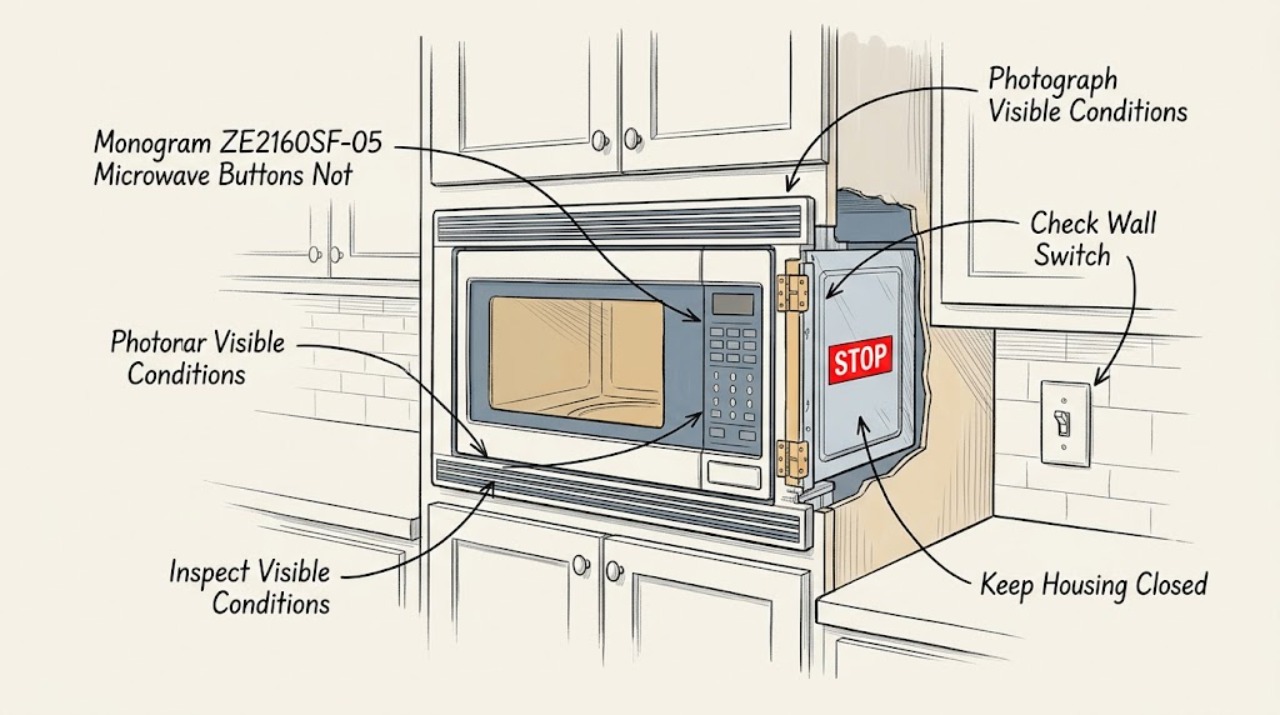
GE Monogram ZE2160SF-05 Microwave Buttons Not Responding: Safe Checks
On a GE Monogram ZE2160SF-05 installed in a cabinet, first separate a lit panel that ignores keys from a microwave that is completely dark. GE's ZE2160SF Owner Center identifies the base ZE2160SF model and points to its owner manual; the exact -05 suffix and serial should be confirmed before any part or manual decision.