
On this page
Start here
Quick answer
A constant high-pitched sound on a second-hand Hotpoint UH6F1CW1 should not be labelled a failed compressor from sound alone. Hotpoint lists compressor hum, refrigerant circulation, fan movement and some defrost sounds as normal, but a continuous new tone that changes when the door opens deserves a fan, frost, clearance and cooling check. Listen from a safe position with the door closed, note whether the tone stops when the door is opened without reaching inside, then check only the visible cabinet position, rear clearance, stability, door seal, frost and temperature. Do not approach an operating fan, remove panels, oil anything, or test live wiring. Arrange qualified Hotpoint service if the tone persists with scraping, warming, heavy frost, repeated clicking, smoke, burning smell, electrical damage or suspected refrigerant leakage.
Before you begin
Safety first
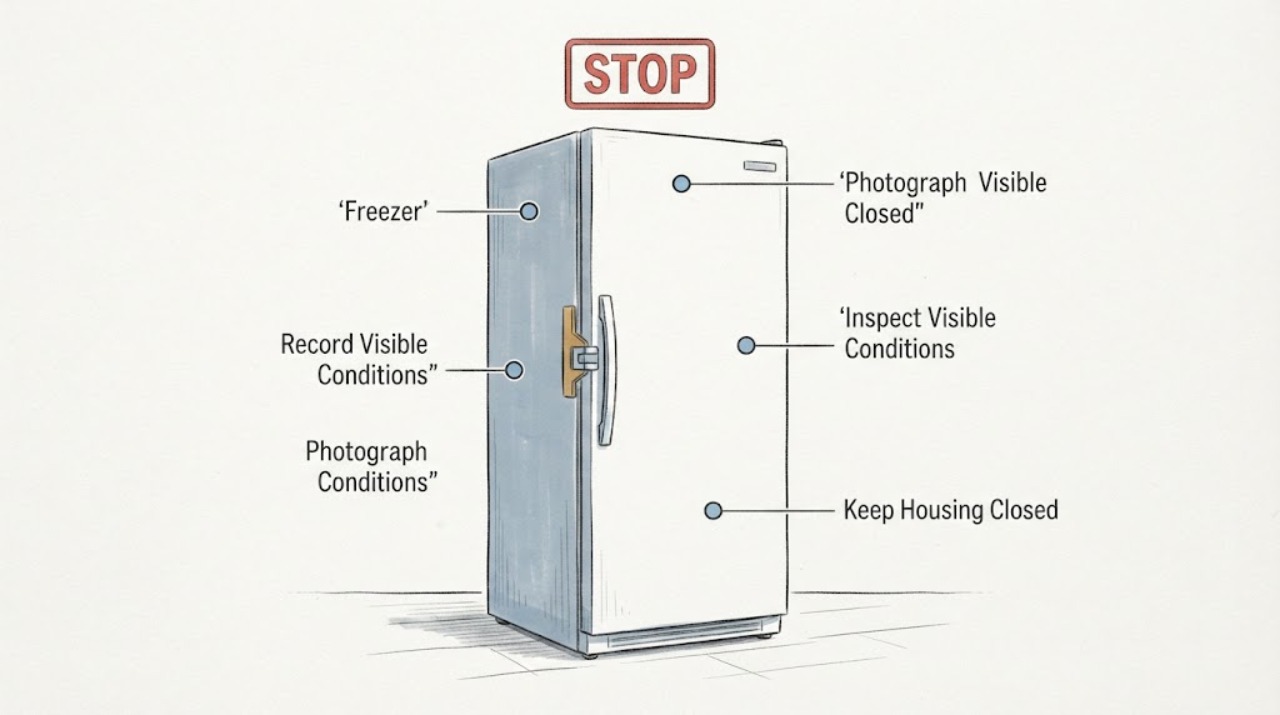
- Do not approach an operating fan, remove panels, bend pipework, oil a component, bypass a control, test live wiring, open the sealed refrigeration system or select a replacement part from sound alone. Hotpoint's model-specific instructions and qualified service are required for internal diagnosis.
Work through in order
Diagnostic checks
Use only checks that match the exact appliance or system and its official guide.
-
Check 1
From in front of the freezer, with the door closed and your hands away from openings, record whether the sound is a pure high tone, buzz, scrape, rattle, repeated click or airflow-like whine. Note whether it is continuous, starts with cooling, or stops or changes when the door is opened once normally; do not reach inside.
Expected result: The tone stops or changes with the door open, remains identical, or is accompanied by scraping, clicking, vibration, warming or an alarm.
Next step: Continue only with the safe exterior checks below if there is no hazard and the freezer remains cold. If there is scraping, warming, a repeated hard click or an alarm, keep the door closed and arrange qualified service rather than repeating listening tests.
Stop if: Do not put fingers, tools, paper or a phone near a fan or vent, remove a cover, or run the freezer with a suspected damaged part.
Why this matters
Why: A door-related change makes an internal fan or airflow path a useful branch to document, but it does not prove a fan failure. A steady hum or bubbling can be normal, while a new mechanical scrape, worsening tone or combined cooling symptom needs service assessment.
-
Check 2
Read the rating label and confirm the complete model is UH6F1CW1, including any service number or 12NC shown. Use Hotpoint's model-specific manual lookup before interpreting controls, frost-free behaviour or any service instruction; photograph the label instead of moving the appliance to reach it.
Expected result: The label confirms UH6F1CW1, or the visible model differs, is incomplete or cannot be read without pulling the freezer out.
Next step: Use only the manual matching the complete label. If identity remains uncertain or access would require moving a heavy appliance, leave it in place and ask Hotpoint or a qualified technician to identify the model and inspect the noise.
Stop if: Do not pull a tall freezer alone, remove rear panels to find the label, or use a generic fan, compressor or part procedure.
Why this matters
Why: Hotpoint's parts catalogue maps UH6F1CW1 to a specific model record and warns that model fit must be verified. A second-hand appliance may have been advertised under a shortened name, so an apparently similar freezer is not sufficient evidence.
-
Check 3
Without touching pipework, check from the front and sides that the cabinet is not pressed against a wall, skirting board, furniture or stored object. Look for a visible external contact point or vibration that changes when a loose object is removed; do not bend tubing or reach behind the cabinet.
Expected result: A cabinet edge, object or visible pipe area is contacting something, or the tone continues with clear space and no external contact visible.
Next step: Restore only the clearance specified by the exact manual and monitor once from a safe position. If the sound persists, do not move the freezer further; arrange service for an internal or unresolved vibration.
Stop if: Do not bend, clamp, tape, oil or reposition refrigeration tubing, and do not remove a rear cover.
Why this matters
Why: Hotpoint identifies pipework vibrating against a wall as a noise source. Removing an external contact can explain a vibration, but it does not explain a pure high-pitched tone that persists independently of contact.
-
Check 4
Check cabinet stability from the front with the door closed: observe whether it rocks, whether a foot appears unloaded, and whether the door sits squarely and seals without force. If a level adjustment is clearly covered by the exact manual, get another adult to hold the appliance; otherwise do not adjust it.
Expected result: The cabinet rocks or a foot is unloaded, leveling changes the vibration, or the cabinet is stable but the high tone remains unchanged.
Next step: Correct a clearly documented leveling issue only with assistance, then reassess from the same safe position. If the cabinet is stable and the tone remains continuous, move to cooling and frost checks and plan service if unresolved.
Stop if: Do not tip, lift, slide or dismantle the freezer alone, and do not keep adjusting feet to chase an internal tone.
Why this matters
Why: Hotpoint says an unstable or unlevel freezer can increase noise and affect door alignment. A stable cabinet removes one external vibration cause but does not prove a compressor or fan fault.
-
Check 5
Inspect only the visible interior: look for heavy frost, a door that is not closing, a damaged seal, or food blocking an air passage. Check the displayed setting or an external temperature reading without leaving the door open; do not chip ice, heat the cabinet or access a fan.
Expected result: There is no heavy frost and food remains fully frozen, or frost, a poor seal, softening food, a warning light or a temperature outside the model's normal target is present.
Next step: Keep the door closed and follow the exact manual for a permitted defrost or setting check. If frost returns quickly, the freezer warms, or the door cannot seal, arrange qualified service and protect food using local food-safety guidance.
Stop if: Do not use a hair dryer, heater, sharp tool or electrical device to clear frost, and do not remove interior panels.
Why this matters
Why: Hotpoint says frost-free fans and defrost movement can create sound, and its freezer guidance uses -18 °C as the safe target while noting longer running at lower temperatures. Heavy frost or warming makes the constant tone more concerning than sound alone.
-
Check 6
From a dry, safe position, inspect only the visible plug and cord for scorching, melting, looseness or heat, and note smoke, a burning odor, sparks, repeated breaker trips or signs of an impact or leak. Do not open the electrical compartment or test the compressor, fan or wiring.
Expected result: The visible connection is intact and the freezer remains cold, or any electrical, fire, impact or suspected refrigerant hazard is present.
Next step: For a hazard, stop using the freezer, disconnect power only if it is safe to do so without touching damaged parts, keep clear and obtain qualified electrical or appliance service. Do not run another confirmation test.
Stop if: Do not restore power after arcing or a hot/damaged cord, open the cabinet, or attempt sealed-system work.
Why this matters
Why: A high-pitched sound cannot be used to clear mains wiring or the sealed refrigeration system. Hotpoint requires power disconnection before repair or part replacement, and a hazard overrides all listening and adjustment checks.
Use your observations
Decision map
Find the observation that best matches what you see, then follow the next safe action.
-
PATH 01Next step
What you see
The tone changes or stops when the door is opened, the freezer is cold, and there is no frost, scrape, odor or electrical symptom.
Do this next
Document the timing and arrange model-specific service if the tone is continuous or intrusive. Do not reach into vents, remove panels or oil a fan.
Why this path and its safety boundary
Why it matters: The door-dependent change is compatible with an internal fan or airflow-related sound, but Hotpoint's public guidance does not identify a specific fan or control from this observation.
-
PATH 02Next step
What you see
The sound is a low hum, bubbling or brief crack, the cabinet is stable and clear of contact, and food remains frozen at the normal setting.
Do this next
Monitor for a change in sound or temperature using the exact manual. Escalate if the sound becomes a constant high-pitched scrape, cooling is lost or a warning appears.
Why this path and its safety boundary
Why it matters: Hotpoint lists compressor operation, gas circulation and defrost-related cracking as normal possibilities. A stable cold freezer with these patterns is less suggestive of an urgent component failure.
-
PATH 03Next step
What you see
The tone is continuous and high-pitched, does not change with external clearance or leveling, or is accompanied by fan-like scraping, heavy frost, warming or repeated clicking.
Do this next
Stop repeated test runs and arrange qualified Hotpoint service with the exact model, sound recording from a safe distance, temperature, frost and timing observations. Keep the door closed while awaiting service.
Why this path and its safety boundary
Why it matters: The remaining pattern is not explained by a simple cabinet contact or normal sound description. It may require internal fan, control or refrigeration diagnosis, but the evidence does not justify naming one part.
-
PATH 04Next step
What you see
The cabinet is unstable, the door does not seal, the freezer has been moved, or the noise appeared after transport or a room change.
Do this next
Correct only a clearly documented external clearance or leveling issue with assistance. If the unit would need sliding, tipping, rear access or a hidden adjustment, use qualified service.
Why this path and its safety boundary
Why it matters: Position, leveling or transport history can create vibration or change airflow, but second-hand status does not prove that the noise is only cosmetic.
-
PATH 05Next step
What you see
There is smoke, a burning smell, sparking, a hot or damaged cord, repeated breaker operation, or a suspected refrigerant leak.
Do this next
Stop immediately, disconnect only if safe, ventilate a suspected leak without switching the appliance on, keep away from damaged parts and obtain qualified electrical or appliance service.
Why this path and its safety boundary
Why it matters: This is an electrical, fire or sealed-system safety issue, not a noise-identification exercise.
Helpful context
Understand the symptom
The useful clue in this UH6F1CW1 report is not simply that the sound is loud; it is that it is a nonstop, high-pitched tone and may change when the door opens. That change is a fan-related clue because Hotpoint says frost-free appliances use internal and external fans, but it does not identify a fan, motor or control as failed. Keep your observation external and avoid placing hands or tools near any moving part.
Because the freezer is second-hand, record whether it was recently transported, re-levelled, moved against a wall, or repaired before the noise began. Hotpoint's model catalogue confirms UH6F1CW1, while its manuals service page says model-specific literature is found by entering the model or 12NC. Do not transfer a noise or parts procedure from a similar-looking Hotpoint freezer.
A freezer that is still cold may have normal operating sounds, but a new constant tone combined with warming, heavy frost, repeated clicks, smoke or electrical damage is a service problem. Hotpoint's public guidance does not support opening the cabinet, lubricating a fan, testing live wiring or selecting a replacement part from the sound alone.
When checks do not resolve it
Need a professional?
Book service for a persistent high-pitched tone, door-dependent fan clue, scraping or repeated clicking, warming, heavy frost, failed sealing, or any unresolved sound after safe exterior checks. Use qualified electrical help for cord, outlet, arcing or breaker concerns.
Safety scope: Do not approach an operating fan, remove panels, bend pipework, oil a component, bypass a control, test live wiring, open the sealed refrigeration system or select a replacement part from sound alone. Hotpoint's model-specific instructions and qualified service are required for internal diagnosis.
Have this ready
- Provide the complete UH6F1CW1 model and 12NC if shown, second-hand and transport history, when the noise began, whether it changes with the door, a safe-distance recording, temperature/frost observations, external contact and stability checks, and any warning or hazard signs.
Common questions
FAQ
If the high-pitched noise stops when I open the freezer door, is the fan broken?
Not necessarily. The change is a useful fan or airflow clue because Hotpoint says frost-free freezers use internal and external fans, but it does not identify a failed fan or control. Do not reach inside; document the pattern and arrange service if the tone is continuous or accompanied by scraping or warming.
Could a compressor make a high-pitched sound even if the freezer is cold?
A compressor can produce normal hum or buzz, and Hotpoint also lists gas circulation and defrost sounds. A pure constant high tone is not enough to distinguish the compressor from airflow, vibration or another internal cause, so use the cooling and external-contact checks rather than guessing a part.
Should I oil the fan or remove the back panel on my used Hotpoint freezer?
No. Do not approach a moving fan, remove panels, oil parts or test live wiring. Check only visible clearance, stability, frost, sealing and temperature, then use qualified service for an internal diagnosis.
Does the UH6F1CW1 model matter when diagnosing noise?
Yes. Hotpoint's own parts catalogue identifies UH6F1CW1 as a specific model and asks owners to verify model fit. Use the complete rating-label model and the matching manual; do not borrow a procedure from a similar Hotpoint freezer.
Read the exact guide
Official sources
- Freezer TroubleshootingHotpoint UK Appliances Limited · Opened Hotpoint's official freezer troubleshooting page for normal sound categories, frost-free fan behaviour, pipework contact, stability, cooling and safety boundaries; exact component diagnosis remains model-specific.
- Spare parts for Hotpoint: Model UH6F1CW1 - 769991621991Hotpoint UK Appliances Limited · Opened Hotpoint's exact model page to verify UH6F1CW1 and its associated service number; the page itself warns users to verify model fit and does not establish a noise cause or replacement part.
- Hotpoint Appliances Safety NoticesHotpoint UK Appliances Limited · Opened Hotpoint safety-notice guidance for the stop-use and model-checking boundary; it does not claim that UH6F1CW1 is affected by a specific notice.
- Hotpoint Appliance ManualsHotpoint UK Appliances Limited · Opened Hotpoint's manual lookup page to support the model-identity boundary; it instructs users to enter the first five model digits or 12NC and does not supply a generic noise repair sequence.
Community feedback
Share a repair observation
Share a plain-text repair observation. Accepted observations are published automatically; this page may take a moment to update.