
On this page
Start here
Quick answer
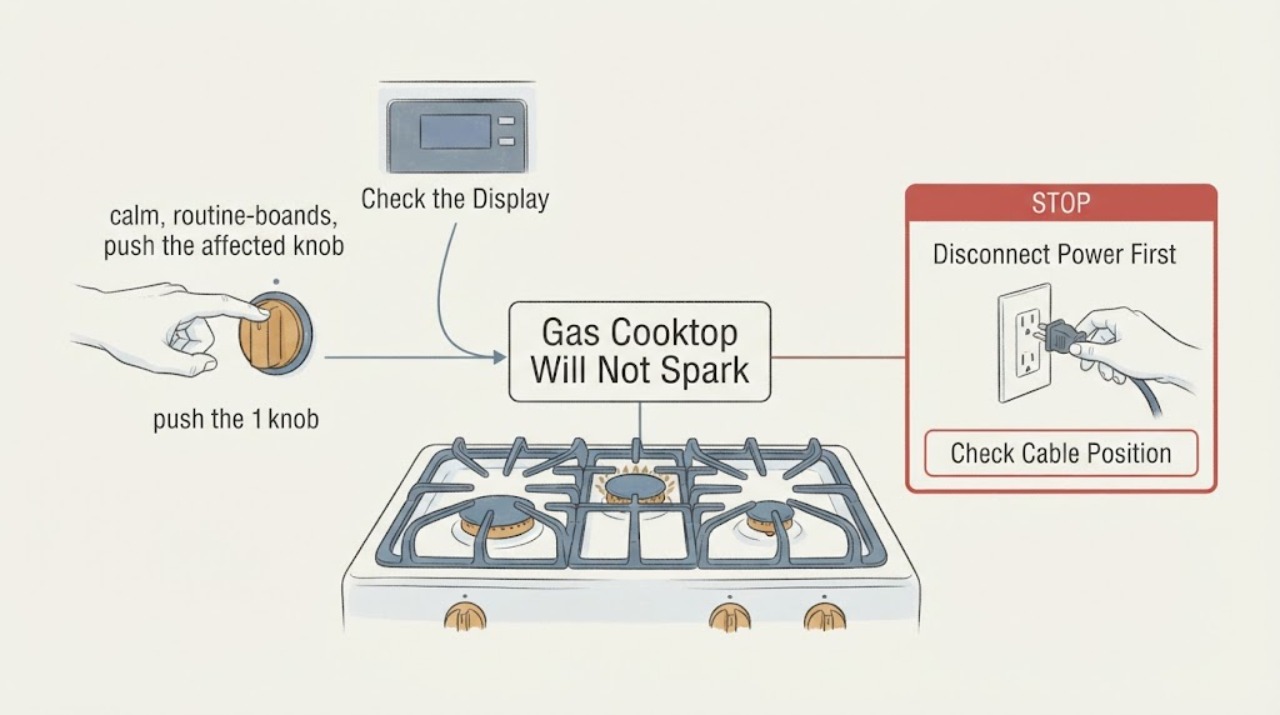
On a KitchenAid electronic-ignition gas cooktop, push the burner knob in and turn it counterclockwise to IGNITE first; wait for the flame, then turn it between HI and LO. The spark is tied to the IGNITE-to-HI range, so starting or checking only at the highest cooking setting can make the control sequence look wrong. If the knob is operated correctly but one burner still will not spark or light, turn all controls off, let the cooktop cool, and check the burner cap, ports and igniter for spillover or misalignment. If gas is smelled when no burner is intentionally lit, do not try to light anything or touch electrical switches: leave the area and contact the gas supplier or emergency services from a safe location.
Work through in order
Diagnostic checks
Use only checks that match the exact appliance or system and its official guide.
-
Check 1
With the burner area clear, push the affected knob in and turn it counterclockwise to IGNITE. Wait for a flame, then move the knob toward HI or LO. Do not begin by forcing the knob to the highest cooking mark, and do not leave gas flowing while watching for a spark.
Expected result: The burner clicks/sparks and lights at IGNITE, it clicks/sparks but does not light, or there is no click/spark from the affected control.
Next step: If it lights after the correct sequence, use the desired HI-to-LO setting normally. If it clicks without flame, turn the knob off and continue only after the cooktop is safe and cool. If it never clicks, compare the other burners without repeating unsafe gas tests, then arrange service if the problem is isolated.
Why this matters
Why: KitchenAid's sequence uses IGNITE to start the electronic igniter; HI is a subsequent cooking range. A click without flame points toward gas flow, cap/port, or alignment checks, while no click may indicate power or ignition-system trouble.
-
Check 2
Turn all controls off and let the cooktop cool. Remove and inspect the affected burner cap and base only as the owner's manual allows. Check that the correct cap is on the correct base, the cap sits flush with little side-to-side movement, and the ports or igniter are not covered by spillover.
Expected result: The cap is wet, dirty, tilted, on the wrong base, or visibly clear and correctly seated.
Next step: For a cool, removable assembly, clean and dry it with the approved nonabrasive method, then reseat the matching cap. Do not operate with the cap removed, wet, wobbling, or mismatched. If the assembly is already correct, continue to the port/igniter and service decision.
Why this matters
Why: KitchenAid says a cap must be correctly seated and clean for the burner to light properly; spillover can clog ports and interfere with ignition.
-
Check 3
With controls off and the cooktop cool, clean visible clogged burner ports only by the exact KitchenAid method: a straight pin, needle, or small-gauge wire without enlarging or distorting the opening; gently wipe the igniter with a damp cloth. Do not use a wooden toothpick, dishwasher, oven cleaner, bleach, or rust remover.
Expected result: A port is visibly blocked or the igniter is dirty, or the openings and igniter are clean but the burner still does not spark/light.
Next step: Dry and reinstall the components, then perform only the normal IGNITE sequence once the area is safe. If the burner still fails, stop repeated ignition attempts and schedule KitchenAid or qualified gas-appliance service; do not open the cooktop or adjust the gas system.
Why this matters
Why: A localized blockage or spillover can prevent normal gas flow or ignition, but a clean burner with no spark does not identify a failed module, switch, wire, or valve from external observation.
-
Check 4
Separate a no-spark/no-flame symptom from a gas-odor emergency. If gas is smelled when no burner is intentionally lit, do not turn knobs to test, strike a match, operate a switch, or use a phone in the building. If the concern is only that the flame is low, yellow, noisy, or sooting, stop cooking and leave gas-pressure or LP/Natural-gas conversion checks to the installation instructions and a qualified technician.
Expected result: There is an unaccounted gas odor, a yellow/noisy/sooting flame, or only a localized ignition failure with no odor.
Next step: For gas odor, leave immediately and call the gas supplier or fire department from a safe location. For abnormal flame or repeated localized failure, keep the appliance out of service and arrange qualified service; do not adjust valves, regulators, or ignition wiring.
Why this matters
Why: An unaccounted gas odor can indicate a leak and is not a burner-cleaning problem. Abnormal flame appearance can involve supply or conversion conditions beyond user-level cap cleaning.
Use your observations
Decision map
Find the observation that best matches what you see, then follow the next safe action.
-
PATH 01Next step
What you see
Gas is smelled when no burner is intentionally lit, or the odor remains after confirming the knobs are off.
Do this next
Do not light any appliance, touch an electrical switch, or use a phone inside. Leave the area and call the gas supplier or fire department from a neighbor's phone or another safe location.
Why this path and its safety boundary
Why it matters: This may be a gas-leak emergency rather than a failed spark sequence.
-
PATH 02Next step
What you see
The knob was being turned to HI without first being pushed in and turned to IGNITE.
Do this next
With no gas odor and the area safe, use the normal push-in-to-IGNITE sequence once, then set the flame between HI and LO after it lights.
Why this path and its safety boundary
Why it matters: The starting sequence was incomplete; HI is a cooking setting after ignition, not a substitute for the IGNITE position.
-
PATH 03Next step
What you see
The burner clicks but does not light, and its cap is wet, dirty, tilted, or mismatched.
Do this next
Turn the control off, let the cooktop cool, clean and dry the approved removable parts, and reseat the matching cap. Stop if it still fails after one safe retest.
Why this path and its safety boundary
Why it matters: KitchenAid identifies cap condition and alignment, along with clogged ports, as user-level ignition factors.
-
PATH 04Next step
What you see
The cap and ports are clean and correctly seated, but the affected burner still produces no spark or repeatedly fails while another burner works.
Do this next
Stop repeated ignition attempts and arrange KitchenAid or qualified gas-appliance service. Do not remove the cooktop, adjust gas pressure, bypass an igniter, or probe wiring.
Why this path and its safety boundary
Why it matters: A localized ignition-system fault is possible, but the official user guidance does not establish which internal component failed.
Helpful context
Understand the symptom
HI is the cooking range, not the first ignition position
KitchenAid's electronic-ignition guidance separates the starting position from the cooking setting: push in the knob, turn it to IGNITE, wait for flame, then move it between HI and LO. It says sparking continues from IGNITE toward HI. This page is limited to that user-level sequence and external burner checks because the task does not include a full cooktop model number.
Clean and reseat only after the cooktop is cool
KitchenAid identifies a dirty cap, clogged port, dirty igniter, or cap/base misalignment as user-level causes of poor ignition. Cleaning is conditional on all controls being off and the cooktop being cool. Do not adjust gas pressure, remove the gas valve, open the control panel, or work on the ignition wiring as a home troubleshooting step.
Common questions
FAQ
Should the burner spark only at HI?
KitchenAid says to push the knob in and turn it to IGNITE first. Sparking continues between IGNITE and HI; after the flame appears, turn the knob to the desired setting between HI and LO.
Why does one burner click but not light?
Turn the knob off and, once the cooktop is cool, check for a wet or dirty cap, a mismatched or tilted cap, clogged ports, or a dirty igniter. These checks do not prove an internal valve or ignition-module failure.
Can I clean the burner while it is warm?
No. KitchenAid says all controls must be off and the cooktop cool before cleaning. Do not use bleach, rust remover, oven cleaner, a wooden toothpick, or a dishwasher for the burner parts.
What should I do if I smell gas?
Do not try to light an appliance, touch an electrical switch, or use a phone in the building. Leave and call the gas supplier or fire department from a safe location.
Read the exact guide
Official sources
- Burner Not Lighting - Gas CooktopKitchenAid Product Help · Opened KitchenAid's official fault-tree page. It supports clogged-port, cap seating, correct cap/base and clean-cap checks, then directs unresolved failures to service.
- How to Position the Burner Head and CapKitchenAid Product Help · Opened KitchenAid's official positioning page. It supports matching the cap to the base, flush seating, minimal movement and dry reinstallation; it does not establish a model-specific part fit.
- User Guide - Gas CooktopKitchenAid · Opened the official KitchenAid gas-cooktop user guide. The guide covers several named model families; it is used only for shared electronic-ignition, cool-cleaning, cap/port alignment and service boundaries, not as proof of an unspecified model's exact layout.
- Odors or Smells - Product HelpKitchenAid Product Help · Opened KitchenAid's official gas-odor page. It distinguishes a slight odor during use from unaccounted gas odor and gives the emergency instruction not to light appliances, touch switches or use a phone inside.
- Cleaning Burners and Burner Ports - Gas CooktopKitchenAid Product Help · Opened KitchenAid's official cleaning instructions. They require controls off and cooktop cool, specify damp-cloth igniter cleaning and bounded port cleaning, and prohibit enlarging ports or using a wooden toothpick.
- Lighting the Burners - Electronic IgnitionKitchenAid Product Help · Opened KitchenAid's official support page. It supports pushing the knob in, turning to IGNITE, waiting for flame, then setting between HI and LO; no model-specific claim is made because the task has no full model.
Community feedback
Share a repair observation
Share a plain-text repair observation. Accepted observations are published automatically; this page may take a moment to update.