
On this page
Start here
Quick answer
An intermittent KitchenAid oven chime is not automatically a failed control. First record the sound pattern and what the display shows: KitchenAid guides assign different tones to preheat completion, an invalid key touch, the end of cooking, or a timer reaching zero, and some models have reminder tones. Check whether a timer, timed cycle, preheat event, control lock or accidental key touch explains it, using the exact model manual for any button sequence. If the oven chimes with no event, display change or user input, stop guessing at the control board and arrange model-specific service; do not open the console or make live electrical tests.
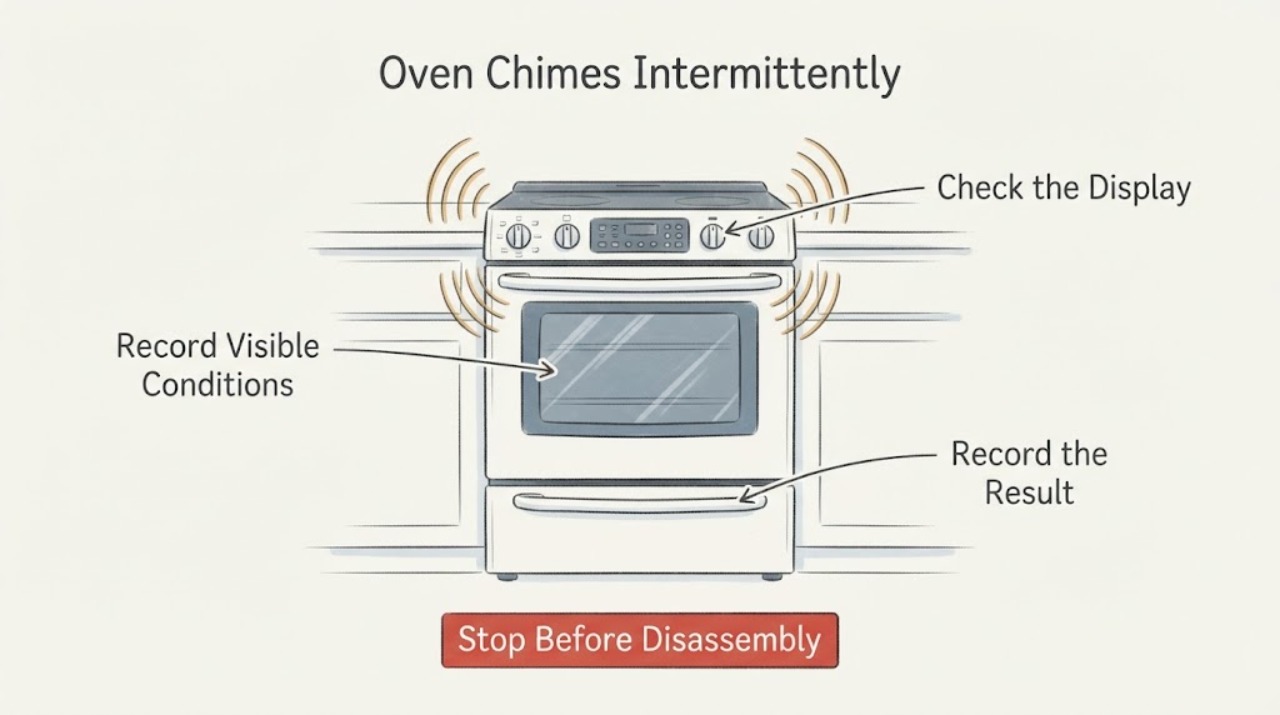
Work through in order
Diagnostic checks
Use only checks that match the exact appliance or system and its official guide.
-
Check 1
Record each chime without pressing random keys: note its count and spacing, whether the oven is preheating, cooking, timed, idle or cooling, and what appears on the display at the moment it sounds.
Expected result: In one current KitchenAid control guide, one chime marks preheat completion, three beeps an invalid key touch, three chimes the end of cooking and four chimes the timer reaching zero. Another official owner manual documents timer reminder tones about every 10 seconds.
Next step: Write down the model number and compare the exact owner manual/control guide before changing settings or requesting a part. Do not treat the count alone as a fault code.
Why this matters
Why: A repeated pattern tied to a documented event can be normal feedback; the same sound while idle with no display or event is not explained by these examples. Tone meanings vary by model.
-
Check 2
Check the Kitchen Timer and any timed-cooking or end-of-cycle setting on the display, then cancel or silence it only through the exact model’s documented control.
Expected result: A timer countdown, an ended timed cycle or a reminder indicator that changes when the documented timer control is used links the sound to a timer event.
Next step: Use the exact manual’s timer-cancel or tone-setting instructions. Do not borrow an OPTIONS, SETTINGS or keypad sequence from another KitchenAid model.
Why this matters
Why: KitchenAid documentation distinguishes the Kitchen Timer from oven operation and documents completion/reminder tones; a timer tone does not prove a failed oven control.
-
Check 3
Check whether the chime follows a touch or an apparent touch on the control panel and whether a lock indicator or LOC message appears. Keep hands and objects away from the panel while observing.
Expected result: KitchenAid says a locked control disables pads and may show LOC when a command pad is pressed; the current control guide also lists invalid key touch as a beep.
Next step: Follow the exact owner manual for the model’s Control Lock state. If LOC is absent and the oven chimes without input, do not force the controls; continue to the service boundary.
Why this matters
Why: A sound linked to a locked or unintentionally activated key is a control-state or input event, not evidence of a failed relay or board.
-
Check 4
Check the operating context without disassembling: note whether the sound occurs only after preheat, when a cycle ends, while the timer is active, or while the oven is cooling. Do not interrupt a hot cycle solely to reproduce the sound.
Expected result: KitchenAid guides describe preheat, end-of-cycle and timer tones as separate events; cooling fans may also continue after cancellation on some models, but fan operation is not itself a chime diagnosis.
Next step: Save the timing and display observations with the model number. Use the exact manual’s sound settings if available; otherwise contact KitchenAid service.
Why this matters
Why: Context can identify a documented notification or show that the sound is not tied to a listed event, but it cannot identify a failed speaker, keypad, relay or control board.
-
Check 5
Escalate an unexplained chime: keep the oven in a safe state, document the display, selected mode, timer state, chime pattern and whether any keys were touched, and request model-specific service.
Expected result: If the chime persists while the oven is idle and no timer, preheat, end-of-cycle, lock or key-touch event is visible, the official examples do not explain it.
Next step: Contact KitchenAid support/service with the model and recording or written timing. Do not remove the control panel, bridge a switch, or take live measurements.
Why this matters
Why: The remaining cause is not established from sound alone. Internal control or wiring diagnosis requires the exact model and qualified service.
Use your observations
Decision map
Find the observation that best matches what you see, then follow the next safe action.
-
PATH 01Next step
What you see
If the chime occurs at the documented end of preheat, cooking or timer countdown
Do this next
Use the manual’s timer/end-tone settings if the notification is unwanted; no component repair is established.
Why this path and its safety boundary
Why it matters: The sound is consistent with a normal notification for that model family, subject to confirmation in the exact manual.
-
PATH 02Next step
What you see
If a countdown or reminder is visible and the chime repeats at its documented interval
Do this next
Cancel or adjust the timer using the exact model manual, then observe whether the chime stops.
Why this path and its safety boundary
Why it matters: The timer or timed-cycle reminder is a supported explanation; it does not mean the oven is failing.
-
PATH 03Next step
What you see
If the chime follows a panel touch and LOC or a lock icon is visible
Do this next
Use the exact manual’s Control Lock procedure. Do not force keys or infer a control-board fault from the locked response.
Why this path and its safety boundary
Why it matters: KitchenAid identifies the control lock as disabling normal pads and showing LOC when a locked command is pressed.
-
PATH 04Next step
What you see
If the oven chimes while idle with no timer, preheat, cycle-end, lock or key-touch event
Do this next
Record the event and model number, stop experimenting with settings, and contact KitchenAid service. Do not open the console or test live wiring.
Why this path and its safety boundary
Why it matters: The opened KitchenAid documentation does not establish a normal cause for that pattern, and sound alone cannot identify an internal component.
Helpful context
Understand the symptom
KitchenAid ovens use audible feedback for several normal events, and the pattern differs by control family. A single chime may mark preheat, while multiple beeps or chimes can indicate an invalid key, cooking completion or timer completion; reminder tones may repeat. Match the pattern to the exact model manual before treating it as a fault.
When checks do not resolve it
Need a professional?
Contact KitchenAid service when an oven chimes while idle without a timer, preheat, cooking-end, control-lock or key-touch explanation; when the display shows an unresolved error; or when the exact manual does not explain the pattern. Do not open the control console, bypass a switch, or make live electrical measurements. Use only the exact model manual for tone, timer and Control Lock settings.
Common questions
FAQ
Does an intermittent chime prove the KitchenAid control board is failing?
No. KitchenAid guides assign chimes and beeps to normal events such as preheat completion, timer completion, end of cooking, invalid key touch and control-lock feedback. An unexplained idle chime needs model-specific service; it does not identify a board or speaker by itself.
Can I use another KitchenAid oven’s button sequence to turn the chime off?
No. KitchenAid’s guides and product-help pages direct owners to the exact model manual. Sound, timer and Control Lock settings vary by control family, so use only the sequence documented for the appliance.
Why does the oven keep chiming every few seconds?
An official KitchenAid owner manual documents timer completion followed by reminder tones about every 10 seconds. Check for a timer or timed-cycle reminder first; if no timer or display event is present, document the pattern and arrange service rather than repeatedly pressing controls.
Read the exact guide
Official sources
- Locked, Lock or Loc - RangeKitchenAid · Official KitchenAid product-help page. It says the control lock disables pads, shows LOC when a locked command pad is pressed, and routes unresolved issues to service; the listed START/ENTER sequence is model-specific and is not used as a universal instruction here.
- Built-In Electric Ovens Control GuideKitchenAid · Official KitchenAid control guide opened as a documented-family example only; no model was supplied. It maps one chime to preheat completion, three beeps to invalid key touch, three chimes to cooking-cycle end and four chimes to timer zero, and describes sound settings. It is not a universal code for every KitchenAid oven.
- Bake Cycle Not Working - Wall OvenKitchenAid · Official KitchenAid wall-oven product-help page. It directs users to the exact Use and Care Manual for control settings and says to contact service when unresolved; it is used only for model-specific control/service boundaries.
- KitchenAid Owner’s Manual W10399386KitchenAid · Official KitchenAid owner manual opened as a model-specific example only. It documents timer completion tones and reminder tones, tone meanings, tone on/off and volume options; the assigned oven model is unknown, so its button sequence is not generalized.
Community feedback
Share a repair observation
Share a plain-text repair observation. Accepted observations are published automatically; this page may take a moment to update.