
Kitchenaid appliance guidance
Kitchenaid Oven Repair Guides
Troubleshooting and repair guidance for published Kitchenaid Oven problems, symptoms, and maintenance questions.
Published Kitchenaid Oven guides
Choose the guide whose symptom or condition most closely matches what you are seeing.
-
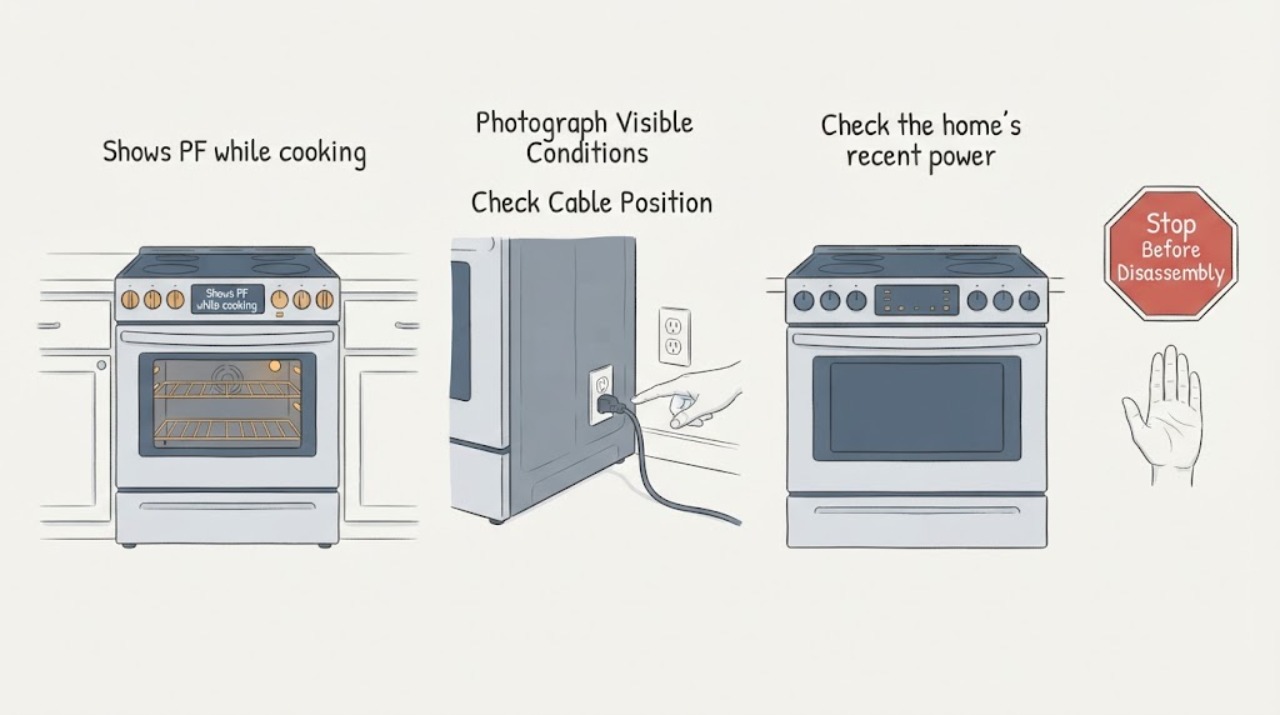
KitchenAid KEBC208KSS03 shows PF while cooking
PF on a KitchenAid KEBC208KSS03 means the control detected a power failure or interruption; it is not, by itself, a diagnosis of a control board, sensor, heater, or other part. Stop the cooking function, record the complete display and which cavity or mode was running, and check for a recent household outage or tripped protection.
-
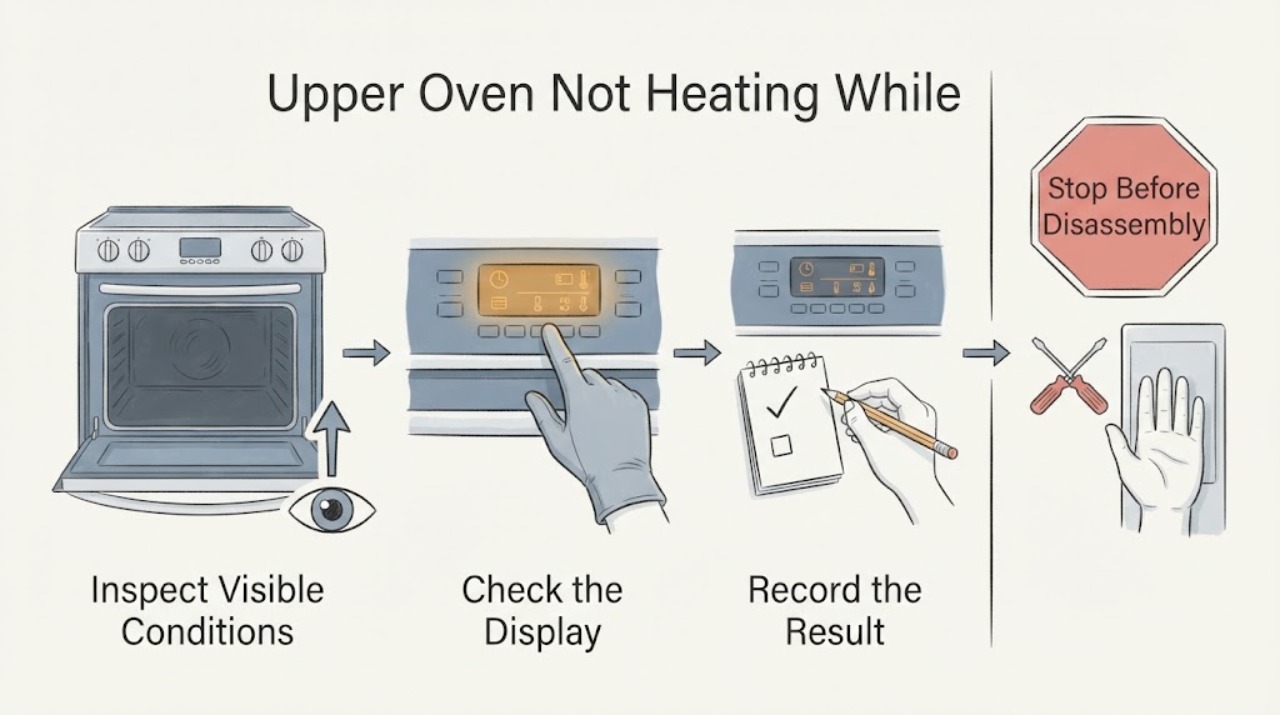
KitchenAid KFGD500EBS Upper Oven Not Heating While Lower Oven Works
The KitchenAid KFGD500EBS is a gas double-oven range whose product sheet describes a thermal upper oven and a convection lower oven. A working lower oven therefore does not prove that the upper oven's gas or ignition path is healthy.
-
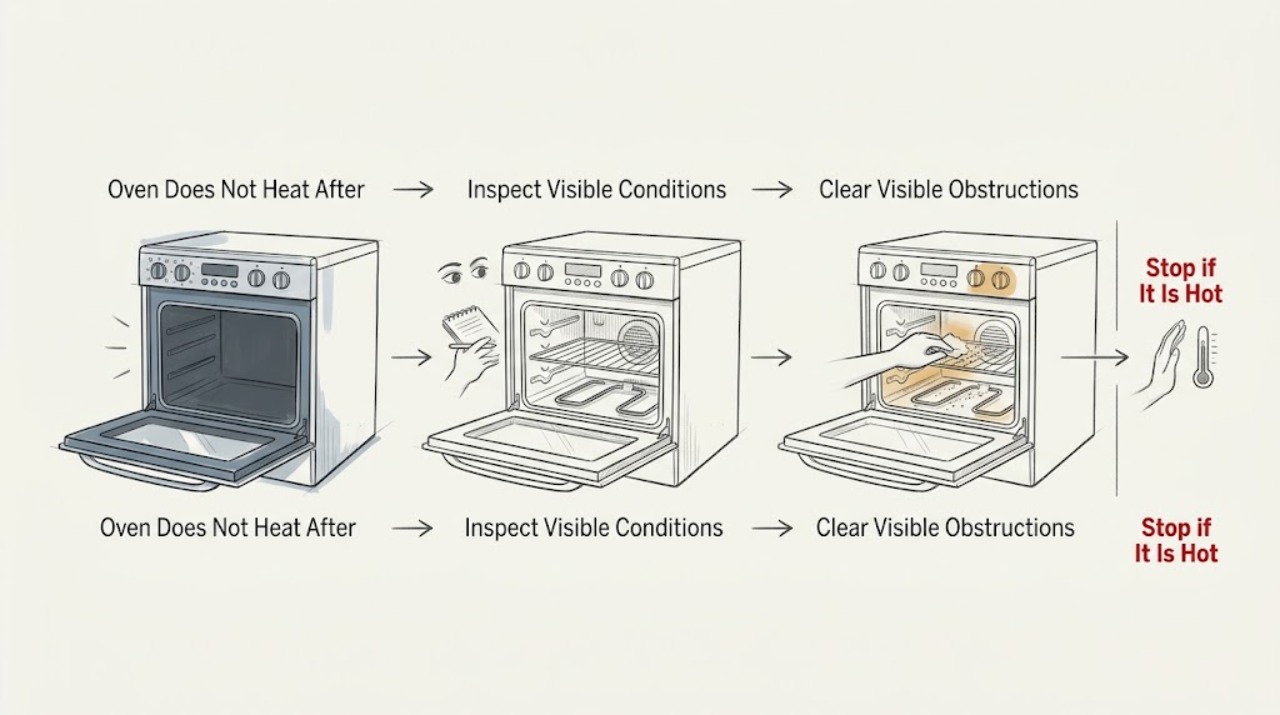
KitchenAid KGRS807SSS00 Oven Does Not Heat After Ignition Attempts With the Door Open
For a KitchenAid KGRS807SSS00 gas oven, do not repeat ignition attempts with the door open. The opened KitchenAid gas-range instructions say the bake burner should light after Bake and Start, allow for a longer first ignition if air is in the line, and then direct you to press Off, check the grounded outlet and gas shut-off valves, and contact service if the burner still will not light after the permitted repeat.
-
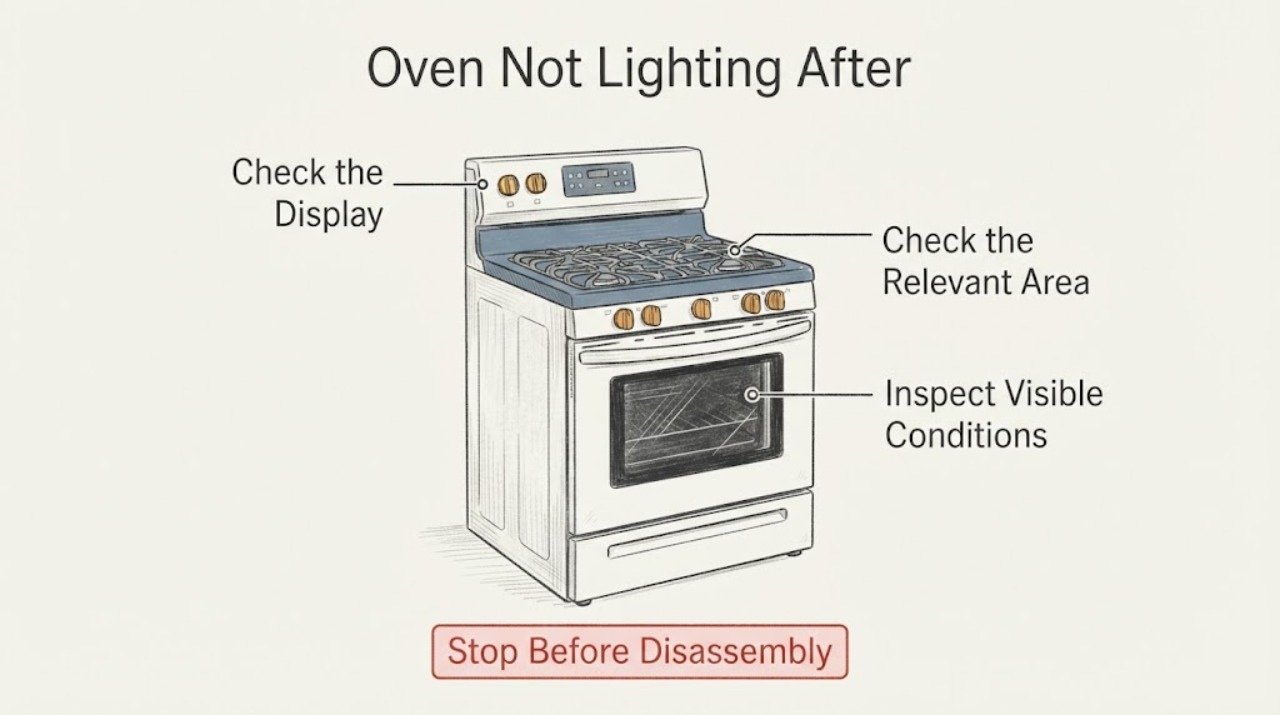
KitchenAid KGRT607HBT9 Oven Not Lighting After a Power Outage
Do not try to relight the gas oven while power is out. After household power returns, check whether the control/display is alive and whether it shows a power-failure indication, then use the model-family manual to restore the clock and start one normal Bake test. If the display stays dead, the oven still will not ignite, the breaker trips again, or you smell gas, stop and arrange qualified service; do not open the range or test the igniter yourself.
-
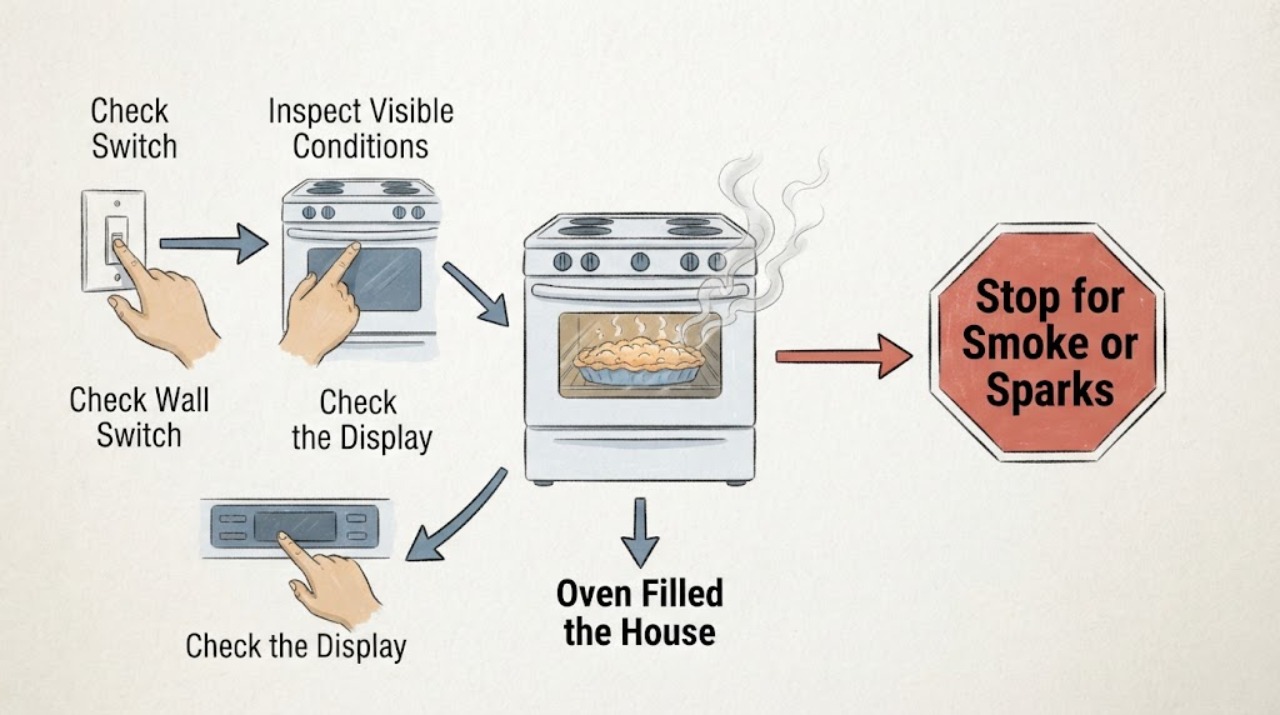
KitchenAid KGSS907SSS Oven Filled the House With Noxious Smoke While Baking Peach Cobbler
If the KitchenAid KGSS907SSS produces noxious or plastic-like smoke while baking peach cobbler, turn the oven off if that can be done without approaching a hazard and do not run another cycle to reproduce it. If the odor is sulfur-like or gas-like, there is hissing, visible fire or smoke, or anyone has headache or dizziness, leave the home and call the gas utility or emergency services from a safe location.
-
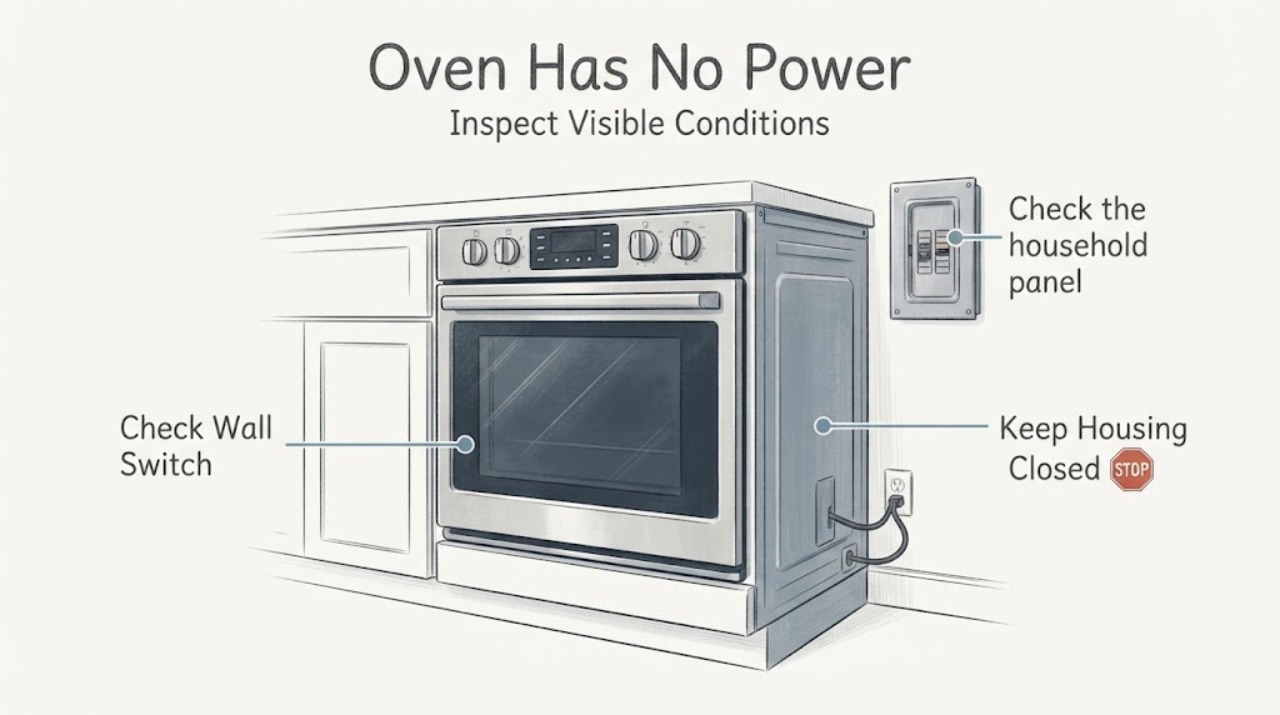
KitchenAid KODC304EWH Oven Has No Power: Safe External Checks
For a KitchenAid KODC304EWH that appears dead, first distinguish a blank display from a locked, delayed, demo or energy-saving control state, then check the household oven breaker or fuse. If the failure followed an outage and F9/F9 E0 appears, KitchenAid calls for a one-minute breaker reset and electrical verification if the code returns.
-
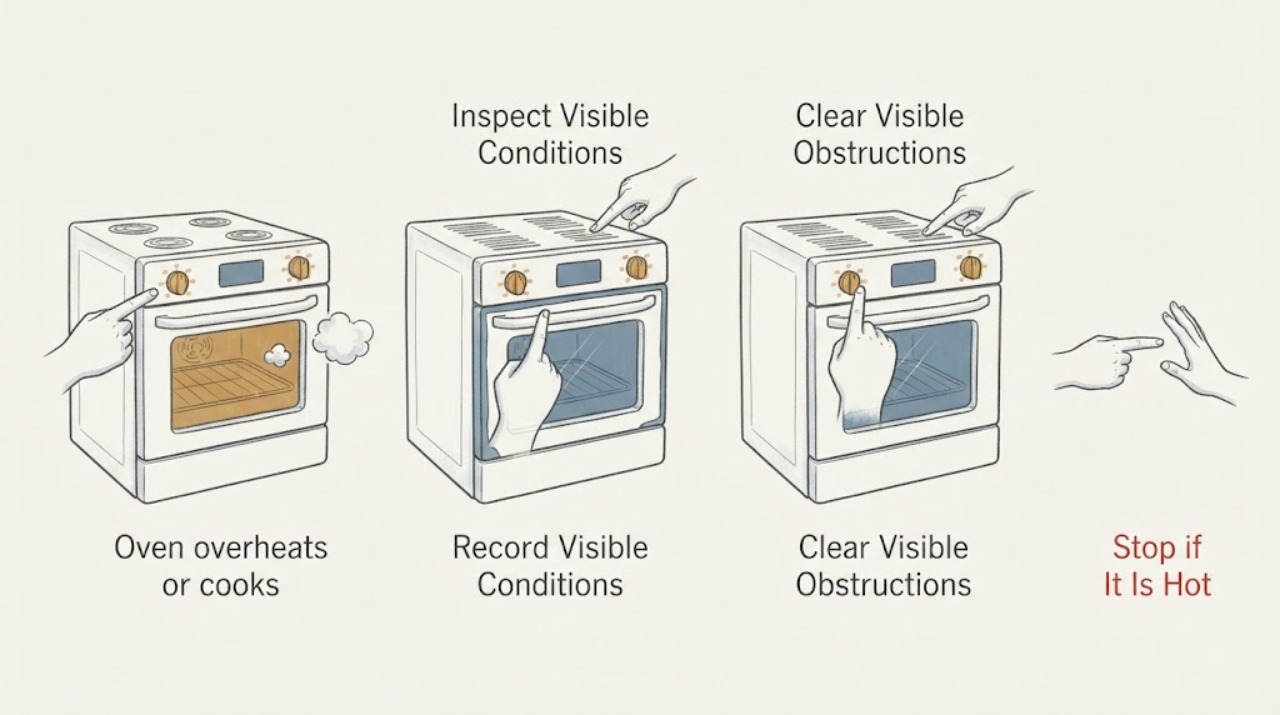
KitchenAid KSEB900ESS0 oven overheats or cooks at the wrong temperature
Treat a KitchenAid KSEB900ESS0 that stays hot after Cancel or continues heating after it is switched off as a stop-use fault, not a calibration problem: if it is safe to do so, isolate power at the household control panel and arrange qualified service.
-
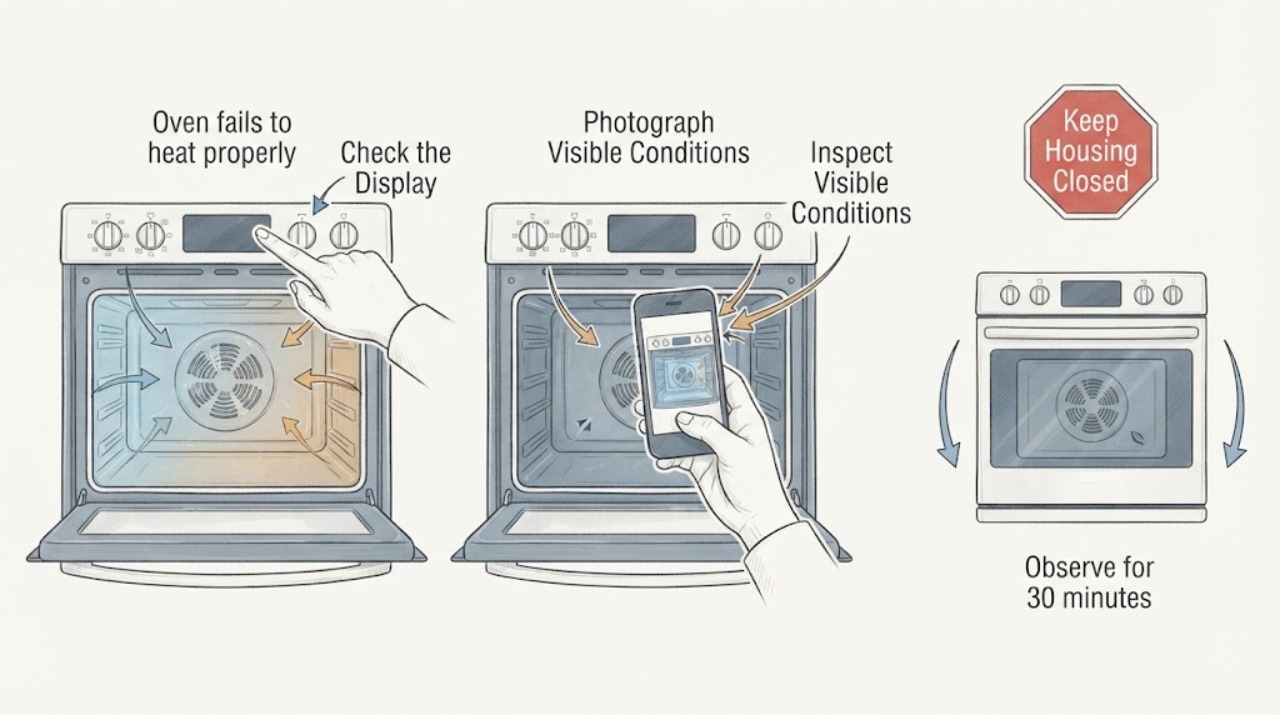
KitchenAid KSEG700ESS3 oven fails to heat properly
Treat “blower fan error” as a description until you capture the complete display. KitchenAid’s opened range service documentation identifies F8E0 as cooling-fan speed too low and F8E2 as cooling-fan speed too high; it does not establish that the words “blower fan error” are the actual code on a KSEG700ESS3.
-
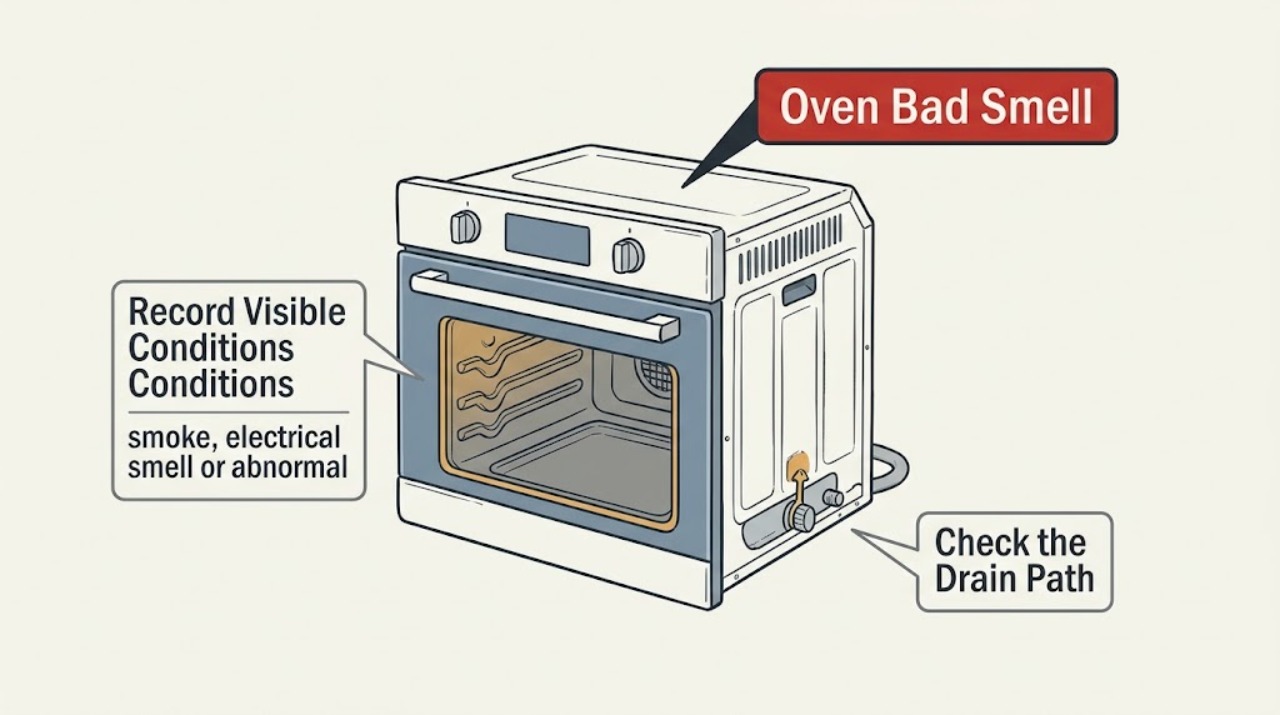
KitchenAid Oven Bad Smell: Identify Food, New-Oven, Gas and Electrical Odors Safely
First classify the smell before using the KitchenAid oven again: food or grease residue, a new-appliance or packaging odor, a gas-like odor, a burning or electrical odor, or smoke and fire. A mild smell during the first few uses can come from new parts, insulation, protective oil or shipping tape and should fade.
-
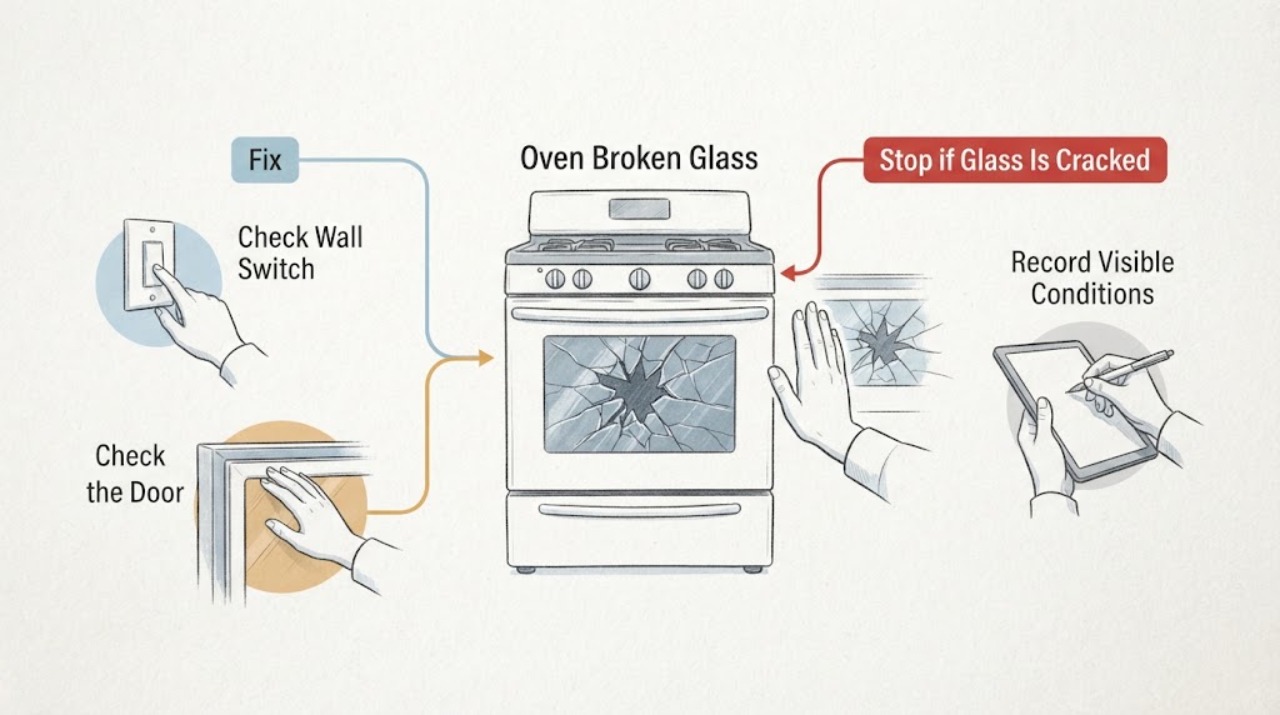
KitchenAid Oven Broken Glass | Fix Guide
Stop using the KitchenAid oven until you know which glass is damaged and the exact model's instructions have been checked. Keep the oven off and completely cool, keep people away from loose fragments, and do not run a bake, broil or self-clean cycle with damaged door glass.
-
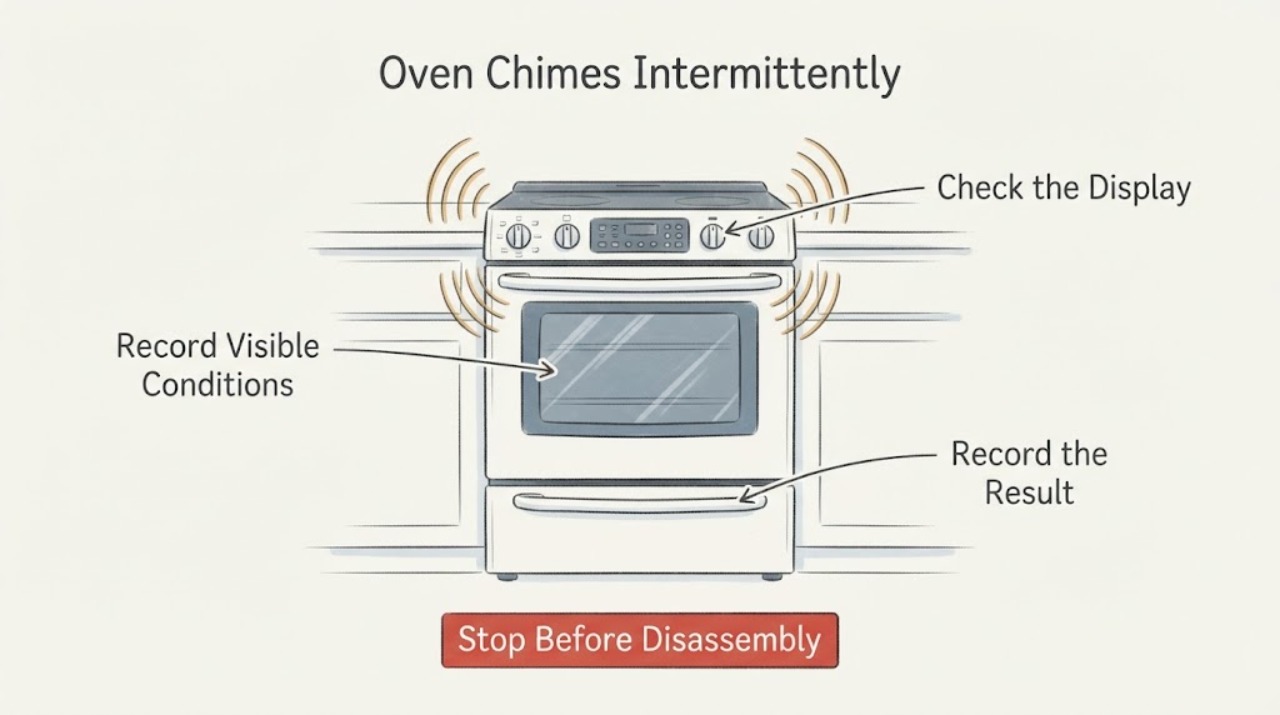
KitchenAid Oven Chimes Intermittently: Identify the Tone Before Service
An intermittent KitchenAid oven chime is not automatically a failed control. First record the sound pattern and what the display shows: KitchenAid guides assign different tones to preheat completion, an invalid key touch, the end of cooking, or a timer reaching zero, and some models have reminder tones.
-
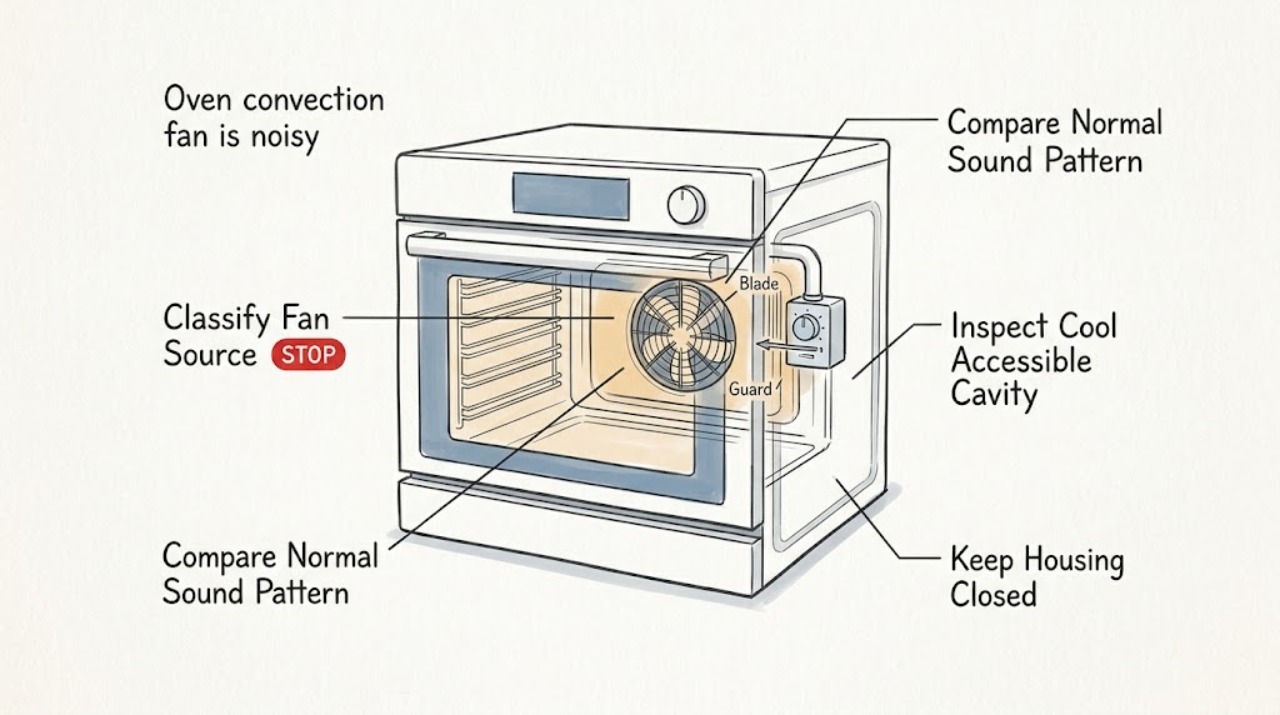
KitchenAid oven convection fan is noisy: What to Check and What to Do Next
Some KitchenAid oven fan sound is normal: the convection fan may run during preheat or a convection cycle, cycle on and off, and stop when the door opens; a separate cooling fan may run during or after cooking. A new loud rattle, scraping, rubbing or metal-on-metal sound, vibration, or a fan that runs with the door open is not normal.
-
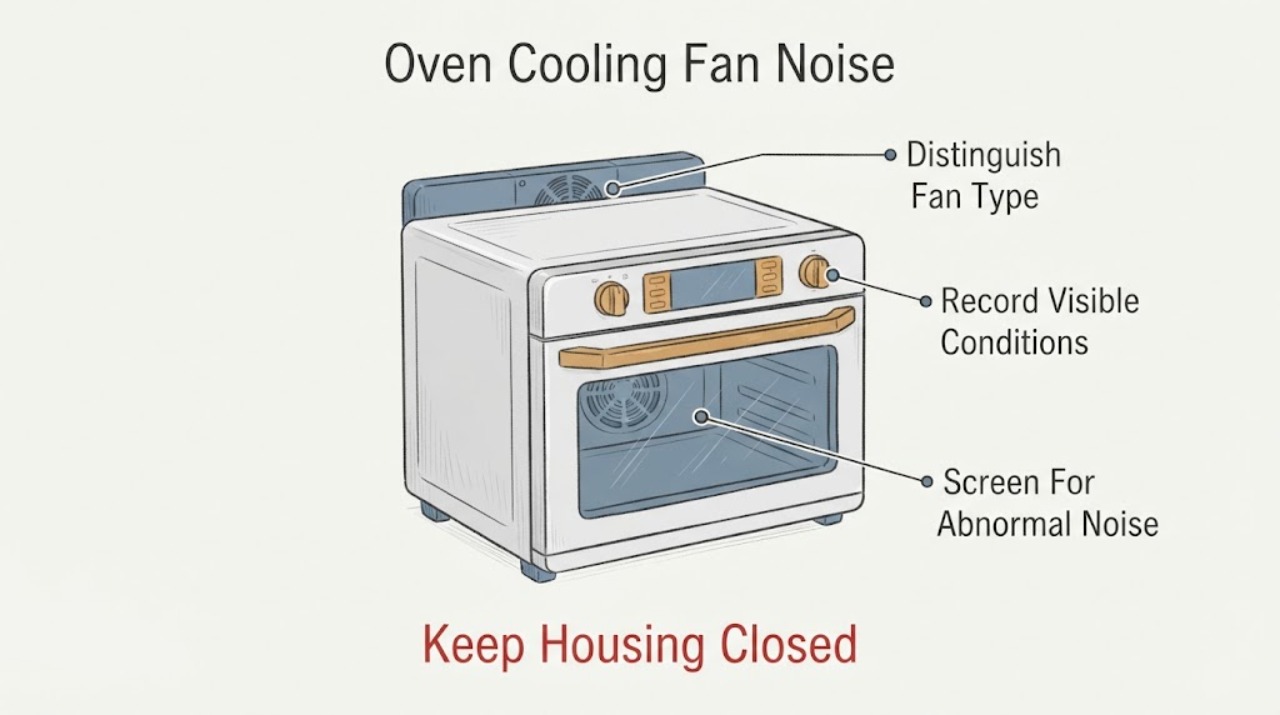
KitchenAid Oven Cooling Fan Noise: Normal Run-On vs Service Signs
A KitchenAid oven cooling fan commonly runs during cooking and after a cycle to cool the cavity and electronic controls. The run time depends on the oven temperature, cycle duration and surroundings, so noise after shutdown alone does not prove a fault.
-
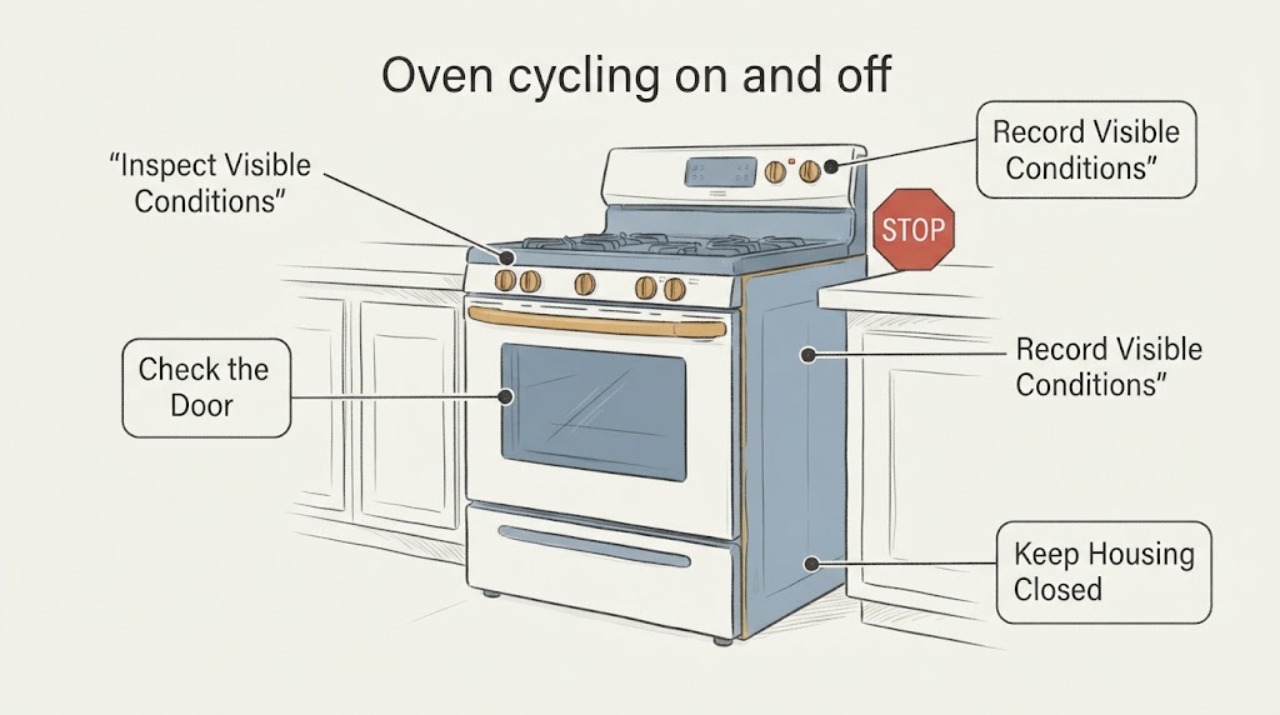
KitchenAid oven cycling on and off: normal heat control or a restart?
KitchenAid oven elements turning on and off during baking or roasting are normally part of temperature control: the elements cycle to maintain heat, and the oven may run slightly hot or cool during that cycle. A cooling fan or convection fan can also start, stop, or continue after a cycle.
-
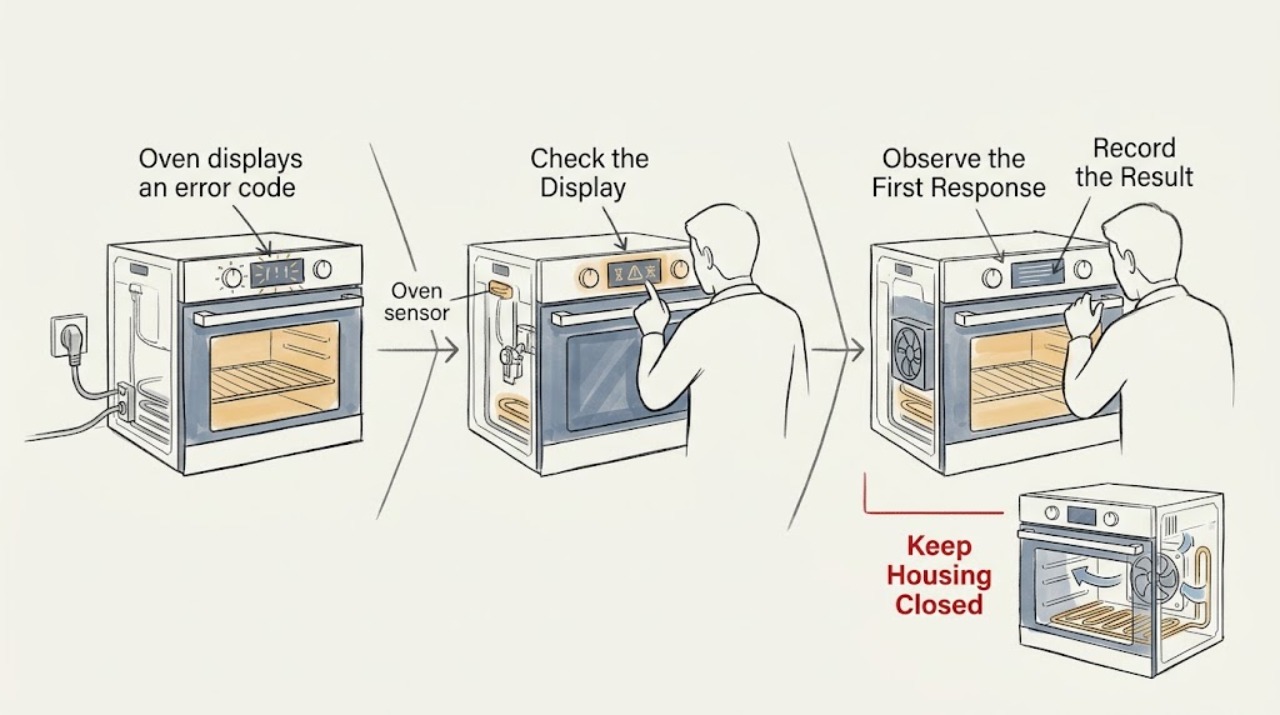
KitchenAid oven displays an error code: What to Check and What to Do Next
Do not diagnose a KitchenAid oven from an error-code number alone. Photograph or write every character exactly as shown, record the full model and the function running when it appeared, and use that model's manual or KitchenAid's matching error-code entry.
-
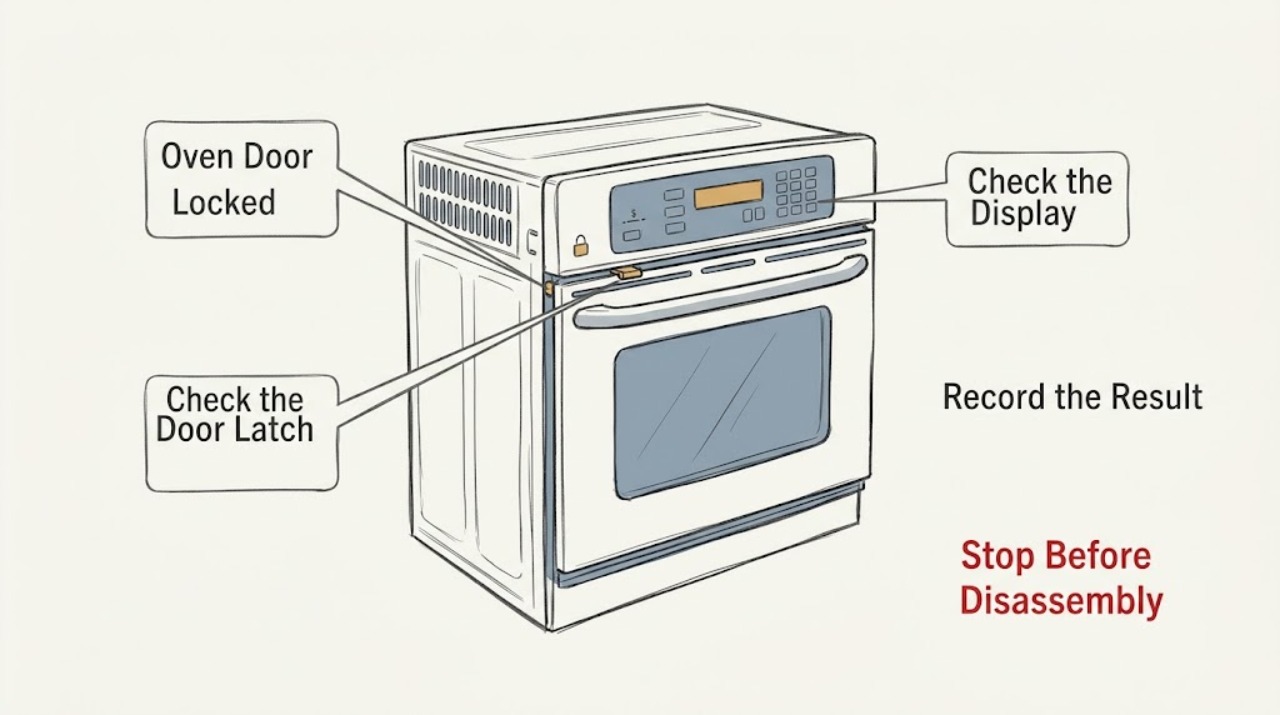
KitchenAid Oven Door Locked: Wait for Cooling, Check Lock State, and Reset Safely
Do not force a KitchenAid oven door. First determine whether Self-Clean is running or recently stopped, whether the oven is still hot, whether the display says Locked/LOC or shows another code, and whether a power interruption occurred.
-
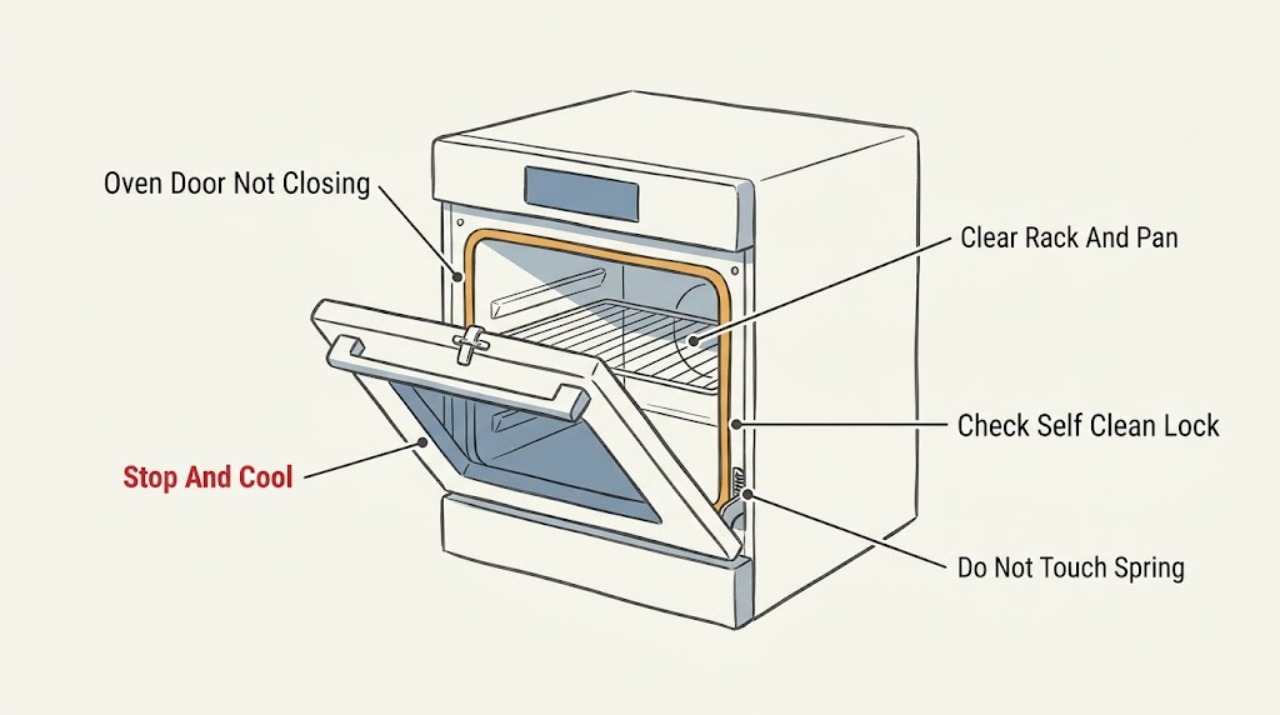
KitchenAid Oven Door Not Closing: Check Racks, Latch, and Hinges
Do not run a KitchenAid oven with a door that stays open, sits crooked, or needs force to latch. Let it cool, then remove only an accessible rack, pan, or food item that is blocking the opening and check that the racks are fully seated.
-
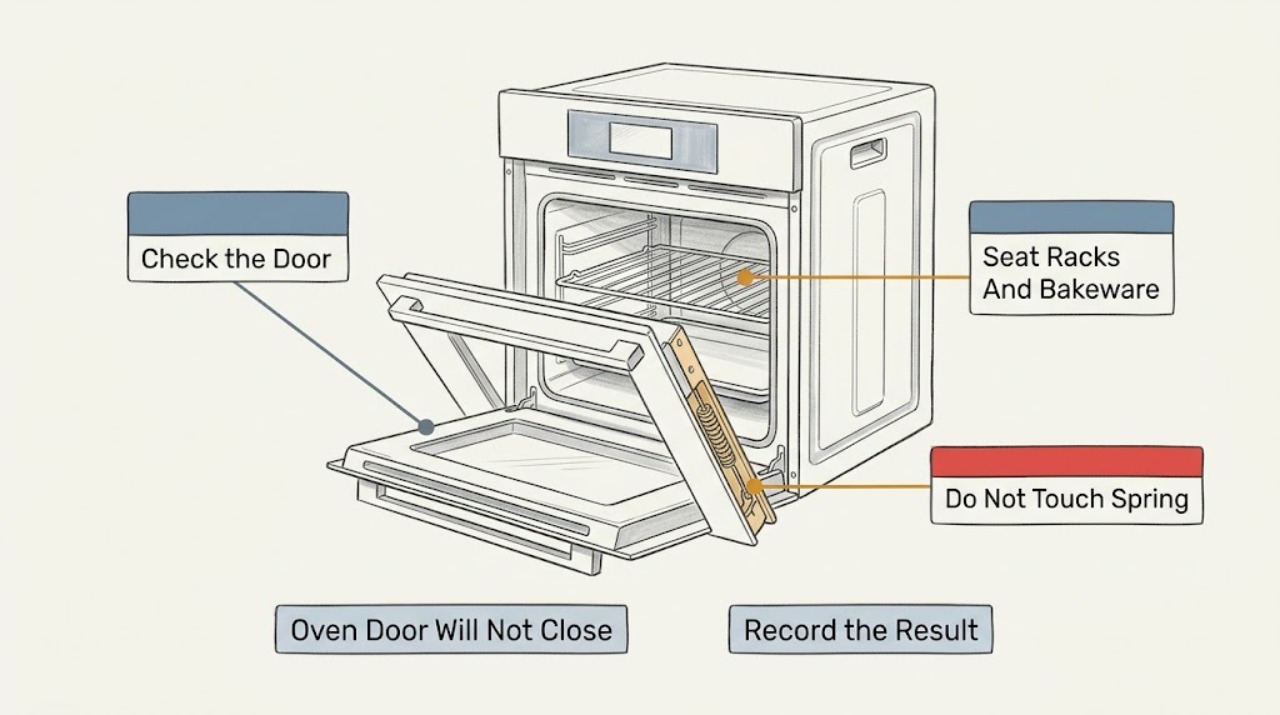
KitchenAid Oven Door Will Not Close: What to Check and What to Do Next
If a KitchenAid oven door will not close, first stop using the oven and let it cool if it was recently heated. Remove only an obviously oversized dish, loose packing material, or a rack that is not fully seated, then inspect the gasket and the latch area for food or soil buildup, a bent latch arm, or a hinge that is not seated.
-
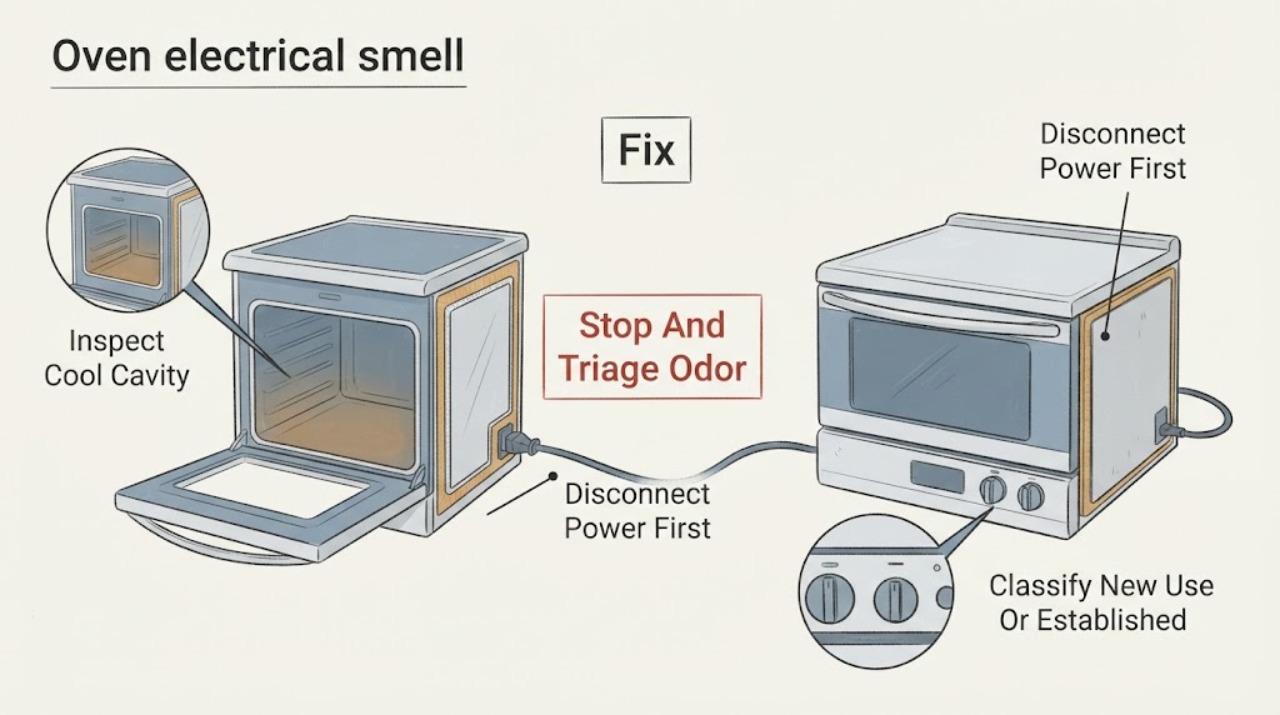
KitchenAid Oven electrical smell | Fix Guide
Turn the KitchenAid oven off and stop testing it if the smell is sharp, worsening, accompanied by smoke, sparks, flame, melted material, a repeat breaker trip or visible electrical damage. KitchenAid says a small odor or smoke can be normal during the first uses of a new range or oven because new parts, insulation, protective oil or shipping tape heat up, and that heavy soil or self-cleaning can also produce odor and smoke.
-
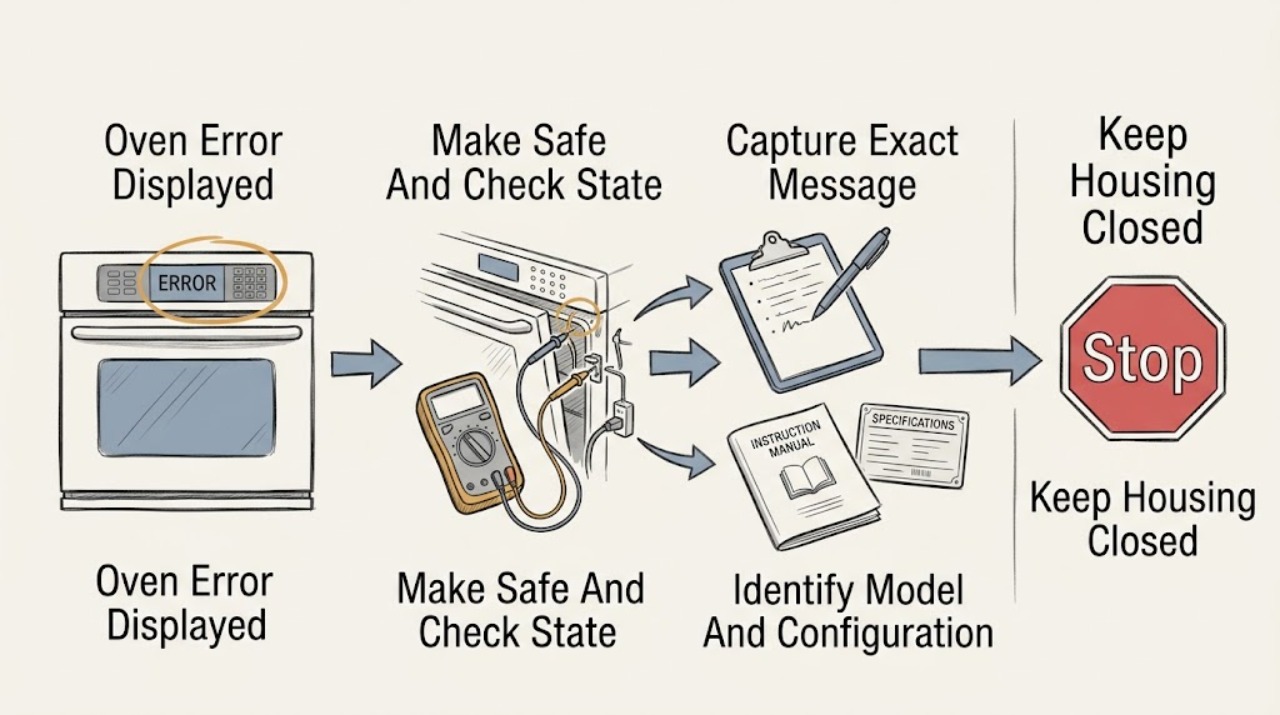
KitchenAid Oven Error Displayed
A KitchenAid oven message cannot be diagnosed safely from the word error alone: record the exact code or full wording, the model number, when it appeared, and whether the oven was hot, heating, locked, or completing a cycle.
-
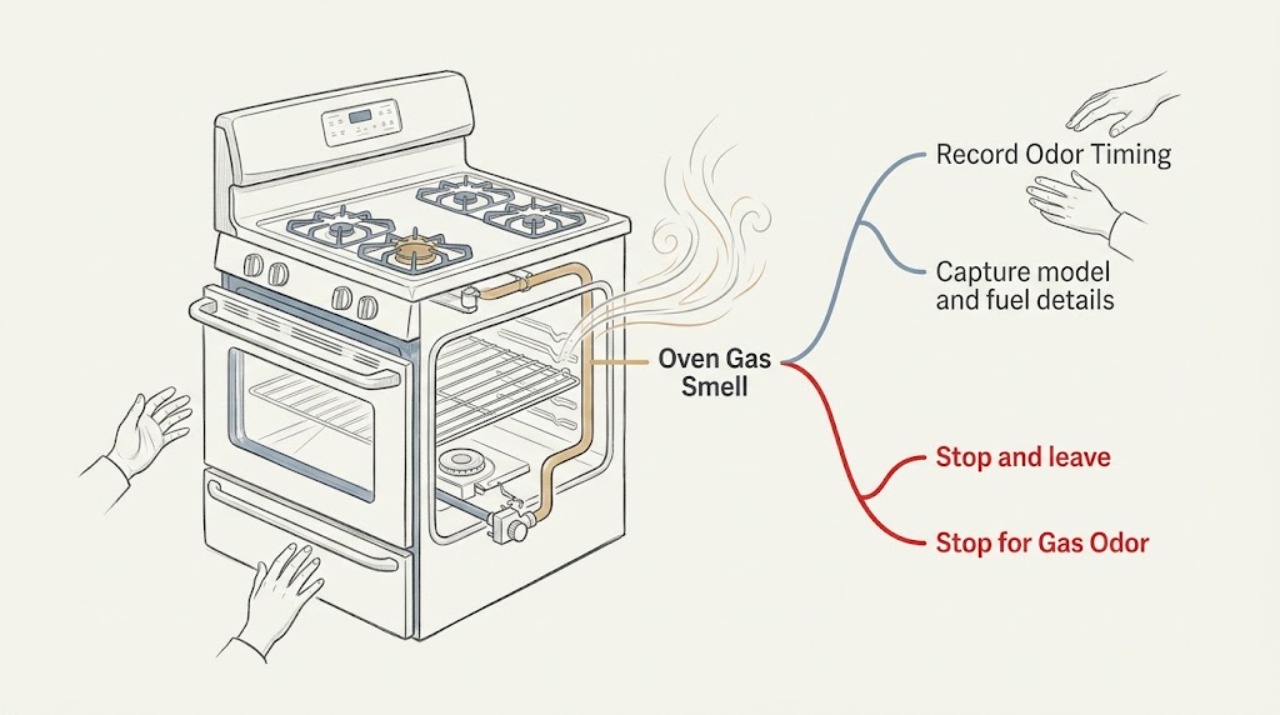
KitchenAid Oven Gas Smell: Stop Safely and Get It Checked
Treat a strong, persistent, unexplained, or off-state gas smell from a KitchenAid gas oven as an emergency, not as a setting to test. Do not light anything, operate electrical switches, use a phone in the building, or continue the oven cycle.
-
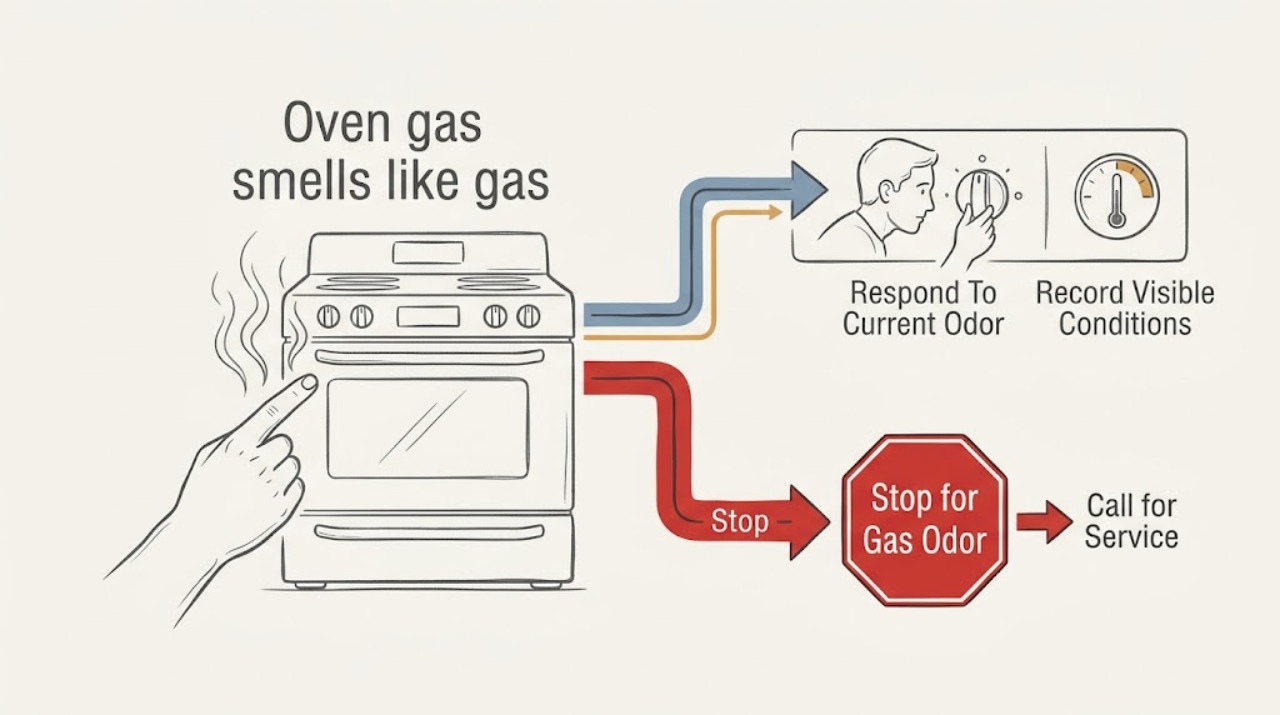
Kitchenaid oven gas smells like gas: What to Check and What to Do Next
Treat a gas smell from a KitchenAid oven or range as a possible fuel leak until a qualified professional rules it out. If you smell gas now, leave the home and suspected area immediately; do not relight the oven or a burner, operate a light switch or appliance, use a phone inside, move the range, or try to find the leak.
-
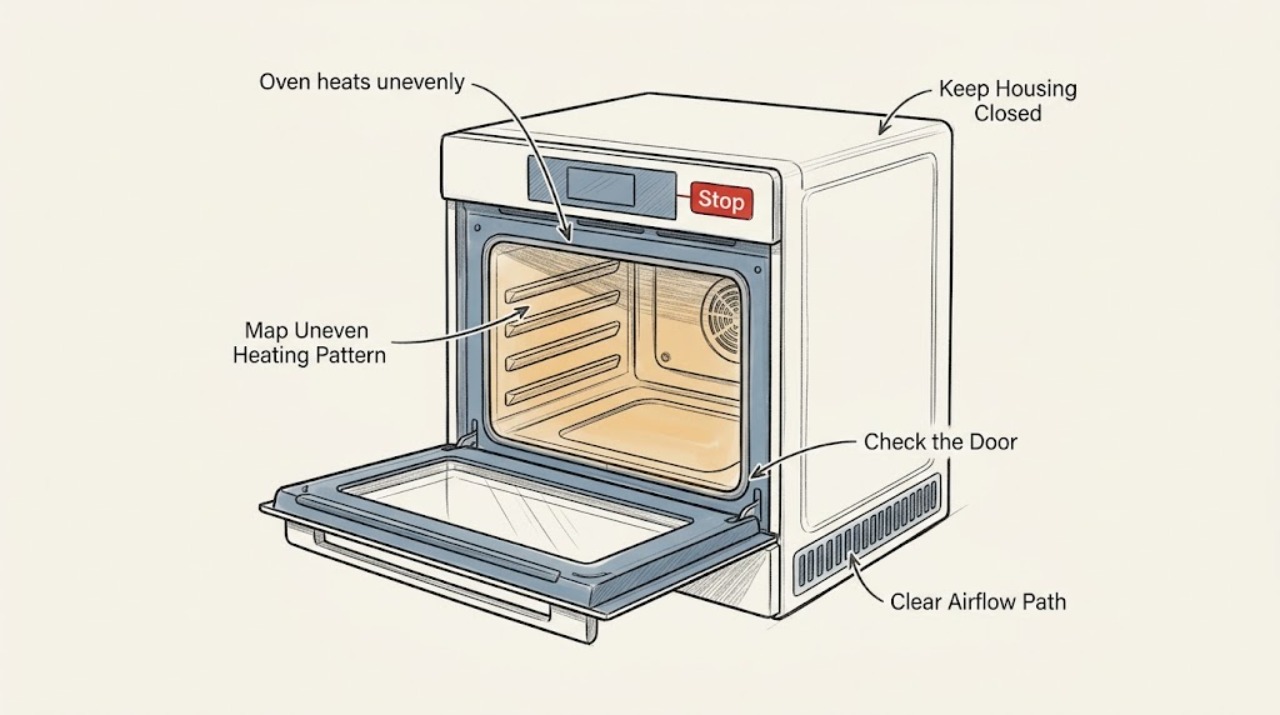
Kitchenaid oven heats unevenly: What to Check and What to Do Next
Uneven cooking in a KitchenAid oven can come from rack position, pan material or placement, overcrowding, incomplete preheating, opening the door, blocked airflow, calibration, a temperature sensor, or a damaged heating element. Start by describing the pattern—top versus bottom, front versus back, one side, or a general temperature offset—using one recipe and a fully preheated oven.
-
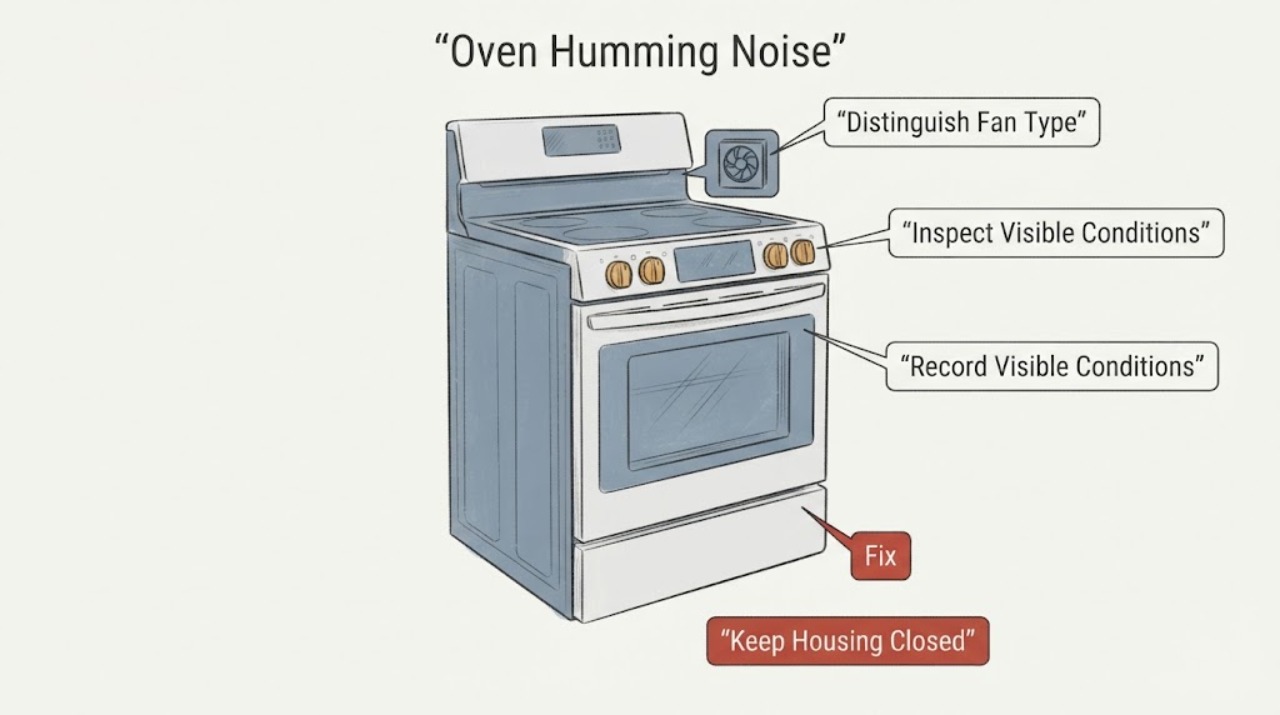
KitchenAid Oven Humming Noise | Fix Guide
A KitchenAid oven hum is often the automatic cooling fan, which can run during cooking and after the cycle to cool the cavity and electronic controls. On a convection model, the convection fan can also run during preheating or other cooking functions.
-
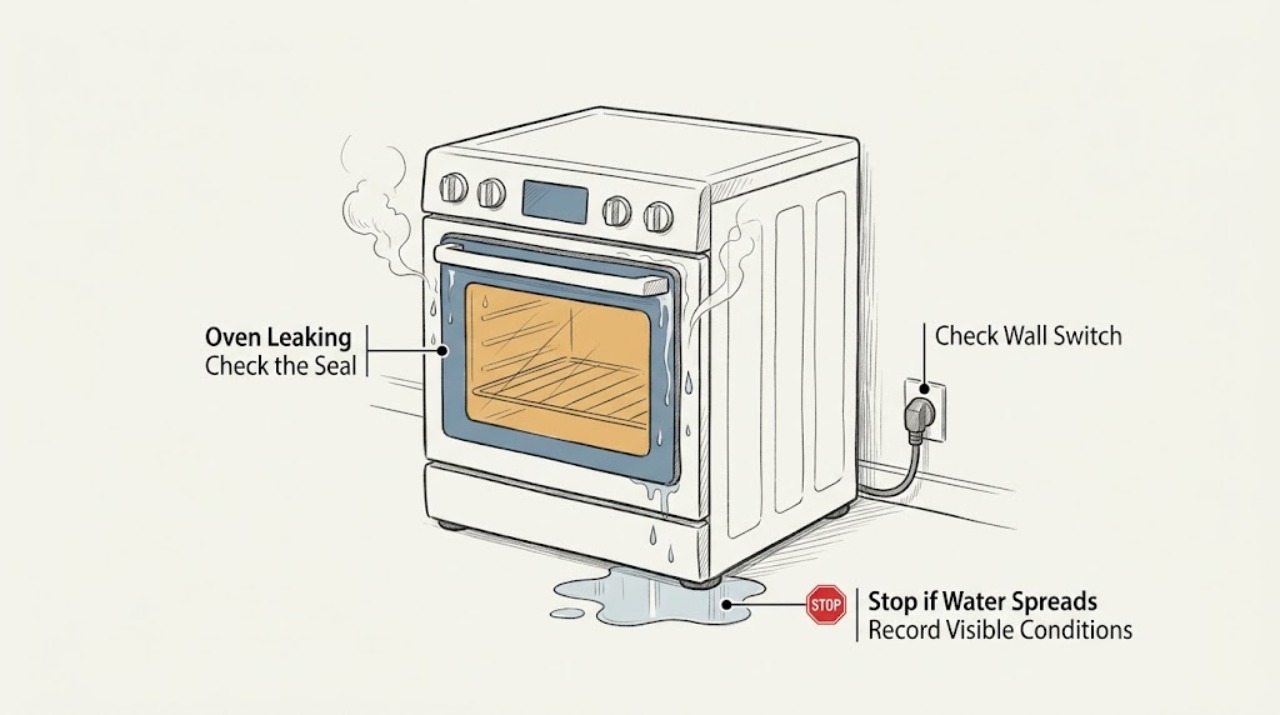
KitchenAid Oven Leaking: Separate Steam, Spills, and Real Leaks Safely
First decide whether the KitchenAid oven is producing steam or liquid water, and whether the liquid came from cooking, Steam Bake or Steam Clean, or an external connection. Moisture on the door glass and a small amount of condensation on the floor or cabinet can be normal with high-moisture food because steam condenses on cool surfaces and can leave through the vent.
-
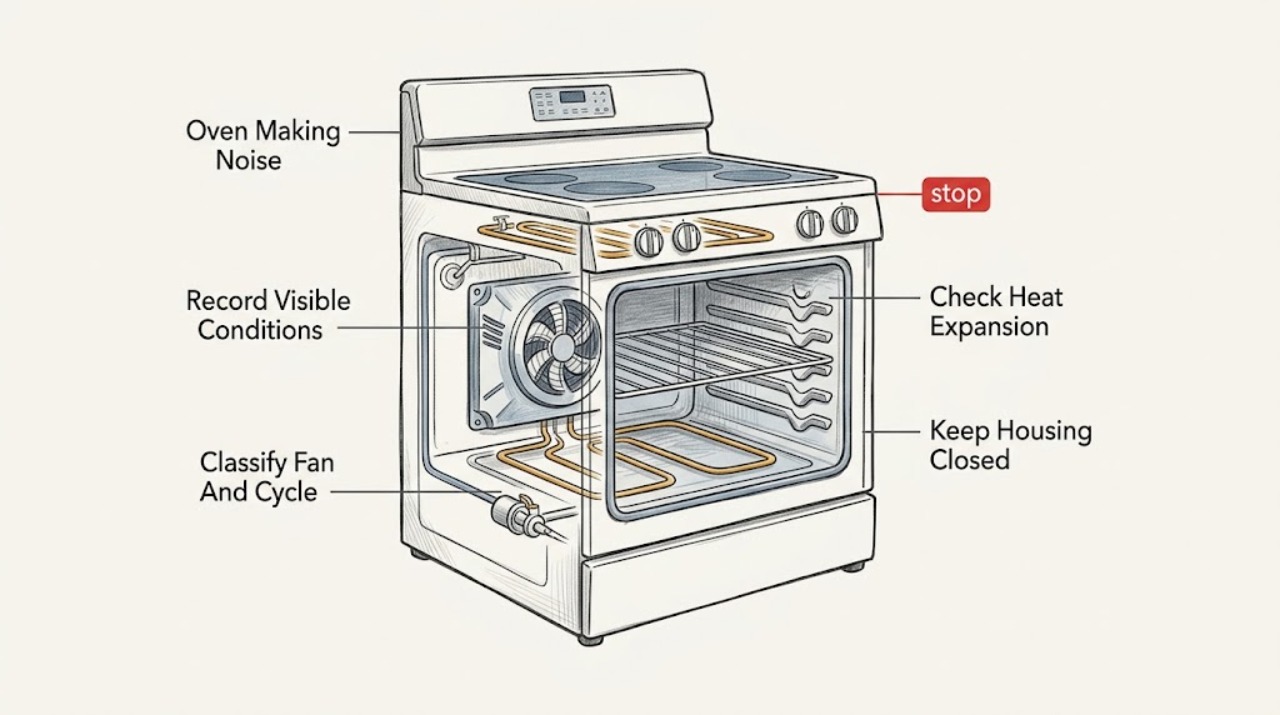
KitchenAid Oven Making Noise: Identify Normal Cycling Before Service
A KitchenAid oven can normally make a cooling-fan hum after or during cooking, short clicks while a gas burner ignites, and occasional pops or cracks as porcelain, steel, or an element expands and cools.
-
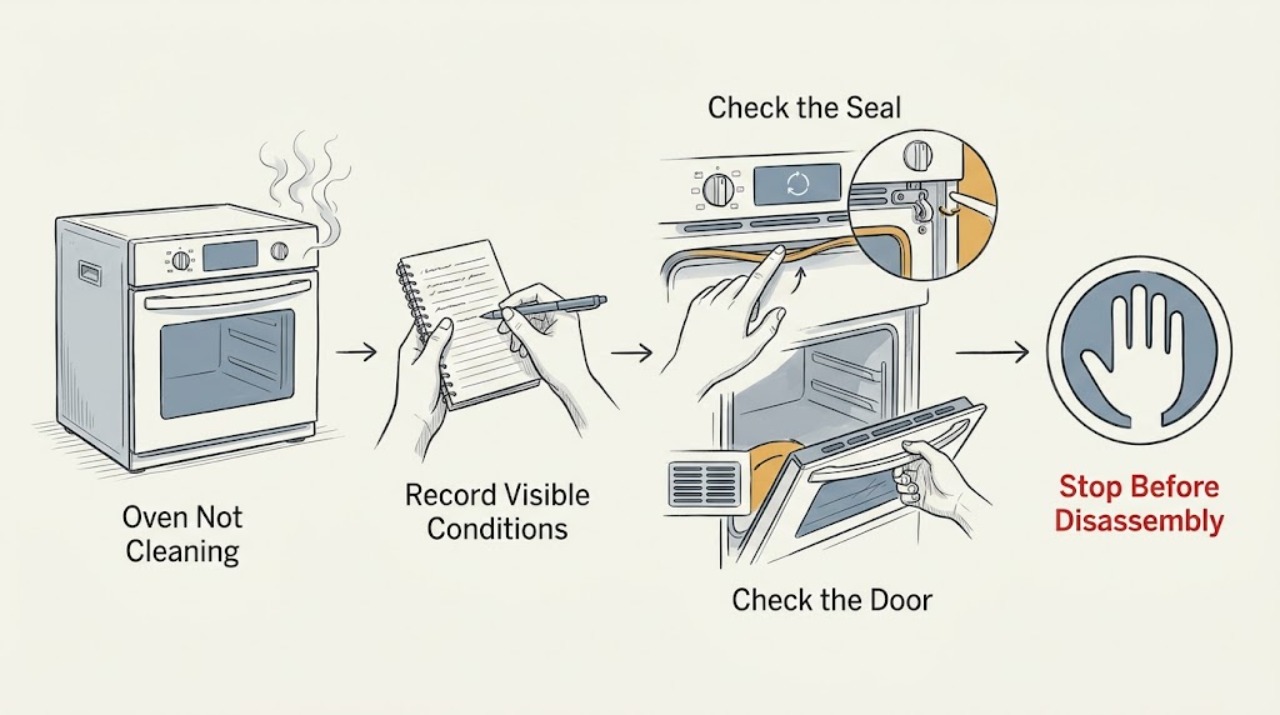
KitchenAid Oven Not Cleaning: Choose the Right Cycle and Prepare It Safely
A KitchenAid oven may appear not to clean because the model has Self-Clean, AquaLift, or Steam Clean and the wrong procedure was selected, the cavity is too hot, the door is not fully closed or locked, excess soil was left inside, or the cycle has finished but still needs a cool-down and wipe-down. Identify the cleaning feature from the control panel and Use and Care Guide, remove racks and loose soil, and follow that feature's water or no-additive rule.
-
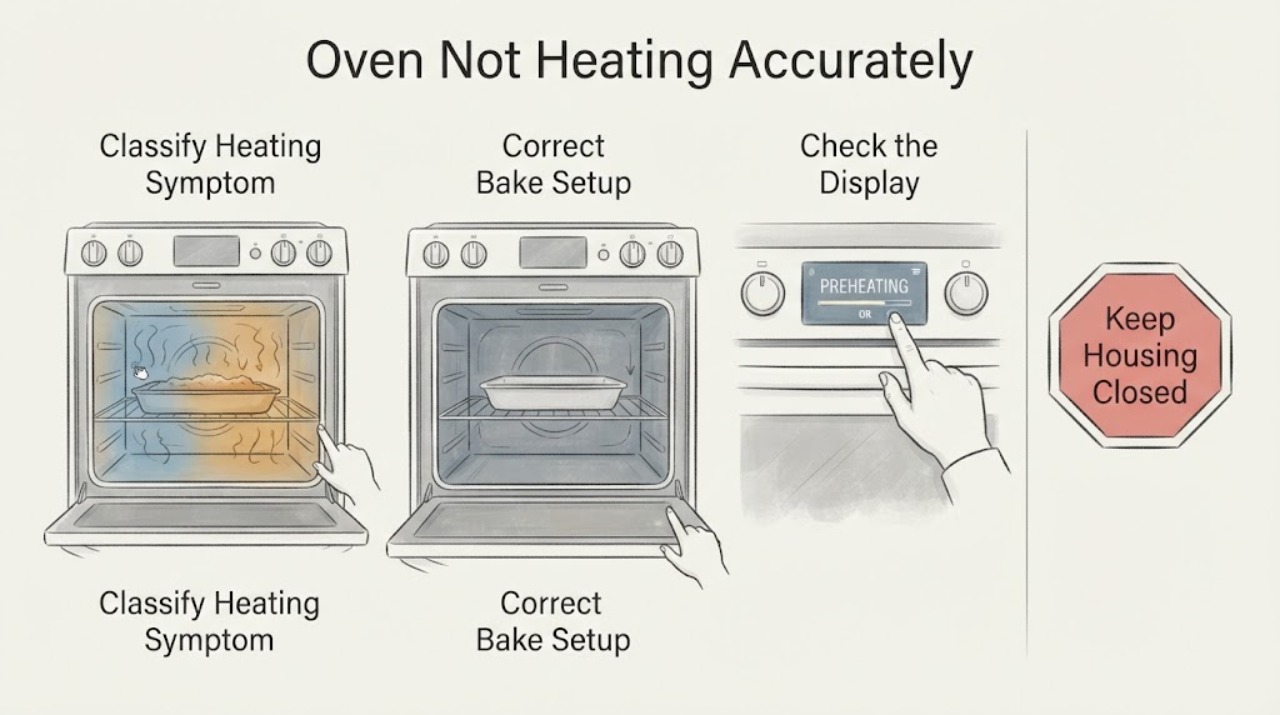
KitchenAid Oven Not Heating Accurately: Test the Bake Result Before Calibration
First distinguish a recipe or bake-setup result from a true temperature-control problem. KitchenAid says oven elements cycle and warns that a thermometer reading at one instant is not a reliable accuracy test.
-
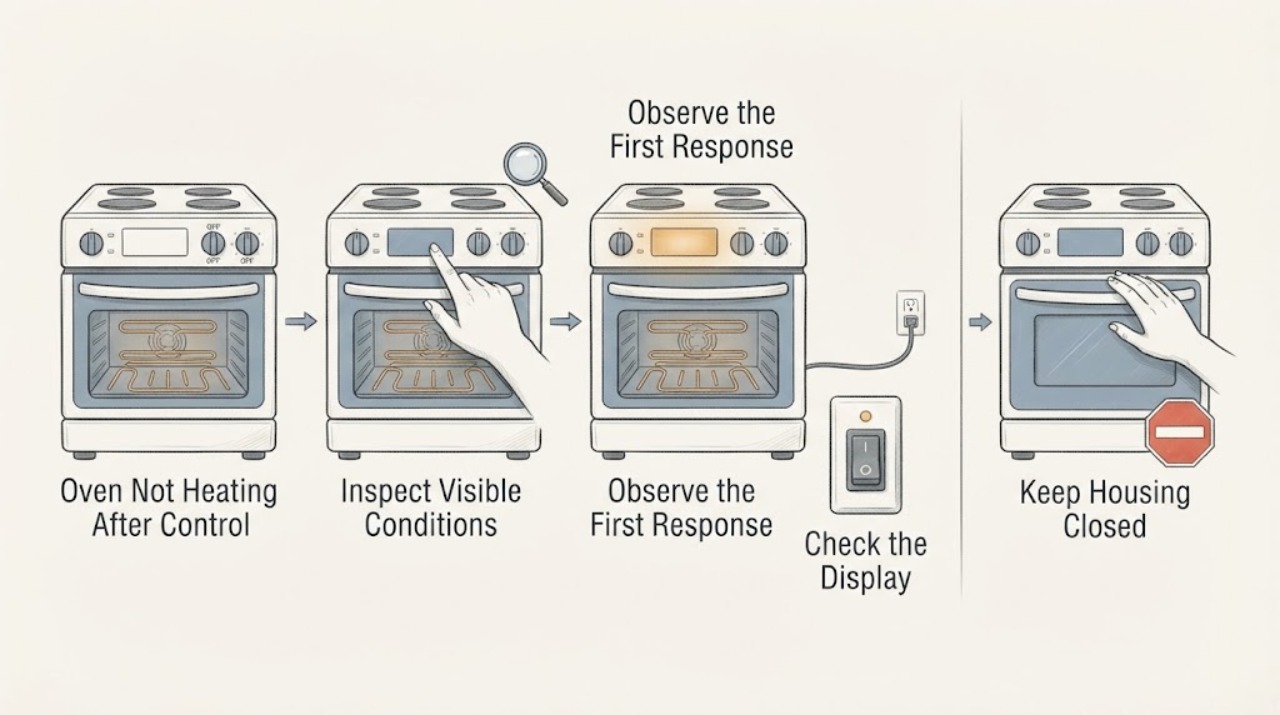
KitchenAid Oven Not Heating After Control Panel Damage: Stop Safely First
Treat a damaged KitchenAid control panel as a safety and service issue before treating the oven as a normal no-heat fault. Do not continue operating an oven with a cracked, loose, wet, melted, sparking, or exposing panel, and do not open the console.
-
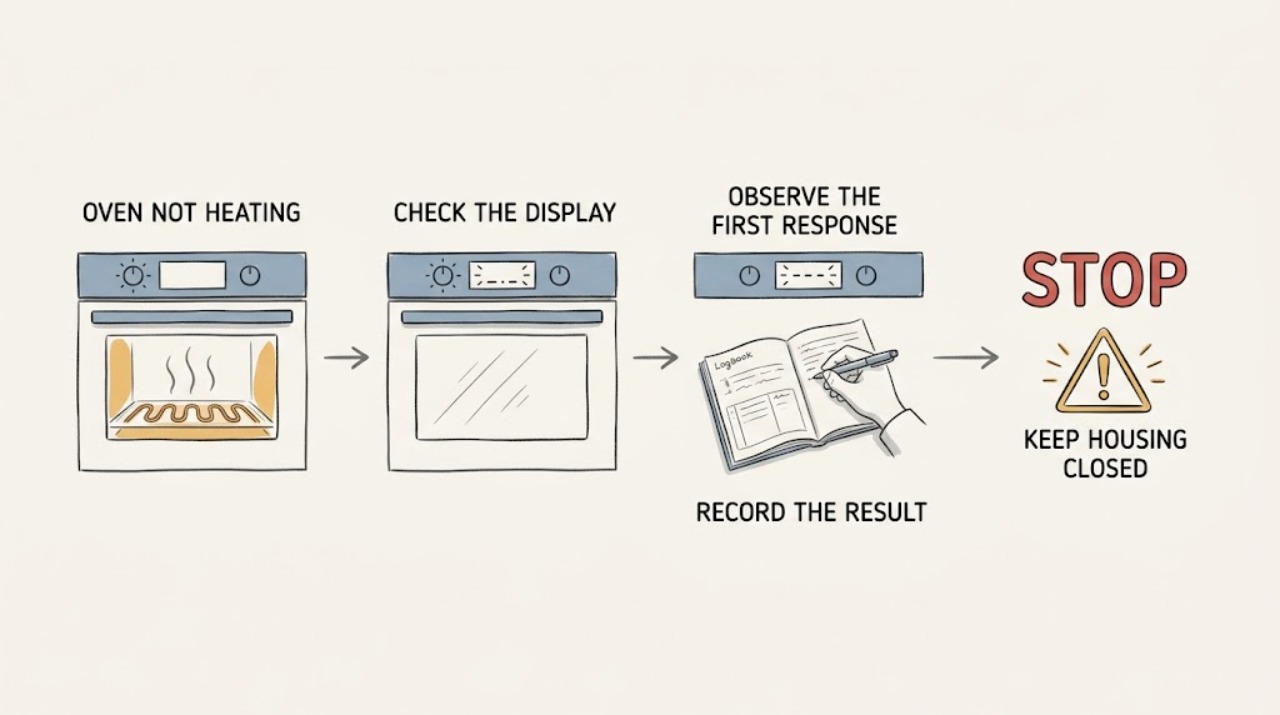
KitchenAid Oven Not Heating: Checks for Electric and Gas Models
First decide whether the KitchenAid oven is completely without power or has a live display that runs a cycle without producing heat. With no signs of smoke, gas, water, arcing, or repeated breaker trips, check the door, selected cooking mode, temperature, Control Lock or demo mode, and any Delayed Start setting.
-
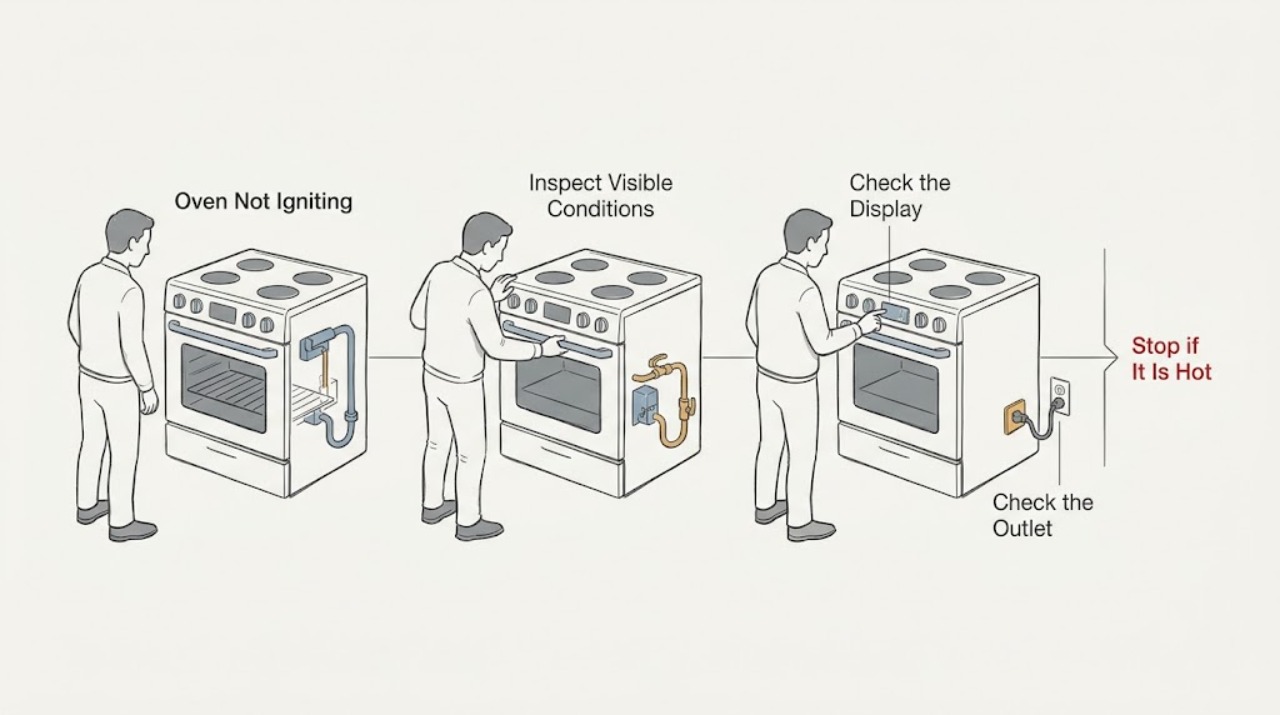
KitchenAid Oven Not Igniting: Check Fuel, Power, and Ignition Safely
First confirm that this is a KitchenAid gas or dual-fuel oven and identify whether the control is completely dead, the oven accepts Bake but never produces a flame, or ignition begins and then fails. With the oven cool and no gas odor, check the grounded outlet, the oven's control state, the closed door, and the accessible gas shutoff; use only the settings and model-specific instructions in the owner's manual.
-
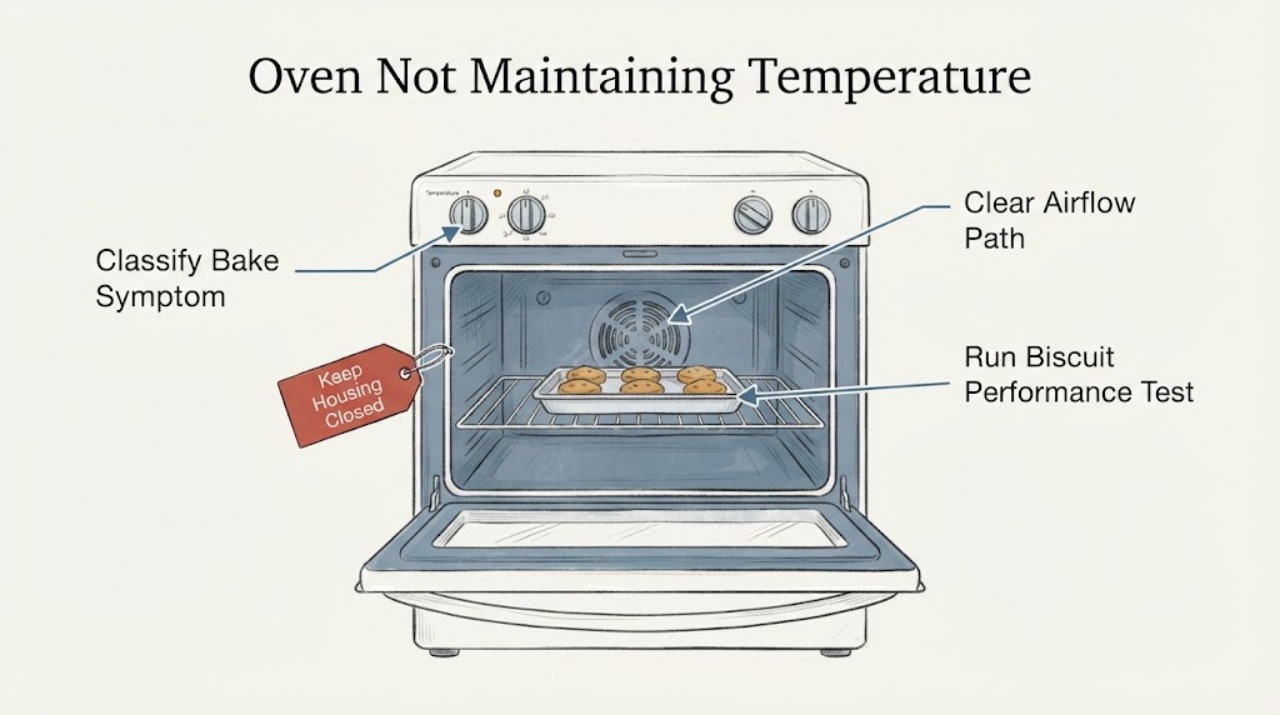
KitchenAid Oven Not Maintaining Temperature | Fix Guide
Do not judge the oven from one thermometer reading: KitchenAid says heating elements cycle and most thermometers do not accurately track that cycling. First allow a complete preheat, avoid opening the door, check rack position, pan material, pan clearance and airflow, and note whether the problem is uneven browning or a repeatable too-hot/too-cool result.
-
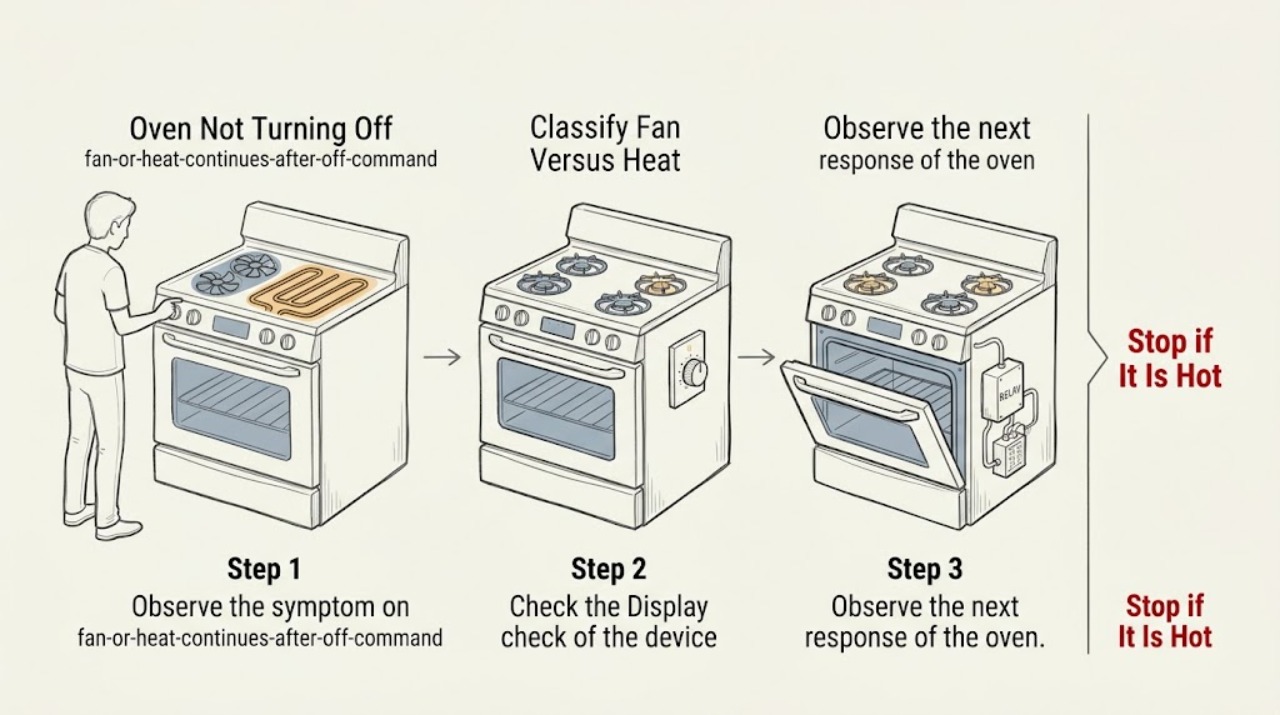
KitchenAid Oven Not Turning Off
First separate a fan that is still cooling from an oven that is still heating. KitchenAid says the automatic cooling fan can continue after a cooking cycle to cool the cavity and electronic controls, so fan noise alone does not mean the heat is still on.
-
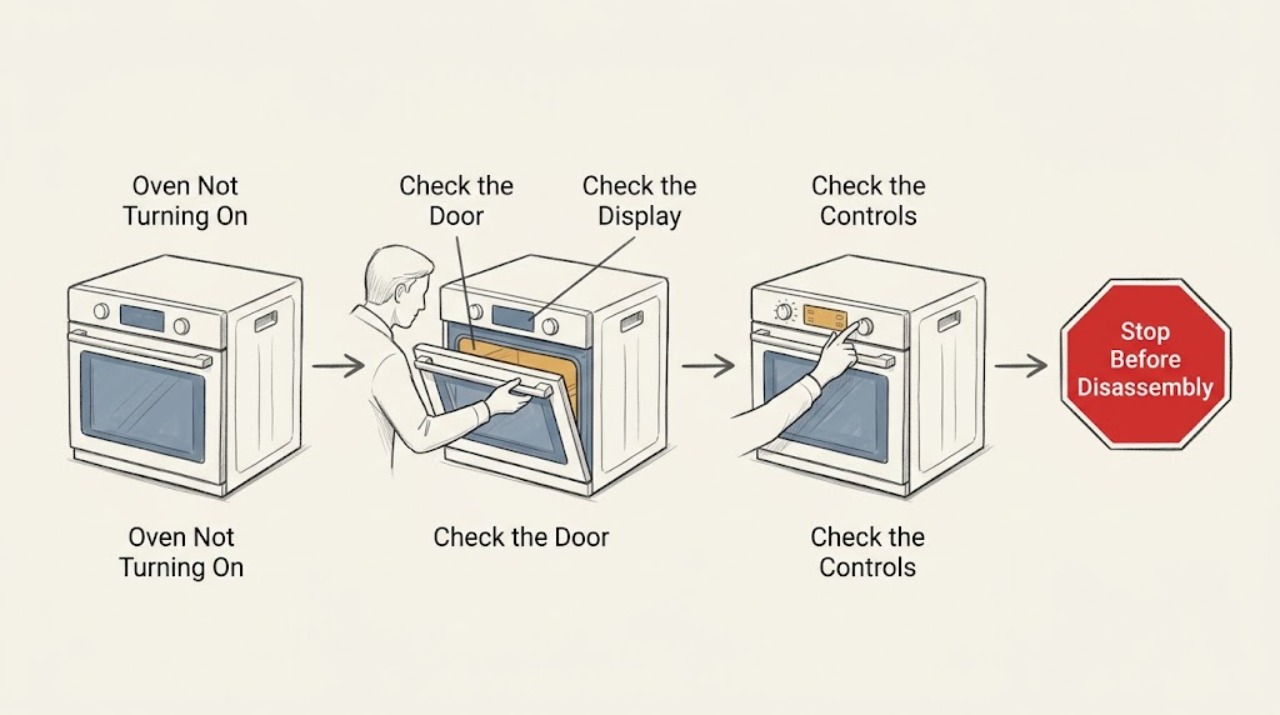
KitchenAid Oven Not Turning On: Check Power, Controls, and Fuel Safely
First separate a completely blank display from an oven that has power but will not start. If the display is blank, check only the accessible breaker or fuse and the exact model installation requirements; do not remove covers or work in the wiring.
-
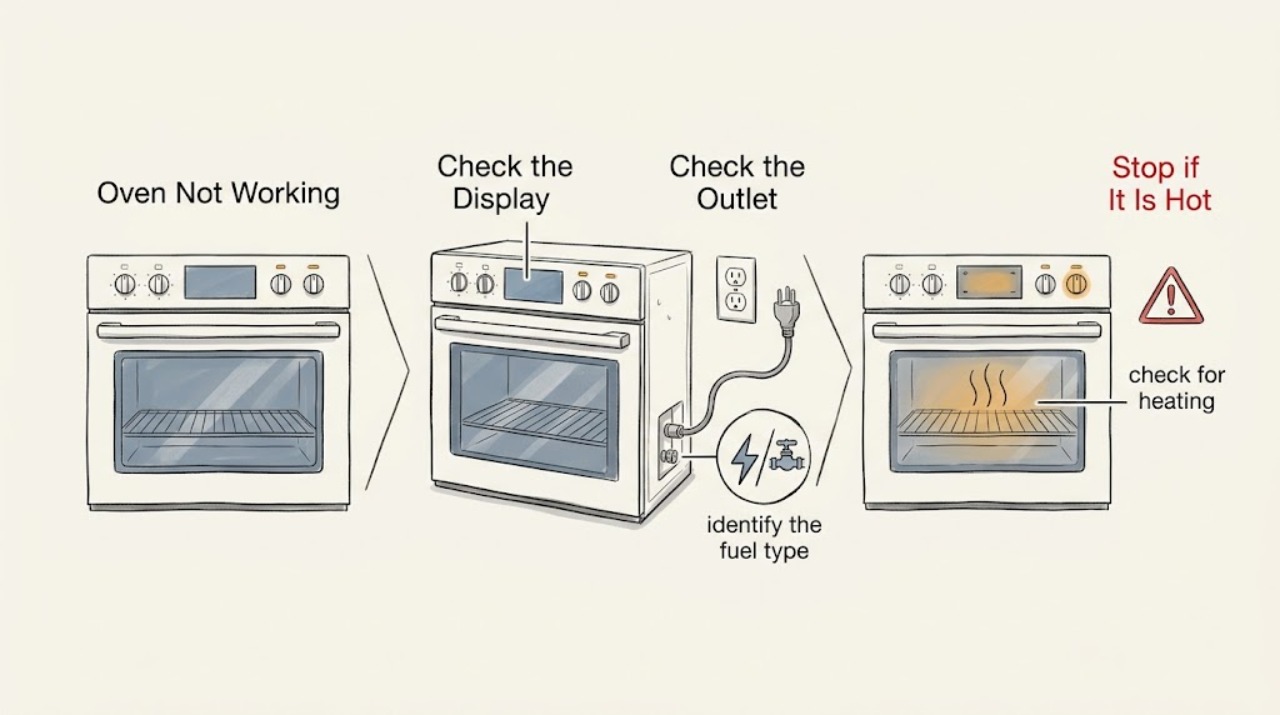
KitchenAid Oven Not Working: Find the Safe Power, Control, or Heating Fault
Start by separating a completely dead KitchenAid oven from one that has a live display but will not start, heat, or ignite. Confirm the exact model and whether it is electric, gas, or dual fuel.
-
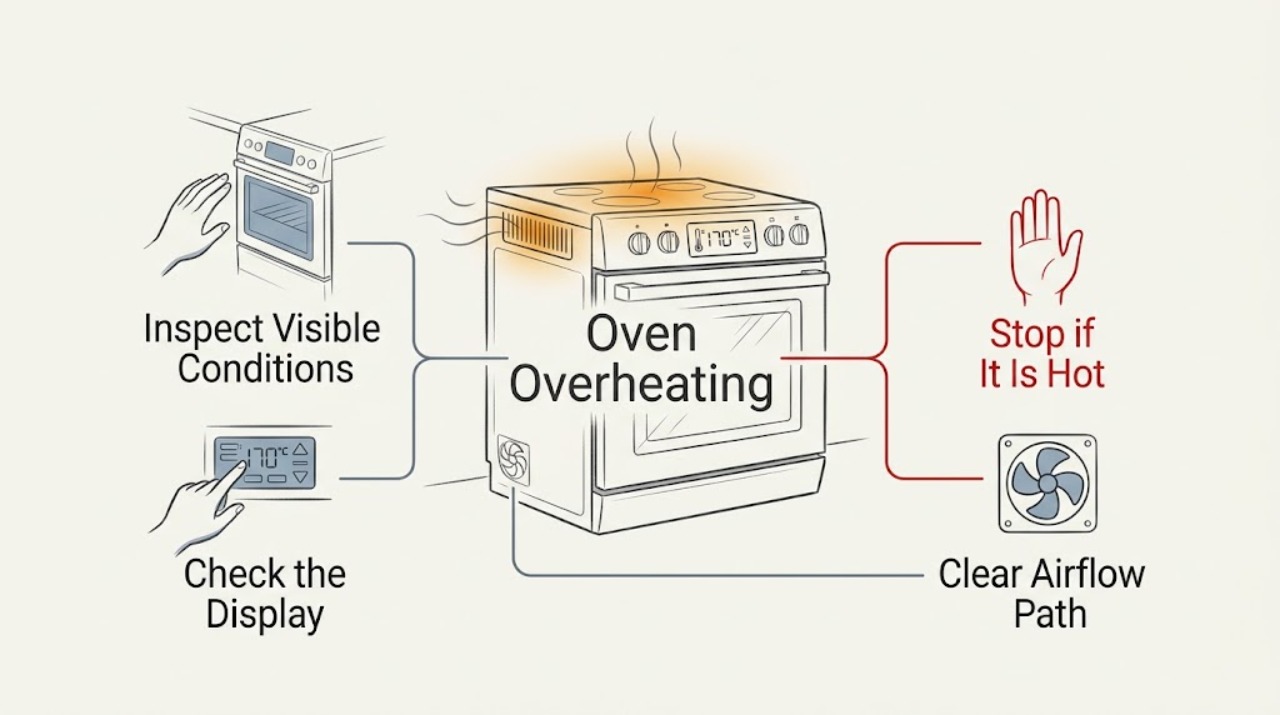
KitchenAid Oven Overheating: Separate Calibration Drift from Unsafe Heating
First decide whether the KitchenAid oven is cooking hotter than expected or is actually heating without control. Turn the controls off and stop using it for smoke, an electrical or gas smell, arcing, a surface that becomes dangerously hot, or heating that continues after cancellation.
-
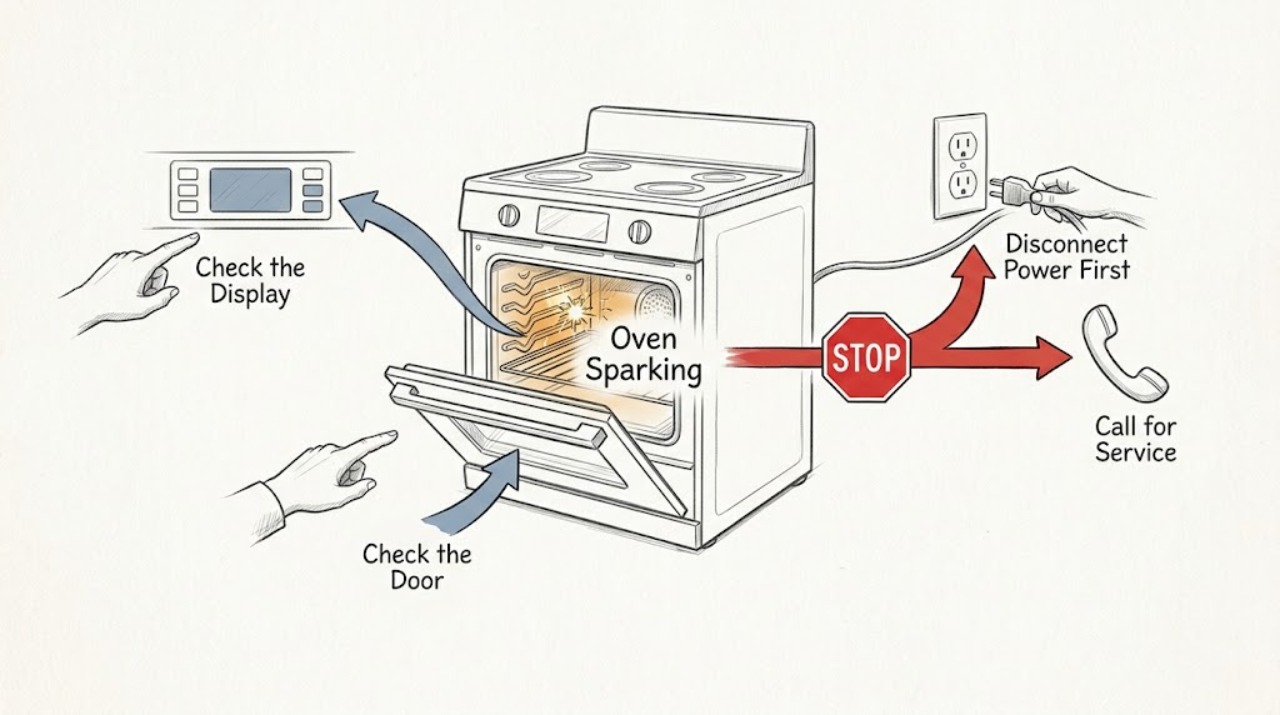
KitchenAid Oven Sparking: Separate Normal Ignition Clicks from Dangerous Arcing
First identify whether the spark is the brief, repeated igniter click that a KitchenAid gas oven can make while establishing a flame, a surface-burner ignition symptom, or a visible electrical arc inside or around the oven. A normal gas-oven click should stop after flame detection; it is not the same as a flash, arc, popping sound, burning odor, or spark that continues with the controls off.
-
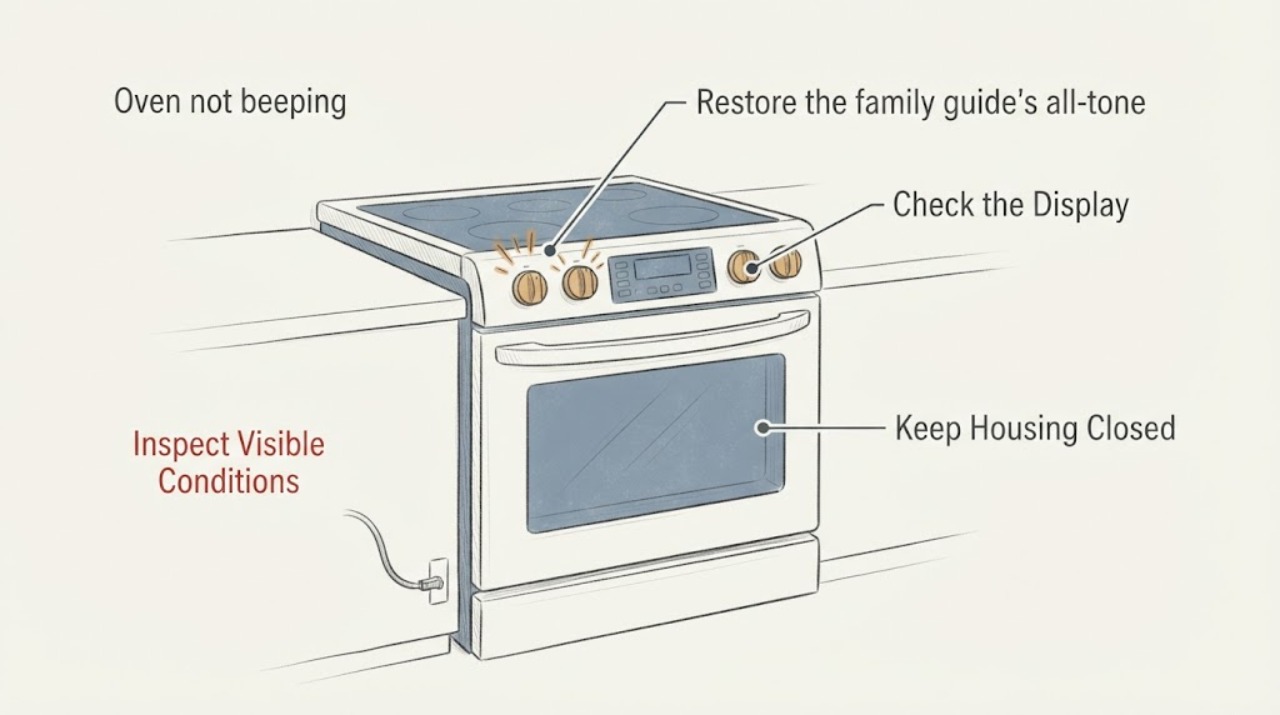
KitchenAid YKERS807SS02 oven not beeping: restore the documented tone setting
If the display and controls on a KitchenAid YKERS807SS02 respond but button presses, the timer and alarms are silent, start with the user setting rather than a control-board diagnosis. The opened KitchenAid Architect Series II guide covers the YKERS807 family and says all tones can be turned on with OPTIONS, then 2.
-
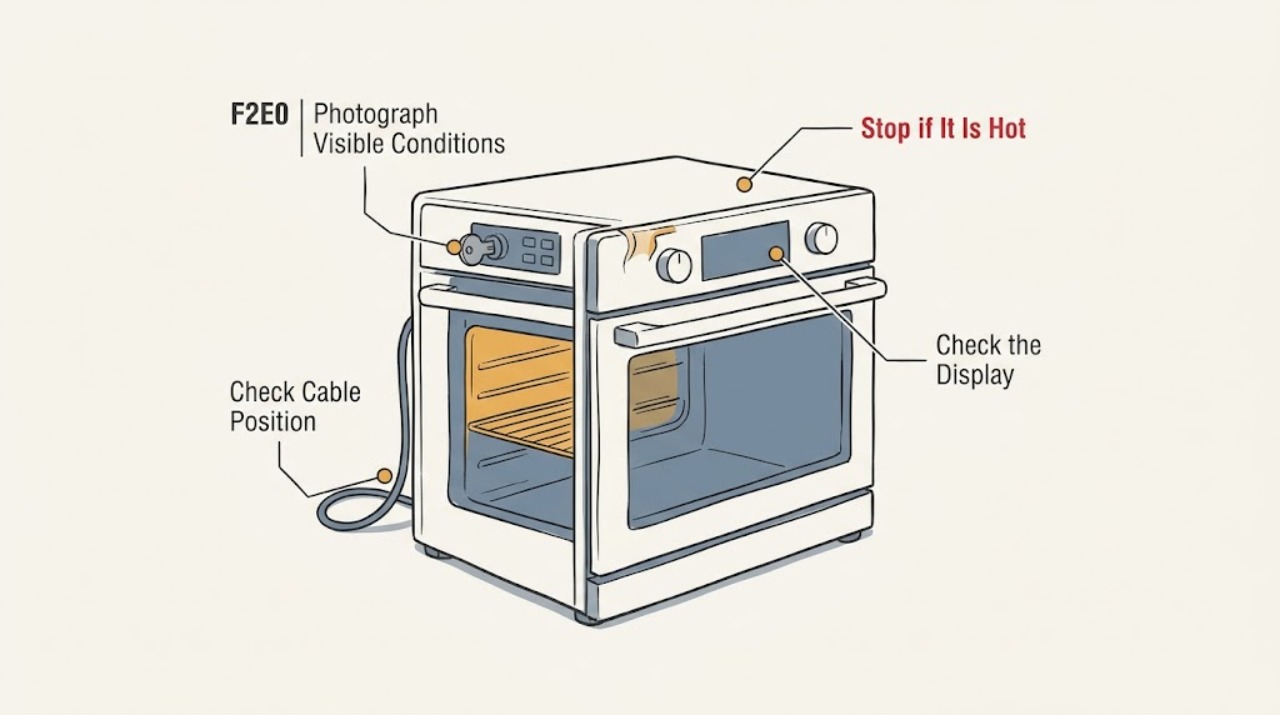
KitchenAid YKESA907PS00 F2E0: Clean and Dry the Panel Before Service
For the Canadian KitchenAid YKESA907PS00, do not assume F2E0 means a stuck key or that it calls for a control-board replacement. The opened KitchenAid Canada tech sheet lists F2E0 as “Keypad Disconnected” and F2E1 as “Stuck Keypad”; the full model and control-family match still need to be confirmed through KitchenAid's Canadian manual lookup.