
On this page
Start here
Quick answer
KitchenAid oven elements turning on and off during baking or roasting are normally part of temperature control: the elements cycle to maintain heat, and the oven may run slightly hot or cool during that cycle. A cooling fan or convection fan can also start, stop, or continue after a cycle. That is different from the whole oven losing power, the display going blank or resetting, a PF/power-failure indication, an error returning, or a cook cycle stopping. Note exactly what cycles, check that the door is fully closed and the selected mode is understood, and use only the model-appropriate power-reset guidance once if the controls actually reset. Repeated resets, persistent display loss, smoke, arcing, burning odor, or an oven that cannot hold a cook cycle needs qualified service; this page does not diagnose a sensor, relay, control board, or element.
Before you begin
Safety first
- This page is limited to observing the display, mode, door position, fan/element behavior, and model-specific external controls. Do not open the oven, touch live wiring, bypass the door switch or thermal protection, test high-voltage or heating circuits, or replace a component based on the symptom alone.
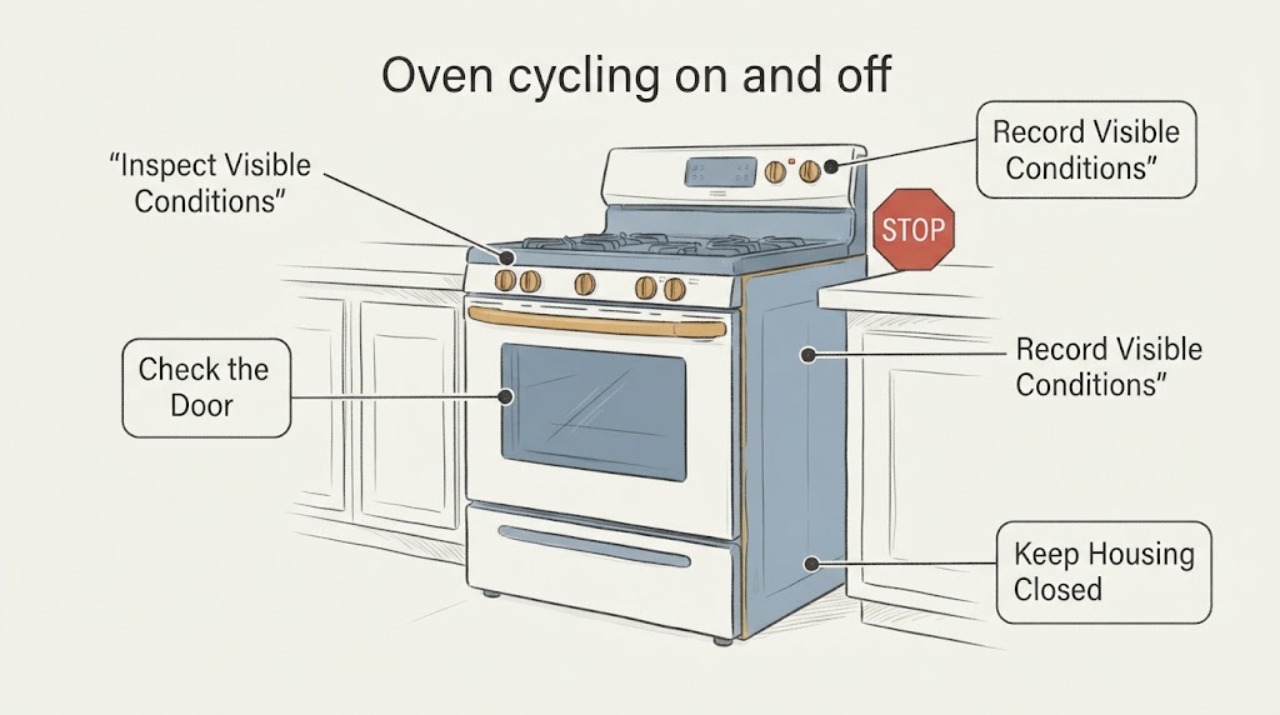
Work through in order
Diagnostic checks
Use only checks that match the exact appliance or system and its official guide.
-
Check 1
Observe what is actually cycling during a normal bake or roast: a heating element, the convection fan, the cooling fan, or the entire control/display.
Expected result: Only the element or fan changes while the display, time, and selected function remain active, or the display resets/goes blank and the cooking state is lost.
Next step: If only heat or fan operation changes, treat it as normal operation unless cooking performance or safety symptoms also occur.
Stop if: If the display or cooking state resets, record the exact message and continue with the power/display branch; do not call it normal temperature cycling.
Why this matters
Why: KitchenAid documents normal element and fan cycling separately from power/display faults.
-
Check 2
Confirm the oven door is fully closed and note the selected mode before interpreting an element or fan pause.
Expected result: The door was open or not fully latched, or the door is closed and the same cycling occurs.
Next step: Close the door normally and allow the cycle to resume; do not hold or bypass the door switch.
Stop if: If the closed-door symptom includes a lost display, error, or interrupted cook cycle, keep the model number and message for service rather than guessing a part.
Why this matters
Why: KitchenAid says an open door can turn elements off, and convection fan behavior varies with the function and model.
-
Check 3
If the control has reset or the display is blank, write down any PF, flashing-clock, or error indication and check the model-specific support page before resetting power.
Expected result: A PF/flashing clock or error appears, or there is no message but the display repeatedly loses power.
Next step: After making the area safe and ensuring no active heating hazard, perform at most the official one-minute power reset for the identified model, then monitor whether the problem returns.
Stop if: Do not invent a code meaning; repeated blanking or rebooting still needs qualified service and electrical evaluation.
Why this matters
Why: KitchenAid links PF/flashing time to a power failure and provides a one-minute breaker/fuse reset for certain display or power issues; the exact model remains controlling.
-
Check 4
After a single documented reset, monitor one ordinary cooking start without opening the door or changing modes unnecessarily.
Expected result: The oven remains powered and holds the selected cycle, or it reboots, loses the display, repeats an error, or stops heating again.
Next step: If the symptom recurs, stop using the oven and arrange qualified service; provide the model number, message, and whether the element, fan, display, or full cycle changed.
Stop if: If it remains stable and only the elements/fans cycle normally, continue ordinary use while following the exact control guide.
Why this matters
Why: A stable cycle supports a temporary power/control interruption but does not prove a component is good; recurrence is evidence of an unresolved fault.
-
Check 5
Stop using the oven immediately for smoke, arcing, burning odor, overheating, visible wiring damage, or a breaker that trips again.
Expected result: Any fire, electrical, or heat-damage symptom is present, or the oven simply cycles normally without a safety symptom.
Next step: Turn controls off if safe, isolate power only from a safe location, keep the oven out of service, and use qualified electrical/appliance service; do not open the cabinet or bypass interlocks.
Stop if: Continue only with the normal-cycling distinction and model-specific guidance; stop if a safety symptom appears.
Why this matters
Why: These observations exceed normal temperature regulation and cannot be safely narrowed to a part through user-level cycling checks.
Use your observations
Decision map
Find the observation that best matches what you see, then follow the next safe action.
-
PATH 01Next step
What you see
The bake or broil element turns on and off while the oven display, clock, and selected cycle remain active.
Do this next
Leave the control settings unchanged, avoid repeated door opening, and judge cooking performance using the model guide rather than treating the element cycle as a restart.
Why this path and its safety boundary
Why it matters: KitchenAid identifies element cycling as normal temperature regulation, with the oven potentially slightly hot or cool at a point in the cycle.
-
PATH 02Next step
What you see
A fan runs during preheat, during another cooking function, or for several minutes after cooking.
Do this next
Do not switch parts based on the fan sound alone; use the exact model guide if the fan never stops after the oven cools or is paired with a display/power fault.
Why this path and its safety boundary
Why it matters: KitchenAid says cooling-fan and convection-fan operation can be normal depending on oven state and model.
-
PATH 03Next step
What you see
The display goes blank, the clock flashes, PF appears, the mode is lost, or an error returns.
Do this next
Record the message, use the official one-minute reset only when applicable, monitor once, and arrange service if the symptom returns.
Why this path and its safety boundary
Why it matters: This is a power/control symptom, not ordinary element temperature cycling. KitchenAid associates PF or a flashing time with a power failure and provides model-dependent reset guidance.
-
PATH 04Next step
What you see
The oven stops with smoke, arcing, burning odor, visible damage, repeated breaker trips, or persistent failure after reset.
Do this next
Keep the oven out of service and use qualified appliance/electrical service; do not open panels, bypass door or thermal protection, or replace a guessed part.
Why this path and its safety boundary
Why it matters: The symptom is an electrical, heat, or unresolved control safety concern that cannot be diagnosed safely from cycling behavior.
Helpful context
Understand the symptom
First separate heat cycling from a restart. Seeing a bake or broil element glow, then go dark, is expected temperature control on KitchenAid ovens. A fan that comes on, changes speed, or continues after cooking can also be normal. The important question is whether only heat or airflow changes, or whether the display, clock, selected mode, or whole appliance loses power.
A closed door and the selected cooking mode matter. KitchenAid says an open door can turn elements off, and its model guidance may use a convection fan even during other functions. Do not use a generic button sequence or infer a failed component without the model number and the exact control guide.
If the oven truly resets, record any PF, flashing clock, or error message before changing settings. A single model-appropriate power reset can be used for a display or power issue when the official guidance calls for it. If the symptom returns, the cycle stops, or there is smoke, arcing, burning odor, or visible damage, leave the oven out of service and use qualified appliance service.
When checks do not resolve it
Need a professional?
Use the exact KitchenAid model manual or Product Help page for any control reset. If the oven loses power again, stops heating, shows a recurring code, or has a fire/electrical symptom, keep it out of service and use qualified appliance/electrical service.
Safety scope: This page is limited to observing the display, mode, door position, fan/element behavior, and model-specific external controls. Do not open the oven, touch live wiring, bypass the door switch or thermal protection, test high-voltage or heating circuits, or replace a component based on the symptom alone.
Common questions
FAQ
Is it normal for KitchenAid oven elements to turn on and off?
Yes. KitchenAid says bake and broil elements cycle off and on during a cycle to maintain temperature. That does not mean the oven has restarted.
Is a KitchenAid oven fan that keeps running after cooking a failure?
Not necessarily. KitchenAid says the cooling fan may run for several minutes after a cycle, and a convection fan may run or cycle during preheat or other functions depending on the model.
What counts as an actual restart rather than normal cycling?
A blank or rebooted display, lost cooking mode, PF or flashing clock, recurring error, or stopped cycle is a power/control symptom. Record the message and use only the exact model’s reset guidance; recurrence needs service.
Can I keep resetting the oven until it works?
No. KitchenAid provides a one-minute power reset for some display or power problems and says to monitor operation afterward. Repeated loss of power or a recurring error should be evaluated by qualified service.
Read the exact guide
Official sources
- Understanding Fan or Humming Noise in OvenKitchenAid · Family-level normal cooling/convection fan behavior; does not identify a fan component failure
- No or Partial Display - RangeKitchenAid · External no/partial-display reset and service boundary; does not diagnose internal controls
- Oven Elements Turning On/Off - Electric RangeKitchenAid · Family-level distinction between normal element cycling and a door-open condition; no model-specific component diagnosis
- Oven Temperature ControlKitchenAid · Documented control-guide explanation of element cycling, door effect, and temperature variation; exact model scope remains the guide’s own model family
- Error Codes for Cooking AppliancesKitchenAid · PF/flashing-clock power-failure meaning and one-minute reset/monitoring guidance; not a generic permission to repeatedly reset
Community feedback
Share a repair observation
Share a plain-text repair observation. Accepted observations are published automatically; this page may take a moment to update.