
On this page
Start here
Quick answer
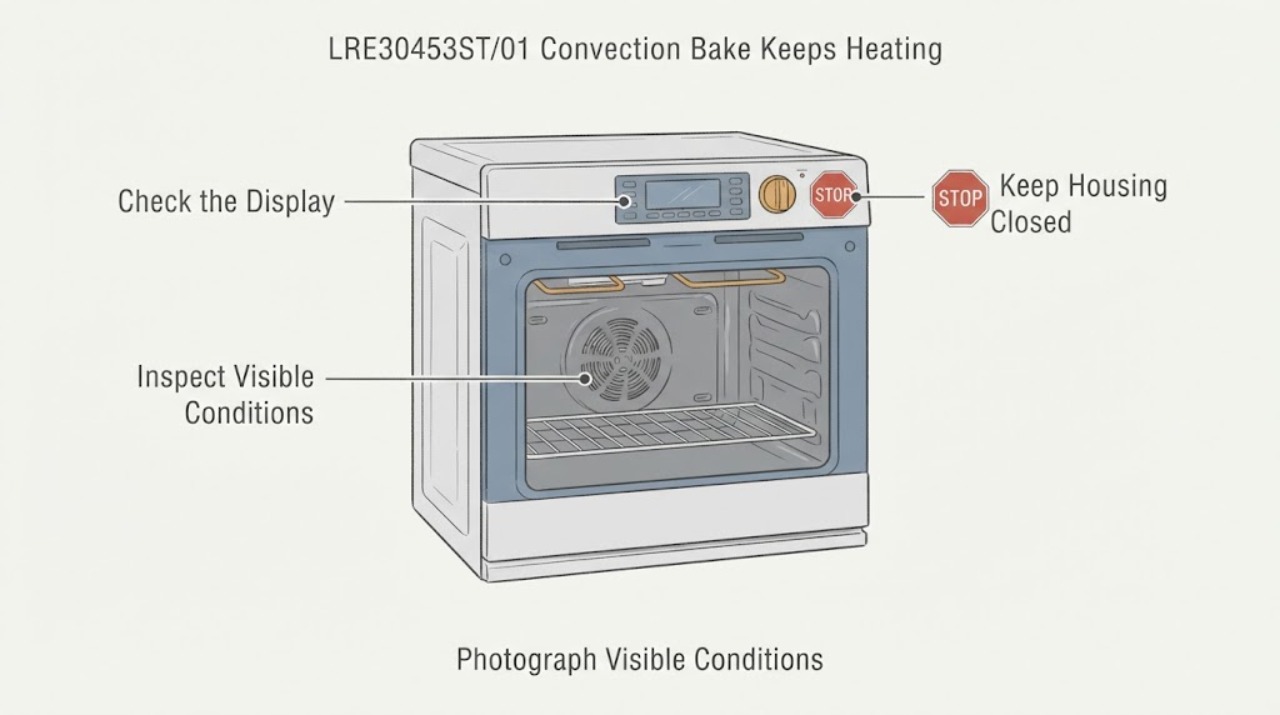
Do not assume the LG LRE30453ST/01 has a stuck relay just because Convection Bake sounds or feels as if it keeps heating. The exact report says regular Bake works while Convection Bake does not stop, and it identifies this model family, but it does not confirm a component failure. LG's published LRE30453 specification confirms Convection Bake, an EvenJet convection system, hidden bake and broil elements, thermostat adjustment, and automatic shut-off; LG's convection guidance explains fan circulation and possible 25°F auto conversion. With the oven cool, record the exact mode, set temperature, displayed temperature after preheat, whether the fan stays on, and whether the actual temperature continues rising. If the cavity overheats, smoke appears, the display shows an error, or the controls will not stop heating, cancel the cycle and isolate power only through a safe accessible disconnect, then arrange qualified LG appliance service. Do not remove the rear panel, test energized elements, swap a relay board, or run repeated heating cycles to reproduce the fault.
Work through in order
Diagnostic checks
Use only checks that match the exact appliance or system and its official guide.
-
Check 1
With the oven cool and not running, photograph the complete rating-plate model and record the exact control selections for regular Bake and Convection Bake, including the set temperature and any displayed converted temperature.
Expected result: The label confirms LRE30453ST/01 and the display shows the selected Conv. Bake mode, or the suffix/settings cannot be confirmed.
Next step: Use the exact `/01` identity and owner's manual for further observation. If the suffix or mode is unclear, stop before ordering parts or using another LRE30453 revision's procedure.
Why this matters
Why: The model suffix and mode determine which manual and operating behavior apply. An unconfirmed suffix or an unexpected mode leaves the reported symptom ambiguous.
-
Check 2
For a single controlled observation only if the controls previously stopped normally and there is no smoke, odor, visible damage, or error, note whether the convection fan runs continuously, whether the displayed temperature changes after preheat, and whether the actual cavity temperature levels off near the selected setting.
Expected result: The fan runs while temperature levels off, the display changes by auto conversion, or the temperature continues rising beyond the selected mode setting.
Next step: If temperature levels off and the mode ends normally, compare the result with the exact manual before changing calibration. If it continues rising or the controls do not stop heat, cancel the cycle, isolate power safely, and arrange service; do not repeat the test.
Why this matters
Why: Fan operation and a converted display can be normal convection behavior. Continued temperature rise after the intended preheat/hold point is a fault symptom, but it does not identify a relay, sensor, element, or control board by itself.
-
Check 3
Observe the oven from outside for a displayed F-code, smoke, electrical odor, abnormal cavity heat, door or control damage, or a control that will not cancel the mode; do not remove panels or touch elements and wiring.
Expected result: An error, smoke/odor, damage, uncontrolled heat, or failure to cancel is present, or none of these signs is present.
Next step: For an error or unsafe heating sign, stop use and isolate power only through a safe accessible disconnect before qualified service. If no sign is present, still use the recorded temperature and mode history rather than opening the appliance.
Why this matters
Why: Any of the first signs creates a safety/service boundary. Their absence does not prove that the internal temperature-control system is healthy.
-
Check 4
Prepare the complete model suffix, whether Bake still works, the exact Convection Bake setting, display and observed temperatures, fan behavior, prior probe/fan work, error codes, and the point at which heating fails for LG or a qualified appliance technician.
Expected result: The service record contains a repeatable mode-specific symptom and complete identity, or the model/temperature history remains incomplete.
Next step: Use LG's model-specific service path. Do not buy a relay board, sensor, element, or fan solely from the symptom or from a different suffix.
Why this matters
Why: A complete record helps service distinguish an operating-setting issue from a temperature-control fault without the reader guessing at an internal part. Missing identity prevents safe part or procedure matching.
Use your observations
Decision map
Find the observation that best matches what you see, then follow the next safe action.
-
PATH 01Next step
What you see
The fan remains on during Convection Bake but the actual temperature stabilizes and the oven responds normally to Cancel/Off.
Do this next
Compare the mode, conversion setting, and rack/temperature guidance with the exact LRE30453ST/01 manual. Do not replace an internal part based only on hearing the fan.
Why this path and its safety boundary
Why it matters: This is consistent with convection circulating heat; fan operation alone does not show that the oven is stuck heating.
-
PATH 02Next step
What you see
The cavity temperature continues rising beyond the selected Convection Bake setting, or Cancel/Off does not stop heating.
Do this next
Stop the cycle, isolate power through a safe accessible disconnect, keep the oven out of service, and arrange qualified LG appliance service. Do not repeat the heating test or open the control area.
Why this path and its safety boundary
Why it matters: This is abnormal uncontrolled-heating behavior, but the evidence does not distinguish a relay, sensor, element, wiring, or control fault.
-
PATH 03Next step
What you see
The display shows a different temperature after preheat while the oven is otherwise stable and auto conversion is enabled.
Do this next
Record whether auto conversion is enabled, follow the exact model manual, and judge the mode by stable measured temperature and normal control response rather than the unconverted recipe number.
Why this path and its safety boundary
Why it matters: LG documents a 25°F automatic conversion for convection modes; a changed displayed value can be expected and is not itself proof of overheating.
-
PATH 04Next step
What you see
The model suffix, settings, prior repair history, or measured temperature cannot be confirmed, or an error/smoke/electrical odor appears.
Do this next
Stop using the oven, isolate power safely if needed, and provide the rating-plate details and photos to qualified service. Do not transfer a procedure or part from another LG range.
Why this path and its safety boundary
Why it matters: The identity or safety boundary is unresolved, so a part diagnosis or continued user testing would be unsupported.
Helpful context
Understand the symptom
Separate normal convection behavior from runaway temperature
The matching report describes a mode-specific problem: regular Bake works, but Convection Bake appears to keep heating. The LRE30453 specification confirms that this family has an EvenJet convection system, Convection Bake, a hidden bake element, and a broil element. LG's convection guidance says the fan circulates heat and that auto conversion can change the displayed temperature by 25°F. A running fan, a changing display, or element glow during preheat is therefore not enough to identify a stuck relay. The useful distinction is whether the oven reaches and maintains the selected mode temperature or continues rising beyond it.
Record the setting and temperature without opening the oven
With the oven cool, record the mode name, set temperature, displayed temperature after preheat, whether auto conversion is enabled, and whether the convection fan remains on. Use a suitable oven thermometer only as an external observation if the appliance can be used safely and the controls stop normally; do not use a test that requires removing covers or reaching near energized elements. LG's public guidance says to confirm settings and use the owner's manual for model-specific operation, while the exact report does not establish a relay, sensor, fan, or element fault.
Treat uncontrolled heating as a stop condition
If the actual temperature keeps climbing, the cavity becomes abnormally hot, the oven emits smoke or an electrical odor, an error appears, or the controls do not cancel heating, stop the cycle. Do not keep switching modes or resetting power to see whether the symptom changes. The specification's 12-hour automatic shut-off is a safety feature, not a reason to leave a malfunctioning oven unattended. Isolate power only through a safe accessible disconnect and arrange qualified service.
Do not transfer an internal repair diagnosis from the thread
The post says that a temperature probe and convection fan had already been replaced, and replies speculate about a relay, elements, harness, or neutral. Those observations do not prove the same part is failed on every LRE30453ST revision, and they do not supply a safe user procedure. Give service the complete `/01` model suffix, prior repair history, exact mode behavior, set and observed temperatures, any error code, and photos of the control display instead of ordering or testing an internal part by guesswork.
Common questions
FAQ
Is a convection fan that keeps running proof that my LG oven is still heating?
No. LG describes convection as fan-circulated heat, and fan operation can continue while temperature is regulated. Check whether the actual temperature stabilizes and whether Cancel/Off responds; do not diagnose a relay from fan sound alone.
Why does the Convection Bake display show a different temperature?
LG documents an automatic conversion that can reduce the displayed convection temperature by 25°F. Record whether auto conversion is enabled and use the exact LRE30453ST/01 manual before treating the display change as a fault.
Can I replace the temperature probe, fan, or relay board because the thread suggests it?
Do not order or replace an internal part from the thread. The post reports prior probe and fan work but no confirmed repair, and the opened official documents do not identify a failed component for this `/01` symptom. Have qualified service match any part to the complete model and diagnosis.
What should I do if the oven will not stop heating or begins to smoke?
Cancel the cycle if the controls respond. If heating continues, smoke, an electrical odor, or an error appears, keep people away, isolate power through a safe accessible disconnect, and arrange qualified service. Do not open the control area or run another test cycle.
Read the exact guide
Official sources
- LG Range - Understanding Convection CookingLG USA Support · Supports general LG convection behavior and the documented 25°F auto-conversion explanation. It is not a model-specific diagnosis or internal repair procedure for LRE30453ST/01.
- LRE30453 Spec SheetLG Electronics U.S.A. · Supports the family identity and published Convection Bake, EvenJet, hidden-bake, broil, thermostat-adjustment, and automatic-shut-off features. It does not diagnose the `/01` symptom or establish a replacement part.
- My oven works fine when I use the bake function, but when I use convection bake it keeps heating and doesn’t stop.Reddit r/appliancerepair · Supports only the exact model/symptom wording, prior probe/fan replacement report, and community hypotheses. It does not confirm a relay, sensor, element, fan, harness, control-board fault, or repair result.
- LG Electric Range / Gas Range: Power IssuesLG USA Support · Supports the dedicated-circuit and service boundary for LG electric ranges. It does not identify the cause of a convection-overheating complaint or authorize live electrical testing.
Community feedback
Share a repair observation
Share a plain-text repair observation. Accepted observations are published automatically; this page may take a moment to update.