
LG appliance guidance
LG Oven Repair Guides
Troubleshooting and repair guidance for published LG Oven problems, symptoms, and maintenance questions.
Published LG Oven guides
Choose the guide whose symptom or condition most closely matches what you are seeing.
-
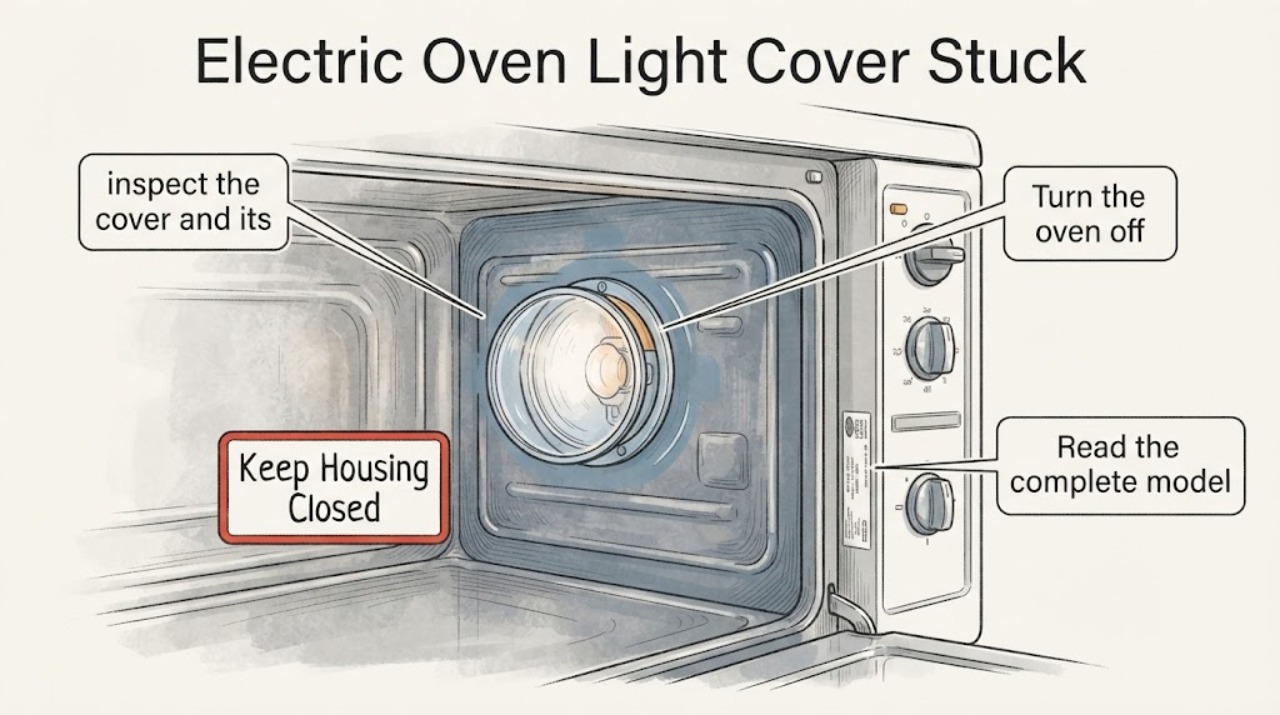
LG Electric Oven Light Cover Stuck: Identify the Cover Before Forcing It
Do not force a stuck LG oven light cover while the oven is warm or powered. Let the oven and bulb cool fully, disconnect power at the plug or circuit breaker, and read the complete model number before trying to remove the cover.
-
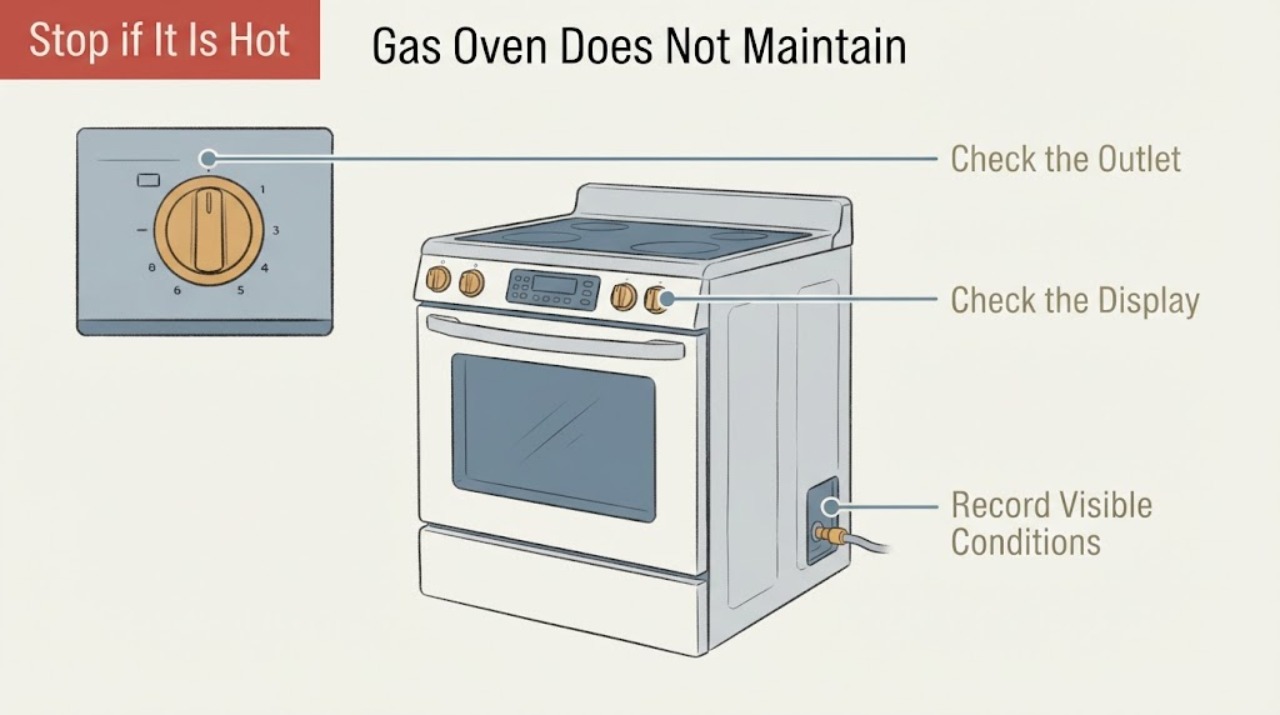
LG Gas Oven Does Not Maintain Temperature: Safe External Checks
An LG gas oven that does not maintain its set temperature should first be checked from the outside: confirm the temperature scale, selected mode and START confirmation, preheat as the recipe requires, keep the door closed, and compare the result with the exact model's owner's manual.
-
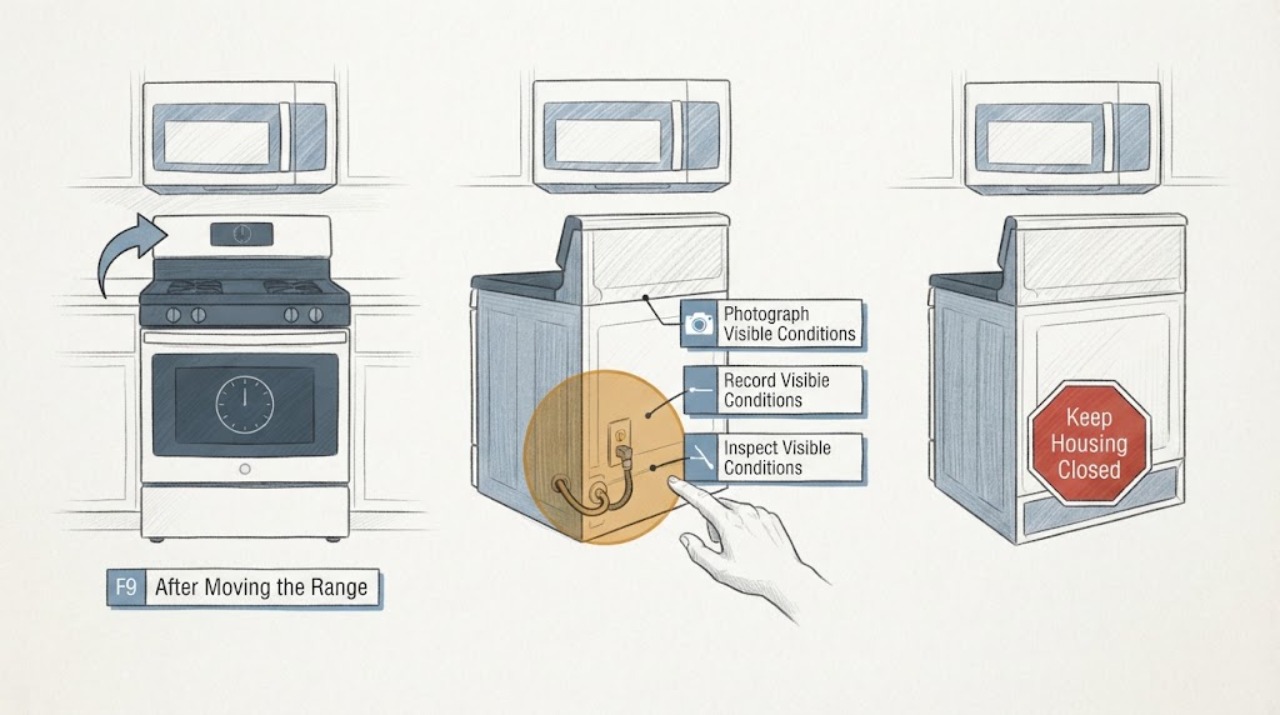
LG LDE4413 F9 After Moving the Range: No-Heat and Safe Power Checks
On an LG LDE4413 electric double-oven range, an F9 display with no heat after the range was moved should be treated as an unresolved heating or power-supply event, not as proof that a particular element or control board failed. LG's official material identifies LDE4413ST and LDE4413BD as the two electric-double-oven suffixes and provides separate upper and lower oven circuits and controls; confirm the complete suffix and serial from the rating label before using a manual.
-
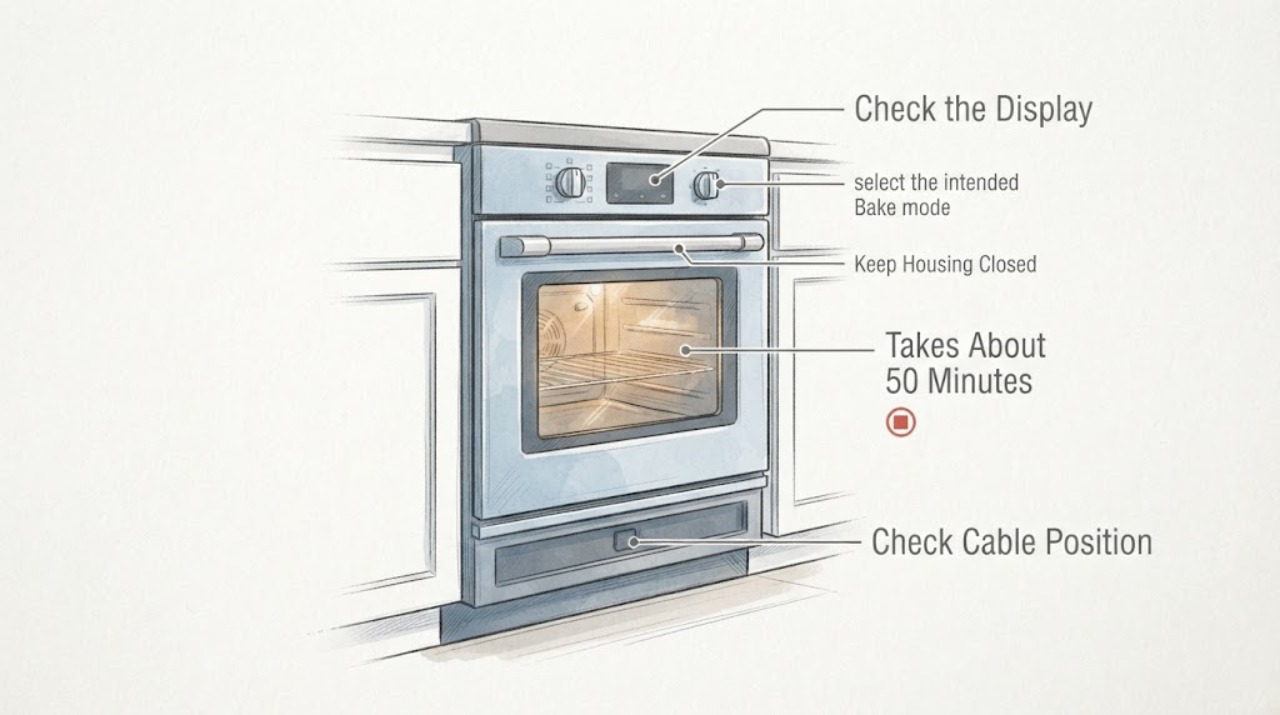
LG LRE3023ST Takes About 50 Minutes to Preheat: Do Not Assume the Element Is Broken
No. A roughly 50-minute preheat to 400°F does not prove that the LG LRE3023ST lower heating element is broken.
-
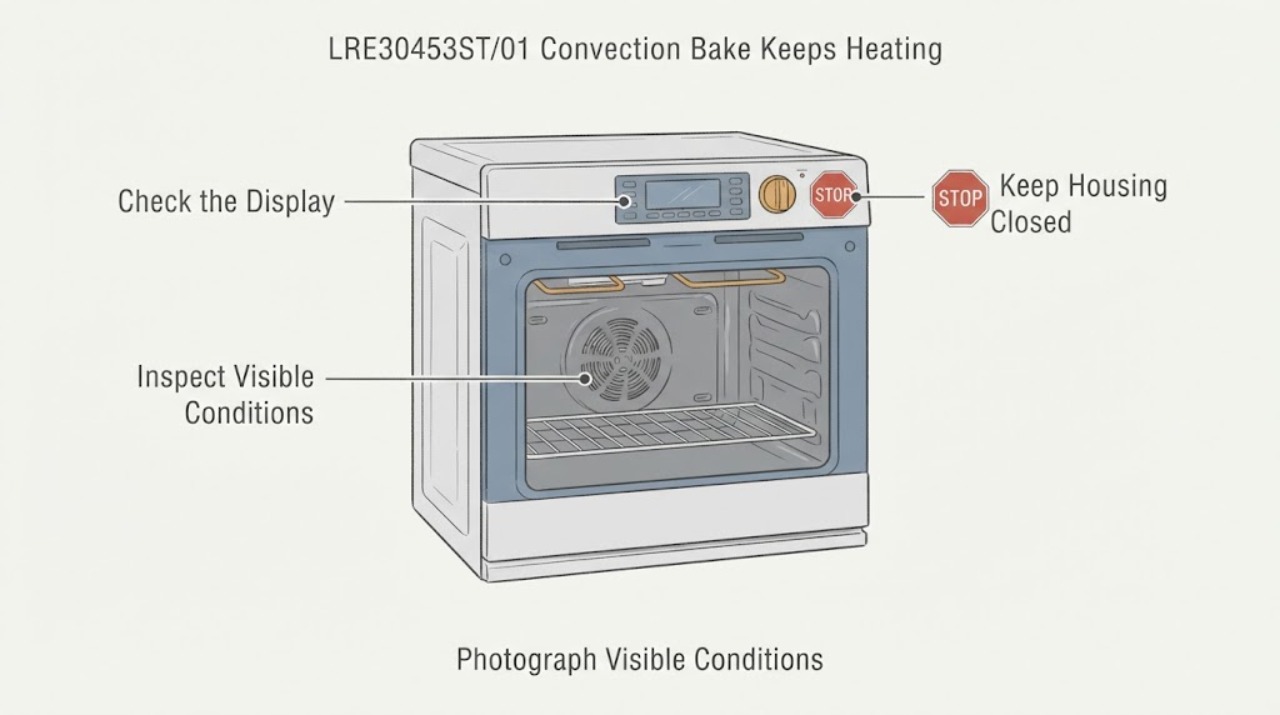
LG LRE30453ST/01 Convection Bake Keeps Heating: Check the Mode Before Service
Do not assume the LG LRE30453ST/01 has a stuck relay just because Convection Bake sounds or feels as if it keeps heating. The exact report says regular Bake works while Convection Bake does not stop, and it identifies this model family, but it does not confirm a component failure.
-
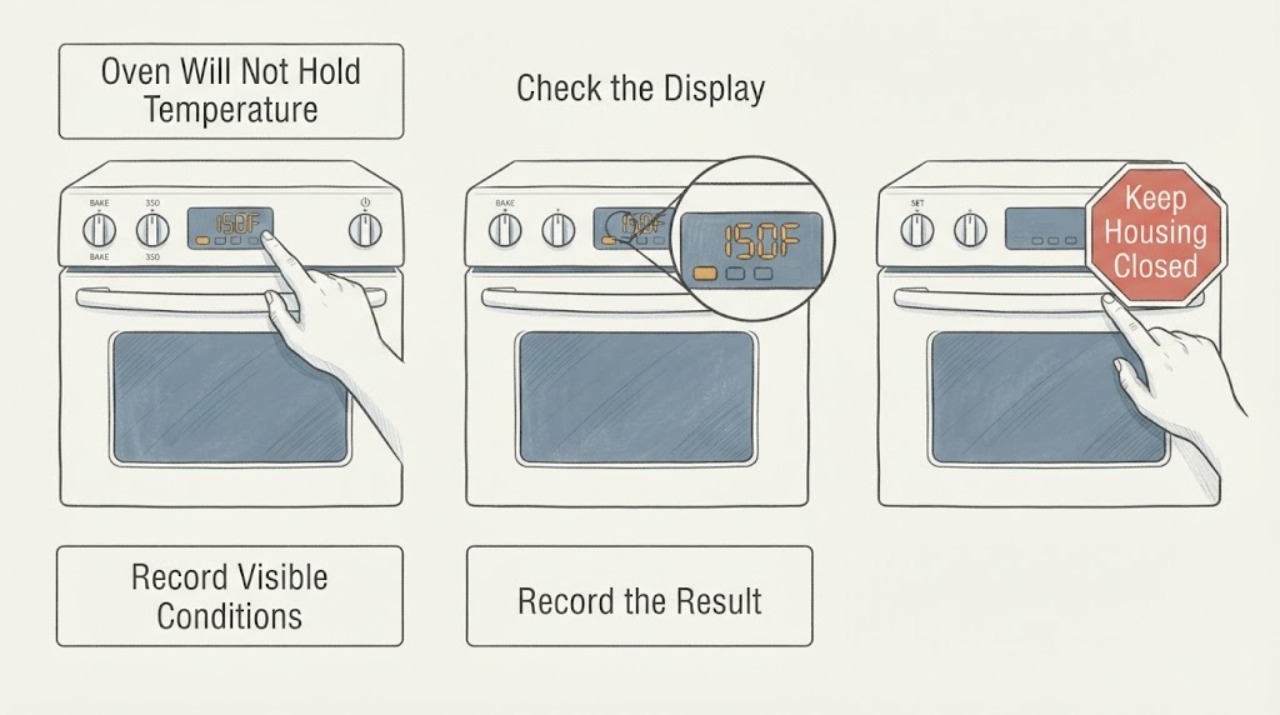
LG LRE3061ST Oven Will Not Hold Temperature While Baking
For an LG LRE3061ST that reaches a set temperature and then seems unable to hold it, first separate normal heating cycles, convection temperature conversion, and a repeatable temperature offset from true loss of heat. LG identifies the LRE3061ST as a 6.3 cu.
-
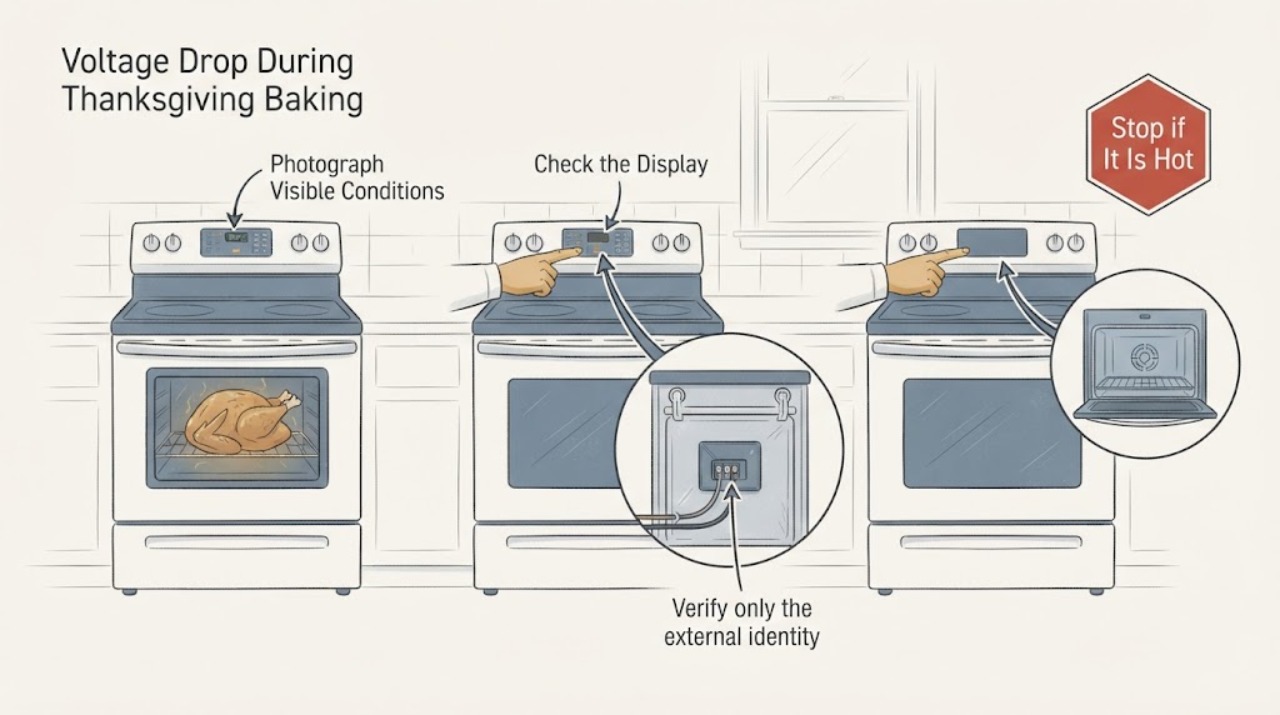
LG LRE3194BD Voltage Drop During Thanksgiving Baking: Stop and Get the Supply Checked
The LG LRE3194BD is a US electric range, so a reported voltage drop while the oven is baking is an electrical-supply warning, not a reason to keep testing the bake element during Thanksgiving cooking. Stop using the oven and do not reset it to try another batch.
-
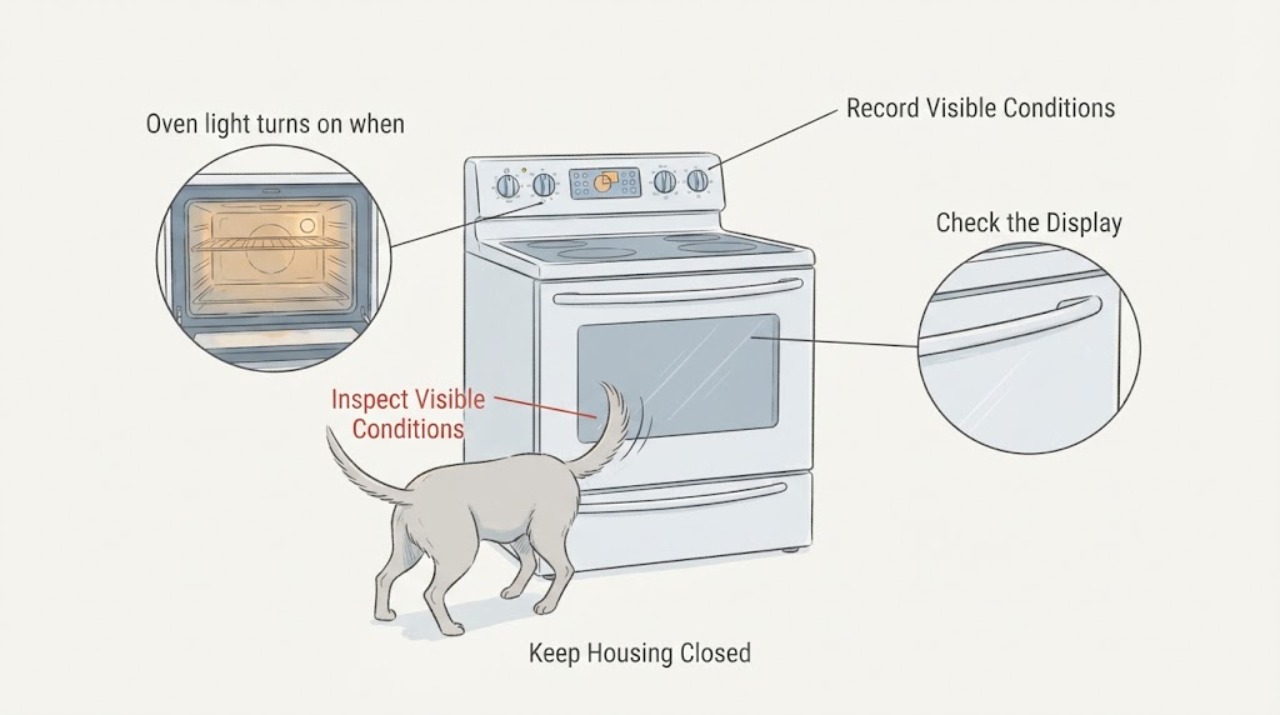
LG LREL6325F oven light turns on when a dog bumps the door
On the LG LREL6325F, two taps on the InstaView oven glass are an intended way to toggle the interior light, so a dog's tail can trigger the feature without proving that the door switch is faulty. Turn the light off with the Light control or a gentle double tap.
-
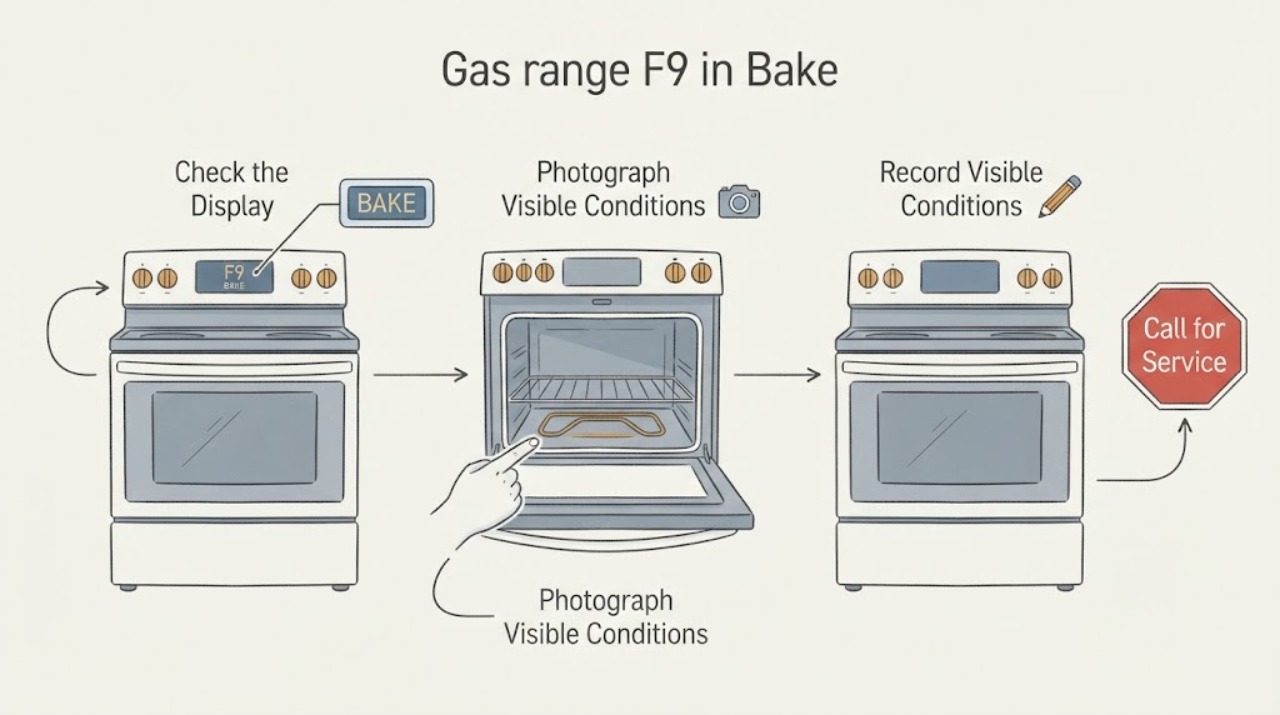
LG LRGL5825D gas range F9 in Bake mode: safe checks before service
LG identifies LRGL5825D as a US freestanding gas range with one oven. LG's current range error list describes F9 as an upper-oven heating problem and recommends CLEAR/OFF, then one 30-second breaker reset if the code returns, followed by service if it persists.
-
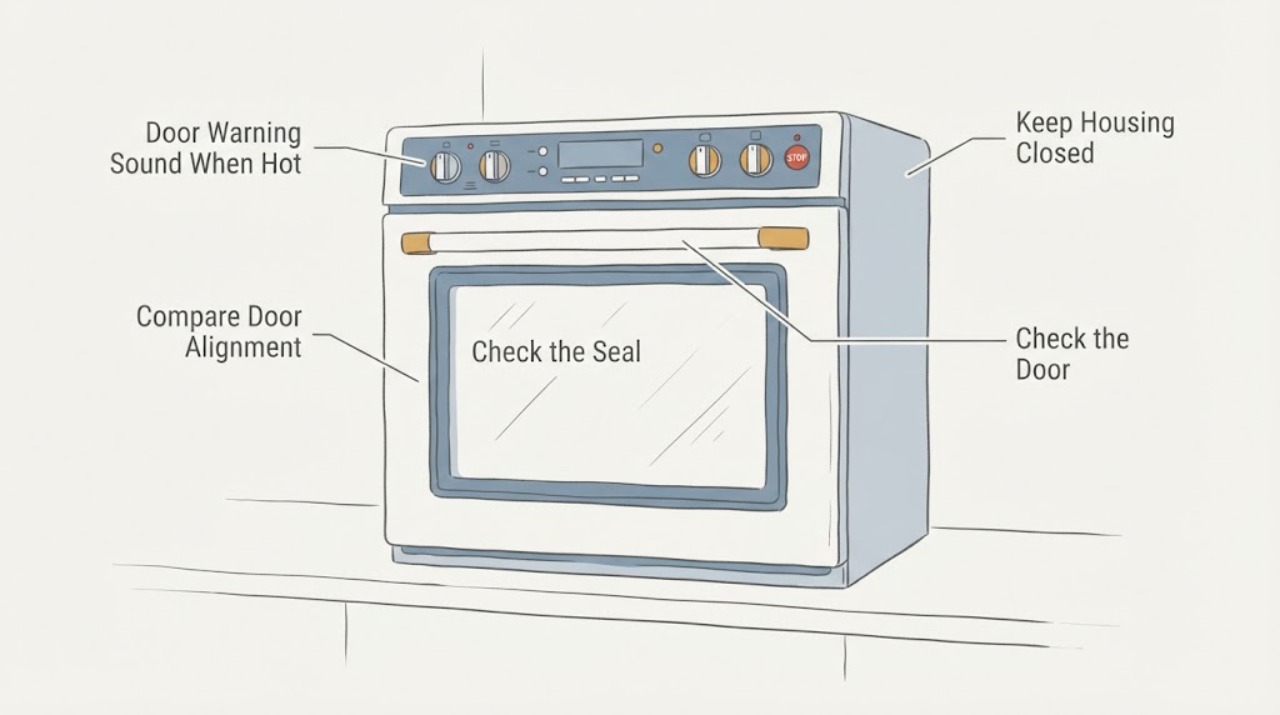
LG LSG4511ST Door Warning Sound When Hot: Check the Door State Safely
For the LG LSG4511ST, turn the oven off normally and let the door, glass, racks, and hinge area cool completely. Do not hold the door shut, force a hot latch, bypass a switch, or keep cooking while a door light or warning sounds.
-
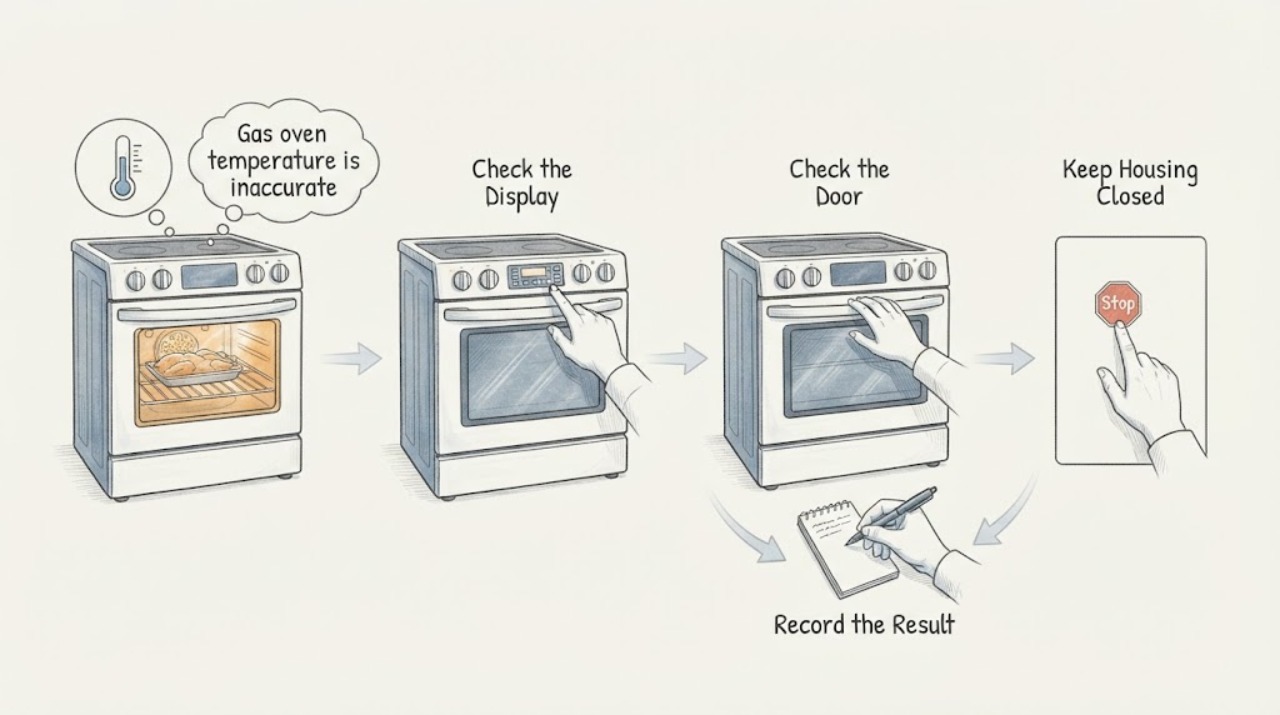
LG LSG4511ST gas oven temperature is inaccurate: check preheat, measurement, and calibration
For the LG LSG4511ST, do not diagnose a sensor or igniter from one temperature reading. First confirm the exact model and use the Bake mode with the temperature change accepted by pressing START.
-
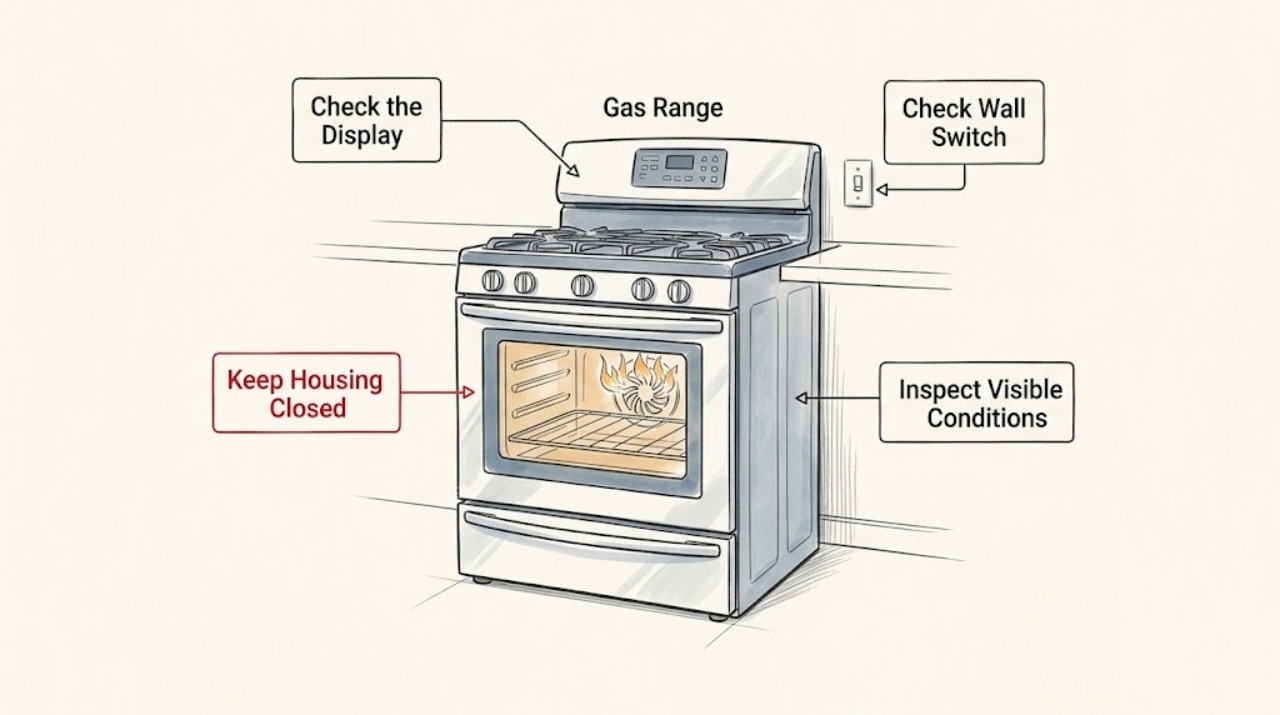
LG LSGL6335 Gas Range: Flames Coming From the Convection-Fan Opening
Flames coming out of an LG LSGL6335 convection-fan opening are not a normal fan-noise or oven-temperature question. Stop using the range immediately: do not relight it, open the oven door to look, run another bake or convection cycle, adjust a burner, or remove a panel.
-
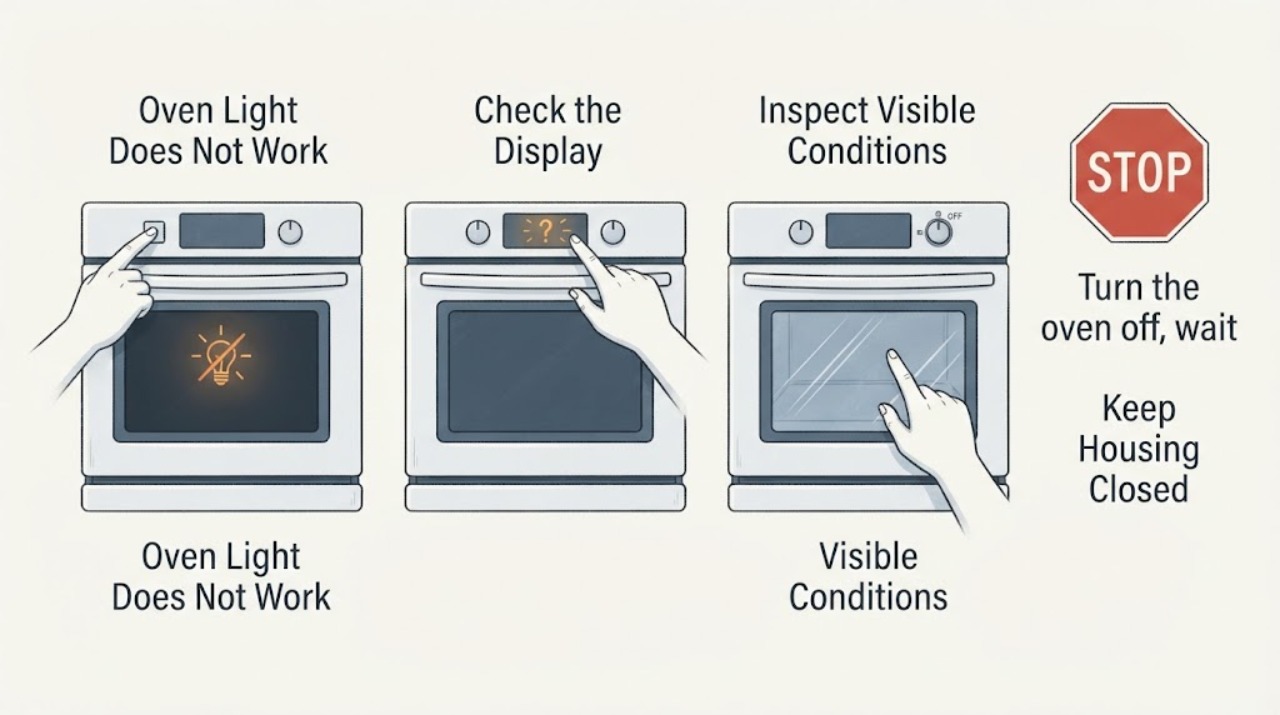
LG LSSG3017ST Oven Light Does Not Work: Cool, Disconnect Power, Then Use the Exact Manual
LG identifies the LSSG3017ST as a gas slide-in range with a GoCook Smart Oven Light and an exact owner-manual listing. First determine whether the display, cooktop and oven controls still have power.
-
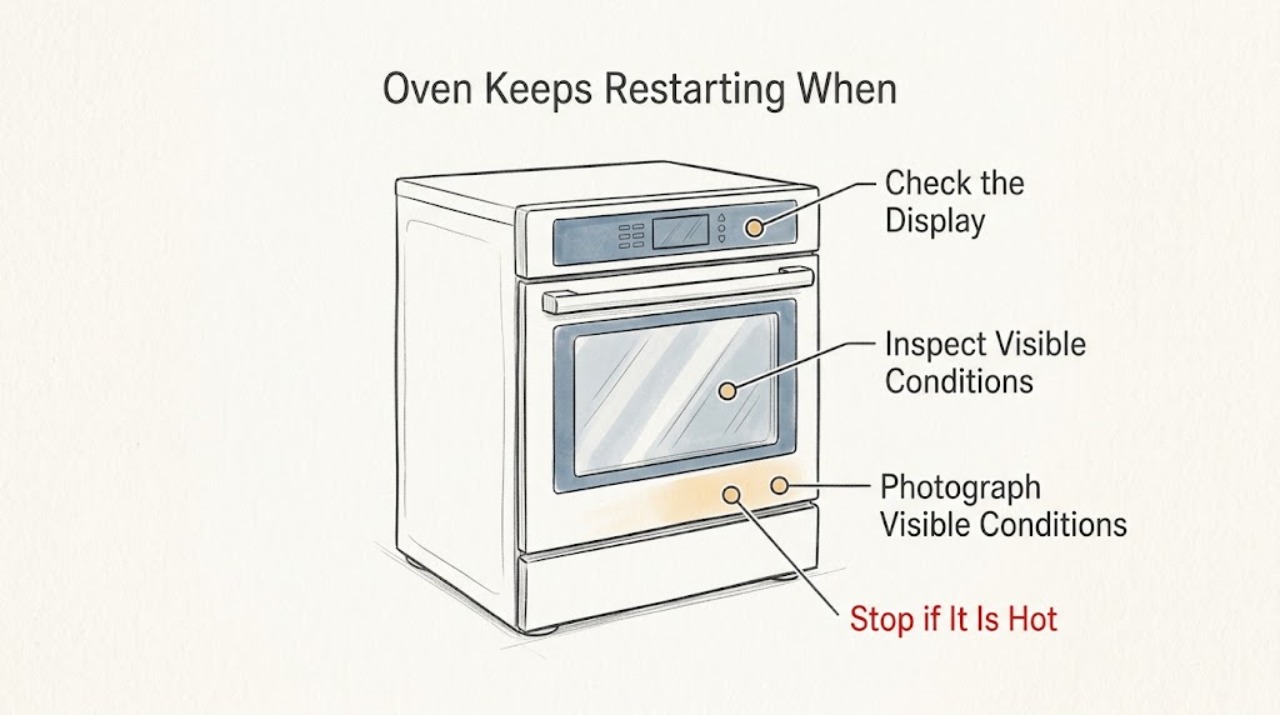
LG LWS3063ST Oven Keeps Restarting When at Temperature
If the LG LWS3063ST display actually goes blank or restarts when the oven is hot, stop trying to reproduce it and arrange qualified service; do not assume the control board or a temperature sensor is at fault. First record whether only the elements or fan cycle while the display and clock stay stable, or whether the entire display resets, and note the set temperature, cycle, any F-code, and whether a breaker changed.
-
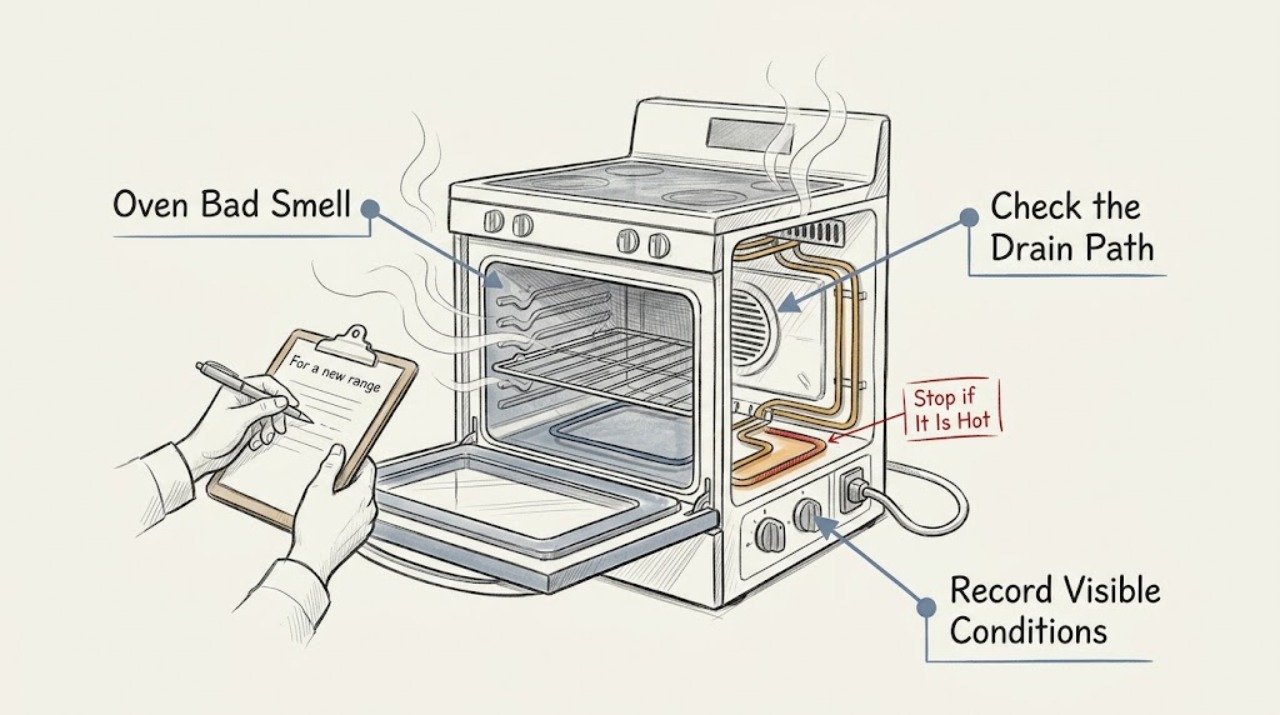
LG Oven Bad Smell: Separate Food, New-Range, Gas, and Electrical Odors
Stop and let the oven cool before identifying the odor. A food or grease smell usually follows a visible spill or residue and can be addressed with the exact model's safe cleaning method.
-
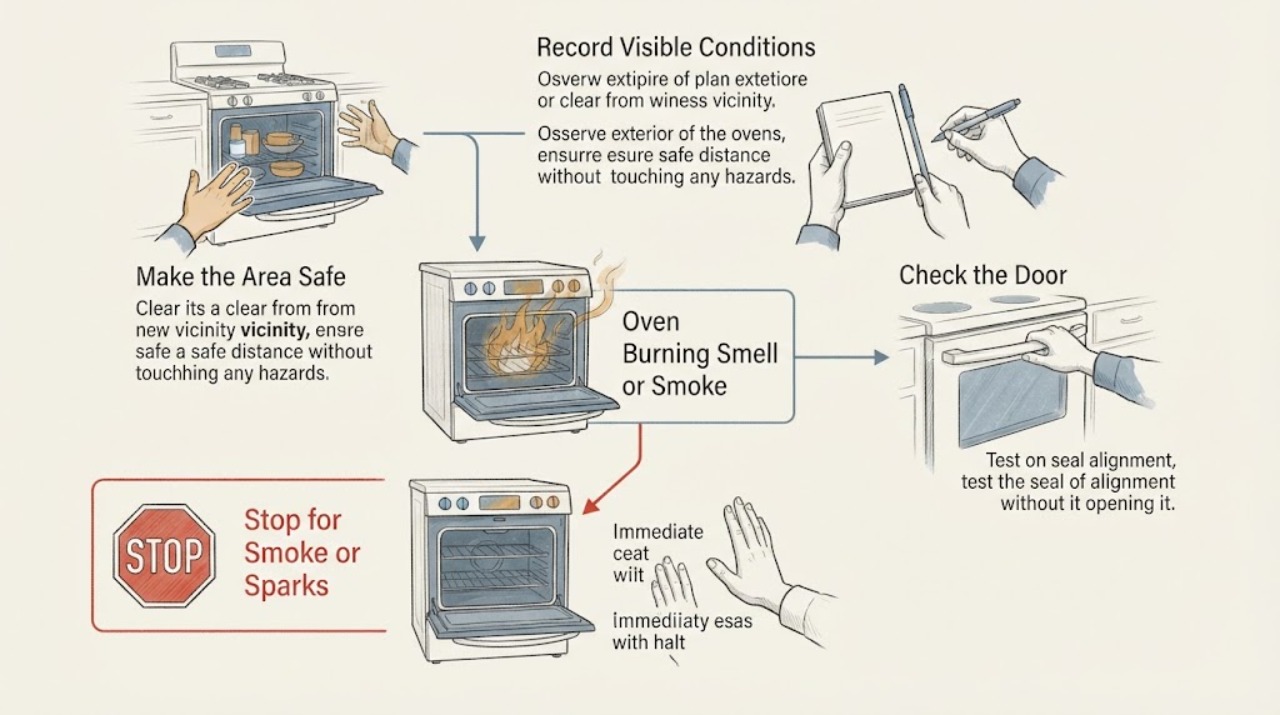
LG Oven Burning Smell or Smoke: Do Not Assume the Light Is the Culprit
A burning smell or smoke from an LG oven does not prove that the oven light is the cause. Stop using the oven if the smell is strong, smoke continues, flames appear, or a breaker trips; keep the door closed during an active oven fire and use the home fire emergency procedure.
-
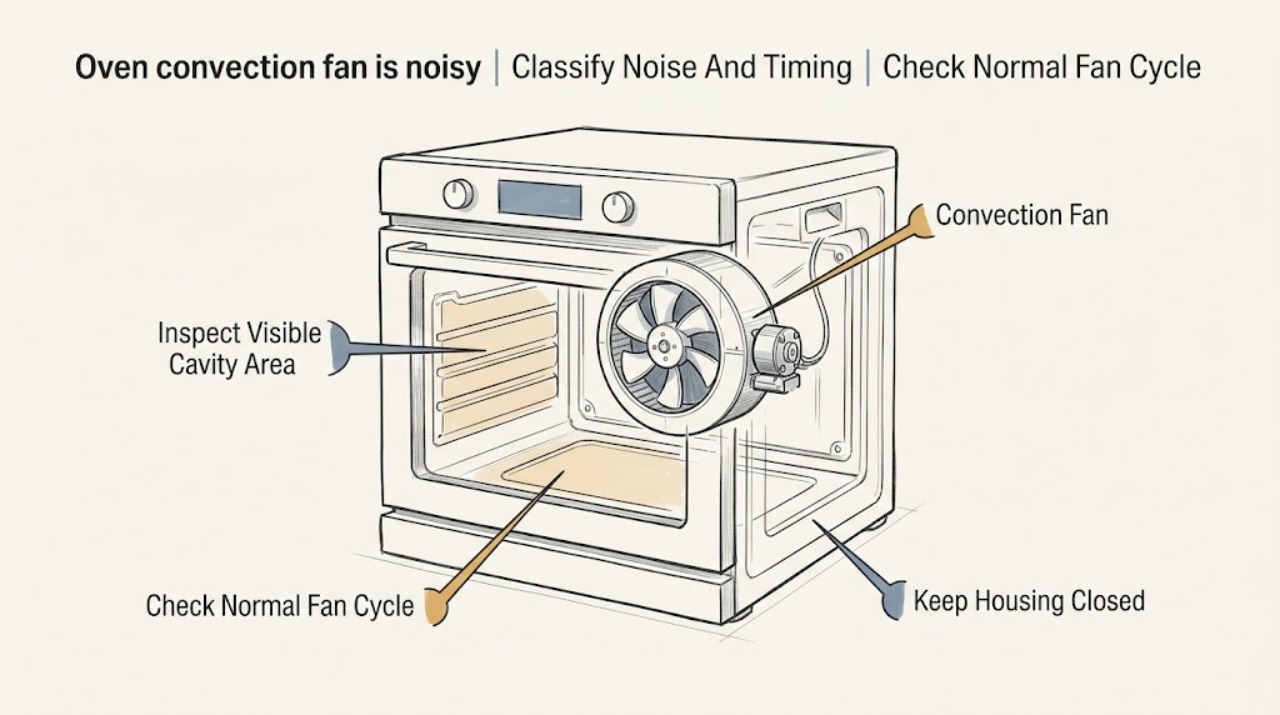
LG oven convection fan is noisy: What to Check and What to Do Next
A soft hum and periodic cycling from an LG oven convection fan can be normal during convection bake, convection roast, or a cool-down period. A new rattle points toward the fan motor or housing; scraping or clanking points toward a blade that is damaged or contacting its chamber.
-
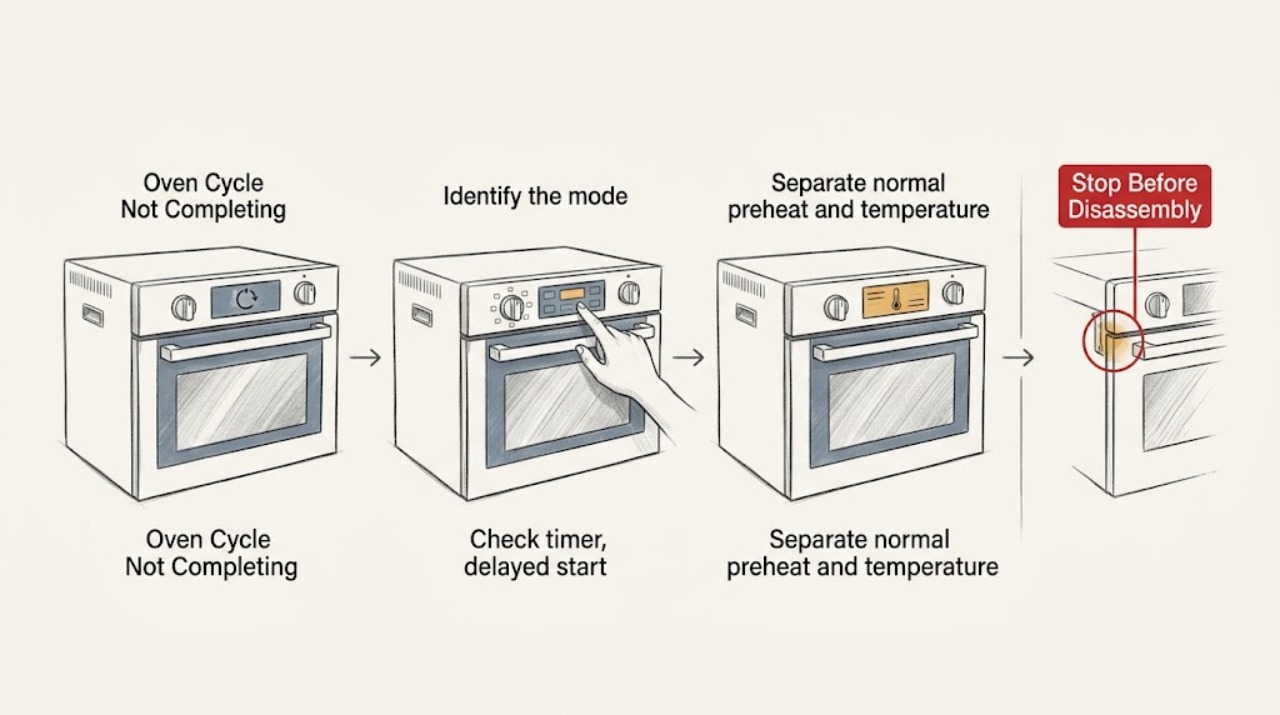
LG Oven Cycle Not Completing: Check the Mode, Timer, and Safety Lock
When an LG oven cycle does not complete, first record the exact mode, whether a cook-time or delayed-start setting is active, what the display shows, and whether heat is still present. A delayed or timed cycle can look inactive, a self-clean cycle can keep the fan running and the door locked while the oven cools, and Sabbath mode changes normal off behavior on supported models.
-
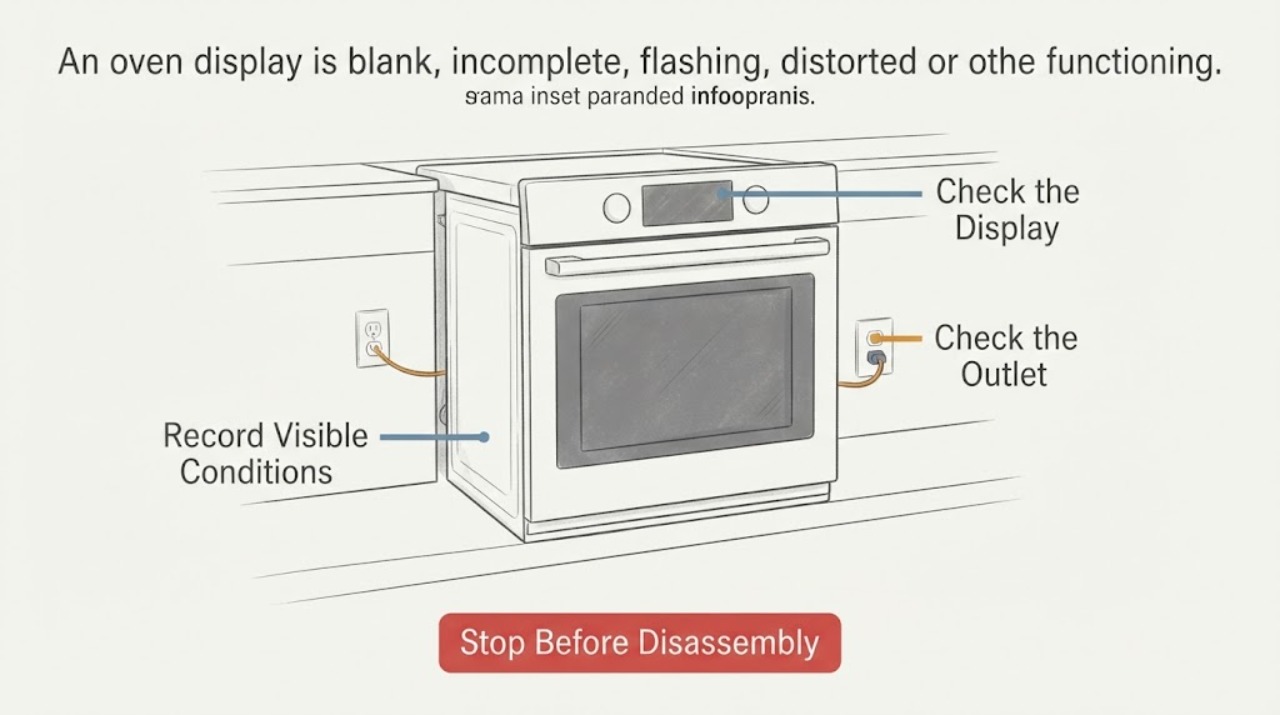
LG Oven Display Not Functioning | Fix Guide
First determine whether the LG oven has no power, has power but a blank display, or has a partial/flashing display with buttons that still respond. Check the accessible power connection and circuit breaker without opening the appliance, and use the exact model manual to check Control Lock or Child Lock.
-
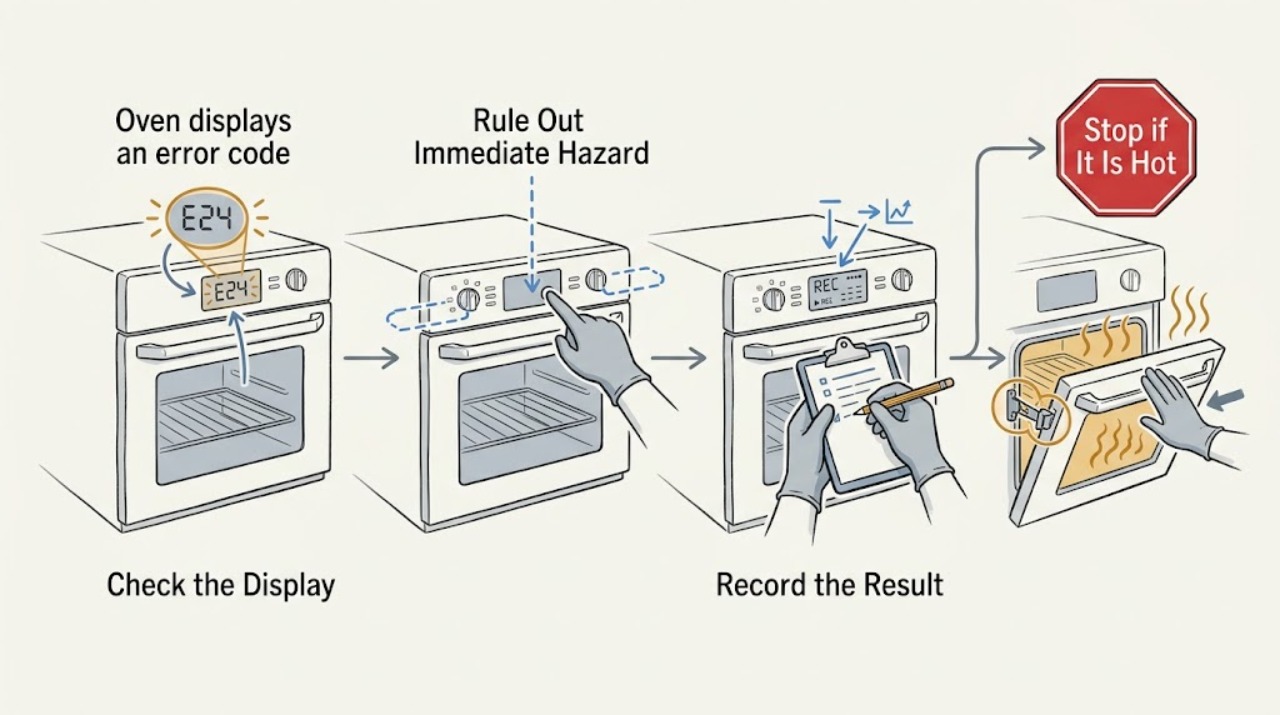
LG oven displays an error code: What to Check and What to Do Next
An LG oven error display is a diagnostic clue, not a universal fault code: the same-looking display can indicate a sensor, heating, convection fan, door-lock, communication, power, or other model-specific issue, while PF, Sb, or a lock indication may describe a power interruption or operating mode rather than a failed part.
-
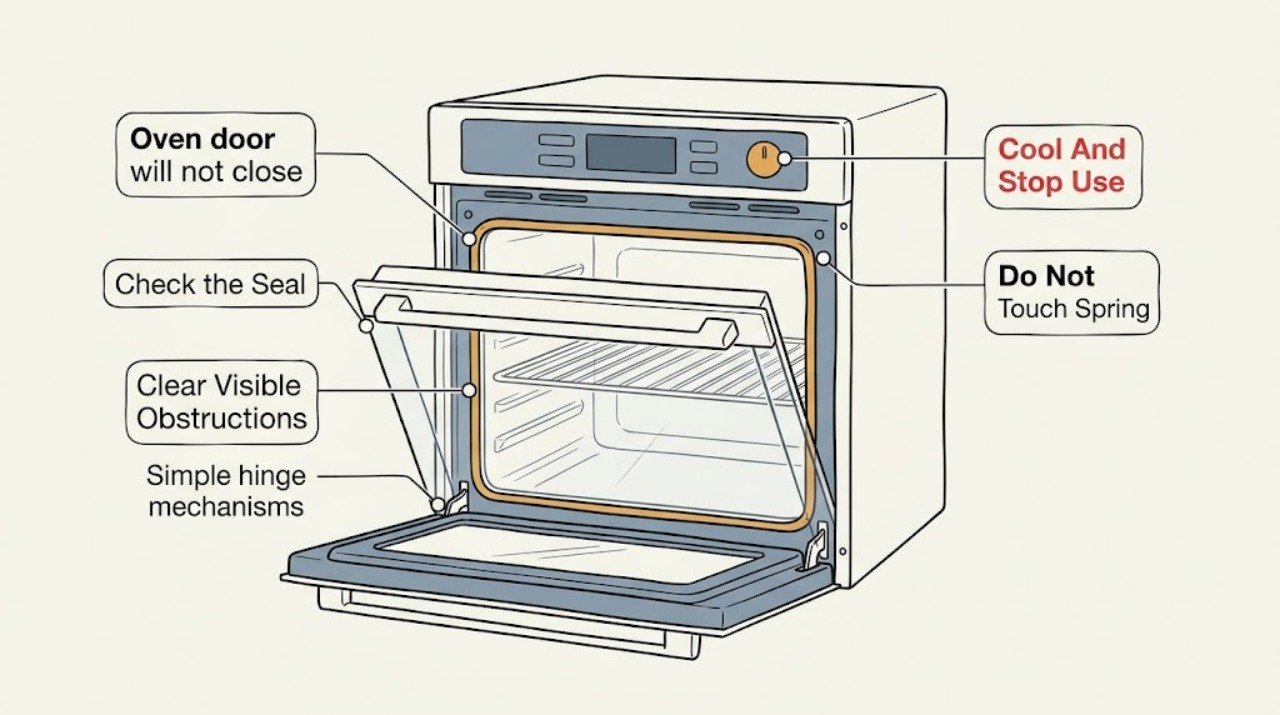
LG oven door will not close: What to Check and What to Do Next
Turn the LG oven off and let it cool completely; do not force the door or run the oven with a gap. With the cavity and hinges cool, look for an extended rack, tray, foil, food, spill, or other visible obstruction, then inspect the door gasket and frame without pulling or damaging the gasket.
-
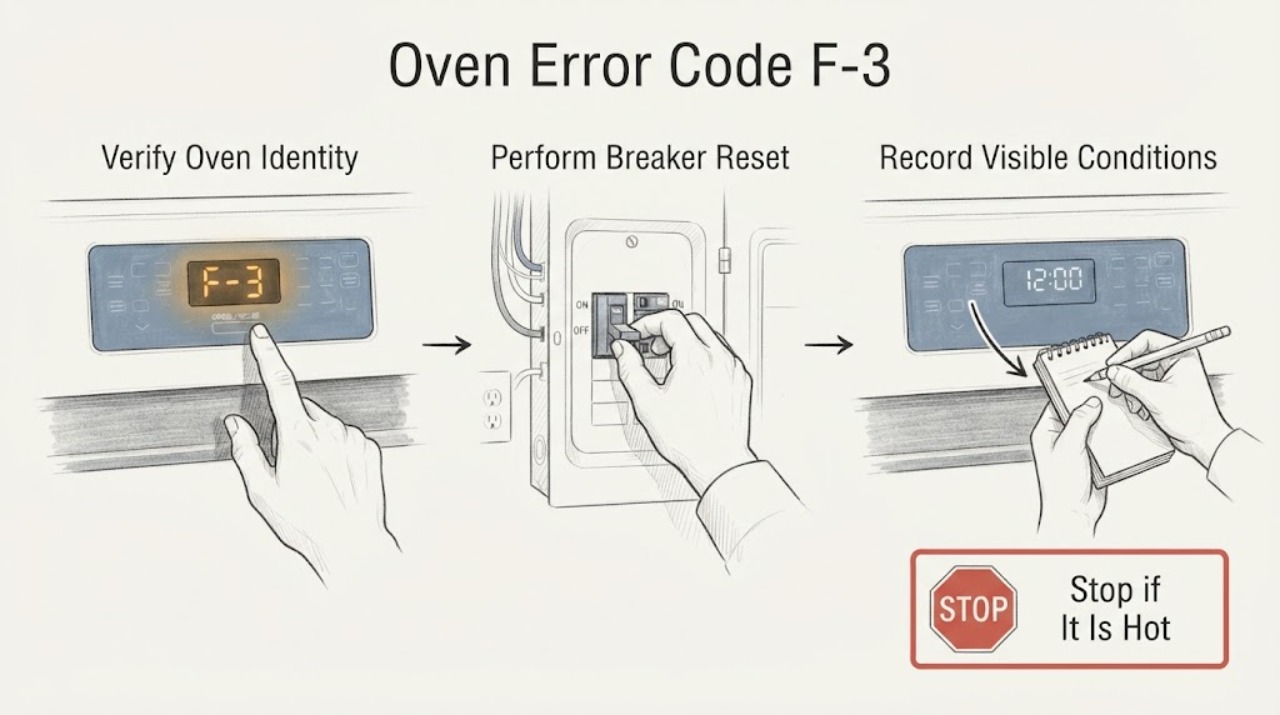
LG Oven Error Code F-3 | Fix Guide
For an LG range/oven platform, LG defines F3 as a touch-pad sensor key error. Turn the range circuit breaker off for 30 seconds and turn it back on once, then check whether the code returns. If F3 reappears, the unit needs service; do not open the control panel, probe the keypad, replace a board or keep using an unresponsive oven. Confirm the exact model and display first because LG uses different F3 guidance for other cooking appliances, including microwaves.
-
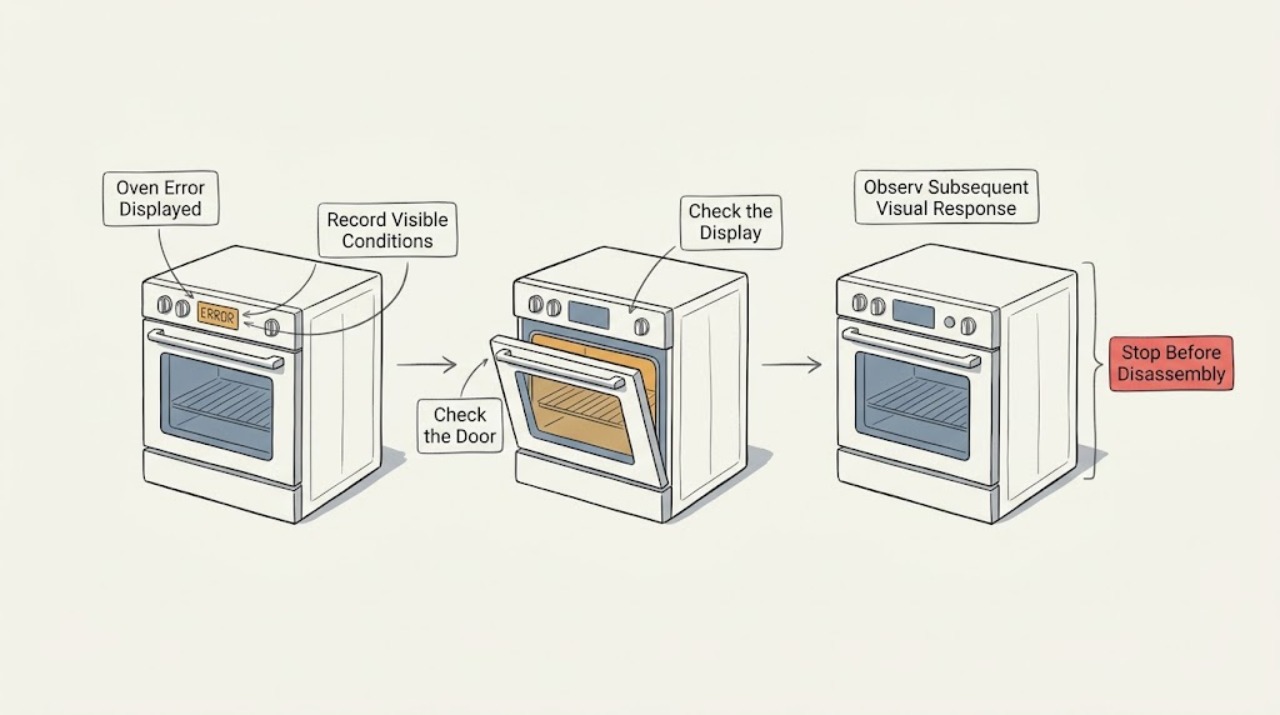
LG Oven Error Displayed: Record the Code Before Resetting
When an LG oven displays an error, photograph or write down the complete code, the exact model, whether the appliance is electric or gas, the cooking mode and what happened immediately before the message. Do not interpret a code from another LG model or from a cooktop as an oven diagnosis.
-
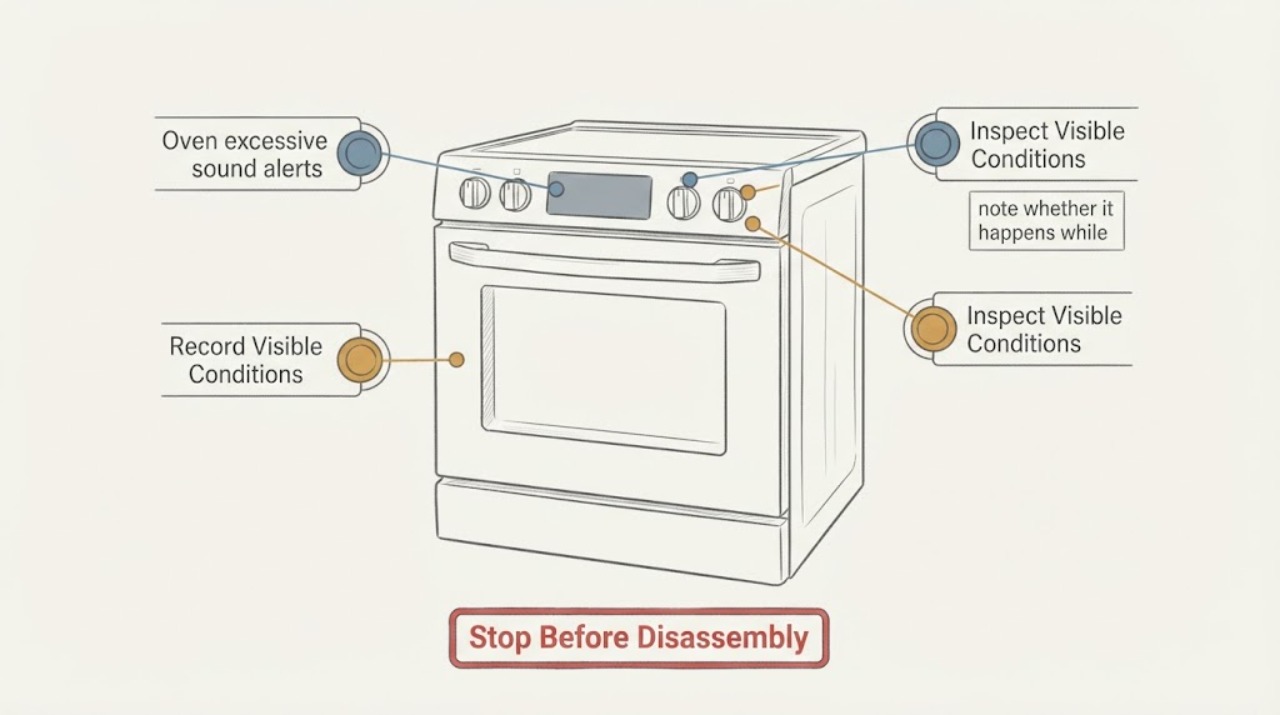
LG Oven excessive sound alerts | Fix Guide
First separate a control beep from a mechanical oven noise and record whether the display shows a code or the oven stops. LG says a convection fan hum and occasional cavity expansion knocks or pops can be normal, while rattling, clanking, scraping, or noise loud enough to interrupt conversation needs service.
-
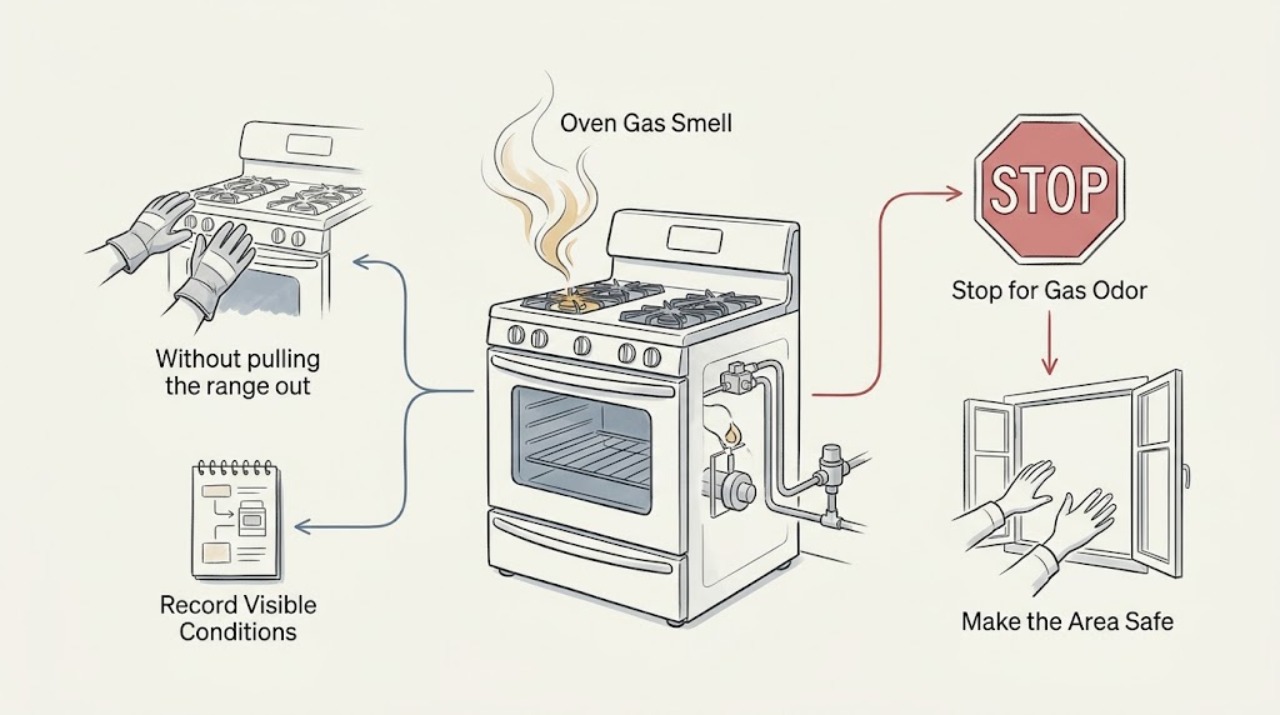
LG Oven Gas Smell: Stop, Identify the Source Safely, and Do Not Re-Test
If an LG oven smells of gas, turn the oven controls off and stop using it. Do not light a burner, switch electrical equipment, or search for the leak.
-
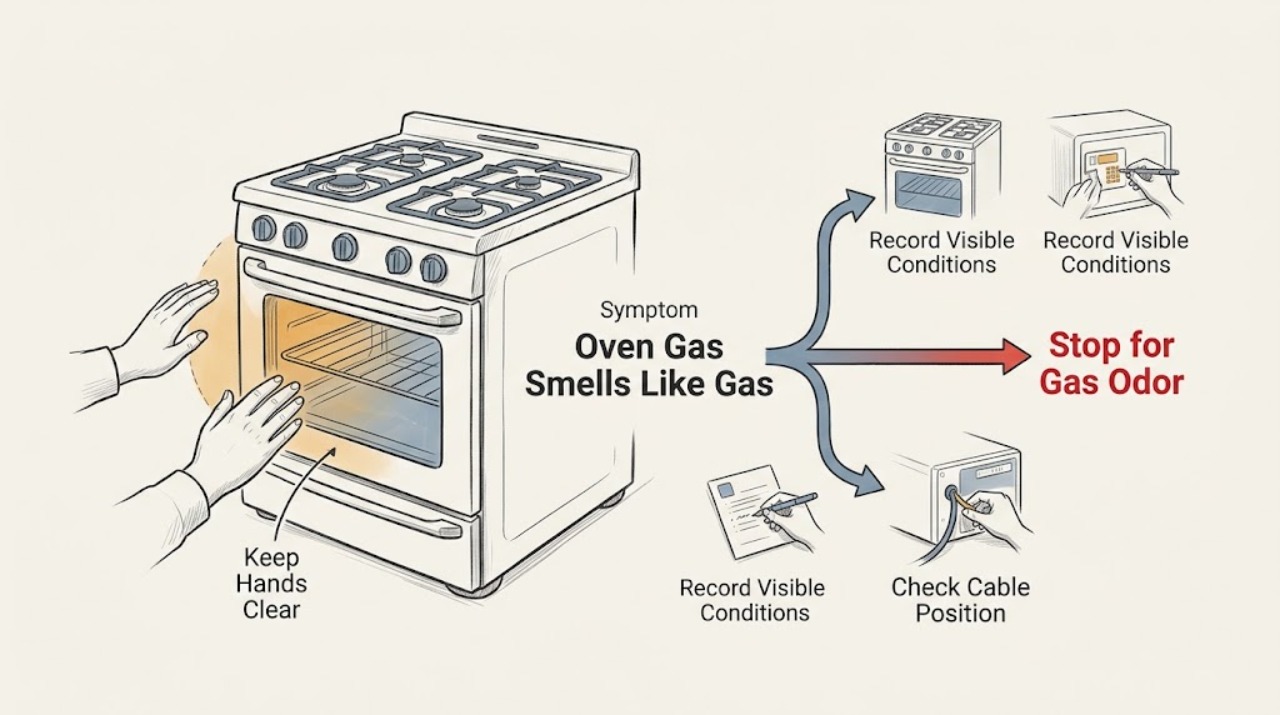
LG Oven Gas Smells Like Gas: What to Check and What to Do Next
Treat a gas-like smell from an LG gas oven as a possible gas leak until a qualified gas supplier or appliance professional says otherwise. Turn the oven and burners off if they are already within reach, do not try to relight anything, do not touch electrical switches or use a phone inside, and leave the building.
-
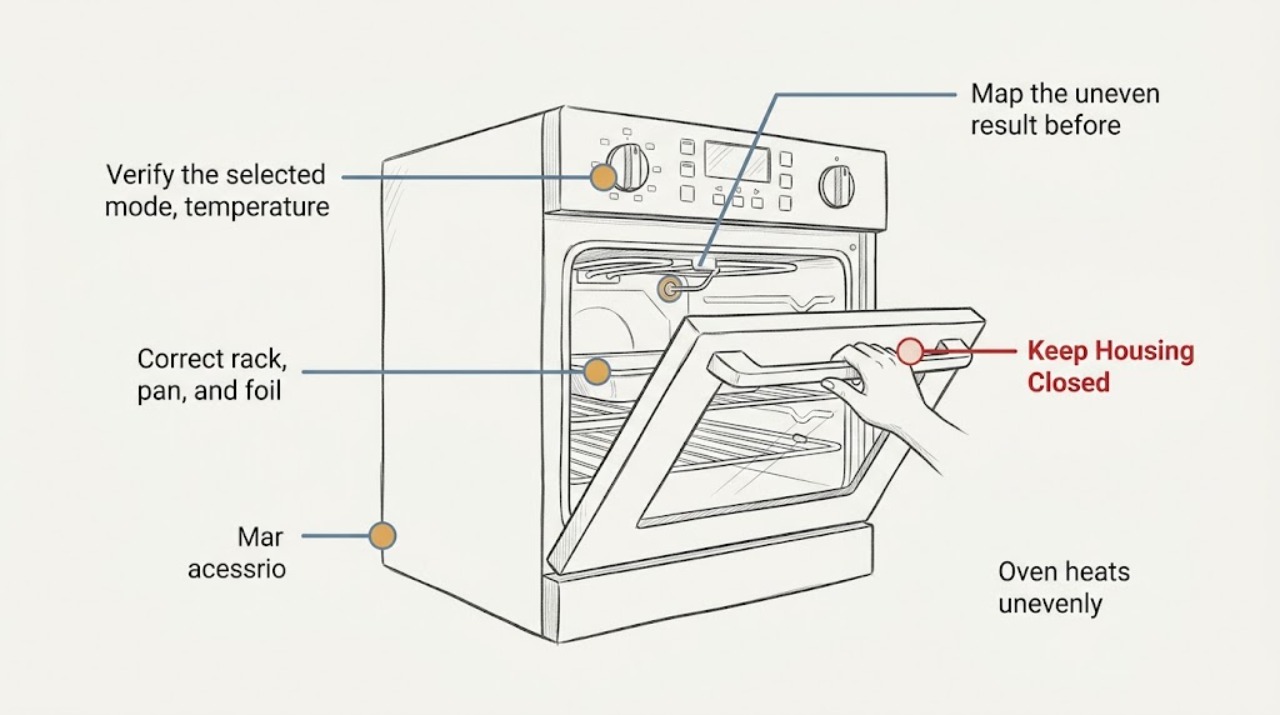
LG oven heats unevenly: What to Check and What to Do Next
An LG oven that heats unevenly is often affected by the selected cooking mode, incomplete preheating, rack position, pan placement, blocked airflow, or a temperature setting that needs model-specific calibration. First describe whether one side browns faster, the top and bottom differ, or the whole cavity runs consistently hot or cool.
-
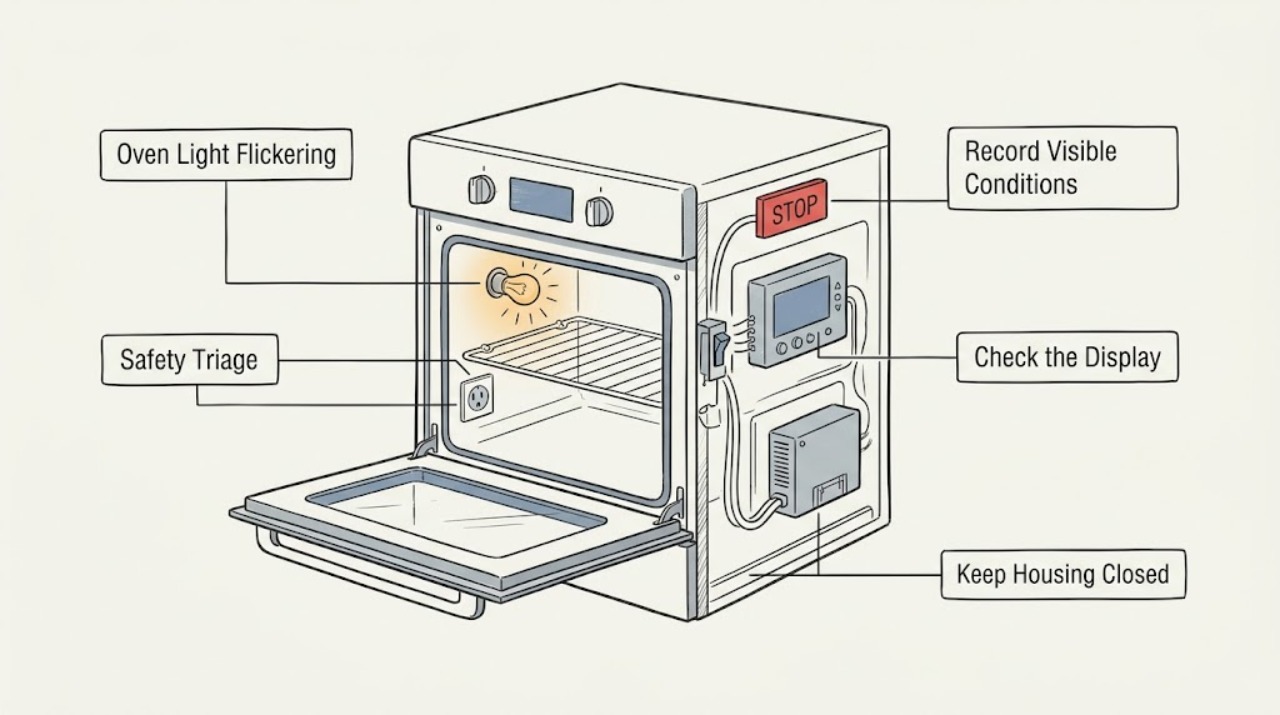
LG Oven Light Flickering: Tell Normal Cooking Behavior From a Fault
An LG oven light that blinks only at a documented cooking event may be normal: LG describes the light blinking when some ranges reach the set temperature during bake or convection operation. Flicker that follows the door, occurs randomly while the oven is steady, affects the display or other lights, or continues after a cool-down points instead to a loose or failing bulb, socket, door switch, wiring, control, or power problem.
-
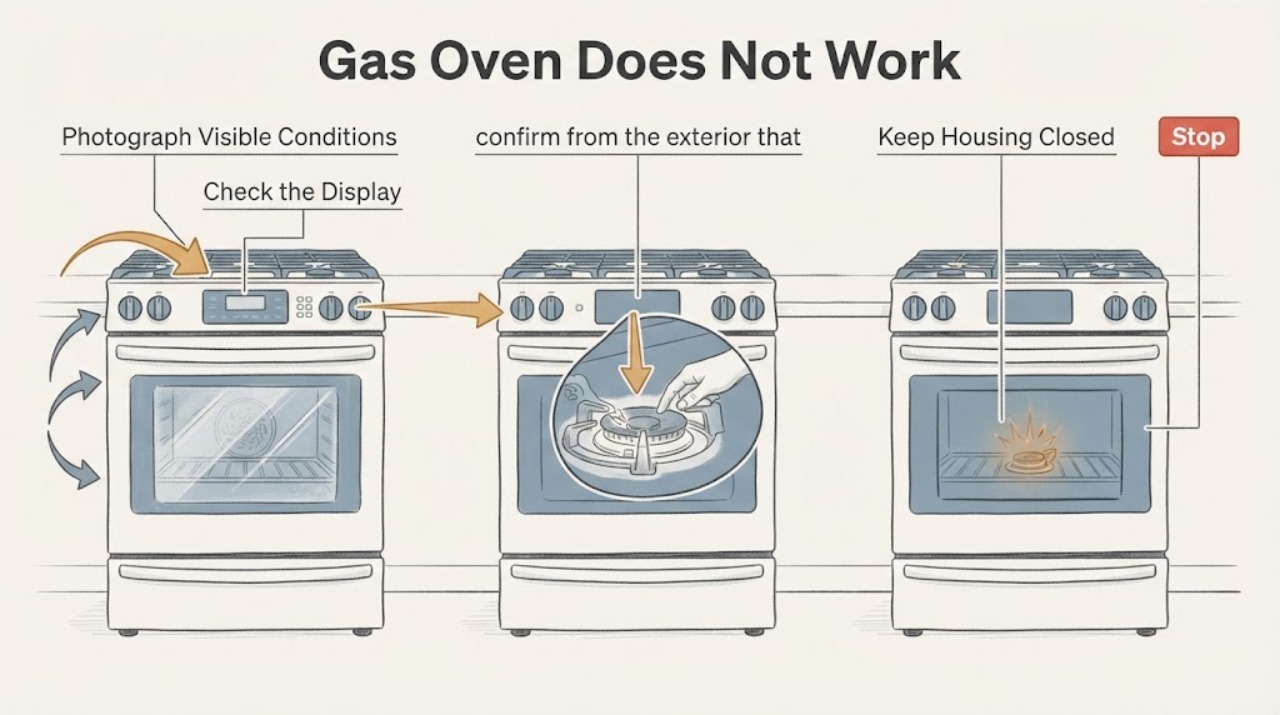
LG Gas Oven Does Not Work Unless a Burner Is On: F-09 Safety Checks
Do not light a cooktop burner as a workaround for an LG gas oven that only heats when a burner is on. LG's official range code list describes F9 as the upper oven not heating properly and directs the owner to press CLEAR/OFF, retry once, then turn the unit's breaker off for 30 seconds if the code returns; LG also says the exact code behavior varies by model.
-
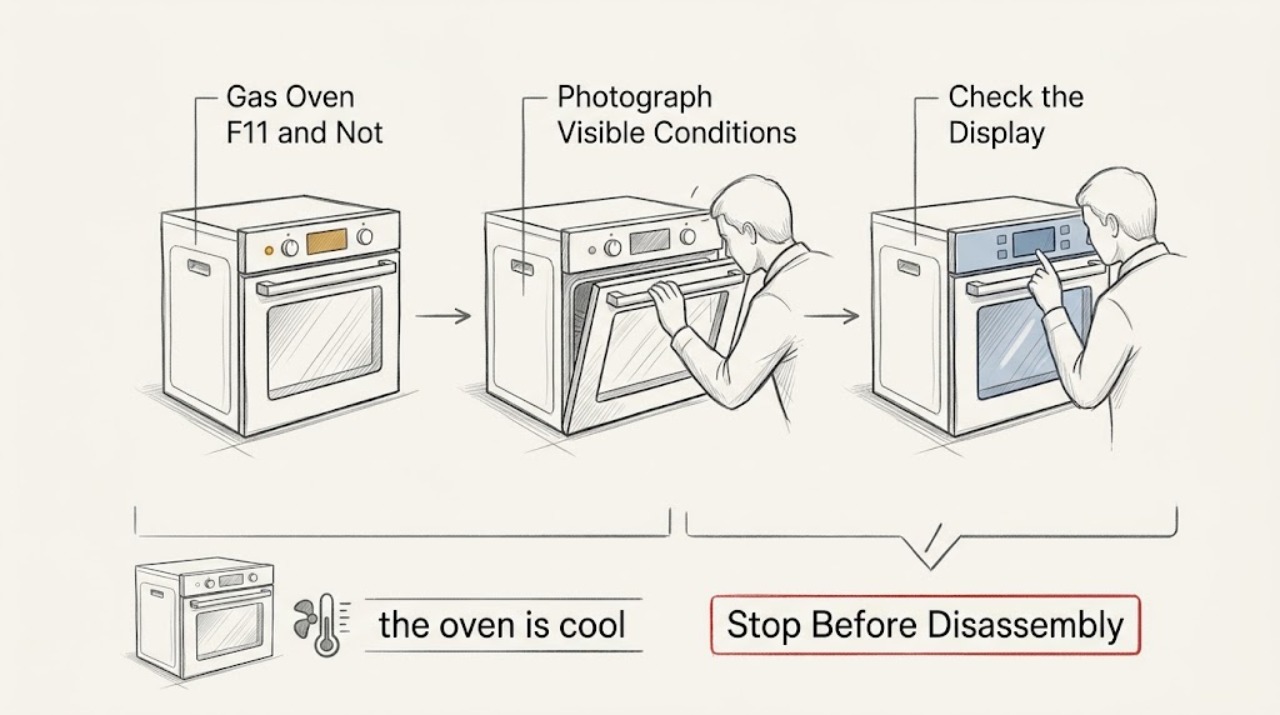
LG Gas Oven F11 and Not Heating: Verify the Code Before Any Gas Diagnosis
On the opened LG USA range error-code list, F11 means a communication error, and LG directs the owner to press CLEAR/OFF and try the original function once, then turn the appliance breaker off for 30 seconds if F11 returns; persistent F11 requires service. That mapping is not proven for every LG gas oven, because no model, market, range/wall-oven identity, or cavity was supplied.
-
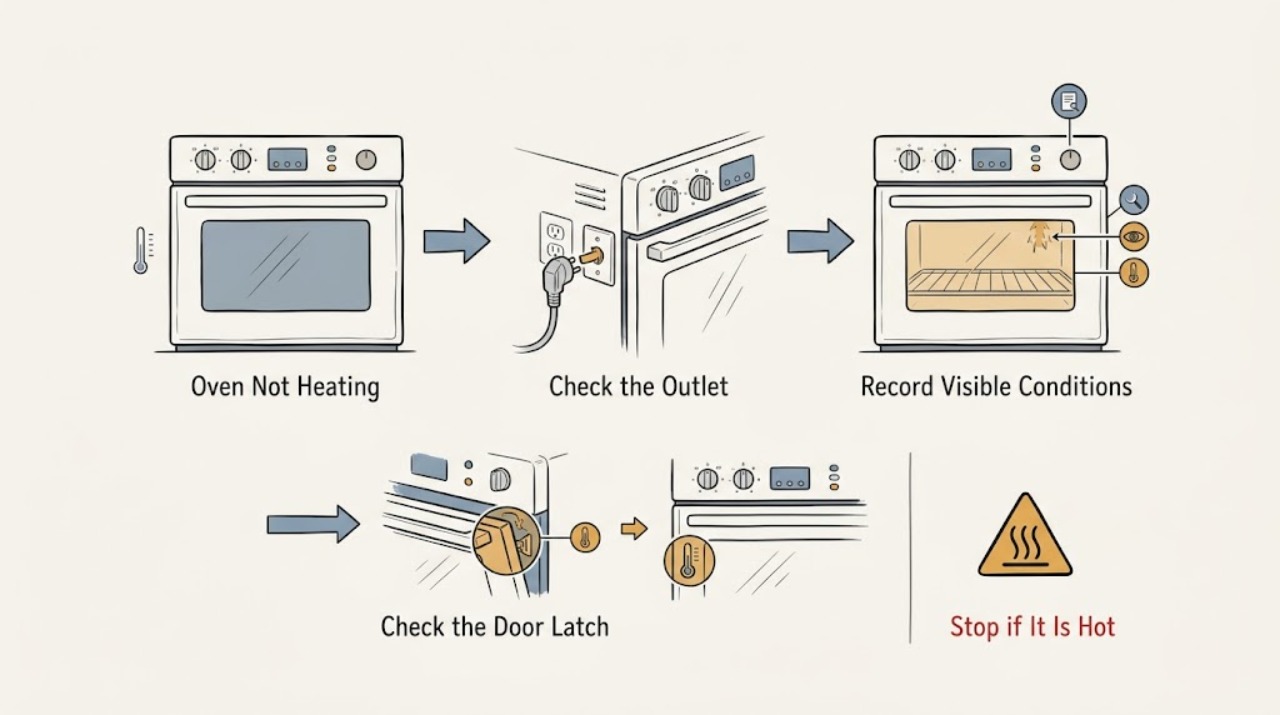
LG Oven Not Heating: Check Settings, Power, and Fuel Type Safely
First determine whether the oven has no power, has a working display but does not start, or starts without producing heat. Confirm the exact LG model and whether it is electric, gas, or dual-fuel, then check the selected cooking mode, temperature, START confirmation, delay start, lockout, door, and any displayed error.
-
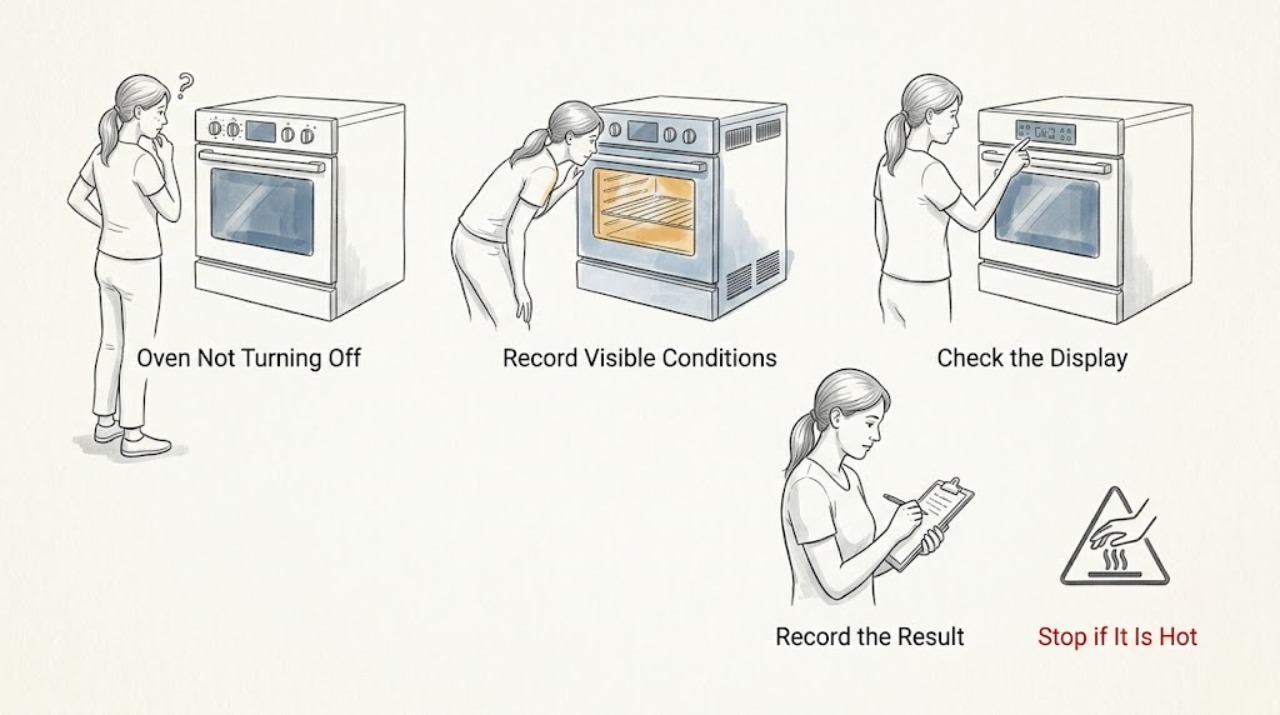
LG Oven Not Turning Off: Tell Cooling From Uncontrolled Heating
First identify what is still operating. A cooling fan, display, or hot-surface indicator can remain active after an LG oven is turned off while the cavity or surface cools.
-
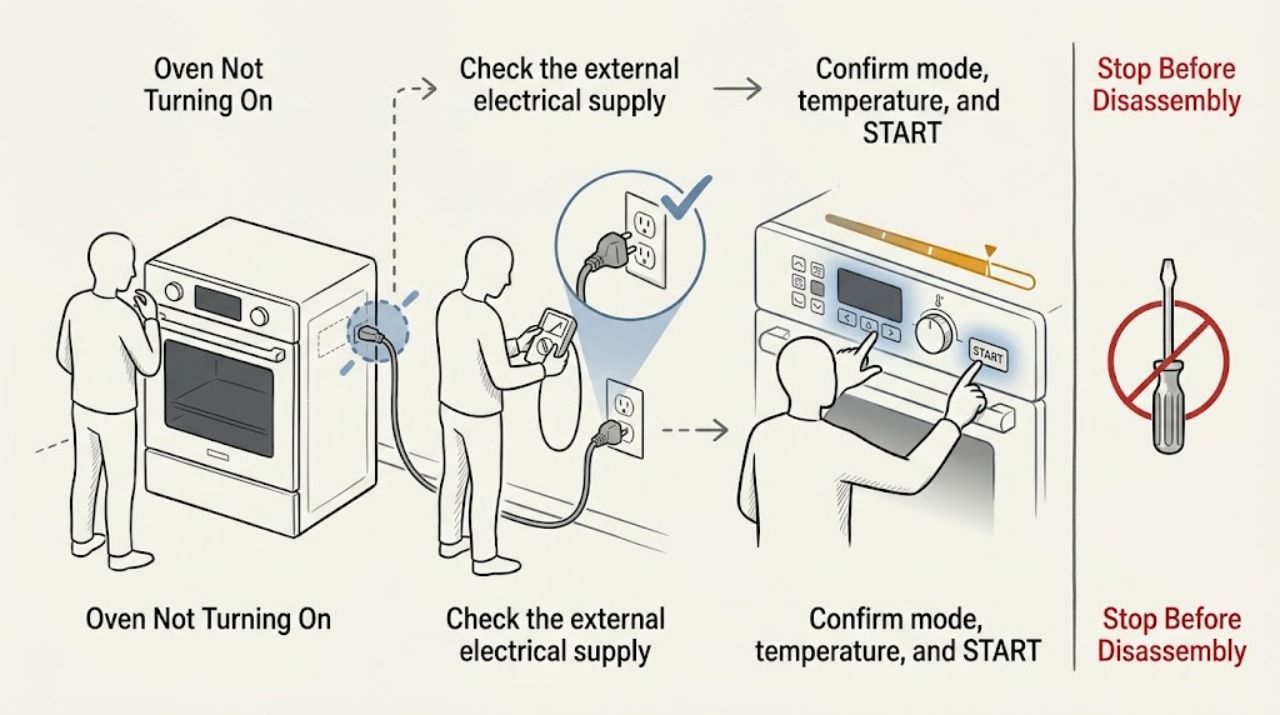
LG Oven Not Turning On: Separate Power, Settings, and Fuel-Specific Checks
First decide whether the LG oven has no display at all or has power but will not begin a selected cycle. For a blank display, check the range's dedicated breaker and the dry, accessible plug connection without opening the appliance or repeatedly resetting a trip.
-
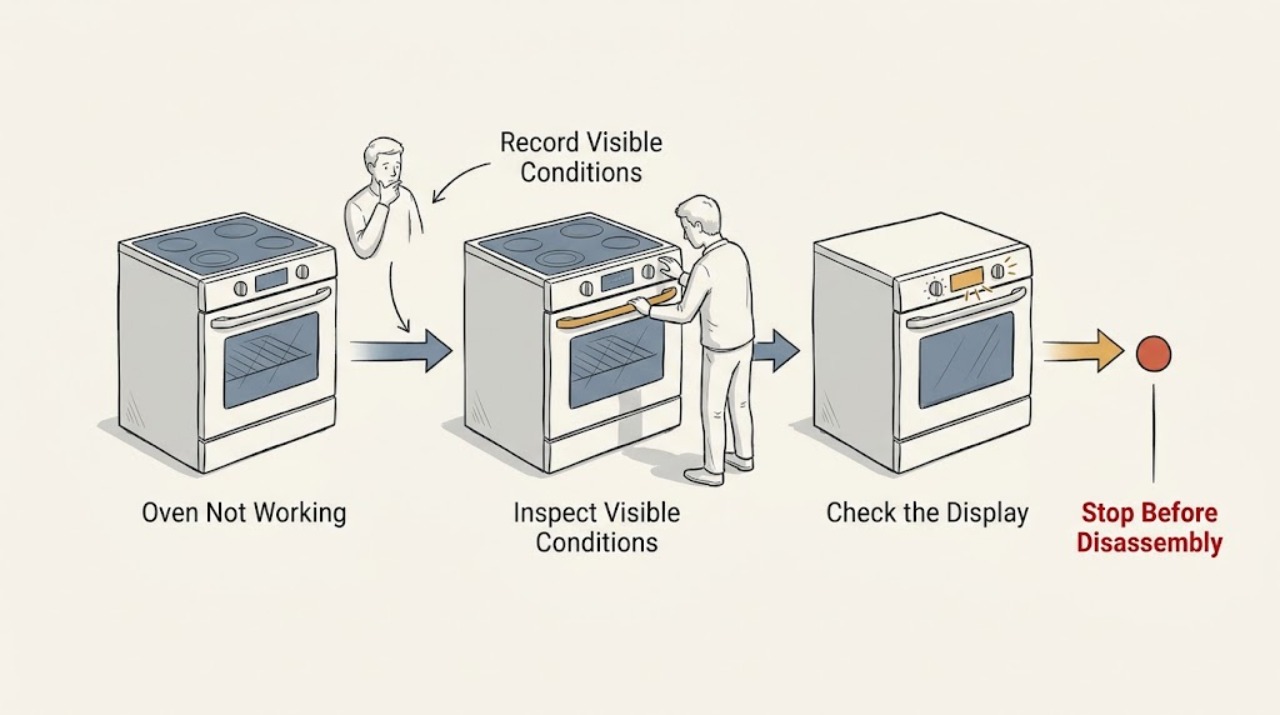
LG Oven Not Working: Separate Power, Controls, Heating, and Error Codes
An LG oven that is not working can have no incoming power, power with a locked or delayed control, a model-specific error, or a heating or ignition problem. First identify whether the display is completely blank or responds to controls.
-
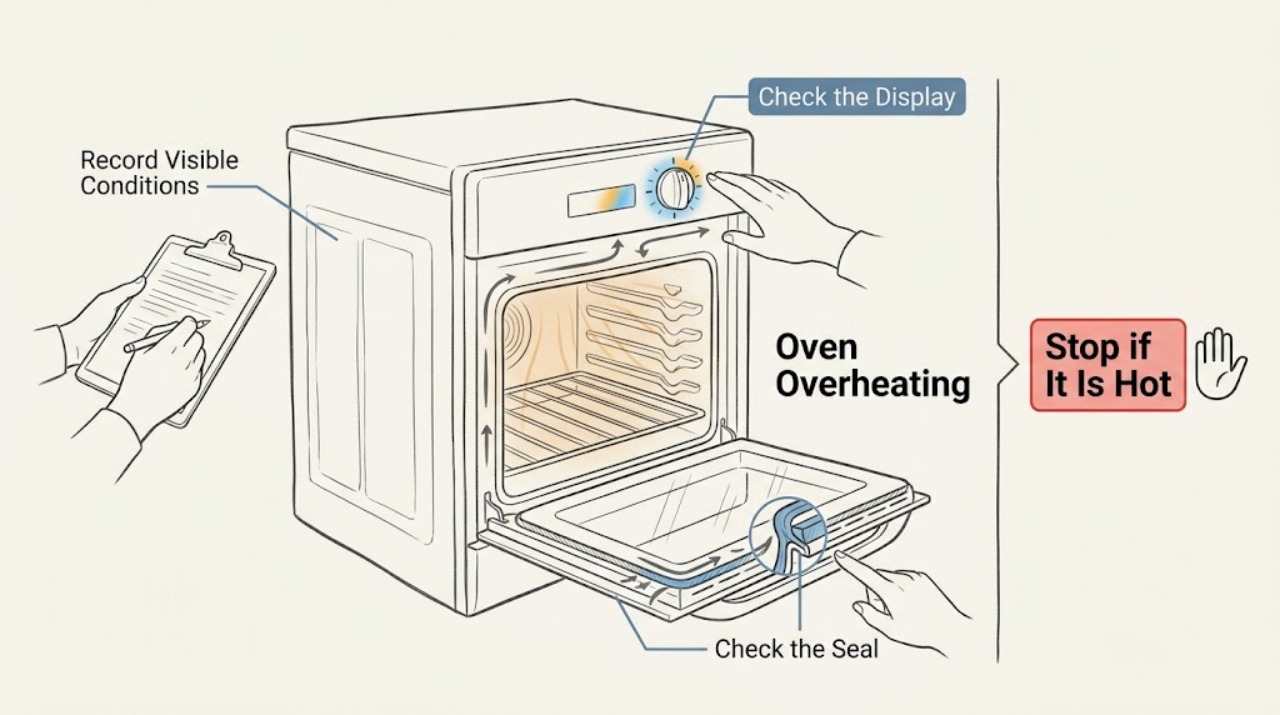
LG Oven Overheating: Separate Normal Cycling From a Temperature Fault
An LG oven that seems too hot should first be separated into normal preheating or element cycling, a setting or rack problem, a thermostat calibration issue, and true uncontrolled heating. Record the complete model, mode, setpoint, display or error, and whether the temperature is high only during preheat or remains high during cooking.
-
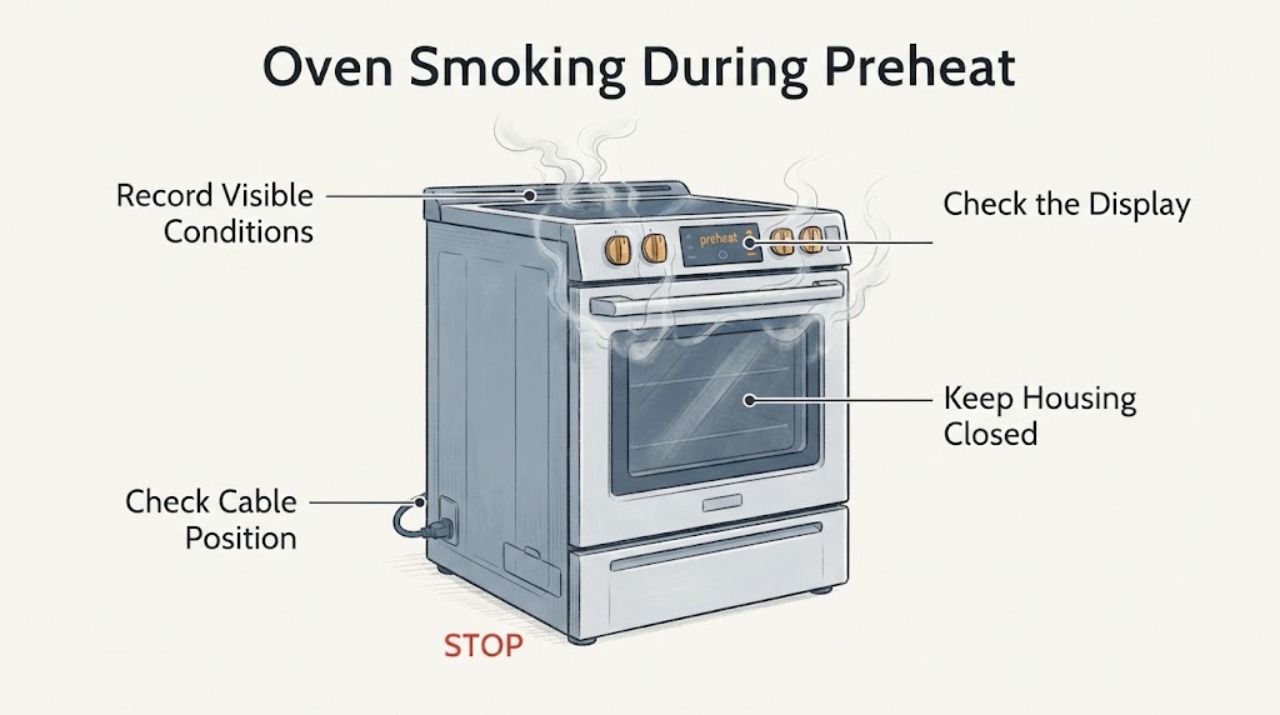
LG Oven Smoking During Preheat: Treat Burned-Wire Evidence as a Service Issue
An older LG oven that smells like burning plastic and sends smoke from below the control panel during preheating should be taken out of service. The opened case reports a previously serviced oven and a visibly burned wire at the relay-board area, but it does not establish an exact model or prove which component failed.
-
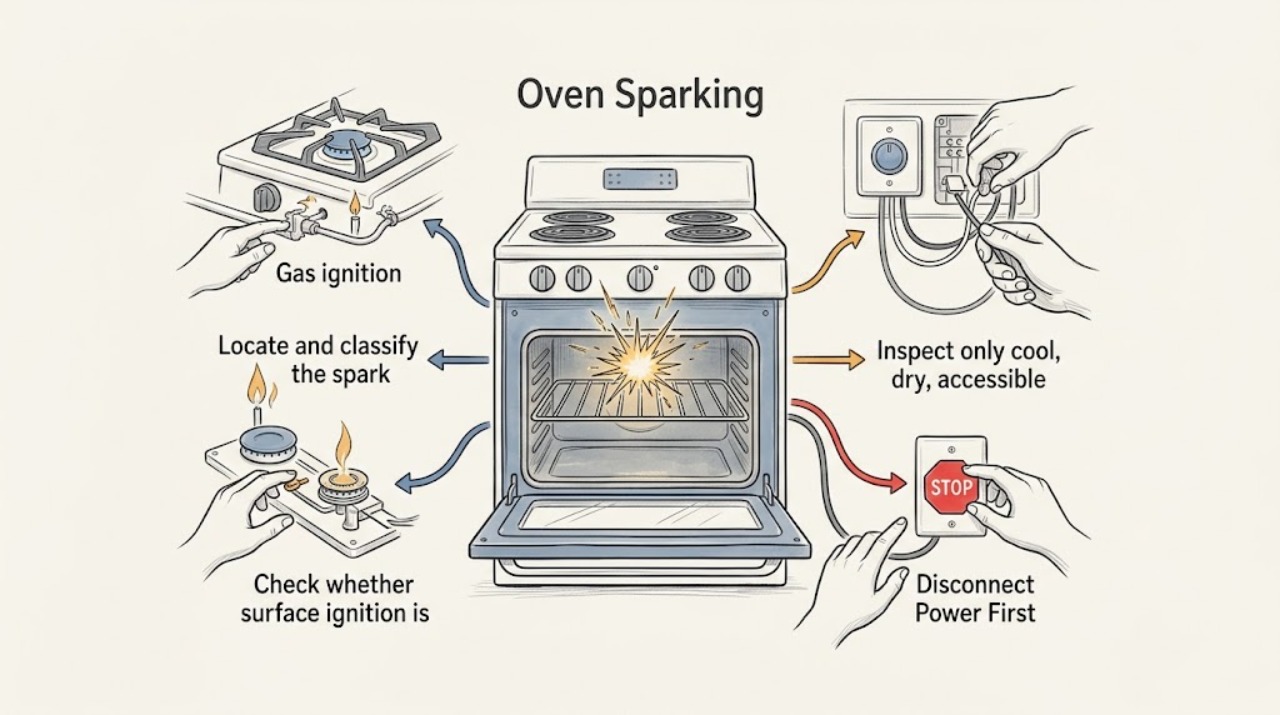
LG Oven Sparking: Tell Normal Gas Ignition from a Dangerous Arc
First locate the spark. On an LG gas range, a brief click and spark at a surface-burner electrode while a knob is turned to LITE can be normal ignition behavior; it should stop after the burner lights and the control is returned from LITE.
-
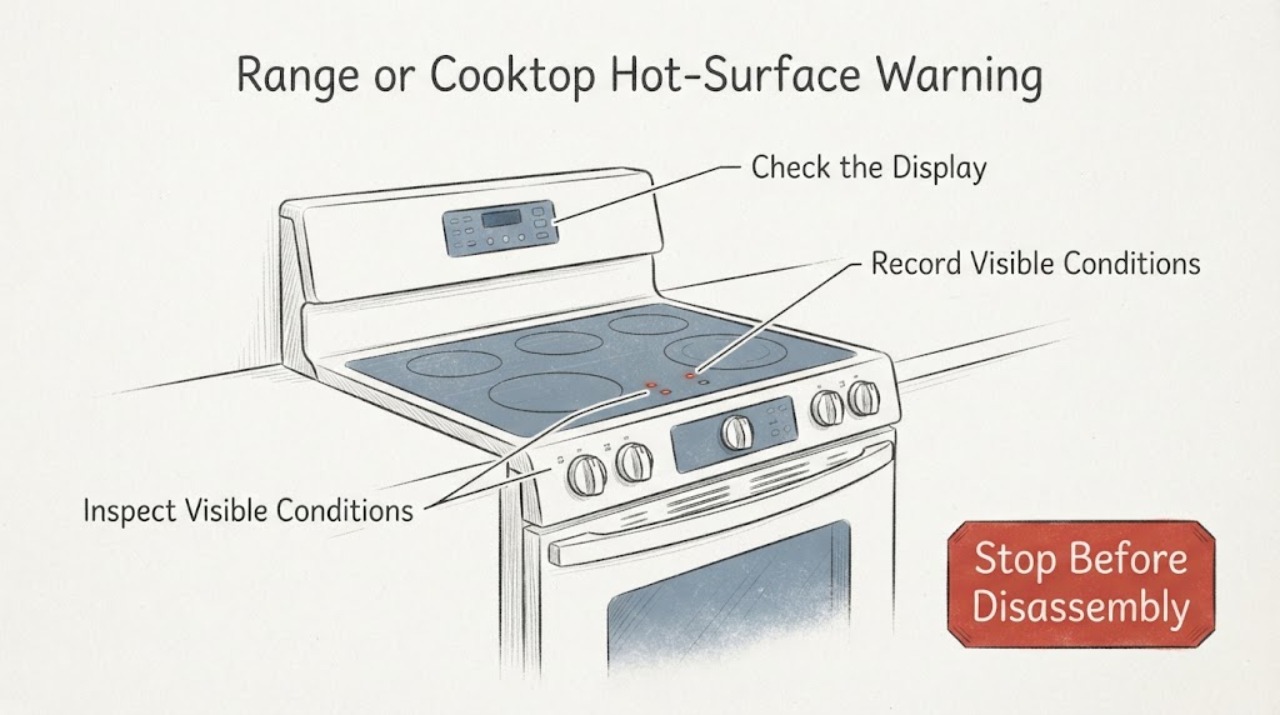
LG Range or Cooktop Hot-Surface Warning Missing: Safe Checks Before Service
Do not use a missing hot-surface warning as proof that an LG range or cooktop is safe to touch. First identify whether the appliance is an electric radiant or induction model that actually has a residual-heat indicator, and record the exact model.