
On this page
Start here
Quick answer
First identify which light is flickering: the interior lamp, the front control display, or both. Keep the doors closed while you check the outlet and model instructions. A reset can clear a temporary display power fault, but a continuing flicker, an unresponsive temperature control, or an LED lamp problem needs LG service.
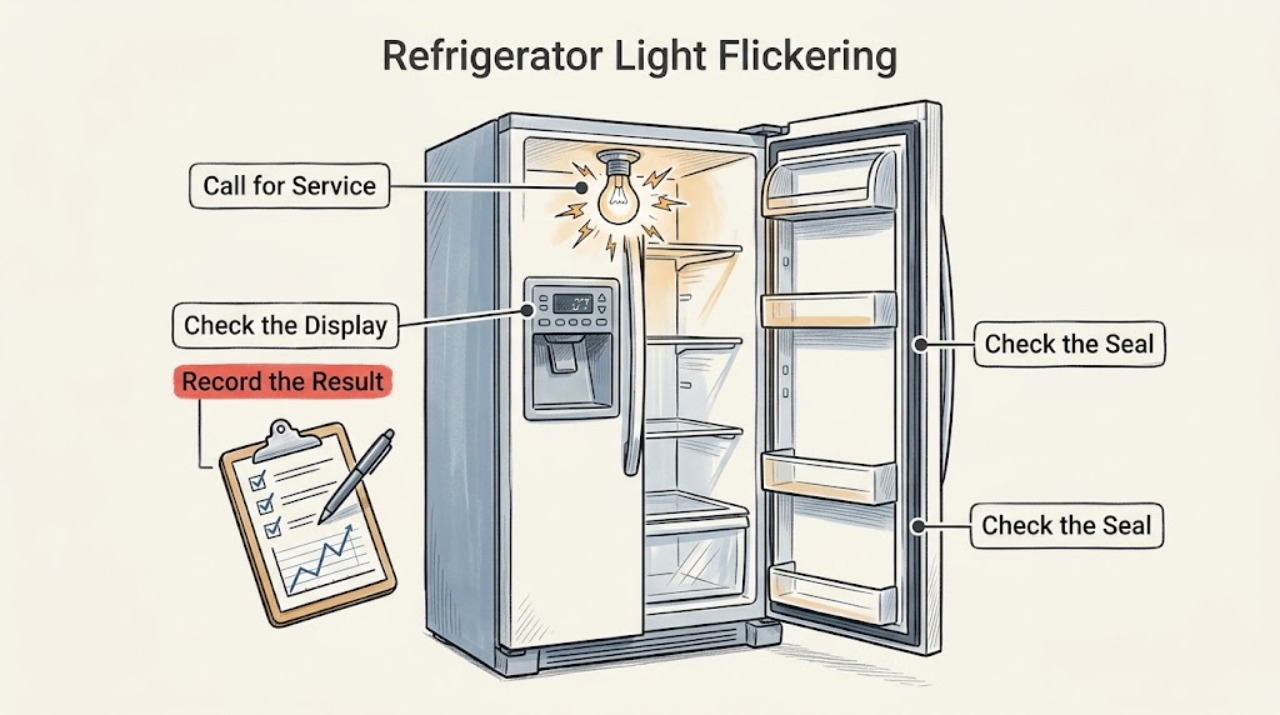
Work through in order
Diagnostic checks
Use only checks that match the exact appliance or system and its official guide.
-
Check 1
Open the refrigerator briefly and watch whether the flicker is inside the compartment, on the front control display, or in both places.
Expected result: Only the interior lamp flickers; only the display flickers; or both change together.
Next step: Use the matching LG model manual; do not remove a sealed LED module.
Why this matters
Why: An interior-only symptom points to the lamp or its door-switch circuit, while a display-only symptom points to the control panel or its power feed.
-
Check 2
Check that food is not covering the interior lamp and that the door closes fully without pressing a container against the gasket.
Expected result: The lamp was obstructed or the door does not close squarely, or the light remains unstable after the door is clear.
Next step: Rearrange the shelf and correct the obstruction. If the flicker remains, continue without touching wiring.
Why this matters
Why: Obstruction can make an interior light seem dim, but it does not explain a true electrical flicker; a door or sensor problem can also alter the lamp state.
-
Check 3
For a flickering front display, unplug the refrigerator with dry hands for about five minutes, then reconnect it; use the dedicated breaker only when the plug cannot be reached.
Expected result: The display becomes stable, or it still flickers or becomes unresponsive.
Next step: If controls remain unavailable or the flicker returns, keep the doors closed and arrange service.
Why this matters
Why: LG describes a reset as a way to clear a temporary power-related display error; persistence suggests the display circuit or wiring needs diagnosis.
-
Check 4
After the light check, verify that the refrigerator is still cooling and that no outlet, cord, or cabinet area shows heat, damage, or moisture.
Expected result: Cooling is normal with a lighting-only symptom, or cooling/power is also abnormal.
Next step: Stop using a damaged or wet connection and request qualified service; do not probe live wiring.
Why this matters
Why: A lighting-only symptom narrows the issue to the lamp, sensor, display, or control circuit; combined cooling and power symptoms raise the urgency.
Use your observations
Decision map
Find the observation that best matches what you see, then follow the next safe action.
-
PATH 01Next step
What you see
The interior lamp is steady after food is moved, but the front display flickers
Do this next
Perform the single LG reset and arrange service if it returns.
-
PATH 02Next step
What you see
The display stays responsive and only the interior LED flickers
Do this next
Follow the exact model lighting instructions or request service for an LED module.
-
PATH 03Next step
What you see
The display is unresponsive, cooling is interrupted, or the cord/outlet is damaged
Do this next
Leave the appliance disconnected if safe and obtain qualified electrical or LG service.
Helpful context
Understand the symptom
Start with the symptom
A refrigerator can appear to have a single lighting fault when the interior lamp and the front display are separate circuits. The useful split is whether cooling continues normally and whether the display still accepts input.
When checks do not resolve it
Need a professional?
Request LG service if the display stays unresponsive, an LED light continues flickering after the reset, cooling also fails, or any cord, outlet, or wiring is damaged.
Common questions
FAQ
Does a flickering refrigerator light always mean the bulb is bad?
No. First separate an interior lamp from the front control display. LG treats display flicker as a possible temporary power issue or display fault, while LED interior lights may require technician inspection.
Can I open the LED light housing?
Do not open a sealed LED module or work on wiring. Use the model manual for a user-replaceable bulb; otherwise arrange service.
Read the exact guide
Official sources
- [LG Refrigerator] Refrigerator Light Not WorkingLG USA Support · LG refrigerator interior lighting
- [LG refrigerator power] Power is not supplied.LG USA Support · LG refrigerator power supply
- Why your LG refrigerator display(control panel) is flickering and how to fix itLG USA Support · LG refrigerator control display
Community feedback
Share a repair observation
Share a plain-text repair observation. Accepted observations are published automatically; this page may take a moment to update.