
LG appliance guidance
LG Refrigerator Repair Guides
Troubleshooting and repair guidance for published LG Refrigerator problems, symptoms, and maintenance questions.
Published LG Refrigerator guides
Choose the guide whose symptom or condition most closely matches what you are seeing.
-
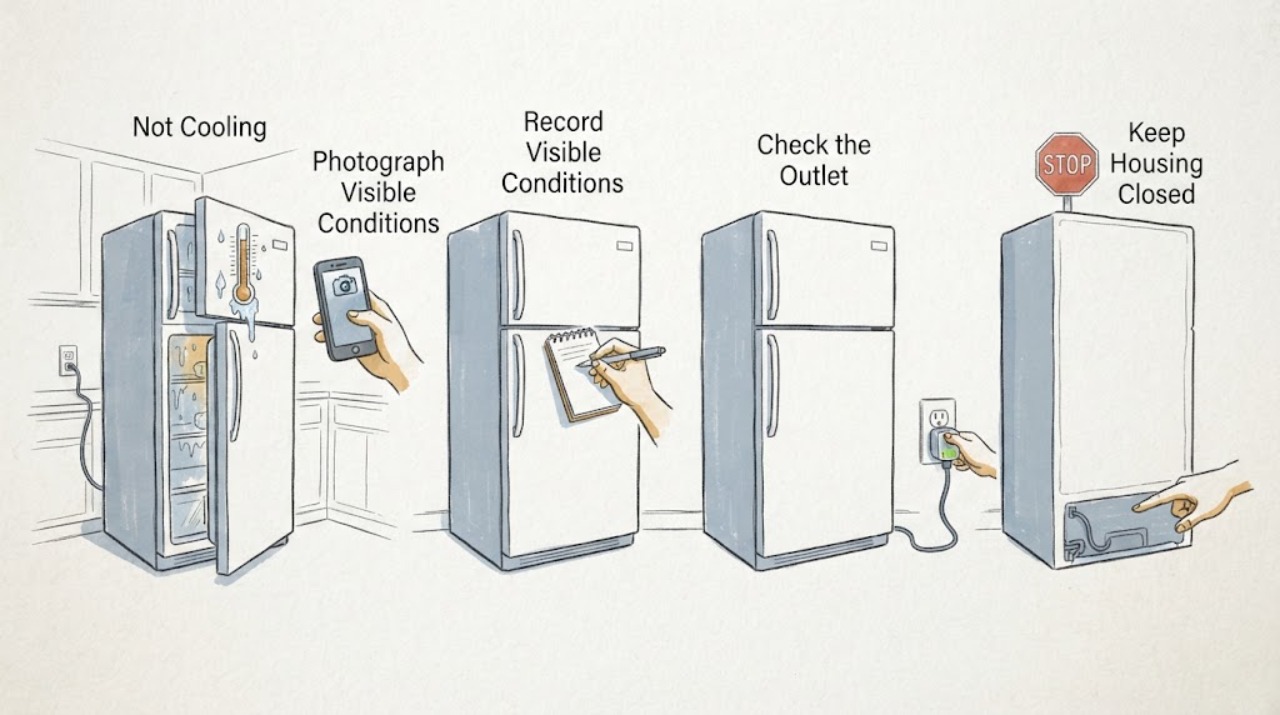
LG LDC22720 Not Cooling: Do Not Assume 'Loss of Signal From Fan' Means a Bad Fan
Treat 'loss of signal from fan' as an unverified diagnostic phrase until the exact LG LDC22720 display or service record is identified. LG's product page confirms LDC22720 as a bottom-freezer refrigerator family and the specification lists Multi-Air Flow and three digital temperature sensors, but the opened LDC22720 materials do not show that phrase as a model-specific consumer code.
-
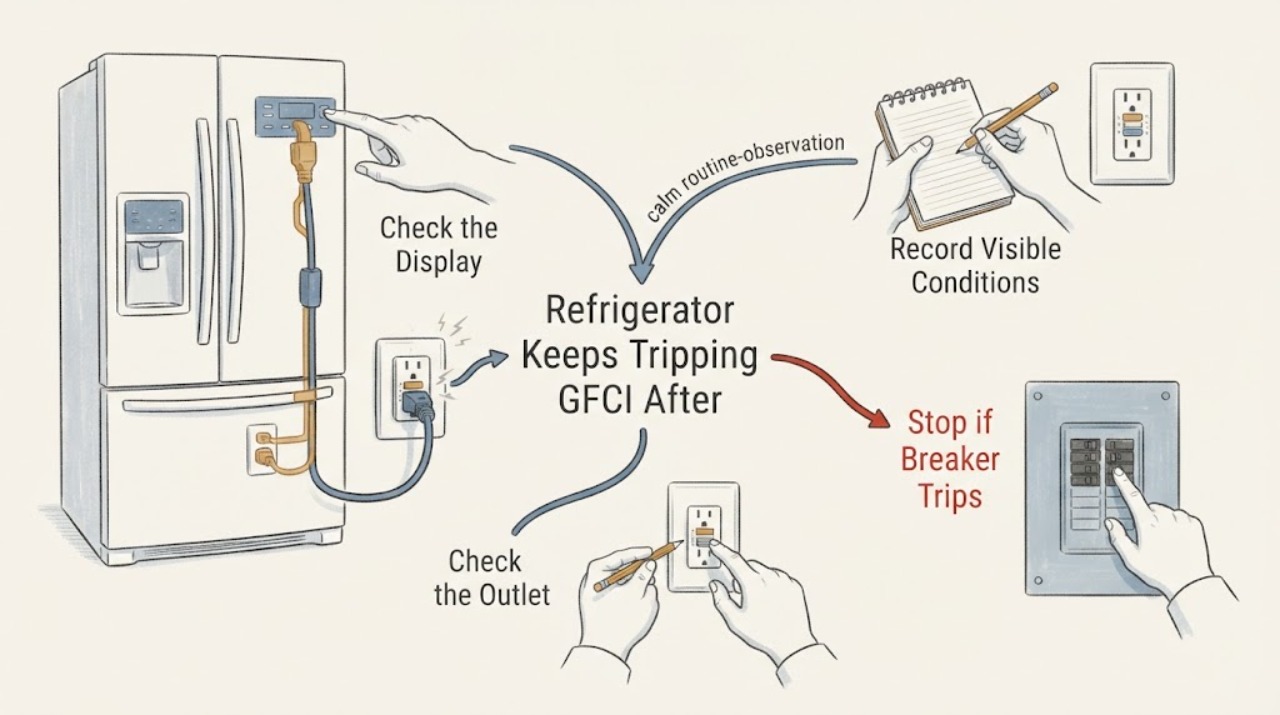
LG LFC22770ST Refrigerator Keeps Tripping GFCI After a Control-Board Failure
Treat a repeatedly tripping GFCI on an LG LFC22770ST—especially after a control board has already burned—as an electrical safety fault, not a reset or outlet-conversion project. Keep the refrigerator disconnected, do not bypass the GFCI, do not replace it with an ordinary outlet, and do not perform live voltage or leakage tests.
-
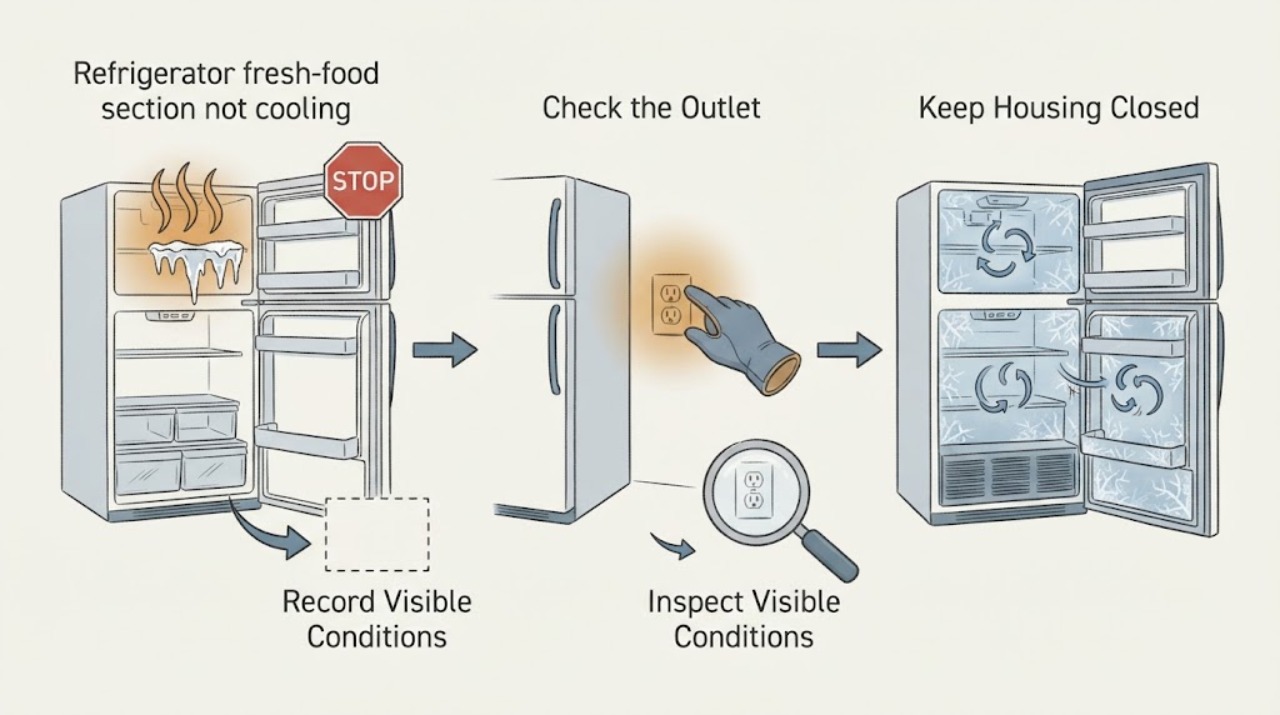
LG LFC24770ST refrigerator fresh-food section not cooling after a power surge
For the LG LFC24770ST, start by separating a power problem from a cooling problem. Check whether the display and interior light return, whether the breaker holds, and whether the plug and dedicated wall outlet are intact.
-
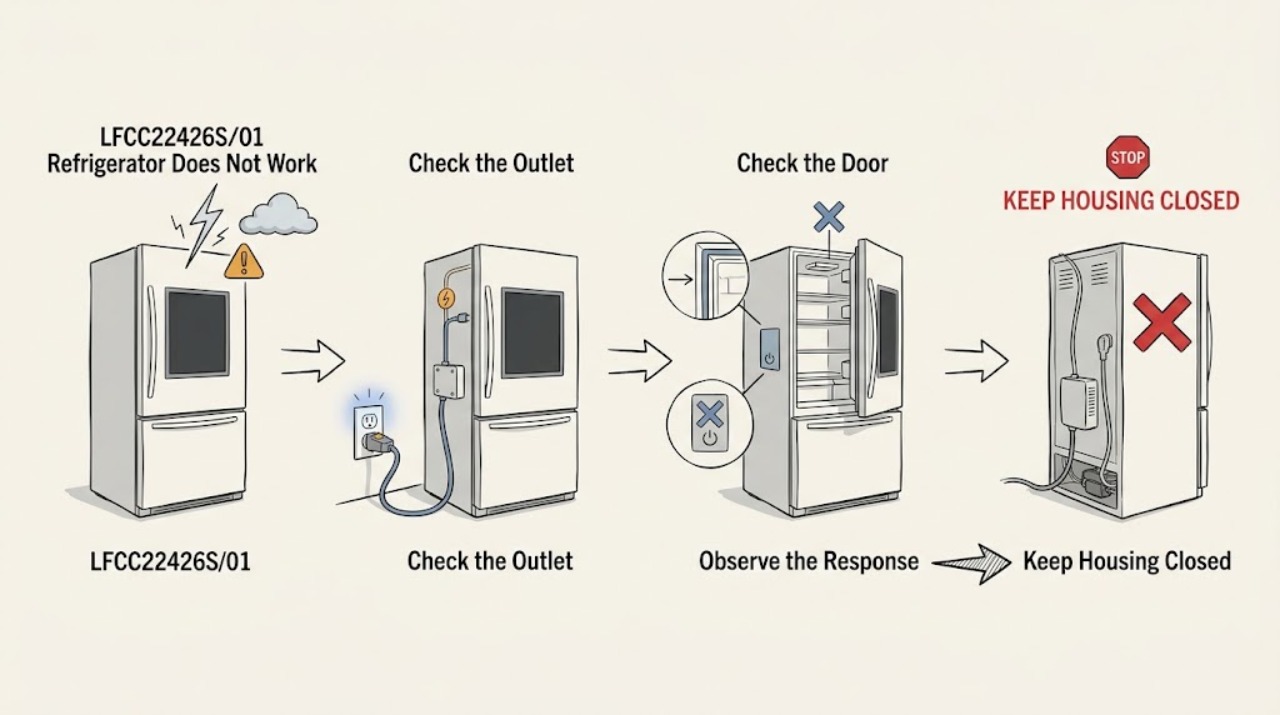
LG LFCC22426S/01 Refrigerator Does Not Work After a Lightning Strike
If the LG LFCC22426S/01 stopped working after a lightning strike, treat it as a possible electrical and food-safety event, not as proof that one control board or compressor failed. Keep the refrigerator and freezer doors closed, do not repeatedly restore power, reset the breaker, or open the cabinet, and keep away from a wet, hot, scorched, sparking, or smoking connection.
-
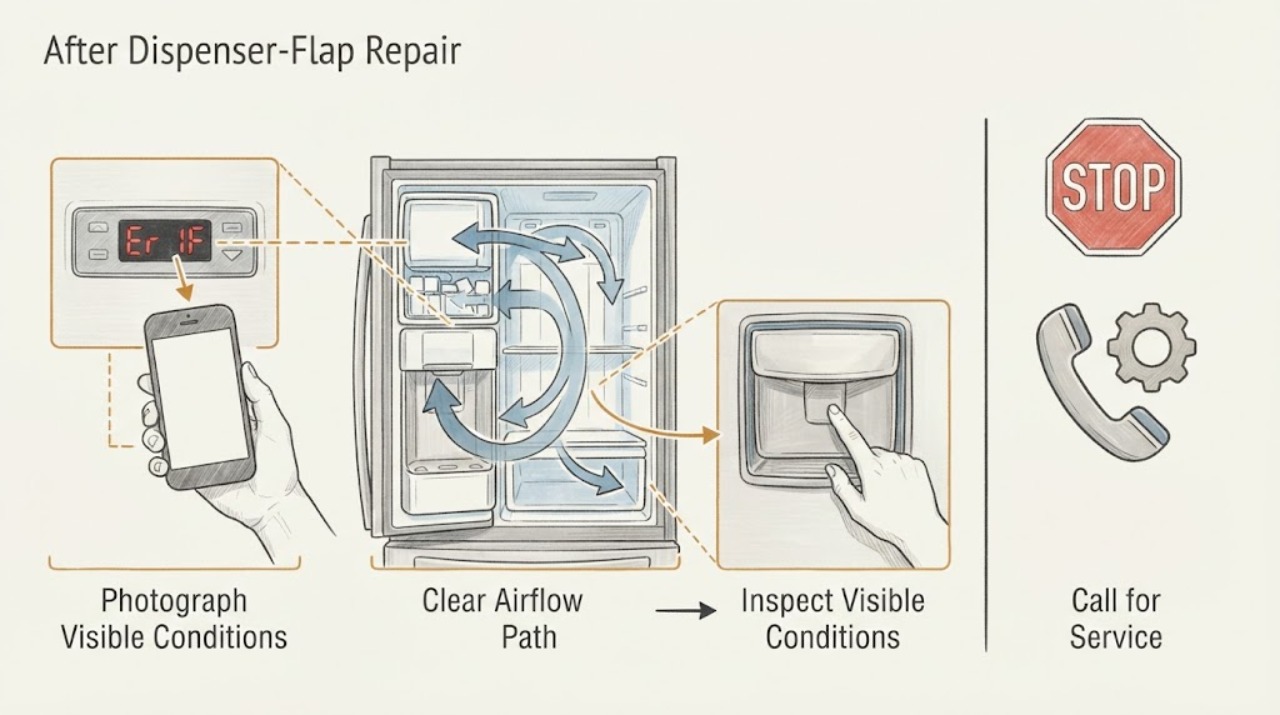
LG LFX25971ST Er 1F After Dispenser-Flap Repair
On the LG LFX25971ST, first verify whether the display is actually Er 1F, Er IF, or another two-character pattern, because LG says refrigerator codes can be preceded by E, r, or Er and may appear differently by model. LG's opened error-code guide identifies IF as an ice-maker fan error: the fan circulates cold air from the freezer to the ice maker, and a blockage can affect ice production.
-
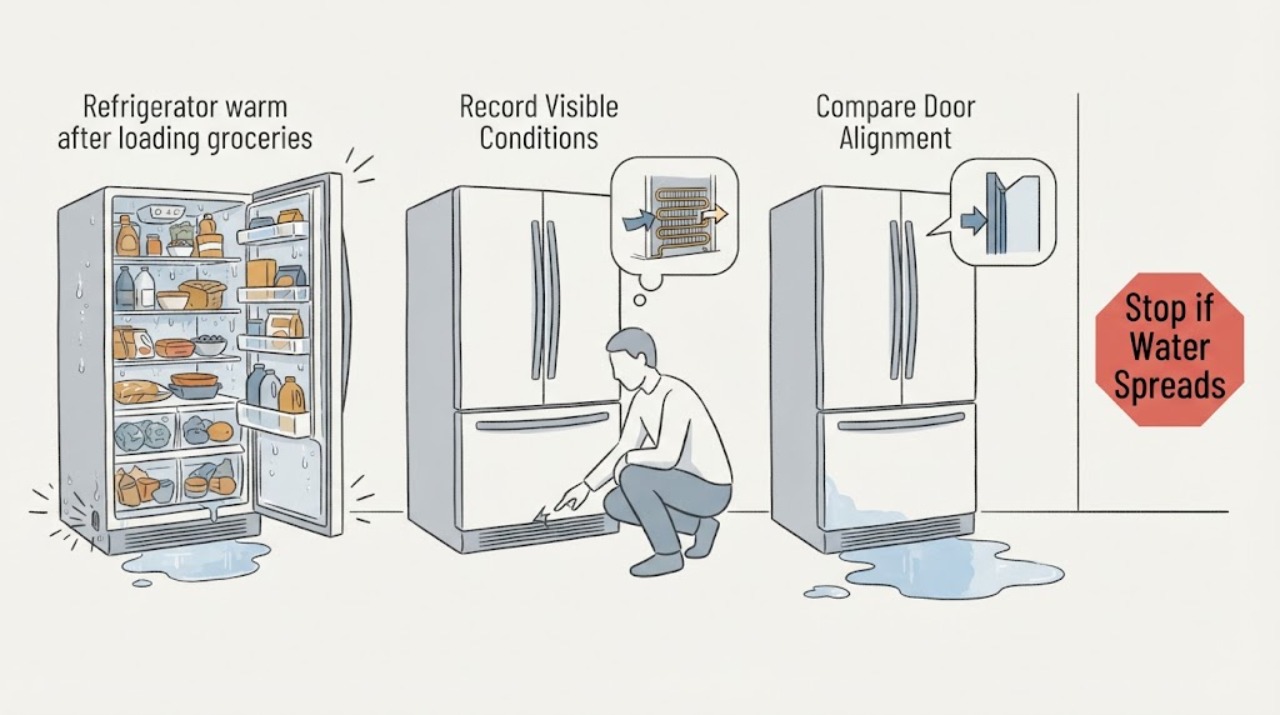
LG LFX31925ST refrigerator warm after loading groceries, leaking water, and making noise
If an LG LFX31925ST refrigerator and freezer become warm just after groceries are loaded, first protect the food and map the water before trying to explain the noise. Move packages away from visible air outlets, check that both doors and drawers close fully, and measure the compartments with an appliance thermometer; a refrigerator should be at or below 40°F and a freezer at or below 0°F.
-
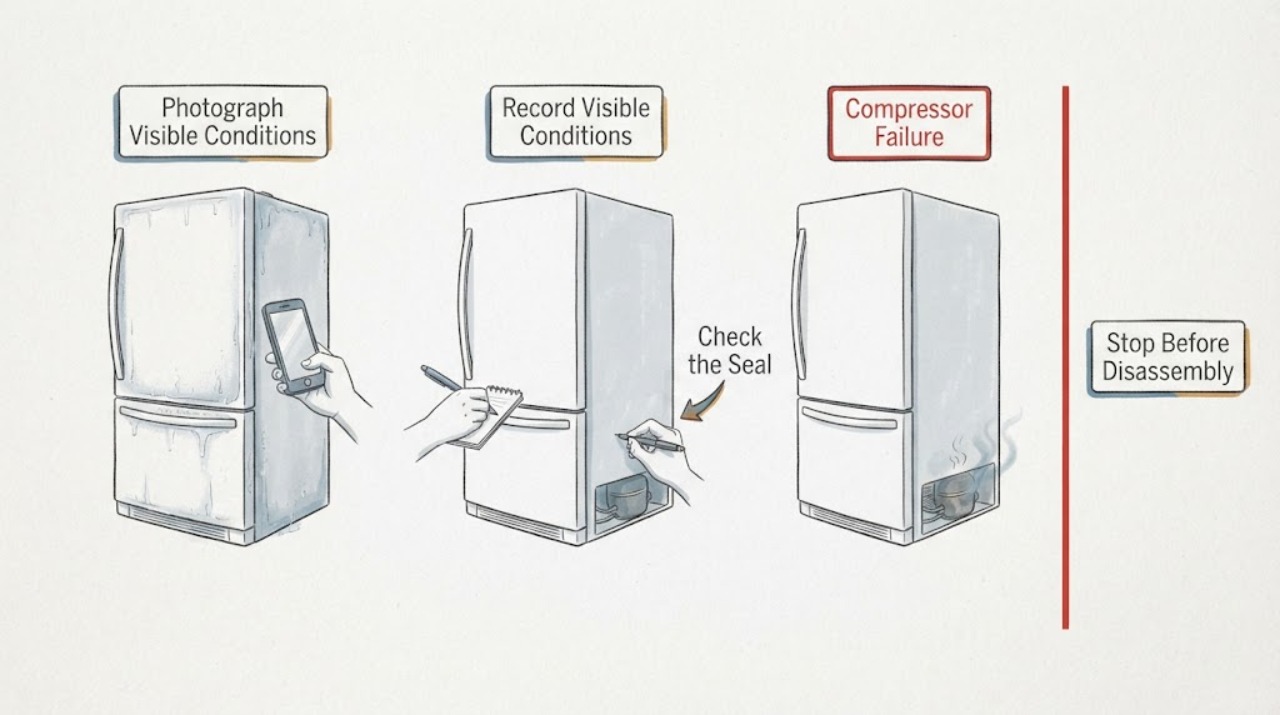
LG LFXC24726S compressor failure: verify the cooling loss before replacing the refrigerator
Treat “compressor failure” on an LG LFXC24726S as a reported diagnosis, not a confirmed cause, until the actual refrigerator and freezer temperatures, the cooling-loss timeline, and a written professional diagnosis agree. Protect food first, then check only the visible temperature settings, clear air vents, full door closure and gasket contact.
-
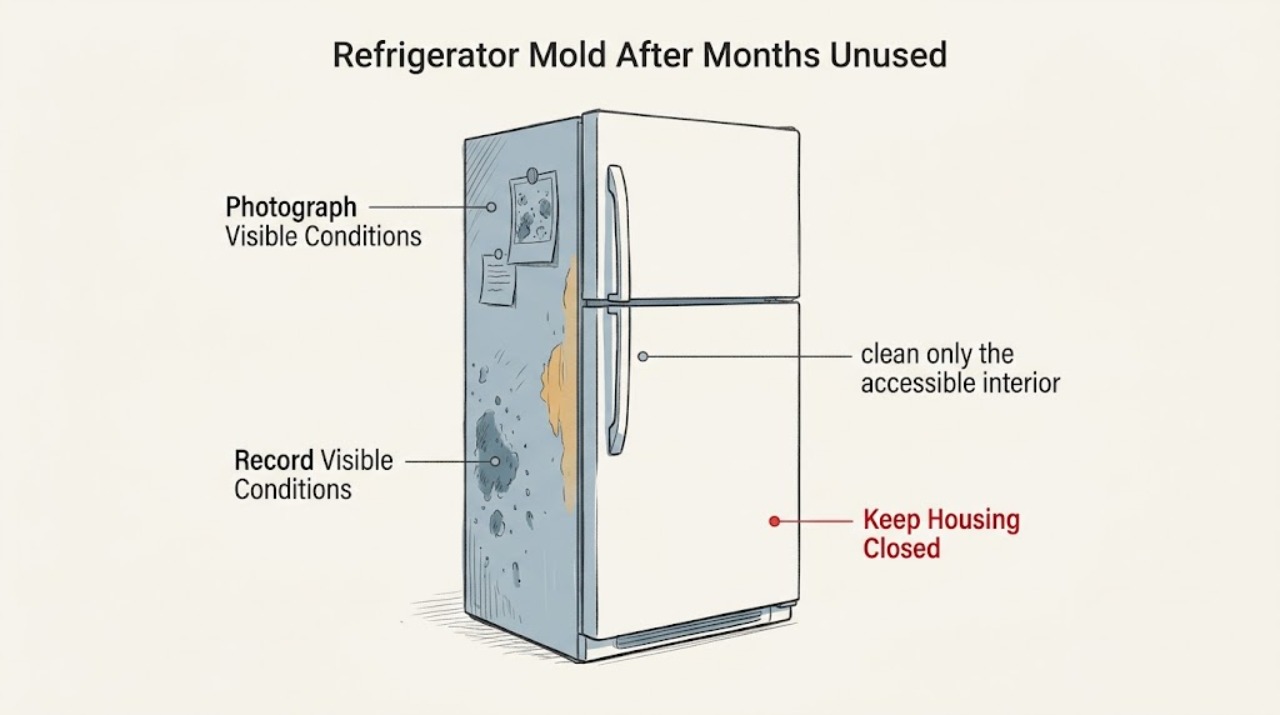
LG LFXS26596S Refrigerator Mold After Months Unused: What to Clean or Replace
Do not order parts just because an LG LFXS26596S was left unused and now has mold. First remove food and ice from the affected area, record whether growth is limited to cleanable surfaces or reaches a door gasket, dispenser/ice area, drain or air path, and keep questionable food out of use.
-
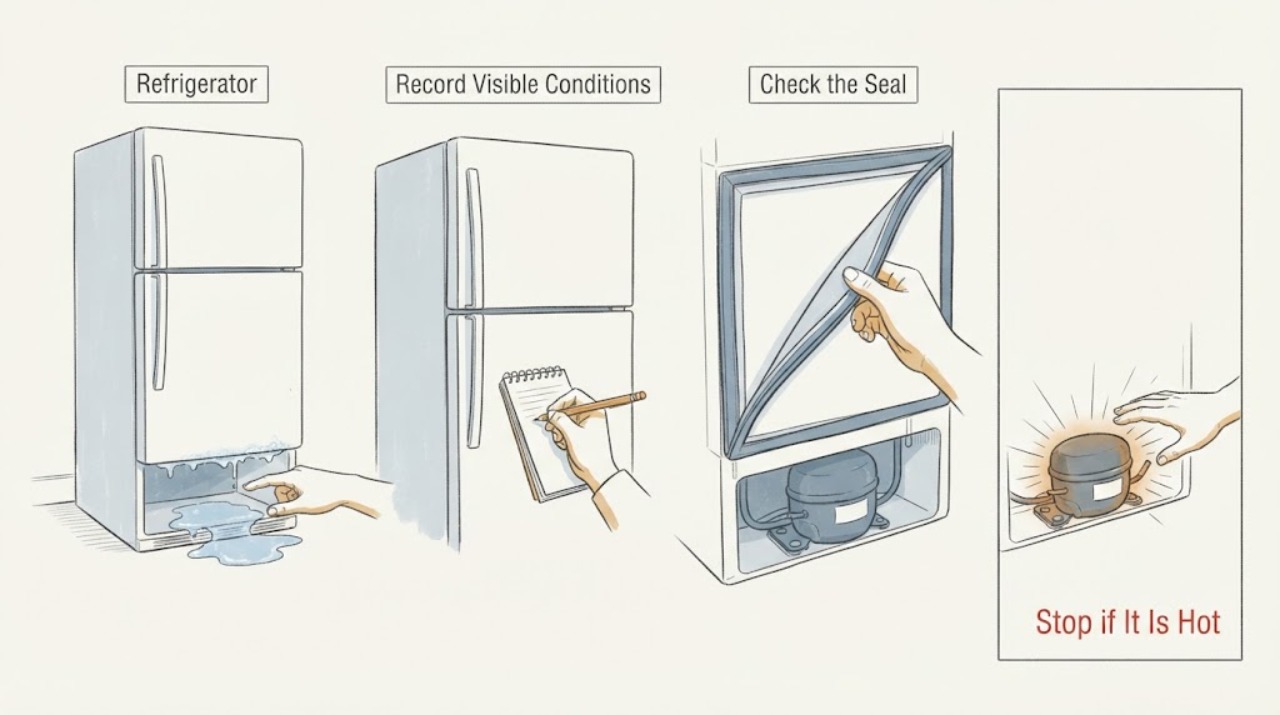
LG LFXS28566S Refrigerator: Repeated Compressor Failure and Warranty-Labor Questions
Several past compressor repairs do not, by themselves, prove that the LG refrigerator currently has another compressor failure. First establish whether cooling is actually failing: record refrigerator and freezer temperatures, protect food if temperatures are unsafe, and check only the external setting, door seal, and accessible airflow.
-
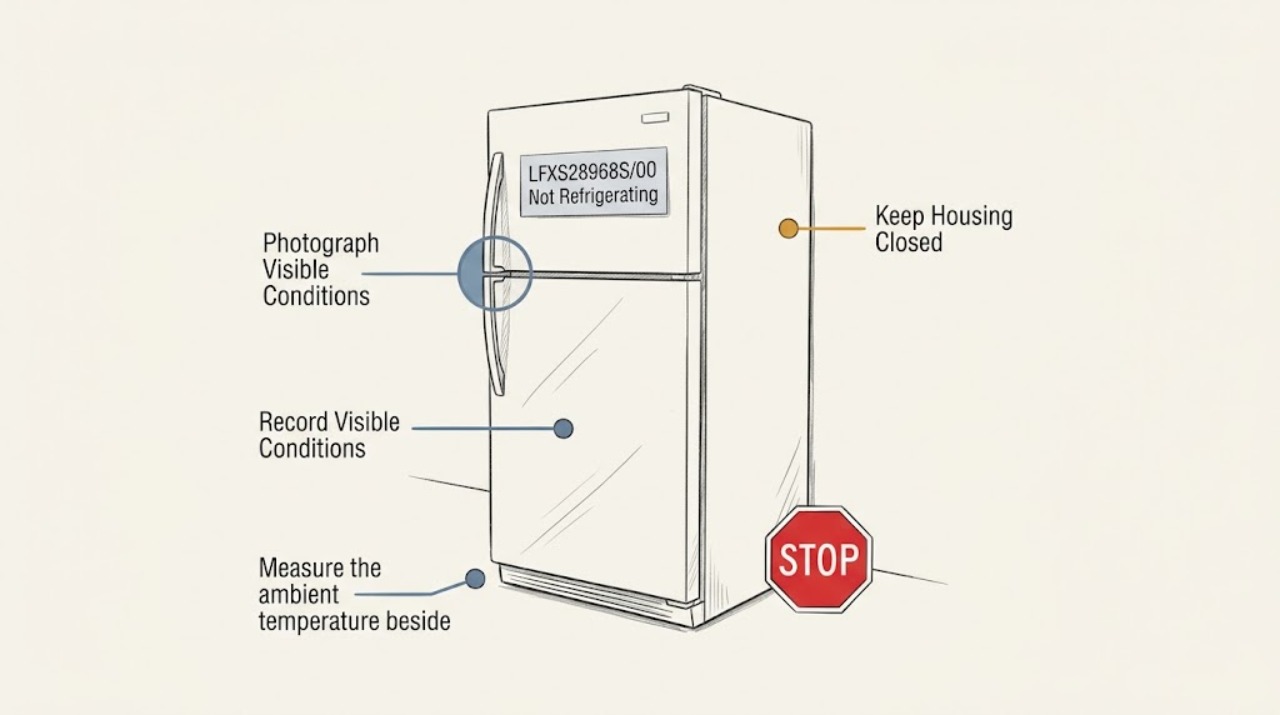
LG LFXS28968S/00 Not Refrigerating: Compare the Two-House Pattern Before Replacing Parts
When refrigerators in two houses show the same not-refrigerating symptom, first compare the conditions that repeat instead of assuming all three appliances have the same failed part. Confirm the full model and market for each unit, then measure the refrigerator and freezer compartments with an appliance thermometer, verify that each installation is dry, ventilated, and between 55°F and 110°F, and check the clearance and door or vent conditions.
-
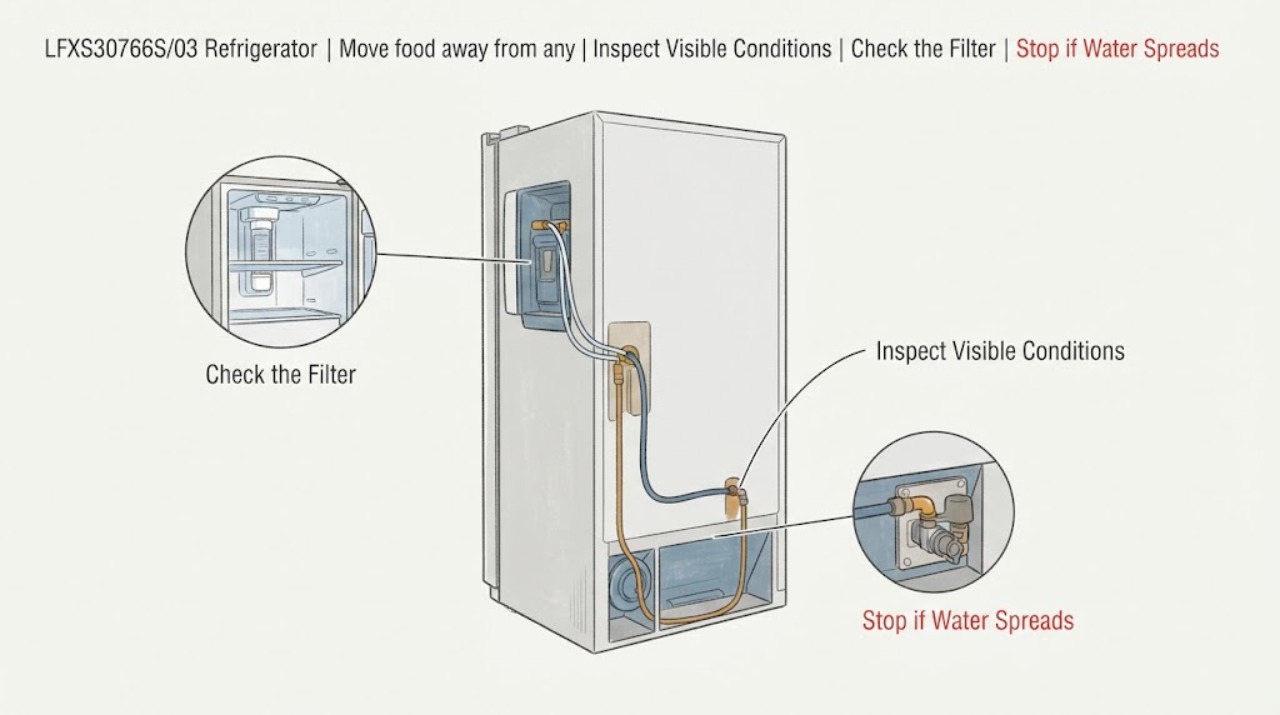
LG LFXS30766S/03 Refrigerator: Identify a Water Leak Before Blaming the Inlet Valve
Do not assume the water inlet valve is the leak source just because water appears near the back or bottom. LG’s LFXS30766S owner manual covers the LFXS30766* family and shows the refrigerator’s rear water-line connection, while LG’s leak guidance says a leak can come from a loose or damaged water line, filter, dispenser tubing or another nearby source.
-
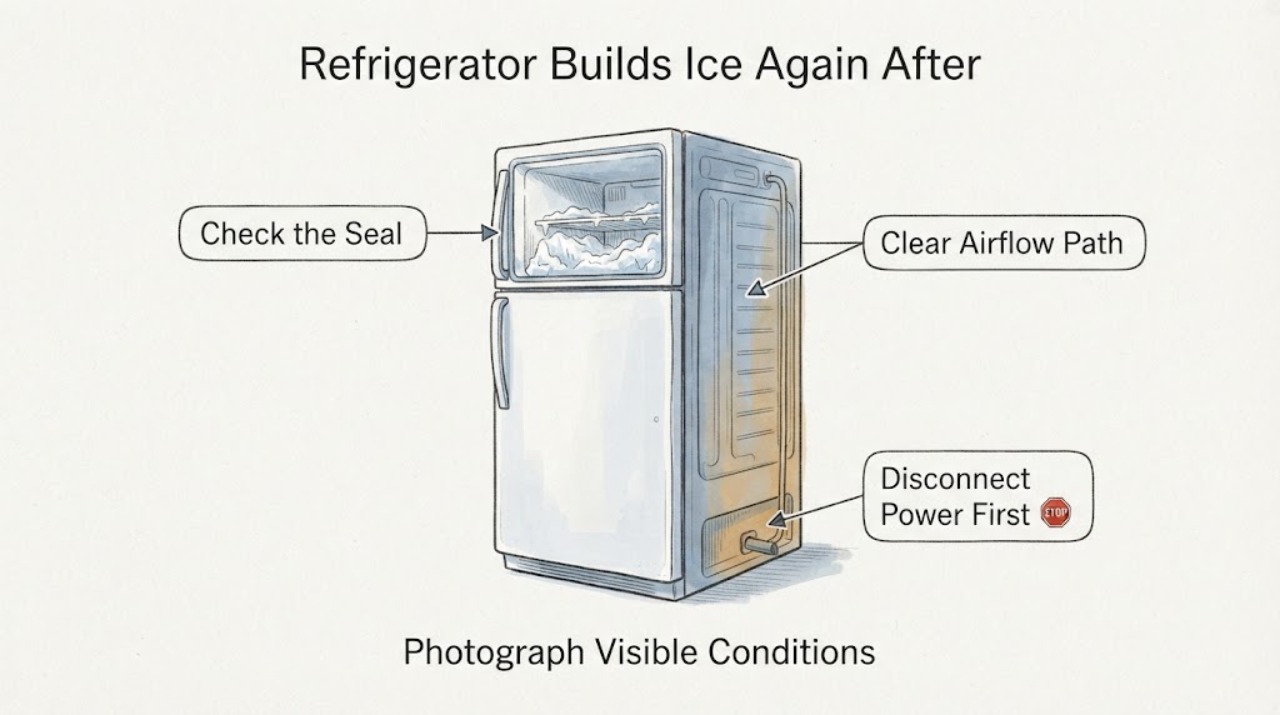
LG LFXS32726S/00 Refrigerator Builds Ice Again After Manual Defrosting
Needing to manually defrost an LG LFXS32726S/00 about every three months is a recurring fault pattern, not a maintenance interval to accept without checking the cause. LG says its refrigerators automatically defrost every 4–16 hours, and its support procedure treats manual defrost as a way to clear current ice while the cause is investigated.
-
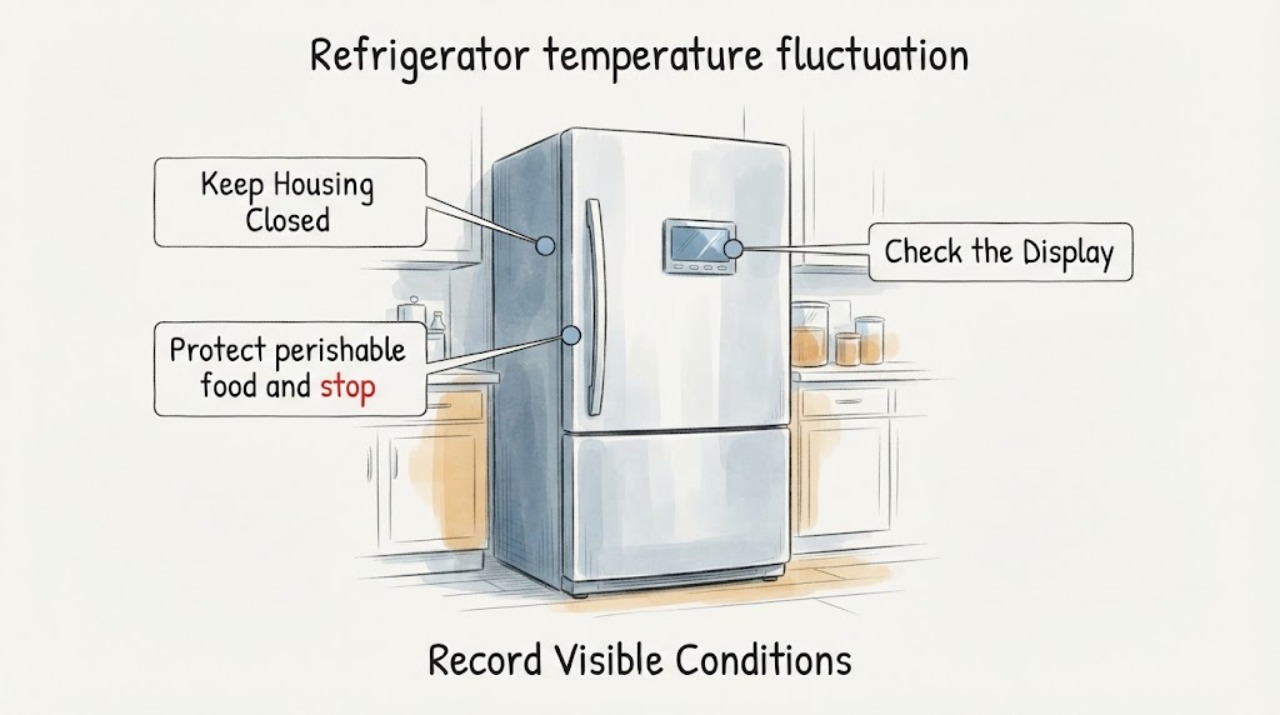
LG LRFXS2503S refrigerator temperature fluctuation: measure both compartments first
On the exact LG LRFXS2503S, do not diagnose a compressor or sensor from a changing display or a single warm spot. LG says the control-panel number is the target temperature, not the current internal temperature, and that actual temperature varies with load and surrounding conditions.
-
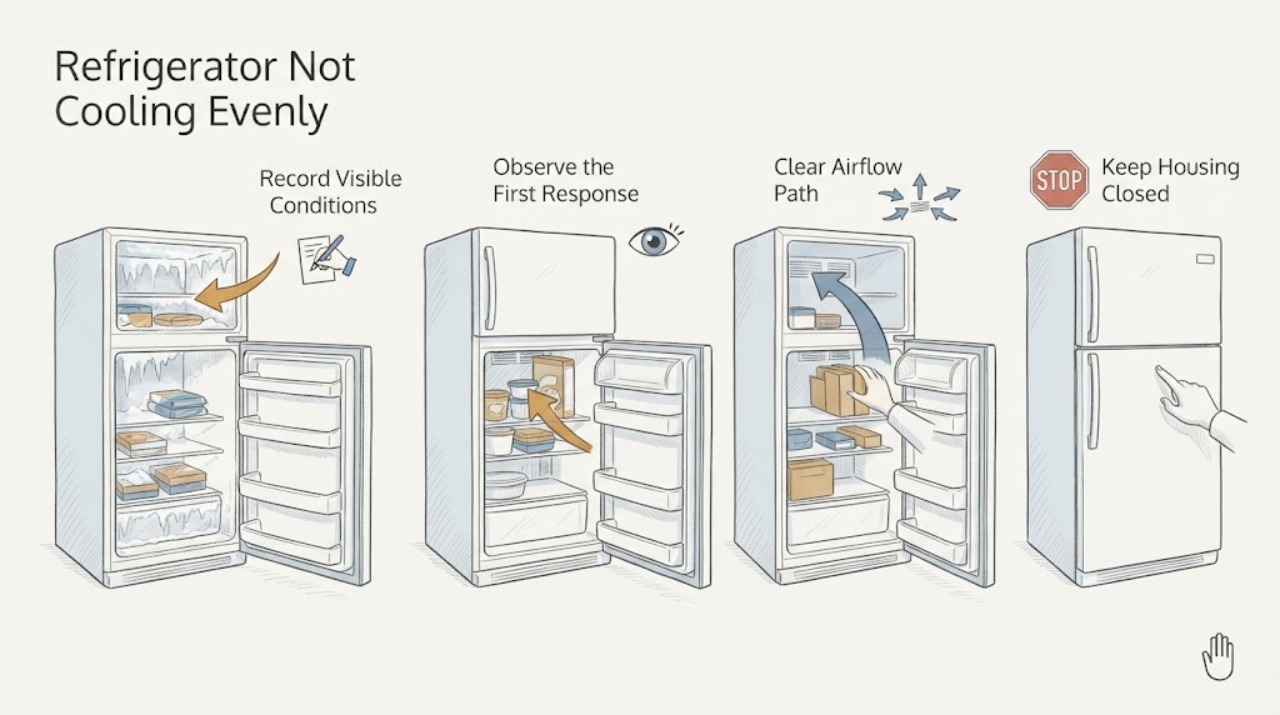
LG LRSES2706V Refrigerator Not Cooling Evenly: Map the Zones Before Calling It a Failure
For the LG LRSES2706V, do not judge cooling by touching one shelf or by general product opinions. First record the actual temperature in the fresh-food compartment and freezer, then move the thermometer through the upper, middle, lower, rear, and Door-in-Door areas while keeping the doors closed between readings.
-
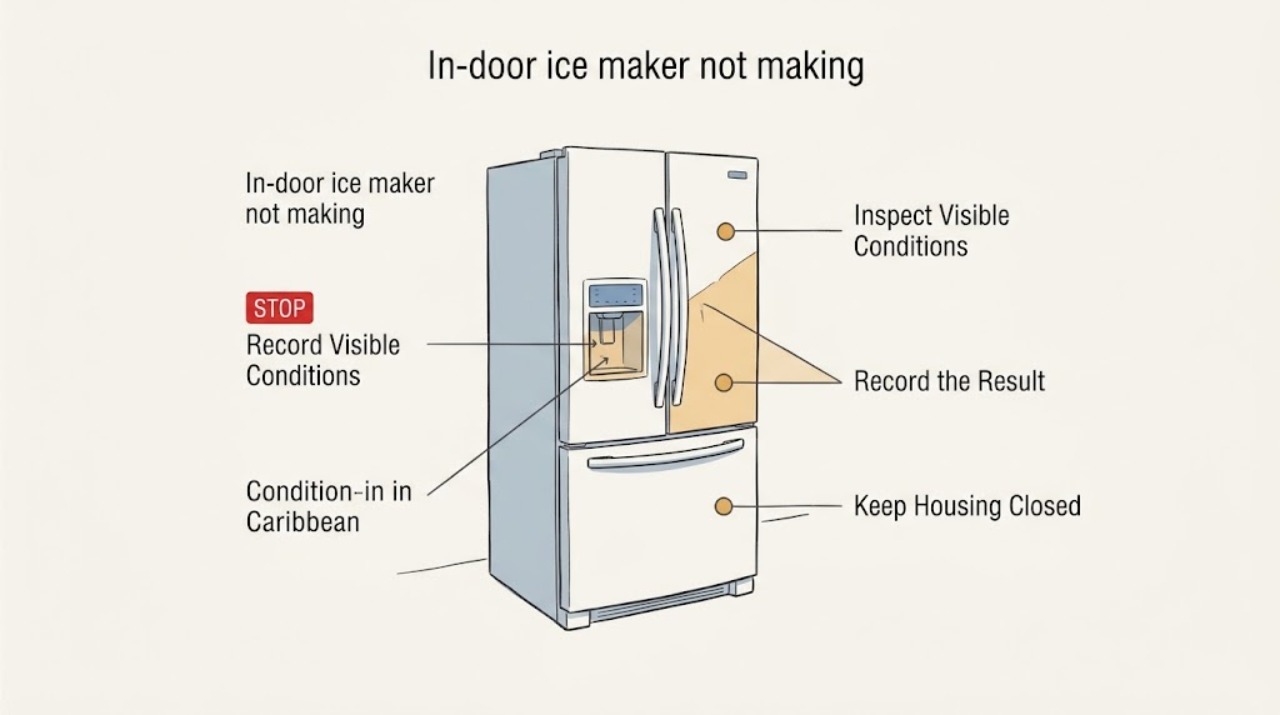
LG LRSOS2706S in-door ice maker not making ice while Craft Ice works
The LG LRSOS2706S uses dual ice-making functions: the door dispenser supplies conventional cubed or crushed ice, while Craft Ice is a separate ice-making function. Craft Ice working shows that some cooling and ice production remain available, but it does not prove that the in-door maker's cold-air path, control state, bin sensing, fill path, or mechanism is working.
-
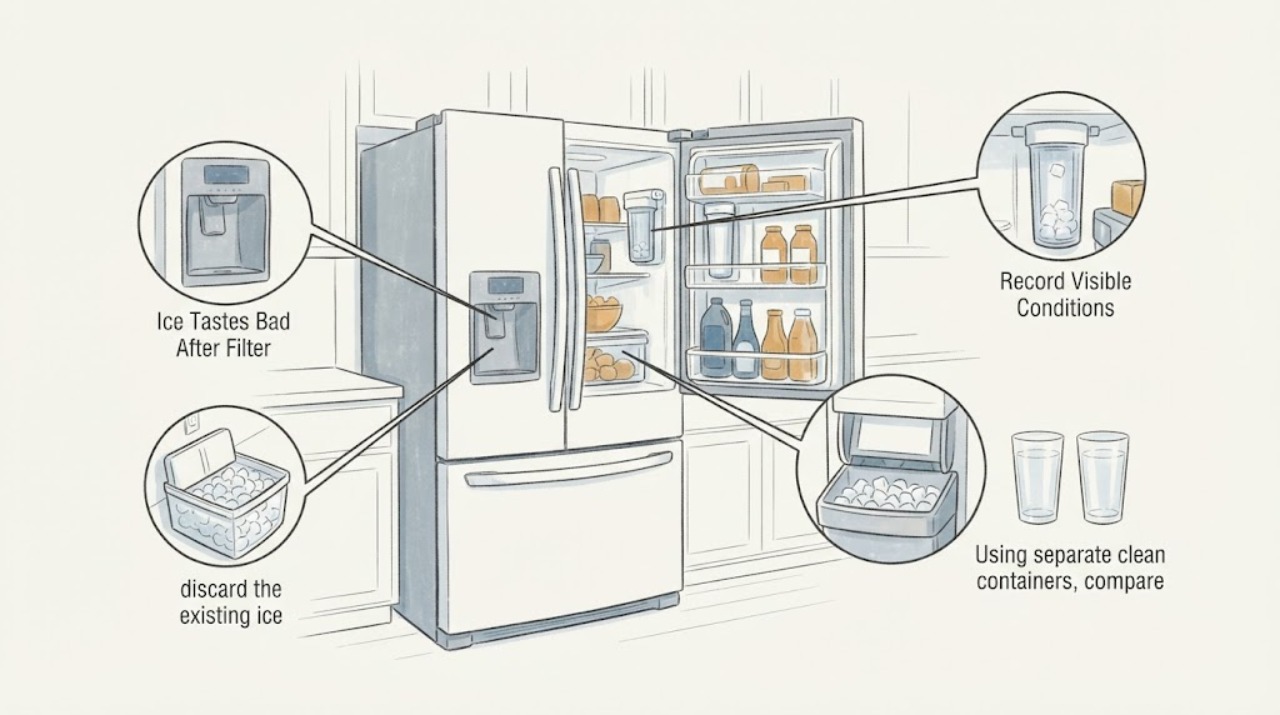
LG LRYKC2606S Ice Tastes Bad After Filter Changes
On the LG LRYKC2606S, changing the filter does not by itself prove that the ice taste problem is in the filter. First compare known-safe household water with refrigerator water and fresh ice, then discard old ice, flush the dispenser after the filter change or a long period of non-use, and clean and air-dry the ice bin.
-
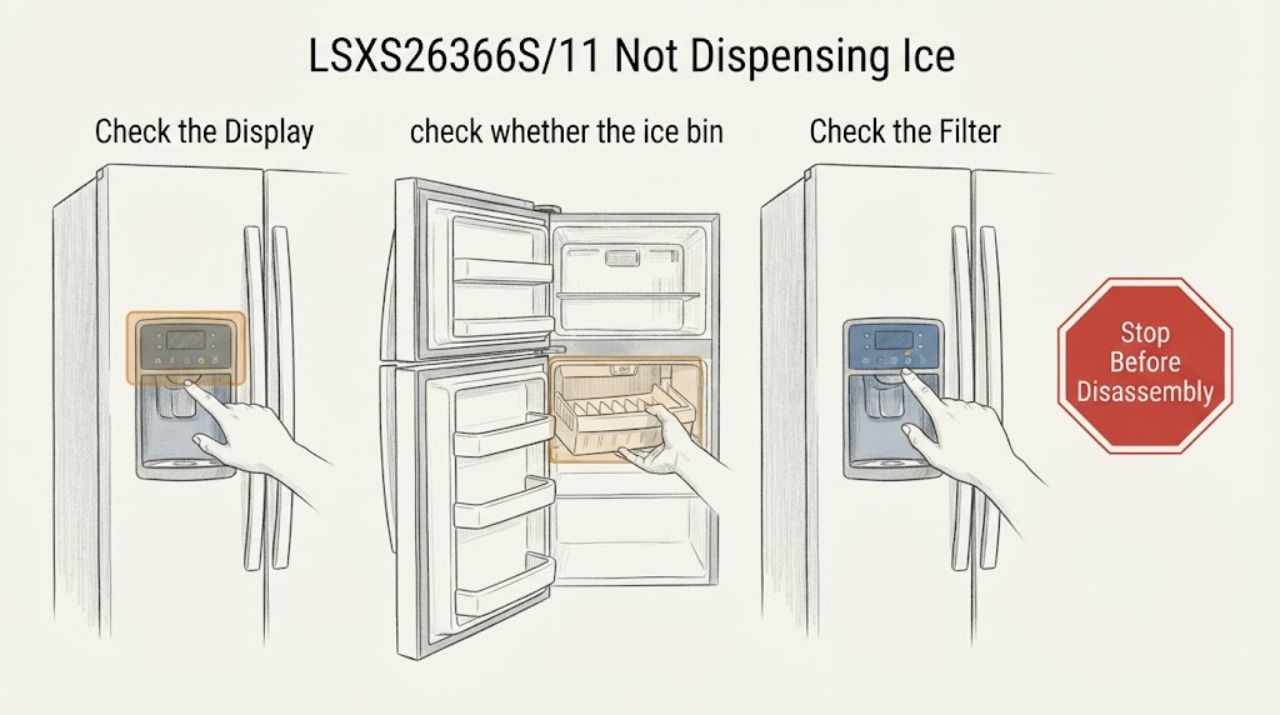
LG LSXS26366S/11 Not Dispensing Ice
On the LG LSXS26366S/11, first separate an empty ice supply from a dispensing-path problem. Check that Control Lock is off, confirm the bin contains loose ice rather than one frozen clump, and make sure both doors close fully. If ice is present but there is no dispenser hum, stop at these external checks and arrange service; if the dispenser hums but ice does not fall, remove and dry the bin and clear only loose clumps without opening the door or dispenser assembly.
-
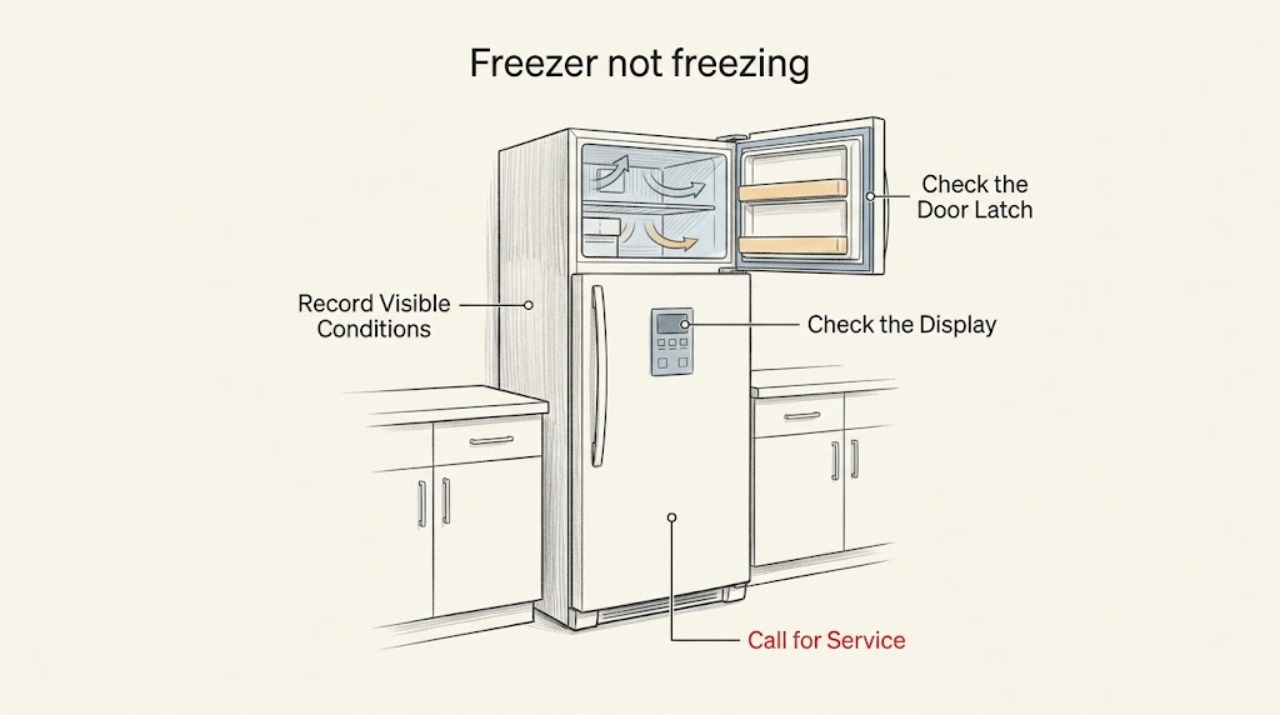
LG LSXS26386D freezer not freezing: safe checks before service
For an LG LSXS26386D freezer that is not freezing, protect thawing food first and verify the freezer temperature with an appliance thermometer rather than judging by touch. LG's guidance says to check the freezer setting, keep food away from the cold-air outlet, close the door completely, allow recovery time after power is restored, and keep the refrigerator in a suitable, ventilated location.
-
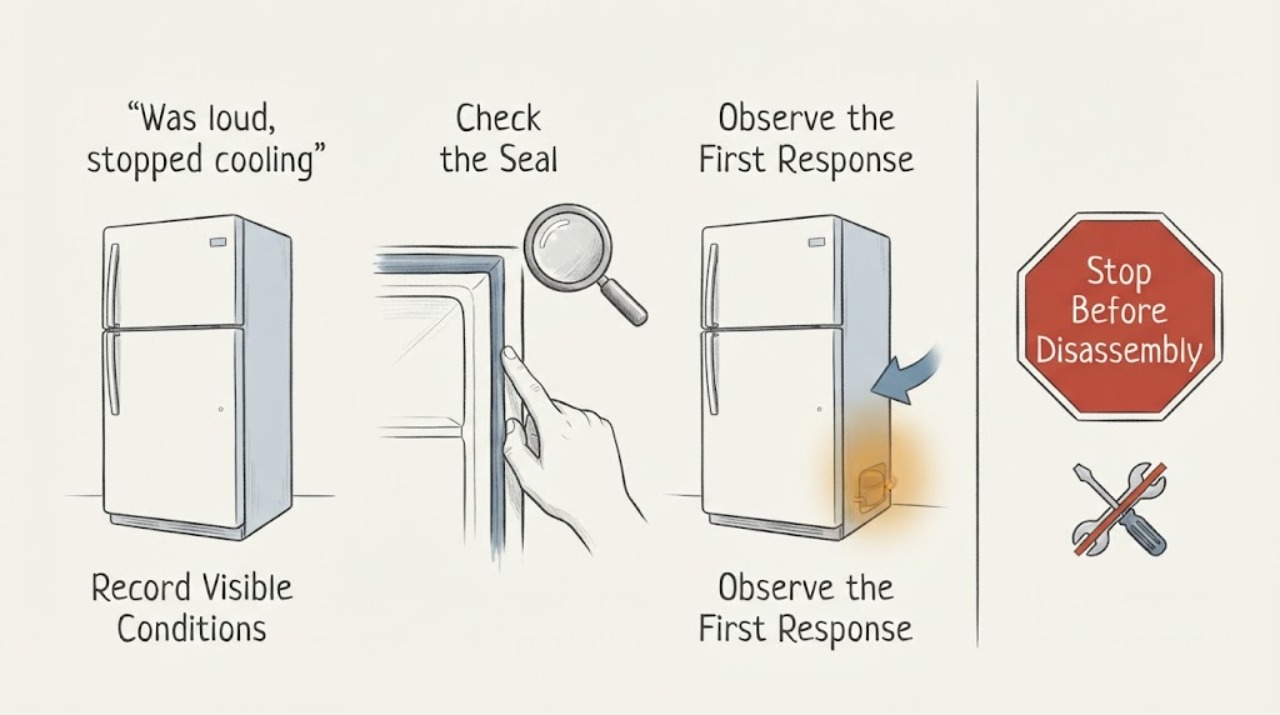
LG LSXS26386S/00 was loud, stopped cooling, and now works again
Do not treat a return to quiet operation or a temporarily cold cabinet as proof that the LG LSXS26386S/00 is repaired. First protect the food, then measure the refrigerator and freezer with an appliance thermometer, record the loud/no-cooling episode and check only the external settings, air vents, doors and accessible airflow.
-
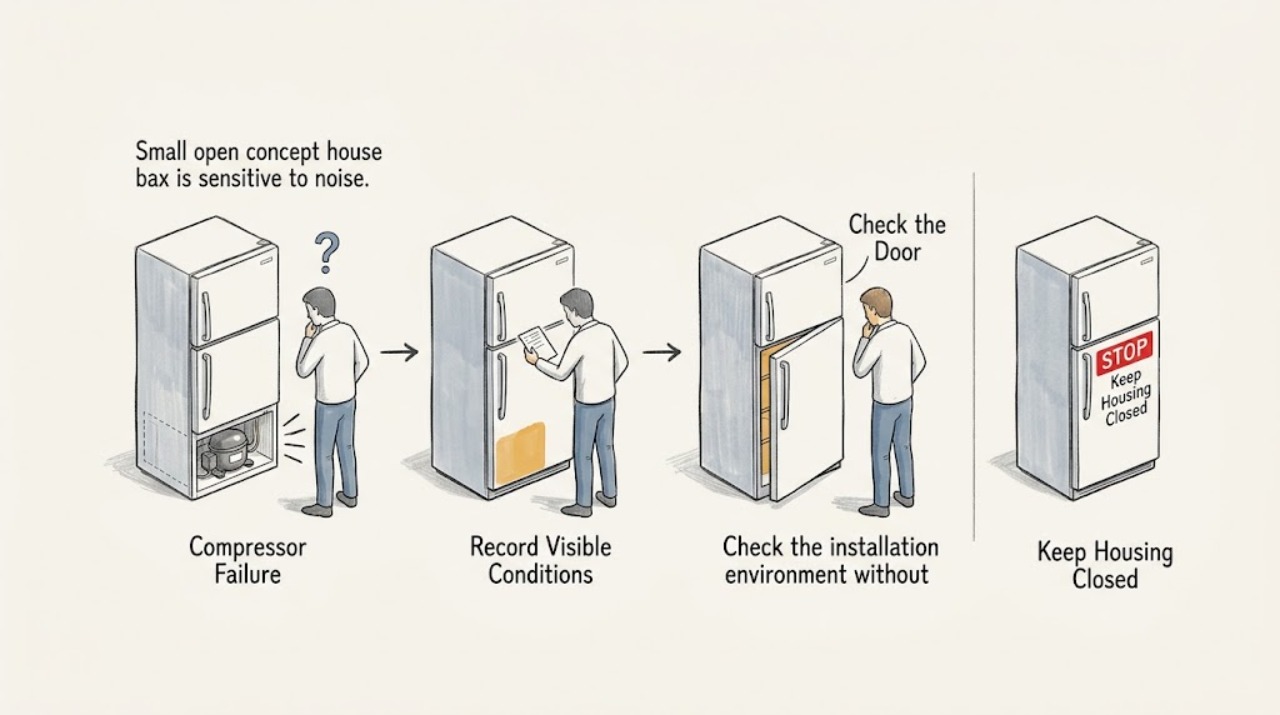
LG LTCS20020W Compressor Failure: Separate Normal Noise From a Cooling Fault
A hard failure-rate percentage for the LG LTCS20020W compressor is not supplied by the opened LG support materials, and warranty duration is not a failure-rate estimate. Start by separating normal compressor or fan noise from a cooling symptom: LG says humming, rumbling, and some refrigerant-flow sounds can be normal, while persistent abnormal noise or inadequate cooling needs service.
-
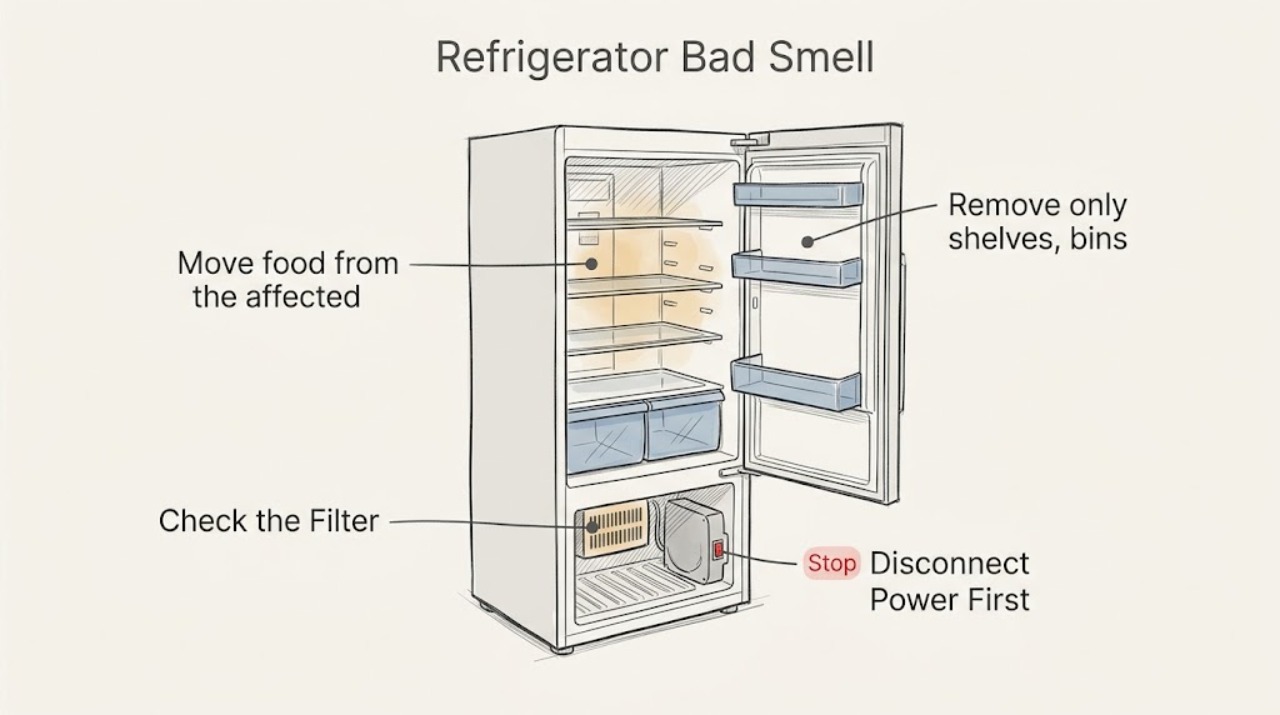
LG Refrigerator Bad Smell: Trace Food, Filter, and Back-Compartment Odors
Empty the affected LG refrigerator section and note whether the odor is from food or spills inside, the reusable deodorizer, or the back mechanical compartment. Clean removable parts and accessible interior surfaces with a soft cloth and mild detergent, and follow the model's deodorizer instructions. Disconnect power before external cleaning; do not remove the back cover, and request service for an electrical, burning, gas-like, or persistent rear odor.
-
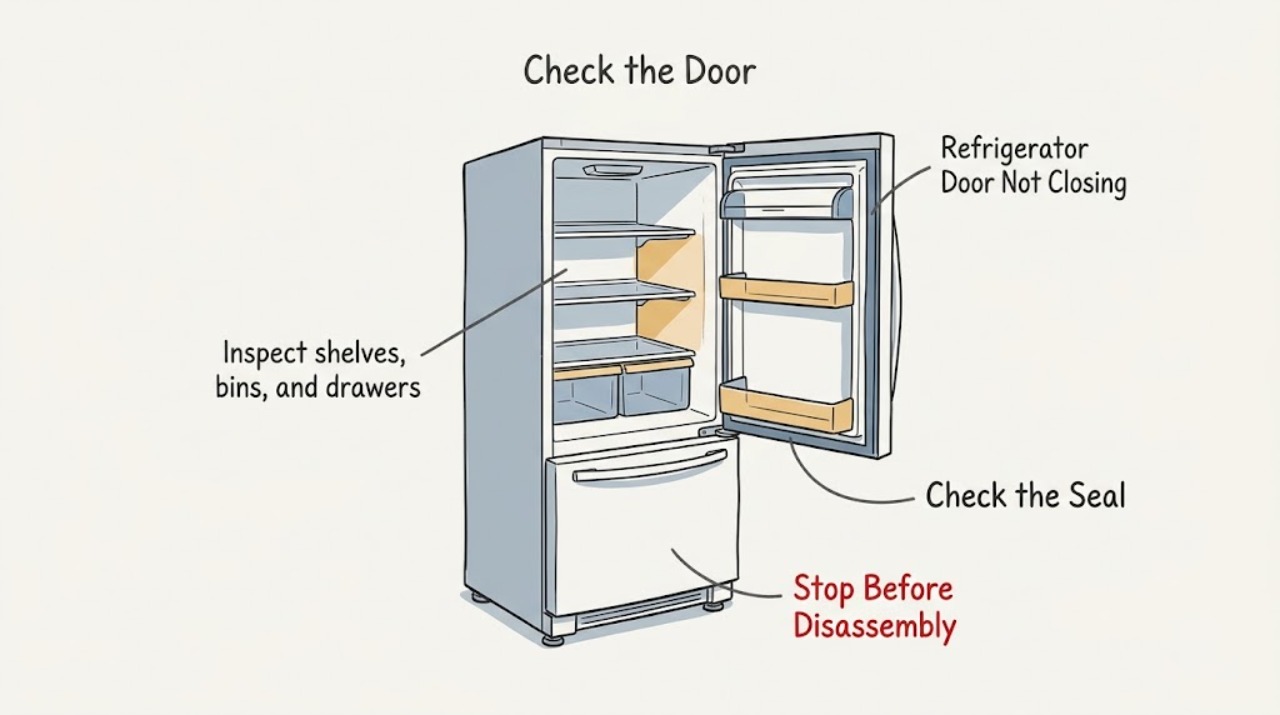
LG Refrigerator Door Not Closing: Check Shelves, Gasket, and Level
Remove any container, shelf, or drawer that projects into the LG refrigerator doorway, then clean and inspect the door gasket. Verify shelves and drawers are seated as the model shows and check whether the cabinet is level; a freezer door that will not self-close may need leveling. Do not force a sagging door or adjust hidden hinges without model instructions.
-
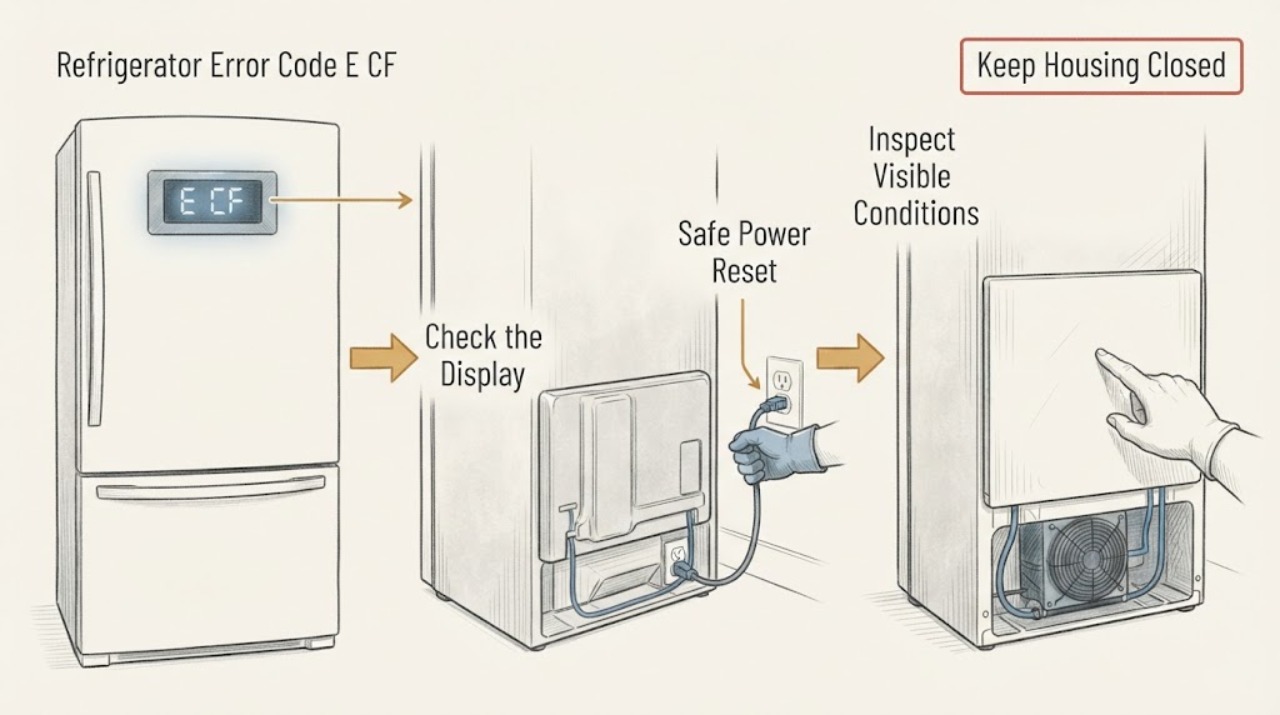
LG Refrigerator Error Code E CF (CF) and Fan Not Running | Fix Guide
LG identifies CF or E CF as a mechanical-compartment/condenser-fan error at the rear of the refrigerator. LG says the cause may be the fan motor, disconnected wiring or the main board, so the code does not prove which part failed.
-
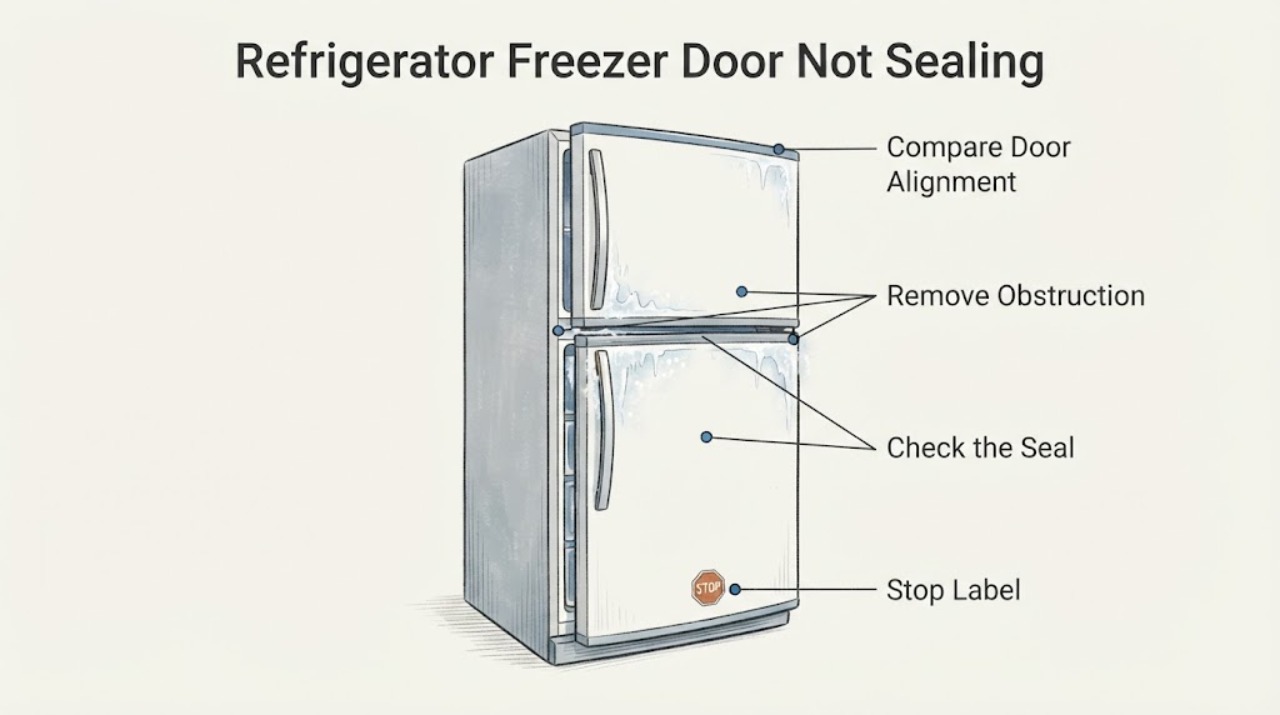
LG Refrigerator Freezer Door Not Sealing Properly | Safe Checks
Start by looking for a food package, door-bin item, drawer or rail that prevents the LG freezer door from closing. Check the gasket all the way around for dirt, a folded section, a loose edge, or a tear.
-
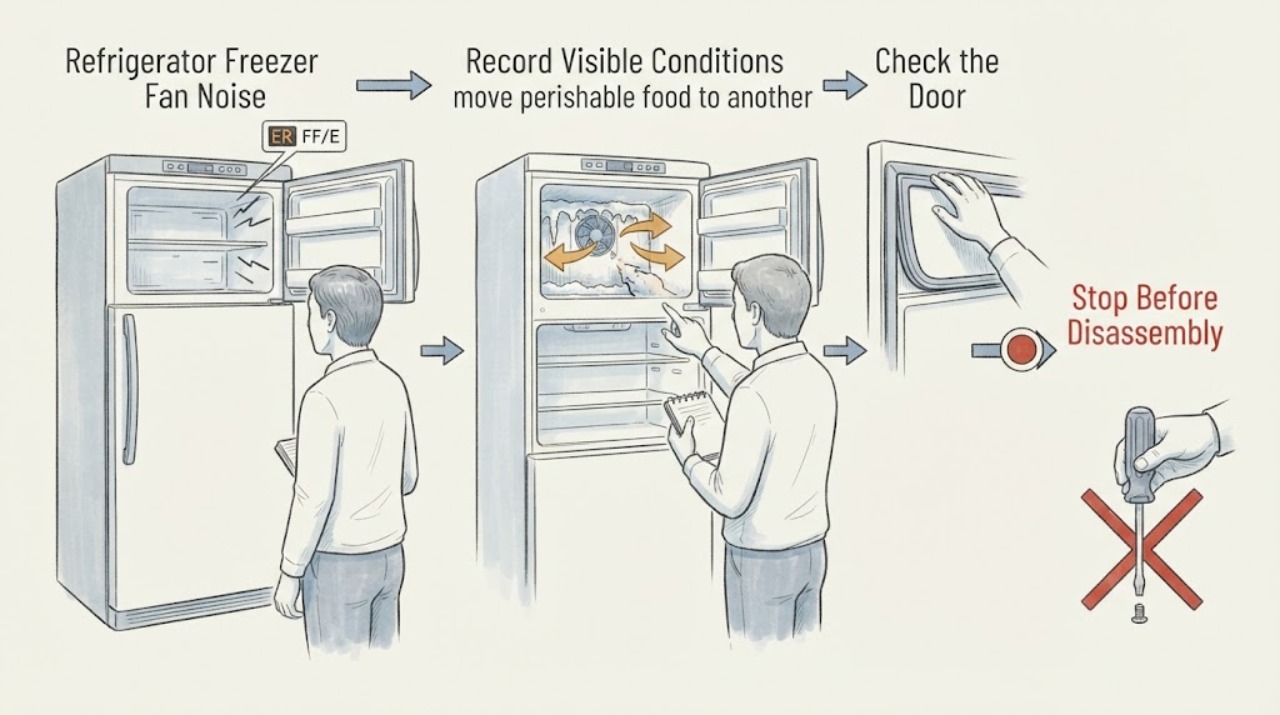
LG Refrigerator Freezer Fan Noise or ER FF | Safe Checks
First record the exact LG model and whether the display says ER FF/E FF, ER rF/E rF, or shows only a sound. LG says ER FF/E FF points to abnormal freezer-fan operation and that frost around the fan can prevent it from turning; ER rF refers to the refrigerator-compartment fan.
-
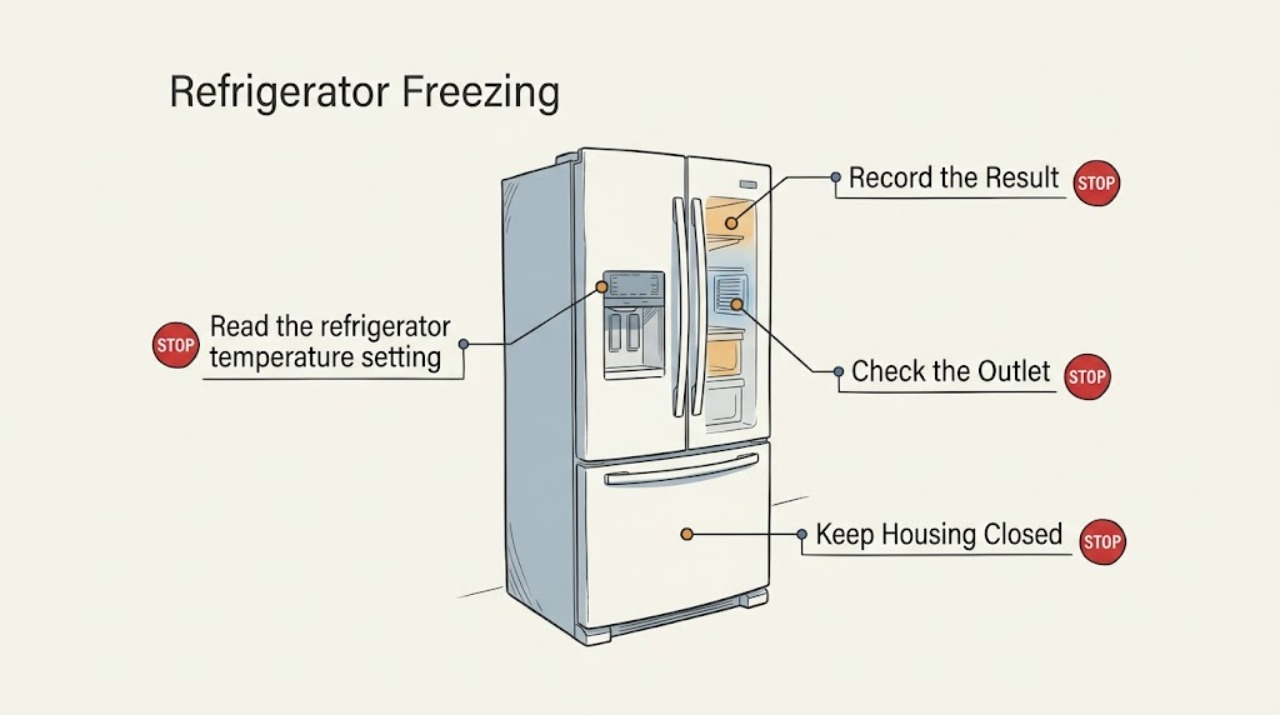
LG Refrigerator Freezing: Move Food from the Cold-Air Path
First identify whether food is freezing in the refrigerator compartment or only in a special drawer. Raise an overly cold refrigerator setting within the model's allowed range, move moisture-rich food away from the cold-air outlet, and clear the upper sensor area so airflow and temperature sensing are not blocked. Persistent freezing with a correct setup needs model-specific service.
-
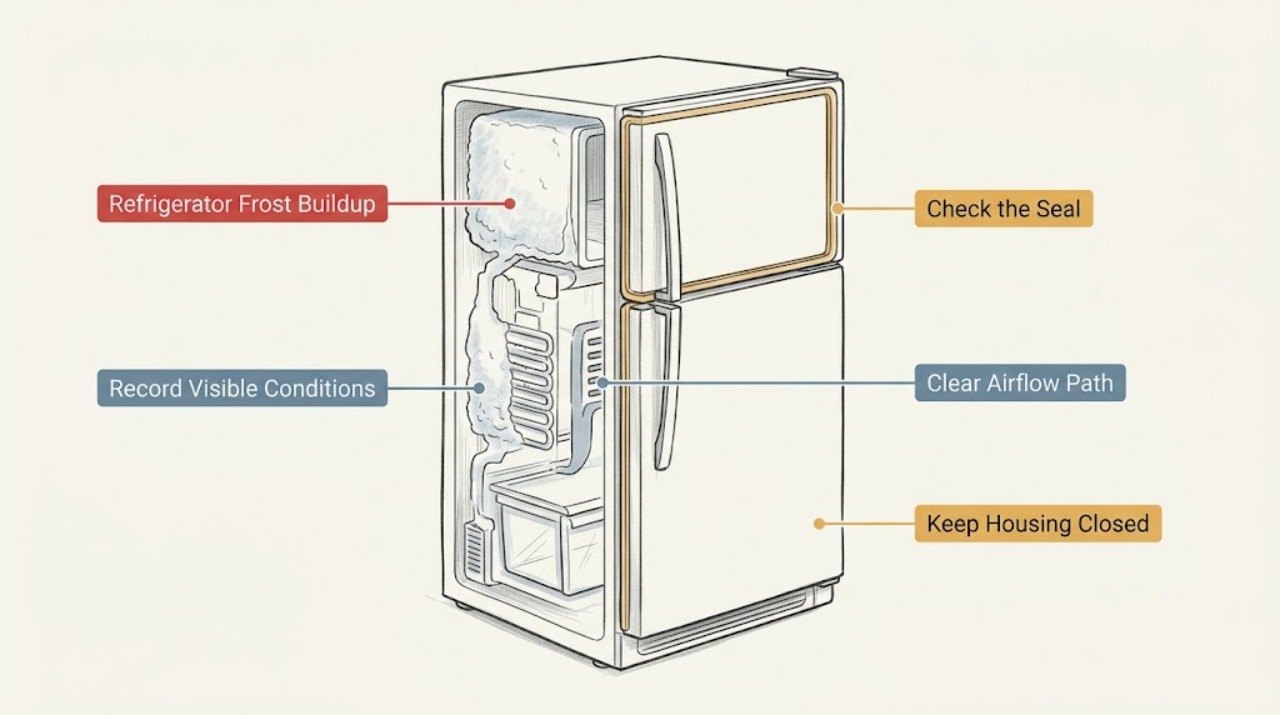
LG Refrigerator Frost Buildup: Check the Door Seal and Moisture Sources
Find out whether frost is localized near the door, spread across a wall, or blocking an air vent. Keep the freezer door fully sealed, clean a dirty gasket, avoid putting hot or uncovered wet food inside, and remove frost only with a cloth or warm method allowed by LG. Never use a knife or ice pick; recurring frost after a complete seal check needs service.
-
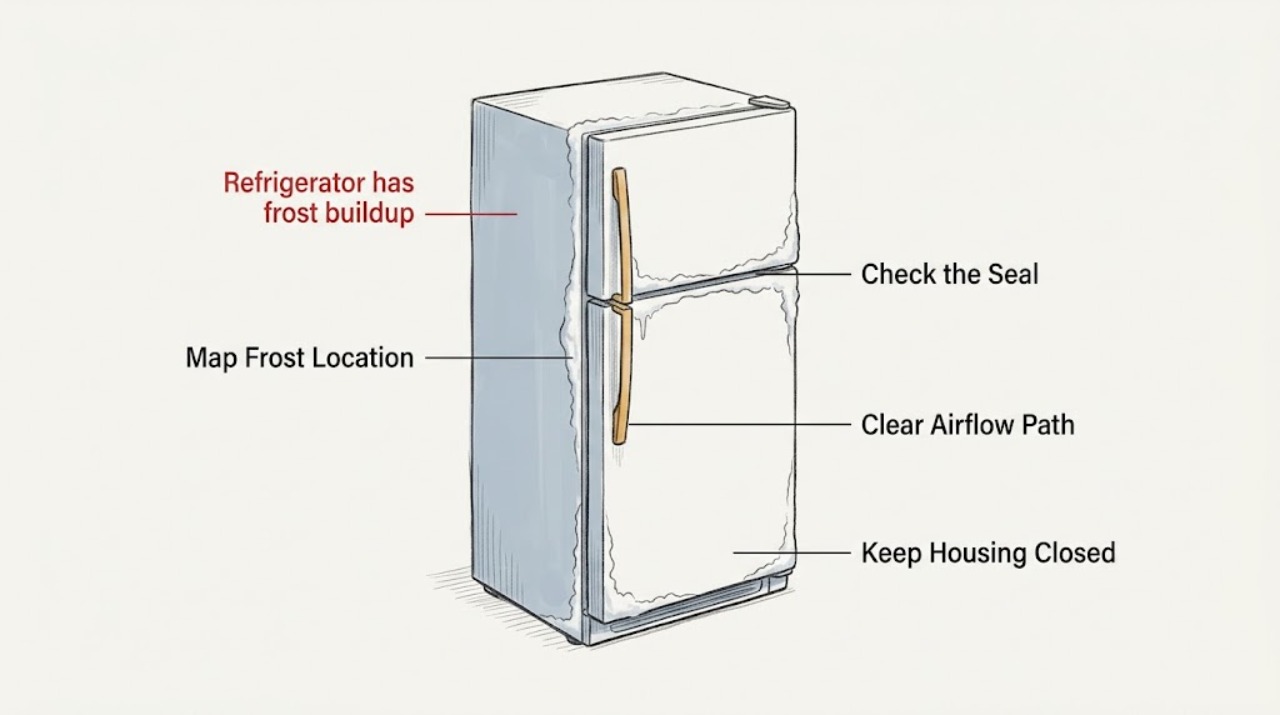
LG refrigerator has frost buildup: What to Check and What to Do Next
A small amount of frost can form normally when moisture meets cold air inside an LG refrigerator, especially after a door-open or warm-food event. Heavy, spreading, or recurring frost usually points to humid air entering through a door that is blocked or not sealing, food blocking an air path, a blocked defrost drain, or an airflow or defrost problem.
-
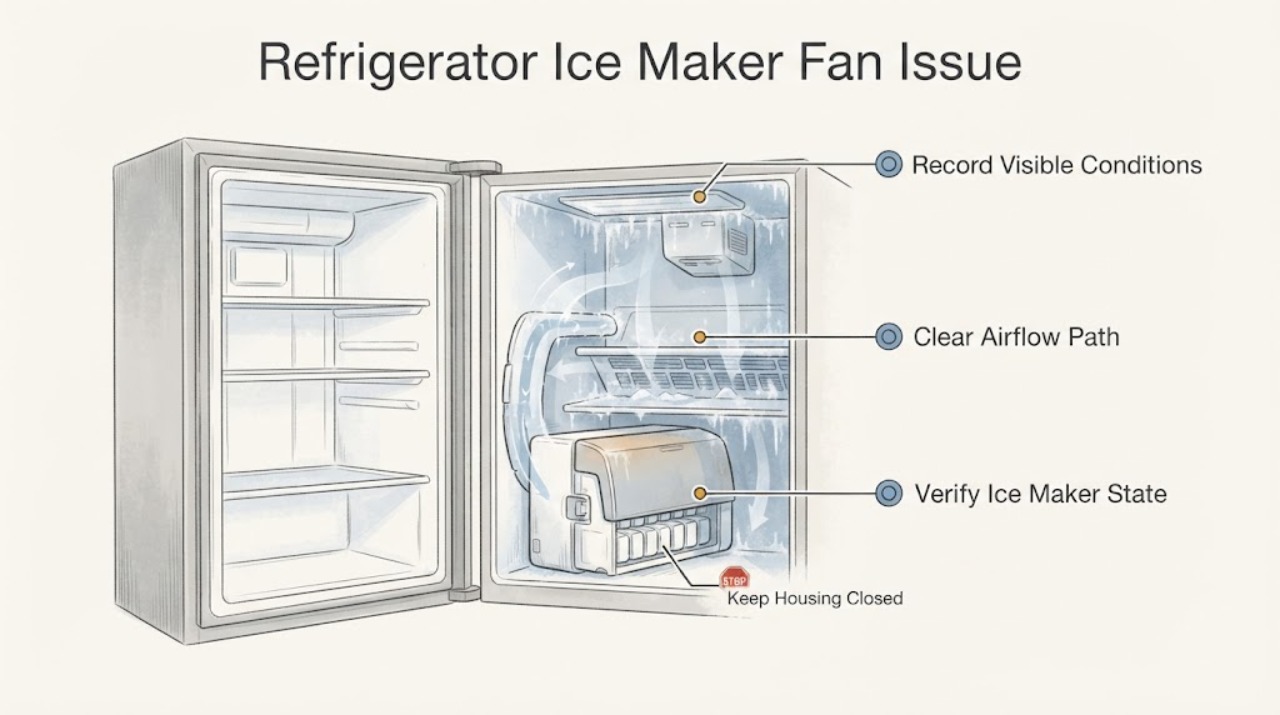
LG Refrigerator Ice Maker Fan Issue: Check the Fan Code, Frost and Airflow Safely
First separate a documented ice-maker-fan indication from a normal ice-making sound or a different refrigerator fan. On LG's official error list, IF or F1 means the refrigerator detected a problem with the ice-maker fan, and LG says frost or ice around that fan can cause it.
-
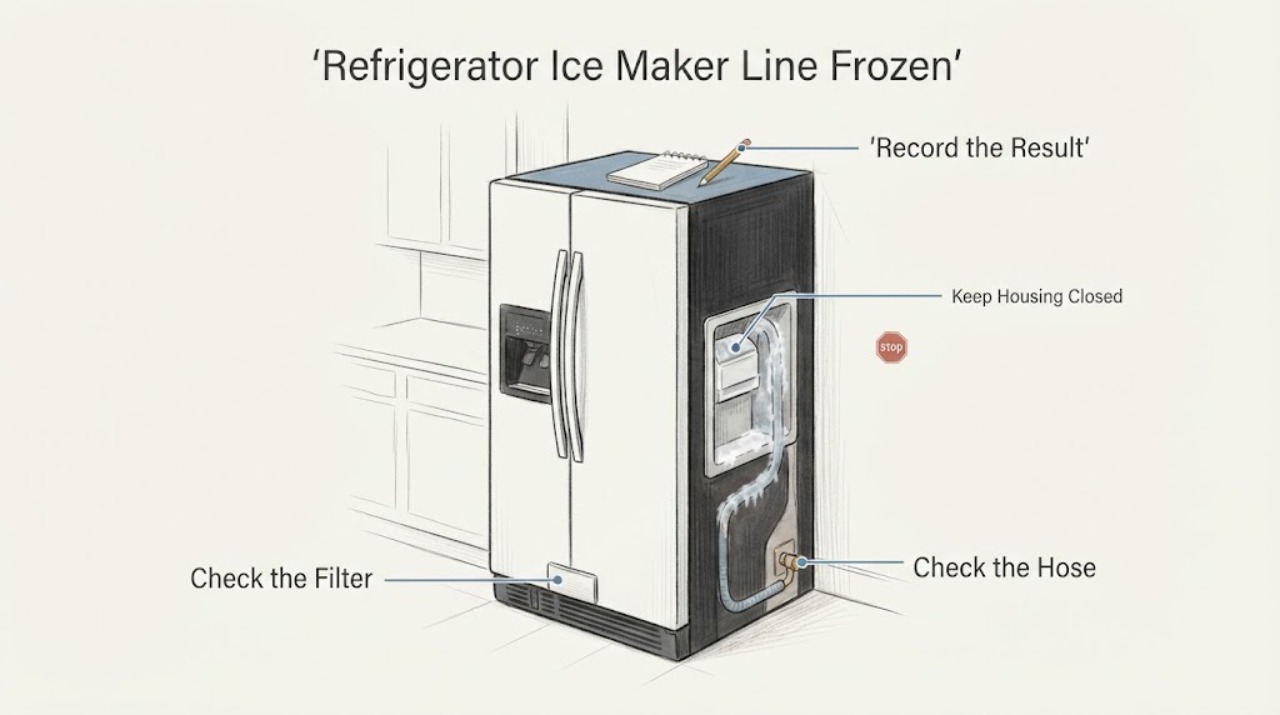
LG Refrigerator Ice Maker Line Frozen: Safe Checks and Thawing Limits
If an LG refrigerator's ice maker water path appears frozen, first stop any water use if there is a leak and close the refrigerator's water-supply valve. Check the valve, the accessible hose behind the refrigerator, the filter, the refrigerator temperature, the ice-maker setting, and whether the door or ice compartment is closing fully.
-
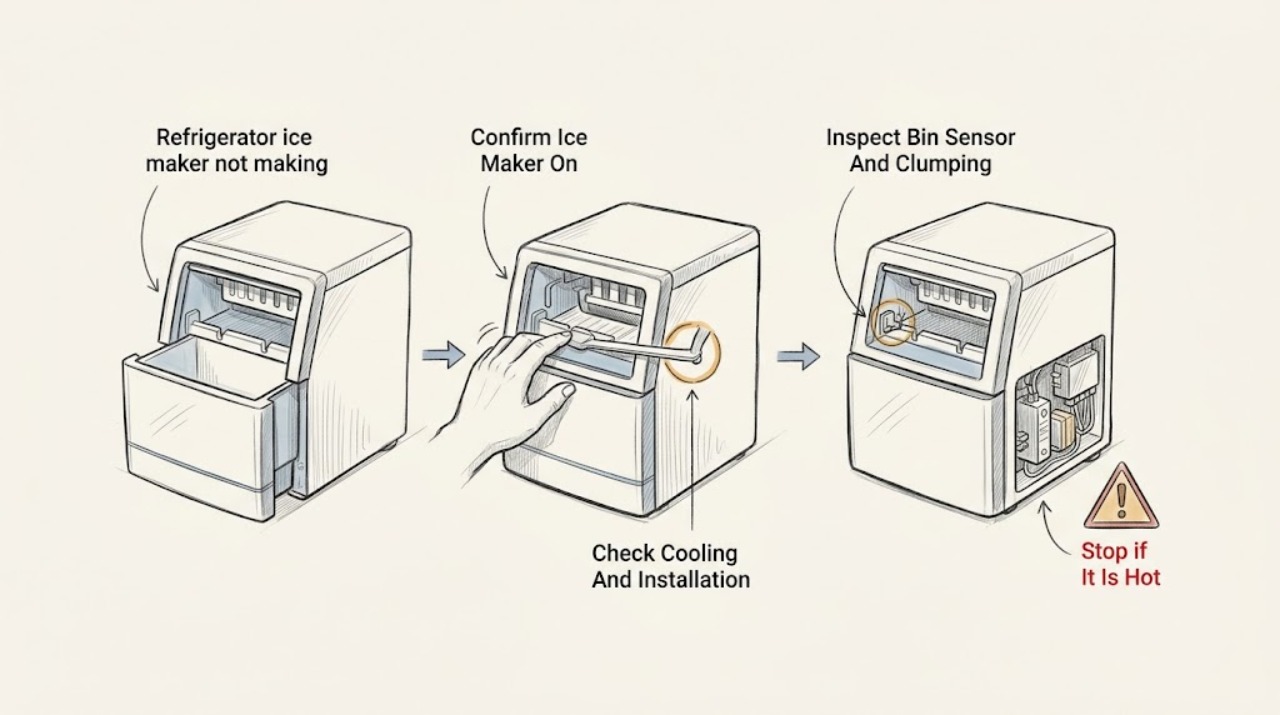
LG refrigerator ice maker not making ice: What to Check and What to Do Next
When an LG refrigerator ice maker is not making ice, first confirm that the ice maker is on for the exact model, the control panel is unlocked, and the freezer is actually cooling normally. Then check whether the bin is full or clumped, the feeler arm or sensor is blocked, and the accessible water supply or filter is restricting fill.
-
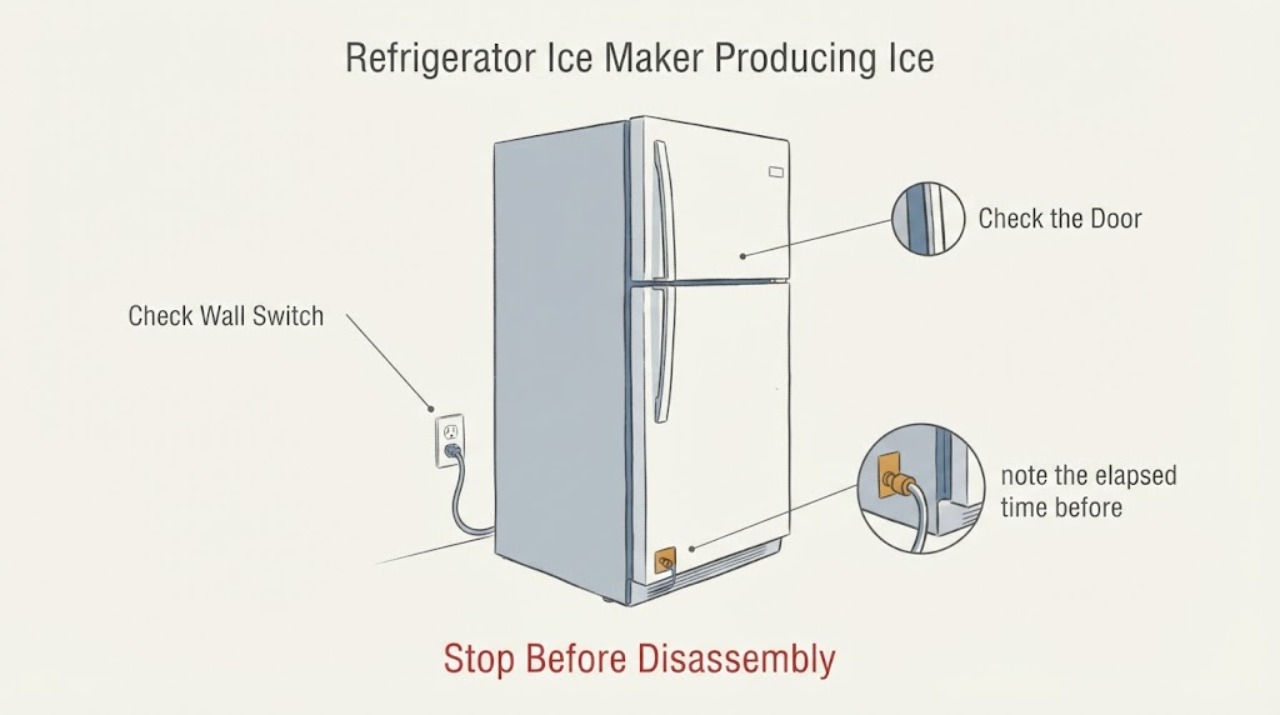
LG Refrigerator Ice Maker Producing Ice Slowly: Temperature and Water Checks
For an LG refrigerator that makes ice slowly, first confirm the ice maker is on, the freezer is cold enough, the ice-room door and bin are seated, and the water supply is available. LG says warmer freezer temperatures slow production and recommends -4°F (-20°C) or colder for ice production, followed by up to 24 hours of observation.
-
LG Refrigerator Leaking Water: What to Check and What to Do Next
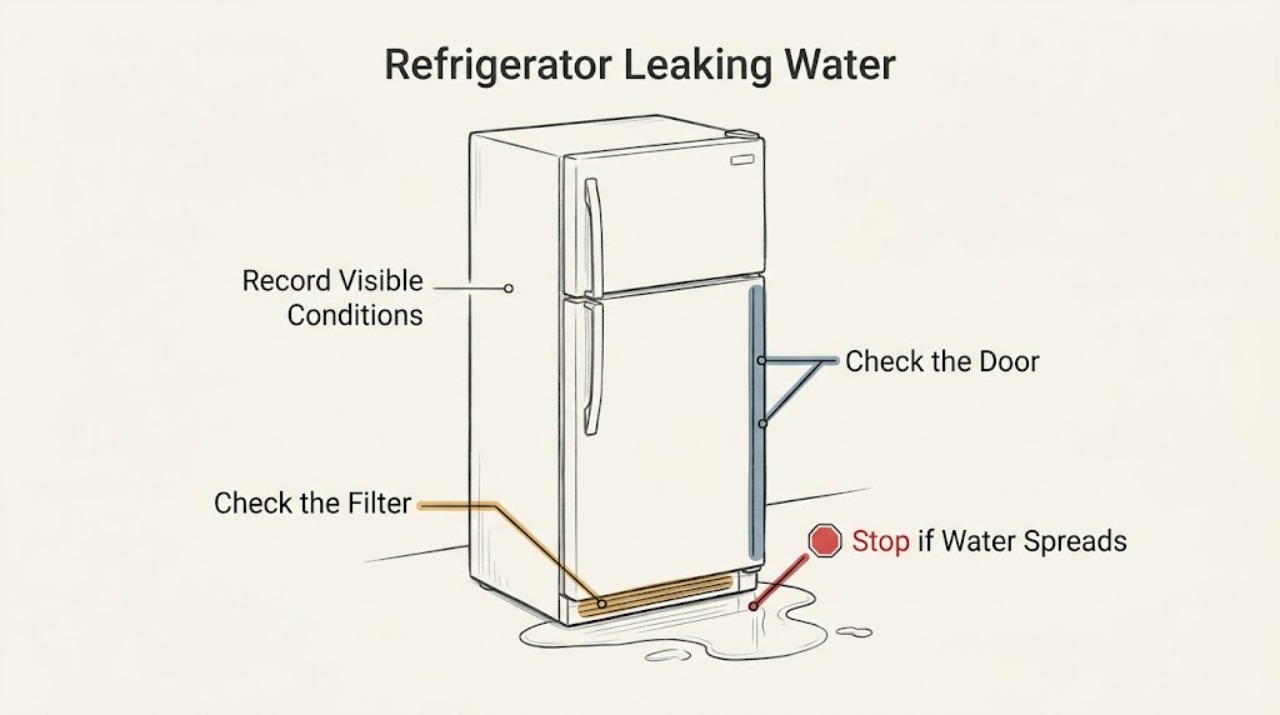
If an LG refrigerator is leaking water, first map where the water begins and whether it appears after dispensing, ice making, or while idle. Check the water filter and its seals, the visible supply line and fittings, the dispenser and ice-maker area, and the door gasket, containers, and drain symptoms using the exact model guidance.
-
LG Refrigerator Leaking: Identify the Drain, Door, or Supply Source
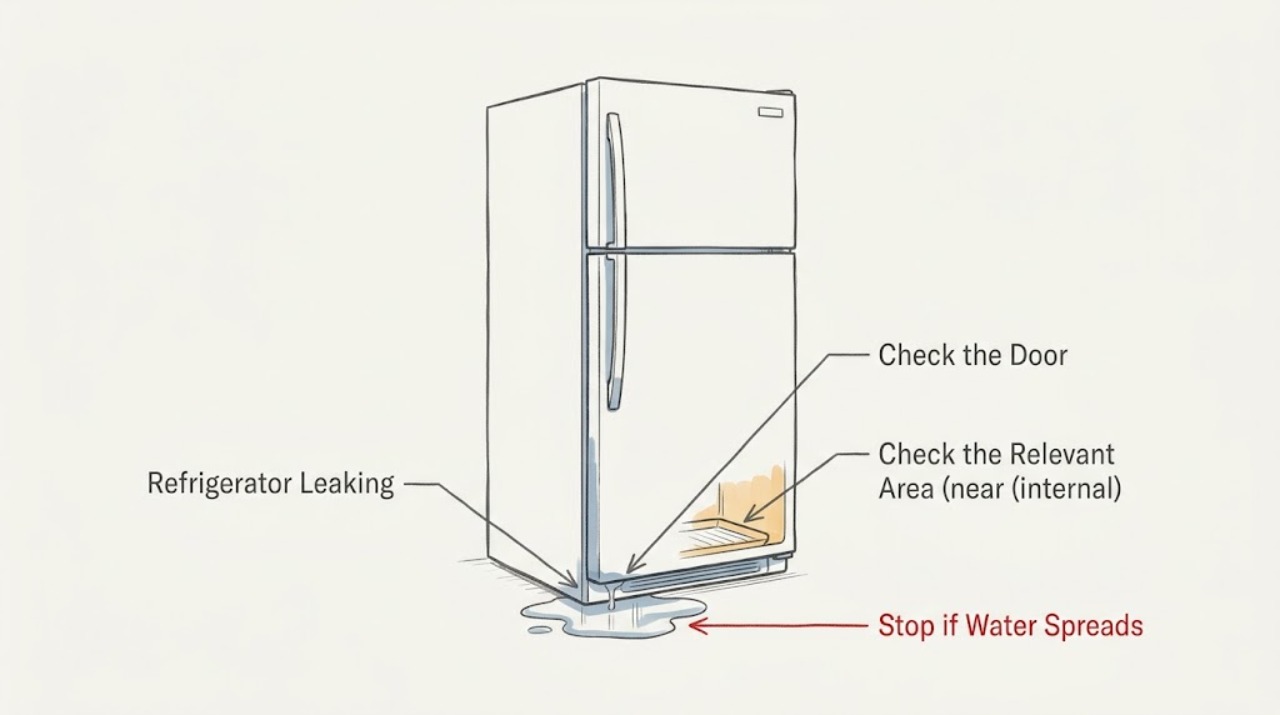
Protect food and the floor, then locate the first wet point inside the LG refrigerator, under the cabinet, at a water connection, or near the door. A blocked freezer defrost drain can overflow into the compartment; an obstructed door or dirty gasket can add condensation. Disconnect power before safe external cleaning, never remove sealed panels, and request service for a supply-line leak, repeated overflow, or water near electrical parts.
-
LG Refrigerator Light Color Issue: Identify the Feature Before Calling It a Fault
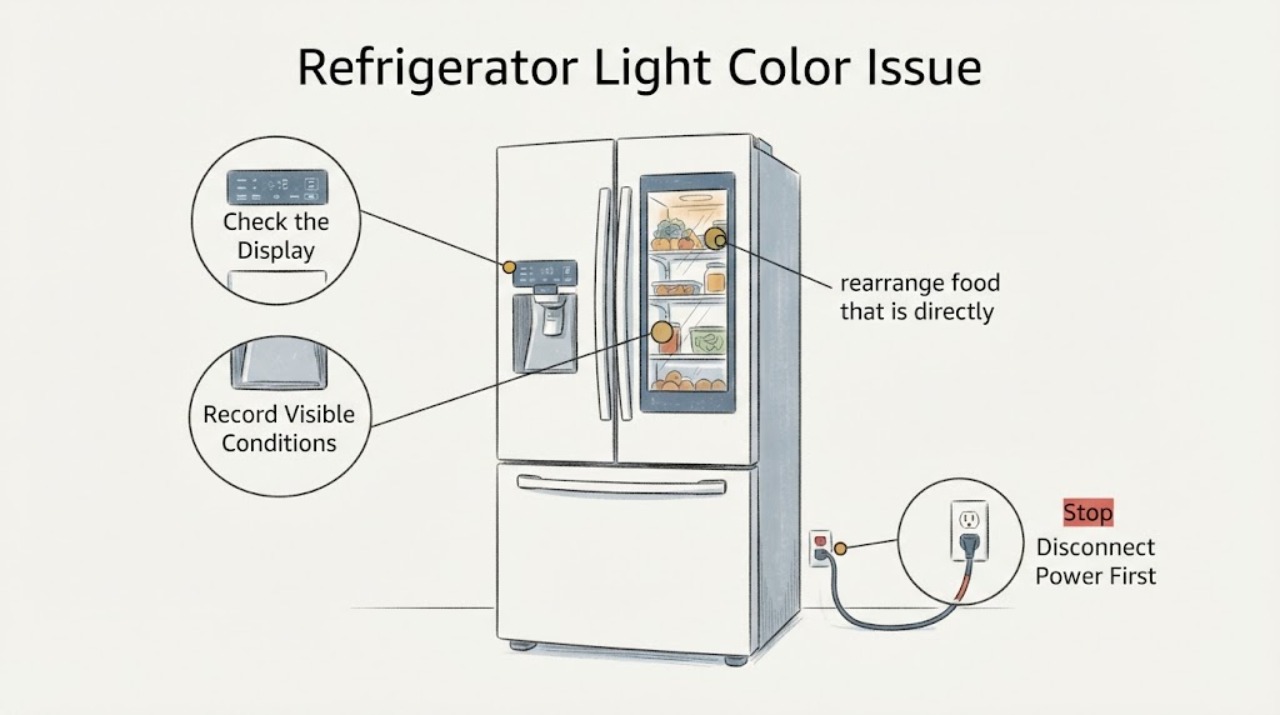
An LG refrigerator light that looks a different color is not automatically a failed part. LG documents a MyColor feature on compatible InstaView refrigerators that lets the user select five LED hues and adjust brightness through ThinQ, while ordinary LG models may use a bulb or a non-user-serviceable LED system.
-
LG Refrigerator Light Flickering: Separate the Lamp From the Display
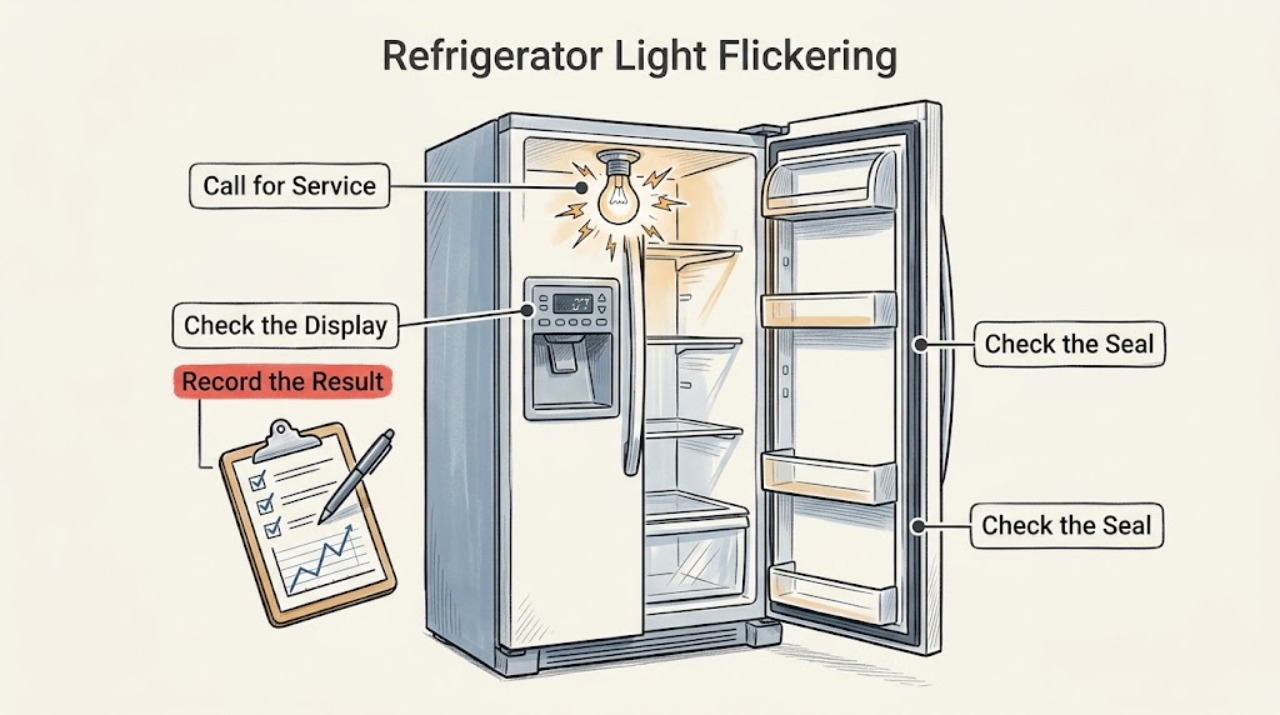
First identify which light is flickering: the interior lamp, the front control display, or both. Keep the doors closed while you check the outlet and model instructions. A reset can clear a temporary display power fault, but a continuing flicker, an unresponsive temperature control, or an LED lamp problem needs LG service.
-
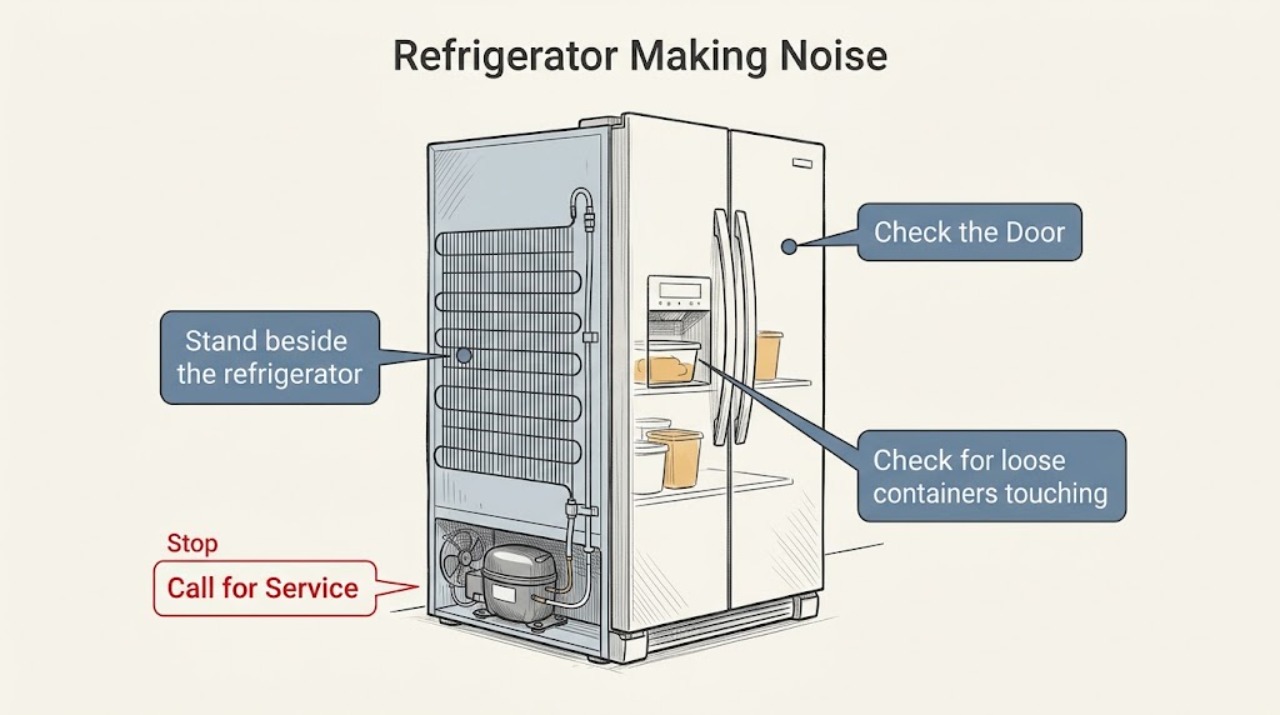
LG Refrigerator Making Noise: Match the Sound to Its Source
Classify the sound before touching anything. Clicking, gurgling, hissing, and a low compressor hum can be normal LG operating sounds. A new rattling that changes when the unit is moved, a fan-like scrape, or a loud noise that persists while cooling is poor deserves a focused inspection and possibly service.
-
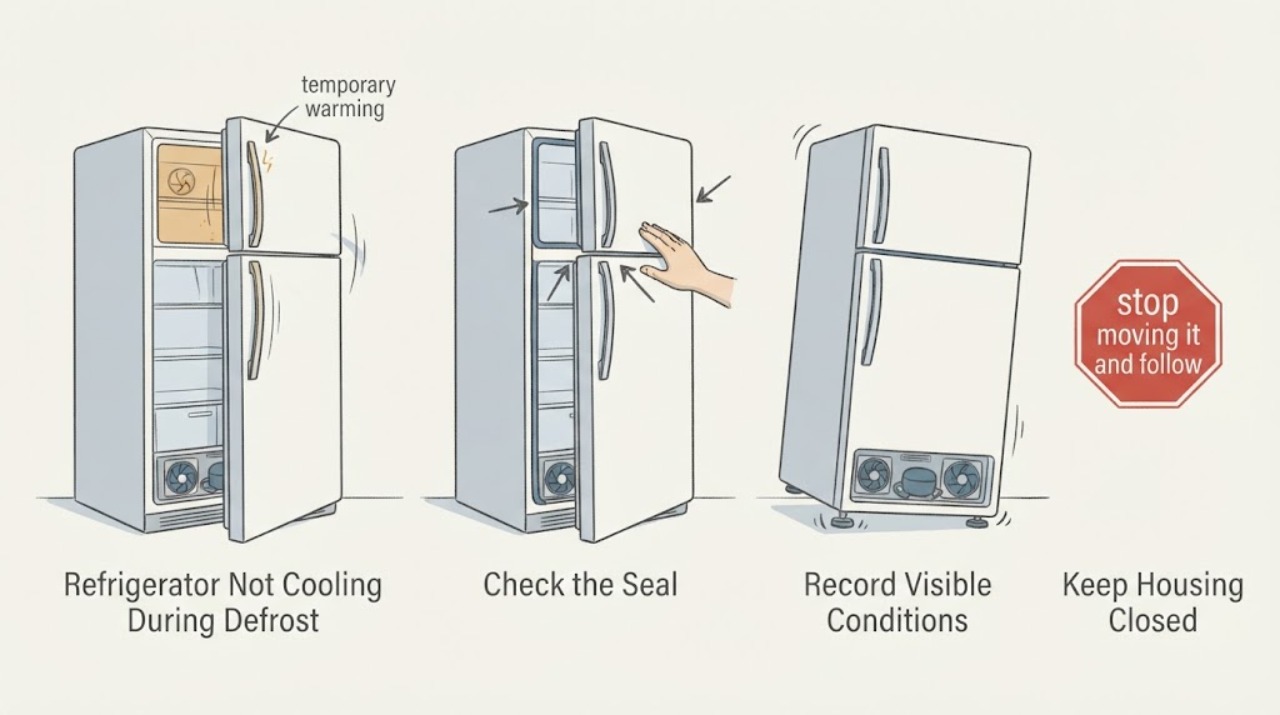
LG Refrigerator Not Cooling During Defrost: Check Doors and Leveling
A short temperature rise, dripping or hissing during LG's defrost cycle can be normal, but the refrigerator should recover cooling afterward. Door slamming and a wobbling cabinet point first to floor level, rear tilt, door alignment, overloaded or obstructed bins, and gasket closure; an unlevel unit can also allow frost and warm-air leakage.
-
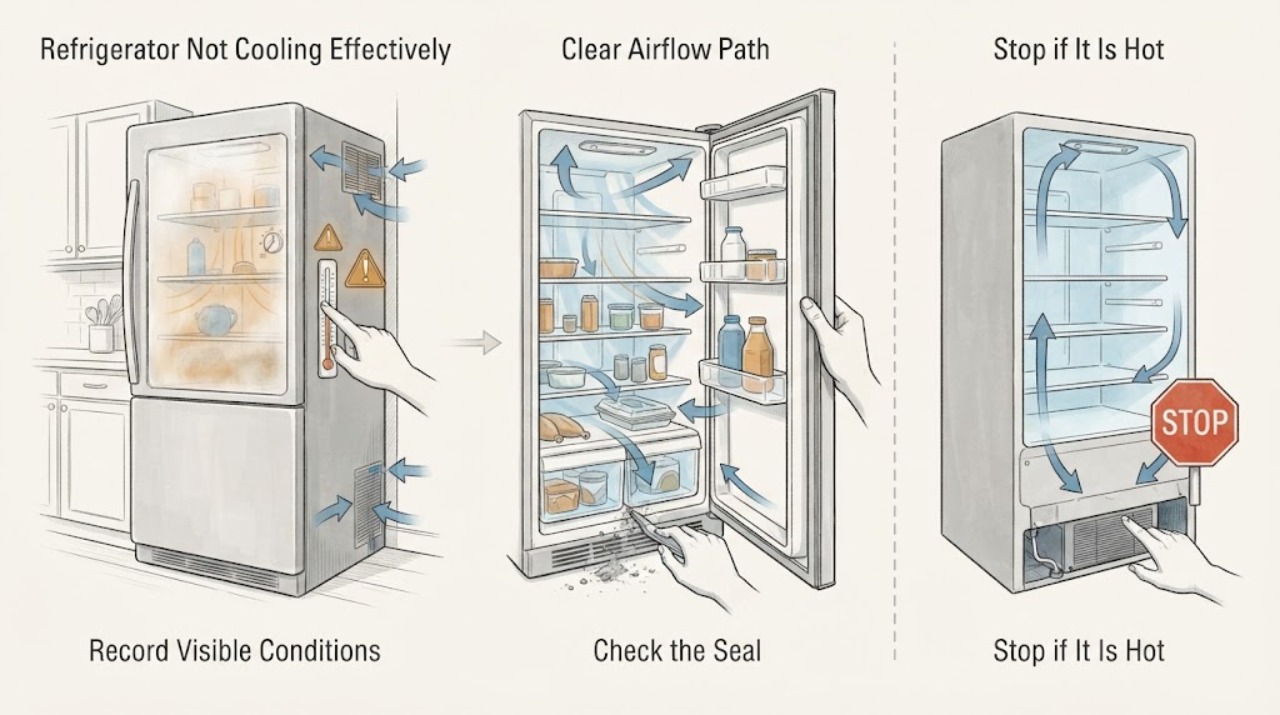
LG Refrigerator Not Cooling Effectively: Safe Checks
First verify the actual temperature trend and separate a new installation or warm environment from a persistent cooling problem. LG says an incorrect setting, overfilled compartment, blocked air outlet, door that does not close, poor clearance, unsuitable ambient location or insufficient time after installation can weaken cooling.
-
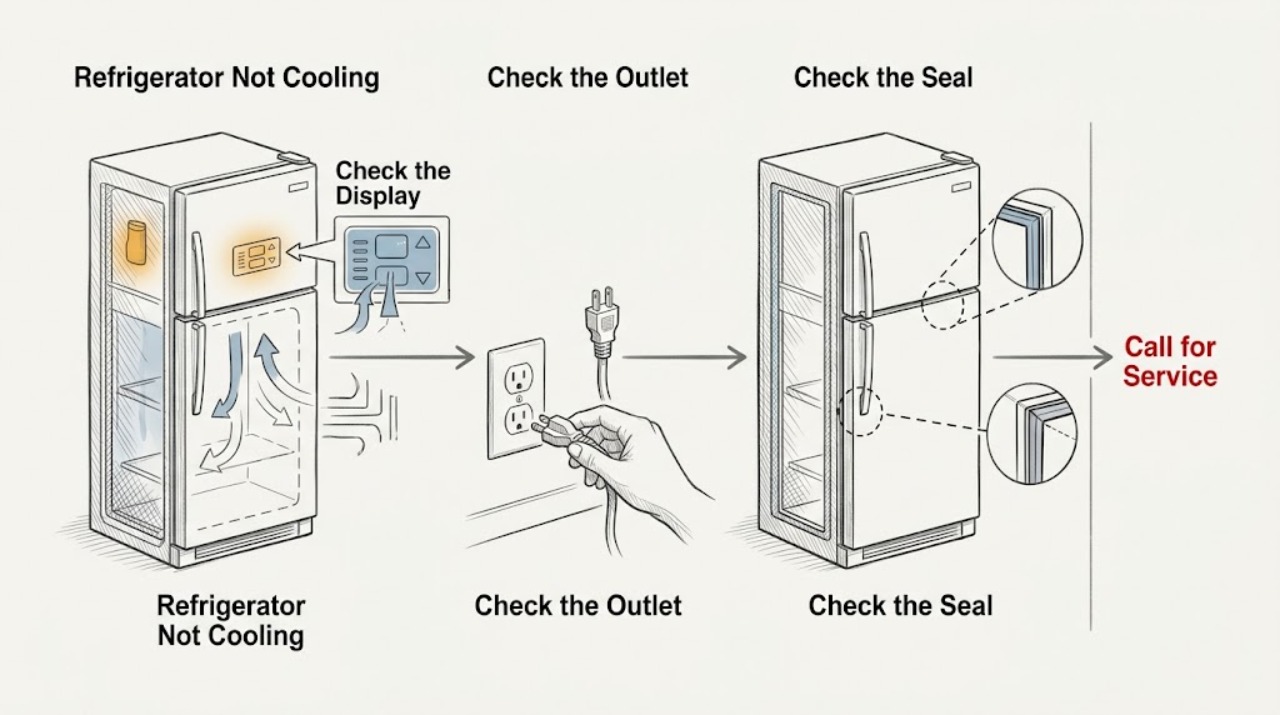
LG Refrigerator Not Cooling: Check Airflow Before Sealed-System Faults
Check the temperature setting, blocked vents, door closure, and recent installation or loading before assuming a compressor or sealed-system failure. LG recommends the refrigerator compartment around 1–3°C (34–37°F) on the cited guide; use your model manual if its controls differ. If the unit stays warm after airflow and stabilization checks, arrange service.
-
LG Refrigerator not dispensing ice and water | Fix Guide
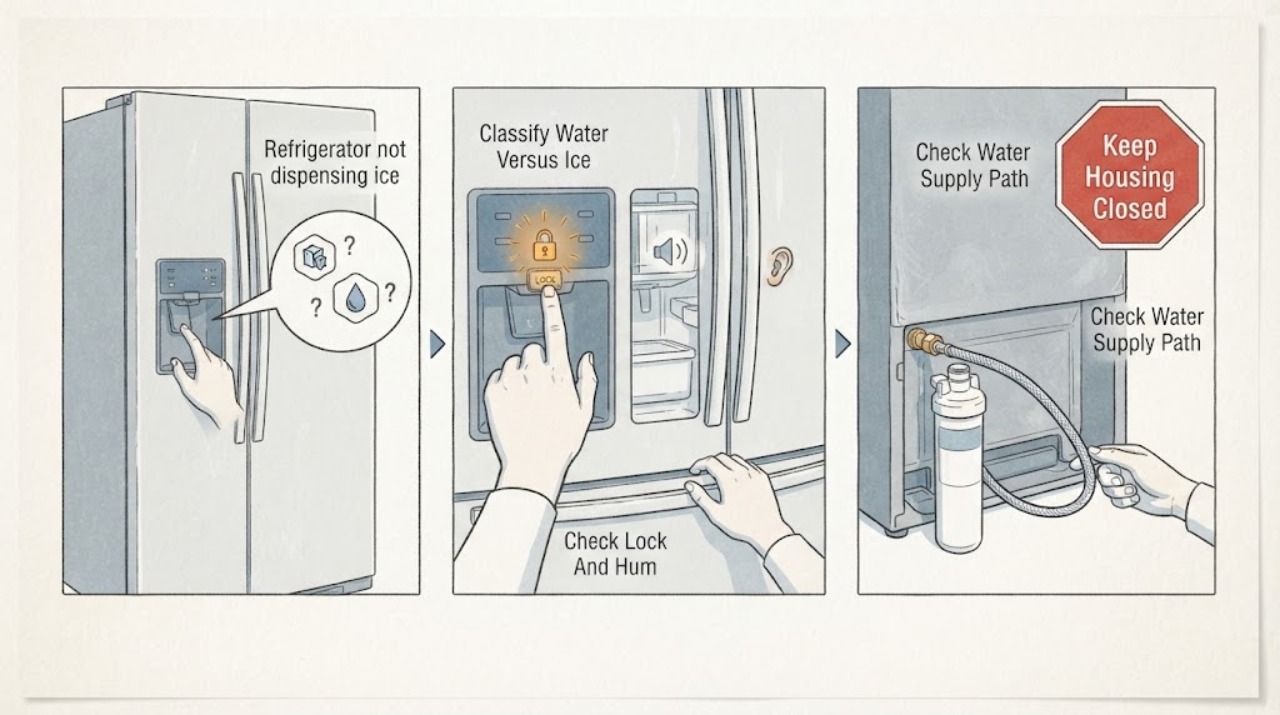
Start by identifying whether water, ice or both fail, then check the LG refrigerator's Control Lock, household water valve, external water line and ice-bin condition. LG says a locked panel, closed valve, kinked hose, clogged filter, frozen tank/line or clumped ice can stop dispensing, while the exact controls and built-in tank arrangement vary by model.
-
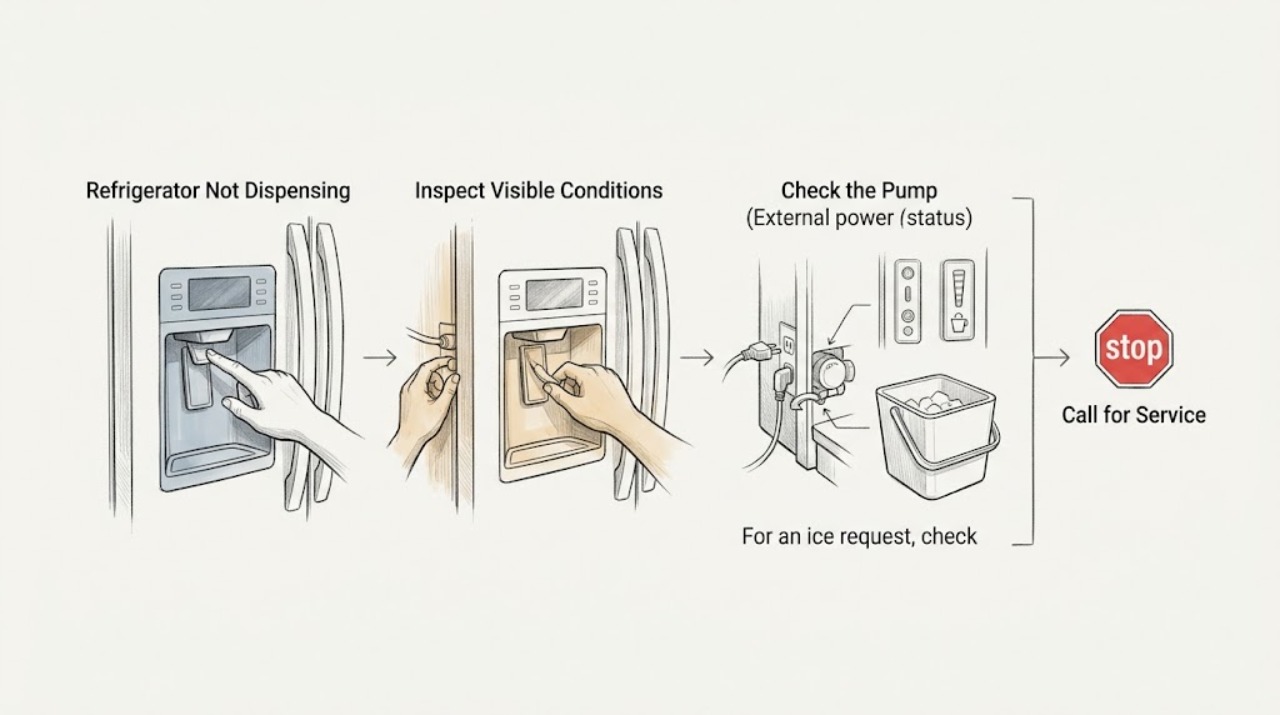
LG Refrigerator Not Dispensing: Check Lock, Flow, and Door Sensors
Start with the dispenser control state, then distinguish a water-flow restriction from an ice-bin or door-sensor interlock. LG says a locked panel, kinked supply line, clumped ice, or a door switch that still reports an open door can stop dispensing. If the dispenser stays silent after these accessible checks, arrange service.
-
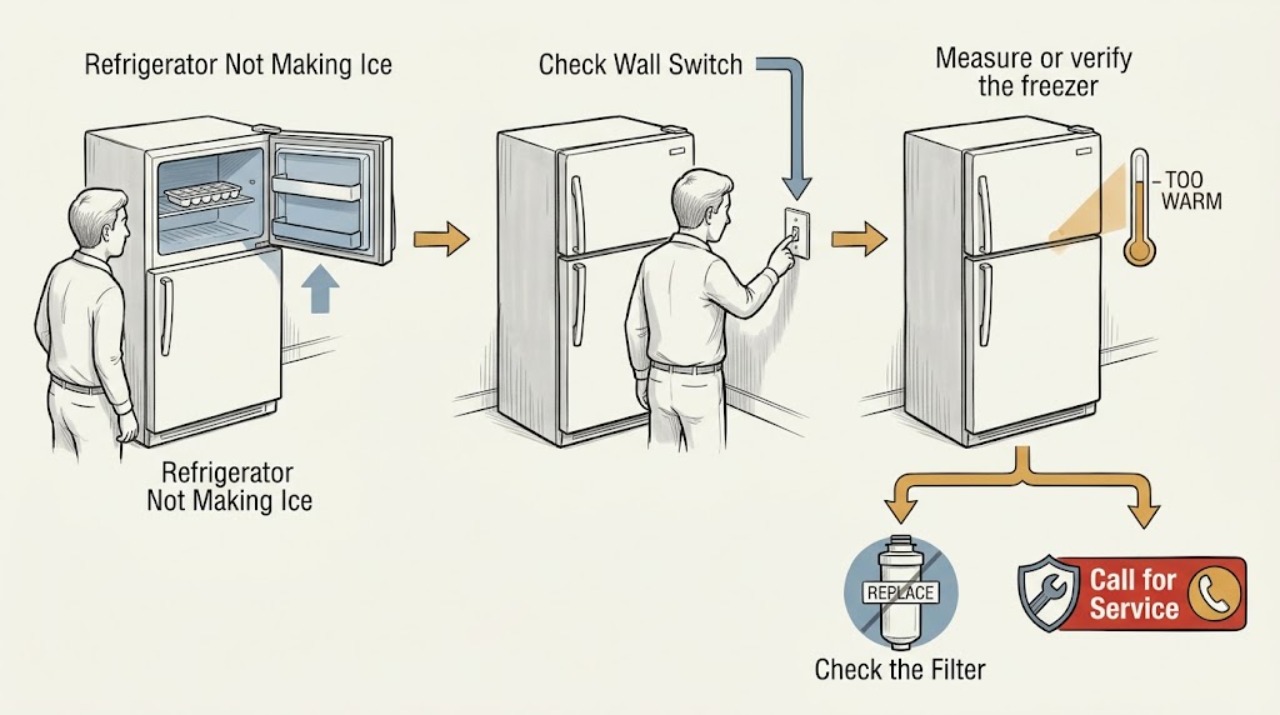
LG Refrigerator Not Making Ice: Verify Freezer Temperature and the Ice-Maker Test
Confirm that the ice maker is on, the freezer is cold enough, and the refrigerator has had time to stabilize. LG points to water supply, a warm freezer, an off control, or recent installation as common causes. A model-specific test that will not cycle, or no ice after the documented waiting period, calls for service.
-
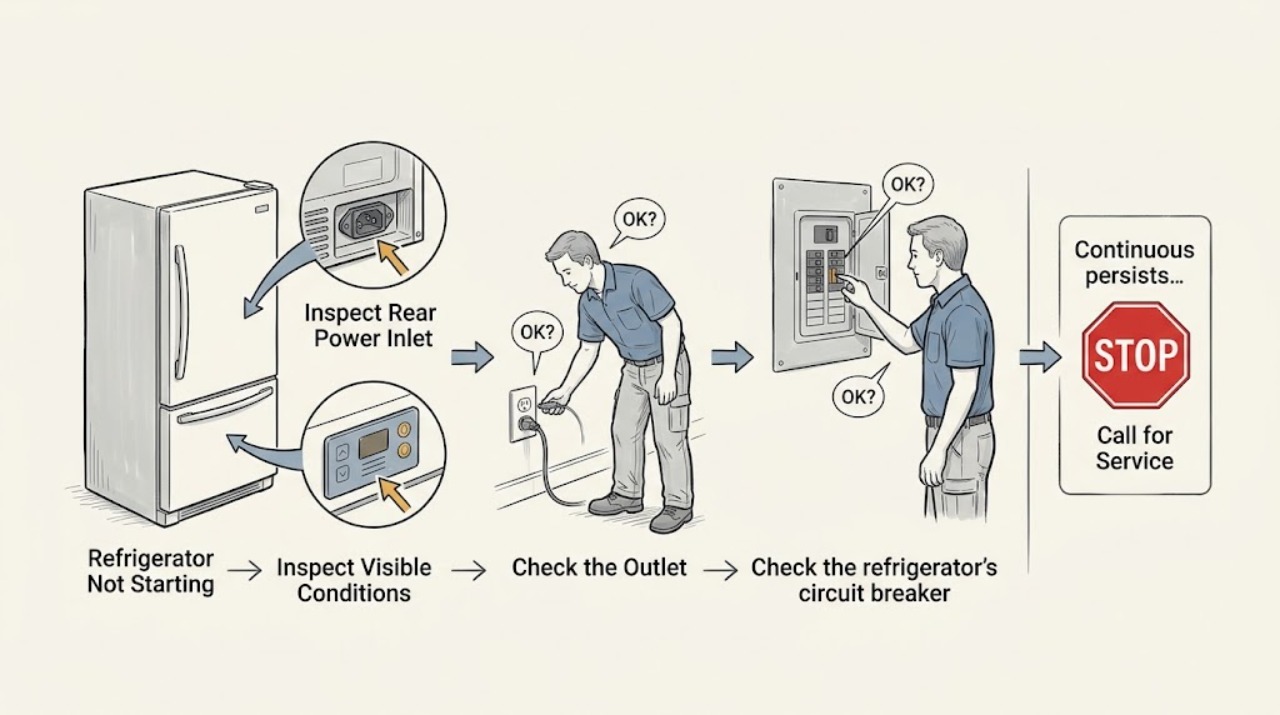
LG Refrigerator Not Starting: Check the Outlet and Breaker Safely
Determine whether the refrigerator has no power at all or has power but the compressor has not started. Check the plug, outlet, and breaker once using dry hands. If the outlet works but the refrigerator remains dead, or the breaker will not reset, stop troubleshooting and use LG or qualified electrical service.
-
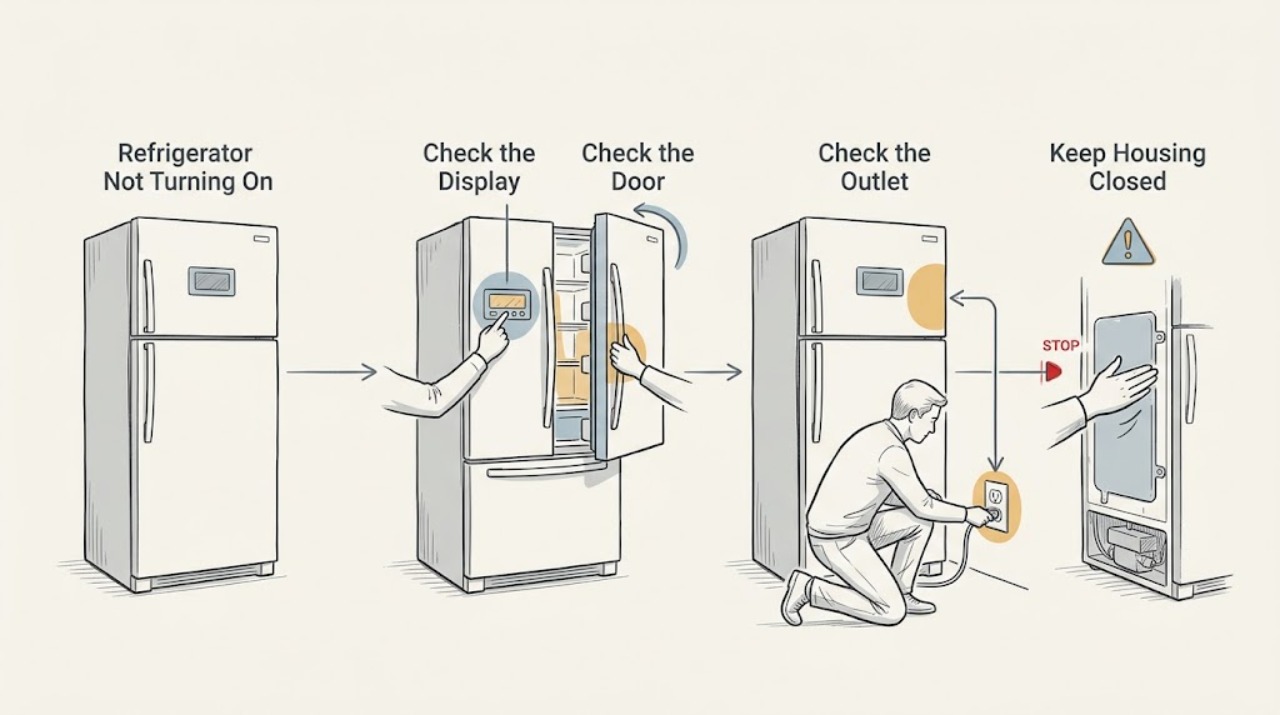
LG Refrigerator Not Turning On: Tell a Dark Display From a Power Loss
Wake the display and check for any interior light before concluding the refrigerator is off. LG displays can go dark after inactivity, while a loose plug, failed outlet, or tripped breaker can remove power entirely. If the display stays dark after a safe outlet check, do not open the control area; arrange service.
-
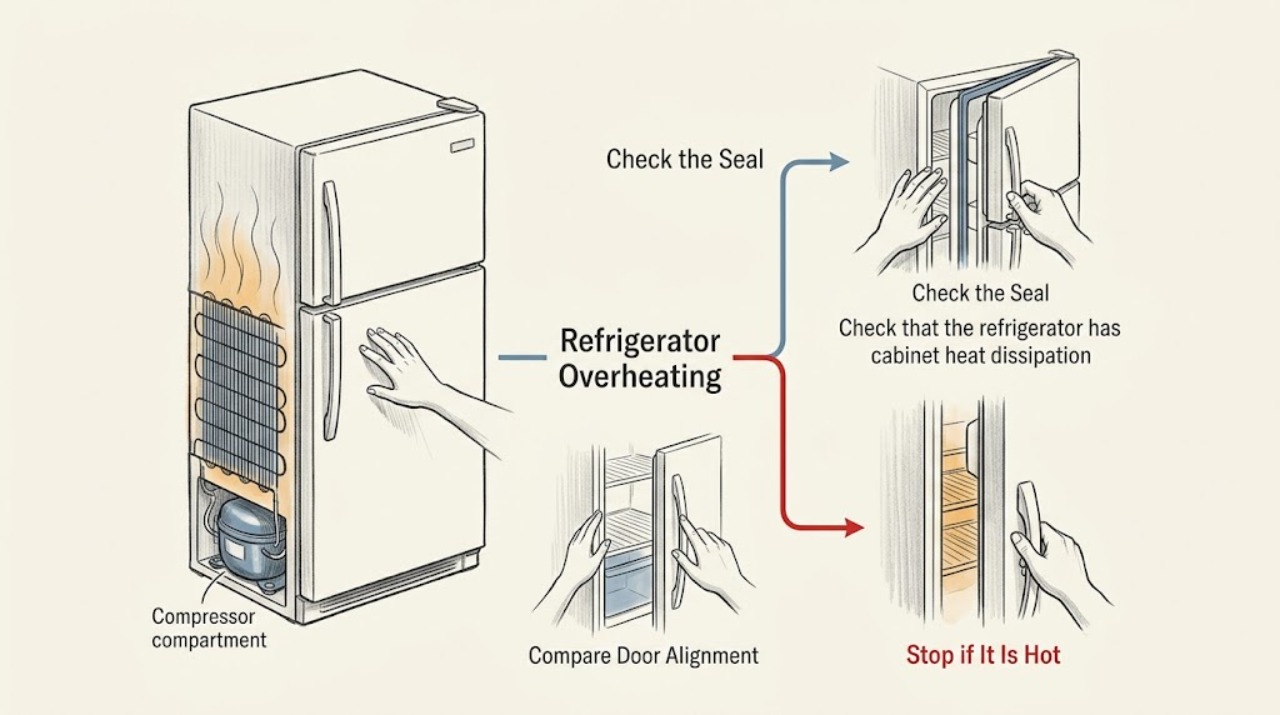
LG Refrigerator Overheating: Decide Whether Warm Cabinet Surfaces Are Normal
Warm sides, a warm front frame, or warm air under an LG refrigerator can be part of normal heat rejection. Check whether cooling is normal, whether the unit has ventilation clearance, and whether the heat is accompanied by an odor, damaged cord, or rising food temperature. Those accompanying symptoms—not warmth alone—determine the need for service.
-
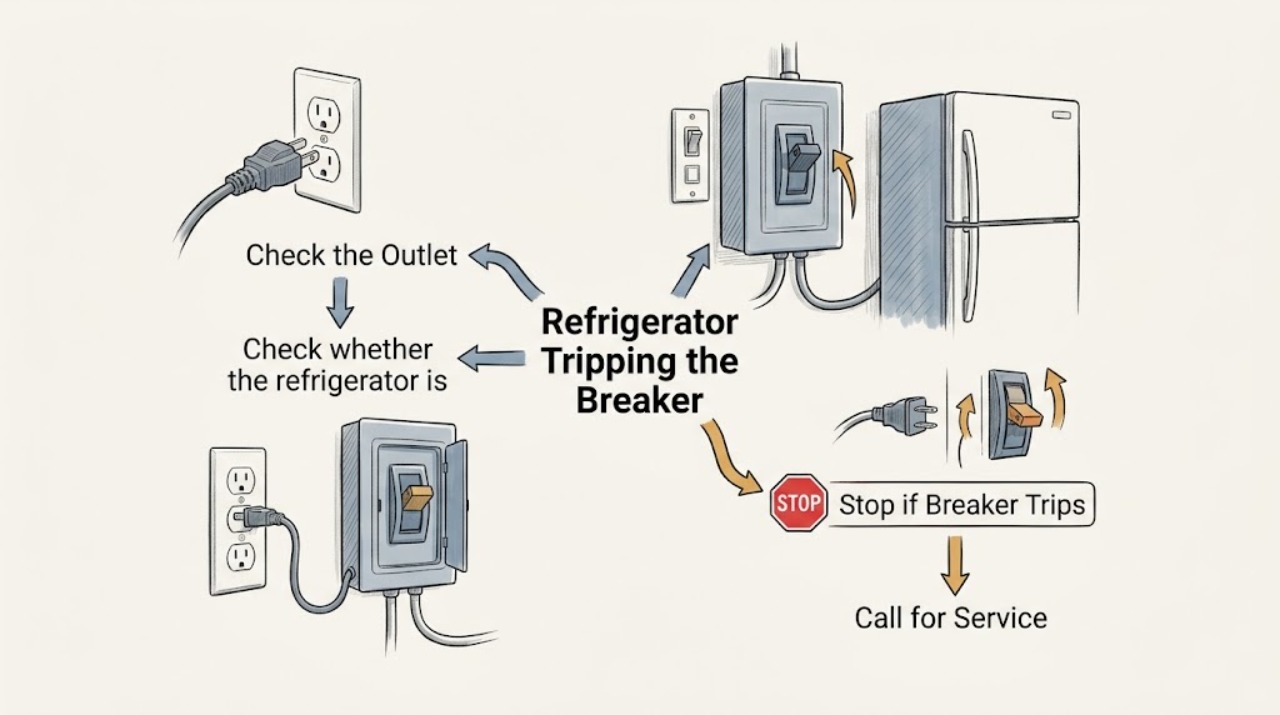
LG Refrigerator Tripping the Breaker: Stop Repeated Resets
Treat a repeated breaker trip as a protection signal, not a reset challenge. Disconnect extension-cord use, note whether the trip occurs immediately or only during operation, and reset only once if the installation is safe. If the breaker will not hold, the plug or outlet is damaged, or the refrigerator trips it again, stop and obtain qualified electrical or LG service.
-
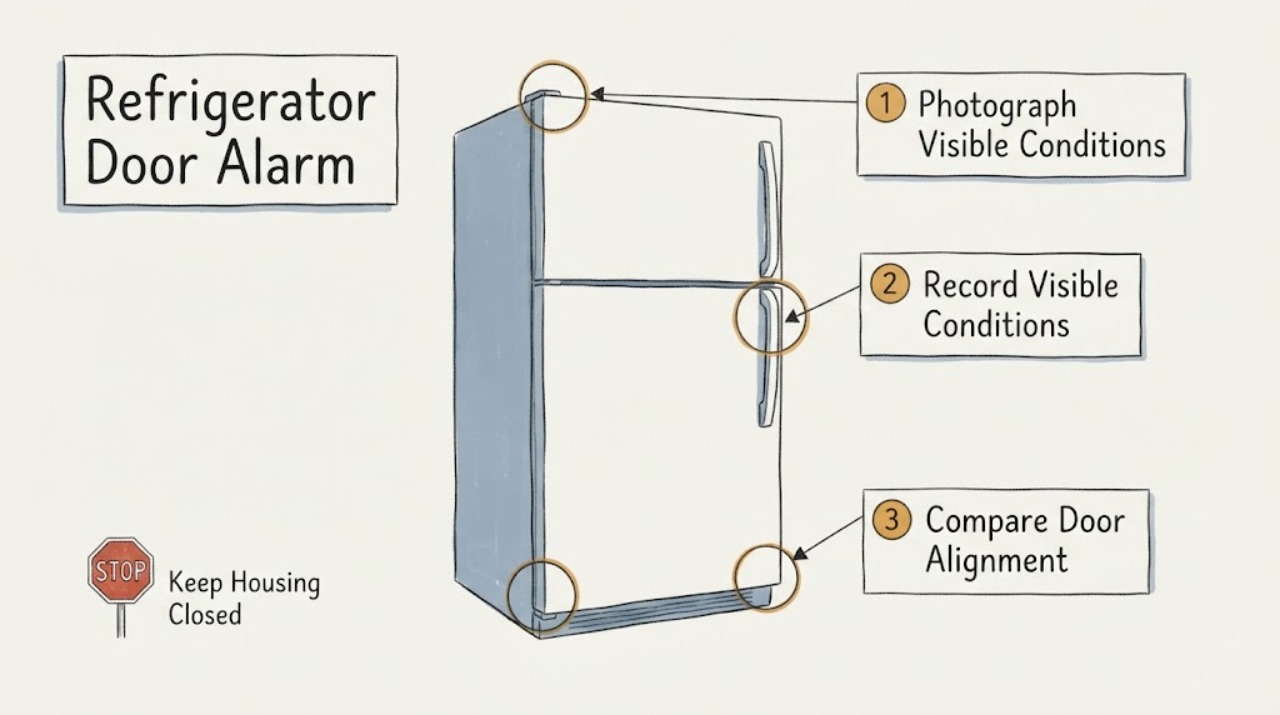
LG ThinQ Refrigerator Door Alarm: Is It a Timer, a Closure Problem, or a Sensor Fault?
Do not treat “Refrigerator Door Timer” as proof that an LG refrigerator has a failed timer. ThinQ identifies an LG connected-appliance feature, not the refrigerator's complete model, and LG says alarm controls and timing vary by model.