
On this page
Start here
Quick answer
Note when the Samsung air conditioner beeps: once after a remote button, repeatedly while idle, during startup, or with a display code. Samsung documents a Beep function that can be enabled or disabled on supported remotes; a beep with an error display, no airflow, burning smell, or repeated protection trip is an alert, not just a sound setting.
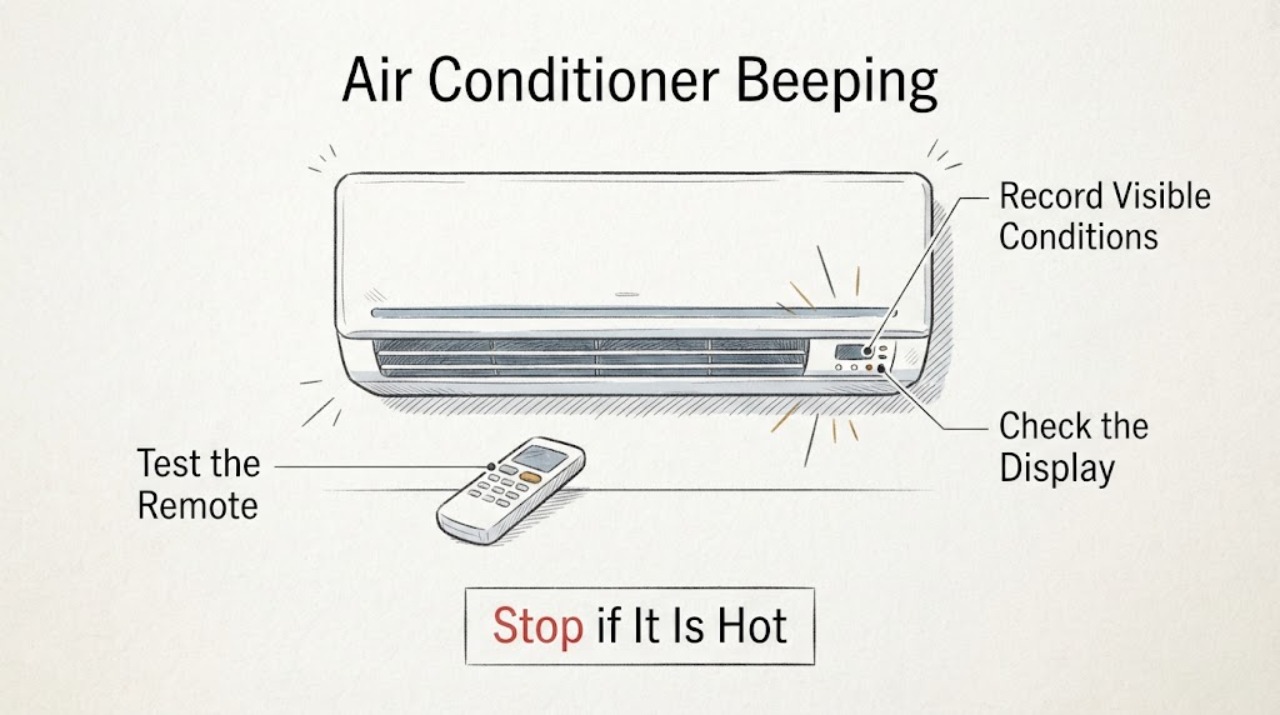
Work through in order
Diagnostic checks
Use only checks that match the exact appliance or system and its official guide.
-
Check 1
Record whether the beep occurs only when a remote button is pressed, when the unit starts or stops, or repeatedly without input; note any display lights or code.
Expected result: The sound follows button presses, or it occurs without input or with an indicator.
Next step: Continue with the remote Beep setting only for button-linked sounds; use the manual or support for other patterns.
Why this matters
Why: A button-linked sound is consistent with remote feedback; an unsolicited sound or code needs model-specific interpretation.
-
Check 2
Turn the air conditioner on with the remote, select the documented normal mode, and inspect the Options menu for the Beep function.
Expected result: The Beep function is present and toggles the sound, or the menu does not offer it.
Next step: Use only the documented toggle and do not force a key combination from another model.
Why this matters
Why: A menu toggle identifies a feedback setting on supported models; its absence means the remote layout or model differs.
-
Check 3
Check whether the indoor unit still cools, responds to local controls, and displays a warning while the beep occurs.
Expected result: Cooling and controls work normally, or airflow stops or a warning appears.
Next step: For a warning or loss of operation, stop repeated commands and consult the model manual or Samsung support.
Why this matters
Why: Normal operation with a button-linked sound favors a setting; loss of function or a warning makes a fault or protection event more likely.
-
Check 4
Inspect the remote and visible unit exterior for stuck buttons, liquid, heat damage, or a burning odor without removing covers.
Expected result: The exterior is intact, or damage, liquid, smoke, or burning odor is present.
Next step: Stop using a damaged or smoking unit and arrange qualified service.
Why this matters
Why: An intact remote can still have a setting issue; damage or smoke is a safety boundary rather than a beep adjustment.
Use your observations
Decision map
Find the observation that best matches what you see, then follow the next safe action.
-
PATH 01Next step
What you see
The air conditioner beeps only after a remote button and otherwise cools normally
Do this next
Use the model's Options menu to enable or disable Beep if available.
Why this path and its safety boundary
Why it matters: The documented remote feedback feature is the most likely explanation.
-
PATH 02Next step
What you see
The beep repeats while idle or coincides with a display warning or loss of airflow
Do this next
Record the display pattern and use the model manual or Samsung support; do not keep cycling power.
Why this path and its safety boundary
Why it matters: The sound may be an alert, timer, or protection response rather than the Beep setting.
-
PATH 03Next step
What you see
Beeping is accompanied by smoke, burning odor, liquid, or visible damage
Do this next
Turn the unit off, disconnect power only if safe, leave it unused, and obtain qualified service.
Why this path and its safety boundary
Why it matters: A potentially hazardous electrical or appliance fault is more likely than a sound preference.
Helpful context
Understand the symptom
The timing of the beep is the clue
A normal confirmation sound follows a command, while an unexplained repeating sound may accompany a timer, fault, or protection state. Use the model manual for symbols and do not open the indoor unit to silence it.
When checks do not resolve it
Need a professional?
Request Samsung service when beeping is unexplained and paired with a code, stopped airflow, repeated protection trips, smoke, burning odor, liquid, or visible damage.
Common questions
FAQ
Why does a Samsung air conditioner beep when I press the remote?
Samsung documents a Beep function for remote button feedback on supported models. Use the model's Options menu to toggle it rather than trying an undocumented key sequence.
Is repeated beeping always a sound setting?
No. Repeated beeps with an indicator, code, loss of airflow, smoke, or burning odor can signal a different condition. Record the pattern and seek model-specific support.
Read the exact guide
Official sources
- Beep function in Samsung Air ConditionersSamsung India Support · Samsung air conditioner models with the Beep option
Community feedback
Share a repair observation
Share a plain-text repair observation. Accepted observations are published automatically; this page may take a moment to update.