
Samsung appliance guidance
Samsung Air Conditioner Repair Guides
Troubleshooting and repair guidance for published Samsung Air Conditioner problems, symptoms, and maintenance questions.
Published Samsung Air Conditioner guides
Choose the guide whose symptom or condition most closely matches what you are seeing.
-
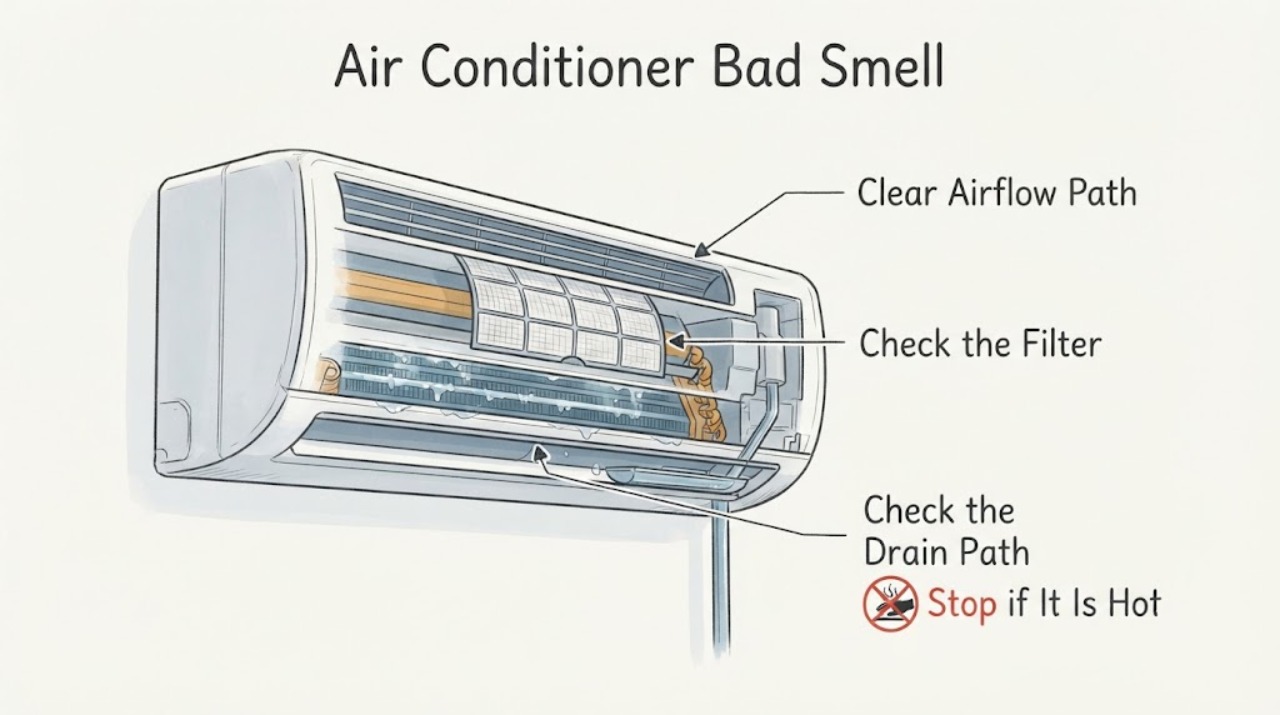
Samsung Air Conditioner Bad Smell: Dry the Filter and Indoor Unit Before Service
Turn off the Samsung air conditioner and identify whether the odor is musty, dusty, chemical, or burning. For a routine musty smell, clean the removable filter as the model manual allows and dry it completely in a ventilated place, then run Auto Clean if your model provides it. A burning or chemical odor, smoke, water damage, or a smell that returns after cleaning is a stop-and-service condition.
-
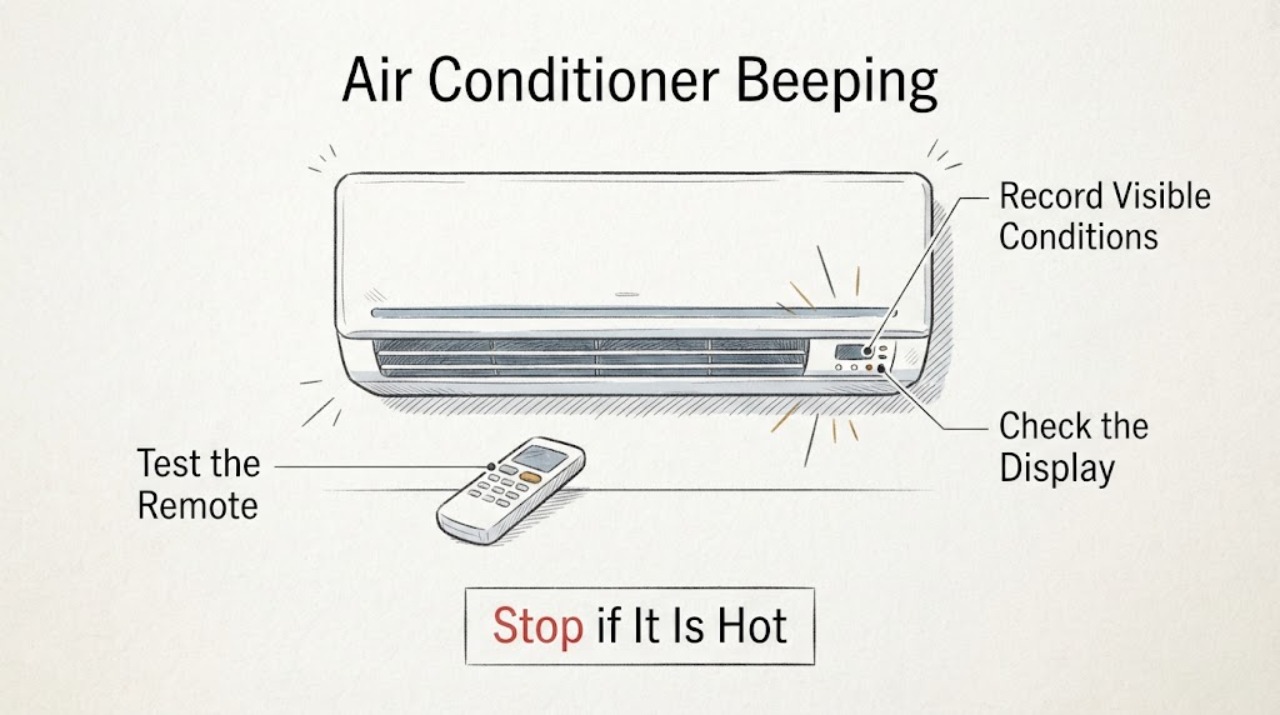
Samsung Air Conditioner Beeping: Tell a Remote Setting From an Appliance Alert
Note when the Samsung air conditioner beeps: once after a remote button, repeatedly while idle, during startup, or with a display code. Samsung documents a Beep function that can be enabled or disabled on supported remotes; a beep with an error display, no airflow, burning smell, or repeated protection trip is an alert, not just a sound setting.
-
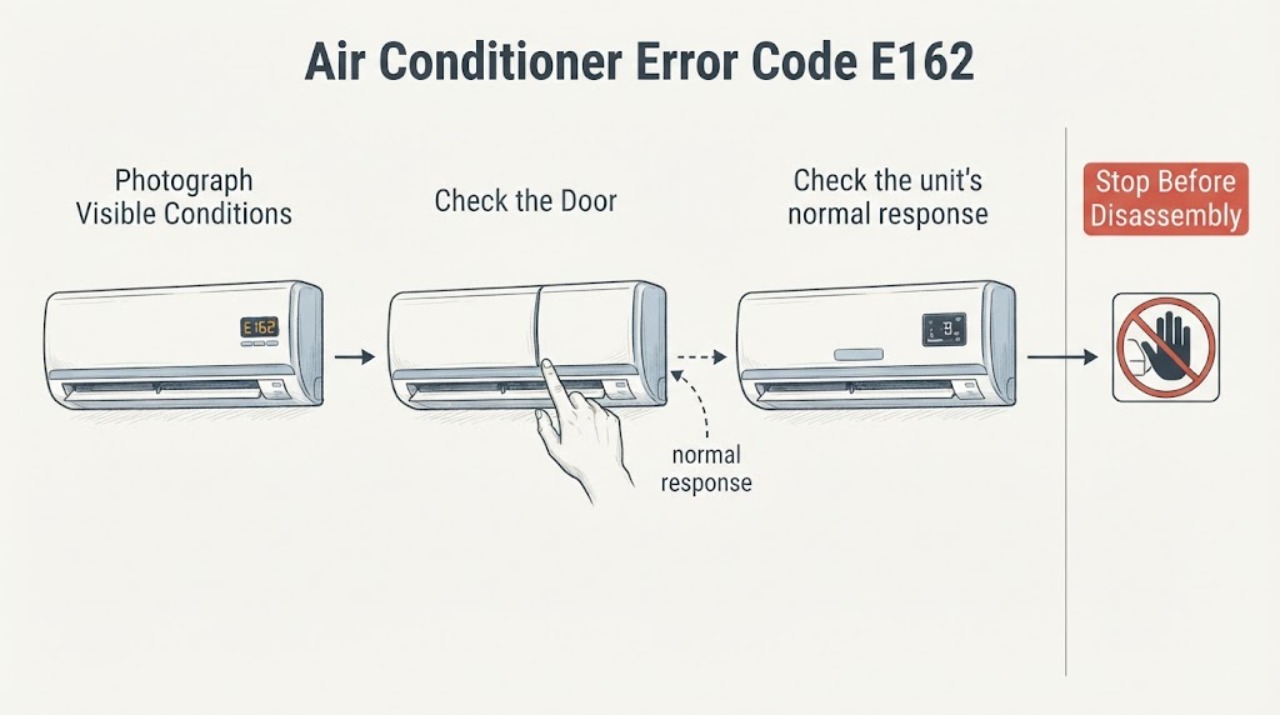
Samsung Air Conditioner Error Code E162: EEPROM Error
Samsung's official air-conditioner error-code guide identifies E162 as an indoor EEPROM error. The code is a control-electronics or stored-data fault category, not a diagnosis of a user-replaceable part.
-
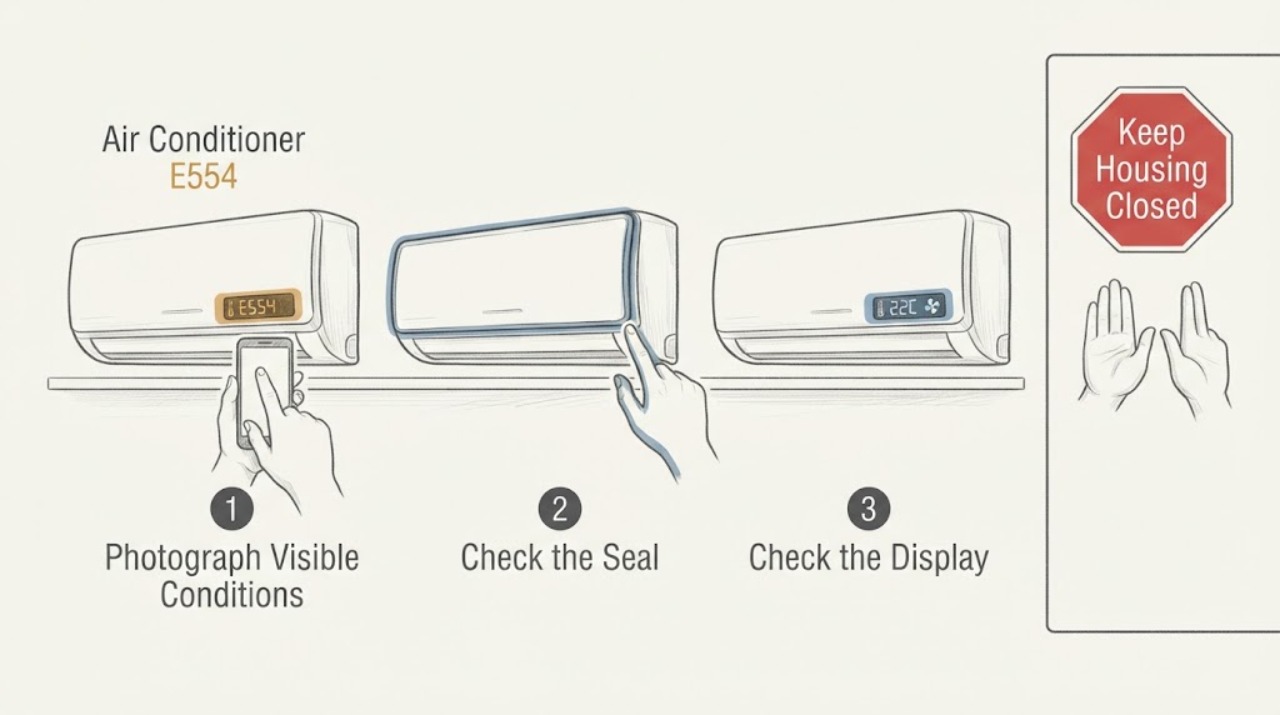
Samsung Air Conditioner E554: Check Refrigerant Status and Service Needs
Samsung uses E554 for an air-conditioner refrigerant or gas-leak related condition in its published code tables; some Samsung service material describes the related E554/C554/SC family as possible partial refrigerant shortage. Do not open the refrigerant circuit, adjust service valves, or add refrigerant yourself.
-
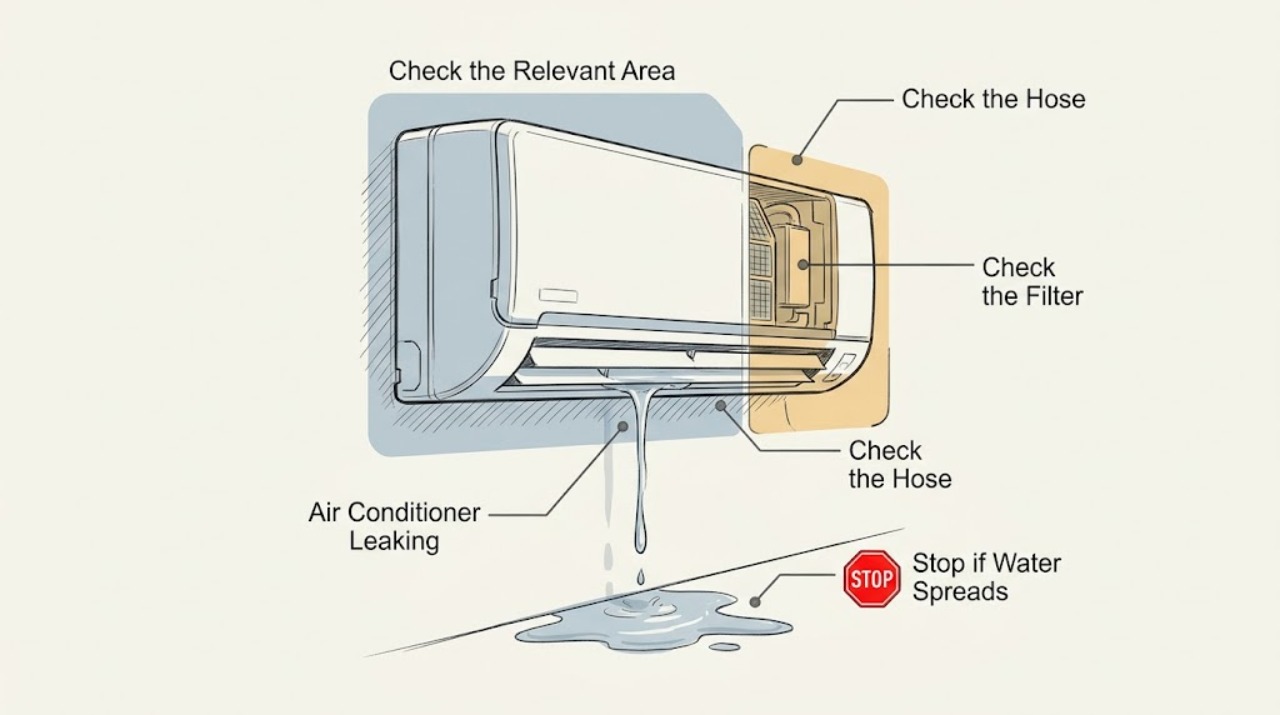
Samsung Air Conditioner Leaking: Trace the Condensate Path Safely
A Samsung air conditioner that leaks indoors usually has a condensate path, hose routing, level, filter, or airflow issue; a small amount of outdoor pipe condensation can be normal. First switch the unit off, protect the area, and identify where the water appears.
-
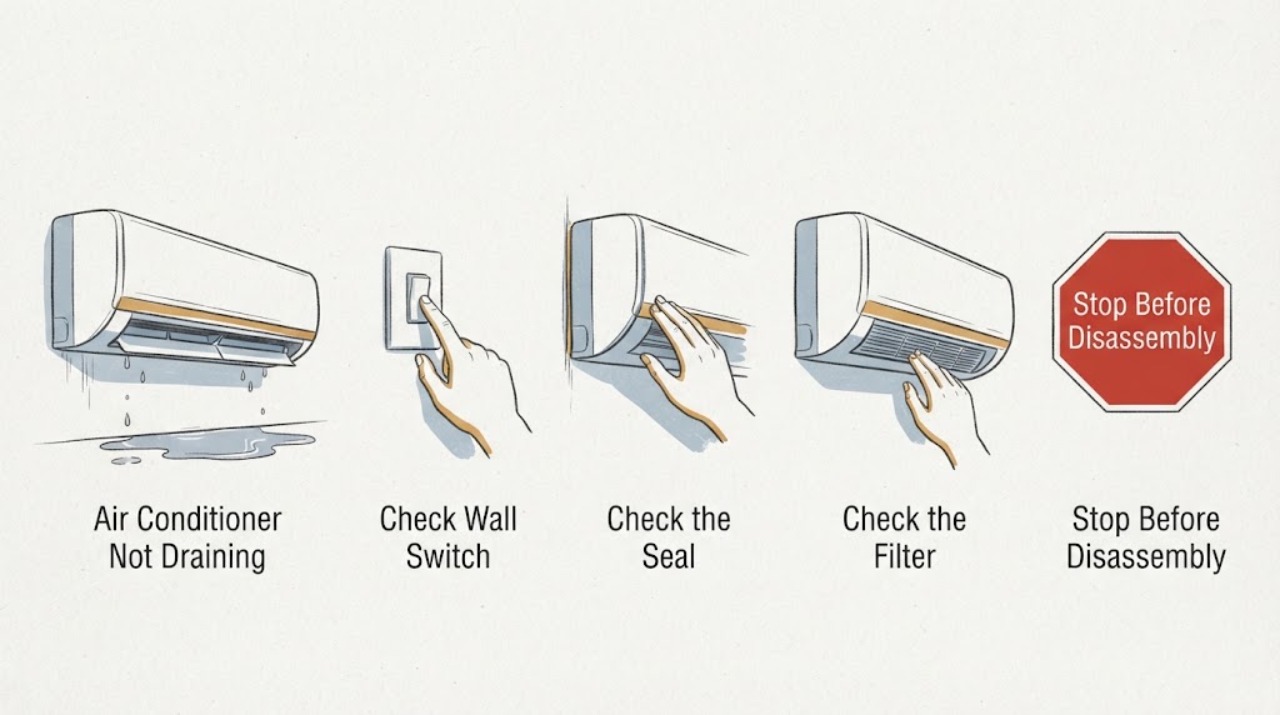
Samsung Air Conditioner Not Draining: Check the Condensate Route
When a Samsung air conditioner is not draining, treat the symptom as condensate that is not leaving the indoor unit, not as a generic power failure. Turn the unit off, keep water away from electricity, and check the visible drain hose for an upward section, kink, submerged end, loose connection, or blockage. Clean the accessible filter only as the model guide allows. If the path is intact but water still backs up, stop and arrange professional inspection.
-
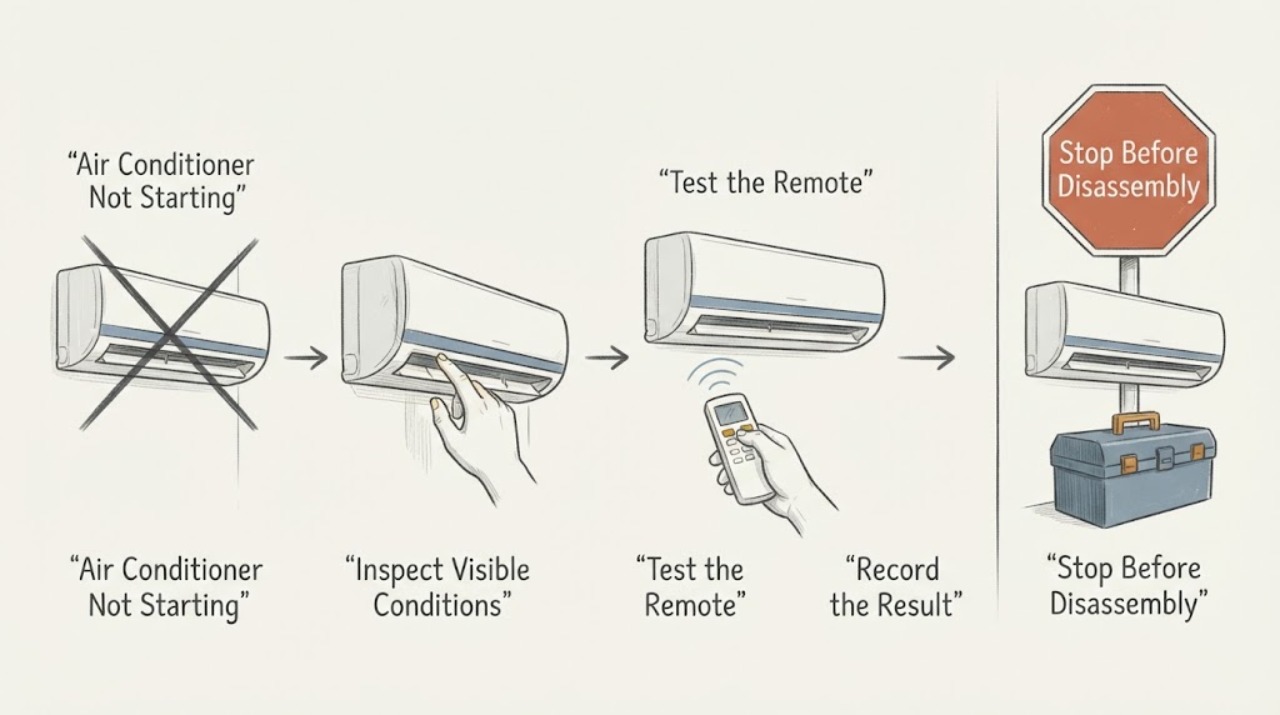
Samsung Air Conditioner Not Starting: Separate Power, Remote, and Protection Stops
If a Samsung air conditioner will not start, first determine whether the unit has no power, the remote is not sending a command, or the unit is showing a protection or error condition. Check the outlet and breaker from a safe position, replace remote batteries if needed, and note any indicator or code. A code that returns after one restart, a repeated breaker trip, a damaged cord, or no response at a working supply calls for Samsung service rather than cabinet disassembly.
-
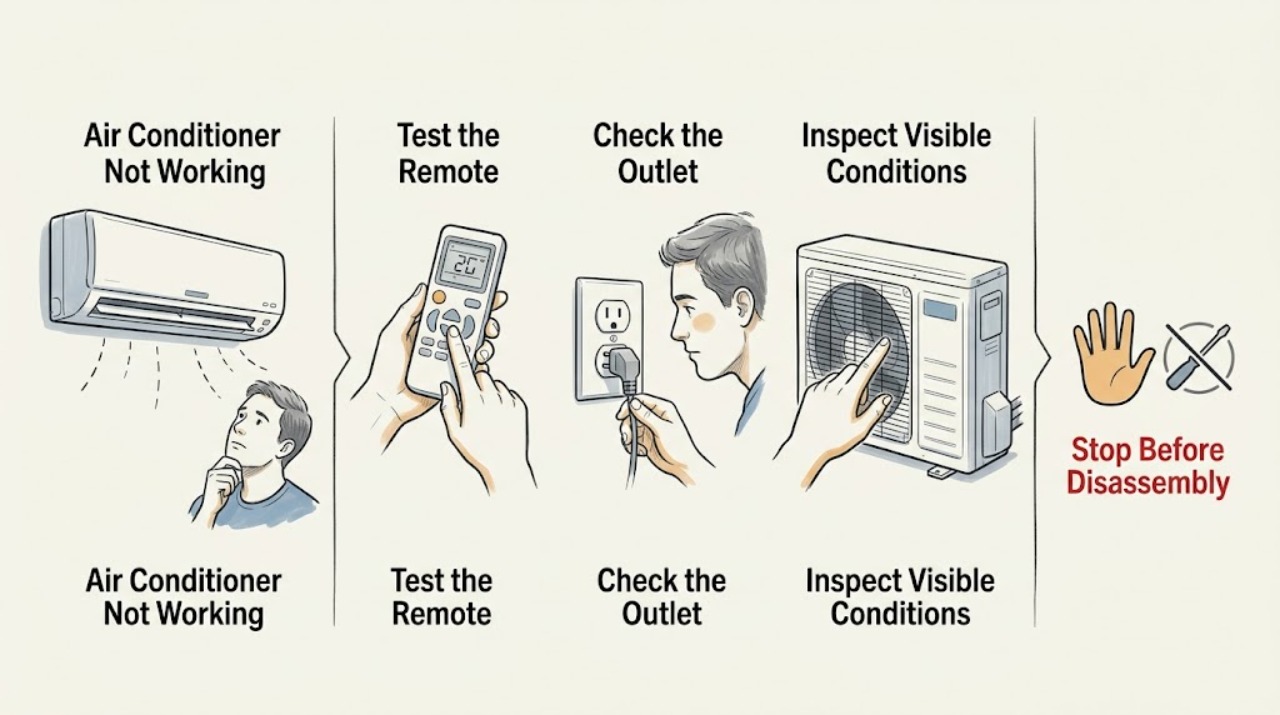
Samsung Air Conditioner Not Working: Identify Which Function Failed
‘Not working’ is too broad to diagnose on a Samsung air conditioner: the unit may have no power, may not cool, may not respond to the remote, or may stop with an indicator or error. Identify the failed function first, then check the matching supply, remote, setting, filter, and airflow conditions. Persistent faults, recurring codes, repeat breaker trips, or electrical damage require Samsung or qualified professional service.
-
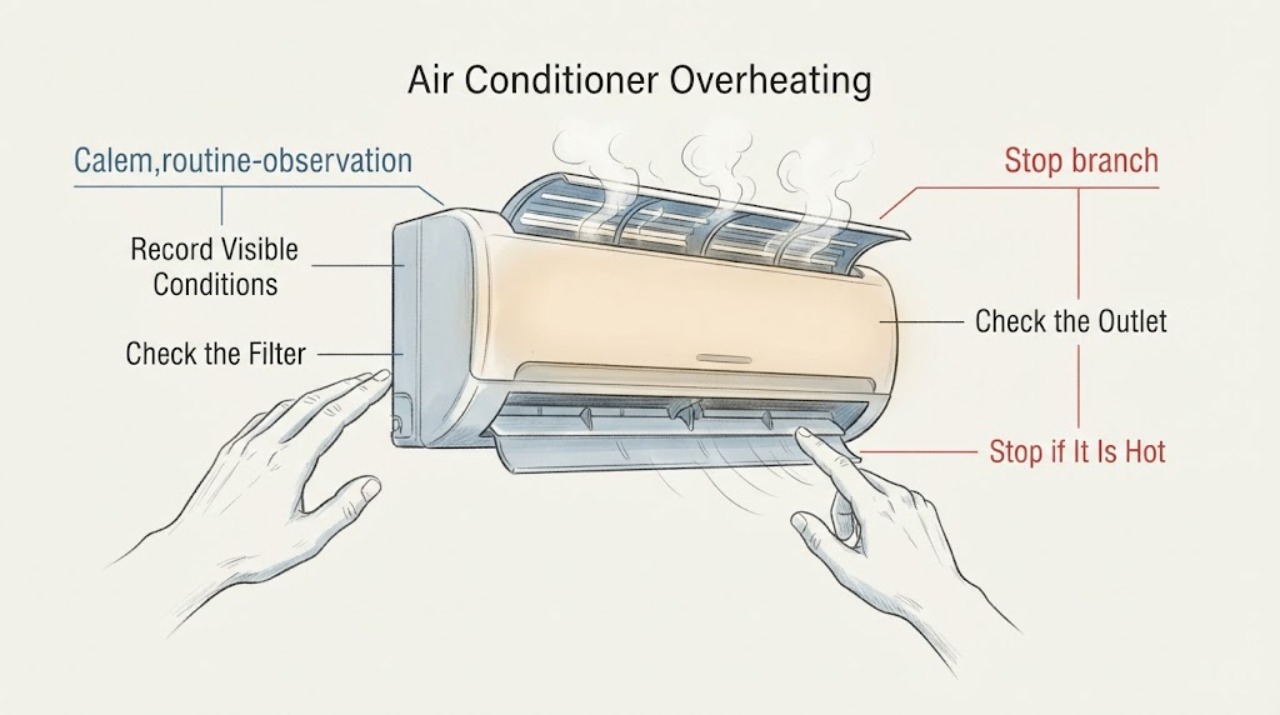
Samsung Air Conditioner Overheating: Check Airflow and Protection Indications
If a Samsung air conditioner feels unusually hot, stops, or shows a protection indication, first note which part is hot and whether the indoor indicator displays a code. With the unit off, check the accessible filter and clear only external airflow obstructions. If the C154 indication returns promptly after one restart, or there is smoke, a burning smell, a repeat breaker trip, or persistent abnormal heat, stop using the unit and request professional service.
-
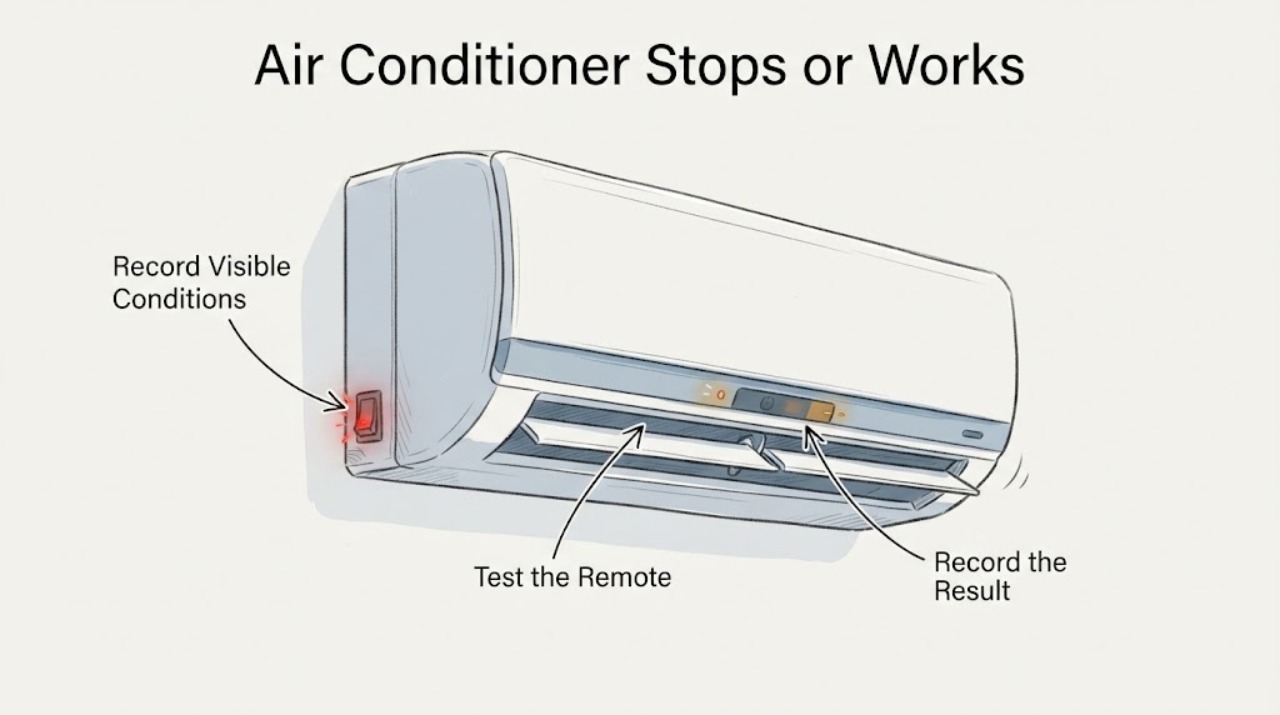
Samsung Air Conditioner Stops or Works Intermittently
First identify what is actually failing: a scheduled stop, a remote-control problem, loss of power, or an indoor unit that stops with a blinking indicator or code. Check Timed Off/Sleep and the remote, then check the accessible breaker or RCD and perform only one safe power reset.