
On this page
Start here
Quick answer
First identify the Samsung vacuum. A cordless Jet Stick that stops in your hand is following a different path from a Jet Bot robot that returns to its dock. On a Jet Stick, empty the dustbin, clear the pipe or brush, limit extended use of the Extension Crevice Tool, and let the vacuum cool for up to 30 minutes because overheating protection can stop it. On a Jet Bot, returning to the dock before the mapped area is finished can simply mean the battery needs charging: Auto Clean resumes after charging, while Max Clean does not resume after a recharge. A corded canister or upright vacuum that repeatedly turns on and off should be checked for power and sent for service if the behavior continues.
Work through in order
Diagnostic checks
Use only checks that match the exact appliance or system and its official guide.
-
Check 1
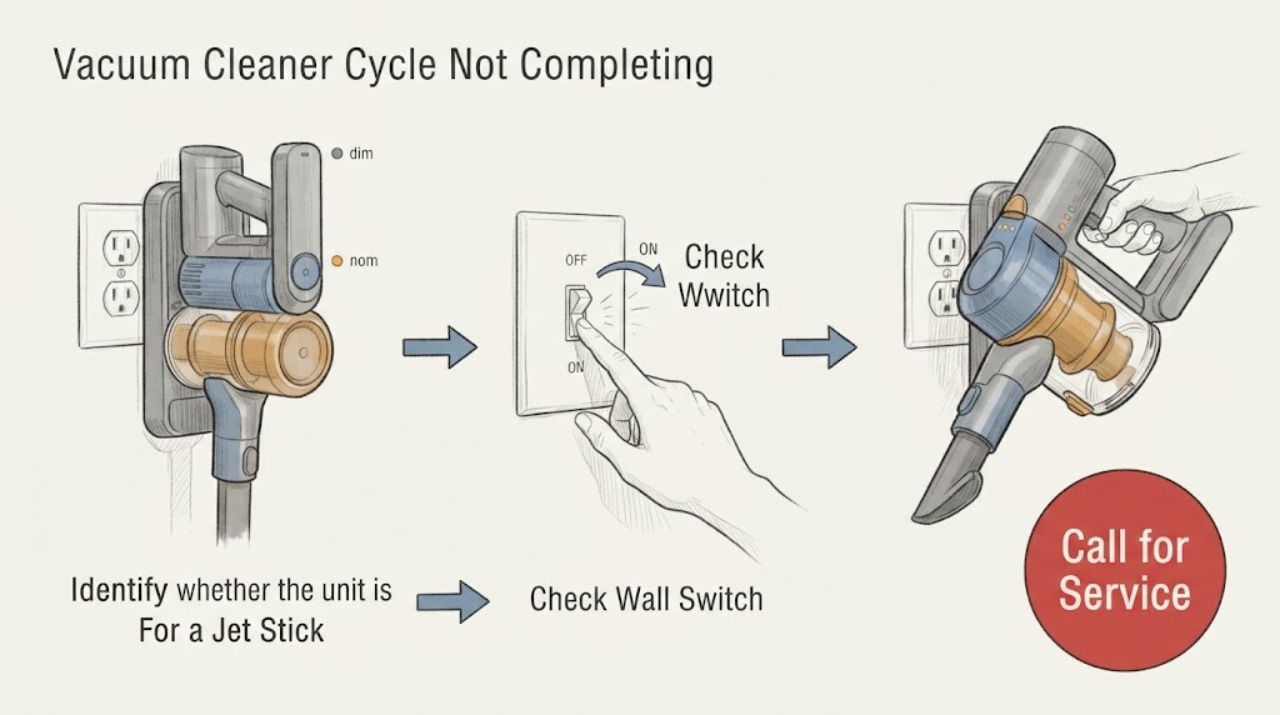
Identify whether the unit is a cordless Samsung Jet Stick, a round Jet Bot robot with a dock, or a corded canister or upright vacuum, and note whether it stops in your hand, returns to the dock, or powers off and on by itself.
Expected result: The unit is a Jet Stick that shuts off while cleaning, a Jet Bot that returns or remains at its dock before the expected area is finished, or a corded canister or upright that turns on and off.
Next step: Follow only the branch for the identified product; do not apply Jet Bot resume instructions to a handheld or stick vacuum.
Why this matters
Why: These are different Samsung product behaviors: Jet Stick stoppage can be overheating protection, Jet Bot docking can be a battery or mode decision, and corded self-shutdown points to a power or service issue.
-
Check 2
For a Samsung Jet Stick, turn it off, empty the dustbin before it reaches the Max mark, and inspect the pipe, suction opening, and brush for a clog or tangled debris.
Expected result: The dustbin is full, a pipe or suction path is blocked, the brush is obstructed, or these areas are clear.
Next step: Remove only accessible debris with the vacuum off, reassemble the cleaned parts correctly, and continue to the cooling check before restarting.
Why this matters
Why: Samsung identifies a full dustbin or blocked suction path as conditions that can make the Jet Stick overheat and shut itself off; a clear path makes those causes less likely.
-
Check 3
If the Jet Stick stopped after prolonged use of the Extension Crevice Tool, stop using that attachment and leave the vacuum switched off in a safe place for up to 30 minutes.
Expected result: The vacuum works again after cooling, or it still will not operate after the dustbin, clog, and cooling checks.
Next step: Use the attachment only for short periods and request Samsung service if the Jet Stick still does not operate after cooling and accessible blockage checks.
Why this matters
Why: Recovery after cooling supports the documented overheating-protection path; failure to recover means the stoppage needs service rather than more immediate restarts.
-
Check 4
For a Samsung Jet Bot, check the SmartThings history or observe the robot when it returns to the docking station, and note whether it is in Auto Clean or Max Clean mode.
Expected result: The Jet Bot returns while the cleaning area is unfinished, resumes after charging in Auto Clean, remains docked in Max Clean, or reports that accessible areas are complete.
Next step: For Auto Clean, allow the robot to charge and resume. For Max Clean, restart the desired cycle after charging if more cleaning is needed; if it cannot charge or dock, continue with the dock check.
Why this matters
Why: Samsung says a return before completion can mean the battery needs charging. Auto Clean resumes after charging, Max Clean does not resume after a recharge, and a robot that docks and remains may have finished all accessible areas after trying missed spots.
-
Check 5
If the Jet Bot is not charging or cannot continue after docking, turn it off, unplug the docking station, clean both sets of charging pins with a dry cloth, and check that the station is level and its approach is clear.
Expected result: The charging indicator appears and the robot stays on the dock, the station wobbles, the robot repeatedly goes on and off, or no charging begins.
Next step: Restore the dock only after cleaning, align the robot and station, and retry one charge. Request service if it still will not charge or return reliably.
Why this matters
Why: A level, powered station with clean, aligned pins supports charging; wobbling or repeated dock contact points to alignment or contact trouble, while no charging after these checks needs service.
-
Check 6
For a Samsung canister or upright vacuum, confirm that the power cord is fully inserted into a working outlet without repeatedly cycling the switch.
Expected result: The vacuum runs normally from a verified outlet, or it continues turning on and off by itself.
Next step: Stop testing and request service if the canister or upright keeps turning on and off, rather than using robot docking or cordless cooling steps.
Why this matters
Why: Samsung treats a corded vacuum's self-starting or self-stopping behavior as a power check first; continued self-shutdown after that check is a service condition.
Use your observations
Decision map
Find the observation that best matches what you see, then follow the next safe action.
-
PATH 01Next step
What you see
The user is holding a Jet Stick and it shuts off during cleaning, especially with a full dustbin, a clogged path, a stuck brush, or extended use of the Extension Crevice Tool.
Do this next
Turn it off, empty and clear the accessible parts, stop the extended attachment use, wait up to 30 minutes, and request service if it still will not run.
Why this path and its safety boundary
Why it matters: Overheating protection is more likely than an unfinished robot cycle because Samsung says these conditions can cause the Jet Stick to stop to protect the motor.
-
PATH 02Next step
What you see
The appliance is a Jet Bot, it returns to the dock before the expected area is clean, and Auto Clean is selected.
Do this next
Leave the Jet Bot on the dock and allow it to charge; Auto Clean should resume, while a Max Clean run requires a new start after recharge.
Why this path and its safety boundary
Why it matters: The battery may need charging, and the return can be normal cycle behavior rather than a failed cleaning run.
-
PATH 03Next step
What you see
The Jet Bot remains docked after charging, reports no obvious error, or returns after covering all accessible areas.
Do this next
Review the cleaning history and map, remove an obstacle only if safe, and use the appropriate cleaning mode or a remap when the same area is consistently missed.
Why this path and its safety boundary
Why it matters: Samsung says the robot may consider accessible areas complete and may try missed spots up to three times; remaining uncleaned areas can also result from obstacles, lighting, or map conditions.
-
PATH 04Next step
What you see
The Jet Bot goes on and off the station, the station moves, or the charging indicator never appears after the contacts and outlet are checked.
Do this next
Keep the station unplugged while cleaning contacts, then correct its level and position; request service if charging still fails.
Why this path and its safety boundary
Why it matters: Dock level, charging-pin contact, or dock power is more likely than a normal return-to-charge pause.
-
PATH 05Next step
What you see
The vacuum has a power cord and repeatedly turns on and off by itself.
Do this next
Verify the cord and outlet once, then stop use and request Samsung service if the self-shutdown continues.
Why this path and its safety boundary
Why it matters: This is the canister or upright power path, not a Jet Stick overheating branch or Jet Bot resume behavior.
Helpful context
Understand the symptom
The device class changes what an unfinished cycle means
Samsung uses the vacuum-cleaner category for several different products. A Jet Stick is a cordless vacuum held or guided by the user, and its motor can shut down to prevent overheating. A Jet Bot is a robot that may pause to recharge and then resume according to its cleaning mode. A canister or upright model has a power cord and does not use robot docking or mapped-area continuation. Start with the physical design and the exact behavior you saw before trying a reset.
Do not force a restart when the motor is hot
Turn a Jet Stick off before checking the dustbin, pipe, or brush. Keep hands and tools away from a moving brush, and let the vacuum cool before another test. For a Jet Bot, clean charging contacts only with the docking station unplugged and use a dry cloth. If the vacuum still stops after the relevant path is complete, arrange service rather than repeatedly restarting it.
When checks do not resolve it
Need a professional?
Request Samsung service when a Jet Stick still will not run after emptying, clearing accessible obstructions, and cooling; when a Jet Bot will not charge, dock, or resume after the correct mode and dock checks; or when a corded canister or upright repeatedly turns on and off.
Common questions
FAQ
Why does my Samsung Jet Stick stop before I finish cleaning?
A full dustbin, clogged suction path, stuck brush, or extended use of the Extension Crevice Tool can make the Jet Stick overheat and shut off. Empty and clear it with the vacuum off, then wait up to 30 minutes before trying again.
Why does my Samsung Jet Bot return to the dock before cleaning is finished?
It may need to recharge. Samsung says Auto Clean resumes after charging, while Max Clean does not resume after a recharge. A Jet Bot that docks and remains may also consider accessible areas complete.
Can I use Jet Bot resume steps for a Samsung handheld or stick vacuum?
No. A Jet Stick does not use robot docking or mapped-area continuation. Treat a Jet Stick that shuts off during cleaning as a dustbin, clog, attachment, or overheating-protection issue first.
What if my Samsung Jet Bot will not charge after returning to the dock?
Turn it off, unplug the dock, clean the charging pins with a dry cloth, verify the outlet, and make sure the dock is level and stable. Request service if it still will not charge or stay docked.
What if a corded Samsung vacuum keeps turning on and off?
Confirm the power cord is fully inserted into a working outlet. If the canister or upright still turns on and off by itself, stop using it and request service.
Read the exact guide
Official sources
- Monitor and manage your Jet Bot in the SmartThings appSamsung · Jet Bot cleaning modes, repeat cleaning, schedules, maps, and cleaning history
- Icon appears on the Samsung Jet StickSamsung · Jet Stick clogged, spinning brush stuck, or missing filter indicators
- Samsung Jet Stick suddenly stops during cleaningSamsung · Jet Stick stops during cleaning because of overheating risk, full dustbin, clog, or extended attachment use
- Jet Bot robot vacuum mapping and pattern cleaning FAQsSamsung · Jet Bot cleaning coverage, return-to-dock, recharge, Auto Clean and Max Clean behavior
- Canister or upright vacuum will not turn onSamsung · Corded Samsung vacuum that will not turn on or turns on and off by itself
- Jet Bot will not chargeSamsung · Jet Bot charging pins, dock power, level, placement, and return-to-dock checks
Community feedback
Share a repair observation
Share a plain-text repair observation. Accepted observations are published automatically; this page may take a moment to update.