
Samsung appliance guidance
Samsung Vacuum Cleaner Repair Guides
Troubleshooting and repair guidance for published Samsung Vacuum Cleaner problems, symptoms, and maintenance questions.
Published Samsung Vacuum Cleaner guides
Choose the guide whose symptom or condition most closely matches what you are seeing.
-
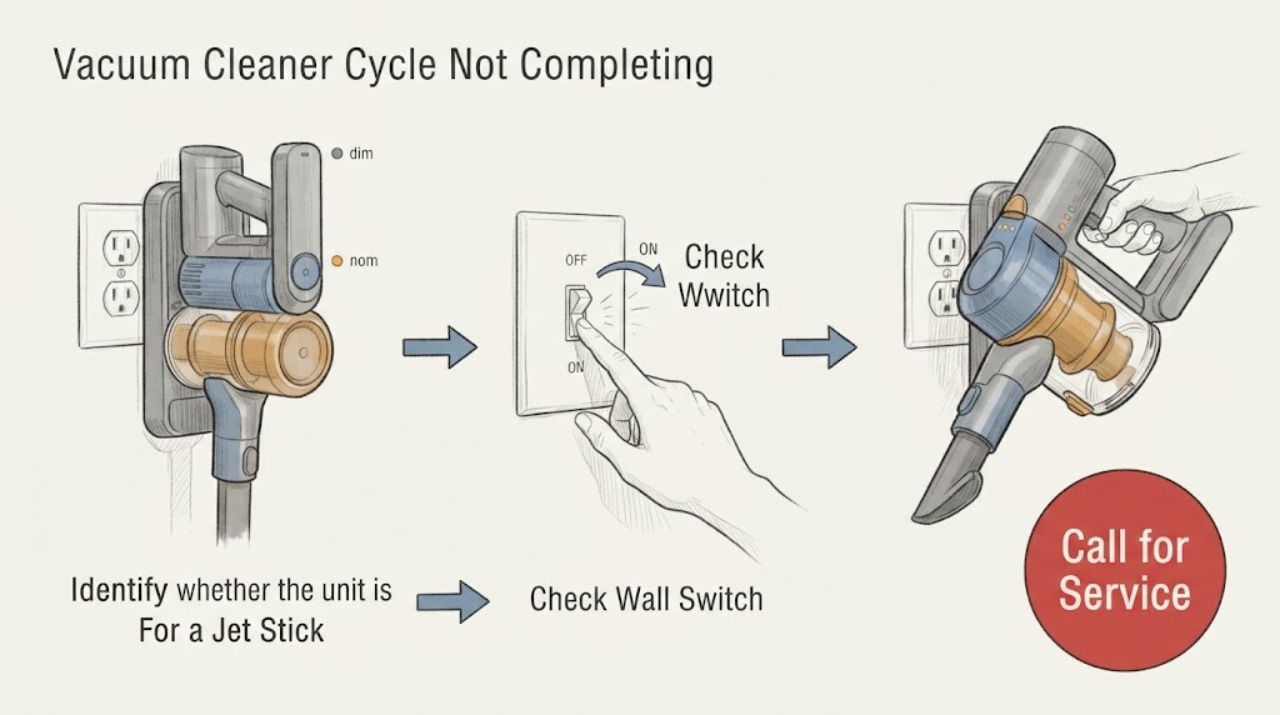
Samsung Vacuum Cleaner Cycle Not Completing: Identify the Vacuum First
First identify the Samsung vacuum. A cordless Jet Stick that stops in your hand is following a different path from a Jet Bot robot that returns to its dock.
-
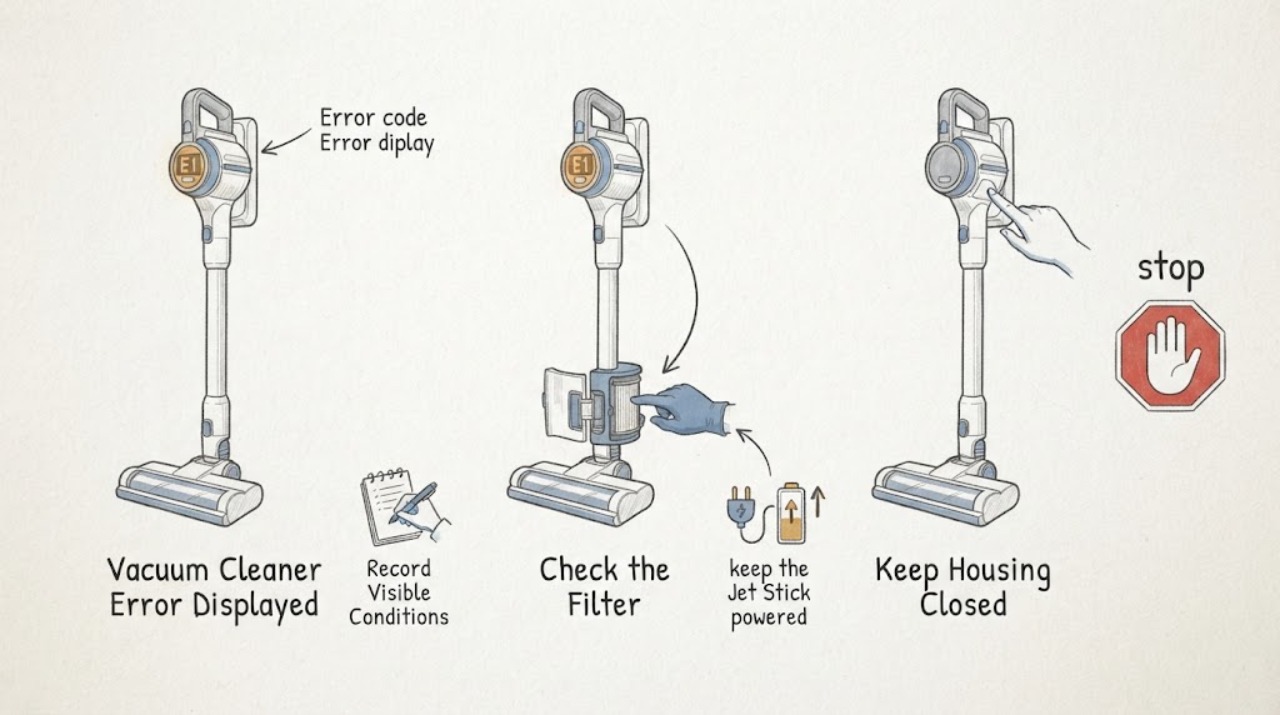
Samsung Vacuum Cleaner Error Displayed: Identify the Alert Safely
Start by recording the exact Samsung vacuum alert: the icon or code, any red light or voice message, and whether the machine is a Jet Stick, Jet Bot, or another family. Do not apply one model's code meanings to another model.
-
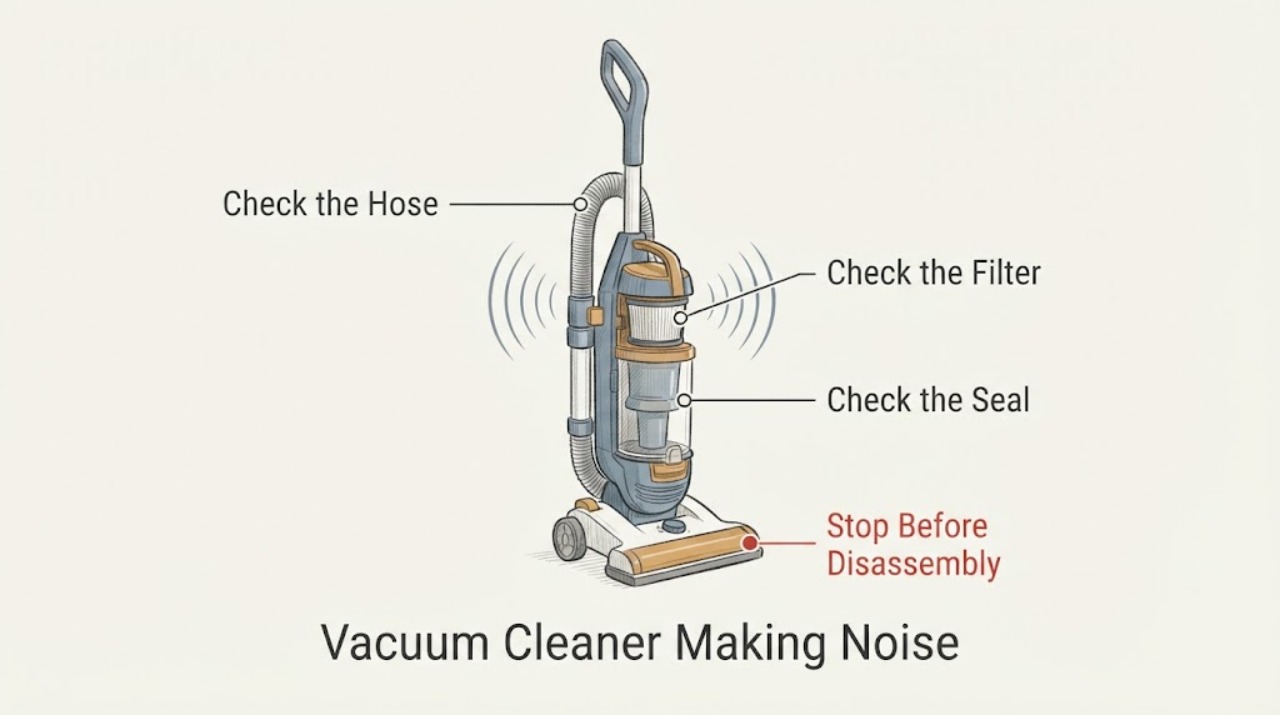
Samsung Vacuum Cleaner Making Noise: Check Airflow, Brush, and Wheels
A Samsung vacuum cleaner making noise should be turned off and unplugged before checking the filter, dustbin, hose or pipe, brush roll, and wheels for blockage or debris. A sudden noisy change with weaker suction favors an airflow restriction, while noise or vibration that remains after cleaning on a flat surface can indicate motor, bearing, balance, or internal wear.
-
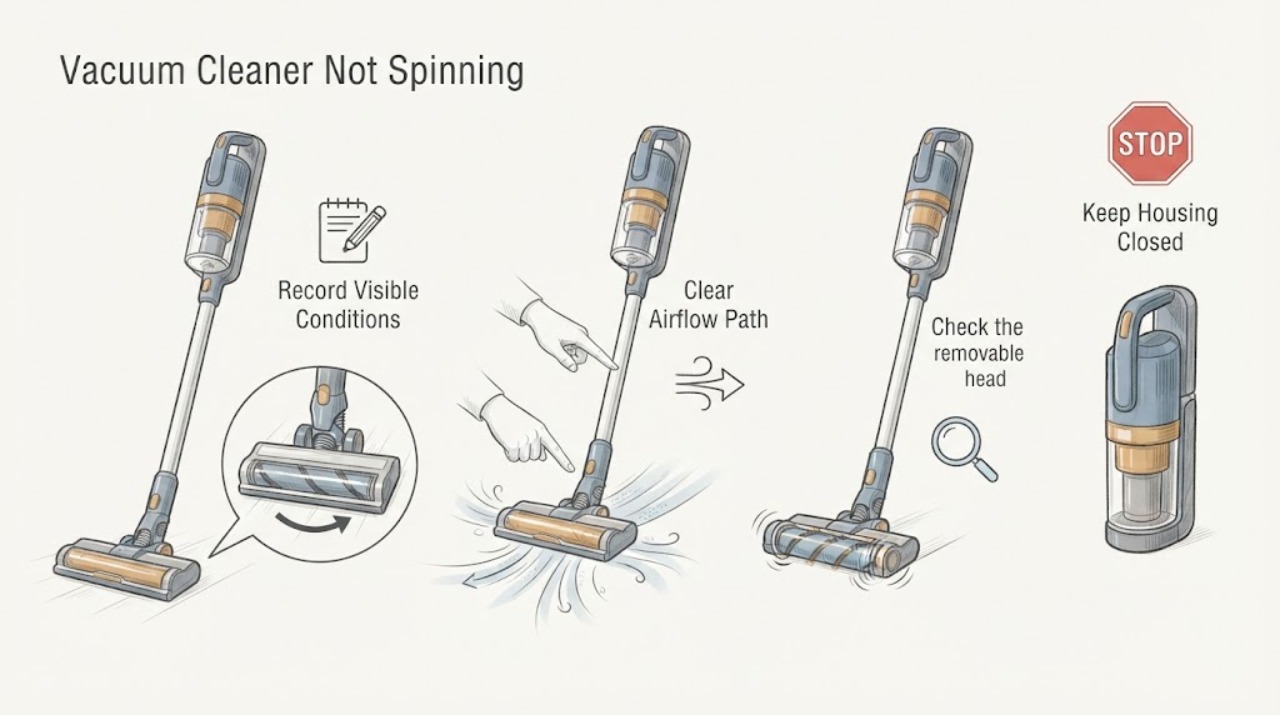
Samsung Vacuum Cleaner Not Spinning: Clear the Brush and Let It Cool
If the spinning brush on a Samsung vacuum cleaner is not turning, switch the vacuum off and disconnect power before checking the brush head. Remove hair, thread, and other foreign matter from the brush roll and confirm the cover, brush, and attachment are fitted and aligned for the exact model.
-
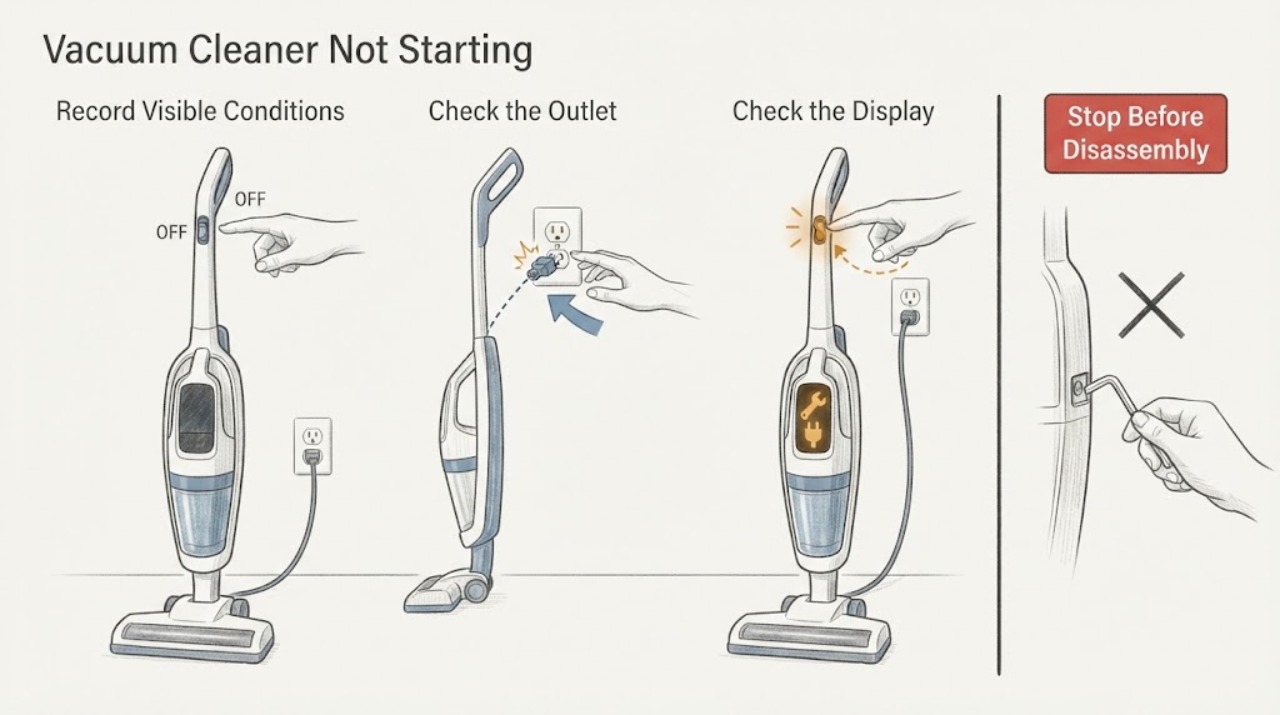
Samsung Vacuum Cleaner Not Starting: Power and Safety Checks
Start by identifying which Samsung vacuum you have, because a corded canister or upright, a cordless Jet or Jet Stick, and a Jet Bot use different no-start checks. For a corded vacuum, confirm the cord is fully inserted into a working outlet.
-
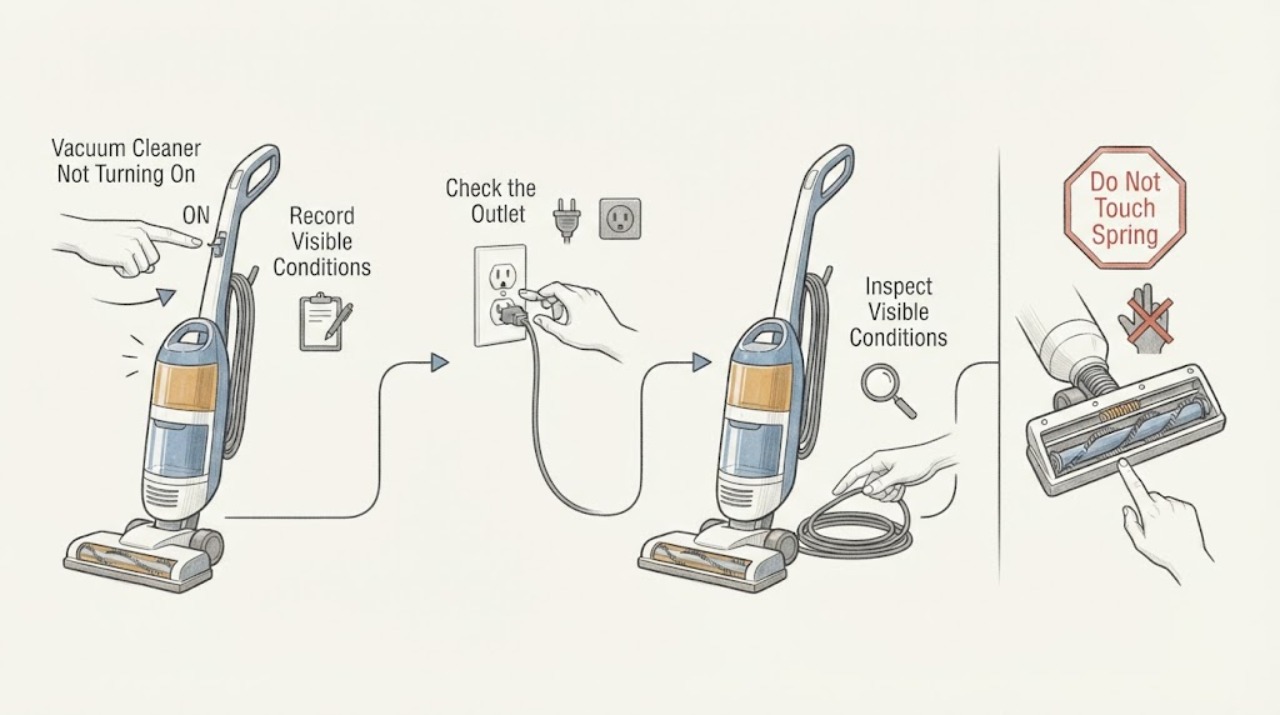
Samsung Vacuum Cleaner Not Turning On
First identify whether your Samsung vacuum is a corded canister or upright, a cordless Jet Stick, or a Jet Bot robot, because the power path is different. For a corded vacuum, firmly press the center of the power button and plug the cord into a known-working outlet.
-
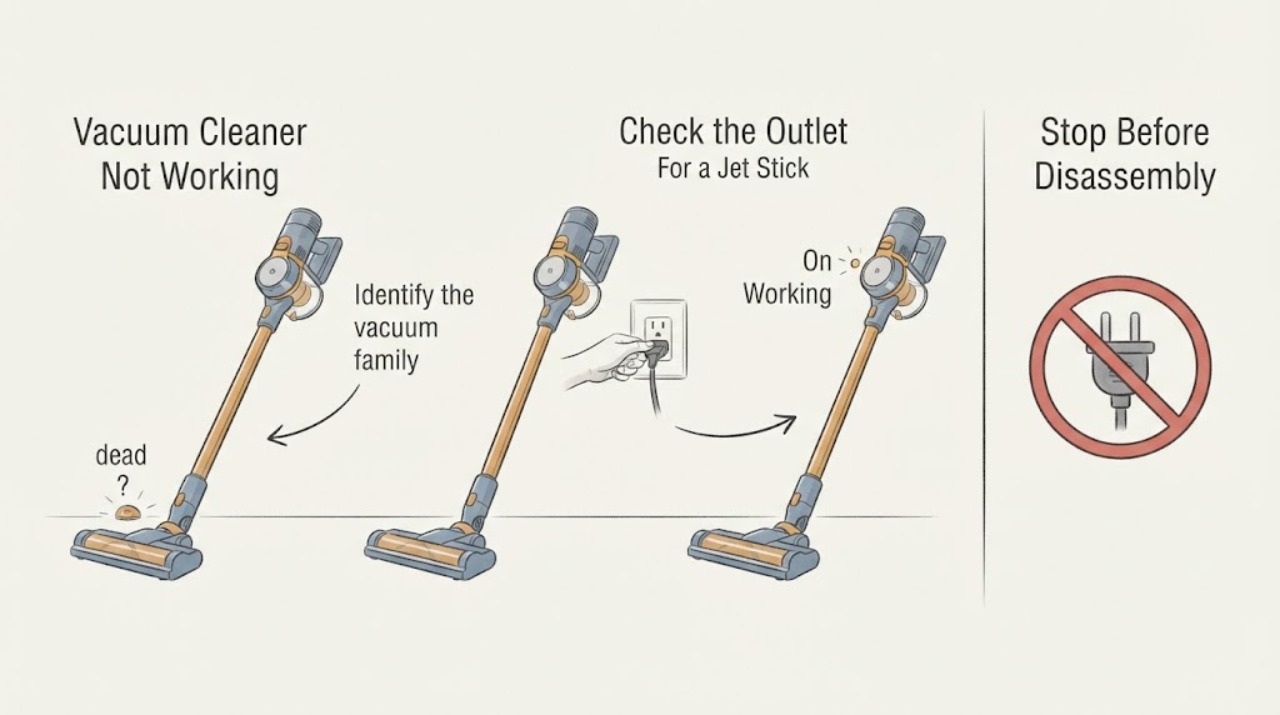
Samsung Vacuum Cleaner Not Working
Start by identifying whether your Samsung vacuum is a corded canister or upright, a cordless Jet Stick, or a Jet Bot robot, because the first check differs. For a corded vacuum, test the wall outlet and fully seated power cord.