
On this page
Start here
Quick answer
For a Summit refrigerator with a flickering interior light, first determine whether the flicker is limited to the light or whether the refrigerator, display, or other lights also lose power. Check the exact model's light switch or door-activated behavior, the plug and outlet, and any visible loose or damaged light cover without touching live wiring. Summit documentation identifies power, a light switch, a loose or failed bulb, and a correctly installed or failed LED assembly as possible light causes; a flicker that returns after safe external checks needs qualified service because it does not prove one replacement part.
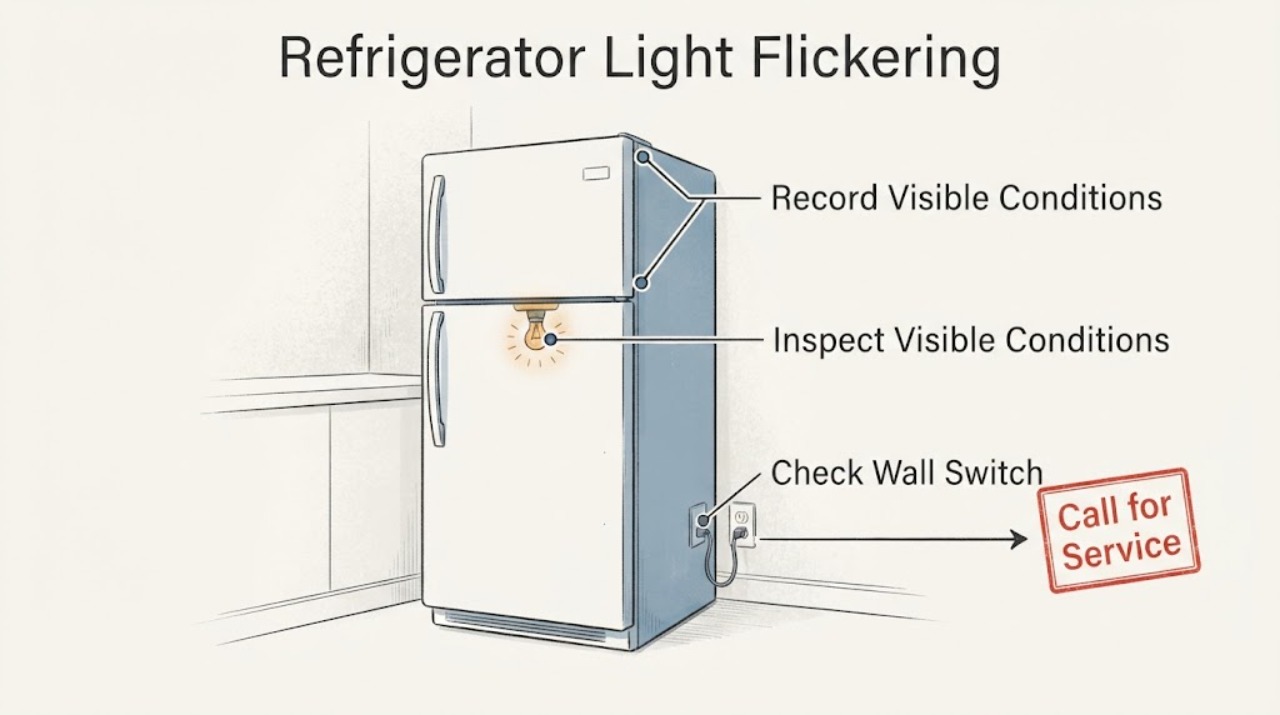
Work through in order
Diagnostic checks
Use only checks that match the exact appliance or system and its official guide.
-
Check 1
Watch the light with the refrigerator otherwise undisturbed and record when it flickers: continuously, only while the door moves, when the door is nearly closed, when the light switch is touched, or when the compressor or display changes. Note whether the flicker affects only the interior light or the appliance's other electrical functions too.
Expected result: Only the interior light flickers, the flicker follows a rocker switch or door movement, or the display, compressor, or other lights also reset or blink.
Next step: Continue with the matching external checks and keep the exact model and light type recorded. Stop if the flicker is accompanied by smoke, sparking, heat, or a burning odor.
Why this matters
Why: A light-only symptom makes the lamp, LED assembly, switch, or door-activated contact more likely. A simultaneous appliance or display interruption makes the supply or broader control path more likely; the symptom still does not identify a part.
-
Check 2
From a dry, safe location, confirm the refrigerator plug is fully seated in its intended grounded outlet and observe whether the accessible breaker or fuse is open. Check for a damaged cord, loose outlet face, moisture, or signs of heat without removing the outlet cover or refrigerator panel.
Expected result: The plug is loose, the breaker or fuse is open, the outlet or cord is damaged or warm, or the refrigerator remains powered normally while only the light flickers.
Next step: Do not keep resetting a breaker or using a damaged outlet or cord. Stop use and arrange qualified electrical or appliance service for an unsafe supply; if power is normal, continue without opening the appliance.
Why this matters
Why: Summit troubleshooting lists an unplugged unit, blown fuse, or loss of power among light and appliance symptoms. A damaged or warm connection is an electrical safety issue; normal cooling and display operation with a light-only flicker points more toward the light circuit or switch.
-
Check 3
Identify the model's light control. If it has a user-accessible rocker switch, turn it off and on once while observing the light. If lighting is automatic, close the door slowly and watch whether the light goes out consistently at the model's normal closure point; do not press, bend, or bypass a door switch.
Expected result: The flicker follows the rocker switch or door movement, the automatic light stays on or changes erratically as the door closes, or the light remains unstable with the control untouched.
Next step: Clean and close the door only as the exact manual permits. Arrange service if the switch feels loose, the door does not close or seal, the light stays on with the door closed, or flicker continues without movement.
Why this matters
Why: Summit documents both manual rocker-controlled lighting and automatic lighting affected by door closure. A repeatable change with the switch or door makes that control or its contact more likely, while instability with no movement leaves the light assembly or supply unresolved.
-
Check 4
Turn the refrigerator off and disconnect power before any permitted external cleaning or fixture inspection. Look only for a visibly loose cover, moisture, discoloration, or a lamp that is not seated, and follow the exact model guide for a user-replaceable bulb or LED assembly; do not touch exposed contacts or open a sealed LED fixture.
Expected result: The model manual allows a bulb or LED assembly check and the visible part is loose or damaged, or the light assembly appears intact but continues to flicker after power is restored.
Next step: Reseat or replace a lamp only when the exact model manual clearly permits that owner step and the power is disconnected. Stop and request qualified service for a sealed LED module, exposed wiring, moisture, scorching, or persistent flicker.
Why this matters
Why: Summit commercial documentation says to verify that the LED lighting assembly is correctly installed and replace it if necessary; other Summit manuals describe a loose or failed bulb. A correct fixture with recurring flicker suggests an intermittent connection, switch, or control problem that cannot be diagnosed by sight alone.
-
Check 5
Observe the refrigerator after one safe correction without repeatedly cycling the plug or switch. Confirm that cooling, the thermostat or display, door seal, and other functions remain normal, and record whether the flicker returns at the same door position or operating event.
Expected result: The light is stable after the permitted correction, the light flickers again while cooling and controls remain normal, or the refrigerator and light both lose power or reset.
Next step: Stop repeated testing and provide the technician the model, light type, timing, and whether cooling or the display changed. Keep food safe and stop use if the appliance becomes electrically or thermally unsafe.
Why this matters
Why: A stable light after a permitted correction supports a seating or control-state issue. Recurrent light-only flicker leaves the light path unresolved, while simultaneous resets point to supply or control service rather than a simple bulb replacement.
-
Check 6
Check the door seal and visible cabinet fit if the flicker follows door movement: remove only an item that prevents full closure, confirm the gasket is clean and seated, and make sure shelves or contents are not pushing the door open. Do not remove the door or hinge wiring.
Expected result: The door was not closing fully, the gasket or contents were interfering, or the door closes normally but the flicker continues at the same position.
Next step: Correct only the visible obstruction or gasket condition allowed by the model guide and observe once. Request service if the door switch or wiring would need access, or if the light remains unstable.
Why this matters
Why: Summit links automatic light behavior to door closure and notes that poor sealing can leave a light on or affect refrigerator operation. A correctly closing door with a repeatable flicker can still involve the door switch or light circuit and needs model-specific diagnosis.
Use your observations
Decision map
Find the observation that best matches what you see, then follow the next safe action.
-
PATH 01Next step
What you see
The light flickers together with the refrigerator display, compressor, or other electrical functions, or the plug, outlet, or cord is warm, damaged, wet, or loose.
Do this next
Stop use and arrange qualified electrical or appliance service. Do not open the outlet or appliance cabinet.
Why this path and its safety boundary
Why it matters: A broader electrical supply or control problem is more likely than an isolated lamp, and repeated power cycling could worsen the hazard.
-
PATH 02Next step
What you see
Only the interior light flickers and the symptom follows a rocker switch or the door's closing position.
Do this next
Verify the exact switch and door behavior using the model manual, correct only a visible closure obstruction, and arrange service if the switch or contact remains intermittent. Never bypass a door switch.
Why this path and its safety boundary
Why it matters: The manual switch, door-activated contact, or light-control path is more likely than a whole-refrigerator power failure.
-
PATH 03Next step
What you see
The unit uses an LED assembly or sealed fixture, and flicker continues after the power and door checks with no visible damage.
Do this next
Leave the fixture closed and request model-specific service with the exact model, light type, and timing of the flicker.
Why this path and its safety boundary
Why it matters: The LED assembly, its connection, or its control remains possible, but the flicker does not justify a universal replacement part.
-
PATH 04Next step
What you see
A model-approved bulb or fixture seating correction makes the light stable and cooling remains normal.
Do this next
Monitor normal operation and retain the exact bulb or LED information for future service; stop if flicker returns or other functions change.
Why this path and its safety boundary
Why it matters: The observation supports a lamp or seating issue, but it does not establish compatibility beyond the exact model manual.
-
PATH 05Next step
What you see
The light continues to flicker after the exact model's safe external checks, or flicker is accompanied by smoke, sparks, burning odor, overheating, moisture, or a damaged cord.
Do this next
Stop use and arrange qualified service. Provide the model and serial, light type, door or switch position when flicker occurs, and whether cooling or the display was affected.
Why this path and its safety boundary
Why it matters: This is beyond routine lamp observation and requires a safety-controlled diagnosis of the light circuit, switch, wiring, or power supply.
Helpful context
Understand the symptom
Separate a light-only flicker from a power interruption
A flickering interior light can be an intermittent light or switch condition, but it can also occur with a loose plug, unstable outlet, or a broader power interruption. Summit's support guidance says some models use a manual rocker switch while others use automatic lighting that responds to the door, and Summit manuals list power, switch, bulb, or LED-assembly checks. Observe the light without reaching behind the liner or fixture, and note whether cooling, the control display, or an exterior indicator changes at the same time.
Model details control the safe repair boundary
Summit lists model-specific Use and Care manuals and offers both commercial and residential refrigerator designs. A model with a rocker switch and replaceable bulb is different from a model with an LED assembly or door-activated light. Use the exact model manual for any lamp or fixture step; do not assume a flickering light calls for a universal bulb, LED module, or door switch.
Only after diagnosis
Potential parts
- Summit refrigerator LED lighting assembly
Consider this only when the exact model uses an LED assembly and the manual or qualified diagnosis links the persistent flicker to that assembly; flicker alone does not prove the LED module is defective.
Confirm the full Summit model and the assembly specified for that model before ordering. - Summit refrigerator light rocker or door switch
Consider this only when the flicker reliably follows the manual switch or door position and a qualified diagnosis identifies the switch or contact path.
Switch designs differ between manual rocker and automatic-door lighting models; confirm exact model compatibility.
When checks do not resolve it
Need a professional?
Use qualified appliance or electrical service when the flicker returns after safe external checks, affects other refrigerator functions, or requires access to wiring, a sealed LED fixture, a door switch, or the power supply.
Have this ready
- Provide the model and serial label, light type, whether it is a rocker or automatic light, the door or switch position when flicker occurs, and whether the display, compressor, or cooling changed.
Common questions
FAQ
Is a flickering refrigerator light always a bad bulb?
No. Summit documentation identifies power, switch, bulb, LED assembly, and door-closure conditions. Whether the refrigerator display or other functions also flicker changes the diagnostic path.
Why does the exact model matter?
Some Summit refrigerators use a manual rocker switch, while others use automatic lighting or an LED assembly. Use the model-specific manual before selecting a bulb or opening any fixture.
Can I bypass the door switch to keep the light on?
No. Do not bend, press, or bypass a door-activated switch. Correct a visible closure obstruction only if the manual permits it, and arrange service for an intermittent switch or wiring issue.
When should I stop troubleshooting?
Stop for sparks, smoke, burning odor, heat at the plug or outlet, moisture near electrical parts, a damaged cord, repeated breaker trips, or flicker that persists after the model-approved external checks.
Read the exact guide
Official sources
- Product Troubleshooting FAQ | Summit® ApplianceSummit Appliance Division, Felix Storch, Inc. · Applies to the refrigerator FAQ guidance; specific light controls and fixture designs vary by Summit model.
- SCR500BL7SH | Summit® ApplianceSummit Appliance Division, Felix Storch, Inc. · Applies to the SCR500BL7SH commercial refrigerator model; it demonstrates that Summit light controls vary by model.
- COMMERCIAL REFRIGERATOR AND FREEZERSummit Appliance Division, Felix Storch, Inc. · Applies to the commercial refrigerator/freezer family represented by this manual; use the exact model manual for other Summit refrigerators.
- TROUBLESHOOTINGSummit Appliance Division, Felix Storch, Inc. · Applies to the refrigerator family represented by this document; its LED observations are not universal to every Summit model.
- Manuals & Literature | Summit® ApplianceSummit Appliance Division, Felix Storch, Inc. · Use the full model and serial information to locate the correct refrigerator manual before replacing a lamp or opening a fixture.
- SUMMIT APPLIANCESummit Appliance Division, Felix Storch, Inc. · Applies to the refrigerator family represented by this manual; bulb and light-shield procedures vary by model.
- Service and Support | Summit® ApplianceSummit Appliance Division, Felix Storch, Inc. · Use with the exact model and symptom details; service options vary by product and region.
Community feedback
Share a repair observation
Share a plain-text repair observation. Accepted observations are published automatically; this page may take a moment to update.