
Admiral appliance guidance
Admiral Oven Repair Guides
Troubleshooting and repair guidance for published Admiral Oven problems, symptoms, and maintenance questions.
Published Admiral Oven guides
Choose the guide whose symptom or condition most closely matches what you are seeing.
-
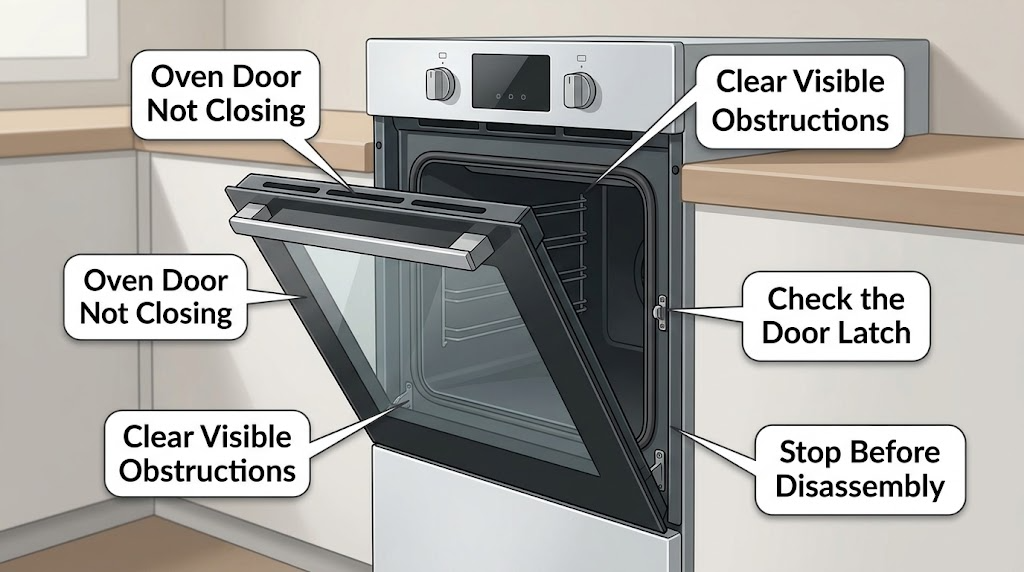
Admiral Oven Door Not Closing: What to Check and What to Do Next
An Admiral oven door that will not close is usually being held open by an object or rack, a latch arm left in the locked position, a door that is not seated on both hinges, a bent or damaged hinge, a displaced gasket, or a range that has shifted out of level. Let the oven cool, remove only loose visible obstructions, and inspect the latch, hinge seating, door gap, and seal without forcing the door.
-
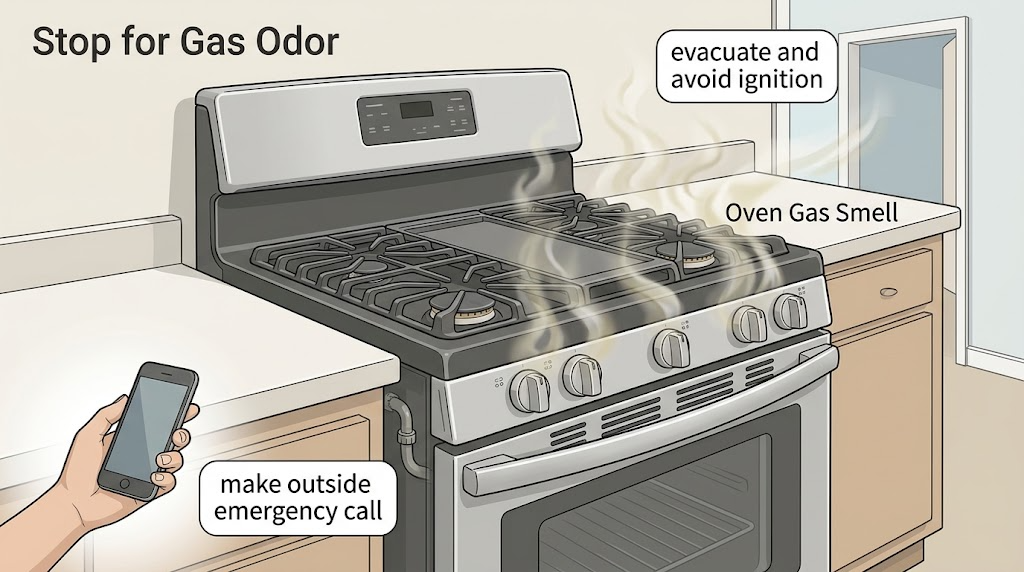
Admiral Oven Gas Smell: What to Do Immediately
If an Admiral oven or the surrounding room smells like gas, treat it as a possible leak: do not light the oven or cooktop, operate switches, use a phone indoors, or create any flame. Get everyone and pets outside immediately, then call the local gas emergency service or 911 from a safe location. Do not re-enter, move the oven, test a connector, relight the burners, or work on gas components until emergency responders or a qualified gas-appliance professional says it is safe.
-
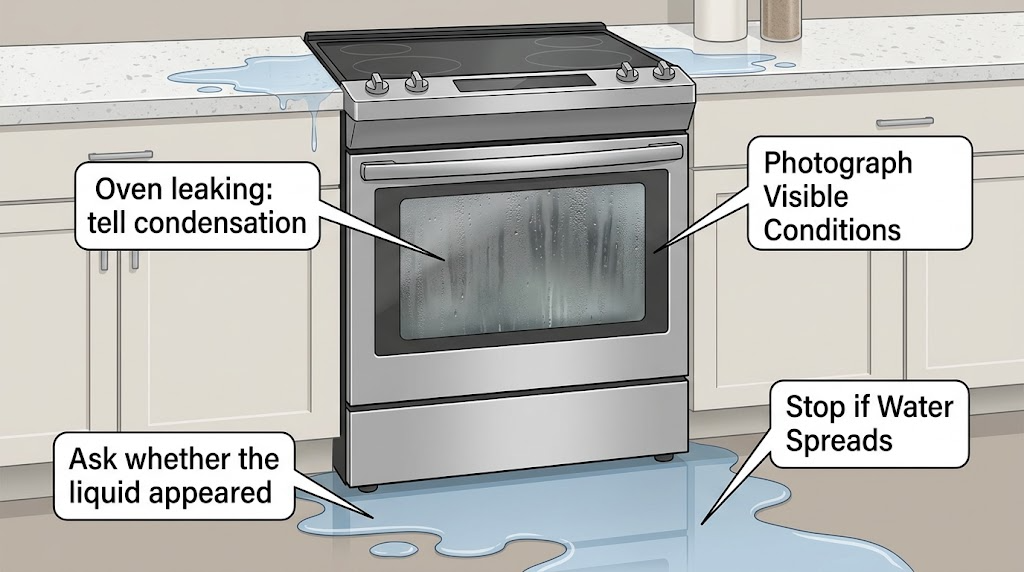
Admiral oven leaking: tell condensation from a real water leak
First identify what is leaking and where it starts: a few clear drops on the door or floor after cooking can be steam condensation, especially with high-moisture food, while water pooling under the range, entering a control area, or continuing when the oven is cool is not normal. Turn the oven off and let it cool before wiping or inspecting; check that vents are clear, the door closes, and any optional steam reservoir is not overfilled.
-
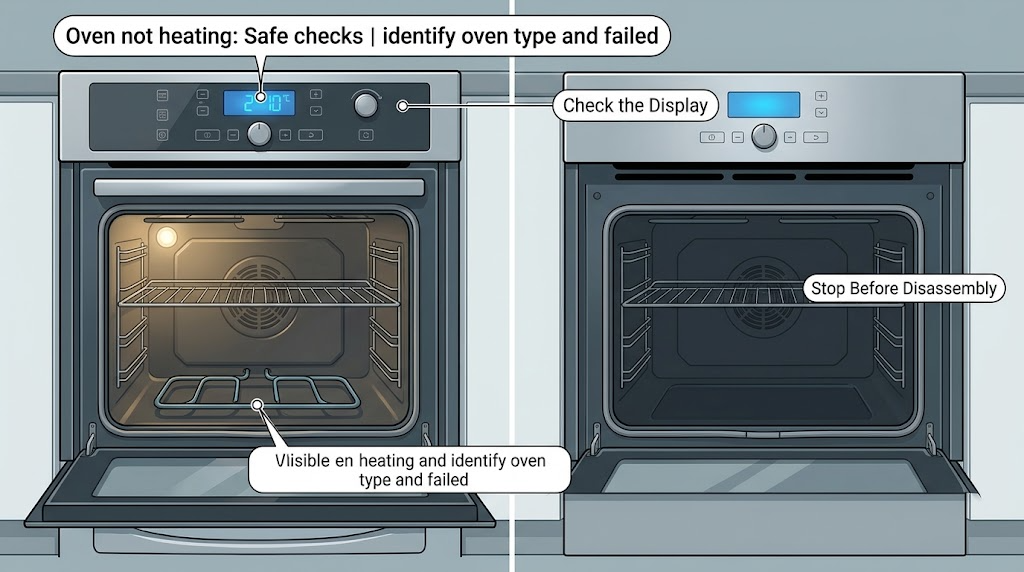
Admiral oven not heating: Safe checks before calling for repair
For an Admiral oven that is not heating, first record whether the display works, whether the cooktop works, whether the problem affects bake, broil, or both, and whether the oven is electric or gas. With the oven cool and no gas or electrical warning, check the selected cooking mode, door closure, visible power status, and any obvious control lock, delay, or demo setting against the exact owner's manual.
-
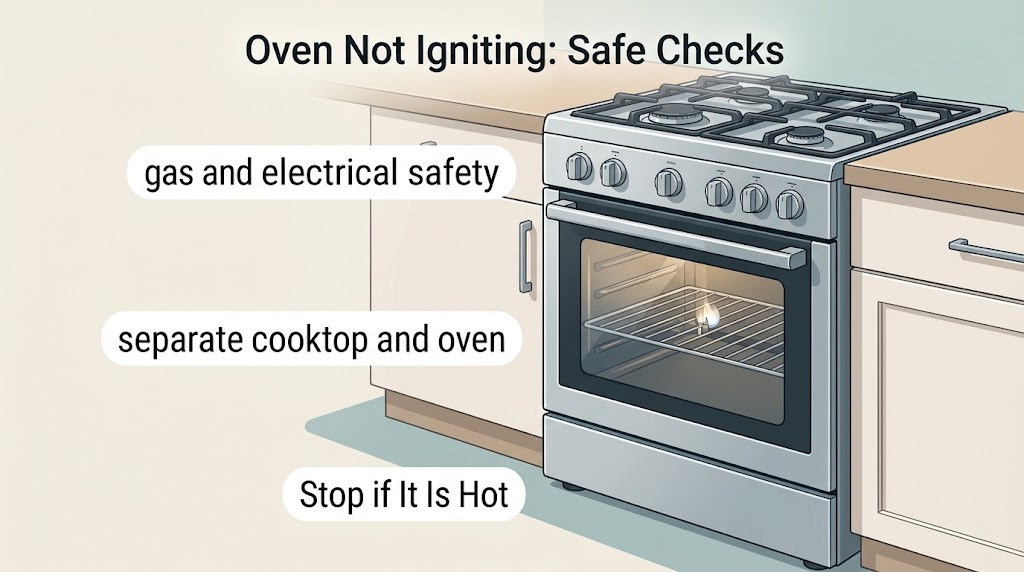
Admiral Oven Not Igniting: Safe Checks and Next Steps
If an Admiral gas oven will not ignite, first rule out a gas or electrical hazard, then note whether the cooktop burners work, whether the display and controls respond, and whether the oven clicks or sparks. Check only visible controls, a fully closed door, control-lock or delayed-start settings, a safe visible gas shutoff, and a normal grounded outlet.
-
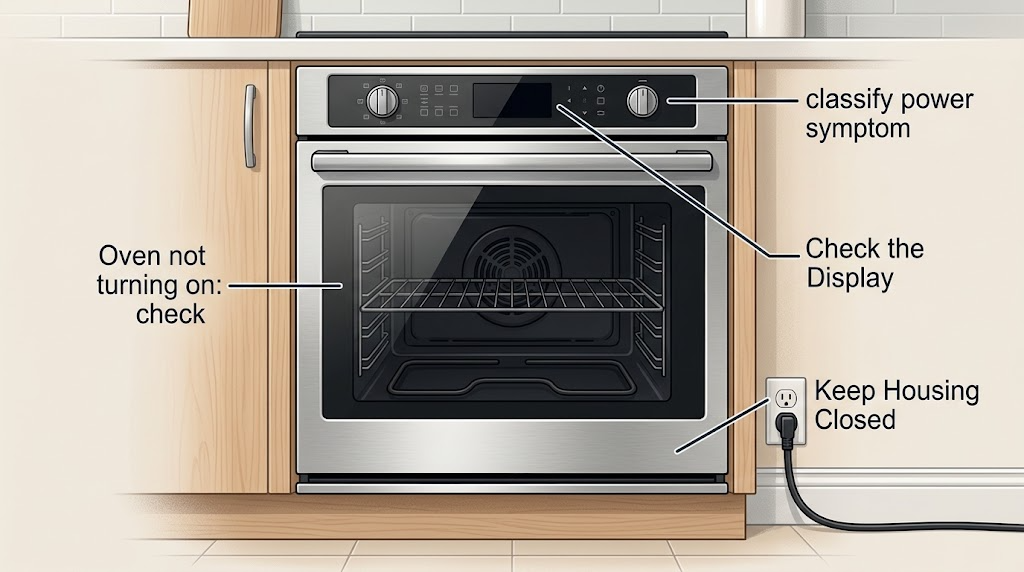
Admiral oven not turning on: check power and controls before opening the appliance
An Admiral oven that will not turn on may have no incoming power, a control lock or other mode that prevents a start, an incorrectly selected function, a door-latch condition, or an internal control, heating, or ignition fault. First determine whether the display, clock, interior light, or other range functions have power.
-
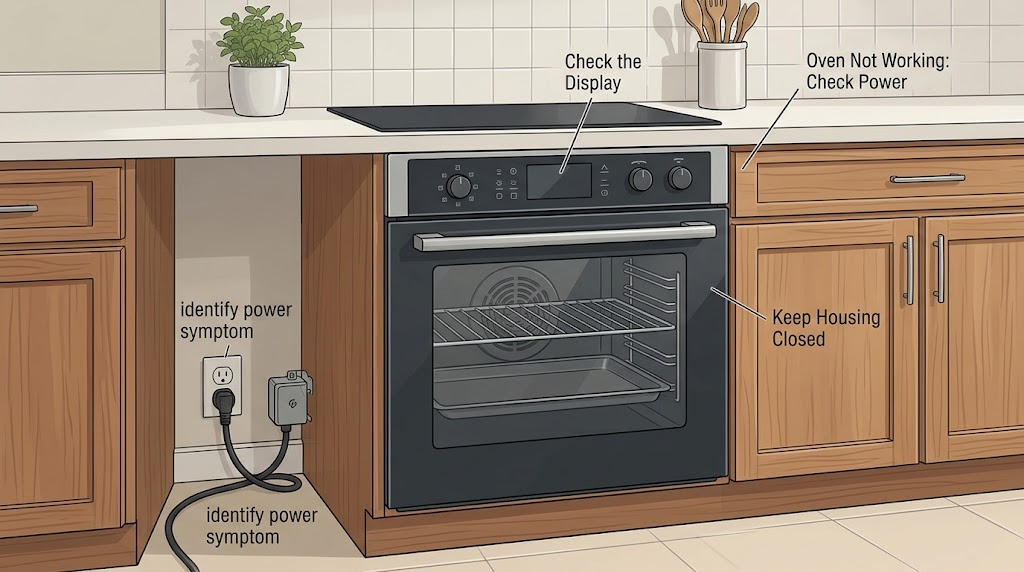
Admiral Oven Not Working: Check Power, Controls, Door, and Heat Safely
When an Admiral oven is not working, first determine whether the whole appliance is without power or the display works but the oven does not start or heat. Check the breaker or fuse and the connection without opening the appliance, then verify the model-specific mode, timer or control lock, and door position.