
Samsung appliance guidance
Samsung Induction Cooktop Repair Guides
Troubleshooting and repair guidance for published Samsung Induction Cooktop problems, symptoms, and maintenance questions.
Published Samsung Induction Cooktop guides
Choose the guide whose symptom or condition most closely matches what you are seeing.
-
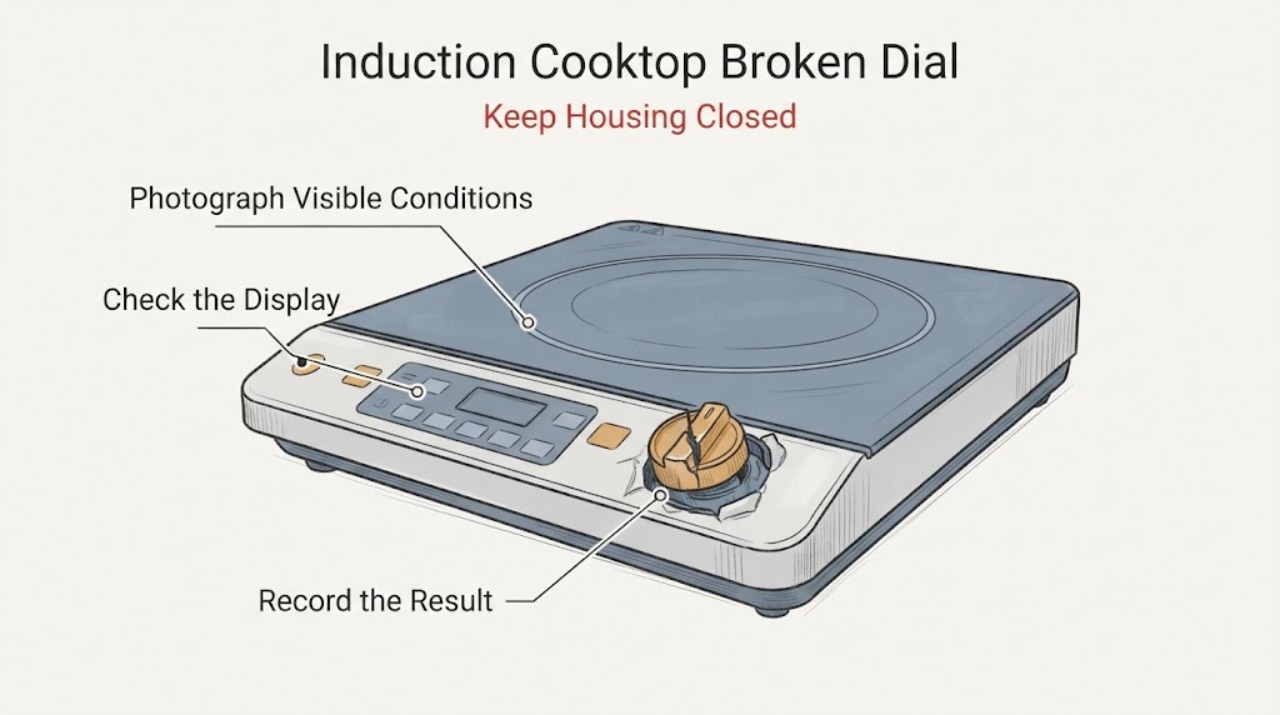
Samsung Induction Cooktop Broken Dial: Safe Checks and Replacement Decision
A broken dial on a Samsung induction cooktop needs an interface check before a heating diagnosis. Some Samsung induction models use a removable magnetic analog knob together with digital touch controls, while other models use a different control layout, so confirm the exact model first.
-
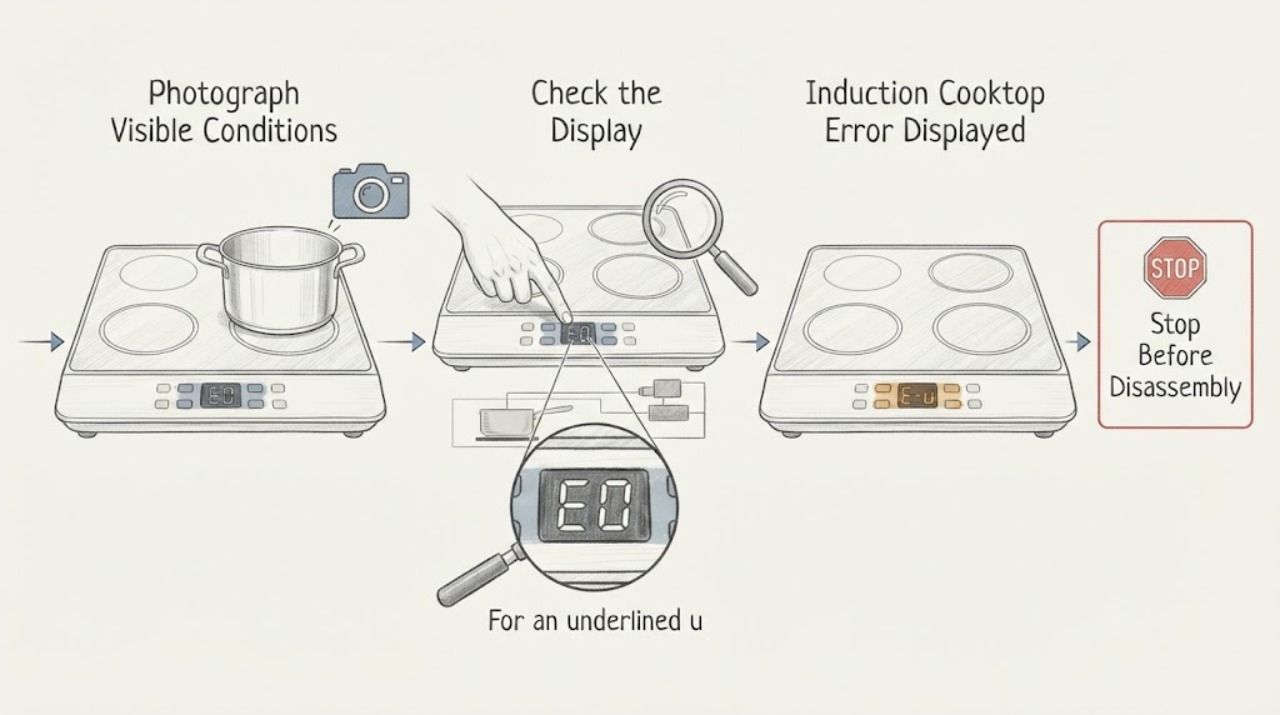
Samsung Induction Cooktop Error Displayed: Decode the Code and Reset Safely
Record the exact code or symbol before touching the controls, because Samsung induction cooktop messages can represent a stuck button, a pan-detection condition, a sensor or communication fault, or a model-specific problem. Turn the cooktop off, keep the surface clear and dry, and use only the model manual's meaning for the displayed code.
-
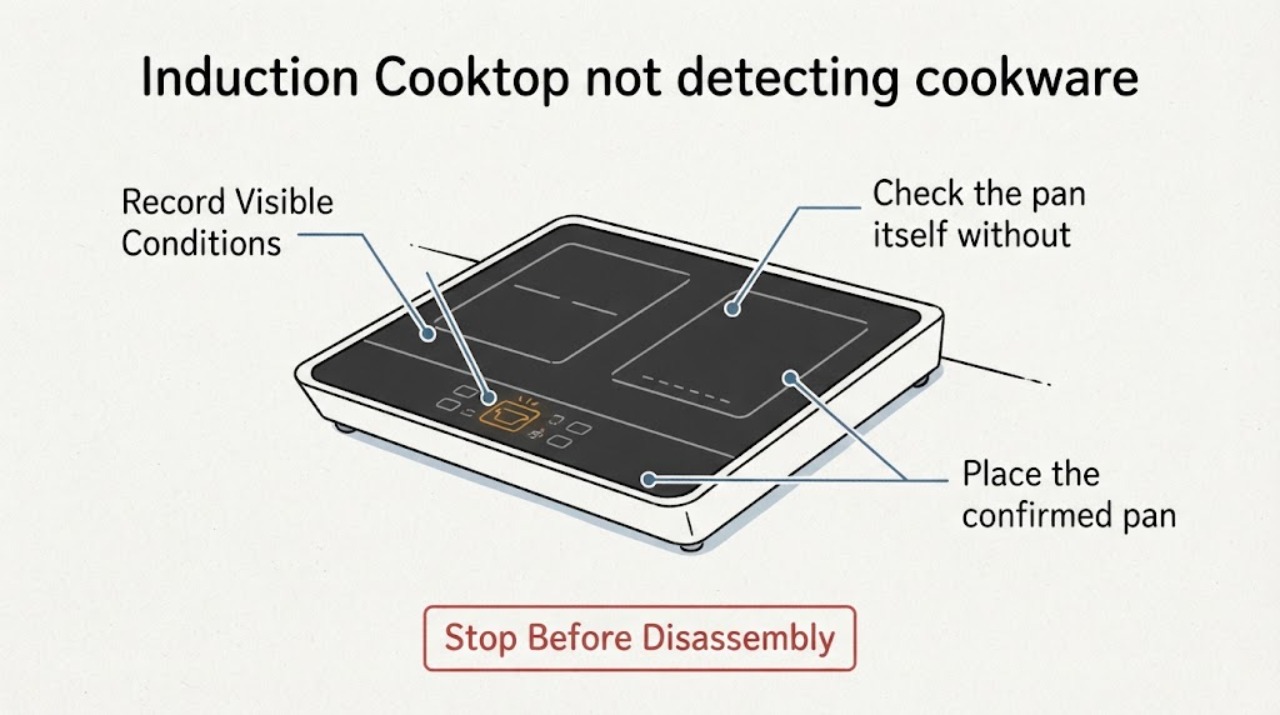
Samsung Induction Cooktop not detecting cookware | Fix Guide
A Samsung induction cooktop will not detect a pan when the base is not magnetic, is too small for the selected zone, or is not centered. Test a flat, induction-compatible pan with water in it, centered on the zone; an empty pan may make the induction element shut off.
-
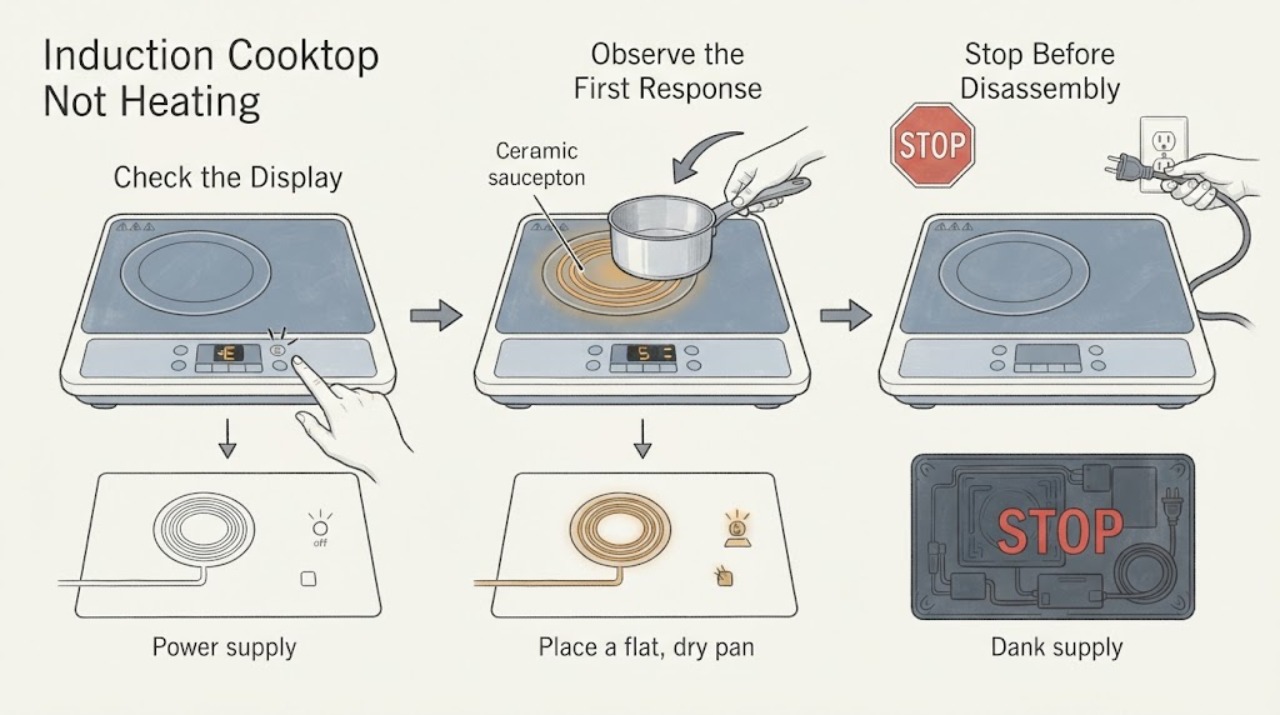
Samsung Induction Cooktop Not Heating: Check the Pan, Zone, Controls, and Power
An induction zone can stay cold because the pan is not magnetic, is too small, is off-center, or is empty, or because the selected zone, controls, power supply, or induction electronics have a fault. First make sure the panel is unlocked, clean, and dry and that the cooktop has safe external power.
-
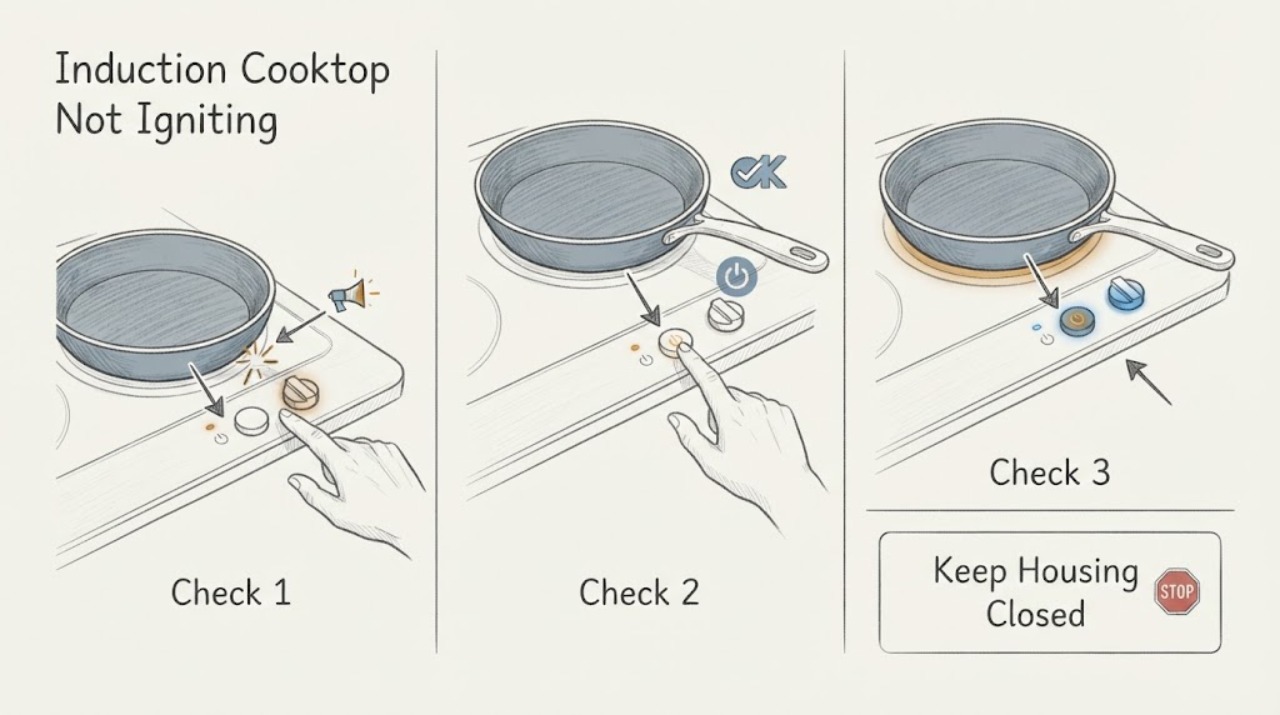
Samsung Induction Cooktop Not Igniting: It Uses Pan Detection, Not a Flame
A Samsung induction cooktop does not ignite a flame: it heats a compatible magnetic pan through an induction field. If the user-facing symptom is “not igniting,” first check whether the cooktop powers on, whether Control Lock or moisture is preventing input, and whether a flat magnetic pan is centered and large enough for the selected zone.
-
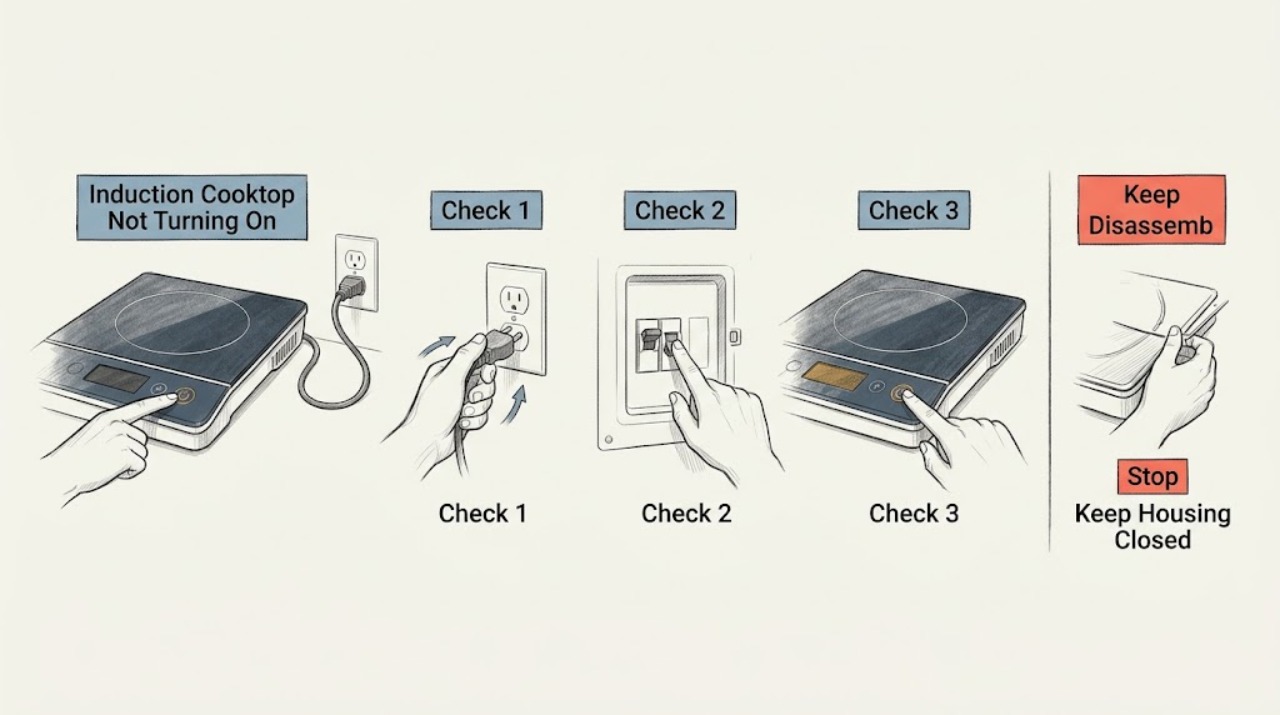
Samsung Induction Cooktop Not Turning On: Check Power, Lock, and Controls
If a Samsung induction cooktop will not turn on, first separate a completely dark panel from a panel that lights but will not accept touch or activate a zone. Check the accessible power connection and breaker, make sure Control Lock is off, and clean and dry the cool touch panel.
-
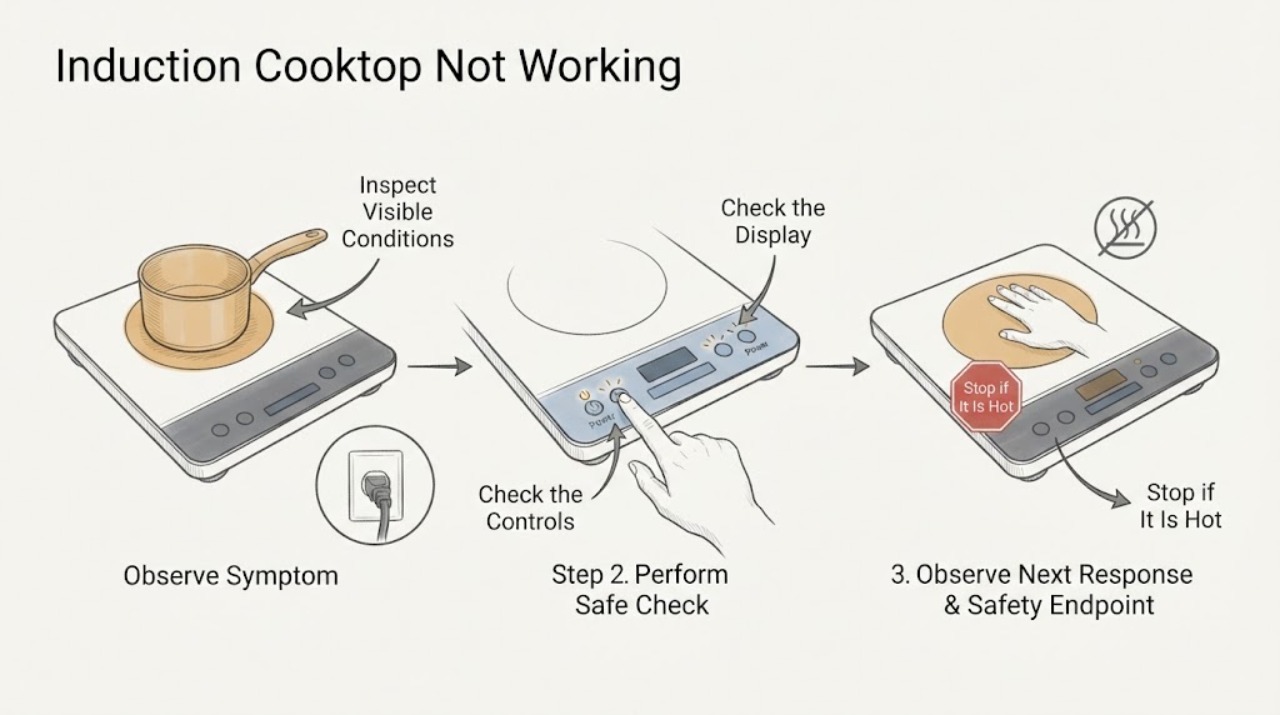
Samsung Induction Cooktop Not Working: Safe Checks and Next Steps
If a Samsung induction cooktop is not working, first stop if there is a cracked glass surface, smoke, burning smell, exposed wiring, or water near the controls. Otherwise confirm that the cooktop has power, Control Lock is off, and the dry control panel responds.
-
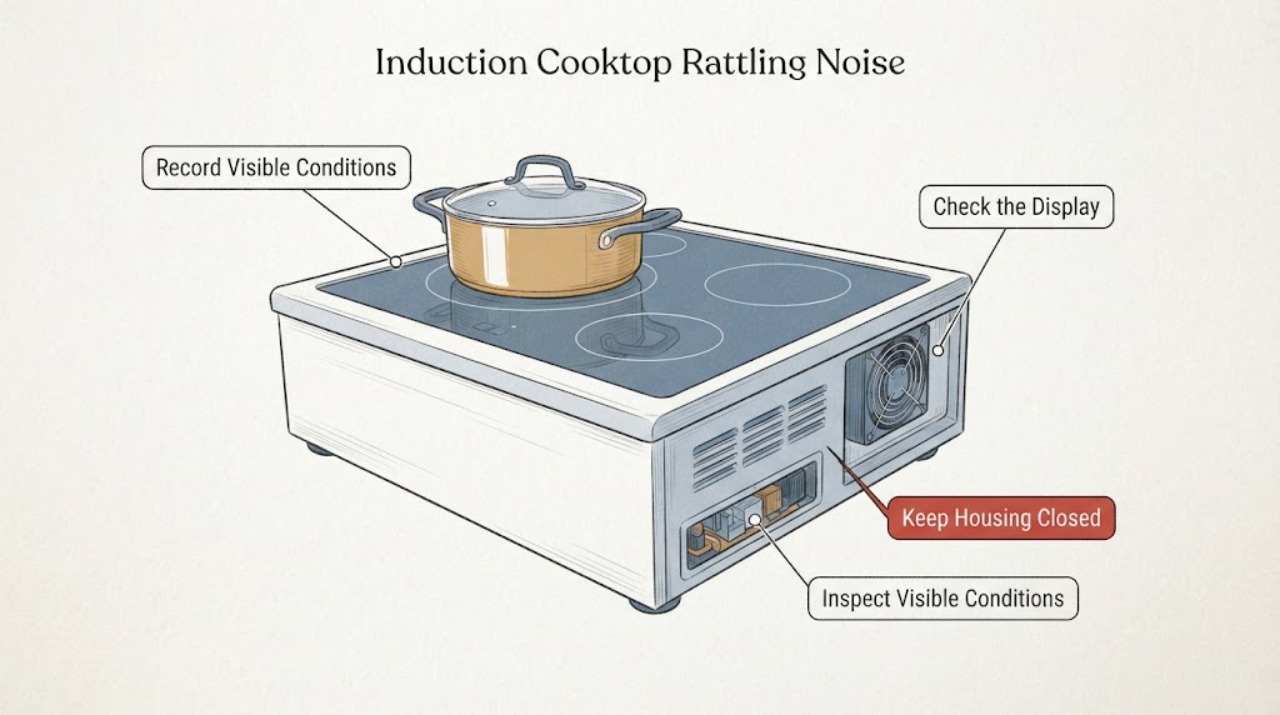
Samsung Induction Cooktop Rattling Noise: Safe Sound Checks
A Samsung induction cooktop can make a normal low hum, cookware-dependent buzz, or cooling-fan whir during use and for a while after cooking. A report of rattling should first be classified by timing: with a pan on one zone, as power changes, during cool-down, or while the cooktop is off and cool.
-
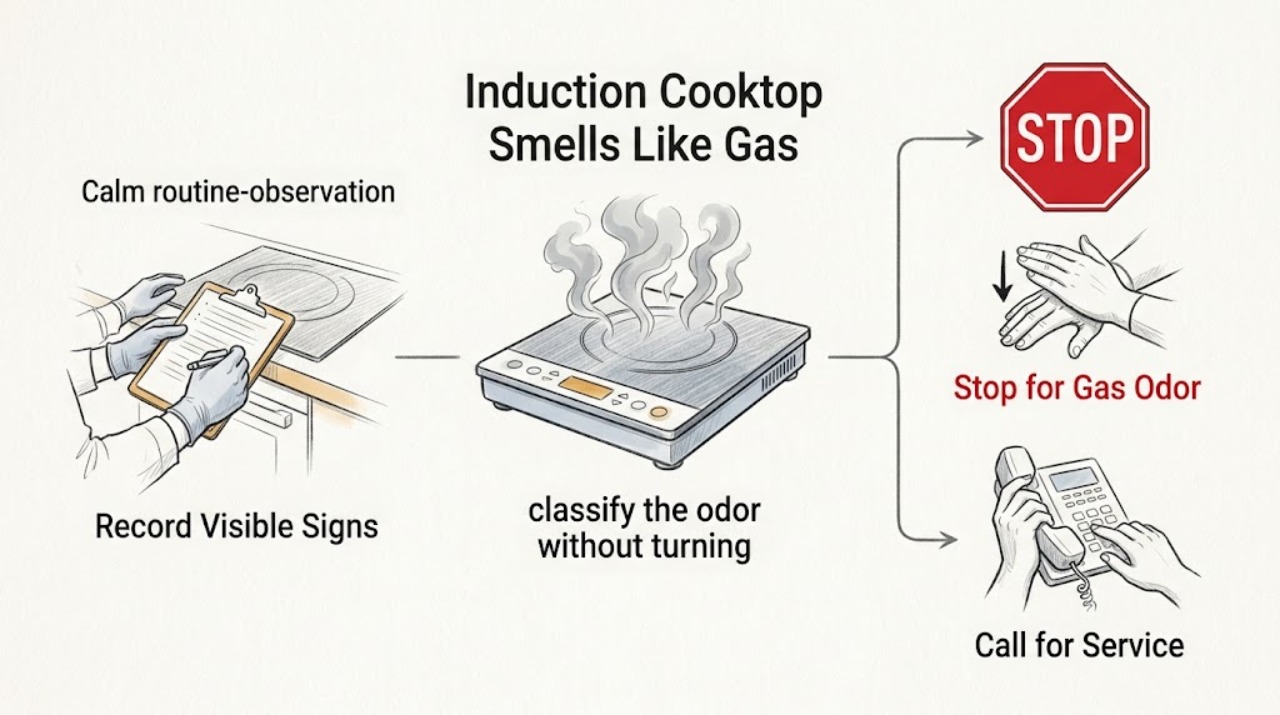
Samsung Induction Cooktop Smells Like Gas: Safe Checks and Next Steps
A Samsung induction cooktop is an electric appliance, so a genuine raw-gas odor is not a normal burner smell from the induction surface. If the odor could be gas, is strong or spreading, or you cannot identify it, do not operate the cooktop, touch electrical switches, or start a fan in the area; leave and contact the gas utility or emergency service from a safe location.