
On this page
Start here
Quick answer
For the assigned GE GTW685BPL1DG top-load washer, first check whether the display shows a control-lock indicator or is completely dark. GE's opened GTW685-family manual says the Controls indicator can blink when the washer is locked and gives Warm Rinse + Auto Soak held for 3 seconds to unlock; it also says to unplug the washer for 2 minutes, restore power and press Start when the electronics need a reset. The opened GE owner-center page is labeled GTW685BPLDG (without the 1 in the task label), so verify the full rating-label model under the lid before relying on the model-specific button combination. If the correct model remains unresponsive after the safe reset, stop trying random combinations and arrange GE service rather than opening the control panel.
Before you begin
Safety first
- Do not open the control console, probe live wiring, bypass the lid or Control Lock, repeatedly reset a tripping breaker, or order a keypad/control-board/lid-lock part from the buttons symptom alone. Pressing Power does not disconnect the washer; unplug or switch off the breaker before any user-level service allowed by the manual.
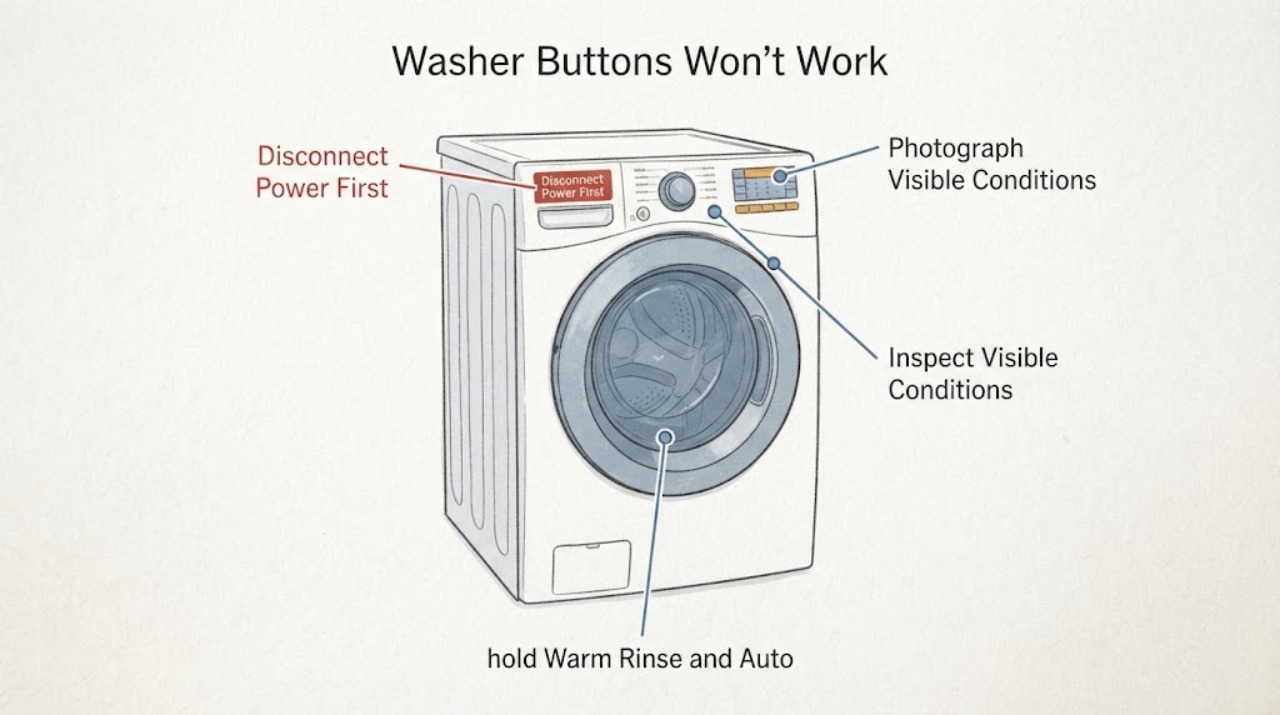
Work through in order
Diagnostic checks
Use only checks that match the exact appliance or system and its official guide.
-
Check 1
With the washer stopped, photograph the complete model and serial label under the lid and compare it with the GE owner-center entry before using a model-specific control sequence.
Expected result: The label reads GTW685BPL1DG, reads GTW685BPLDG, or cannot be read clearly.
Next step: Use the complete label to open the matching GE owner manual. Do not borrow button combinations from another GE model.
Why this matters
Why: The task label and the opened GE owner-center label differ by the character 1; an unreadable or different label means the applicable manual is unresolved.
-
Check 2
Observe the display and press Power once only; also check the washer plug and household breaker from a dry, safe position without opening the console.
Expected result: The display remains completely dark, or it wakes and shows a lock/status message.
Next step: If there is visible electrical damage, water at the outlet, heat or smoke, leave it off and seek qualified help. Otherwise continue with the displayed-state branch below; do not perform live electrical tests.
Why this matters
Why: A dark display keeps the supply/power path unresolved; a lit display means the washer is communicating a state that should be read before treating every button as failed. GE says the washer should use a working, separate outlet.
-
Check 3
If the exact GTW685-family identity is confirmed and the lock/Controls indicator is present, hold Warm Rinse and Auto Soak together for 3 seconds.
Expected result: The lock icon clears or the Controls indicator stops responding as a lock state after the hold; alternatively, no lock state changes.
Next step: Select a cycle and press Start if the lock clears. If there is no change, proceed to the two-minute reset rather than repeating random combinations.
Why this matters
Why: A clearing icon supports Control Lock as the immediate reason selections were blocked. No change means the symptom is not resolved by that documented lock sequence, but it does not identify a failed keypad or board.
-
Check 4
Unplug the confirmed washer or switch off its circuit breaker/fuse for a full 2 minutes, then restore power, select a cycle and press Start.
Expected result: The panel responds after power is restored, or it remains unresponsive.
Next step: If it responds, monitor the next cycle. If it remains unresponsive, keep the washer off and arrange service; do not open the panel.
Why this matters
Why: Recovery is consistent with a temporary electronic-control lock after an interruption; continued failure means GE's user guidance has reached its service boundary and does not prove a specific internal part.
-
Check 5
After restoring power, read the exact display message and allow any manual-documented lockout to finish; do not unplug again while the four-minute H2O SUPPLY or CAnCELEd timer is active.
Expected result: The display shows H2O SUPPLY, CAnCELEd, Lid, or no message at all.
Next step: For H2O SUPPLY or CAnCELEd, wait the specified period and follow the manual; for Lid, open then close the lid and press Start. If no message appears and controls remain dead, call service.
Why this matters
Why: The GTW685-family manual describes H2O SUPPLY and CAnCELEd as four-minute no-response periods and Lid as a lid-open/start condition; a blank/no-message panel after reset remains unresolved.
-
Check 6
Stop troubleshooting once the model is confirmed, Control Lock is cleared, any documented message timer is complete and the two-minute reset has failed.
Expected result: The washer still ignores controls, repeatedly loses response, or returns to the same state.
Next step: Keep the washer out of service and provide GE/authorized service the label, display state, timeline and reset result. Do not bypass the lid, probe energized wiring or order a part from the symptom.
Why this matters
Why: GE directs a washer whose controls still do not work after reset to service; the symptom alone cannot distinguish the keypad, control electronics, lid sensing or power path.
Use your observations
Decision map
Find the observation that best matches what you see, then follow the next safe action.
-
PATH 01Next step
What you see
The display is dark and there is a tripped breaker, damaged cord/outlet, water at the electrical area, smoke, heat or burning odor.
Do this next
Leave the washer off and isolate power only from a dry, safe position if there is no active hazard; use a qualified electrician/appliance service, and use emergency help for smoke or fire.
Why this path and its safety boundary
Why it matters: The problem has crossed a safe user-control check; a power or electrical hazard cannot be diagnosed by pressing buttons.
-
PATH 02Next step
What you see
The display is active and the Controls/lock indicator is present, and the verified GTW685-family manual applies.
Do this next
Hold Warm Rinse and Auto Soak for 3 seconds, then select a cycle and press Start. If the icon does not clear, continue to the reset branch rather than trying another family's sequence.
Why this path and its safety boundary
Why it matters: Control Lock is a supported explanation for buttons that do not accept selections.
-
PATH 03Next step
What you see
The display shows H2O SUPPLY or CAnCELEd, or it shows Lid after repeated starts without opening the lid.
Do this next
Do not unplug during the four-minute timer; wait and follow the message. For Lid, open and close the lid, then press Start. Escalate if the message or no-response state persists.
Why this path and its safety boundary
Why it matters: The GTW685-family manual describes a four-minute no-response lockout for H2O SUPPLY/CAnCELEd and a lid-open requirement for Lid; these messages are not proof of a failed control board.
-
PATH 04Next step
What you see
The complete model is confirmed, there is no active lock or timer message, and the controls remain unresponsive after the documented two-minute reset.
Do this next
Keep the washer out of service and schedule GE/authorized service with the model/serial and reset details. Do not open the console or perform live tests.
Why this path and its safety boundary
Why it matters: GE's public guidance has reached service; the observed symptom does not identify a replaceable keypad, board or lid-lock part.
Helpful context
Understand the symptom
Confirm the exact model before using a button sequence
The assigned model is GTW685BPL1DG, while the opened GE owner-center page is labeled GTW685BPLDG and its linked manual is for the GTW685 family. Do not silently correct the task identity or assume the missing 1 is irrelevant. With the washer stopped, read and photograph the complete model and serial label under the lid; GE also lists the underside/right-hinge area and other exterior locations for top-load model tags. Use the exact label to select the owner manual before applying a model-specific key combination.
Check for Control Lock before calling the buttons failed
Look at the display for the Controls or lock indicator and note whether the Power button still wakes the display. The GTW685-family manual says the Controls indicator can blink when the washer is locked, and its Control Lock instruction is to hold Warm Rinse and Auto Soak together for 3 seconds. Use that combination only after the complete model label is confirmed against the applicable manual; do not try button pairs from a different GE washer family.
Reset an interrupted electronic control safely
If the model is confirmed and the controls are still stuck, unplug the washer or switch off its breaker for 2 minutes. Restore power, select the cycle again and press Start. GE says a power failure, a stopped cycle or an unreset Stop/Pause interruption can leave electronic controls locked up. This reset does not establish a failed board or keypad; do not remove the console to investigate.
Separate a normal lockout message from a dead panel
After power is restored, read any displayed message before pressing buttons repeatedly. The GTW685-family manual says H2O SUPPLY and CAnCELEd can impose a four-minute lockout during which controls will not respond, and that unplugging during that timer restarts it; it also says a Lid message requires opening and closing the lid before starting again. Allow the documented period or follow the displayed instruction, then reselect the cycle.
Escalate a panel that remains unresponsive
If the full model is verified, the lock state is cleared, the documented lockout has elapsed and the two-minute reset did not restore operation, keep the washer out of service and use GE service. Provide the full model/serial label, whether the display was dark or showed a lock/message, what happened immediately before the failure, and whether the washer had power. Do not diagnose or replace a keypad, control board or lid lock from the symptom alone.
When checks do not resolve it
Need a professional?
Arrange GE or authorized service when the full label is confirmed, Control Lock and documented lockout conditions have been addressed, and the two-minute reset does not restore the controls; call sooner for smoke, burning odor, damaged wiring, water at the outlet or a tripped breaker that will not remain reset.
Safety scope: Do not open the control console, probe live wiring, bypass the lid or Control Lock, repeatedly reset a tripping breaker, or order a keypad/control-board/lid-lock part from the buttons symptom alone. Pressing Power does not disconnect the washer; unplug or switch off the breaker before any user-level service allowed by the manual.
Have this ready
- Provide the complete model and serial label, a photo of the display/indicator state, whether Power wakes the panel, the exact message if any, what happened before the failure, and the result of the two-minute reset.
Common questions
FAQ
Why do the GE washer buttons stop responding?
GE says electronic controls can lock after a power failure or a paused/stopped cycle, and its GTW685-family manual also documents Control Lock and temporary H2O SUPPLY/CAnCELEd lockouts. These explanations guide the safe checks but do not diagnose a failed board.
What is the Control Lock sequence for the GTW685 family?
After verifying the complete model label, hold Warm Rinse and Auto Soak together for 3 seconds. The GTW685-family manual says the lock icon lights when active. Do not substitute a different GE model’s button pair if the label does not match.
How long should I unplug the GE washer to reset it?
GE instructs users to unplug the washer or switch off its breaker/fuse for 2 minutes, then restore power, select the cycle again and press Start. If controls still do not work, GE directs the user to service.
Should I replace the keypad or control board?
Not from this symptom alone. The opened GE material supports a lock check, a two-minute reset and service escalation; it does not identify which internal part has failed. Keep the console closed and provide the exact label and display state to service.
Read the exact guide
Official sources
- Washer - Control Lock FeatureGE Appliances · Opened GE Control Lock article. It explains that a locked top-load display will not respond and that the key pair varies by model; used with the exact GTW685-family manual rather than as a universal button sequence.
- Owner’s Manual & Installation Instructions: GTW755 / GTW750 / GTW685 / GTW680GE Appliances · Opened the PDF linked from the official GTW685BPLDG owner center. It lists GTW685 among covered families and gives the Warm Rinse + Auto Soak Control Lock sequence, two-minute reset, status lockouts and no-console/live-service safety boundary. Because the task label contains an extra 1, verify the exact model label before using family-specific controls.
- User Manual & Care for GTW685BPLDGGE Appliances · Opened exact official owner-center URL labeled GTW685BPLDG. It identifies a GE 4.5 cu ft top-load washer and links the 49-3000283 owner manual; the task label is GTW685BPL1DG, so the complete appliance label must be checked before model-specific use.
- GE Appliances Model and Serial Number Locator - Top-Load WashersGE Appliances · Opened GE model-locator page. It says top-load washer tags may be under the lid near the right hinge, on the back of the control panel, at the lower-left exterior or near the water inlets; used only to recover the exact identity, not to infer the fault.
- Washer - Resetting the Electronic ControlsGE Appliances · Opened GE support article. It supports a two-minute unplug/breaker reset, reselecting/starting the cycle, and service when controls still do not work; it is a family-level recovery instruction, not a component diagnosis.
- Frequently Asked Questions About GE WashersGE Appliances · Opened GE washer FAQ. Its controls question says electronic controls can lock after a power failure or interrupted/stopped cycle; its power guidance supports checking the breaker, plug and dedicated outlet. It does not diagnose a keypad or board for the task model.
Community feedback
Share a repair observation
Share a plain-text repair observation. Accepted observations are published automatically; this page may take a moment to update.