
Repair problem
Not Responding Troubleshooting Guides
Published FixGraph guidance for diagnosing and responding to not responding.
Matching published guides
Choose a guide that matches the service, equipment, and conditions you are seeing.
-
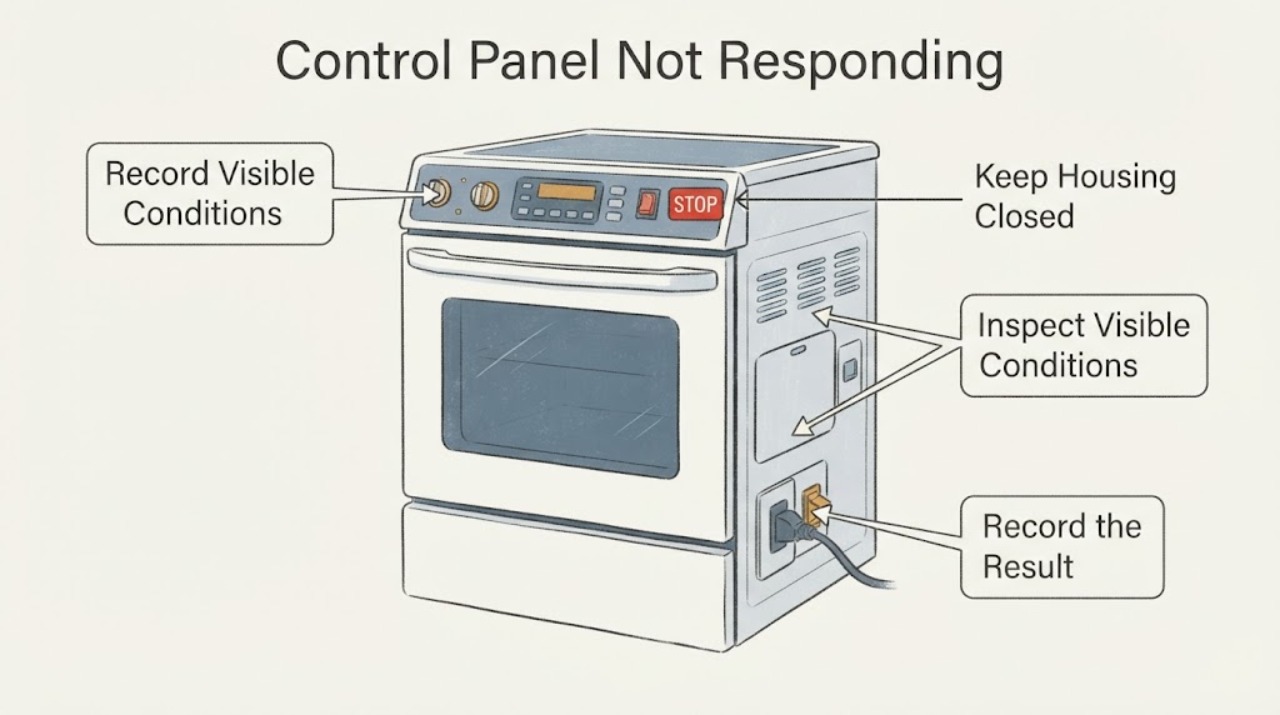
Amana ACS3350AS Control Panel Not Responding: Check Lock, Surface and Power
Amana's official specification sheet identifies ACS3350AS as the stainless-steel version of the ACS3350A gas slide-in range family with a Touchmatic electronic range control. For an unresponsive control panel, first observe whether the display is alive and whether a lock indication is present.
-
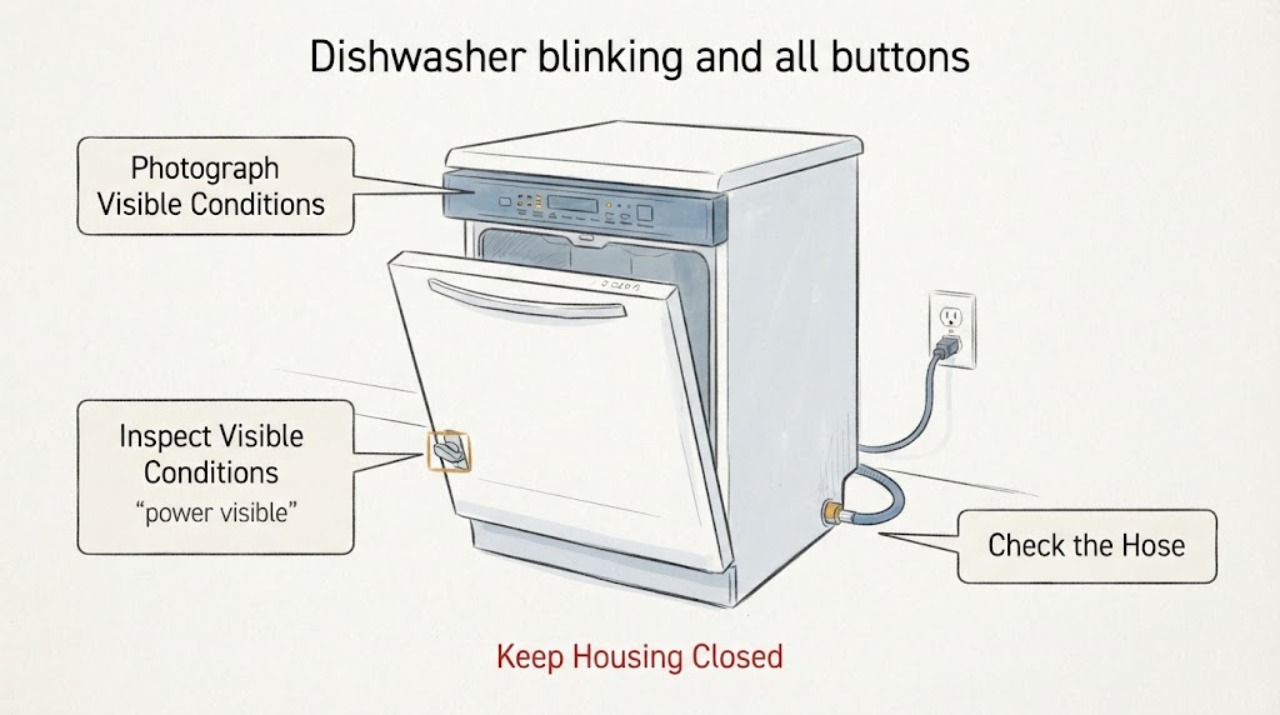
Beko DDT36430XIH dishwasher blinking and all buttons unresponsive
For a Beko DDT36430XIH whose lights blink and buttons do not respond, first confirm the exact model and whether the display is lit, then check household power without opening the dishwasher, confirm the water-supply tap is open, and close the door firmly until the latch engages. Beko identifies power loss, a faulty appliance fuse, an open or damaged door/latch, and a closed water supply as no-start branches.
-
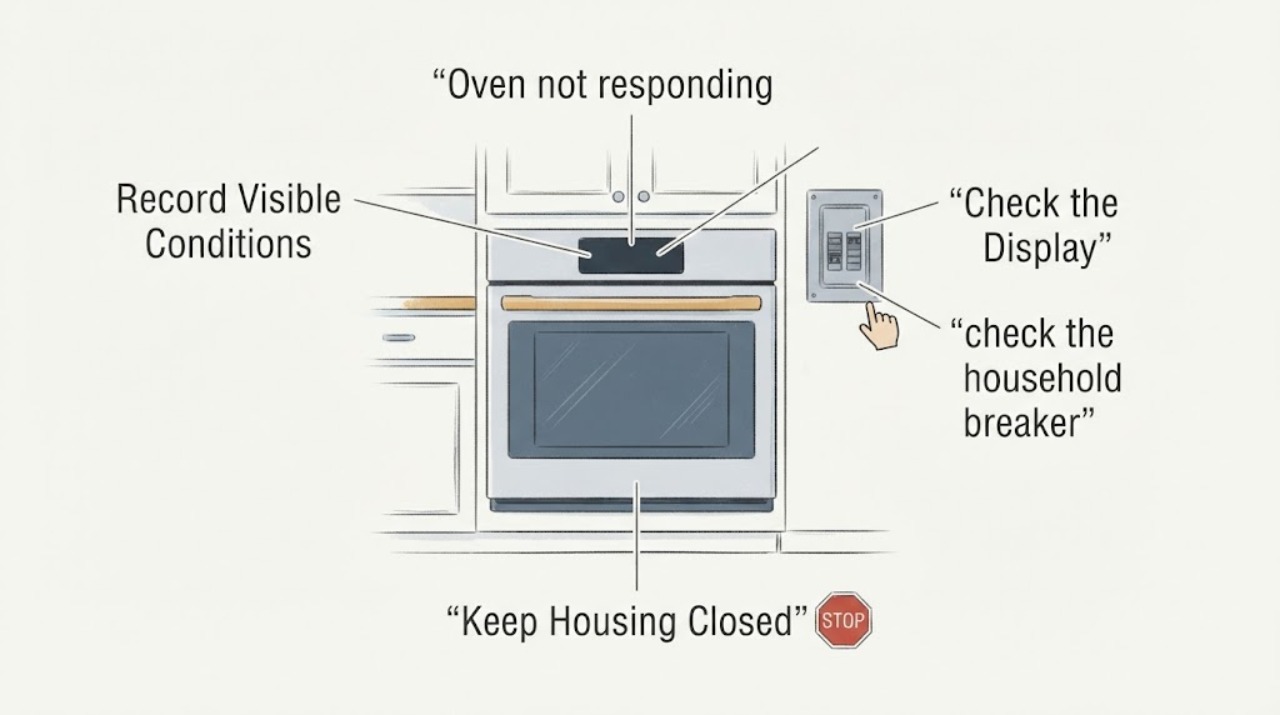
Bosch HBL5420UC oven not responding: check the full E-Nr, display and safe power path
For a Bosch HBL5420UC that does not respond, first record whether the display and clock are dark, whether the display is lit but touch keys do nothing, or whether the oven is hot or in Self-Clean. Bosch lists several HBL5420UC E-Nr suffixes, so confirm the complete rating-plate model before using any model-specific lock, reset, or clock instruction.
-
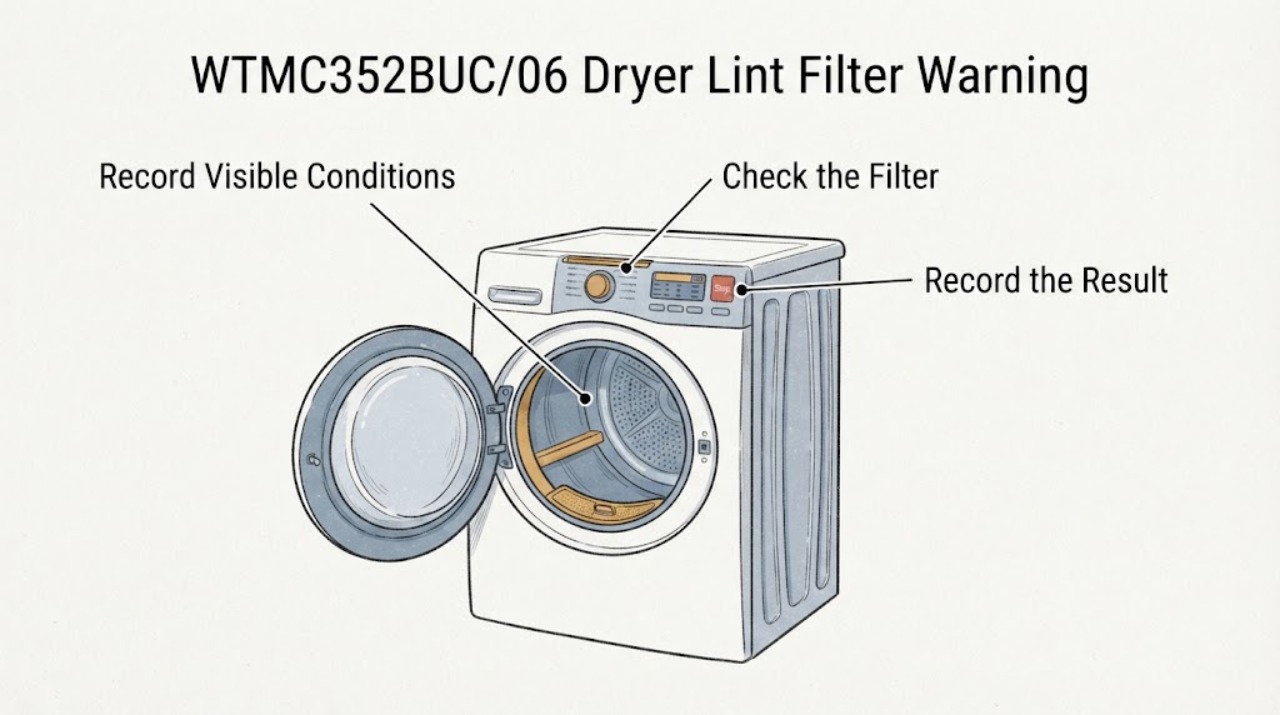
Bosch WTMC352BUC/06 Dryer Lint Filter Warning Will Not Reset
On the Bosch WTMC352BUC/06, a lint-filter warning together with an unresponsive panel should be treated first as a maintenance and safety indication, not as proof that a particular board, sensor or motor has failed. Turn the selector off, let the dryer cool, remove and clean the lint filter and the accessible filter opening, and reinstall the filter completely dry.
-
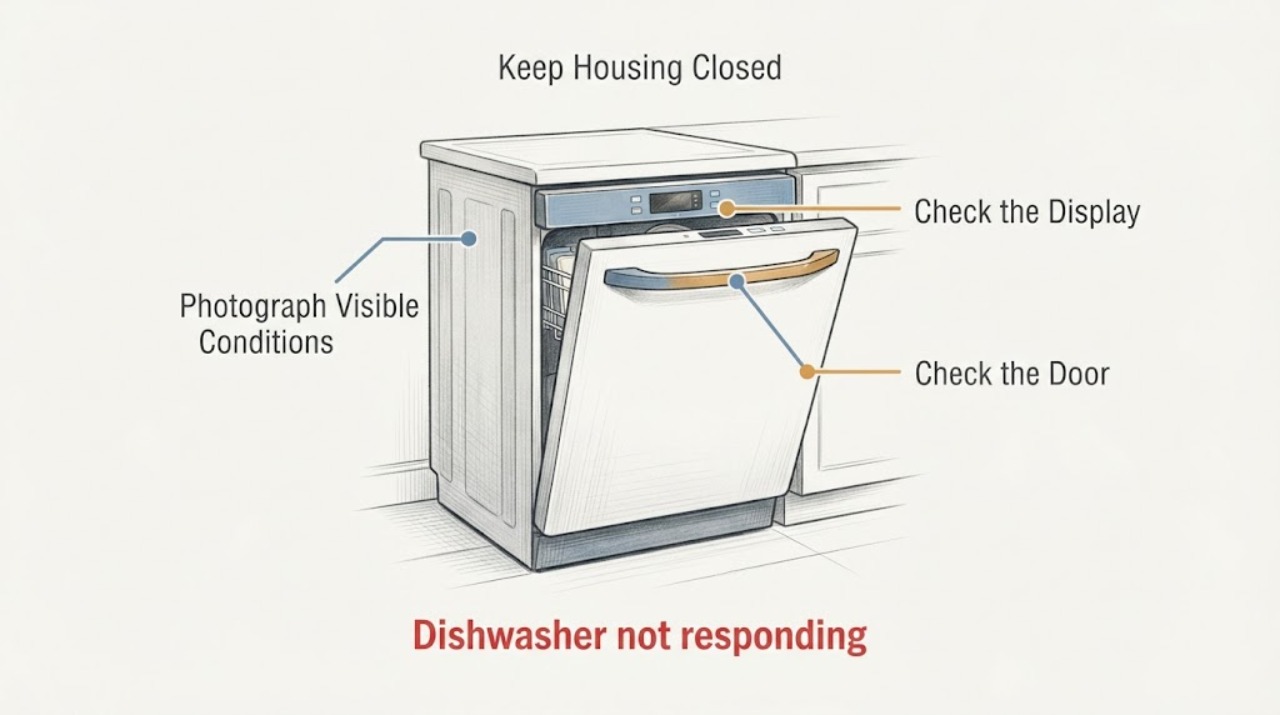
Frigidaire Gallery FGID2A79SF8A Buttons Do Not Respond: Safe Checks
For the Frigidaire Gallery dishwasher identified as FGID2A79SF8A, first separate a locked or paused control panel from a power, door, or wet-electronics problem. If the display shows LOC or a lock indicator, Frigidaire says stainless-steel dishwashers can be unlocked by pressing and holding DELAY START until LOC disappears; do not force other buttons.
-
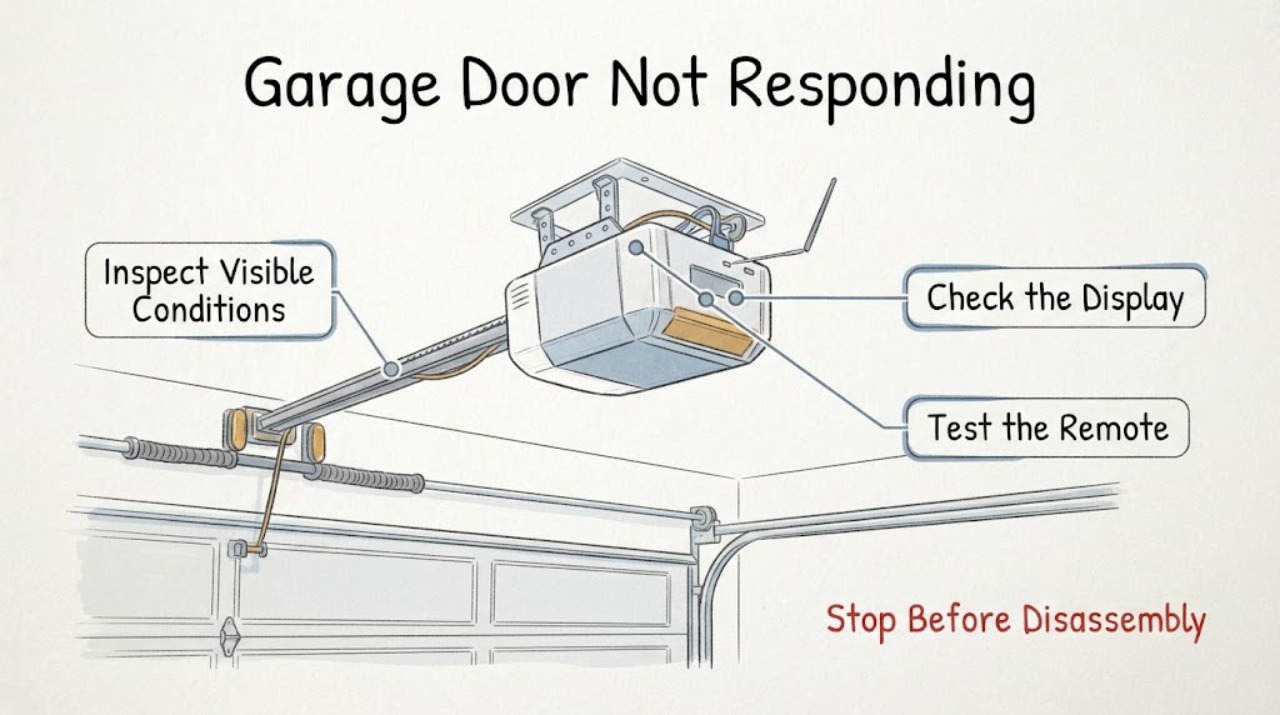
Garage Door Not Responding
When a garage door is not responding, first keep everyone clear of the door and separate a control problem from a door or track problem. Check whether the opener has power, whether the wall control responds, whether the remote battery is usable, and whether the door path and photo-eye area are visibly blocked.
-
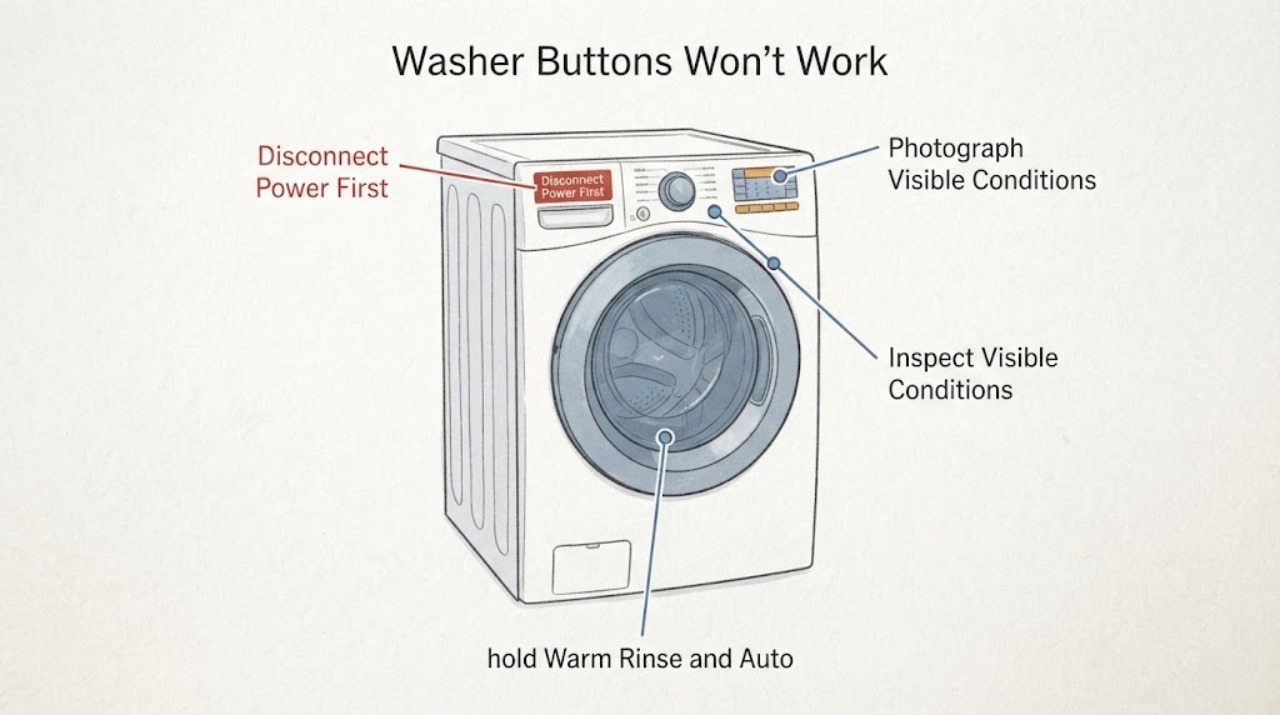
GE GTW685BPL1DG Washer Buttons Won't Work: Safe Control-Lock and Reset Checks
For the assigned GE GTW685BPL1DG top-load washer, first check whether the display shows a control-lock indicator or is completely dark. GE's opened GTW685-family manual says the Controls indicator can blink when the washer is locked and gives Warm Rinse + Auto Soak held for 3 seconds to unlock; it also says to unplug the washer for 2 minutes, restore power and press Start when the electronics need a reset.
-
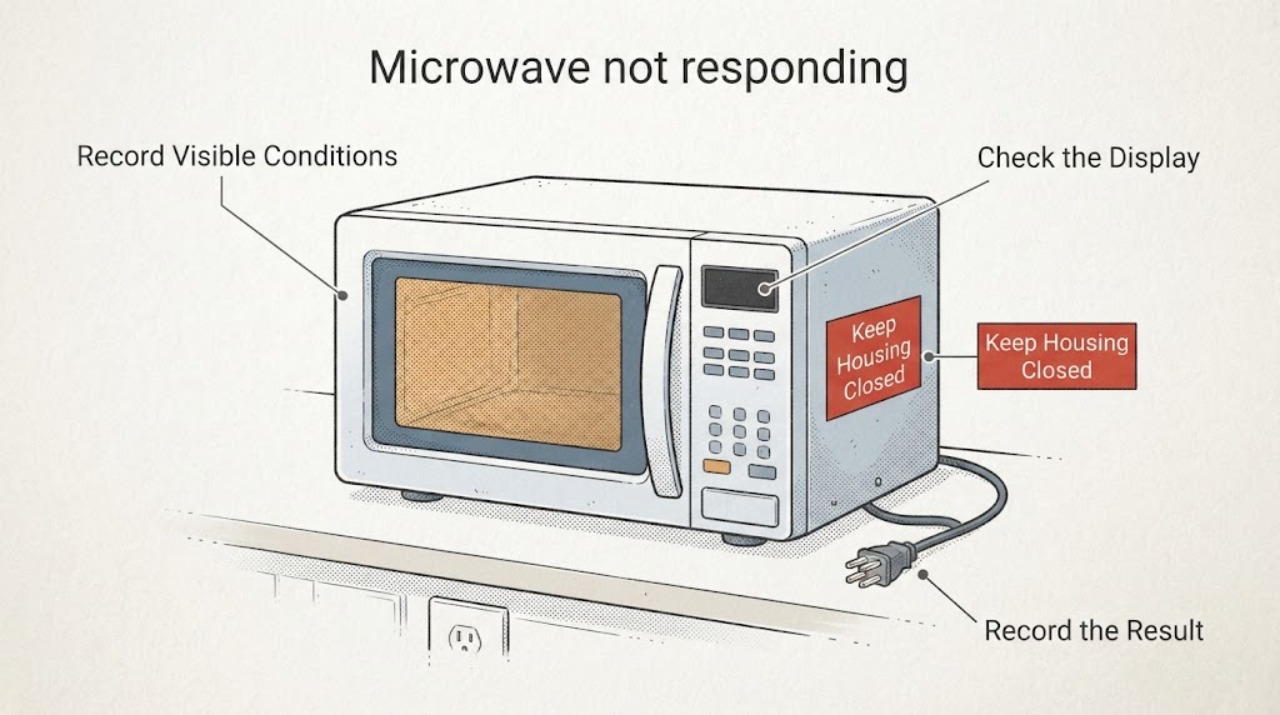
GE Profile PVM9005SJ3SS Microwave Has Keys That Stop Responding After a Power Outage
If some keys on a GE Profile PVM9005SJ3SS stop responding after a power outage while other functions still work, do not treat it as a completely dead microwave and do not guess that the control board or touchpad is bad. Record which keys work, whether the display and interior light are normal, and whether the missing keys include Stop/Clear or Start.
-
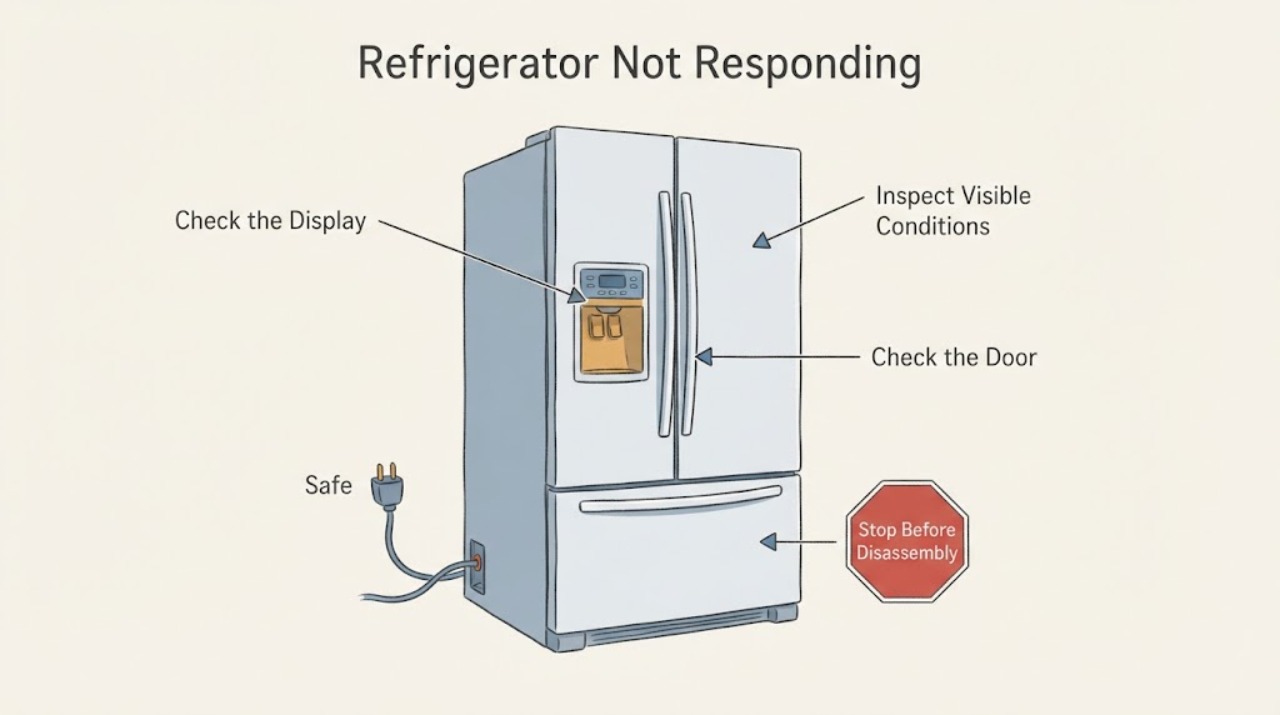
Hotpoint Refrigerator Not Responding | Safe External Checks
First identify what is not responding. If the interior light and the refrigerator are both dead, check from a safe position that the temperature control is not OFF, the power cord is seated, and the outlet has power; do not open the cabinet or perform live electrical tests.
-
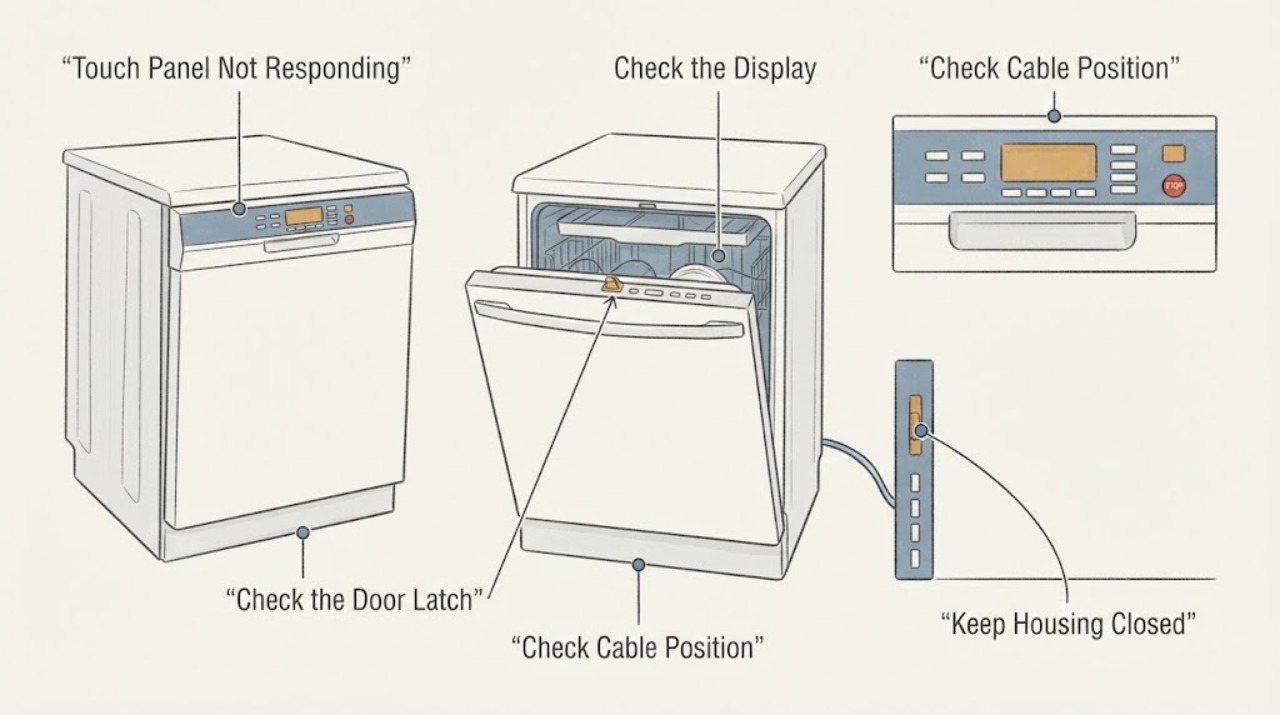
JennAir JDB3600AWP5 Touch Panel Not Responding: Check These Steps Before Replacing It
For a JennAir JDB3600AWP5 whose touch panel does not respond, do not start by replacing the whole dishwasher or accepting a panel quote without checking the control state. JennAir says Control Lock can make every touch command appear dead and recommends disconnecting power for 30 seconds before reconnecting.
-
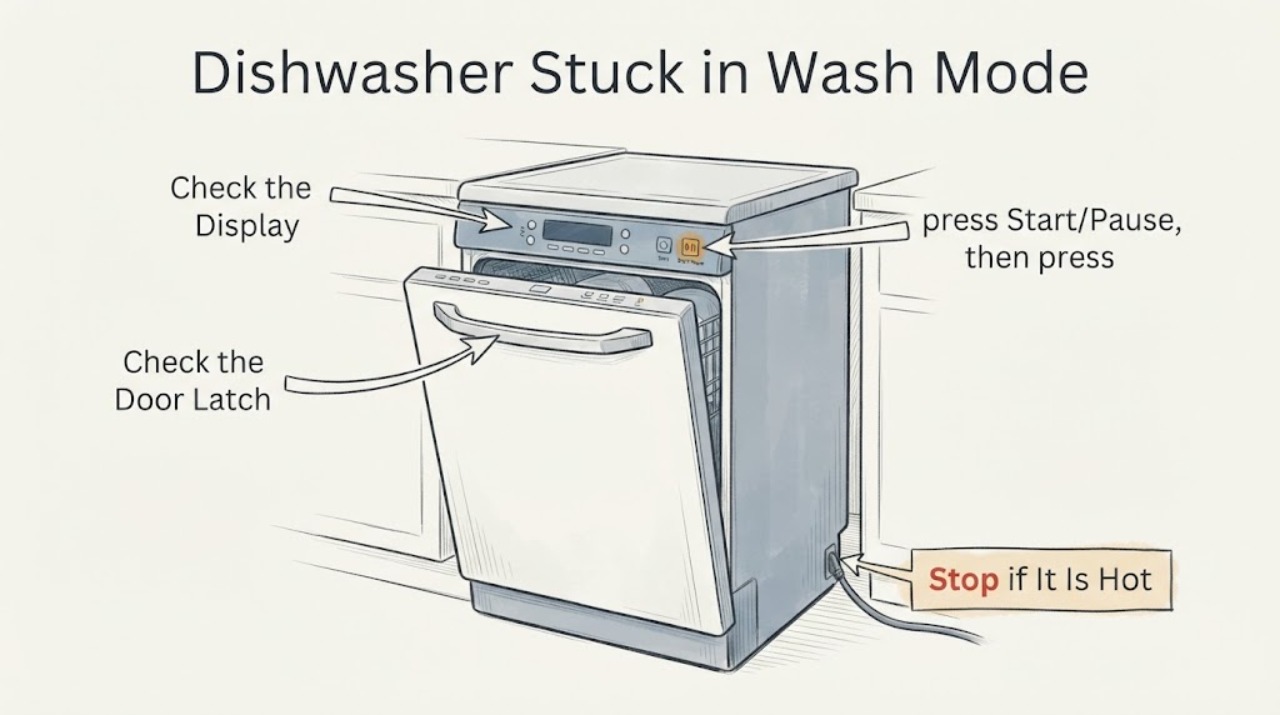
Magic Chef MCSCD6W5 Dishwasher Stuck in Wash Mode: Checks for a Unresponsive Control
On the Magic Chef MCSCD6W5, first read the program indicators instead of assuming the dishwasher is frozen: blinking program lights mean the cycle is running, steady program lights mean it is paused, and lights off mean standby. If the cycle was started only a short time ago, press Start/Pause and then hold Program Select for about three seconds to return the dishwasher to standby, then choose a program and start it again.
-
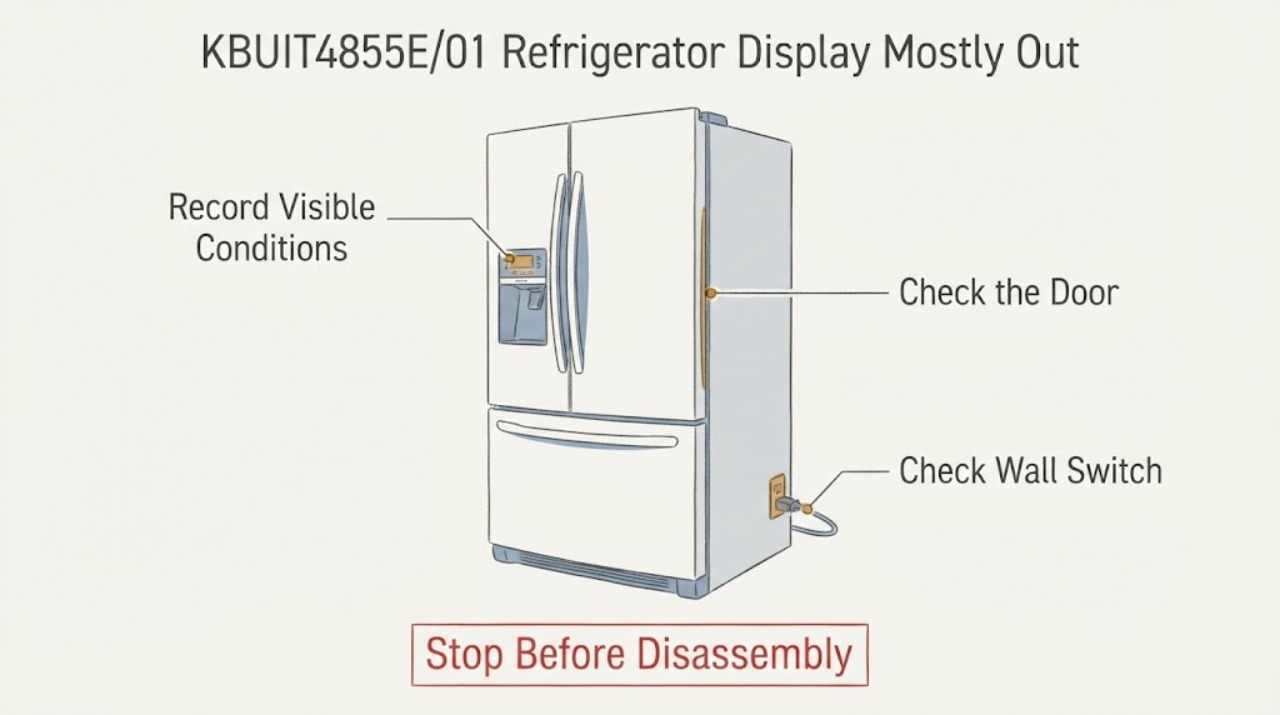
Thermador KBUIT4855E/01 Refrigerator Display Mostly Out and Buttons Unresponsive
The exact Reddit report identifies a Thermador refrigerator model KBUIT4855E01 that still runs while the digital display blinks only occasionally, beeps slightly and ignores button presses. Thermador's official KBUIT4855E/01 service page confirms the corresponding slash-form model and provides its manuals, parts and owner-support route.
-
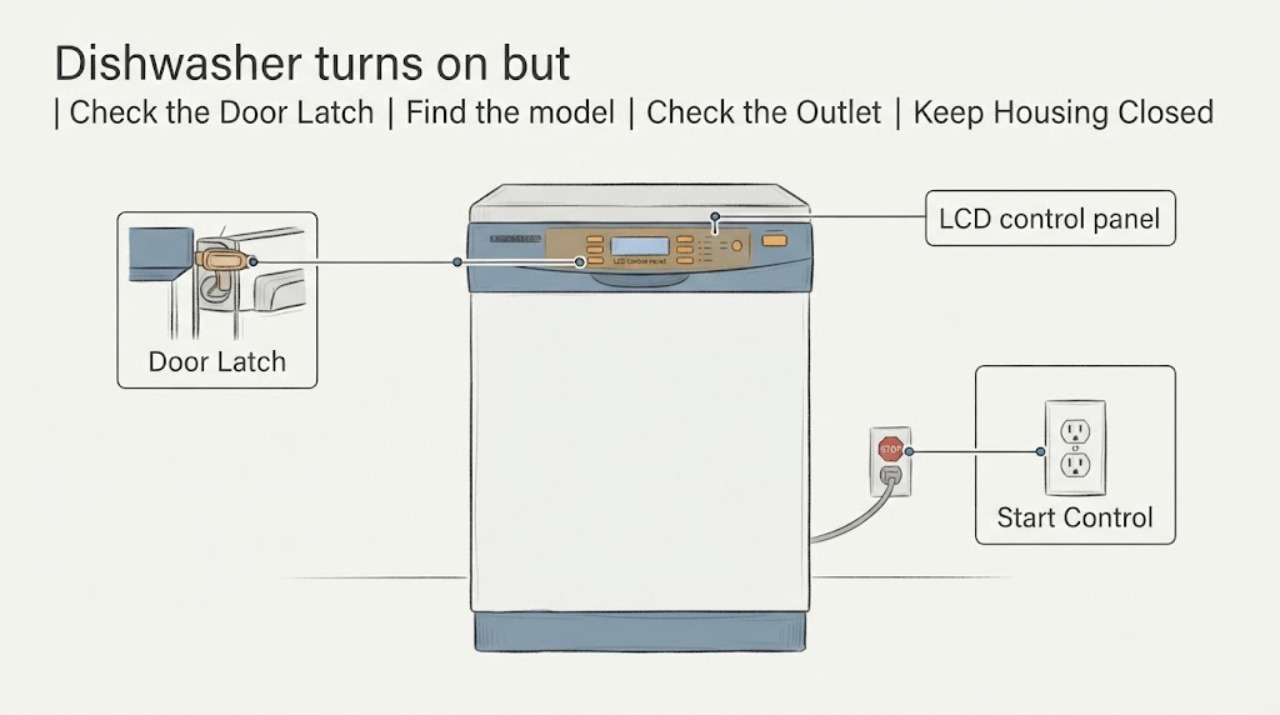
Viking VDWU524SS dishwasher turns on but the display and Start button stay dark
The Viking VDWU524SS is a 5 Series dishwasher with an LCD control panel. If the machine appears to receive power but the display and Start control do not illuminate or respond, first document exactly which indicators or keys work, confirm the full model and serial number, and check only the external power and installation conditions described by Viking.